Invoice Template for Veterinarian
Overview of this form
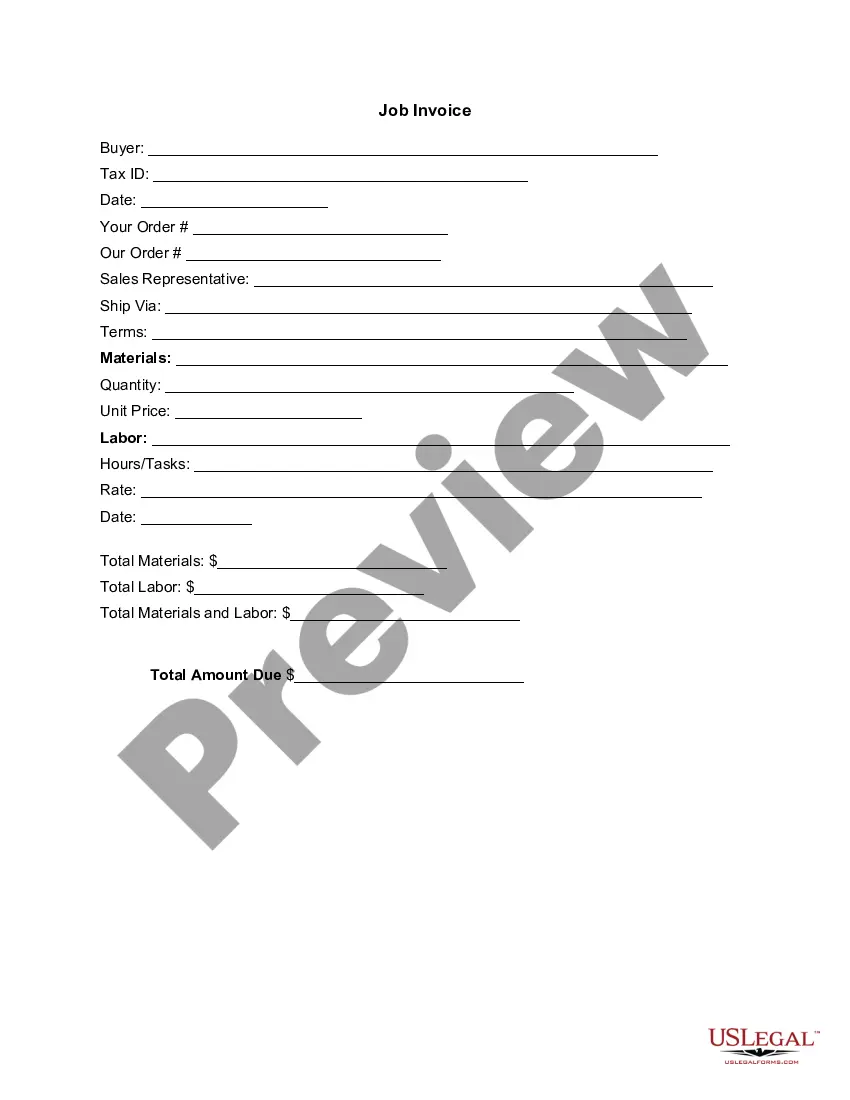
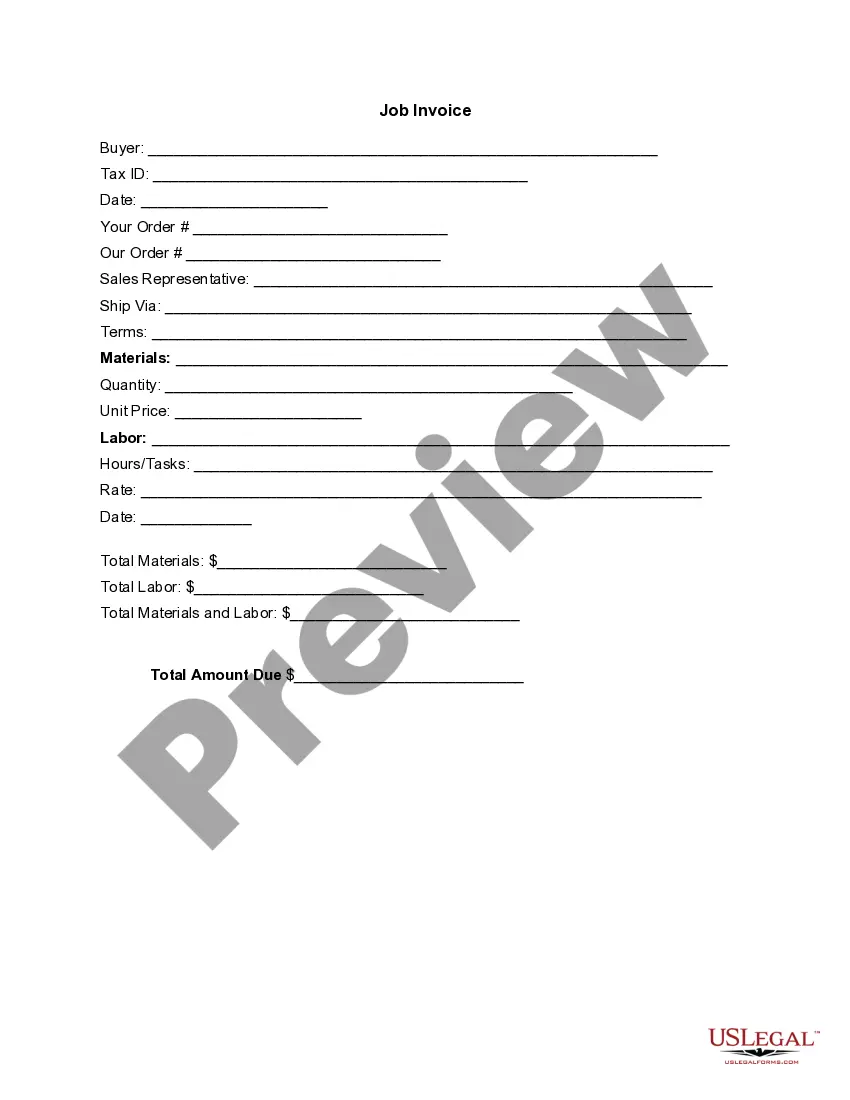
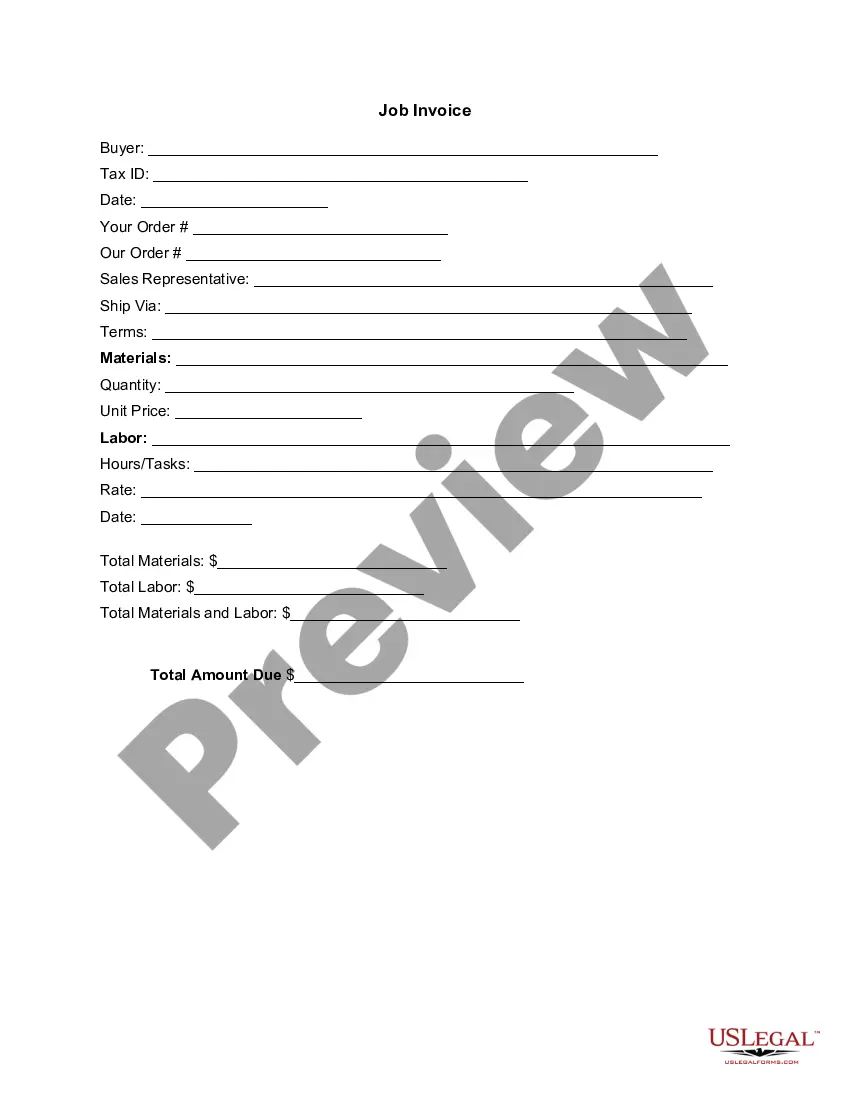
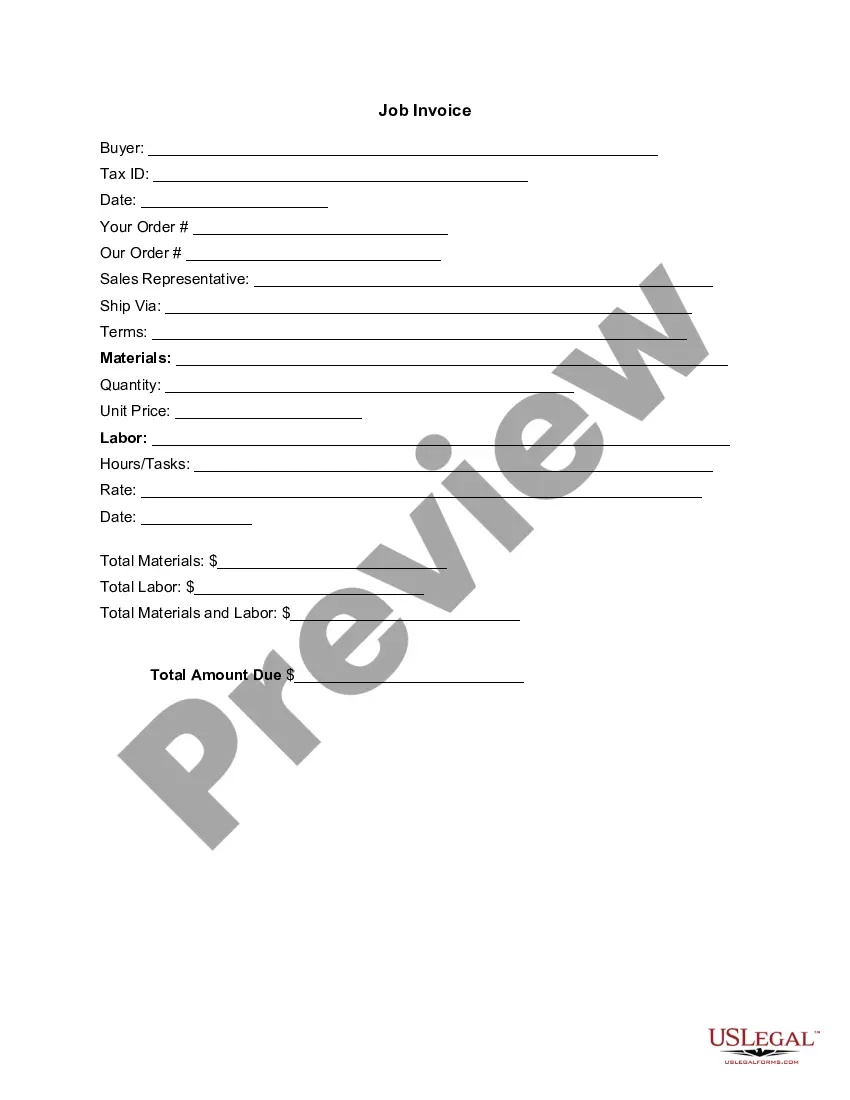
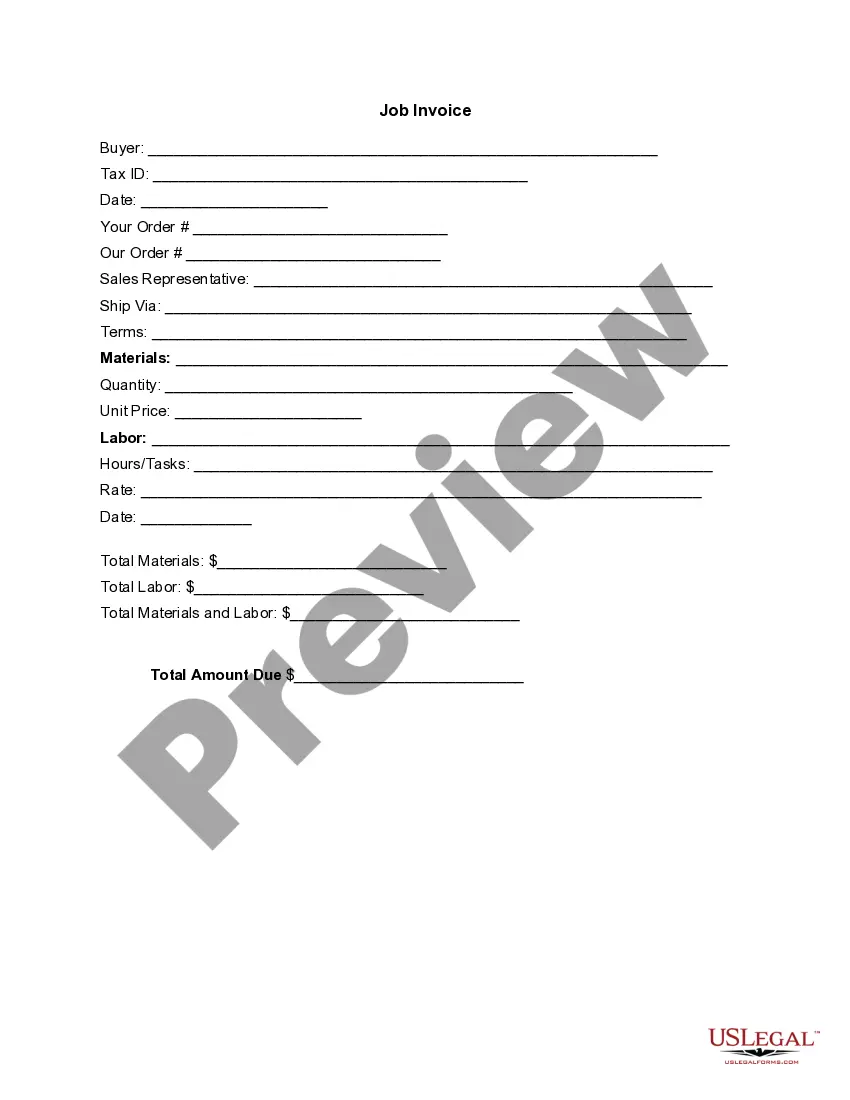
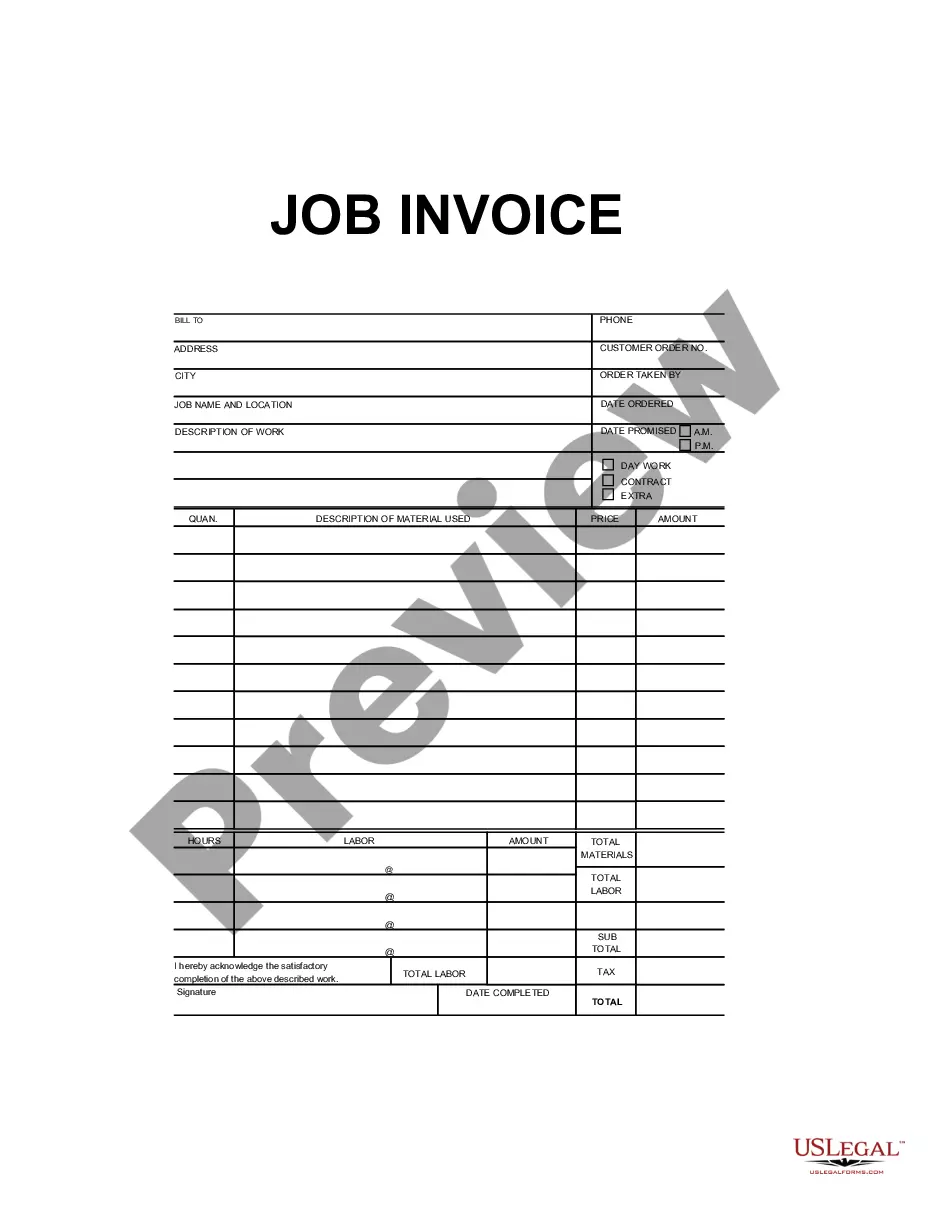
The Invoice Template for Veterinarian is a detailed document used to itemize and outline the charges for veterinary services rendered to a client. This form is specifically tailored for veterinarians, distinguishing it from generic invoice templates. It facilitates clear communication of costs associated with services and materials, ensuring transparency between the veterinary clinic and pet owners.
Key components of this form
- Buyer information: Includes the name and Tax ID of the client.
- Date of invoice: Indicates when the services were provided.
- Order details: Includes order numbers for reference.
- Sales representative details: Identifies the representative involved in the sale.
- Materials and labor breakdown: Specifies details and costs associated with the services rendered.
- Total amount due: Summarizes the total cost including materials and labor.
When to use this document
This invoice template should be used whenever a veterinarian provides services to animals and needs to charge clients. It is useful for documenting consultations, vaccinations, surgeries, and any other veterinary treatments. This form can be used for both routine check-ups and emergency services to ensure clients understand the financial aspects of the care provided.
Who this form is for
- Veterinity clinics and hospitals.
- Independent veterinarians offering mobile or in-clinic services.
- Pet grooming and boarding facilities that also provide medical services.
- Veterinary technicians involved in billing processes.
How to complete this form
- Identify the buyer by entering their name and Tax ID.
- Fill in the date of the invoice and reference numbers for orders.
- Detail the materials used and the labor performed.
- Specify quantities and unit prices for items billed.
- Calculate total materials and total labor before entering the total amount due.
Does this document require notarization?
This form does not typically require notarization unless specified by local law.
Get your form ready online
Our built-in tools help you complete, sign, share, and store your documents in one place.
Make edits, fill in missing information, and update formatting in US Legal Forms—just like you would in MS Word.
Download a copy, print it, send it by email, or mail it via USPS—whatever works best for your next step.
Sign and collect signatures with our SignNow integration. Send to multiple recipients, set reminders, and more. Go Premium to unlock E-Sign.
If this form requires notarization, complete it online through a secure video call—no need to meet a notary in person or wait for an appointment.
We protect your documents and personal data by following strict security and privacy standards.

Make edits, fill in missing information, and update formatting in US Legal Forms—just like you would in MS Word.

Download a copy, print it, send it by email, or mail it via USPS—whatever works best for your next step.

Sign and collect signatures with our SignNow integration. Send to multiple recipients, set reminders, and more. Go Premium to unlock E-Sign.

If this form requires notarization, complete it online through a secure video call—no need to meet a notary in person or wait for an appointment.

We protect your documents and personal data by following strict security and privacy standards.
Typical mistakes to avoid
- Not including the Tax ID of the buyer, which could affect tax reporting.
- Forgetting to itemize services and materials, leading to confusion for clients.
- Neglecting to update the date or order numbers, which are important for record-keeping.
- Overlooking to sign the invoice if required by practice standards.
Benefits of using this form online
- Easy downloadable format for immediate use in your practice.
- Customizable fields allow for quick adaptation to specific services offered.
- Access to reliable templates drafted by licensed attorneys to ensure compliance.
- Ability to store electronically for efficient record-keeping and retrieval.
Looking for another form?

Form popularity
FAQ
PayPal (Web, iOS, Android) for creating invoices on mobile devices. Square (Web, iOS, Android) for accepting in-person and online payments. Wave (Web, iOS, Android) for invoicing and accounting for small businesses. Zoho Invoice (Web, iOS, Android) for invoice workflows.
Make your invoice look professional. The first step is to put your invoice together. Clearly mark your invoice. Add company name and information. Write a description of the goods or services you're charging for. Don't forget the dates. Add up the money owed. Mention payment terms.
Include Contact Information. Add the Invoice Date. Establish a Simple Invoice Numbering System. List Your Services. Add Your Payment Terms. Include the Amount Due and the Payment Due Date.
Download the basic Simple Invoice Template in PDF, Word or Excel format. Open the new invoice doc in Word or Excel. Add your business information and branding, including your business name and logo. Customize the fields in the template to create your invoice. Name your invoice. Save
Make it personal, add your logo and branding to it. Make it clear at the top that it is an 'invoice, bill or statement' Include your company information. Include your company's contact information. Include date of invoice and payment terms e.g 5 days, 10 days, 30 days. State what you are invoicing for and the price. Add VAT.
Use an invoice template. Instead of creating an invoice from scratch, you will find it more practical to download an invoice template and customize it as per your needs. Customize the template. Keep it for future use. Purchase Order & Work Order List. The Formula in the template.
Download the Square Invoices app on your iOS or Android device. Create your free Square account or sign in with your existing Square account. Tap the '+' sign on the navigation bar and select 'Invoice'.When your clients receive the invoice in their email, they can pay you securely online.