Invoice Template for Doctor
About this form
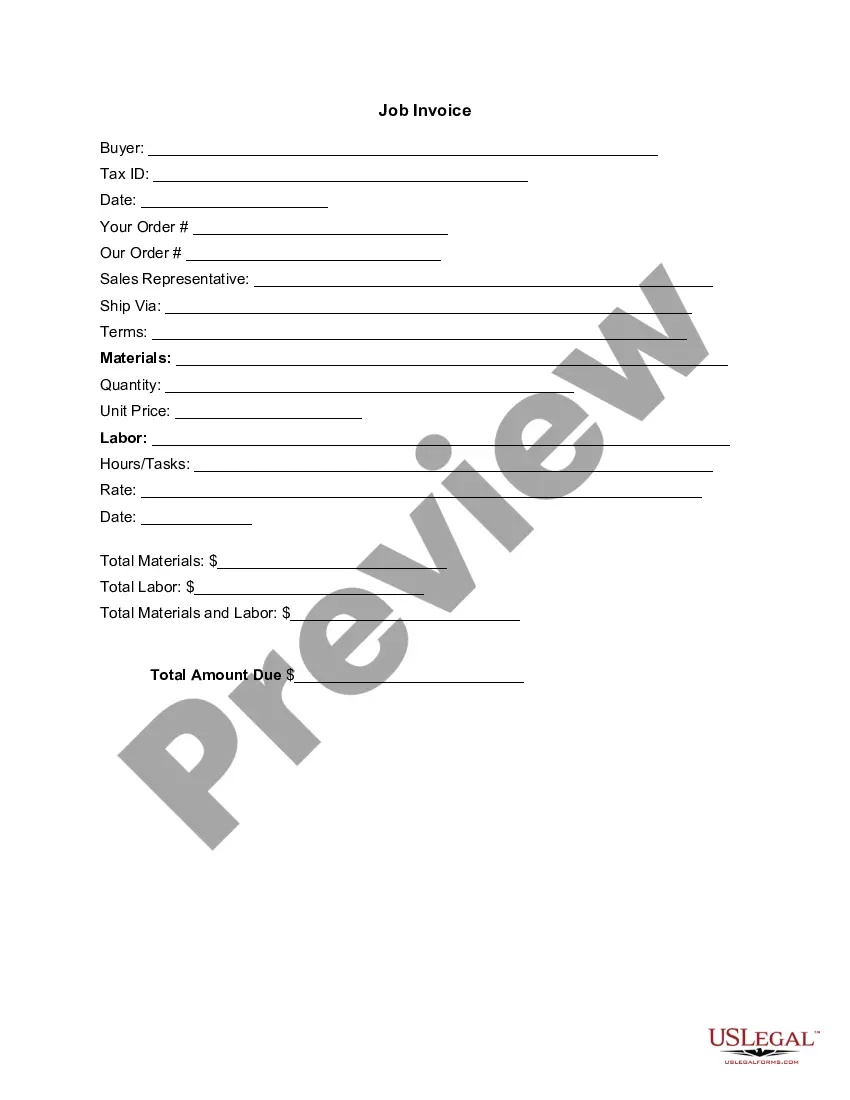
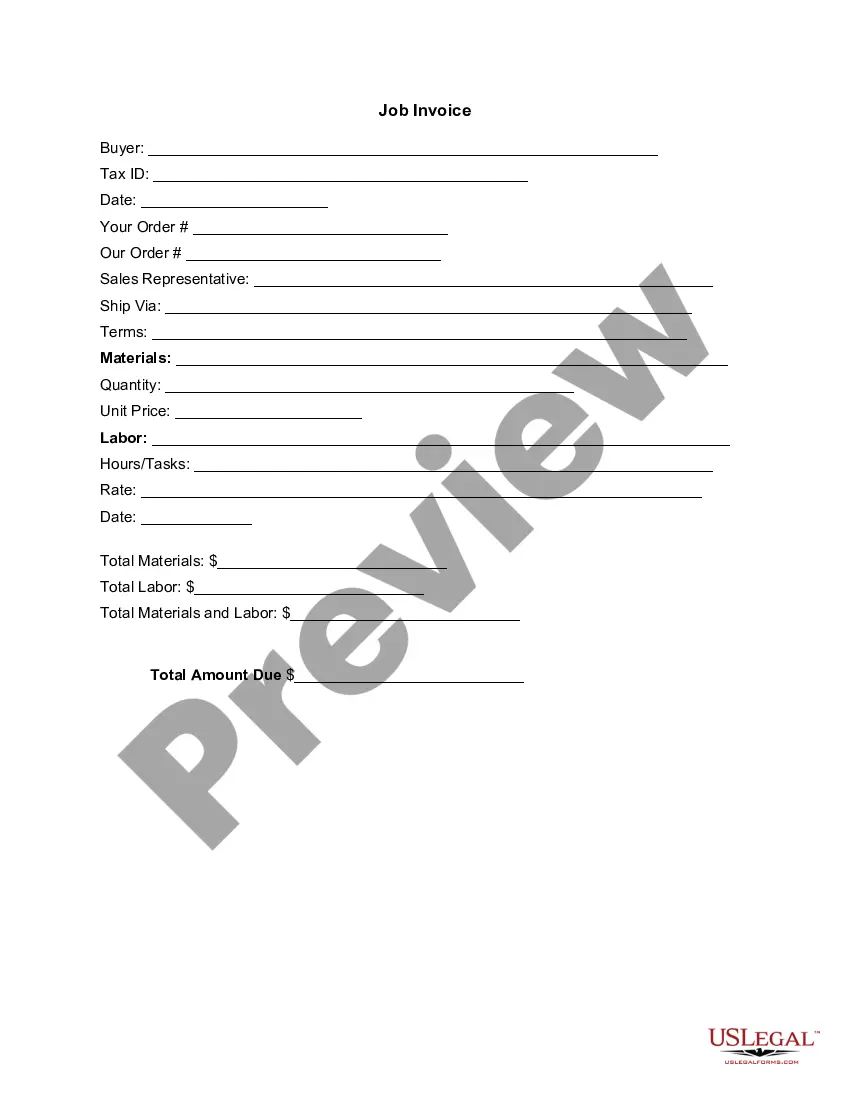
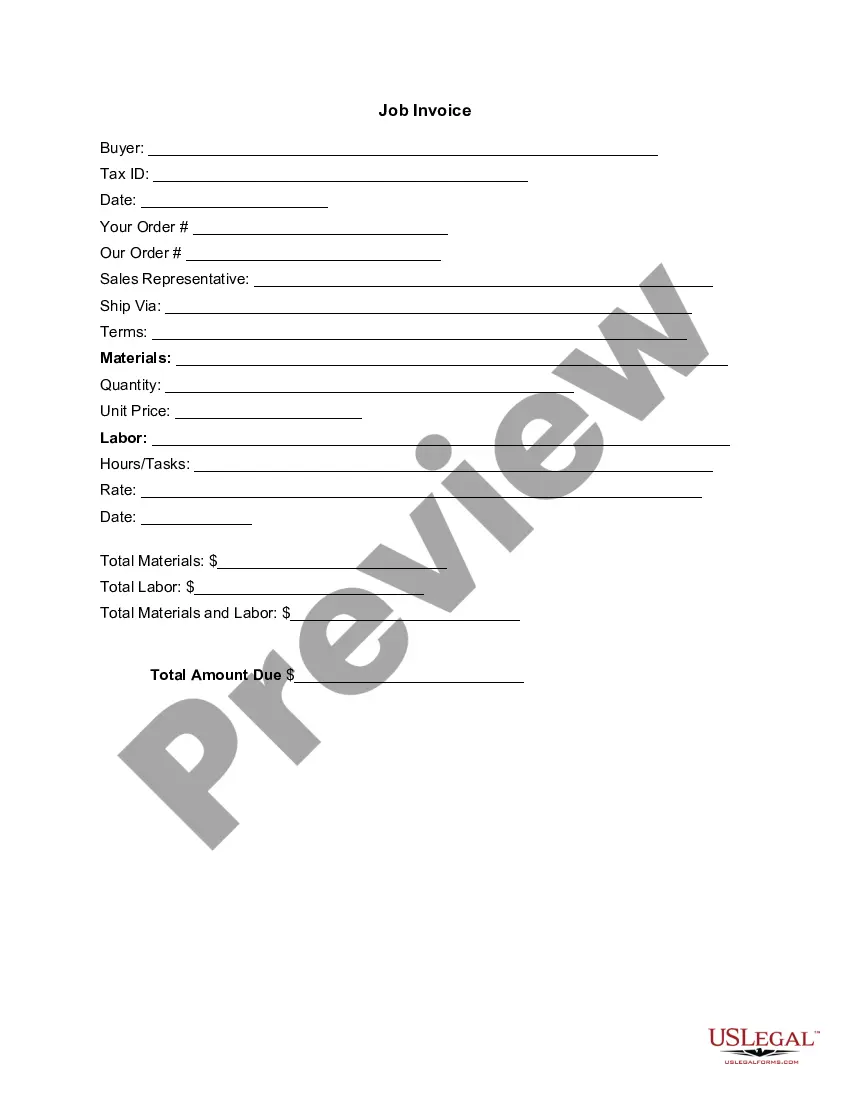
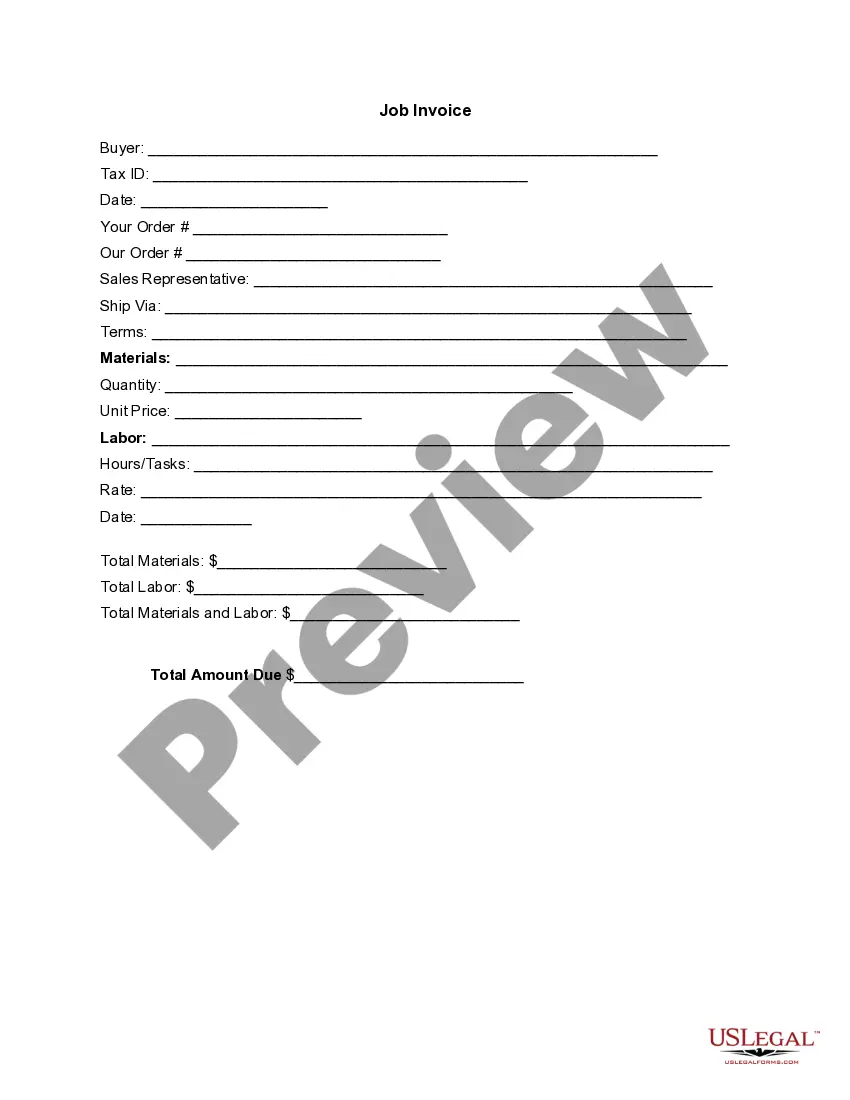
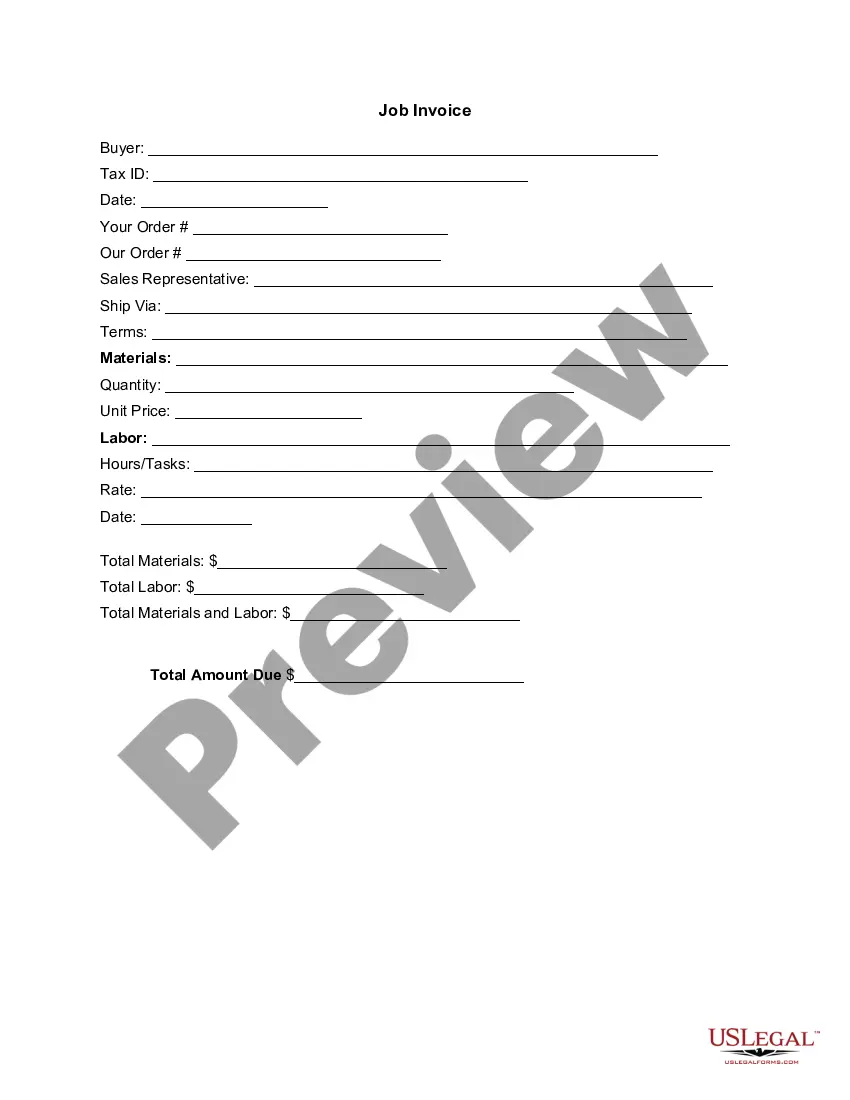
An Invoice Template for Doctor is a document used by healthcare professionals to itemize and bill for services rendered and materials provided to patients. This form serves as a formal request for payment and differs from standard invoices by focusing on medical practices, including specific fields for labor and materials related to healthcare services.
Key parts of this document
- Buyer information: Includes buyer name and Tax ID.
- Date: The date the invoice is issued.
- Order details: Space for your order number and our order number.
- Sales representative: Name of the representative associated with the sale.
- Terms of sale: Payment terms and conditions.
- Materials: A detailed list of materials, quantities, and unit prices.
- Labor: Description of labor performed, hours, tasks, and rate.
- Total amounts: Calculations for total materials, labor, and the total amount due.

When to use this form
This Invoice Template for Doctor is necessary when providing healthcare services and needing to bill a patient or their insurance. Use this form whenever you perform treatments, tests, or procedures that require detailed accounting of labor and materials to ensure clear communication of charges to the patient.
Who this form is for
This form is intended for:
- Doctors and medical practitioners.
- Healthcare providers and clinics.
- Private practice owners looking to streamline billing processes.
Instructions for completing this form
- Identify the buyer: Fill in the full name and Tax ID of the patient or insurance entity you are billing.
- Enter the invoice date: Specify the date the invoice is created.
- Detail your order: Complete any details related to your order and our order numbers.
- List materials: Itemize all materials used, including their quantities and unit prices.
- Describe labor: Provide a breakdown of labor performed, including task descriptions and the applicable rate.
- Calculate totals: Sum total materials and labor to determine the overall amount due.
Notarization guidance
This form does not typically require notarization unless specified by local law. It is advisable to check local regulations regarding the need for notarization in your state.
Get your form ready online
Our built-in tools help you complete, sign, share, and store your documents in one place.
Make edits, fill in missing information, and update formatting in US Legal Forms—just like you would in MS Word.
Download a copy, print it, send it by email, or mail it via USPS—whatever works best for your next step.
Sign and collect signatures with our SignNow integration. Send to multiple recipients, set reminders, and more. Go Premium to unlock E-Sign.
If this form requires notarization, complete it online through a secure video call—no need to meet a notary in person or wait for an appointment.
We protect your documents and personal data by following strict security and privacy standards.

Make edits, fill in missing information, and update formatting in US Legal Forms—just like you would in MS Word.

Download a copy, print it, send it by email, or mail it via USPS—whatever works best for your next step.

Sign and collect signatures with our SignNow integration. Send to multiple recipients, set reminders, and more. Go Premium to unlock E-Sign.

If this form requires notarization, complete it online through a secure video call—no need to meet a notary in person or wait for an appointment.

We protect your documents and personal data by following strict security and privacy standards.
Avoid these common issues
- Omitting buyer information such as name or Tax ID.
- Forgetting to include all materials and labor for accurate billing.
- Neglecting to specify payment terms clearly.
- Failing to calculate total amounts correctly.
Benefits of completing this form online
- Convenience of immediate download and use without waiting.
- Editability allows customization to fit specific billing needs.
- Reliability, knowing the form is created by licensed attorneys.
Looking for another form?
Form popularity
FAQ
A medical invoice is both a record of treatment and a bill. It provides an itemized breakdown of all medical services provided and the costs that indicate when payment is due.
Invoice Bus. Invoicebus helps you send online invoices to your clients and get paid instantly regardless to wherever you are based in the world. Invoice Generator. FreshBooks. Skynova. Invoiceto.me. Create. Zoho Invoice. Square Invoices.
First we have to select below attributes. Bill type: PAY Bill. Claim type: General medical reimbursement. ROLE: CASEWORKER (Maker) PATH: Bill Preparation and Submission 2192 Process 2192Create Bill. 27a2 STEP 2. Role: SUPERINTENDENT (Verifier) 27a2 STEP 3. Role: DRAWING AND DISBURSEMENT OFFICER (DDO) (Approver)
1 Save The Medical Bill Receipt. Download the medical receipt using text links to obtain it as a PDF, Word, or ODT document. 2 Produce Identifiers For The Receipt And The Practitioner. 3 Report The Patient Information To The Header. 4 Produce A Breakdown Of The Services, Medicine, And Supplies.
Make your invoice look professional. The first step is to put your invoice together. Clearly mark your invoice. Add company name and information. Write a description of the goods or services you're charging for. Don't forget the dates. Add up the money owed. Mention payment terms.
After a period of nonpayment, the hospital or health care facility will likely sell unpaid health care bills to a collections agency, which works to recoup its investment in your debt.You can't make medical debt and hospital bills disappear by ignoring them, experts say.
Download the basic Simple Invoice Template in PDF, Word or Excel format. Open the new invoice doc in Word or Excel. Add your business information and branding, including your business name and logo. Customize the fields in the template to create your invoice. Name your invoice. Save
Make sure the charges are accurate. Don't ignore your bills. Don't use credit cards to pay off your medical bills. Work out an interest-free payment plan. Ask for a prompt pay discount. Apply for financial assistance. Apply for a loan. Deal with collection agencies.