Invoice Template for Dietitian
What is this form?
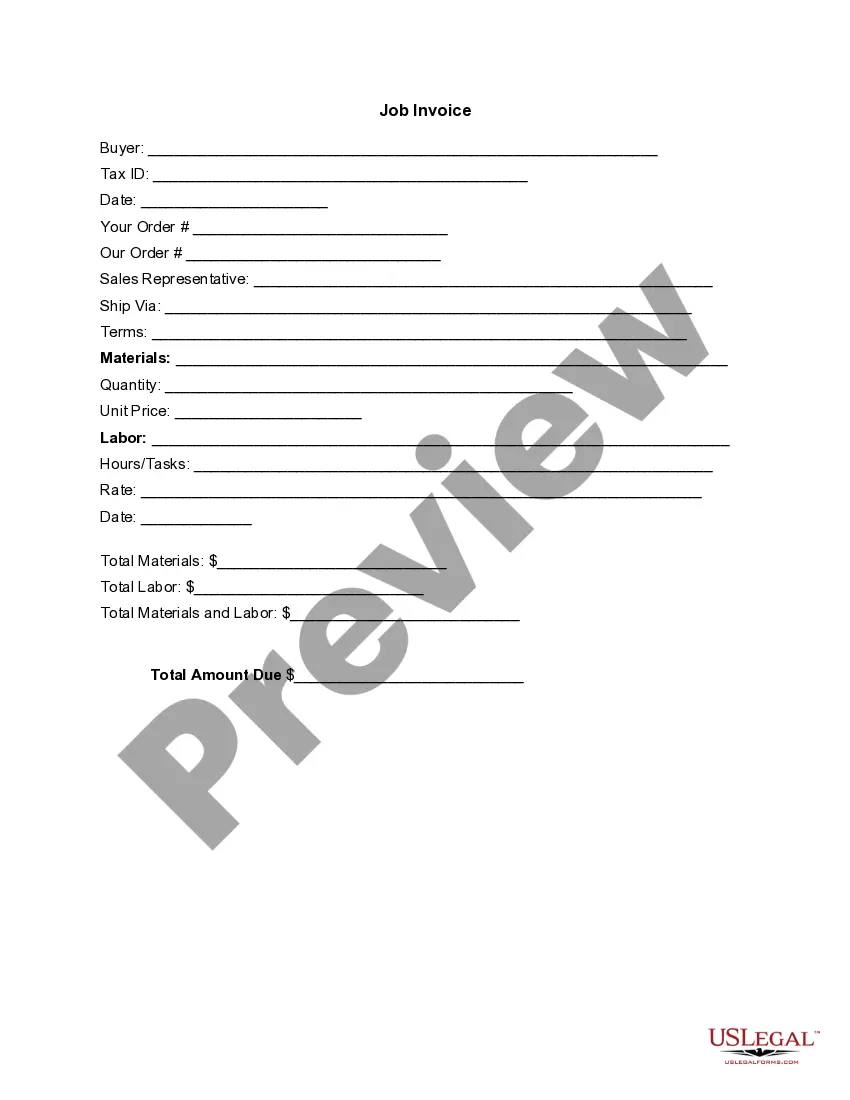
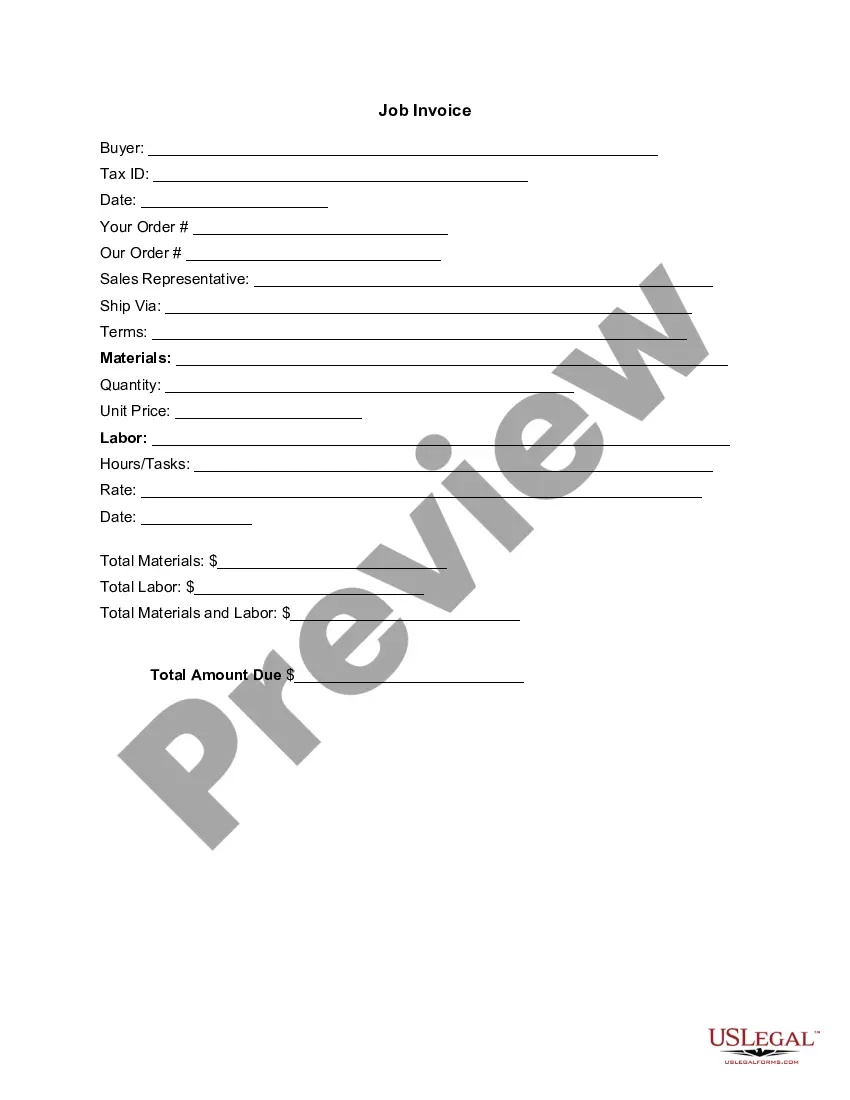
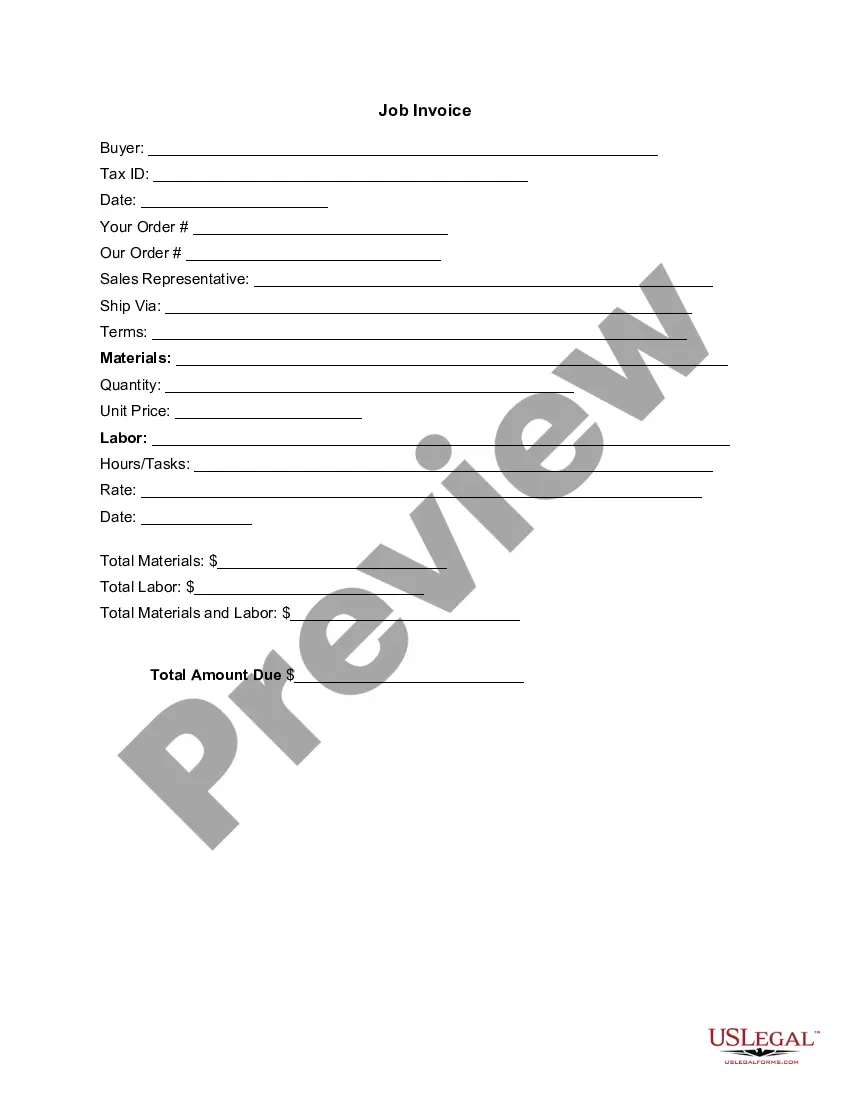
The Invoice Template for Dietitian is a specialized billing document that allows dietitians to itemize the services they provide to clients. This form differs from general invoices by focusing specifically on nutritional services, ensuring that all relevant costs are clearly outlined. By utilizing this template, dietitians can maintain professionalism and clarity in their billing process, making it easier for clients to understand the services rendered and the corresponding charges.
Key parts of this document
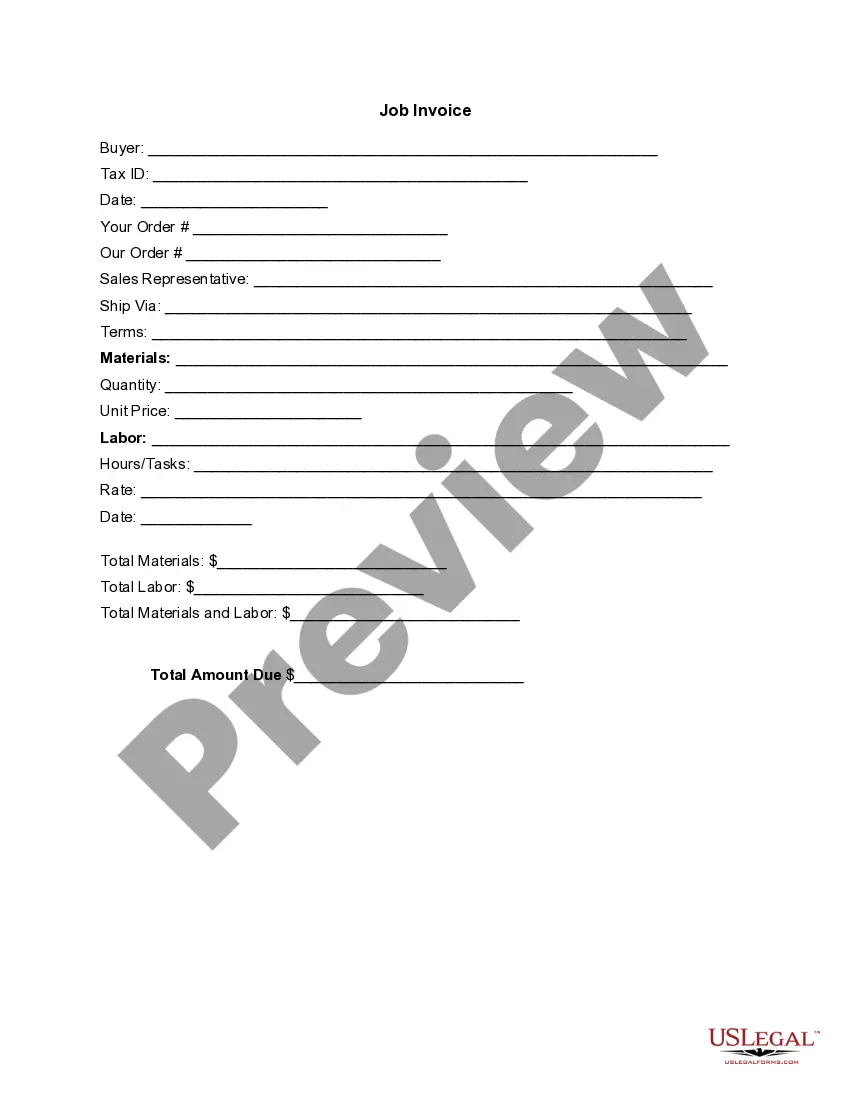
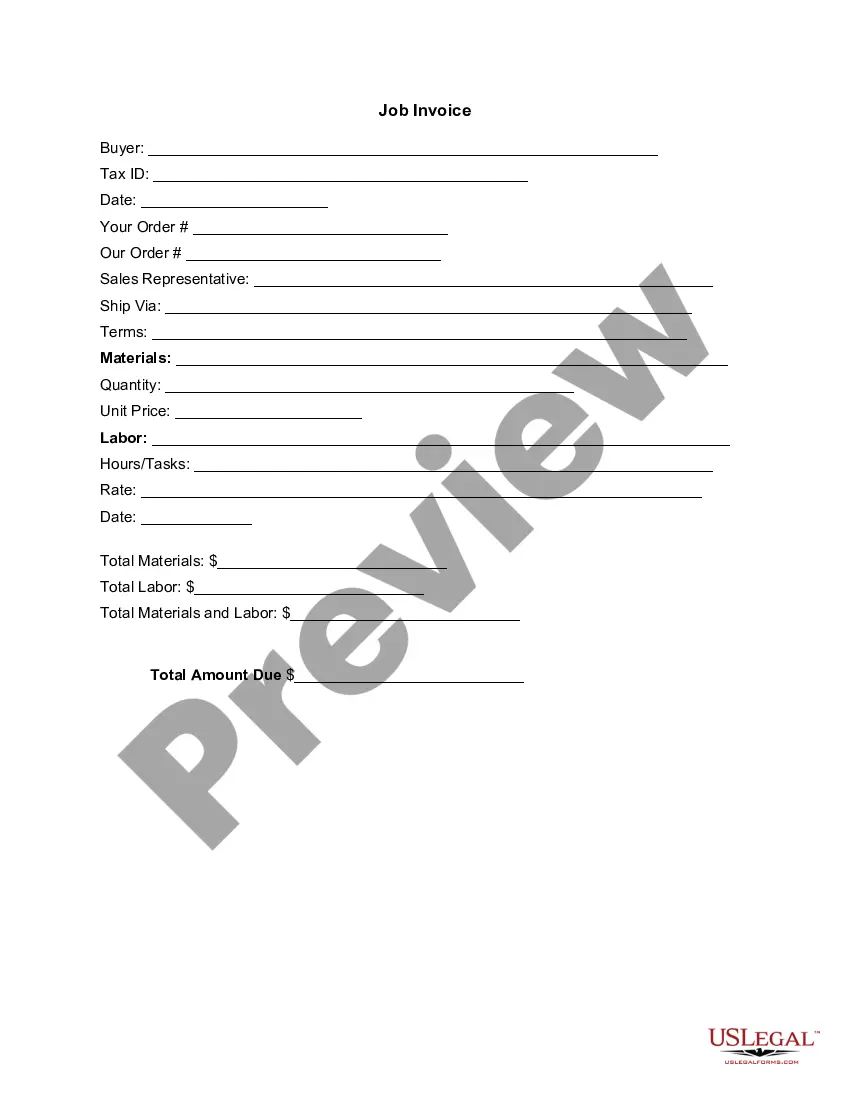
- Buyer information, including name and Tax ID.
- Date of invoice issuance.
- Details of the order and service provided.
- Sales representative contact information.
- Shipping and payment terms.
- Itemized list of materials and labor costs.
- Total amount due, combining materials and labor.

Common use cases
This form is needed when a dietitian provides services to clients and requires a formal method to charge for these services. It is particularly useful after completing a consultation, meal planning, or nutrition assessment. Use this invoice template to ensure professional communication regarding fees, to document completed work, and to facilitate prompt payment from clients.
Who this form is for
This form is designed for:
- Dietitians offering nutritional counseling or services to clients.
- Nutritionists who need to bill their clients for services rendered.
- Health professionals seeking a structured way to invoice clients.
Completing this form step by step
- Identify the buyer by entering their name and Tax ID.
- Fill in the date the invoice is issued.
- Provide details on the order and specific services rendered.
- List the materials used and the labor hours along with their rates.
- Calculate the total amounts for materials and labor, and enter the overall total due.
Notarization guidance
This form does not typically require notarization unless specified by local law. It is designed to be a straightforward billing document that serves its purpose without the need for notarization.
Get your form ready online
Our built-in tools help you complete, sign, share, and store your documents in one place.
Make edits, fill in missing information, and update formatting in US Legal Forms—just like you would in MS Word.
Download a copy, print it, send it by email, or mail it via USPS—whatever works best for your next step.
Sign and collect signatures with our SignNow integration. Send to multiple recipients, set reminders, and more. Go Premium to unlock E-Sign.
If this form requires notarization, complete it online through a secure video call—no need to meet a notary in person or wait for an appointment.
We protect your documents and personal data by following strict security and privacy standards.

Make edits, fill in missing information, and update formatting in US Legal Forms—just like you would in MS Word.

Download a copy, print it, send it by email, or mail it via USPS—whatever works best for your next step.

Sign and collect signatures with our SignNow integration. Send to multiple recipients, set reminders, and more. Go Premium to unlock E-Sign.

If this form requires notarization, complete it online through a secure video call—no need to meet a notary in person or wait for an appointment.

We protect your documents and personal data by following strict security and privacy standards.
Common mistakes to avoid
- Failing to include the buyer's Tax ID can result in payment delays.
- Omitting the date of service may confuse clients regarding when the services were rendered.
- Not clearly itemizing services can lead to misunderstandings about the charges.
Why complete this form online
- Convenience of editing and customizing the template to suit individual client needs.
- Instant access and download capabilities, allowing for timely invoicing.
- Reliability of professionally drafted content that adheres to legal standards.
Looking for another form?


Form popularity
FAQ
Design the Invoice Structure. Take time before diving into invoice design to plan out the structure of your invoice template. Include Your Brand and Style. Make the Information Readable. Leave Room for Descriptions. Make Deadlines and Payment Totals Stand Out. Clearly State Payment Terms.
PayPal (Web, iOS, Android) for creating invoices on mobile devices. Square (Web, iOS, Android) for accepting in-person and online payments. Wave (Web, iOS, Android) for invoicing and accounting for small businesses. Zoho Invoice (Web, iOS, Android) for invoice workflows.
Create an Invoice Header with Your Business Information. Include Your Client's Contact Details. Provide Invoice Information. Specify Your Payment Terms. Include an Itemized List of Services. List Applicable Taxes. Consider Adding Notes.
Download the basic Simple Invoice Template in PDF, Word or Excel format. Open the new invoice doc in Word or Excel. Add your business information and branding, including your business name and logo. Customize the fields in the template to create your invoice. Name your invoice. Save
PayPal (Web, iOS, Android) for creating invoices on mobile devices. Square (Web, iOS, Android) for accepting in-person and online payments. Wave (Web, iOS, Android) for invoicing and accounting for small businesses. Zoho Invoice (Web, iOS, Android) for invoice workflows.
Download the free PDF Invoice Template. Open the new invoice on your computer or device. Add your business information, including your business name, contact information and logo. Customize the fields in the free editable invoice template. Name your invoice. Save.
Download the basic Simple Invoice Template in PDF, Word or Excel format. Open the new invoice doc in Word or Excel. Add your business information and branding, including your business name and logo. Customize the fields in the template to create your invoice. Name your invoice. Save
FreshBooks. : Best overall. Zoho Books. : Best automation. Wave. : Most affordable accounting integration. Square. : Best for low volume. Sage Business Cloud Accounting. : Best reporting. Xero. : Best collaboration. QuickBooks Online. : Best transaction fees. Hiveage.