Invoice Template for Aviator
About this form
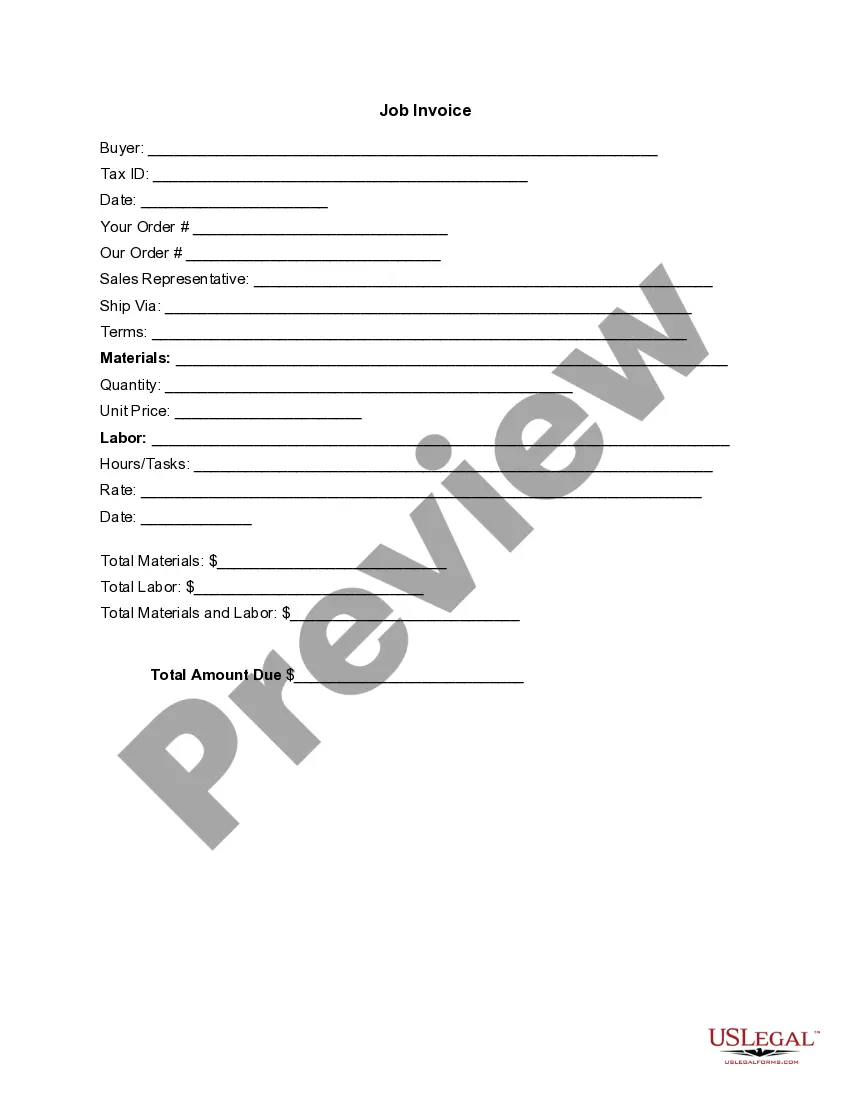
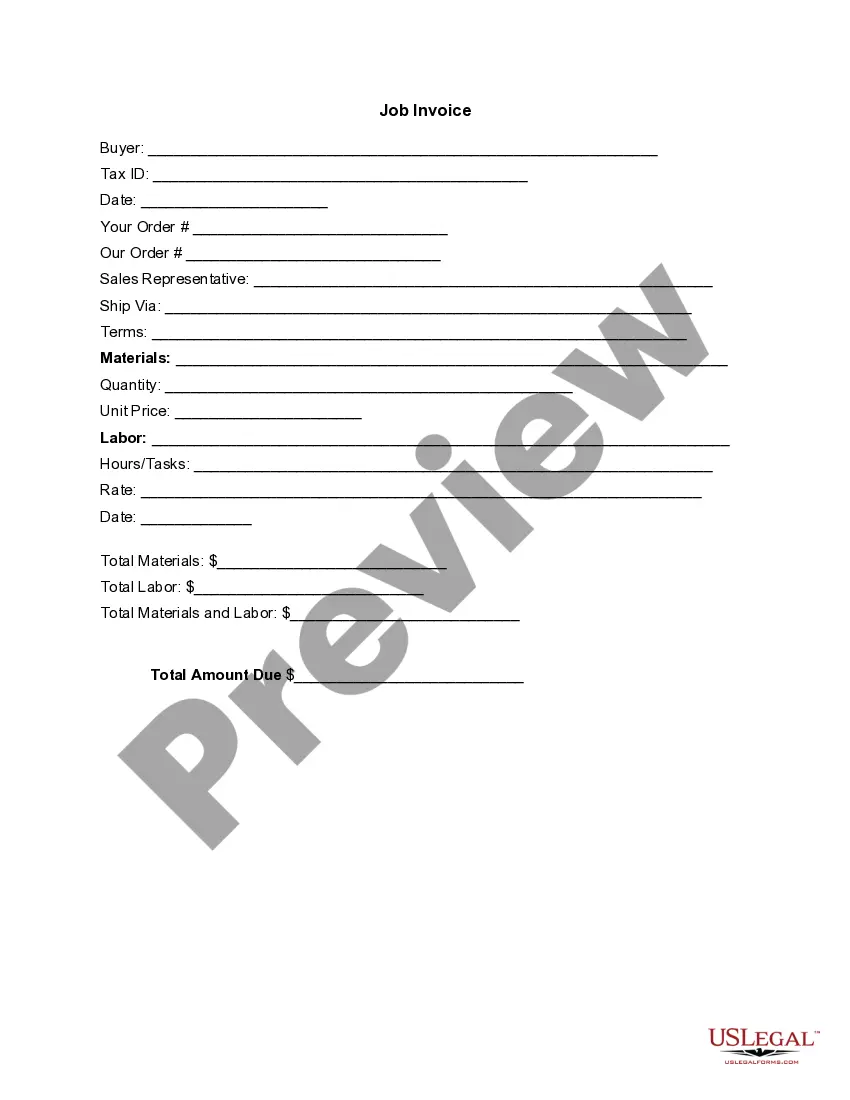
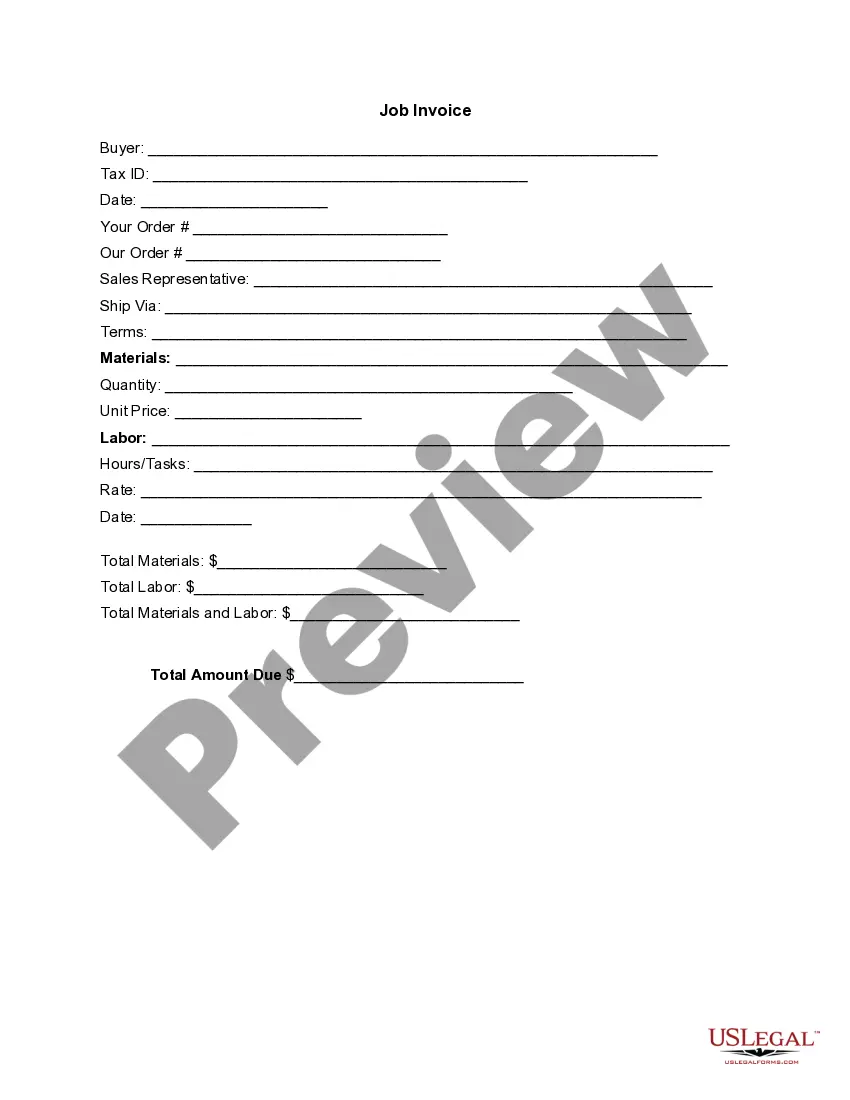
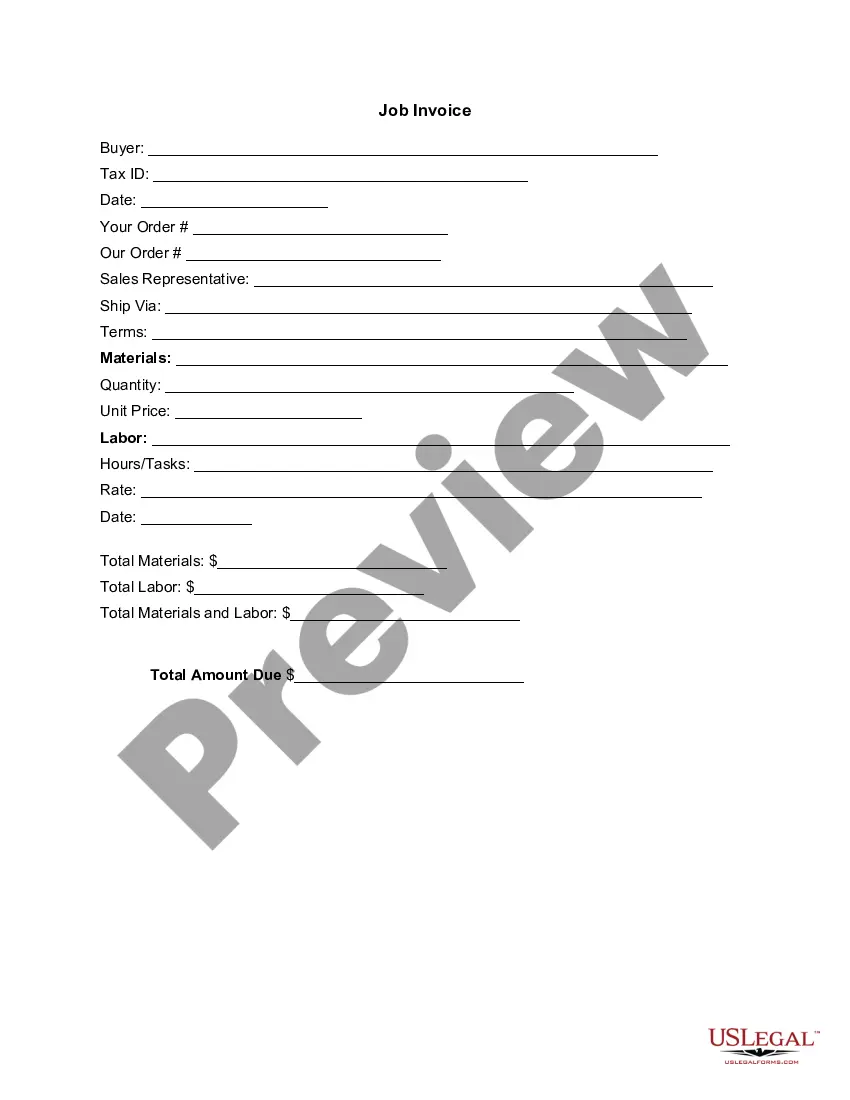
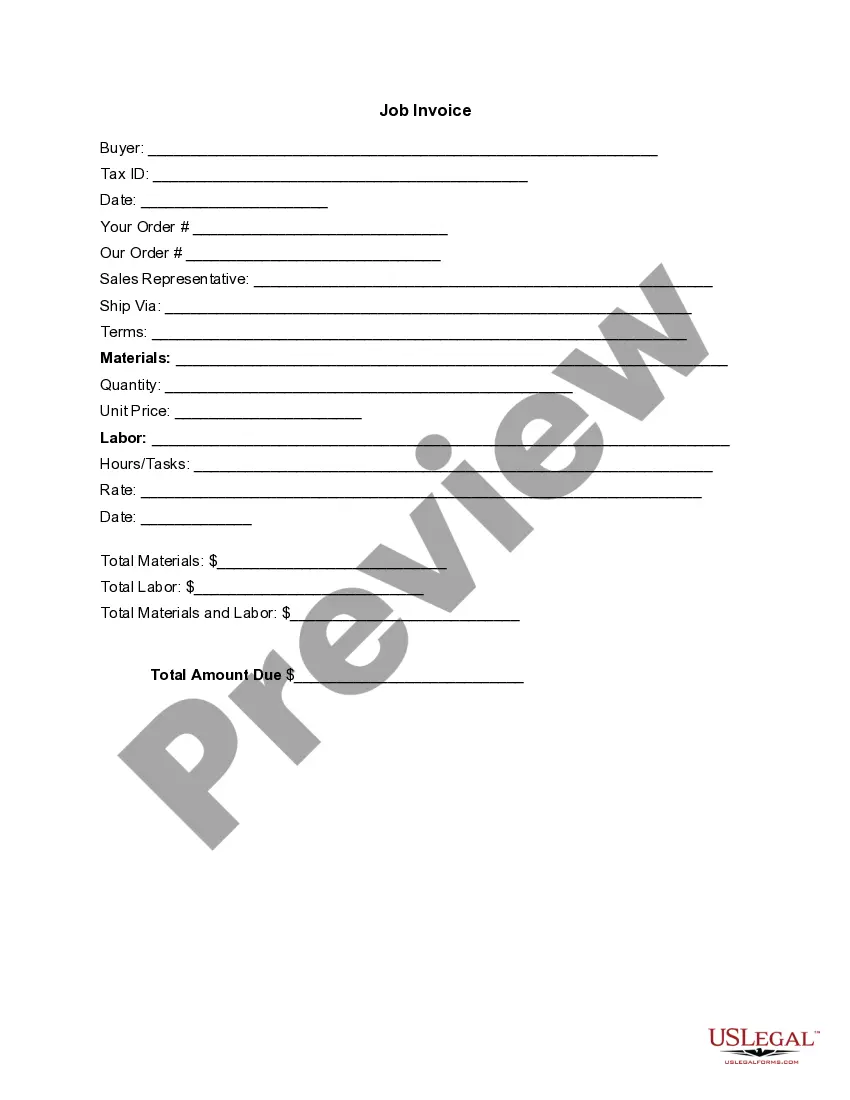
The Invoice Template for Aviator is a customizable document used to itemize and bill for goods and services provided. This form serves as a detailed account of transactions, distinguishing itself from general invoices by catering specifically to the aviation industry. It includes sections for both material and labor costs, ensuring clarity and accuracy for clients and service providers.
Key parts of this document
- Buyer information: Capture details of the purchasing party.
- Tax ID: A field for including the Tax Identification Number of the buyer.
- Date: The date when the invoice is issued.
- Order details: Sections for your order number and the service provider's order number.
- Sales representative: Specific field to identify the sales contact.
- Shipping method: A field to specify how the goods will be shipped.
- Terms: Payment terms associated with the invoice.
- Materials and labor: Detailed sections for listing materials, quantities, unit prices, and labor tasks, alongside their rates.
- Total amounts: Fields for totaling materials, labor, and overall invoice amounts due.

When to use this form
This invoice template should be used in various scenarios within the aviation sector, such as after completing repair services, selling spare parts, or providing consulting services. It helps ensure that all parties clearly understand the costs associated with services rendered or products delivered.
Who can use this document
- Aviation service providers looking to bill clients for their services.
- Companies selling aviation parts or materials.
- Consultants in the aviation industry providing specialized services.
- Freelancers or contractors engaged in aviation-related work.
Completing this form step by step
- Identify the buyer by filling in the name and Tax ID.
- Enter the date the invoice is issued.
- Specify your order number and the relevant order number from the customer.
- List materials and labor details, including quantities, unit prices, and rates.
- Calculate and enter total amounts due for materials and labor.
Is notarization required?
This form does not typically require notarization unless specified by local law.
Get your form ready online
Our built-in tools help you complete, sign, share, and store your documents in one place.
Make edits, fill in missing information, and update formatting in US Legal Forms—just like you would in MS Word.
Download a copy, print it, send it by email, or mail it via USPS—whatever works best for your next step.
Sign and collect signatures with our SignNow integration. Send to multiple recipients, set reminders, and more. Go Premium to unlock E-Sign.
If this form requires notarization, complete it online through a secure video call—no need to meet a notary in person or wait for an appointment.
We protect your documents and personal data by following strict security and privacy standards.

Make edits, fill in missing information, and update formatting in US Legal Forms—just like you would in MS Word.

Download a copy, print it, send it by email, or mail it via USPS—whatever works best for your next step.

Sign and collect signatures with our SignNow integration. Send to multiple recipients, set reminders, and more. Go Premium to unlock E-Sign.

If this form requires notarization, complete it online through a secure video call—no need to meet a notary in person or wait for an appointment.

We protect your documents and personal data by following strict security and privacy standards.
Common mistakes to avoid
- Forgetting to include the buyer's Tax ID, which can complicate tax reporting.
- Not itemizing all services or materials clearly, leading to confusion.
- Neglecting to specify payment terms or shipping instructions.
Why complete this form online
- Easy to customize and download for immediate use.
- Accessible from anywhere, allowing for quick issuance of invoices.
- Reliable format drafted by legal experts ensures compliance.
Legal use & context
- This invoice template is designed to be enforceable under contract law as long as it is filled out accurately and includes clear terms.
- Always ensure compliance with relevant state laws regarding invoicing.
Main things to remember
- The Invoice Template for Aviator is tailored for the aviation industry, making it specific and relevant.
- Key components include itemized details for materials and labor.
- Use this form to streamline billing processes and maintain clarity with clients.
Looking for another form?

Form popularity
FAQ
Add your company details in the From section, including the name, phone number, and address. Fill out your client's details in the For section, including name, email, and address.
Download the basic Simple Invoice Template in PDF, Word or Excel format. Open the new invoice doc in Word or Excel. Add your business information and branding, including your business name and logo. Customize the fields in the template to create your invoice. Name your invoice. Save
Make your invoice look professional. The first step is to put your invoice together. Clearly mark your invoice. Add company name and information. Write a description of the goods or services you're charging for. Don't forget the dates. Add up the money owed. Mention payment terms.
Download the Square Invoices app on your iOS or Android device. Create your free Square account or sign in with your existing Square account. Tap the '+' sign on the navigation bar and select 'Invoice'.When your clients receive the invoice in their email, they can pay you securely online.
Invoice Bus. Invoicebus helps you send online invoices to your clients and get paid instantly regardless to wherever you are based in the world. Invoice Generator. FreshBooks. Skynova. Invoiceto.me. Create. Zoho Invoice. Square Invoices.
Open a New Word Document. Choose Your Invoice Template. Download the Invoice Template. Customize Your Invoice Template. Save Your Invoice. Send Your Invoice. Open a New Blank Document. Create an Invoice Header.