Motion to Vacate or Nullify Divorce Decree for Lack of Jurisdiction - No Service of Process - Signature of Respondent on Acceptance Forged
About this form
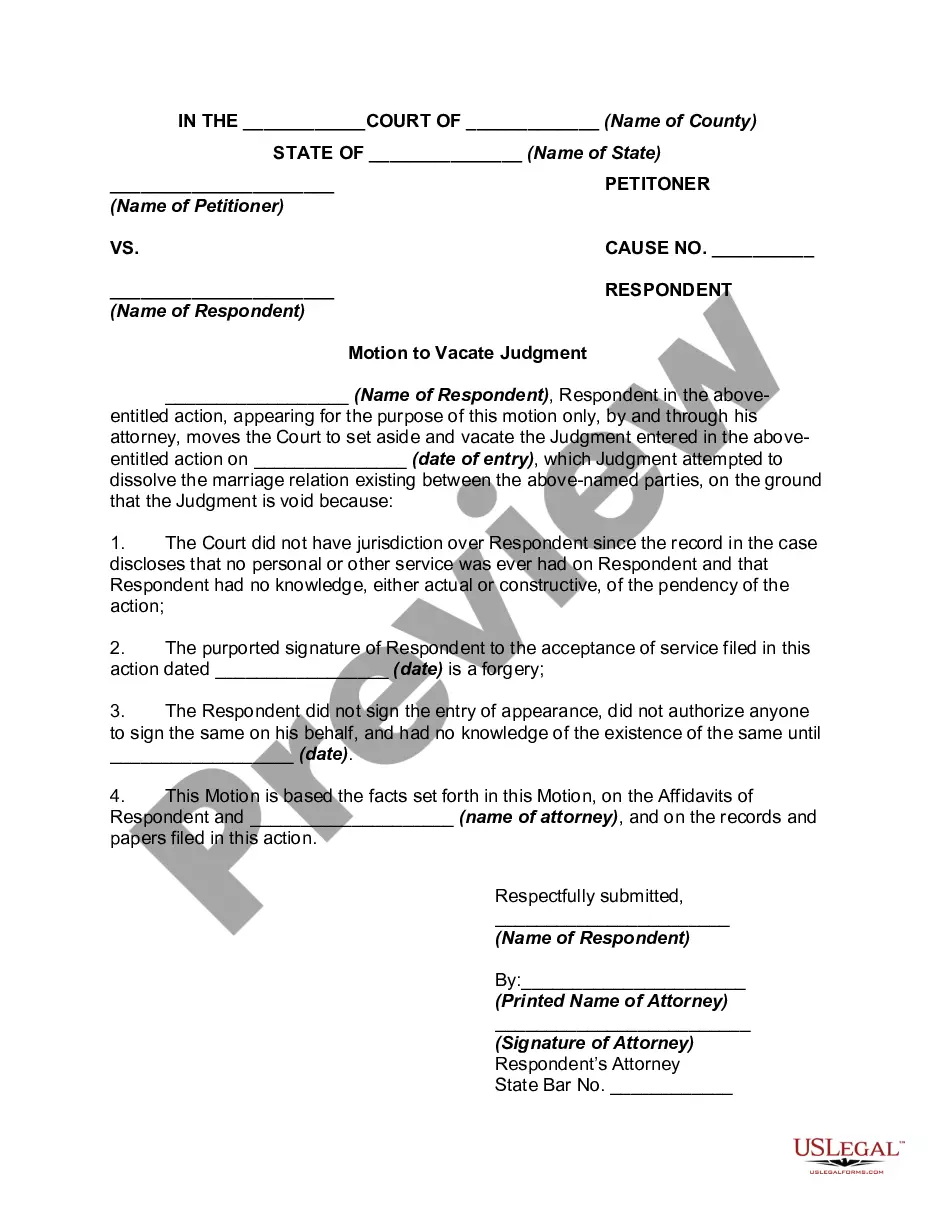
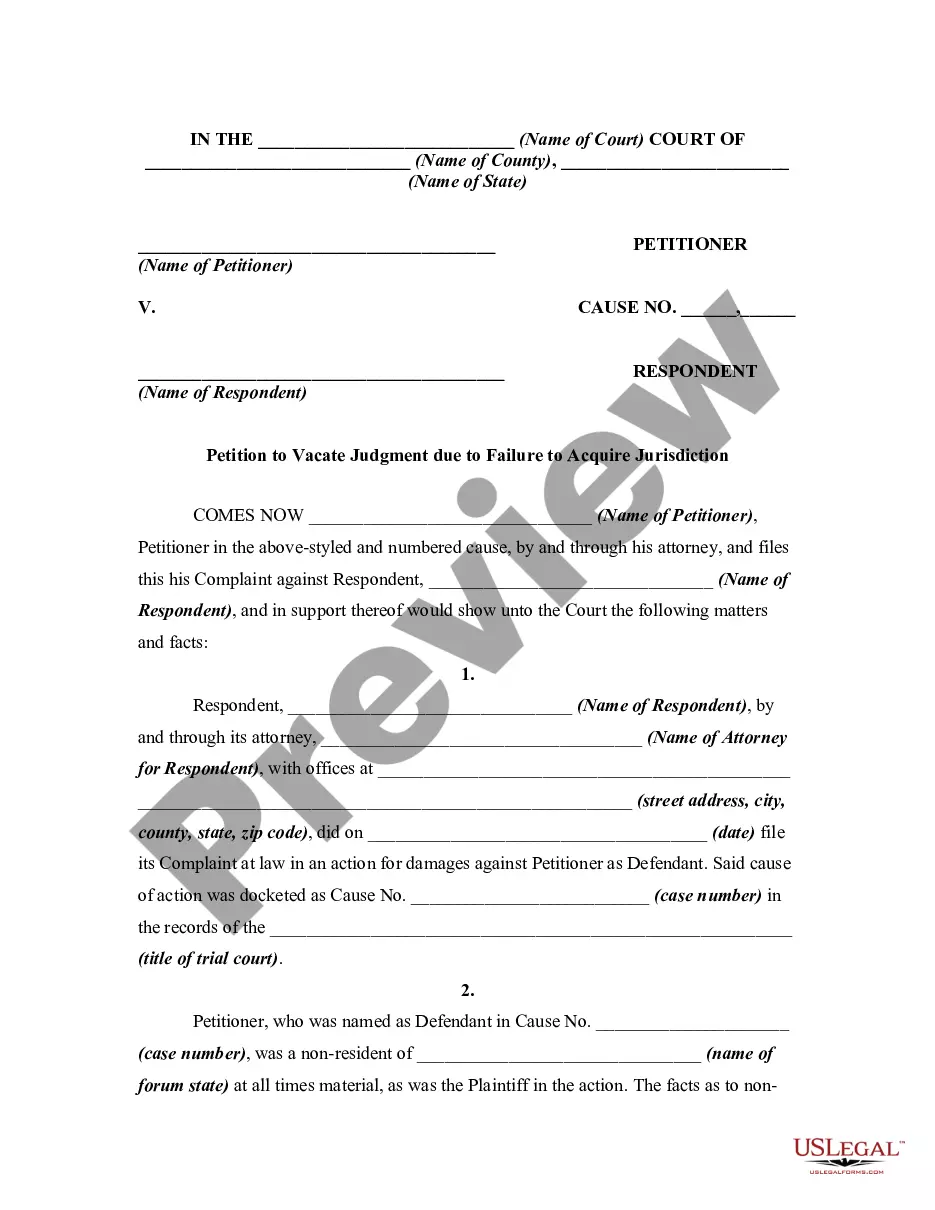
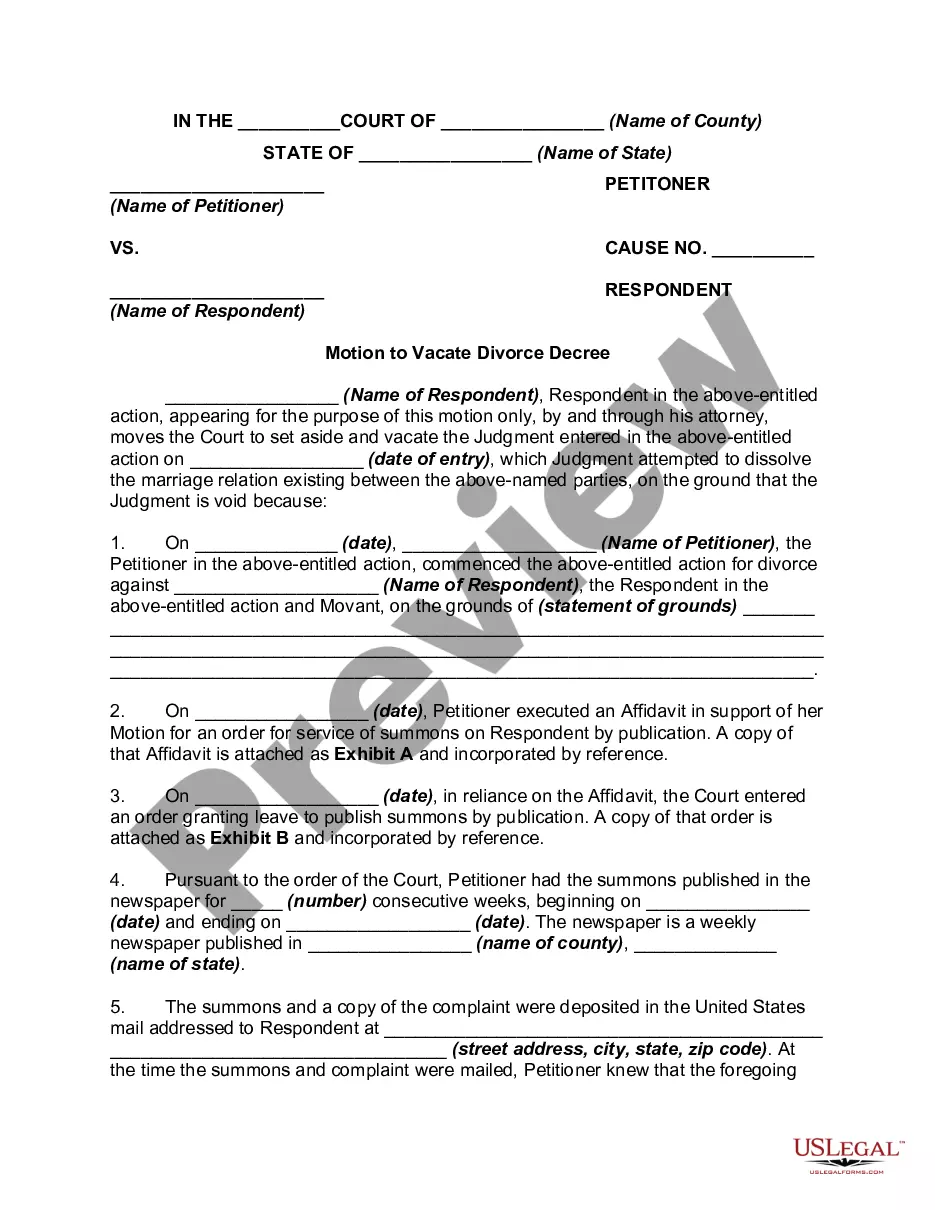
The Motion to Vacate or Nullify Divorce Decree for Lack of Jurisdiction is a legal document used to request the court to set aside a divorce judgment. This form specifically addresses cases where the court lacked jurisdiction, particularly highlighting issues such as no service of process and a forged signature of the respondent. Unlike standard divorce motions, this form focuses on correcting judicial errors related to jurisdictional authority.
Main sections of this form
- Caption section for the court's name and parties involved.
- Statement of motion and specific grounds for vacating the judgment.
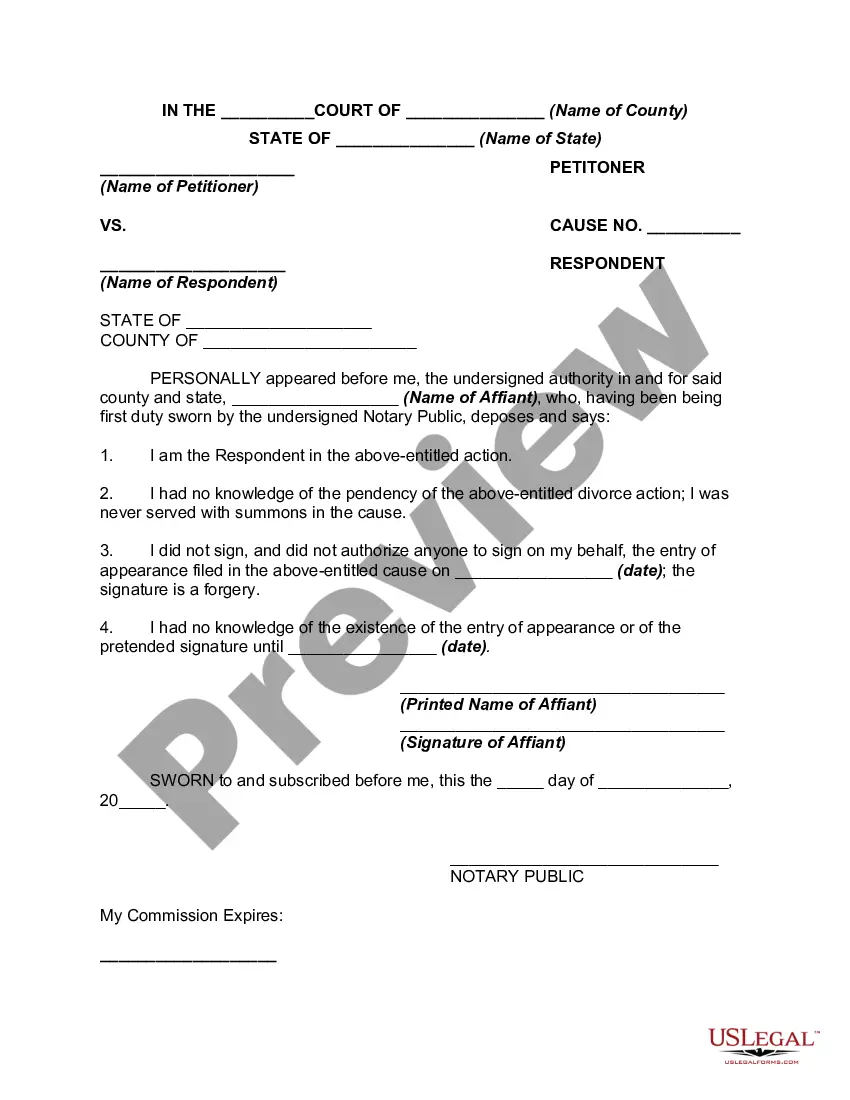
- Affidavit requirements from the respondent and attorney.
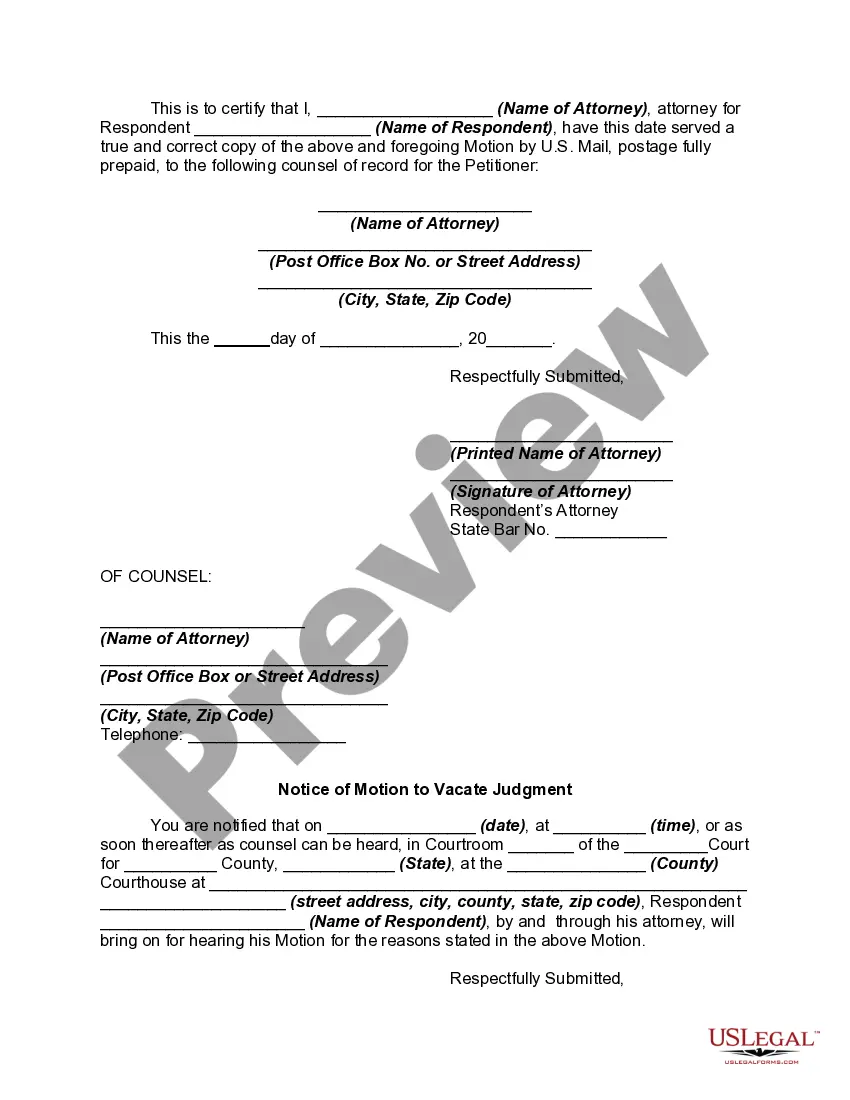
- Notice of motion with details on the hearing schedule.
- Signature fields for the respondent and their attorney.
Situations where this form applies
This form is used when a respondent wishes to contest a divorce decree on the grounds that the court did not have proper jurisdiction over them. Situations may include not receiving proper notification of the divorce proceedings, believing their signature was forged, or discovering that the judgment was rendered without their knowledge. It's essential in cases where a party seeks to correct a potentially unjust legal outcome.
Who should use this form
- Respondents in a divorce case who believe they were not properly served.
- Individuals who suspect that their signatures were forged on legal documents.
- Parties seeking to challenge a divorce decree based on jurisdictional issues.
Completing this form step by step
- Fill in the caption with the name of the court and parties involved.
- State the grounds for vacating the judgment clearly, citing jurisdictional issues.
- Sign and date the motion where indicated, ensuring to include the respondent's signature and attorney's signature if applicable.
- Complete the notice of motion section with the date, time, and location for the hearing.
- Review the completed form for accuracy before submission to the court.
Notarization guidance
This form usually doesn’t need to be notarized. However, local laws or specific transactions may require it. Our online notarization service, powered by Notarize, lets you complete it remotely through a secure video session, available 24/7.
Get your form ready online
Our built-in tools help you complete, sign, share, and store your documents in one place.
Make edits, fill in missing information, and update formatting in US Legal Forms—just like you would in MS Word.
Download a copy, print it, send it by email, or mail it via USPS—whatever works best for your next step.
Sign and collect signatures with our SignNow integration. Send to multiple recipients, set reminders, and more. Go Premium to unlock E-Sign.
If this form requires notarization, complete it online through a secure video call—no need to meet a notary in person or wait for an appointment.
We protect your documents and personal data by following strict security and privacy standards.

Make edits, fill in missing information, and update formatting in US Legal Forms—just like you would in MS Word.

Download a copy, print it, send it by email, or mail it via USPS—whatever works best for your next step.

Sign and collect signatures with our SignNow integration. Send to multiple recipients, set reminders, and more. Go Premium to unlock E-Sign.

If this form requires notarization, complete it online through a secure video call—no need to meet a notary in person or wait for an appointment.

We protect your documents and personal data by following strict security and privacy standards.
Avoid these common issues
- Failing to provide adequate evidence of lack of jurisdiction.
- Not including critical dates or signatures.
- Neglecting to properly notify the petitioner about the motion.
Why use this form online
- Convenience of accessing the form from anywhere at any time.
- Editability allows for personalized adjustments to meet specific needs.
- Reliability of an attorney-drafted template to ensure legal compliance.
Legal use & context
- This form is utilized to correct potentially erroneous divorce judgments.
- It is important in maintaining the integrity of legal proceedings.
- A successfully executed motion can lead to the annulment of a divorce decree.
Quick recap
- The form is critical for challenging divorce decrees based on jurisdictional errors.
- Proper completion and submission can protect rights and interests in divorce proceedings.
- Common mistakes can be avoided with careful review and understanding of requirements.
Looking for another form?
Form popularity
FAQ
Order 9 Rule 13 states that while setting aside ex-parte decree, the defendant may apply to the Court by which the decree was passed for an order to set it aside and if the Court is satisfied that the summons were not duly served, or that he was prevented by any sufficient means from appearing when the suit was called
In order to vacate a judgment in California, You must file a motion with the court asking the judge to vacate or set aside the judgment. Among other things, you must tell the judge why you did not respond to the lawsuit (this can be done by written declaration).
Fill out a Notice of Motion to Vacate Judgment and Declaration (Small Claims) (Form SC-135 ). File it with the small claims court clerk. Pay the filing fee. If you cannot afford the fee, ask for a fee waiver. The clerk will give you a date for your hearing.
Once a judge enters a default judgment against you in your divorce case, you may be able to fight the default and get a second chance to respond to the case.The court may reverse the default judgment if you petition them and support your request with proof of mistake or another issue.
You can't take back or rescind the divorce once the courts have finalized it, even if the defendant never received the petition and did not know a spouse filed for divorce.
Yes. Judges can vacate other judges' orders. It happens all the time.
Fill out a Notice of Motion to Vacate Judgment and Declaration (Small Claims) (Form SC-135 ). File it with the small claims court clerk. Pay the filing fee. If you cannot afford the fee, ask for a fee waiver. The clerk will give you a date for your hearing.
A Motion to Vacate is a request to the court to withdraw a previous order or judgment it entered.An appeal is a request to a higher court to change the decision made by a lower court. A Motion to Vacate asks the same court to withdraw its decision. A Motion to Vacate is rarely granted.