Sample Letter for Signature
Understanding this form
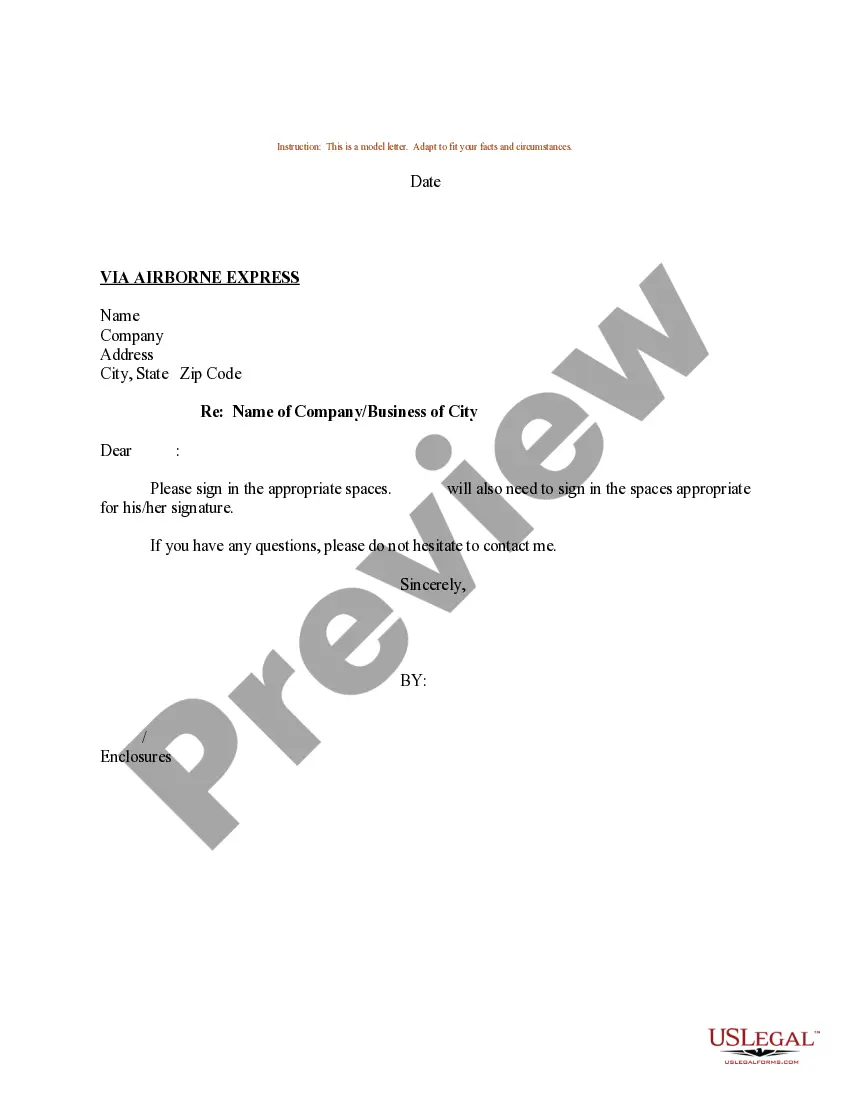
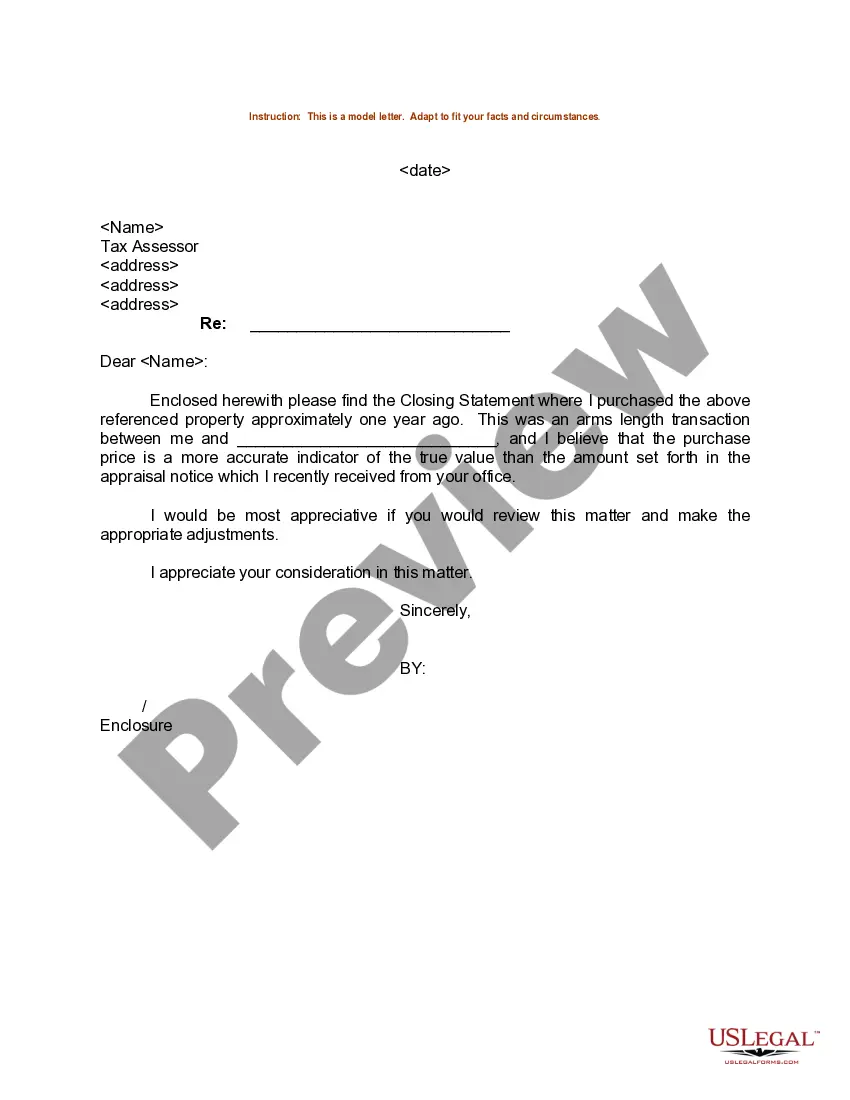
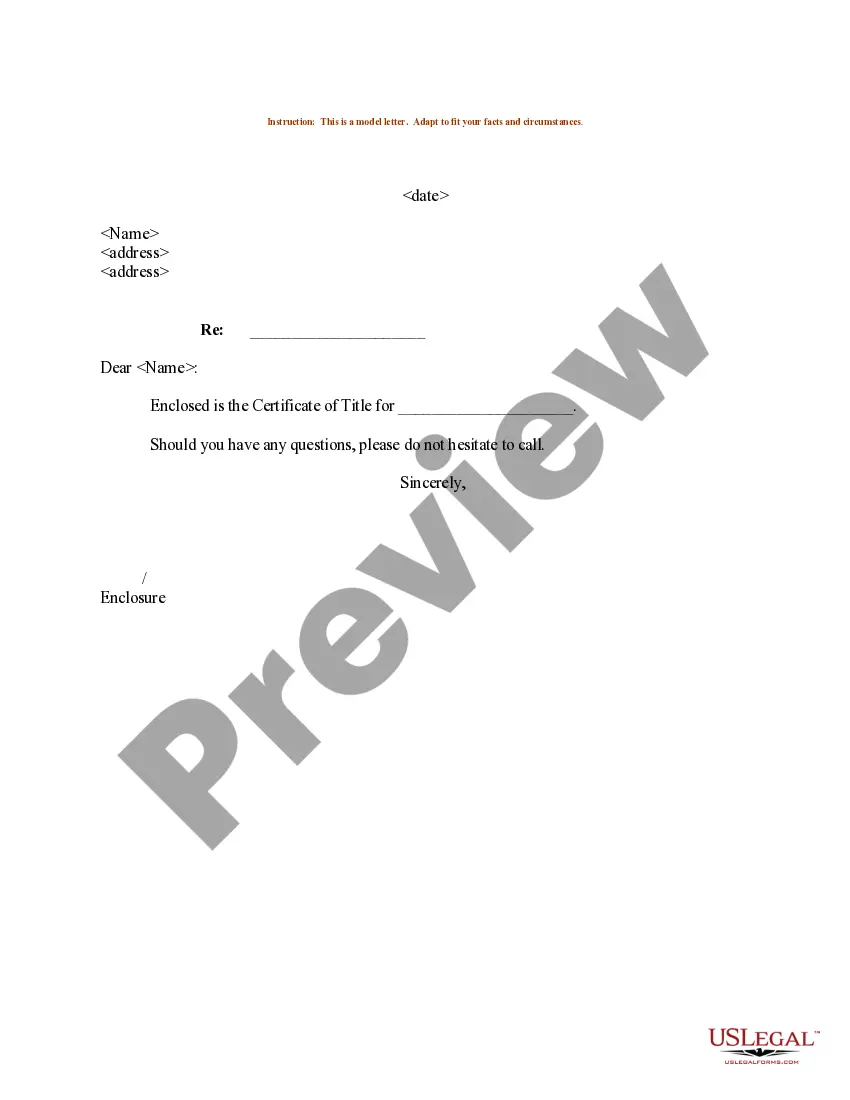
The Sample Letter for Signature is a template designed to facilitate the process of obtaining signatures on important documents. This form serves as a formal request for signature and highlights its significance in ensuring agreements are validated. Unlike generic letters, this specific format is tailored to meet legal standards, making it a reliable choice for individuals and businesses alike.
What’s included in this form
- Date: The date when the letter is prepared.
- Recipient Information: Name, company, address, city, state, and zip code of the recipient.
- Subject Line: Indicates the purpose and recipientâs company/business name.
- Closing Section: Area to include a polite conclusion and signature line.
Common use cases
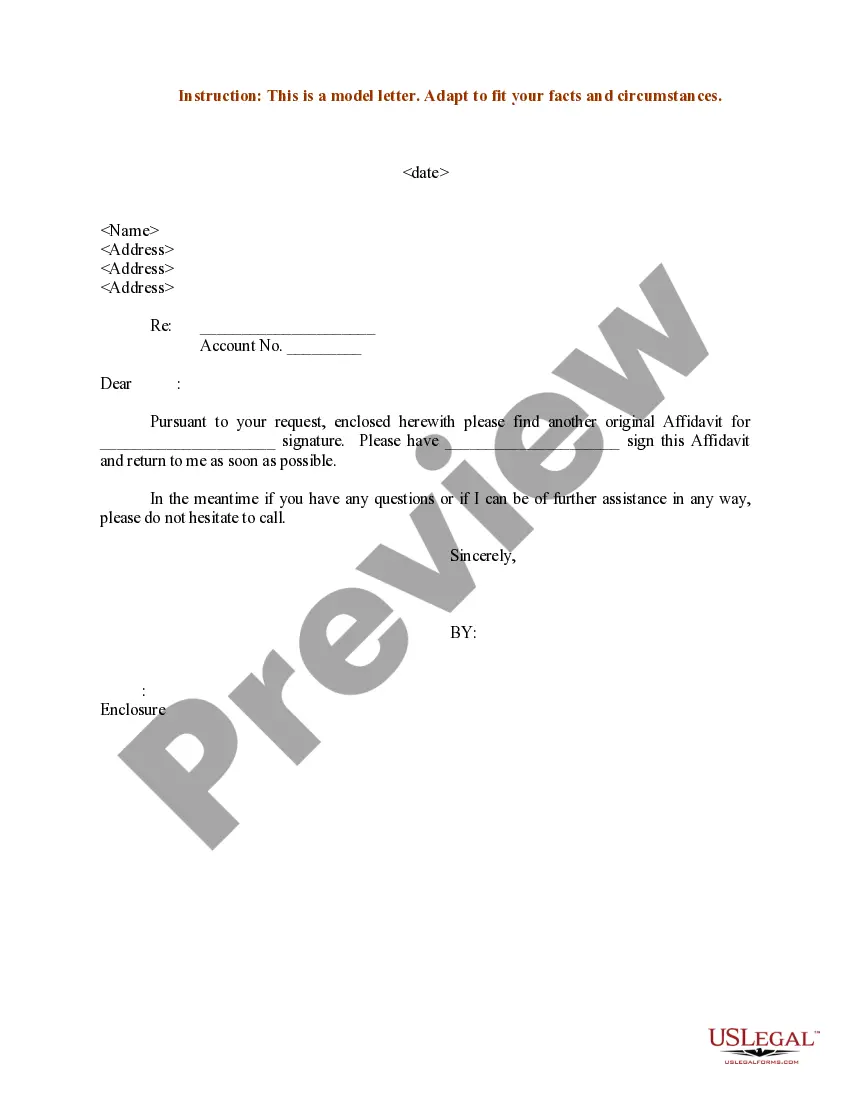
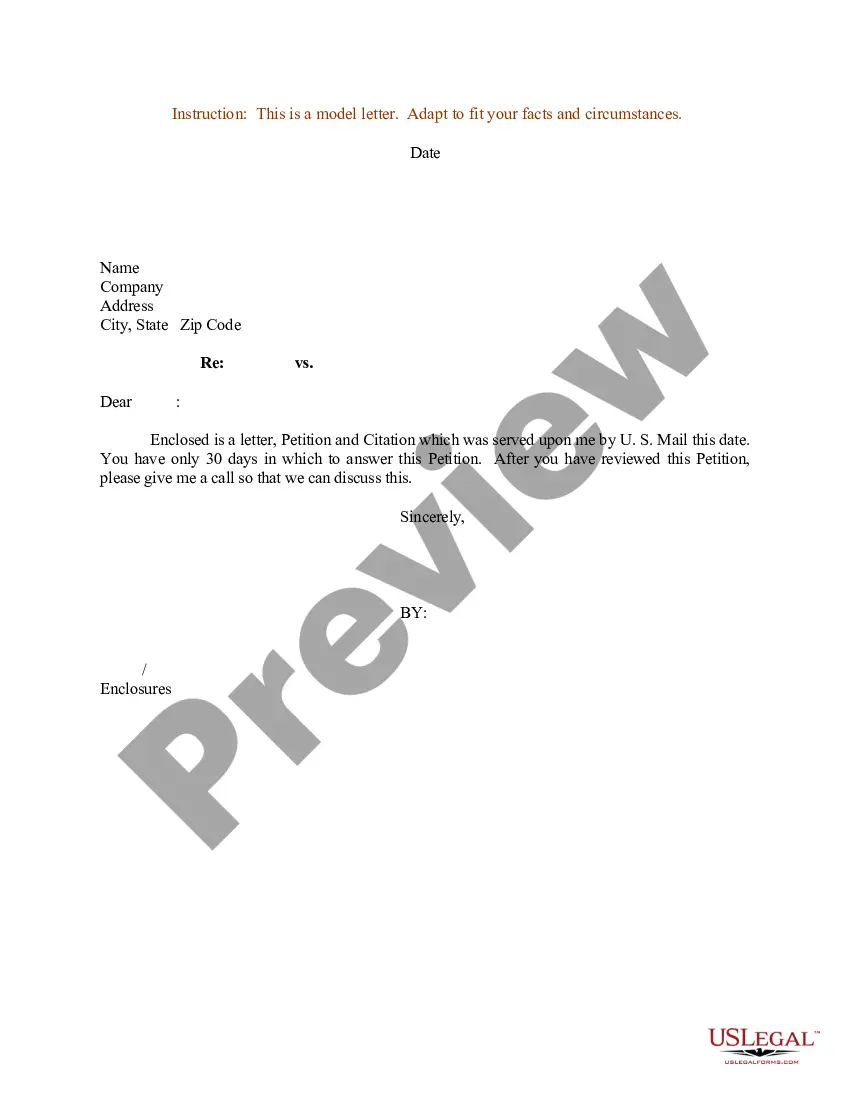
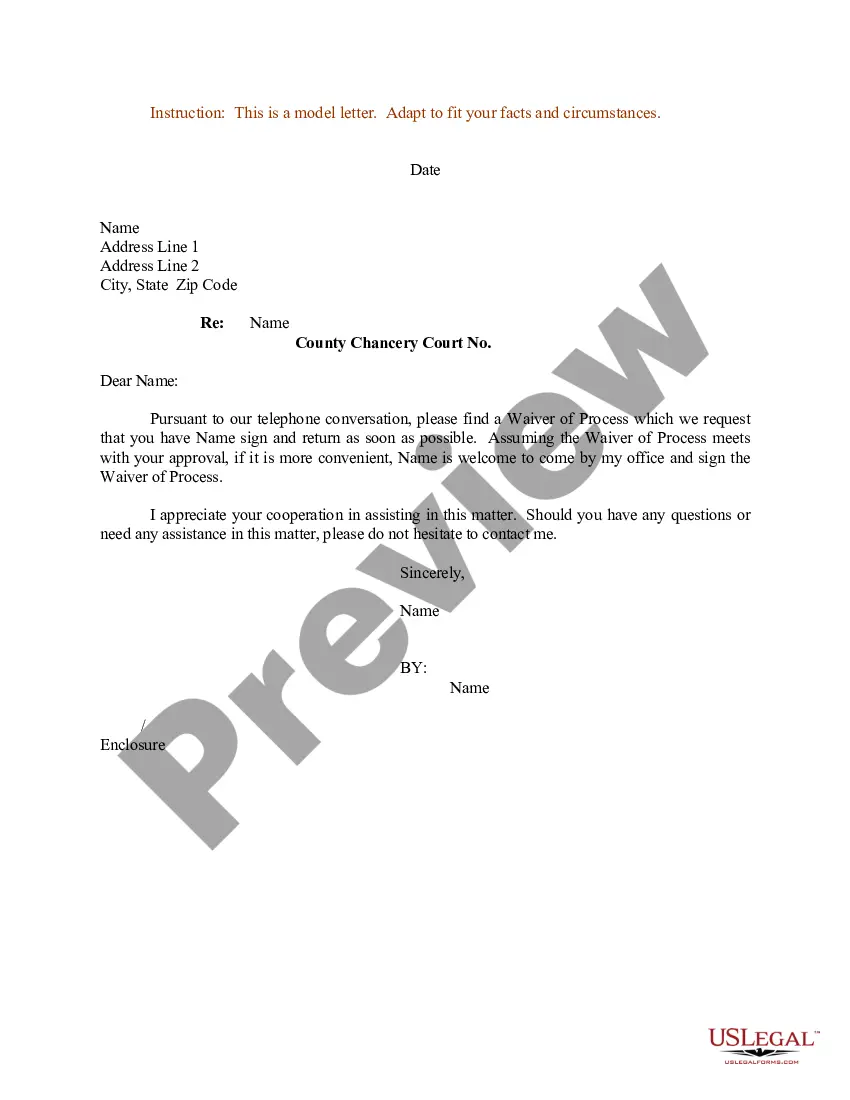
This form is useful in various scenarios, such as when you need to formally request a signature for contracts, agreements, or other important documents. It is applicable in business transactions, legal agreements, and any situation where a verified signature is crucial for validation.
Who this form is for
This form is ideal for:
- Business professionals who require signatures from partners or clients.
- Individuals needing signature approval for personal agreements.
- Legal representatives managing contractual obligations.
How to complete this form
- Enter the date at the top of the letter.
- Fill in the recipientâs name, company, and address information.
- Clearly state the subject of the letter for context.
- Add a respectful closing statement to initiate the signing process.
- Provide a space for your signature and any other required signatories.
Does this form need to be notarized?
This form does not typically require notarization unless specified by local law. However, it's recommended to check specific state requirements to ensure compliance.
Get your form ready online
Our built-in tools help you complete, sign, share, and store your documents in one place.
Make edits, fill in missing information, and update formatting in US Legal Forms—just like you would in MS Word.
Download a copy, print it, send it by email, or mail it via USPS—whatever works best for your next step.
Sign and collect signatures with our SignNow integration. Send to multiple recipients, set reminders, and more. Go Premium to unlock E-Sign.
If this form requires notarization, complete it online through a secure video call—no need to meet a notary in person or wait for an appointment.
We protect your documents and personal data by following strict security and privacy standards.

Make edits, fill in missing information, and update formatting in US Legal Forms—just like you would in MS Word.

Download a copy, print it, send it by email, or mail it via USPS—whatever works best for your next step.

Sign and collect signatures with our SignNow integration. Send to multiple recipients, set reminders, and more. Go Premium to unlock E-Sign.

If this form requires notarization, complete it online through a secure video call—no need to meet a notary in person or wait for an appointment.

We protect your documents and personal data by following strict security and privacy standards.
Avoid these common issues
- Forgetting to include the date, which can lead to confusion.
- Not specifying the subject clearly, causing miscommunication.
- Leaving out necessary recipient details, which can hinder delivery.
- Failing to sign or omit signature spaces for required parties.
Why complete this form online
- Convenient access to a legally compliant template.
- Editable format allows for customization to suit specific needs.
- Time-efficient, as it eliminates the need for drafting from scratch.
- Provides peace of mind knowing it is drafted by licensed attorneys.
- Ensures that your request is formally documented.
- Can be a legally recognized communication in business transactions.
- Helps prevent misunderstandings or disputes regarding consent.
Summary of main points
Key takeaways:
- The Sample Letter for Signature is essential for formal requests for signatures.
- Precise completion is crucial to ensure clarity and effectiveness.
- Utilizing this online form increases efficiency and provides legal assurance.
Looking for another form?





Form popularity
FAQ
PP is an abbreviation of the Latin word Per Procurationem meaning by the agency of, or on behalf of. When you are asked to pp a letter it means that you should sign the letter on behalf of the person who wrote it. Just write pp and then your own signature in place of where theirs would be written.
Senior Member. You put "p.p." in front of the name of the person for whom you are writing the letter -- p.p. stands for "per pro" (for and on behalf of).
Letter for Signature Request : This Letter should be written in The Letter-Pad of the Company. From : The Sender's Name, Door Number and Street's Name, Area Name, TO : Addressee's Name, Designation, The Company's Name, NOTE : This is a typical letter. You have to add your company's name with full address.
PP is an abbreviation of the Latin word Per Procurationem meaning by the agency of, or on behalf of. When you are asked to pp a letter it means that you should sign the letter on behalf of the person who wrote it. Just write pp and then your own signature in place of where theirs would be written.
PP is put before your own name. It means 2026 In agency of, meaning that you are writing this letter for that person. the PP should go in front of your name, not the person's name.
The ordinary process for other documents such as letters, forms or general legal documents is that you write 'p. p' before your signature, to demonstrate that you are signing for someone else. This will show the reader that you've signed with the authority of the intended signee.
Some pieces of mail require a signature from the recipient at the time of delivery. This includes items sent with Priority Mail Express (if requested), Certified Mail, Collect on Delivery, Insured Mail (over $500), Registered Mail, Return Receipt, Signature Confirmation, and Adult Signature.
The word procuration is the formal term for signing something on another person's behalf. It is derived from a Latin word, procurare, which means to take care of. So when signing for someone else, the signature should be preceded by p.p. which stands for per procurationem.
Procuration is the official term for signing for someone else. This term is taken from the Latin word procurare meaning to take care of. Now, when signing on someone else's behalf, the signature is preceded by p.p. standing for per procurationem.