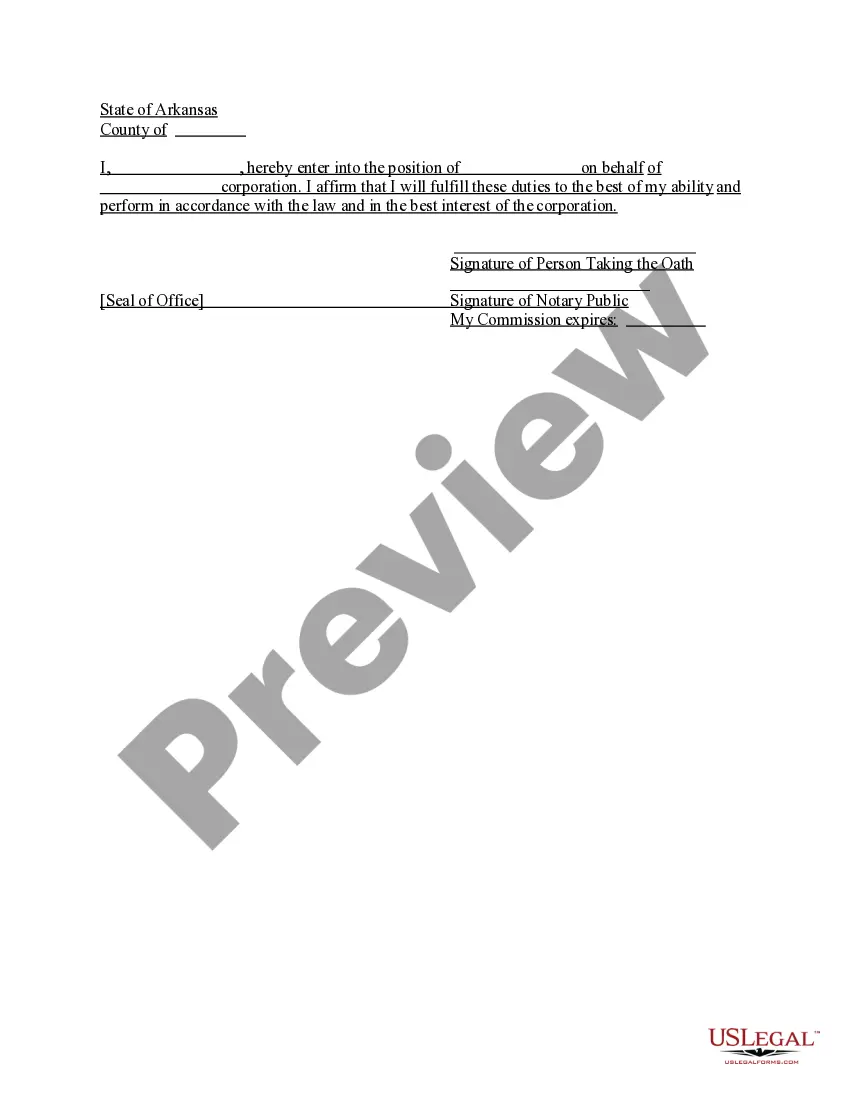
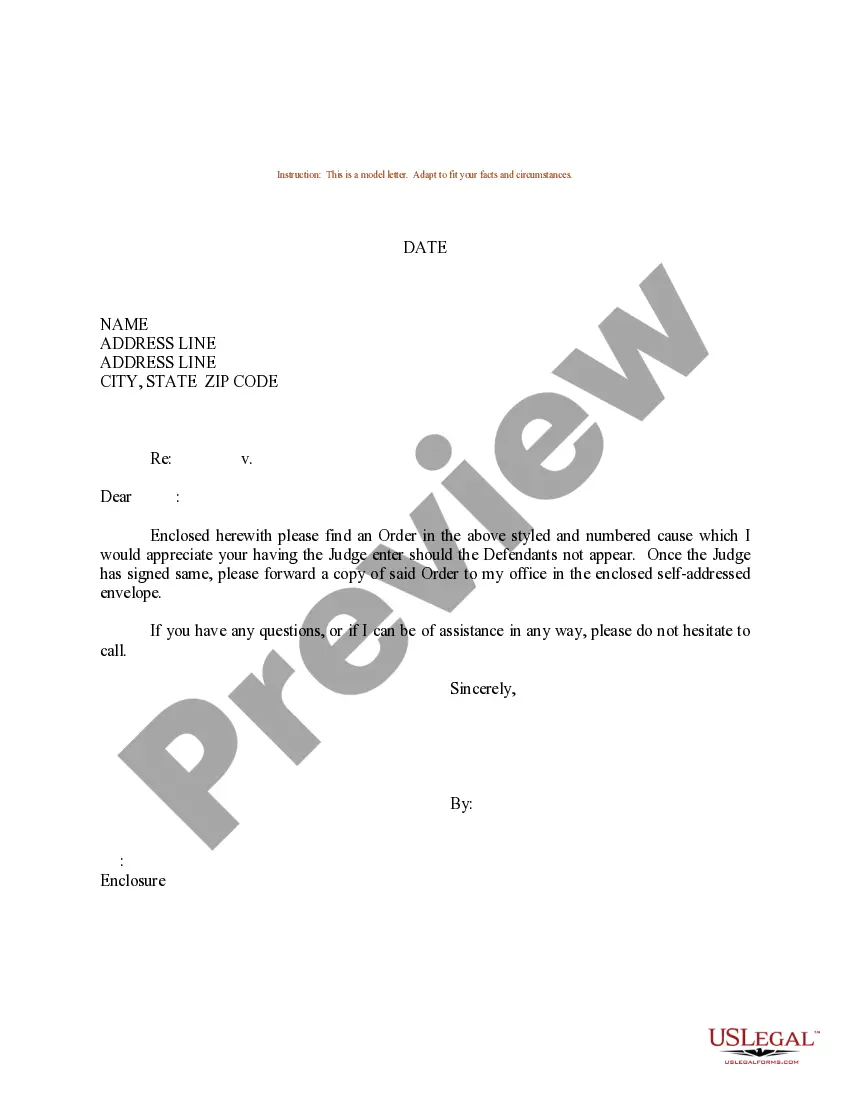
Sample Letter sending Order
What this document covers
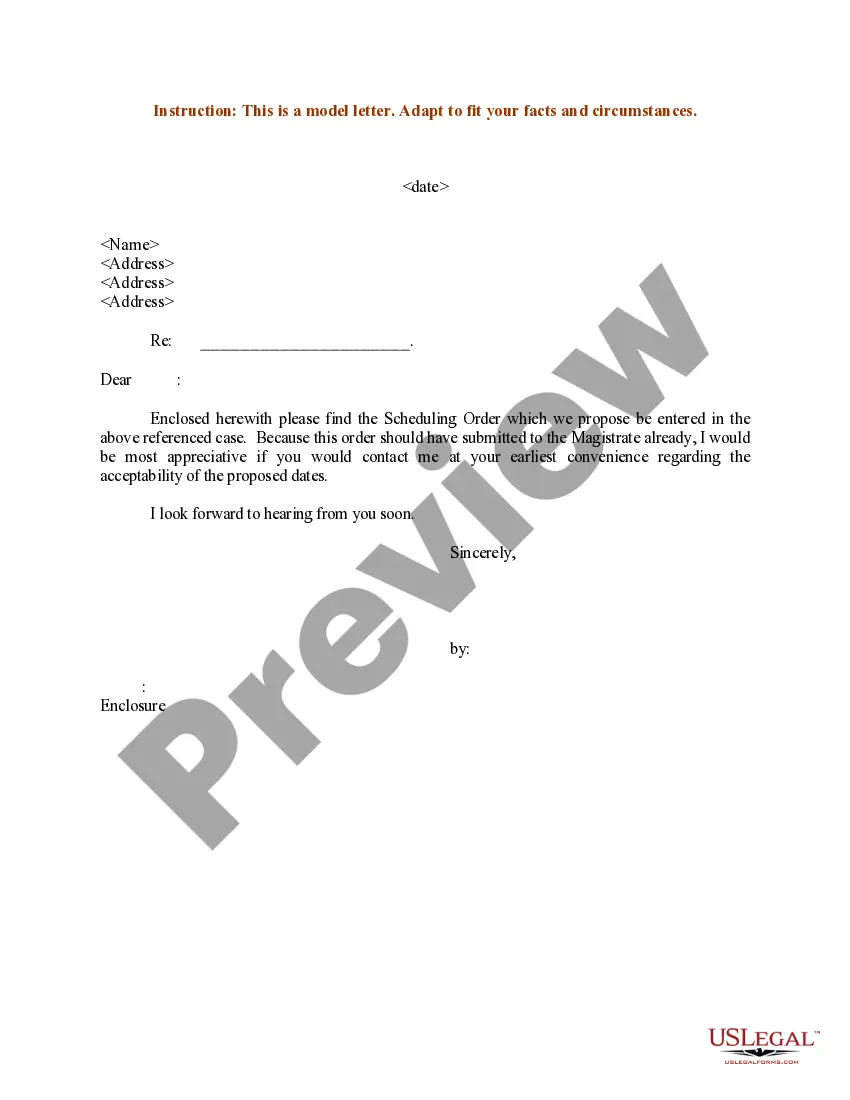
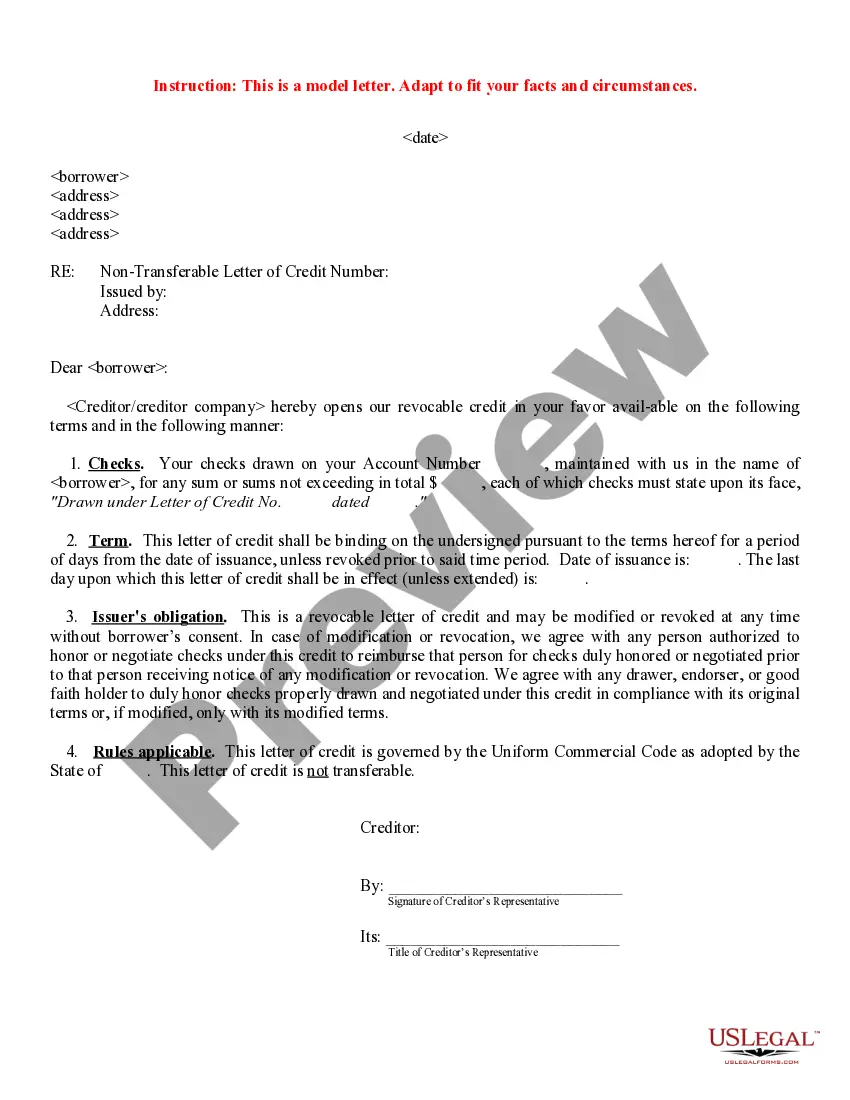
The Sample Letter sending Order is a template that provides a structured approach to formally notify involved parties about a specific order. Unlike other legal forms, this sample letter is designed to serve as a starting point for communicating important orders. It allows users to personalize the content while ensuring that all necessary information is included in a clear manner.
Key components of this form
- Date of the letter
- Recipient's name and address
- Introduction outlining the purpose of the letter
- Details of the order being communicated
- Closing statement and sender's signature


When this form is needed
This form is typically used when an individual or organization needs to communicate a formal order to another party. Scenarios can include sending a court order, administrative order, or any directive that requires acknowledgment or response. It is useful in both personal and professional contexts where clarity and official notification are required.
Who can use this document
- Individuals wishing to inform another party about a legal order
- Businesses needing to send official directives to clients or employees
- Legal professionals drafting communication on behalf of clients
- Anyone requiring a standard format for sending formal orders
Completing this form step by step
- Enter the date at the top of the letter.
- Fill in the recipient's name and complete address.
- Clearly state the purpose of the letter in the introduction.
- Detail the specific order, including any relevant deadlines or actions required.
- Conclude the letter with a closing statement and sign your name.
Does this form need to be notarized?
This form usually doesn’t need to be notarized. However, local laws or specific transactions may require it. Our online notarization service, powered by Notarize, lets you complete it remotely through a secure video session, available 24/7.
Get your form ready online
Our built-in tools help you complete, sign, share, and store your documents in one place.
Make edits, fill in missing information, and update formatting in US Legal Forms—just like you would in MS Word.
Download a copy, print it, send it by email, or mail it via USPS—whatever works best for your next step.
Sign and collect signatures with our SignNow integration. Send to multiple recipients, set reminders, and more. Go Premium to unlock E-Sign.
If this form requires notarization, complete it online through a secure video call—no need to meet a notary in person or wait for an appointment.
We protect your documents and personal data by following strict security and privacy standards.

Make edits, fill in missing information, and update formatting in US Legal Forms—just like you would in MS Word.

Download a copy, print it, send it by email, or mail it via USPS—whatever works best for your next step.

Sign and collect signatures with our SignNow integration. Send to multiple recipients, set reminders, and more. Go Premium to unlock E-Sign.

If this form requires notarization, complete it online through a secure video call—no need to meet a notary in person or wait for an appointment.

We protect your documents and personal data by following strict security and privacy standards.
Mistakes to watch out for
- Failing to include the recipient's correct address.
- Leaving out essential details about the order.
- Not signing the letter before sending.
- Using vague language that may confuse the recipient.
Why use this form online
- Convenient access to a downloadable template from anywhere.
- Easily editable format to tailor the letter to your specific needs.
- Reliable legal structure crafted by licensed attorneys.
- Time-saving solution by having a pre-formatted letter on hand.
Quick recap
- The Sample Letter sending Order provides a clear template for communicating orders.
- It is suitable for both personal and professional use.
- Ensure all relevant details are included to avoid mistakes.
- This form can be accessed and edited conveniently online.
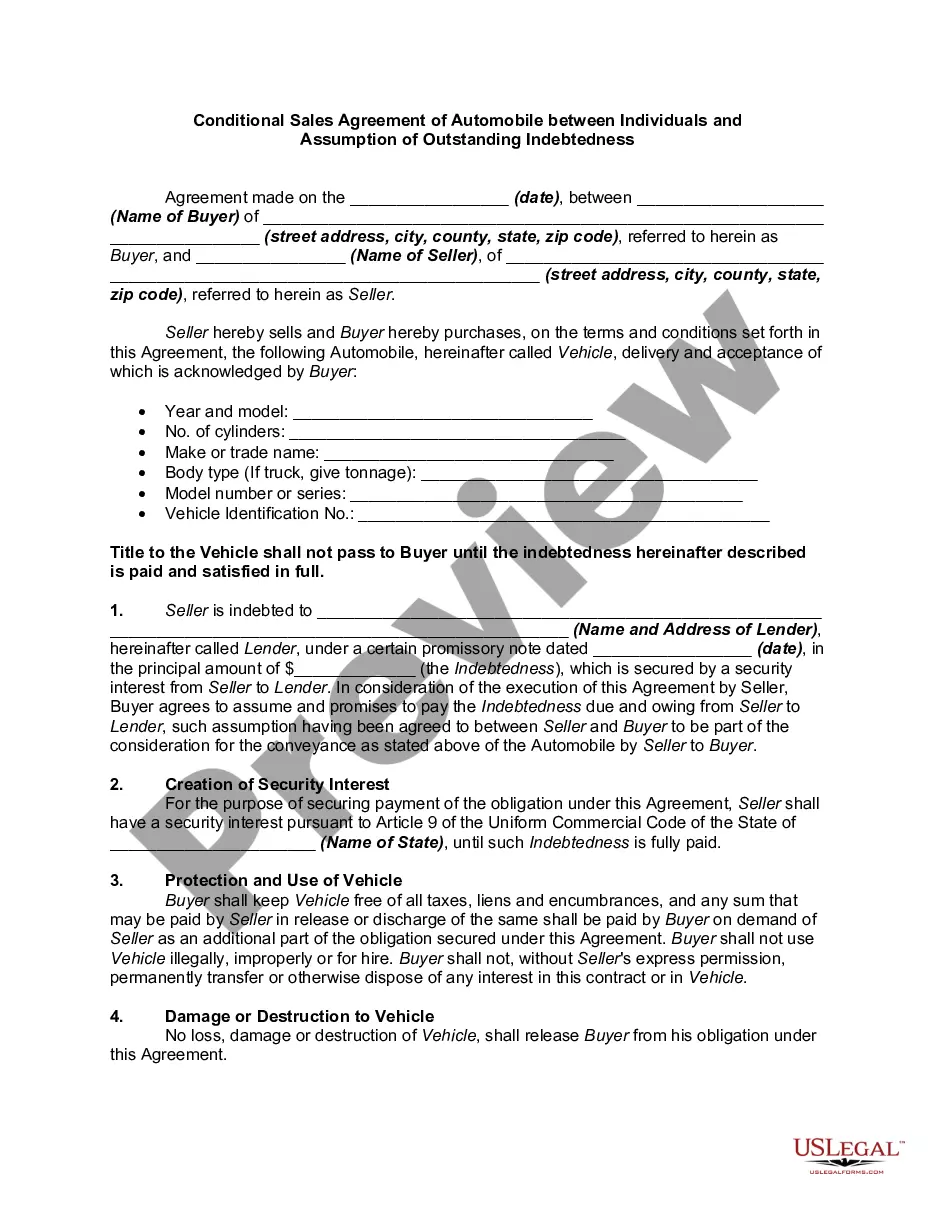
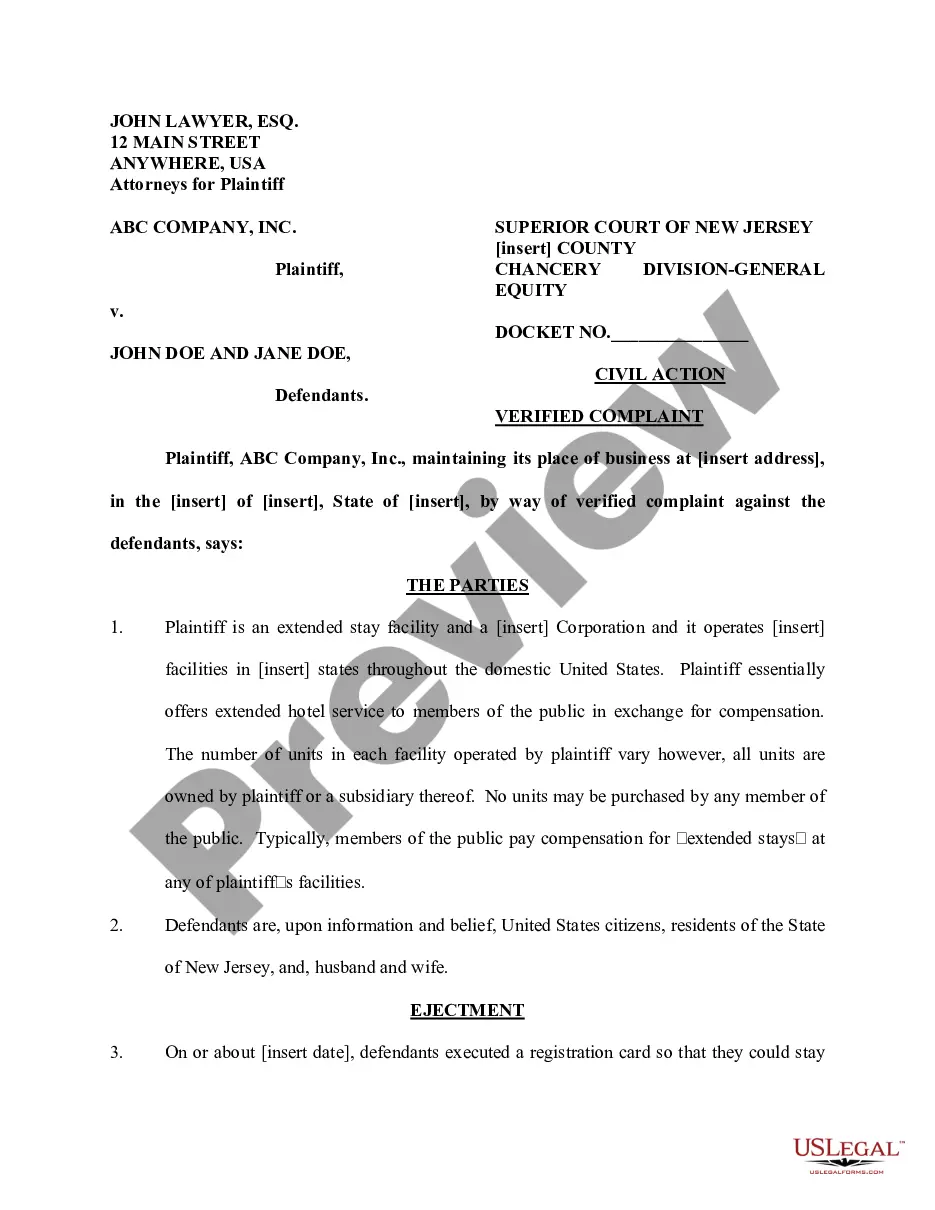
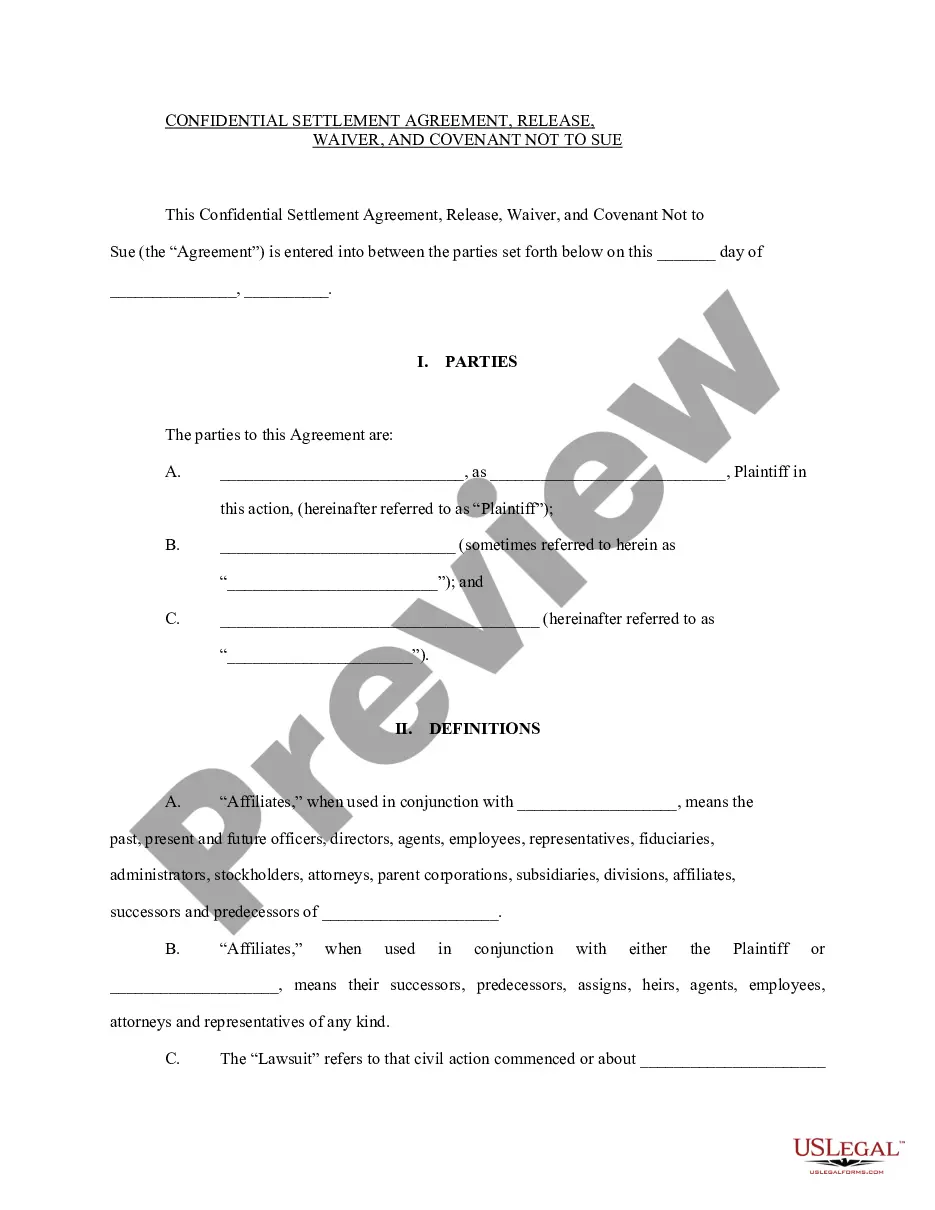
Looking for another form?


Form popularity
FAQ
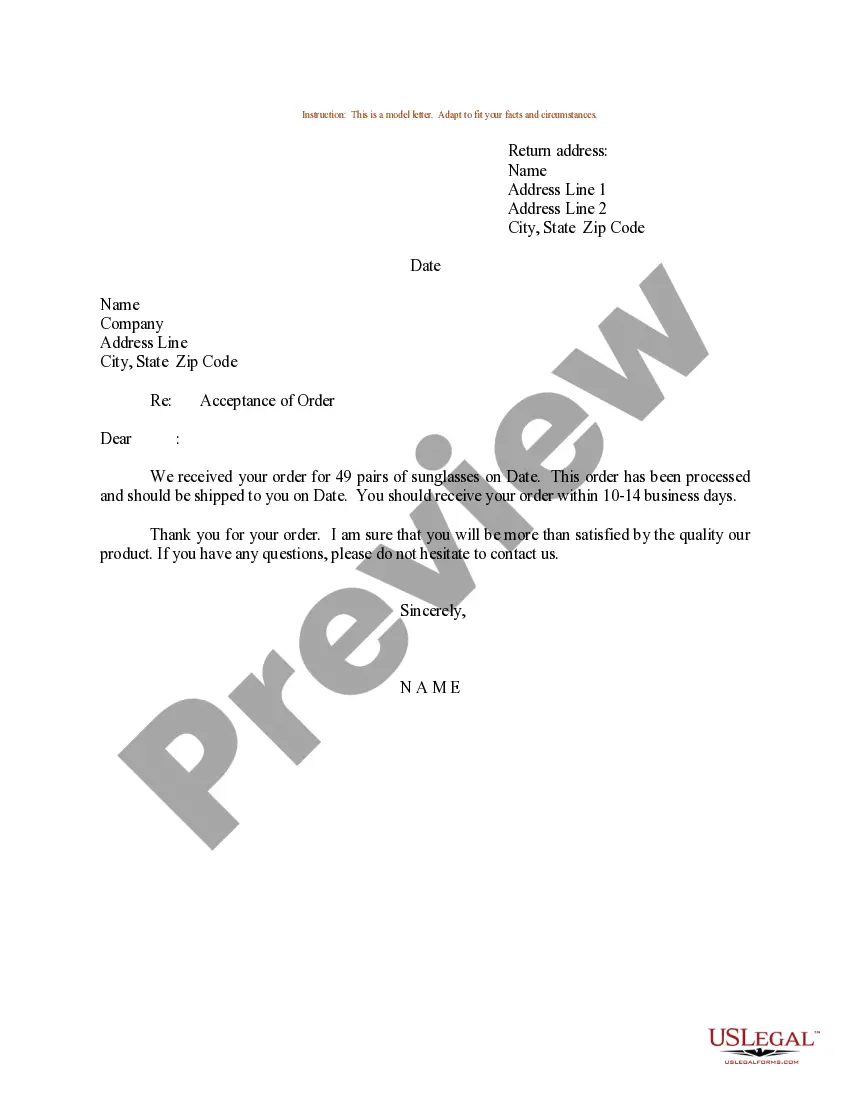
Write this letter as soon as you decide to purchase the products. Refer to former communication of the order. Mention details about the order example important specifications. Describe the mode of payment. Mention about the advance payment.
Usually order letter is a brief letter and is specific about what to write. You have to be sure what order you are placing; mention the details of the orders properly and clearly, if the quantity of the product should be written in both number and words .
For example: Maria's company needs to purchase new materials from a supplier to create their products. The company then creates a purchase order to present to the supplier from which they wish to order materials.When Maria's company receives the goods and the invoice, they compare them to the purchase order.
Subject. Your order letter should start with a subject line. Salutation. Use the appropriate greeting for the seller. Company introduction. Order details. How to pay. Shipping. Important instructions. Future business relationship.
An order letter needs to pen down the terms and conditions of the purchase. These benefit both the involved parties. It generally contains details such as product specifications, their quantities, a price that the parties have agreed upon, the date of delivery, what to do in case there occurs a late delivery, etc.
Usually order letter is a brief letter and is specific about what to write. You have to be sure what order you are placing; mention the details of the orders properly and clearly, if the quantity of the product should be written in both number and words .