Receipt Template for Cash Payment
What this document covers
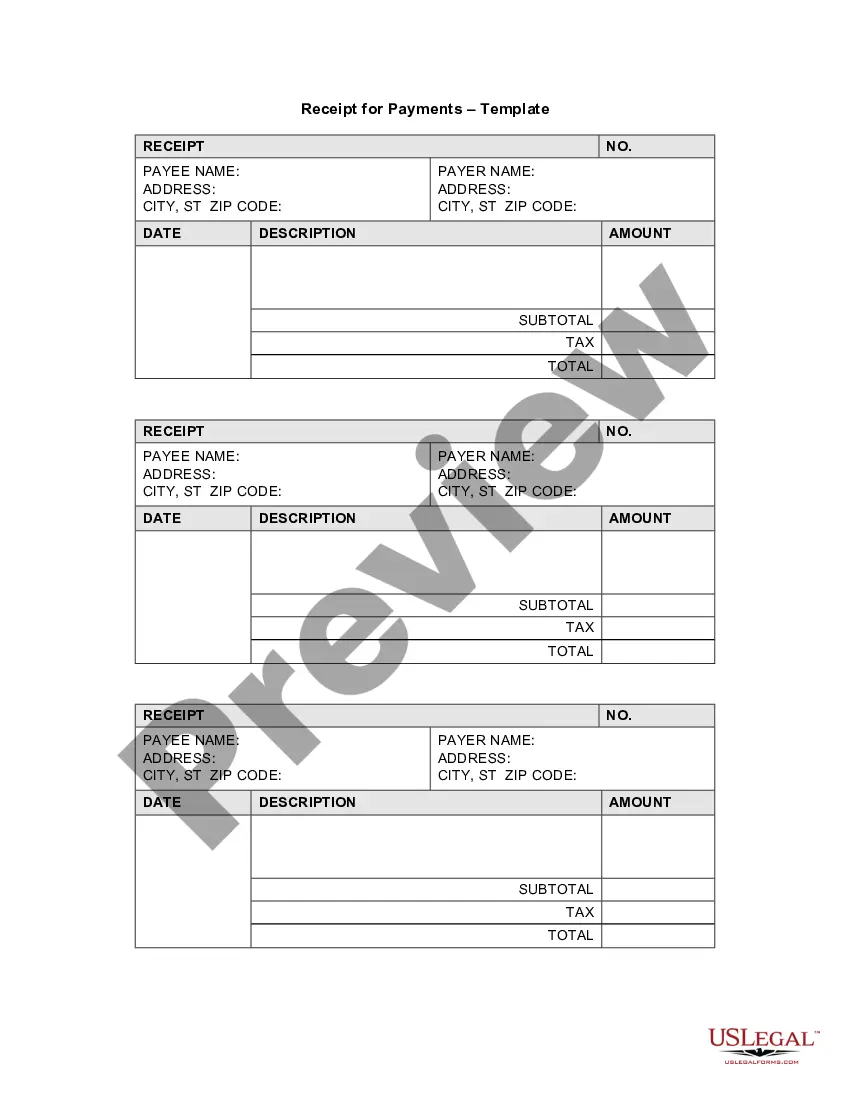
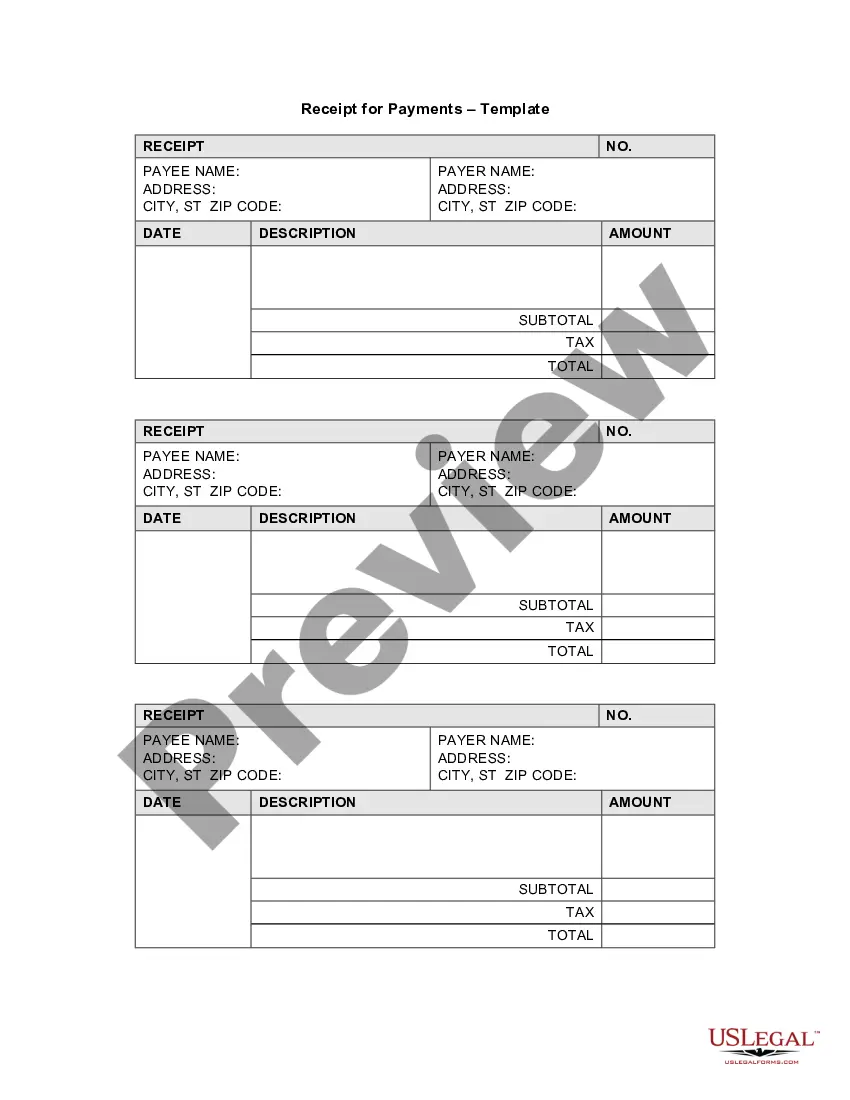
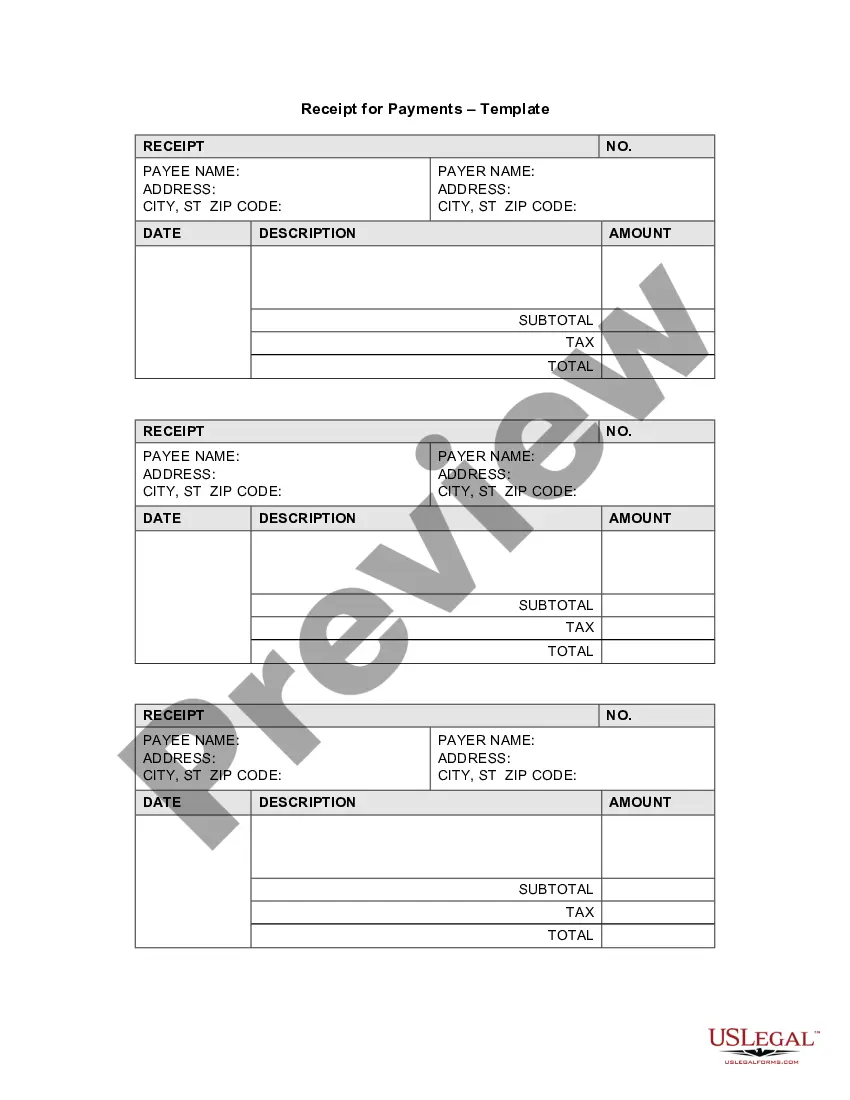
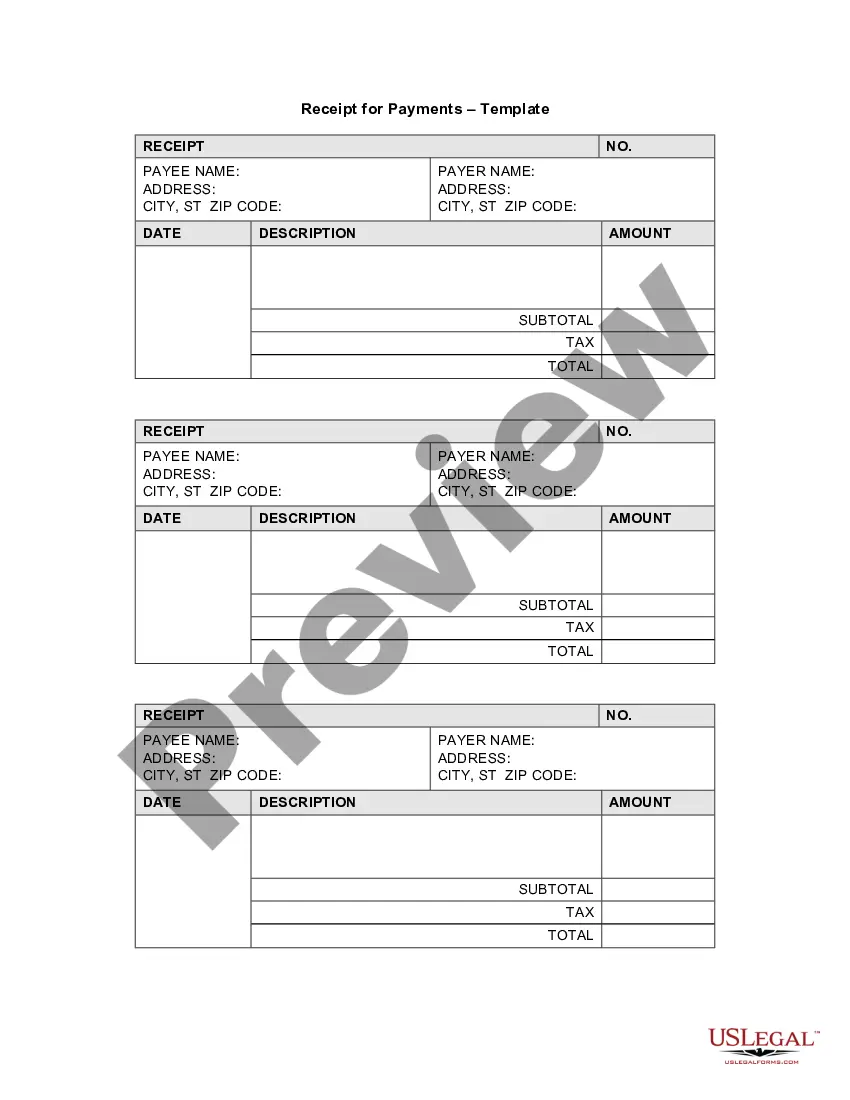
A receipt template for cash payment is a legal document that acknowledges the receipt of cash by a payee. It serves as proof of the amount paid and the purpose of the transaction, offering clarification unlike informal records. This legally binding template helps both payers and payees maintain accurate financial records and protects their interests in case of disputes.
Form components explained
- Payer's name and address
- Payee's name and address
- Date of the transaction
- Description of the payment
- Itemized amounts including subtotal and tax
- Receipt number for tracking

When this form is needed
This receipt template should be used whenever a cash payment is made for goods or services. It is particularly useful for businesses and freelancers who need to document transactions for accounting purposes. Use this form to ensure that both parties have a clear and accessible record of the payment, helping to prevent misunderstandings in the future.
Who should use this form
- Business owners accepting cash payments
- Freelancers and independent contractors
- Individuals conducting personal transactions
- Landlords collecting cash rent
Steps to complete this form
- Identify the payer and payee by entering their names and addresses.
- Select the transaction date to mark when the payment was made.
- Provide a brief description of what the payment is for.
- Enter the amount paid, along with any applicable tax.
- Fill in the receipt number for record-keeping purposes.
Is notarization required?
This form does not typically require notarization unless specified by local law.
Get your form ready online
Our built-in tools help you complete, sign, share, and store your documents in one place.
Make edits, fill in missing information, and update formatting in US Legal Forms—just like you would in MS Word.
Download a copy, print it, send it by email, or mail it via USPS—whatever works best for your next step.
Sign and collect signatures with our SignNow integration. Send to multiple recipients, set reminders, and more. Go Premium to unlock E-Sign.
If this form requires notarization, complete it online through a secure video call—no need to meet a notary in person or wait for an appointment.
We protect your documents and personal data by following strict security and privacy standards.

Make edits, fill in missing information, and update formatting in US Legal Forms—just like you would in MS Word.

Download a copy, print it, send it by email, or mail it via USPS—whatever works best for your next step.

Sign and collect signatures with our SignNow integration. Send to multiple recipients, set reminders, and more. Go Premium to unlock E-Sign.

If this form requires notarization, complete it online through a secure video call—no need to meet a notary in person or wait for an appointment.

We protect your documents and personal data by following strict security and privacy standards.
Mistakes to watch out for
- Failing to include all necessary parties' information.
- Not providing a clear description of the payment.
- Omitting the receipt number, which is important for tracking.
Benefits of using this form online
- Instant access to a legally vetted receipt template.
- Easy customization to fit individual needs.
- Convenient download options for electronic and paper use.
Looking for another form?


Form popularity
FAQ
Click on the Office button on the top left icon on your screen, and select New from the drill down menu. Find the category Receipts and select the type you prefer. Click on the template that provides your need.
The date of payment, A description of the services or goods purchased, The amount paid in cash, and. The name of the company or person paid.
The cash payment receipt proves that a product or service was paid for with physical currency. Due to there being no electronic evidence of a cash transaction, a receipt is the only way to verify that funds were paid to the receiving party.
The date of the transaction. A unique number that identifies the document. The name of the payer. The amount of cash received. The payment method (such as by cash or check) The signature of the receiving person.
A Microsoft receipt template is just the ticket. A receipts template is free, customizable, and works well in a variety of situations.Browse the collection to find a template for receipt that fits your needs.
The name and address of the business or individual receiving the payment. The name and address of the person making the payment. The date the payment was made. A receipt number. The amount paid. The reason for the payment. How the payment was made (credit card, cash, etc)
Click on the Office button on the top left icon on your screen, and select New from the drill down menu. Find the category Receipts and select the type you prefer. Click on the template that provides your need.
Set up. Tip: Under the FORMAT tab there is a Selection Pane. If you click this, a panel will appear on the right hand side of the program. Creating A Box. Text. Lines. Layout. Finish Placing Your Text. Adding Some Texture (optional)