Direct Deposit Form for OAS
What this document covers
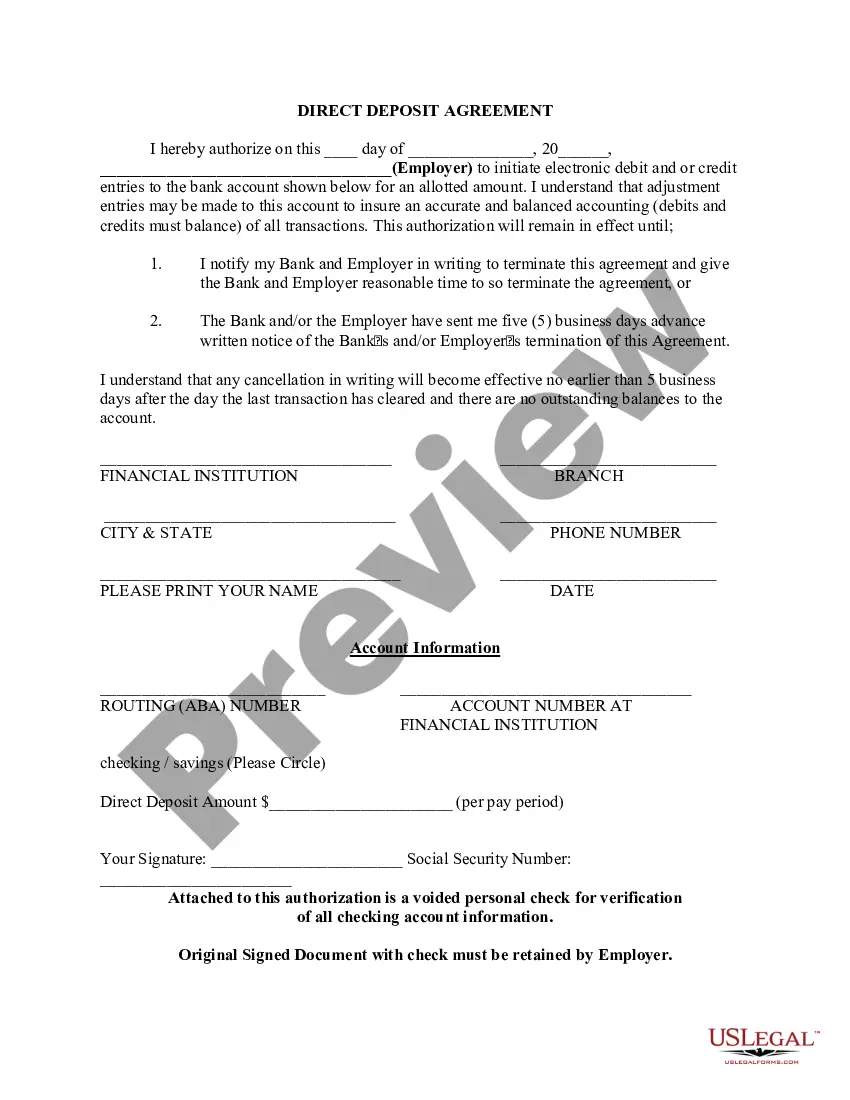
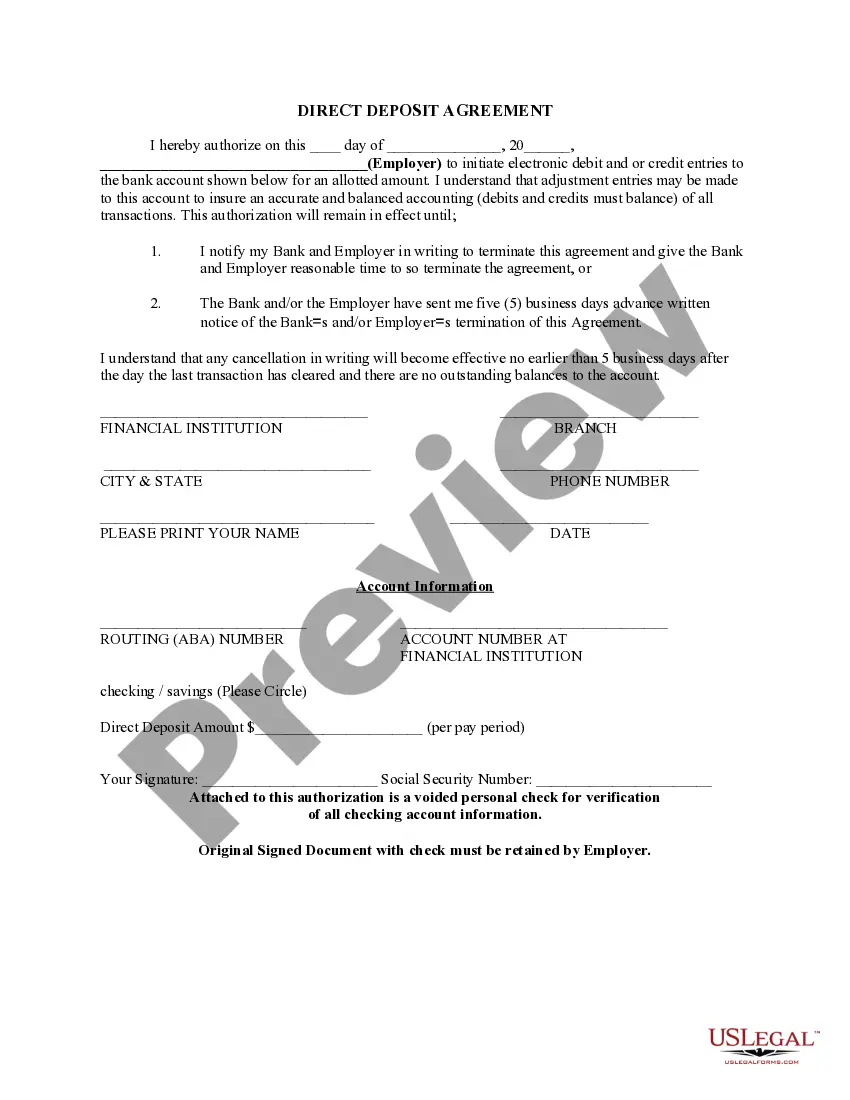
The Direct Deposit Form for OAS is a document that allows employees or recipients of government benefits, such as Social Security, to authorize the electronic transfer of payments directly into their bank accounts. This form streamlines the payment process, ensuring timely and secure transactions while minimizing the need for paper checks. It differs from other payment methods by emphasizing the recurring nature and direct bank deposits of funds.
Form components explained
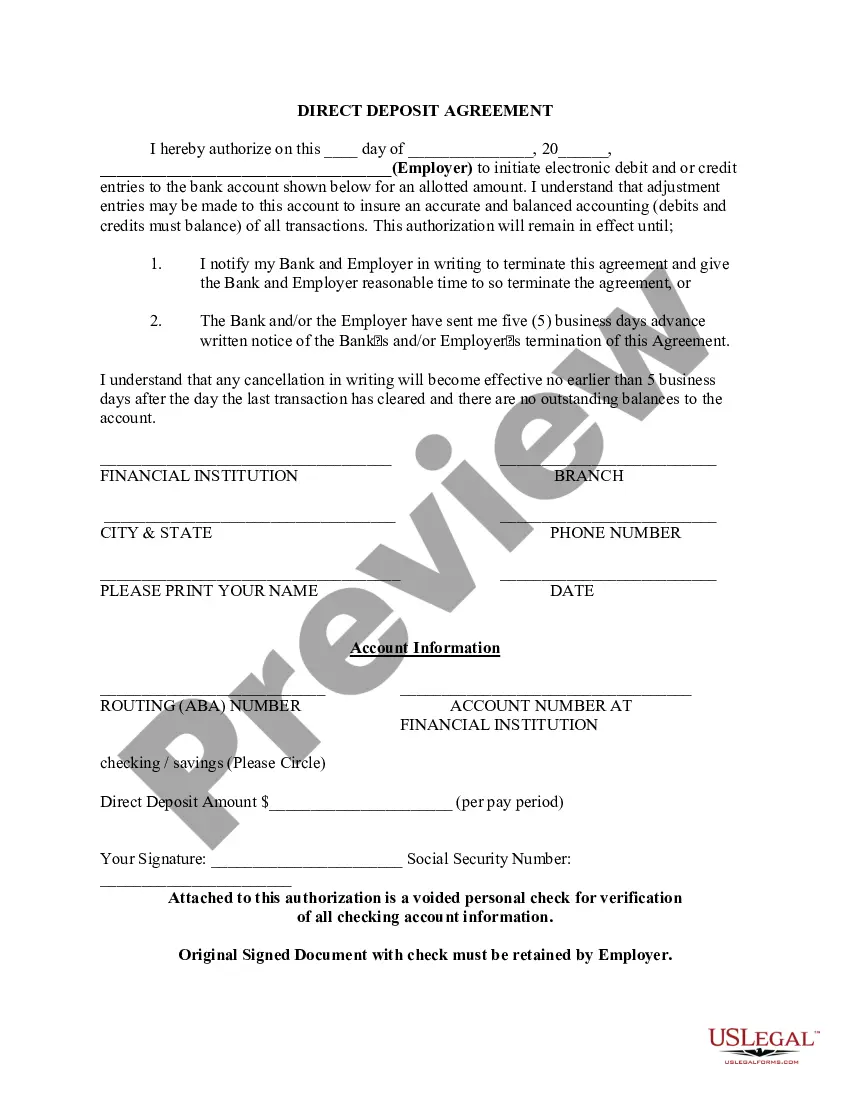
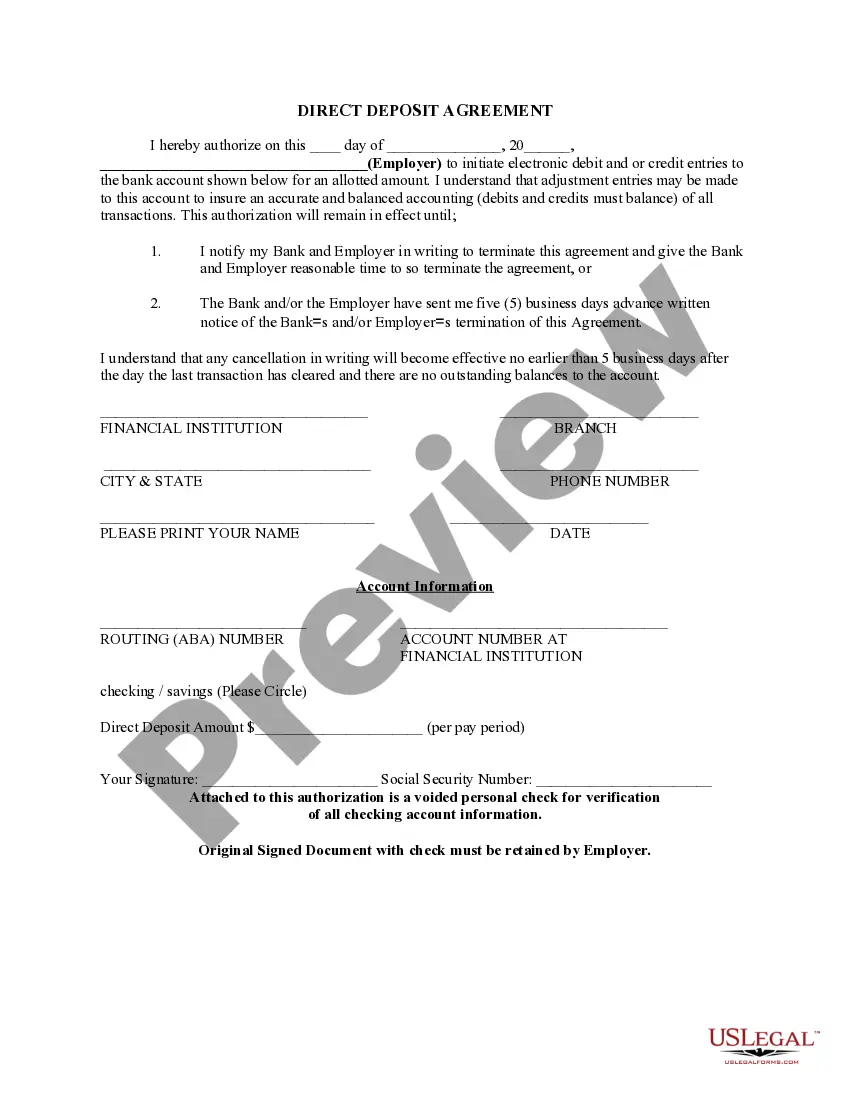
- Date of authorization: The date on which you are authorizing direct deposits.
- Employer information: The name of the employer or organization making the payment.
- Bank details: Information about your financial institution, including routing number and account number.
- Deposit amount: Specify the amount to be deposited per pay period.
- Authorization statement: Your formal approval for the initiation of electronic debits or credits.
- Signature: Your signature confirms the authorization.


When this form is needed
This form is used when you want to set up a direct deposit for recurring payments, such as wages from employment, government entitlements, or social security benefits. Itâs especially useful for ensuring you receive payments promptly and efficiently, without the delays associated with traditional check processing.
Who should use this form
Use this form if you are:
- An employee receiving salary payments directly from your employer.
- A recipient of government benefits, like Social Security or pensions.
- Someone looking to streamline payment processes by eliminating paper checks.
How to prepare this document
- Identify the date when you are filling out the form.
- Fill in the employerâs name and contact information.
- Provide your financial institution details, including the routing number and account number.
- Specify the exact amount to be deposited each pay period.
- Sign and date the form to confirm your authorization.
- Attach a voided check for verification purposes, if required.
Notarization requirements for this form
This form does not typically require notarization unless specified by local law. Always check with your employer or financial institution for any specific requirements that may apply.
Get your form ready online
Our built-in tools help you complete, sign, share, and store your documents in one place.
Make edits, fill in missing information, and update formatting in US Legal Forms—just like you would in MS Word.
Download a copy, print it, send it by email, or mail it via USPS—whatever works best for your next step.
Sign and collect signatures with our SignNow integration. Send to multiple recipients, set reminders, and more. Go Premium to unlock E-Sign.
If this form requires notarization, complete it online through a secure video call—no need to meet a notary in person or wait for an appointment.
We protect your documents and personal data by following strict security and privacy standards.

Make edits, fill in missing information, and update formatting in US Legal Forms—just like you would in MS Word.

Download a copy, print it, send it by email, or mail it via USPS—whatever works best for your next step.

Sign and collect signatures with our SignNow integration. Send to multiple recipients, set reminders, and more. Go Premium to unlock E-Sign.

If this form requires notarization, complete it online through a secure video call—no need to meet a notary in person or wait for an appointment.

We protect your documents and personal data by following strict security and privacy standards.
Mistakes to watch out for
- Incorrectly entering the routing or account number, which can delay deposits.
- Failing to sign the form, rendering it invalid.
- Providing an amount that exceeds the bank's withdrawal limits.
- Not notifying the employer of any changes to bank account information in a timely manner.
Why complete this form online
- Immediate access: Download and complete the form at your convenience.
- Editability: Easily fill in and adjust your information as needed.
- Reliability: Ensure that your payments are received straight into your bank account without interruptions.
Looking for another form?
Form popularity
FAQ
To sign up for direct deposit or to change your account information, call CRA at 1-800-959-8281. You will need your: social insurance number. full name and current address, including postal code.
If you have not received your T4A(OAS) slip, visit Service Canada or call 1-800-277-9914. To view your T4A(OAS) slip information, go to My Account.
Direct deposit is easy to use. Just select it as your refund method through your tax software and type in the account number and routing number. Or, tell your tax preparer you want direct deposit. You can even use direct deposit if you are one of the few people still filing by paper.
Call: 1-800-277-9914 (press "0" to speak with an agent) From outside Canada and the United States, call 613-957-1954. To sign up for direct deposit by phone, we usually have to speak directly to you.
By phone. To sign up for direct deposit or to change your account information, call CRA at 1-800-959-8281. You will need your: social insurance number.
Change banking information To change your banking information and select the date you want the change to take effect, select Direct deposit. Once you made the change and received confirmation, you may use the link at the bottom of the page to view your changes right away.
For information about the OAS program, visit Canada.ca/OAS or call Service Canada at 1-800-277-9914.
Sign in with GCKey. Sign in with your bank. Sign in with your province.
Visiting a Service Canada Centre; or calling (toll-free) 1-800-277-9914.