Direct Deposit Form for Chase
Overview of this form
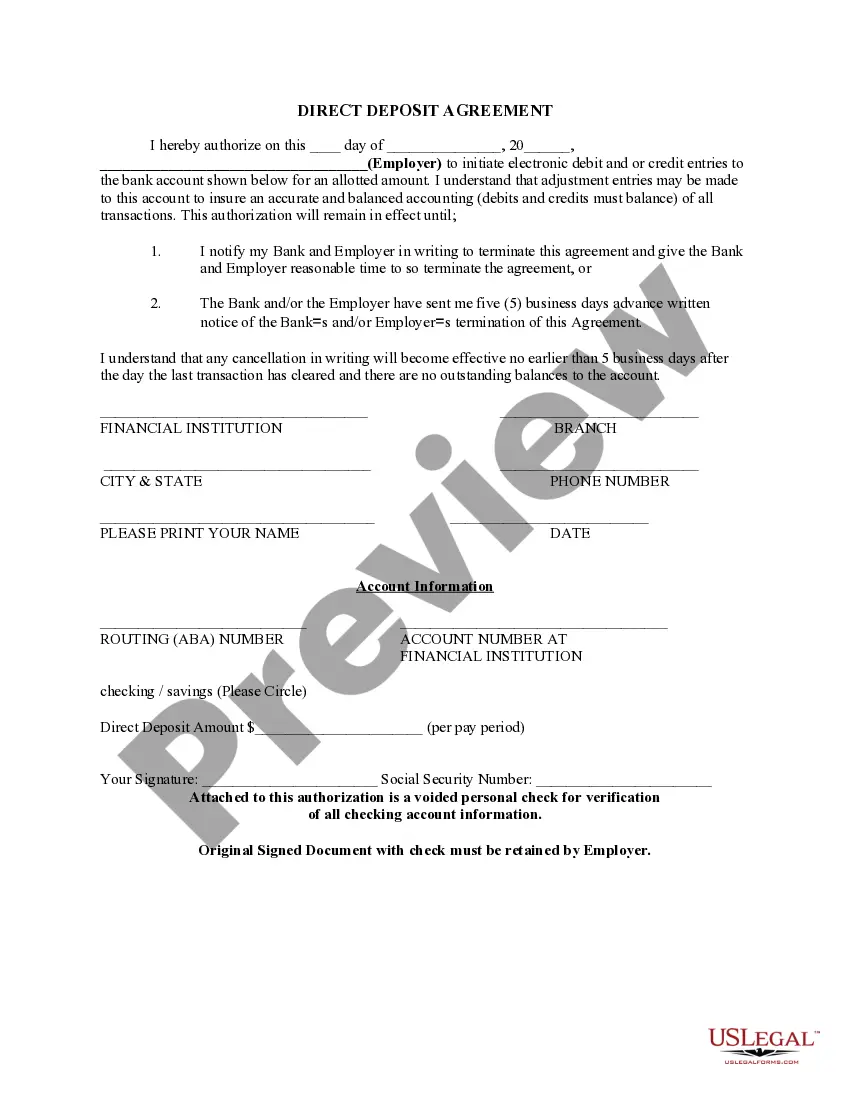
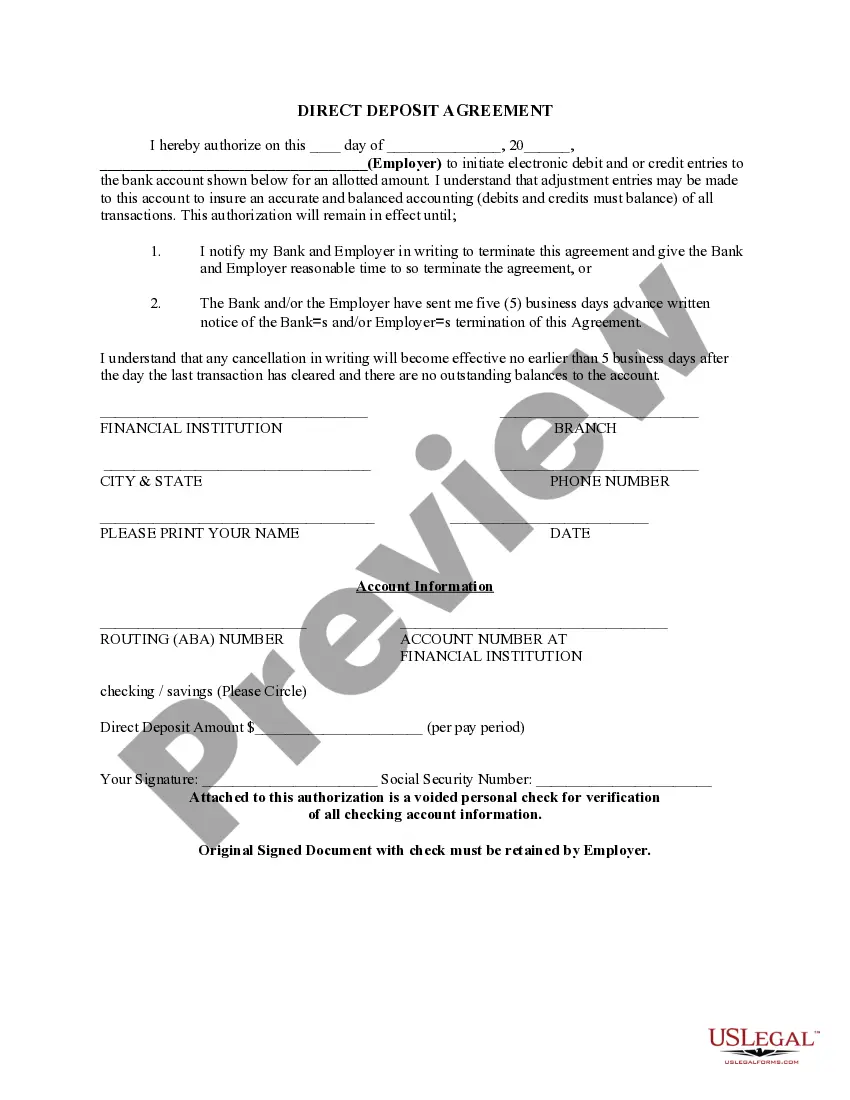
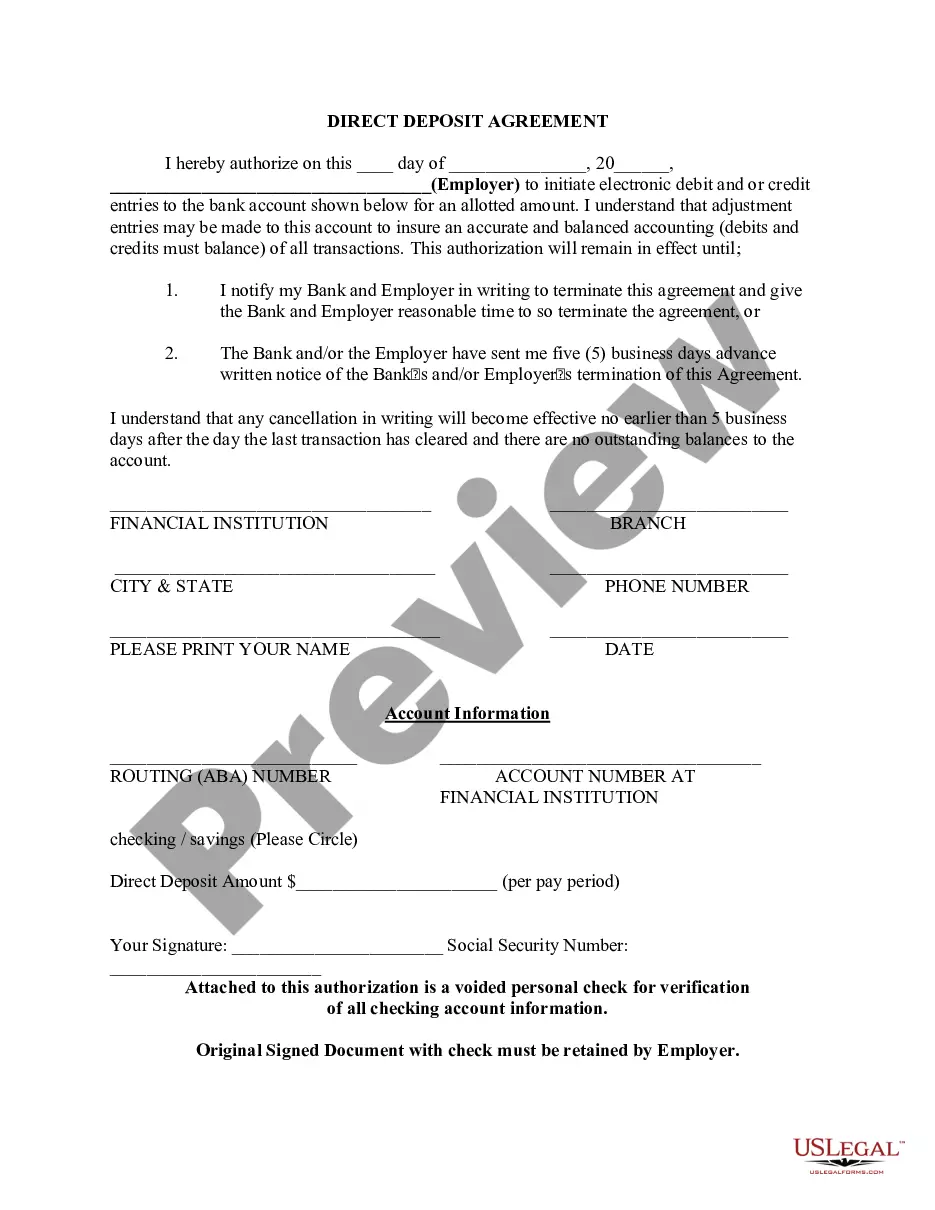
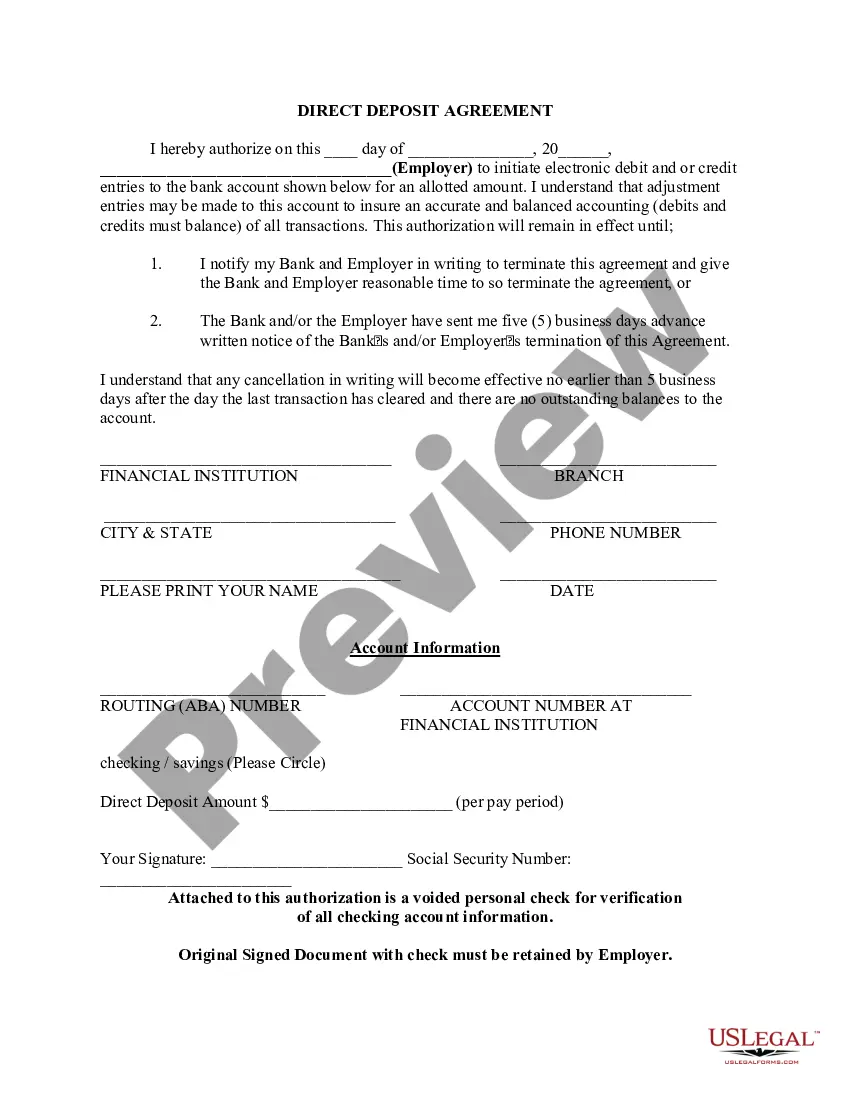
The Direct Deposit Form for Chase is a document that allows an employee or benefit recipient to authorize their employer or the issuing authority to deposit payments directly into their bank account. This form is essential for facilitating seamless payments, ensuring funds are deposited electronically into the specified account, rather than receiving paper checks. It differs from other payment authorization forms by focusing specifically on bank account deposits for recurring payments.
What’s included in this form
- Authorization statement for electronic debit and credit entries.
- Identification of the employer or issuing authority.
- Bank account details, including routing and account numbers.
- Specification of the direct deposit amount per payment period.
- Signature of the employee or benefit recipient.
- Requirements for notifying the bank and employer for termination of the authorization.


When to use this document
This form should be used when you are starting a new job, switching banks, or when you wish to change your existing direct deposit information. It is particularly useful for employees who want to receive their salaries directly into their bank accounts or for individuals receiving regular government benefits, such as Social Security payments. Using this form ensures that funds reach you promptly without delays associated with mailing checks.
Who can use this document
This form is suitable for:
- Employees who receive salary payments.
- Recipients of government benefits, such as Social Security.
- Individuals wishing to set up or modify their direct deposit information.
- Employers who need a reliable method of payment for their employees.
Instructions for completing this form
- Enter the date on which you are completing the form.
- Provide the name of your employer or issuing authority.
- Fill in your bank account details, including the routing number and account number.
- Indicate whether the account is a checking or savings account by circling the appropriate option.
- Specify the amount to be deposited per payment period.
- Sign the form and include your Social Security number for verification.
Notarization guidance
This form does not typically require notarization unless specified by local law. Make sure to check with your employer or financial institution for any additional requirements before submitting the form.
Get your form ready online
Our built-in tools help you complete, sign, share, and store your documents in one place.
Make edits, fill in missing information, and update formatting in US Legal Forms—just like you would in MS Word.
Download a copy, print it, send it by email, or mail it via USPS—whatever works best for your next step.
Sign and collect signatures with our SignNow integration. Send to multiple recipients, set reminders, and more. Go Premium to unlock E-Sign.
If this form requires notarization, complete it online through a secure video call—no need to meet a notary in person or wait for an appointment.
We protect your documents and personal data by following strict security and privacy standards.

Make edits, fill in missing information, and update formatting in US Legal Forms—just like you would in MS Word.

Download a copy, print it, send it by email, or mail it via USPS—whatever works best for your next step.

Sign and collect signatures with our SignNow integration. Send to multiple recipients, set reminders, and more. Go Premium to unlock E-Sign.

If this form requires notarization, complete it online through a secure video call—no need to meet a notary in person or wait for an appointment.

We protect your documents and personal data by following strict security and privacy standards.
Mistakes to watch out for
- Neglecting to fill in the routing or account number accurately.
- Forgetting to circle whether the account is checking or savings.
- Not providing a voided check for account verification.
- Failing to notify the employer of any changes or cancellations promptly.
Benefits of completing this form online
- Convenience of downloading and completing the form from home.
- Editable fields allow for quick and easy updates.
- Immediate access to the form saves time compared to obtaining physical copies.
- No need for manual submissions, reducing the chance of losing documents in transit.
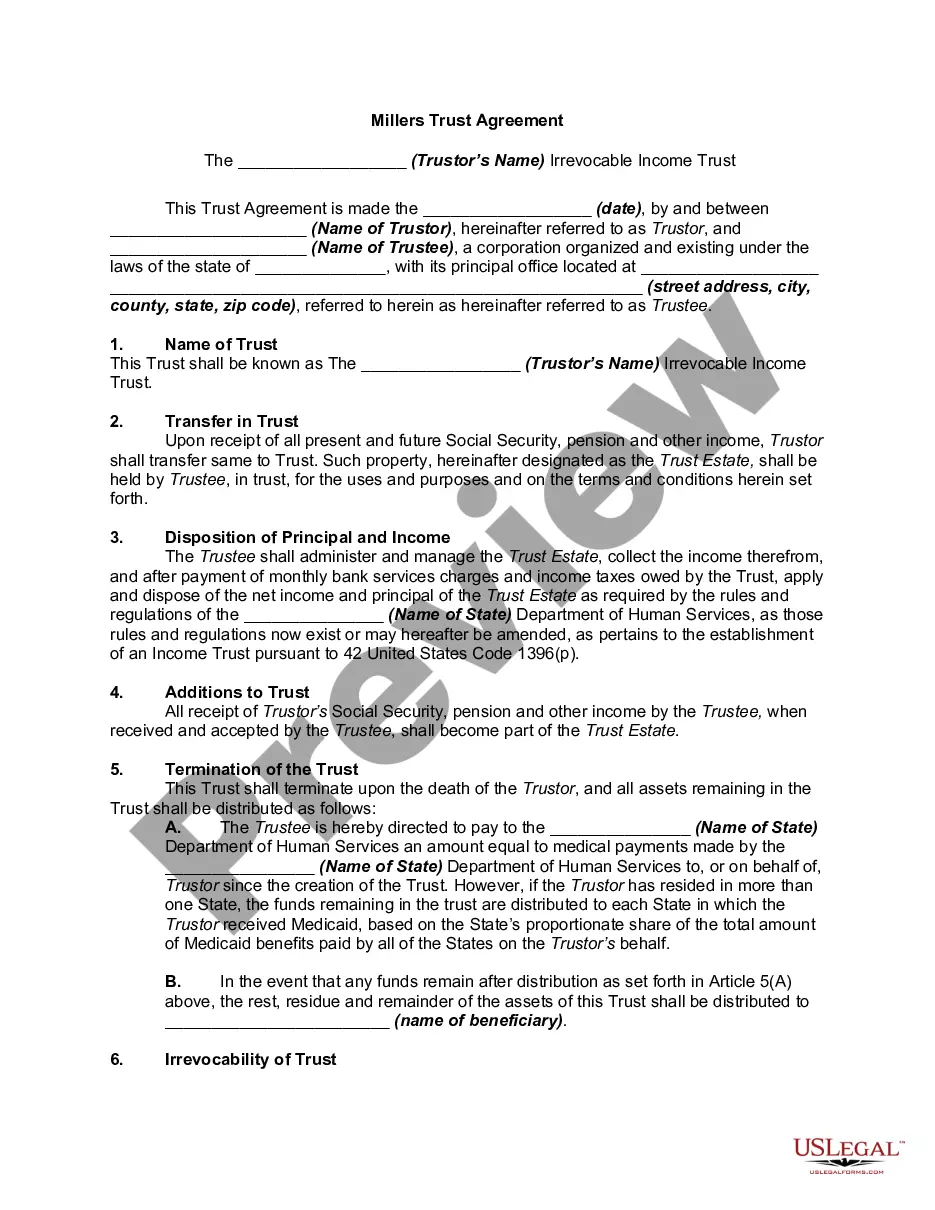
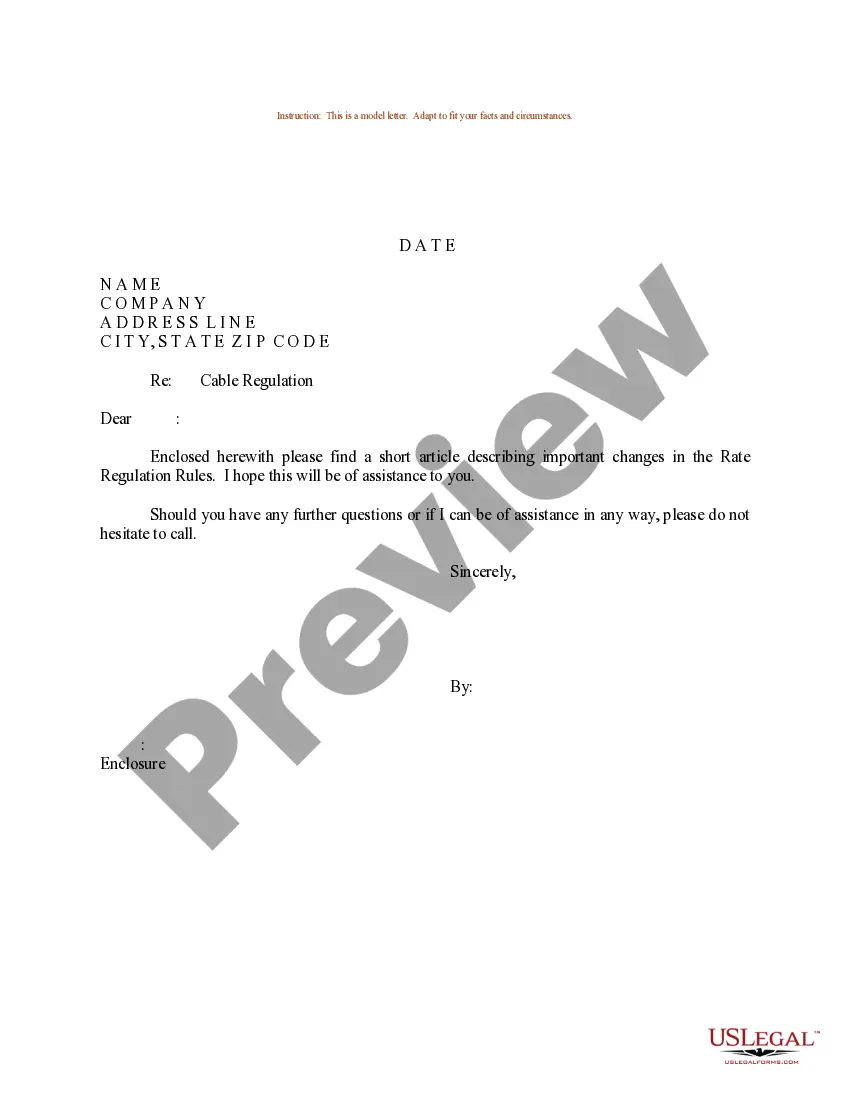
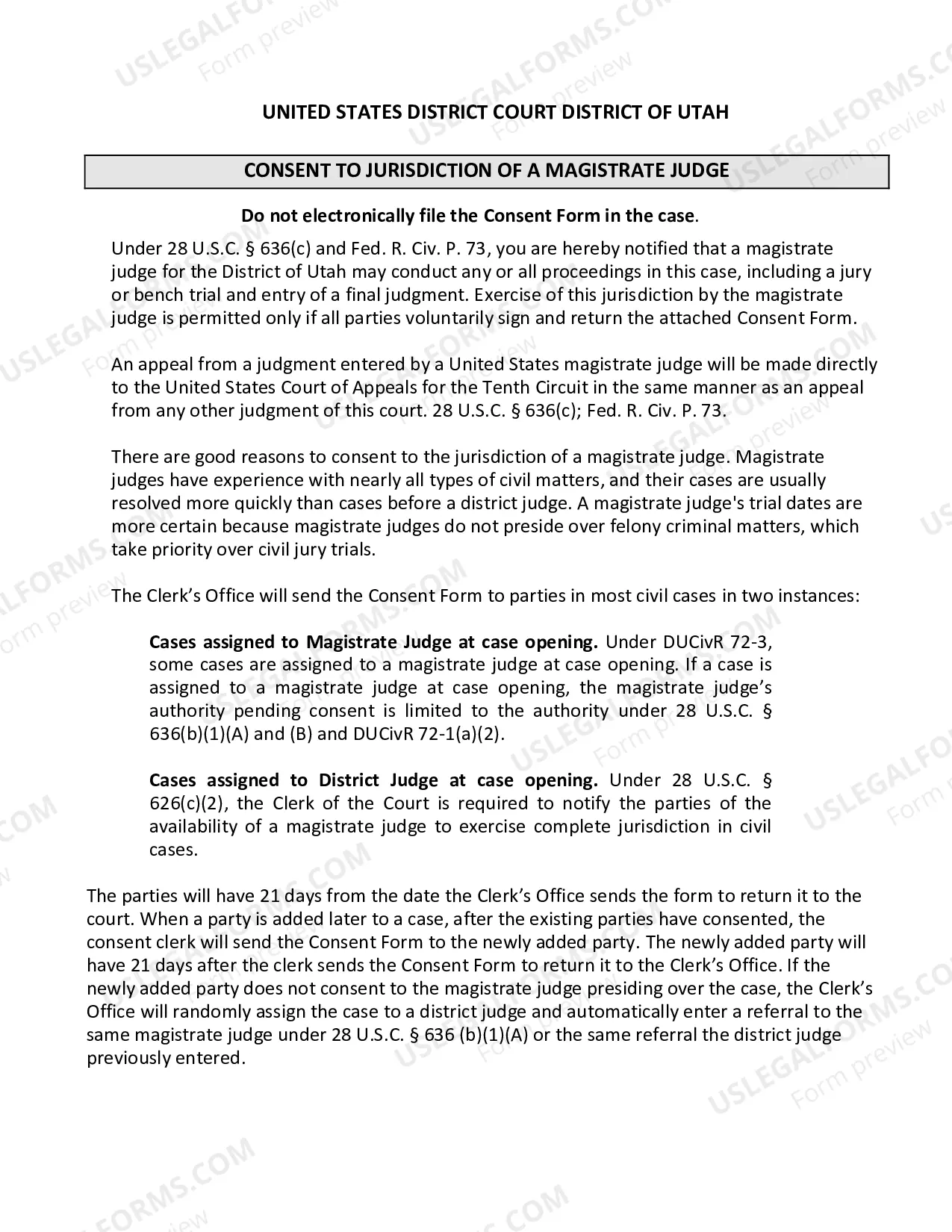
Looking for another form?

Form popularity
FAQ
Sign in to chase.com or the Chase Mobile® app. Choose the checking account you want to receive your direct deposit. We've pre-filled your direct deposit form to save you time. Download, print or email the form.
After signing in, tap the account where you want to receive your direct deposit. Swipe up and tap "Set up direct deposit form" Check that the info is correct or make updates, then tap "Create form" Download, print or email the form.
Print out your Chase deposit slip form (free) Print out an envelope with the deposit-by-mail address for your bank (free) Print out a paid stamp on your envelope ($1, optional) Create an account and save the record of your deposit, including a PDF of the deposit slip for your records (free)
Select the account you want to deposit your payroll to from the dropdown, then click on View and Print and your customized form will be presented to you.Simply print, sign and submit a copy to your employer's payroll department and your part is complete!
Or you can download a blank Direct Deposit Information Form (PDF) and fill in the information yourself. For accounts with checks, a diagram on the form shows you where you can find the information you'll need.