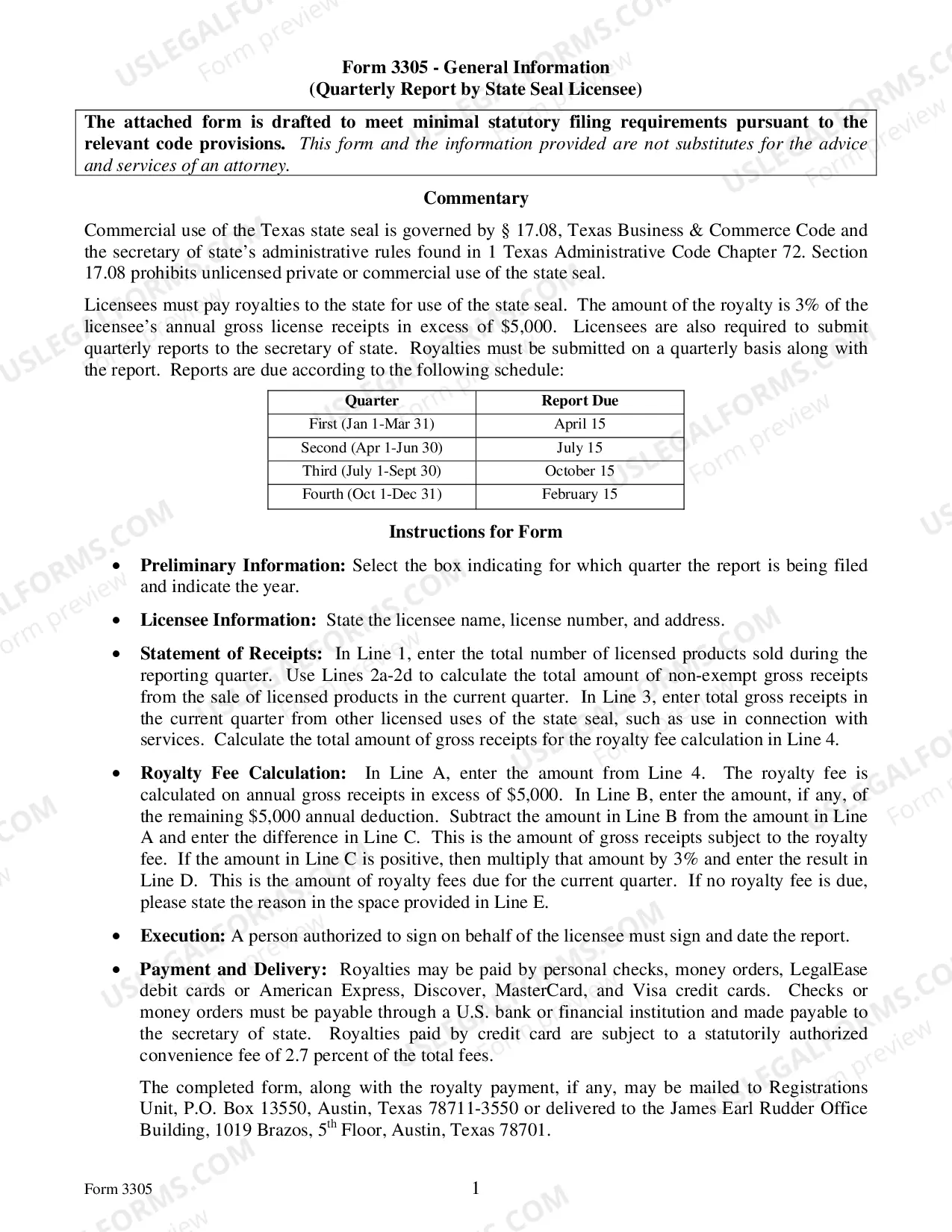
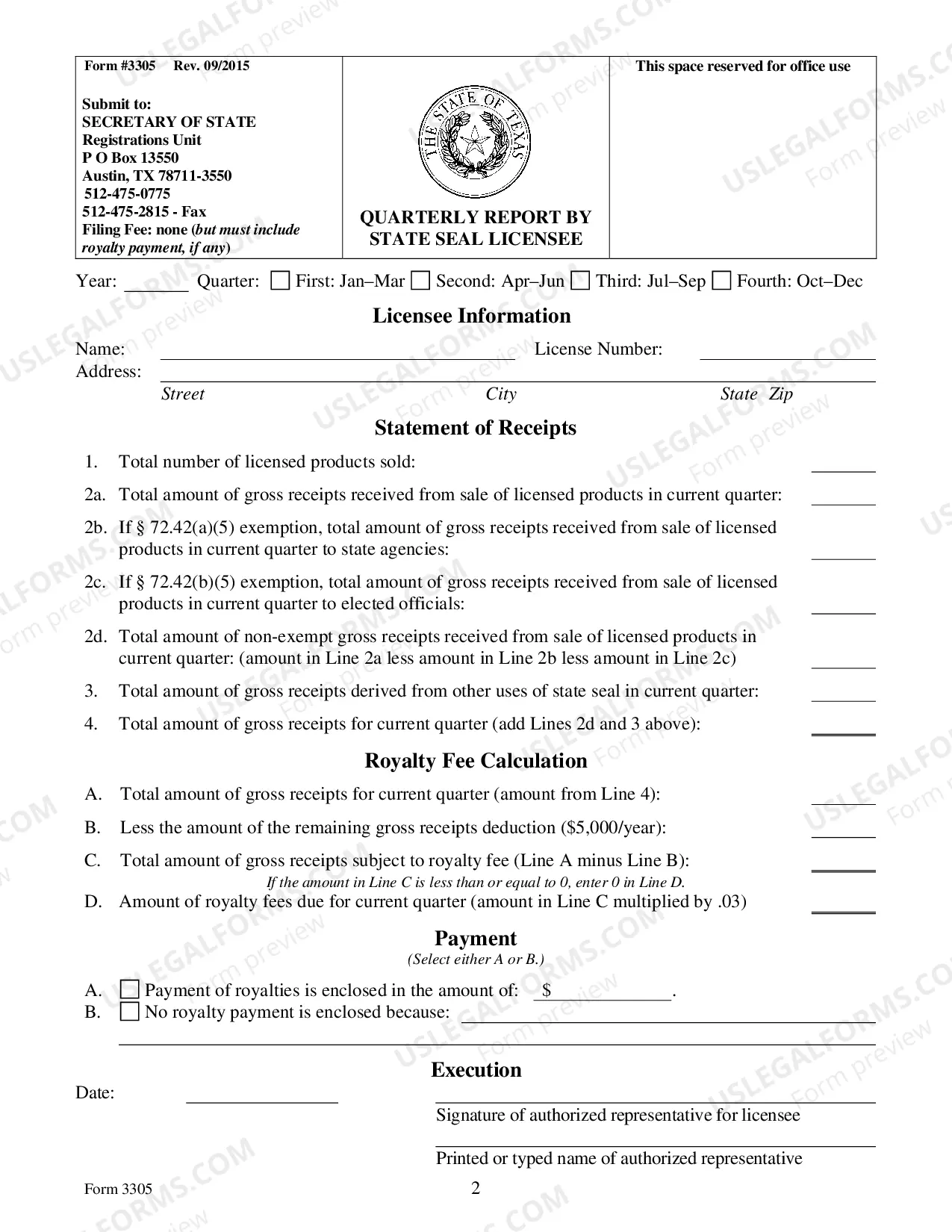
Texas Quarterly Report By State Seal Licensee
Description
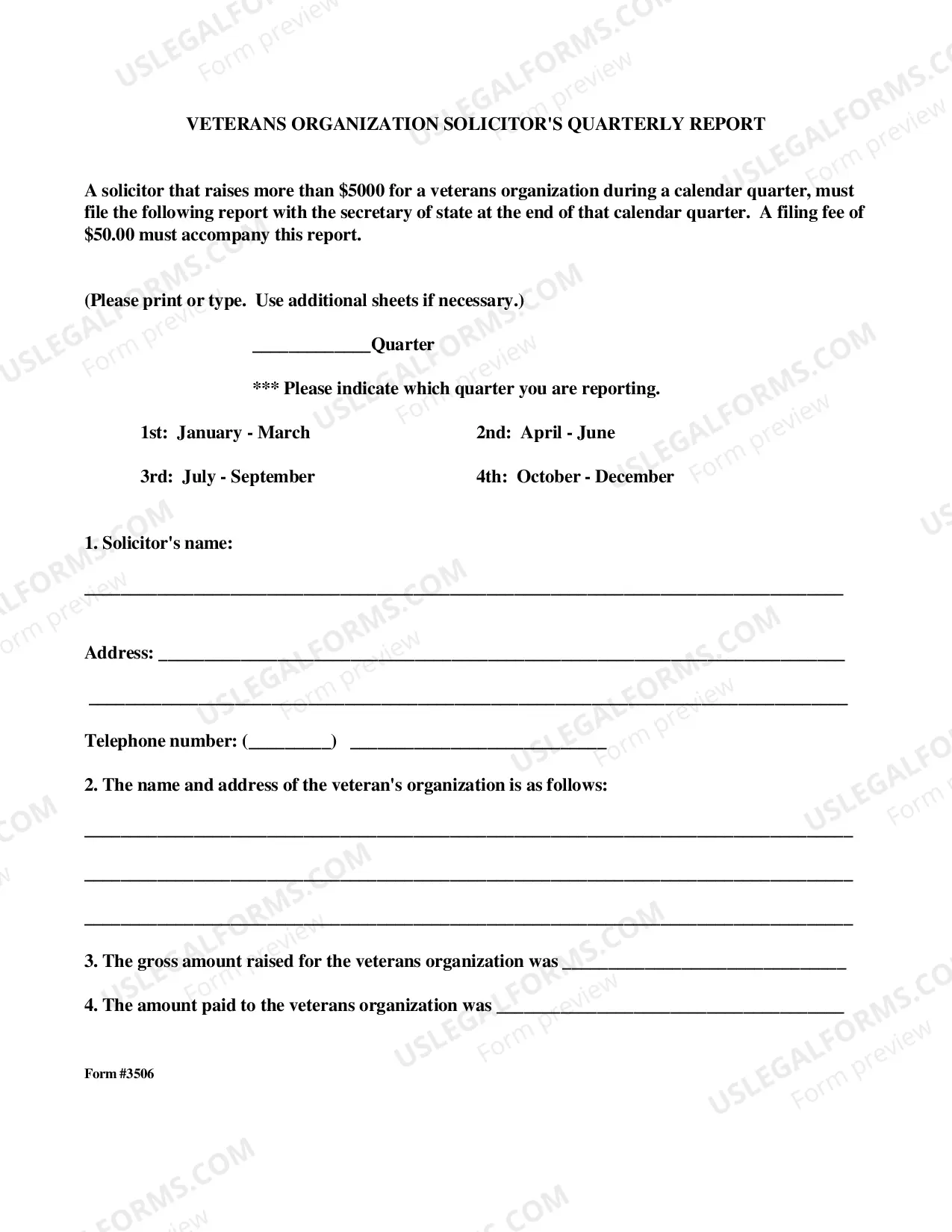
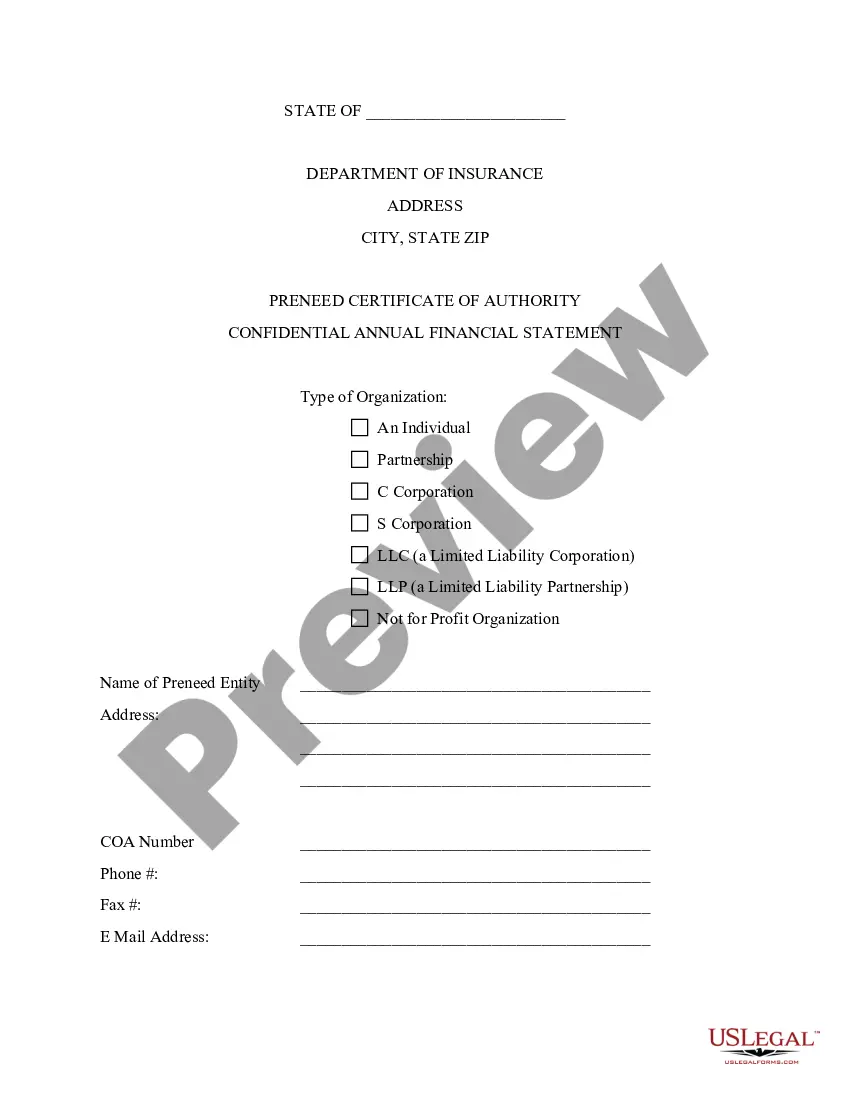
Get your form ready online
Our built-in tools help you complete, sign, share, and store your documents in one place.
Make edits, fill in missing information, and update formatting in US Legal Forms—just like you would in MS Word.
Download a copy, print it, send it by email, or mail it via USPS—whatever works best for your next step.
Sign and collect signatures with our SignNow integration. Send to multiple recipients, set reminders, and more. Go Premium to unlock E-Sign.
If this form requires notarization, complete it online through a secure video call—no need to meet a notary in person or wait for an appointment.
We protect your documents and personal data by following strict security and privacy standards.

Make edits, fill in missing information, and update formatting in US Legal Forms—just like you would in MS Word.

Download a copy, print it, send it by email, or mail it via USPS—whatever works best for your next step.

Sign and collect signatures with our SignNow integration. Send to multiple recipients, set reminders, and more. Go Premium to unlock E-Sign.

If this form requires notarization, complete it online through a secure video call—no need to meet a notary in person or wait for an appointment.

We protect your documents and personal data by following strict security and privacy standards.
Looking for another form?
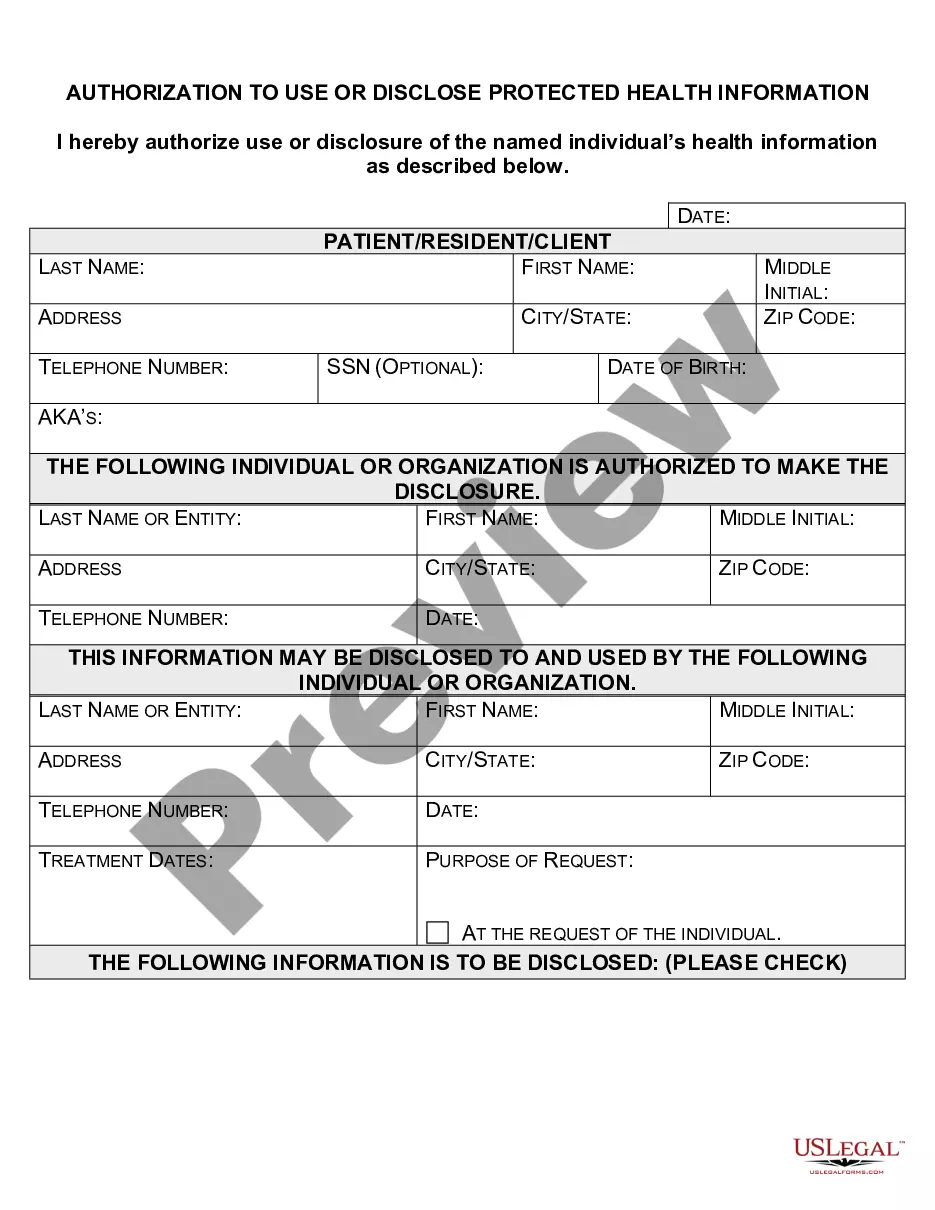
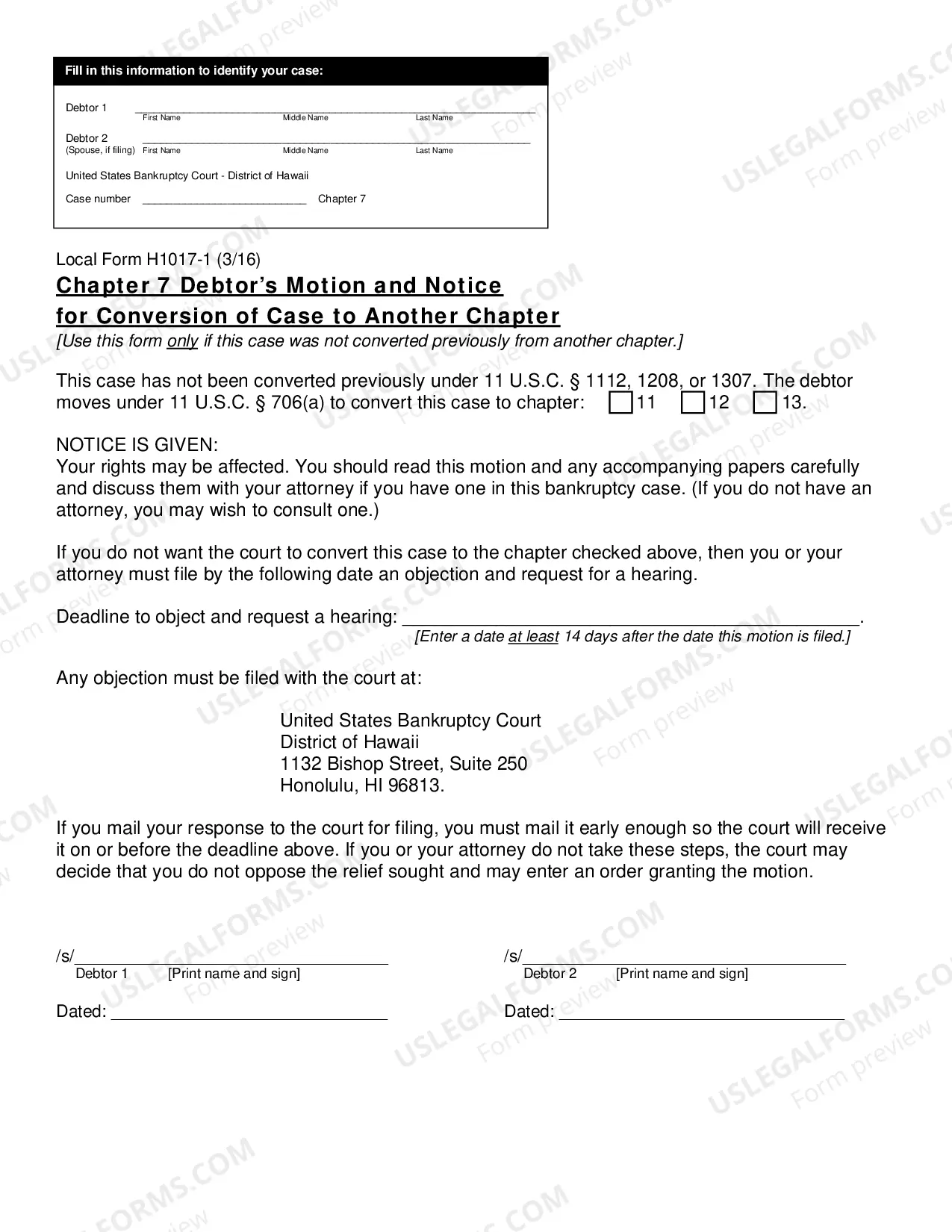

How to fill out Texas Quarterly Report By State Seal Licensee?
Preparing official paperwork can be a real burden if you don’t have ready-to-use fillable templates. With the US Legal Forms online library of formal documentation, you can be confident in the blanks you find, as all of them comply with federal and state laws and are examined by our specialists. So if you need to prepare Texas Quarterly Report By State Seal Licensee, our service is the perfect place to download it.
Obtaining your Texas Quarterly Report By State Seal Licensee from our catalog is as simple as ABC. Previously authorized users with a valid subscription need only log in and click the Download button after they find the correct template. Later, if they need to, users can get the same document from the My Forms tab of their profile. However, even if you are new to our service, registering with a valid subscription will take only a few moments. Here’s a brief guideline for you:
- Document compliance check. You should carefully review the content of the form you want and check whether it suits your needs and complies with your state law requirements. Previewing your document and looking through its general description will help you do just that.
- Alternative search (optional). If there are any inconsistencies, browse the library using the Search tab on the top of the page until you find an appropriate blank, and click Buy Now once you see the one you want.
- Account creation and form purchase. Create an account with US Legal Forms. After account verification, log in and select your most suitable subscription plan. Make a payment to continue (PayPal and credit card options are available).
- Template download and further usage. Select the file format for your Texas Quarterly Report By State Seal Licensee and click Download to save it on your device. Print it to complete your papers manually, or use a multi-featured online editor to prepare an electronic copy faster and more effectively.
Haven’t you tried US Legal Forms yet? Subscribe to our service now to obtain any official document quickly and easily any time you need to, and keep your paperwork in order!
Form popularity
FAQ
To look up an LLC in Texas, use the Texas Business Entity Search to see if the name you want is available before submitting a request to reserve it 1. The SOSDirect portal of the Texas Secretary of State allows you to look for corporate entities and see if a name is available.
If you wish the secretary of state to provide a preliminary determination on name availability, you may call (512) 463-5555, dial 7-1-1 for relay services, or e-mail your name inquiry to Corporations Section.
You can find information on any corporation or business entity in Texas or another state by performing a search on the Secretary of State website of the state or territory where that corporation is registered.
The Seal of the State shall be a star of five points, encircled by olive and live oak branches, and the words, "The State of Texas." ? Texas Constitution, article IV, section 19.
The Texas SOS File number is the number assigned to an entity registered with the Texas Secretary of State. Registered Agent Name.
The filing number is the unique 10-digit number assigned by the secretary of state to each business organization, name registration, or name reservation filed with the secretary of state. If you are unsure of the filing number, you may wish to perform a Find Entity search by entity name.
The seals symbolize the Kingdom of Spain (1519-1821), the Kingdom of France (1685-1690), the United Mexican States (1821-1836), Republic of Texas (1836-1845), Confederate States of America (1861-1865), and the United States of America (1845-1861; 1865-present).