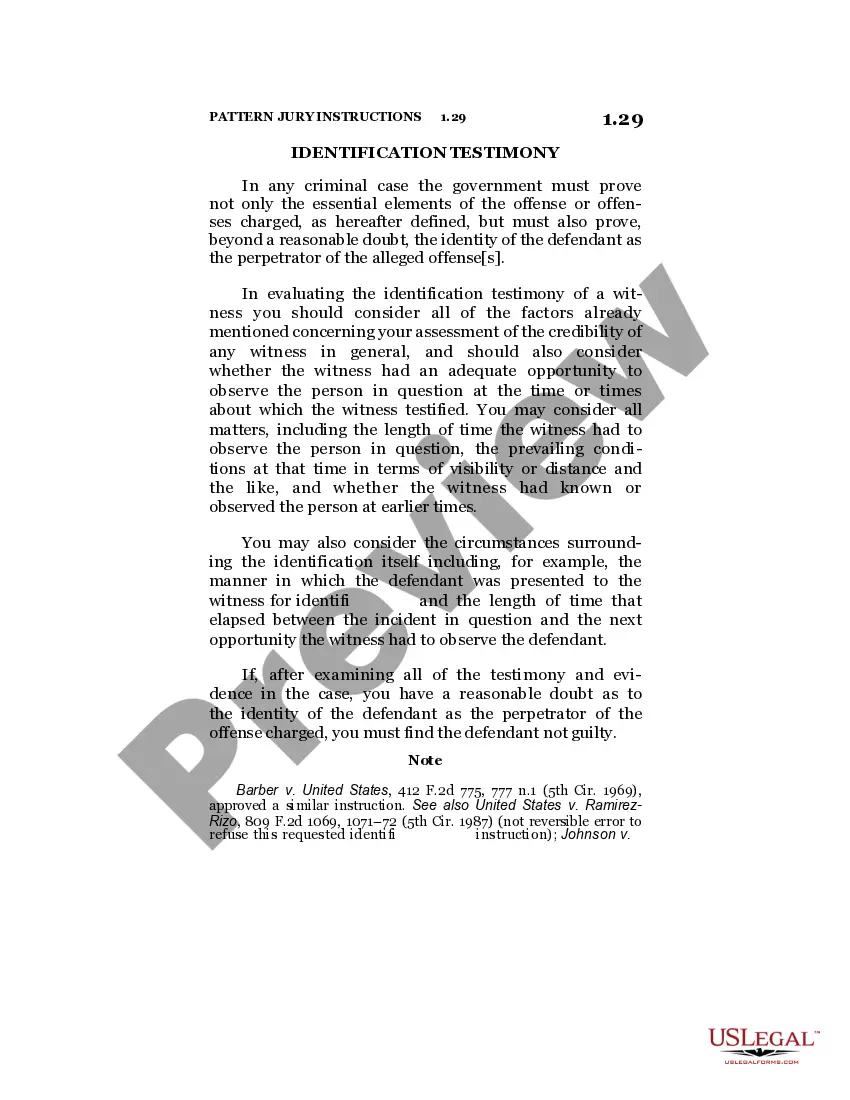
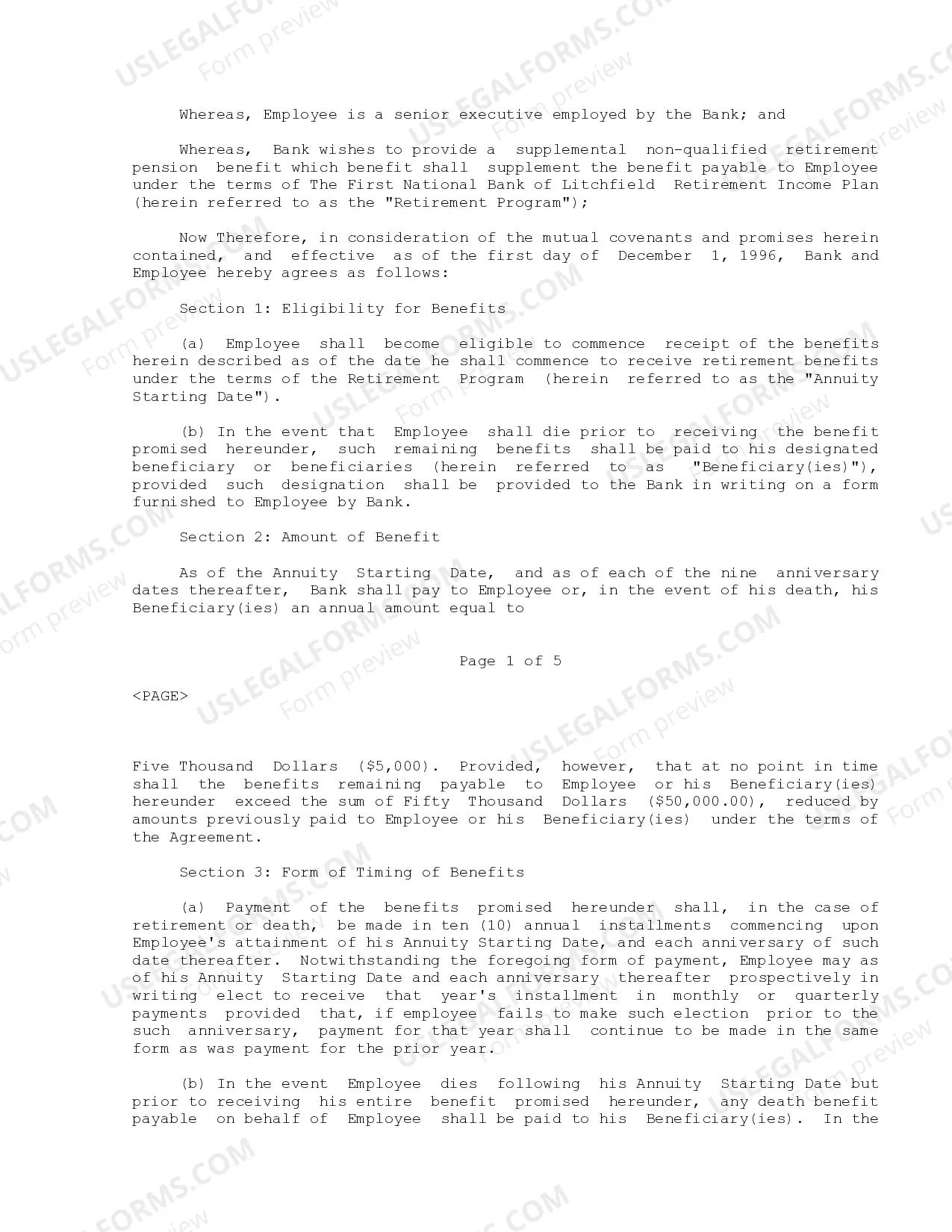
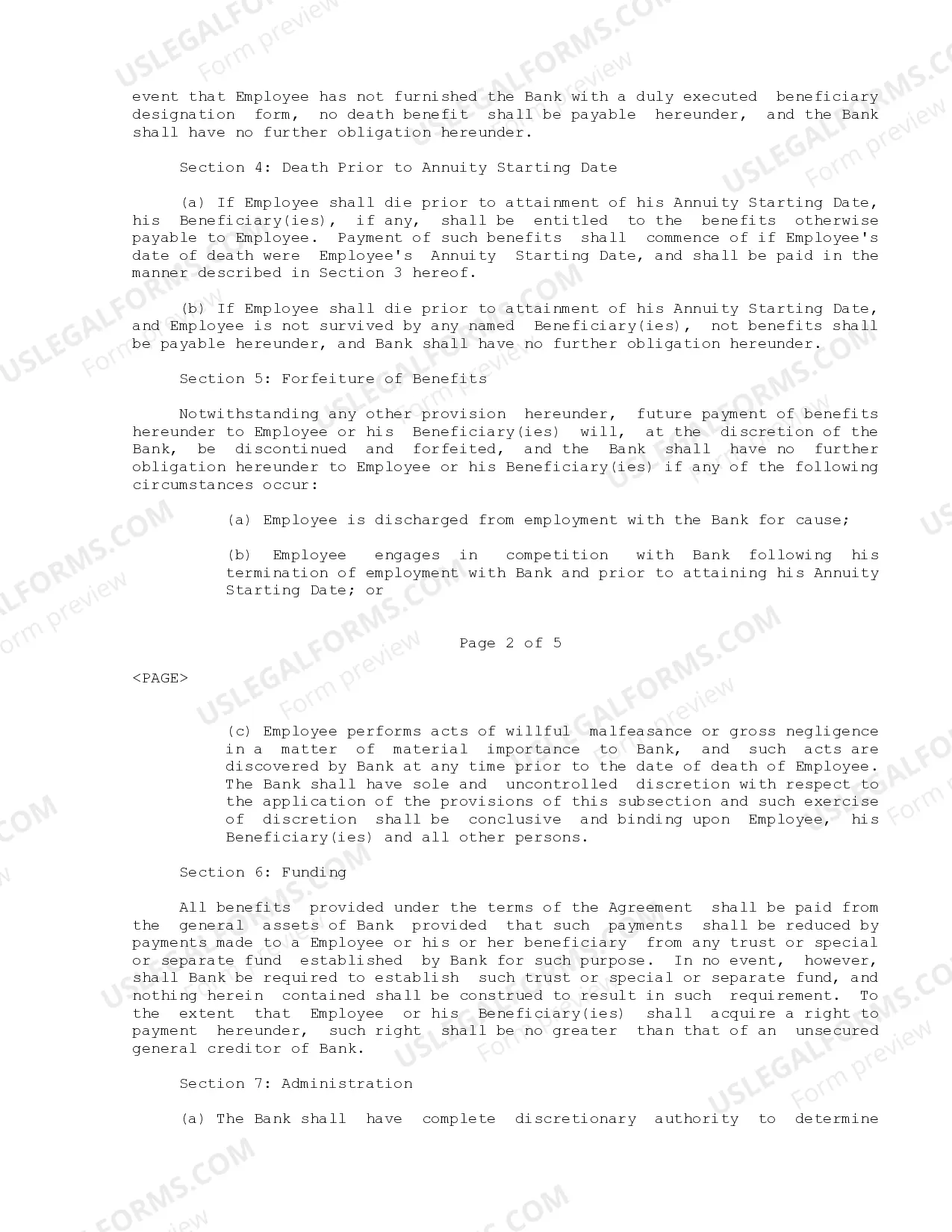
Texas Employee Retirement Agreement
Description
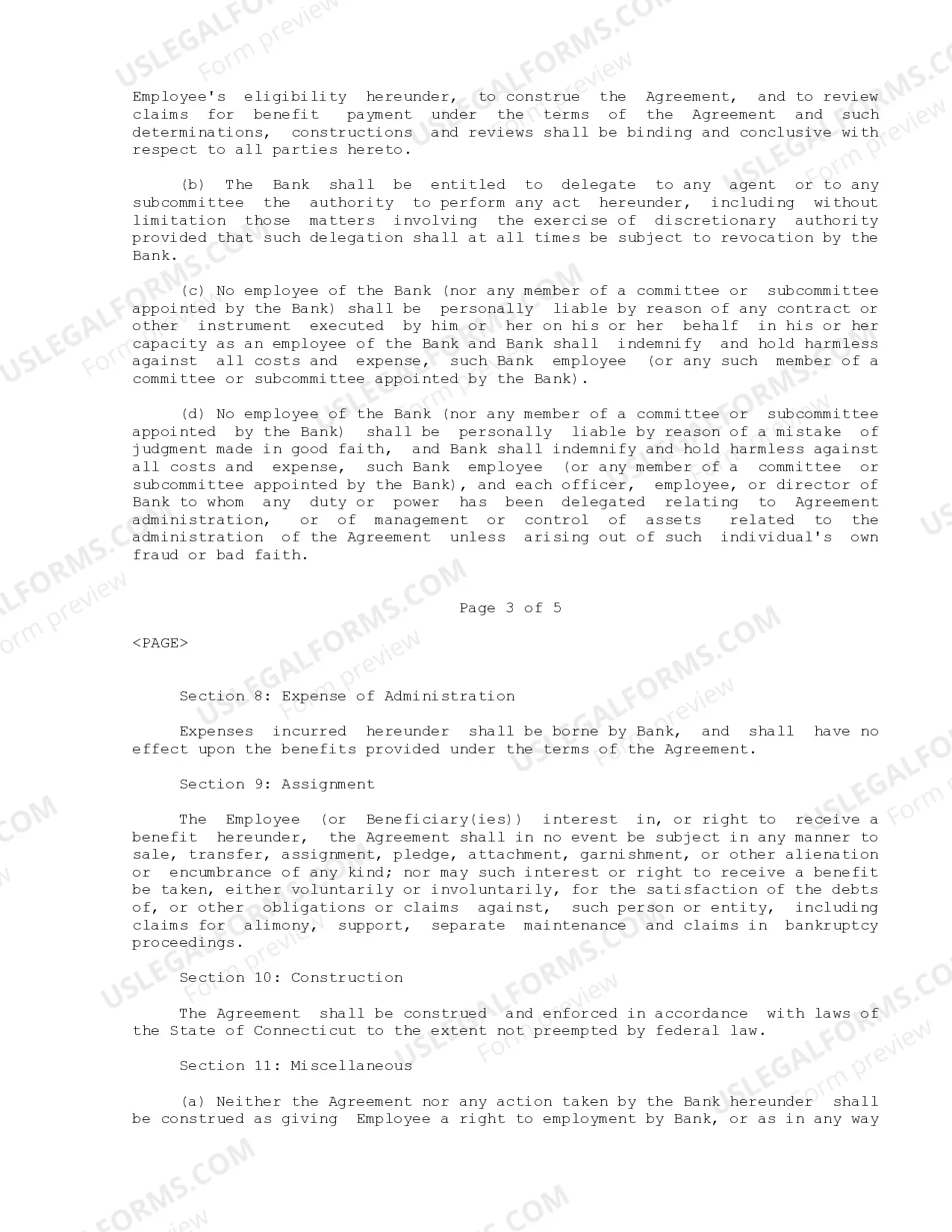
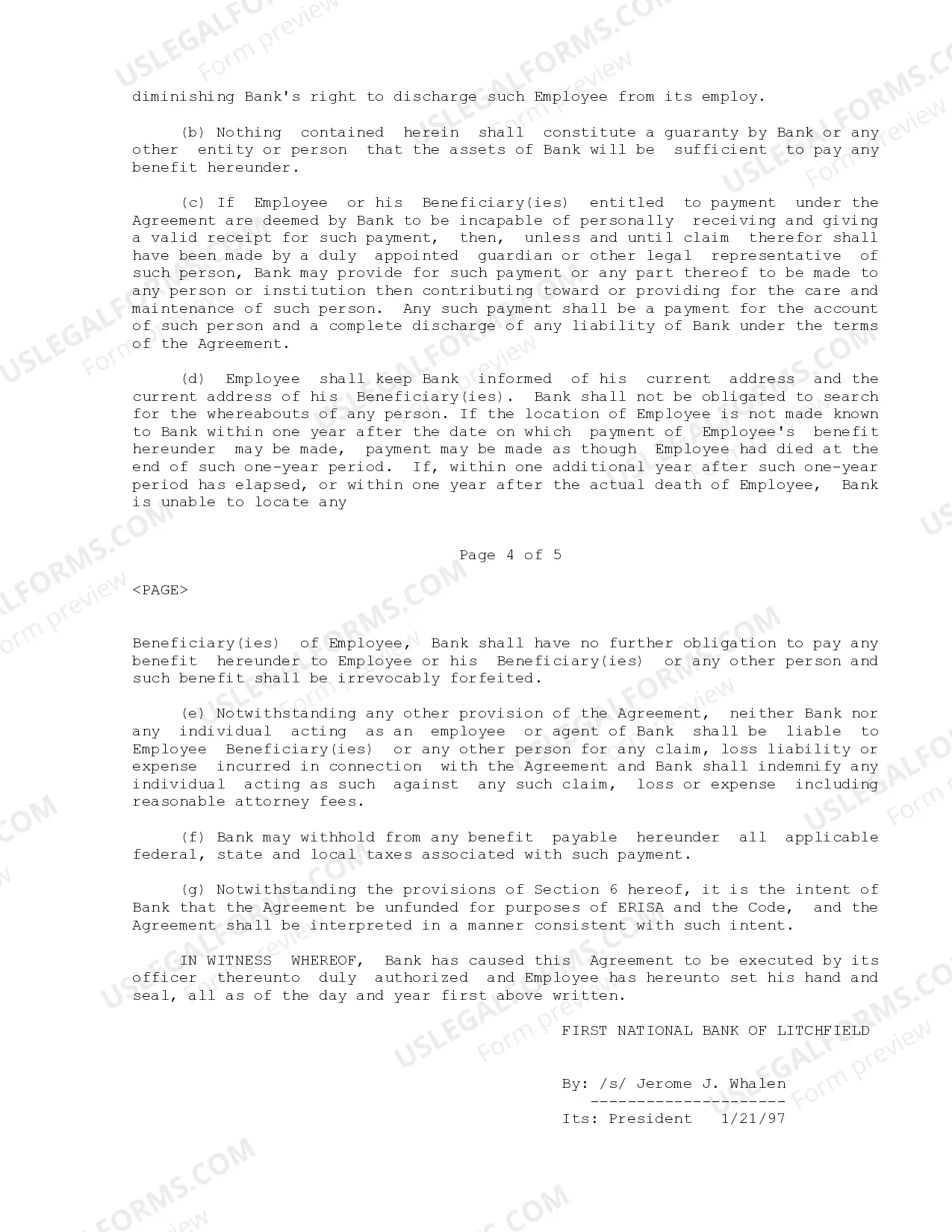

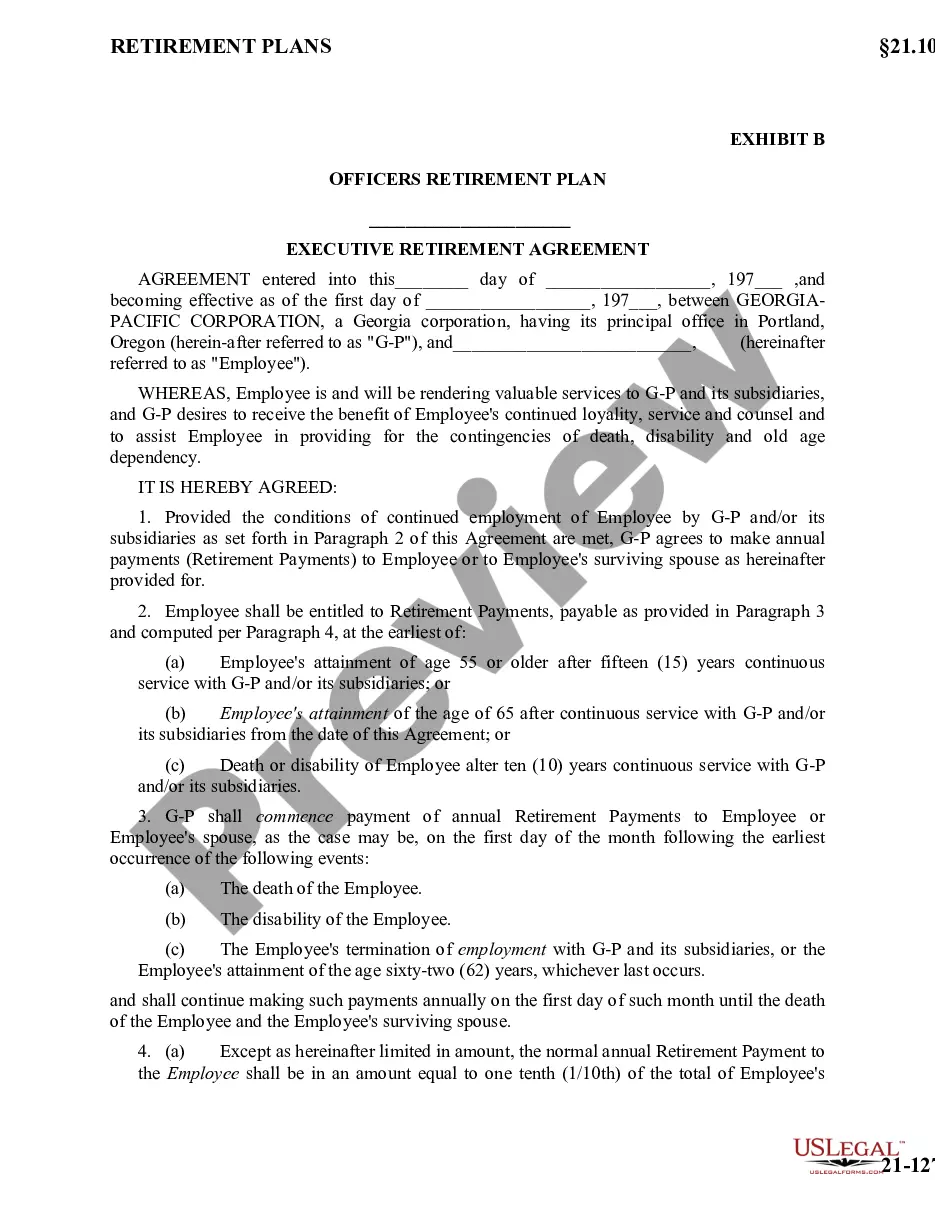
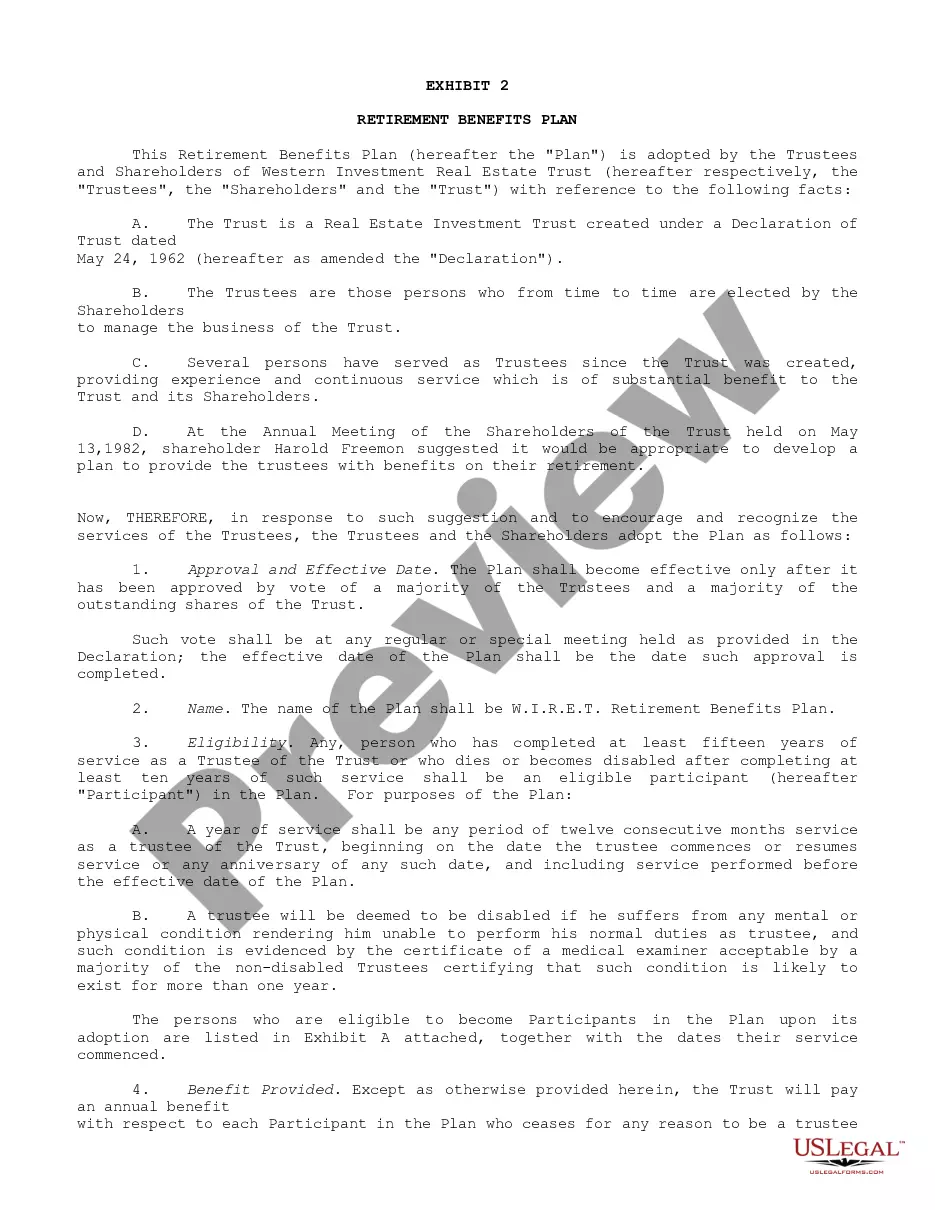
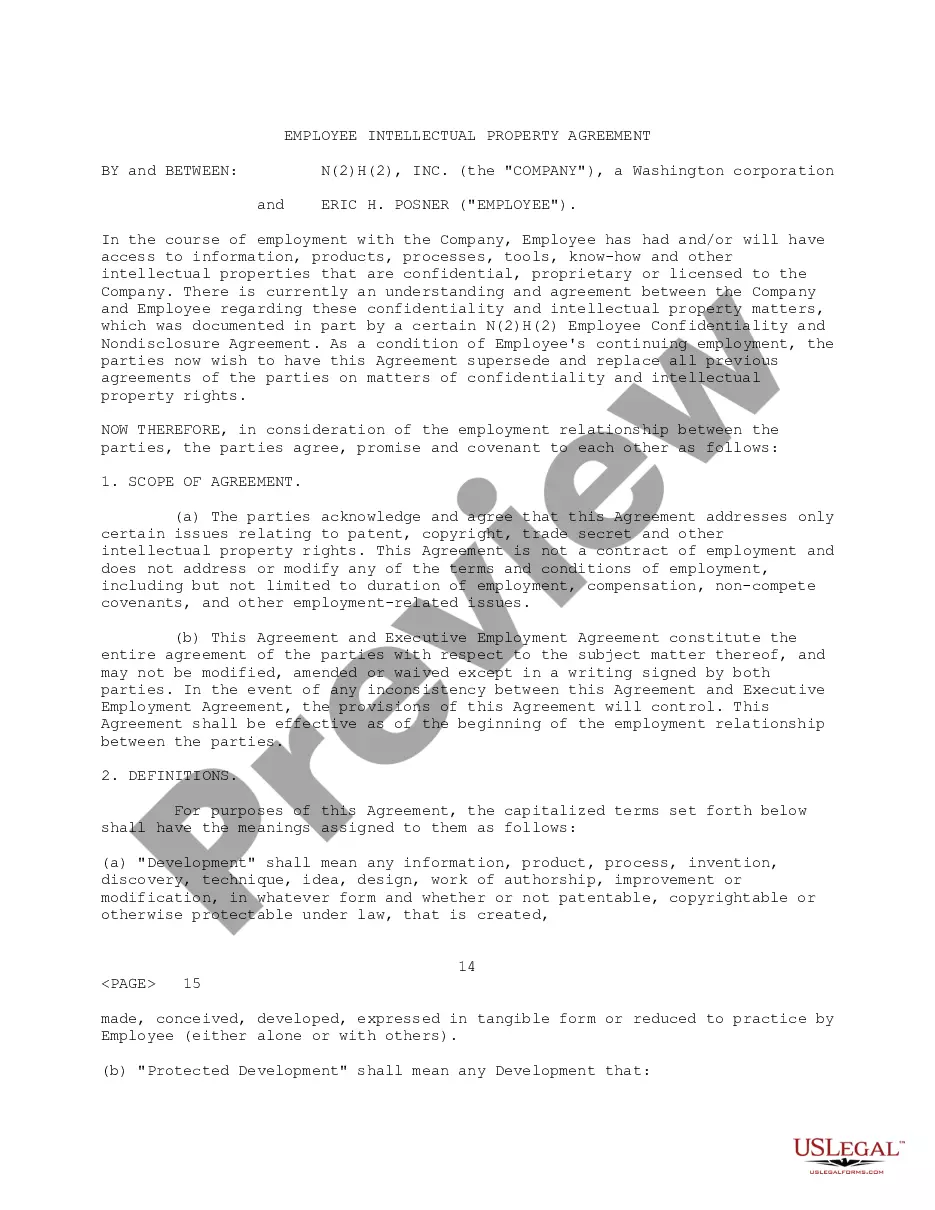
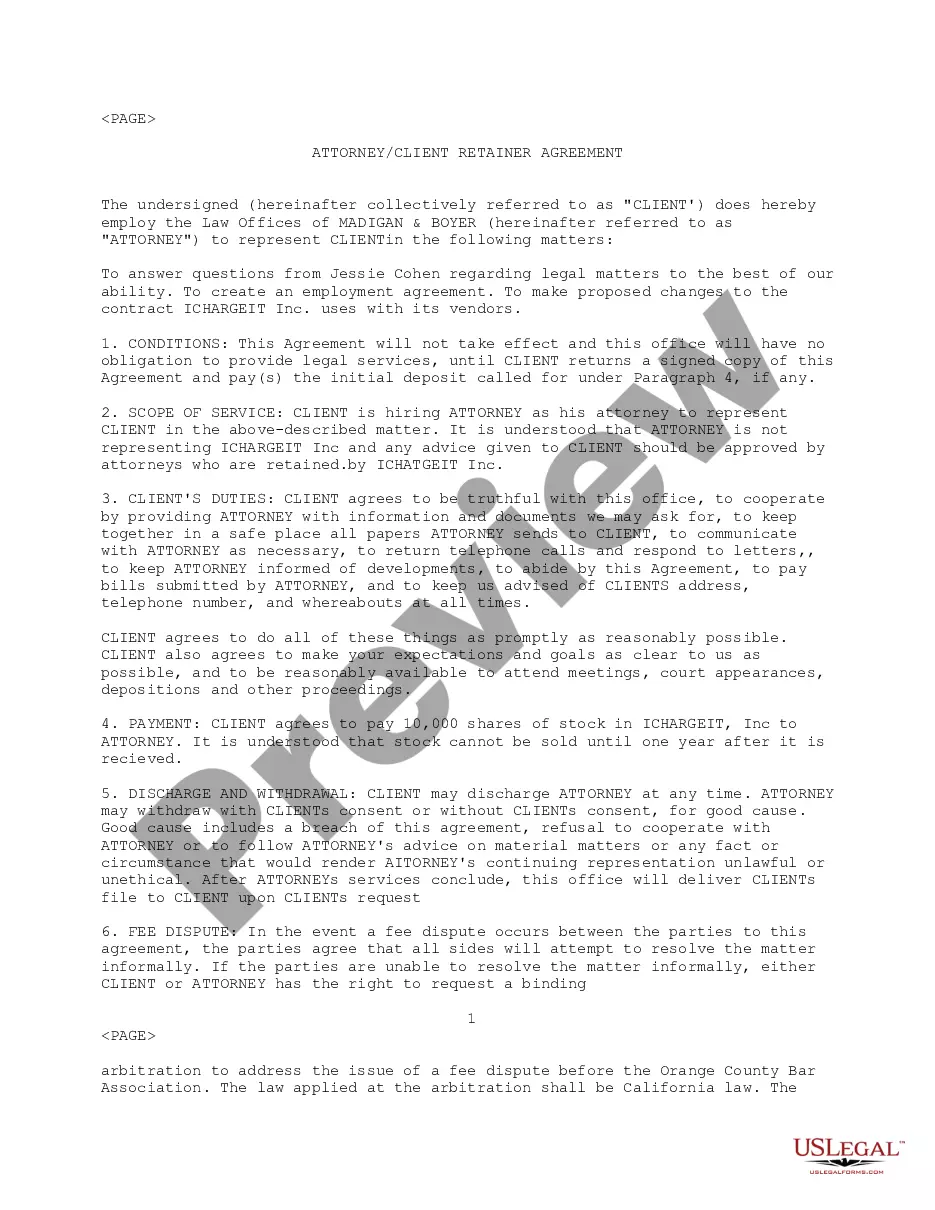
Get your form ready online
Our built-in tools help you complete, sign, share, and store your documents in one place.
Make edits, fill in missing information, and update formatting in US Legal Forms—just like you would in MS Word.
Download a copy, print it, send it by email, or mail it via USPS—whatever works best for your next step.
Sign and collect signatures with our SignNow integration. Send to multiple recipients, set reminders, and more. Go Premium to unlock E-Sign.
If this form requires notarization, complete it online through a secure video call—no need to meet a notary in person or wait for an appointment.
We protect your documents and personal data by following strict security and privacy standards.

Make edits, fill in missing information, and update formatting in US Legal Forms—just like you would in MS Word.

Download a copy, print it, send it by email, or mail it via USPS—whatever works best for your next step.

Sign and collect signatures with our SignNow integration. Send to multiple recipients, set reminders, and more. Go Premium to unlock E-Sign.

If this form requires notarization, complete it online through a secure video call—no need to meet a notary in person or wait for an appointment.

We protect your documents and personal data by following strict security and privacy standards.
Looking for another form?



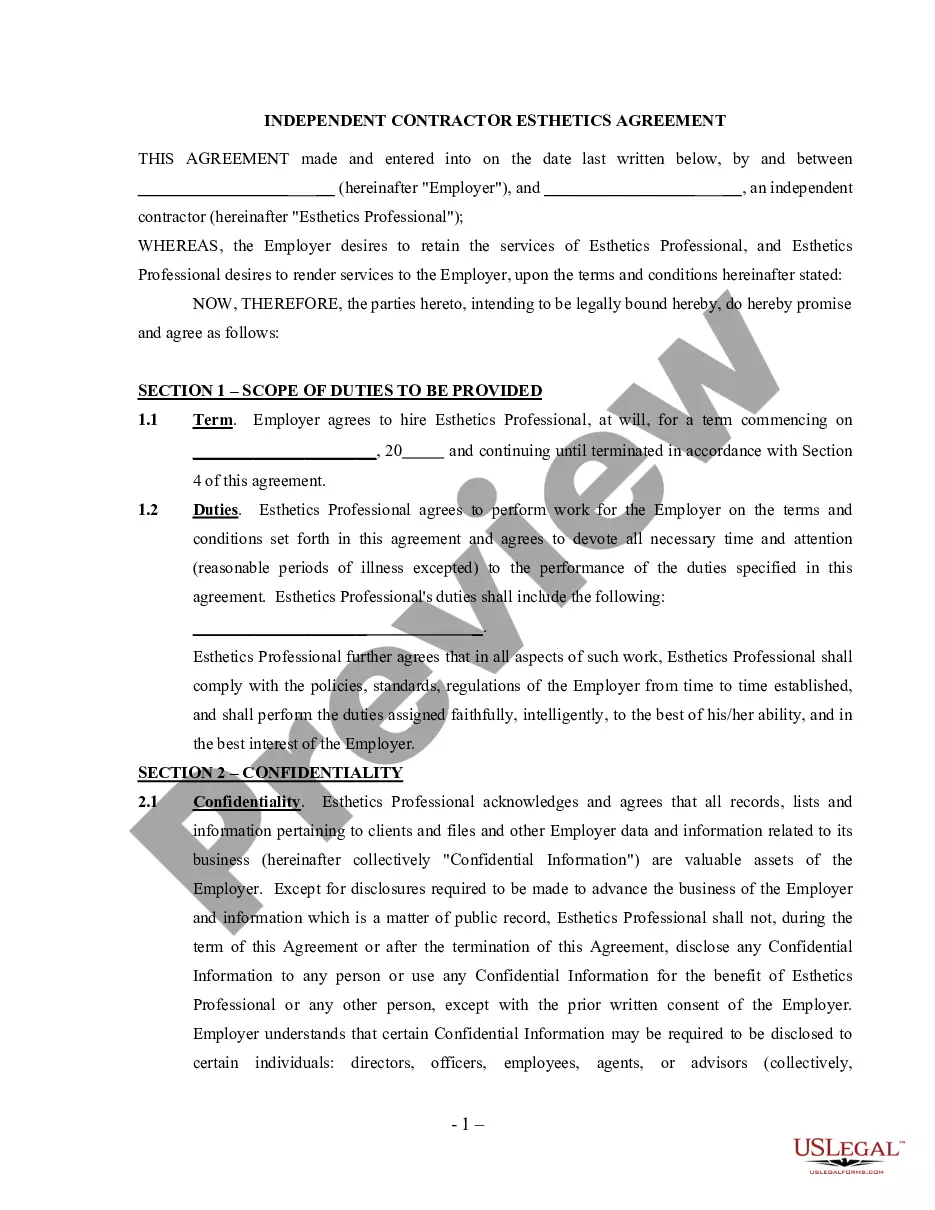
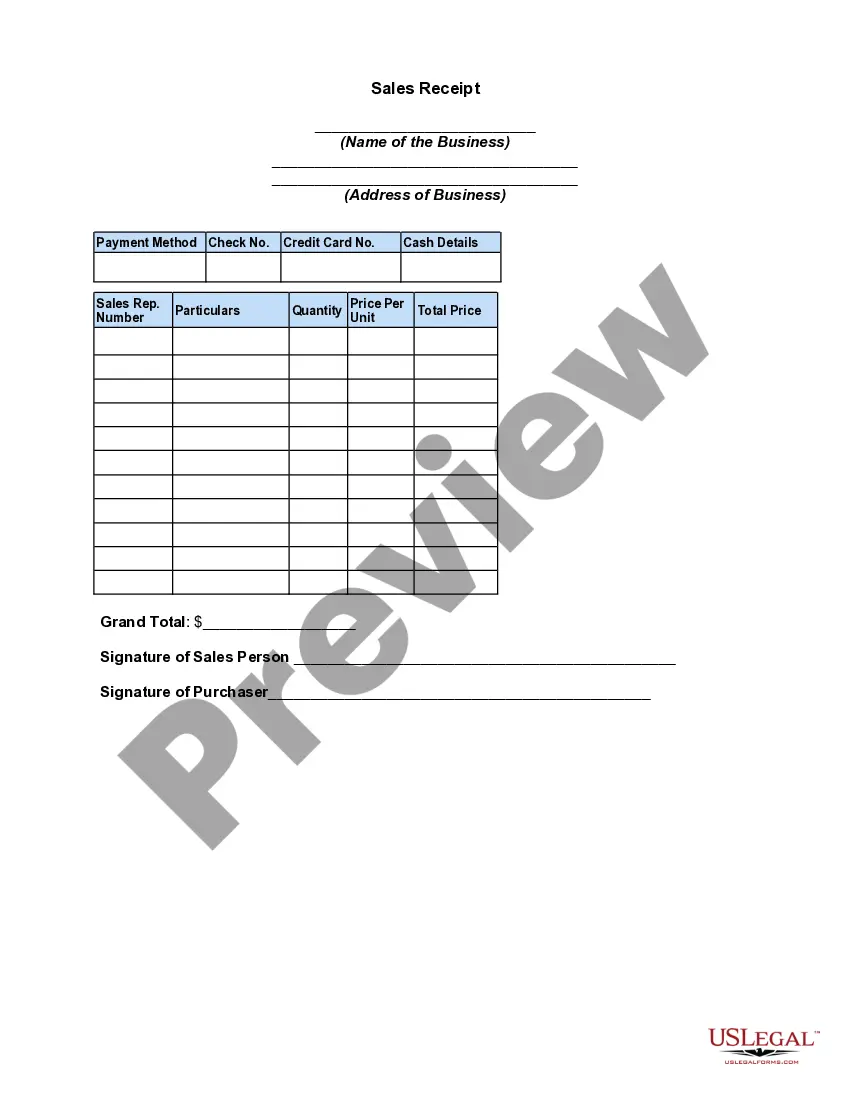
How to fill out Employee Retirement Agreement?
Are you currently within a position that you require documents for possibly business or personal reasons almost every working day? There are a variety of lawful document templates available online, but locating versions you can trust is not easy. US Legal Forms offers a huge number of form templates, much like the Texas Employee Retirement Agreement, that happen to be written to fulfill federal and state requirements.
In case you are previously informed about US Legal Forms site and have an account, simply log in. Afterward, you can download the Texas Employee Retirement Agreement format.
If you do not come with an account and would like to begin using US Legal Forms, abide by these steps:
- Find the form you will need and ensure it is to the proper metropolis/county.
- Take advantage of the Preview switch to examine the form.
- Look at the explanation to ensure that you have selected the proper form.
- When the form is not what you are trying to find, take advantage of the Research area to find the form that suits you and requirements.
- Whenever you obtain the proper form, simply click Purchase now.
- Pick the pricing prepare you would like, fill out the required information and facts to generate your money, and purchase the order utilizing your PayPal or charge card.
- Pick a hassle-free paper structure and download your version.
Locate all of the document templates you might have purchased in the My Forms menus. You may get a more version of Texas Employee Retirement Agreement whenever, if necessary. Just click on the needed form to download or printing the document format.
Use US Legal Forms, by far the most extensive selection of lawful types, to conserve some time and stay away from mistakes. The support offers professionally created lawful document templates which can be used for a range of reasons. Create an account on US Legal Forms and start creating your way of life easier.
Form popularity
FAQ
Hear this out loud PauseYou can apply: Online; or. By calling our national toll-free service at 1-800-772-1213 (TTY 1-800-325-0778) or visiting your local Social Security office. Call ahead to make an appointment. Form SSA-1 | Information You Need To Apply For Retirement Benefits Or ... ssa.gov ? forms ? ssa-1 ssa.gov ? forms ? ssa-1
Hear this out loud PauseYou must have at least 10 years of eligible service credit to be eligible for retiree insurance benefits. If you began work before September 1, 2001, at least three of those years must have been with a state agency in the Texas Employees Group Benefits Program (GBP). Retirement - General | ERS - Texas.gov texas.gov ? Additional-Resources ? FAQs texas.gov ? Additional-Resources ? FAQs
Hear this out loud PauseTo be eligible for normal-age service retirement, you must meet one of the following conditions: you are age 65 with at least five years of service credit, or ? you are at least age 60, you meet the Rule of 80 (your age and years of service credit total at least 80), and you have at least five years of service credit. What is my Tier? - TRS - Texas.gov texas.gov ? benefits-tier-guide texas.gov ? benefits-tier-guide
Hear this out loud PausePension: TRS Retirement Your monthly TRS contributions, as well as contributions from the state and your employer, help fund your future TRS retirement. Upon retirement, you would receive a monthly annuity for life. There are no automatic increases to your annuity once you have retired. Understanding the Pillars of a Secure Retirement - TRS texas.gov ? Pages ? pension-benefits-secu... texas.gov ? Pages ? pension-benefits-secu...
Program includes: Monthly annuity for life when the member becomes eligible and chooses to retire. Options for a lump-sum payment on retirement and/or survivor benefits after retiree's death.
Normal Age Retirement Age 65 with five or more years of service credit, or. Any combination of age and service totaling 80 with at least five years of service credit.
In most TMRS cities, you can retire when you have at least 5 years of service credit (10 years in a few cities) and are at least age 60. You may also retire at any age if you have 20 or 25 years of service credit, depending on the plan chosen by your city.
You become vested when you have contributed to your State of Texas Retirement account for five or 10 years, depending on when you started working for the state.