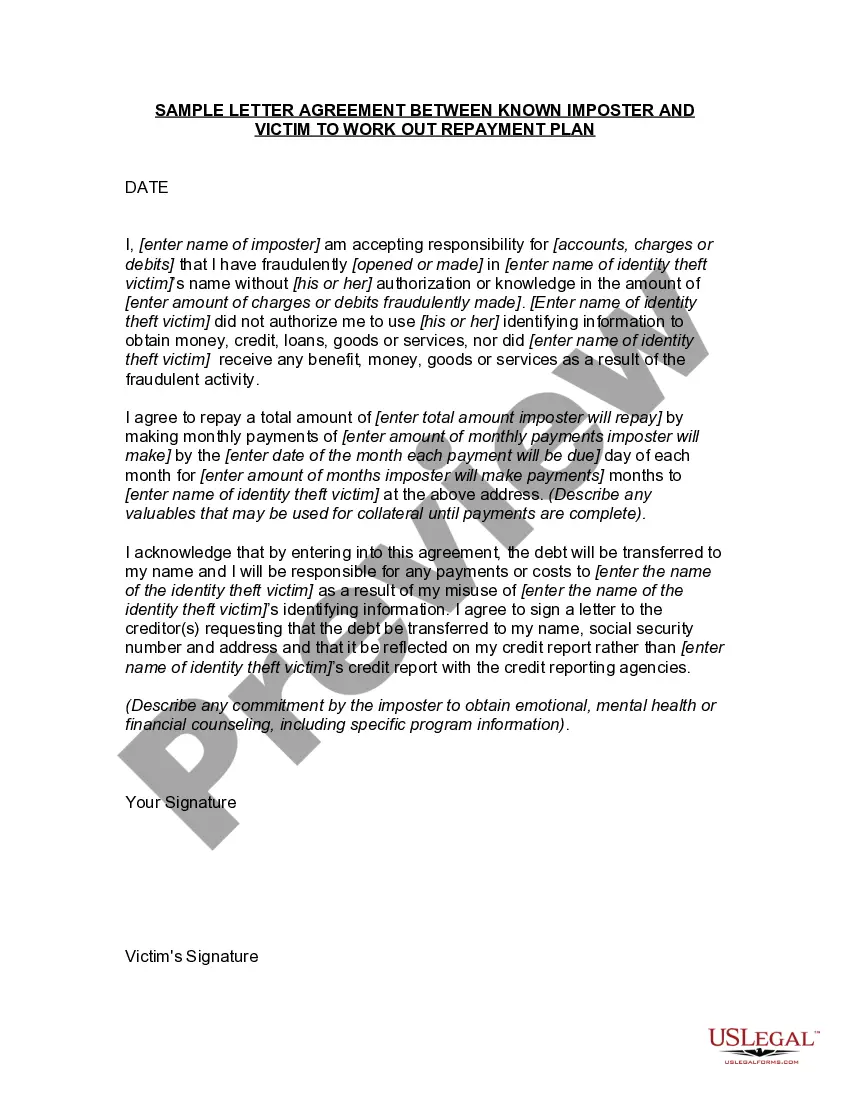
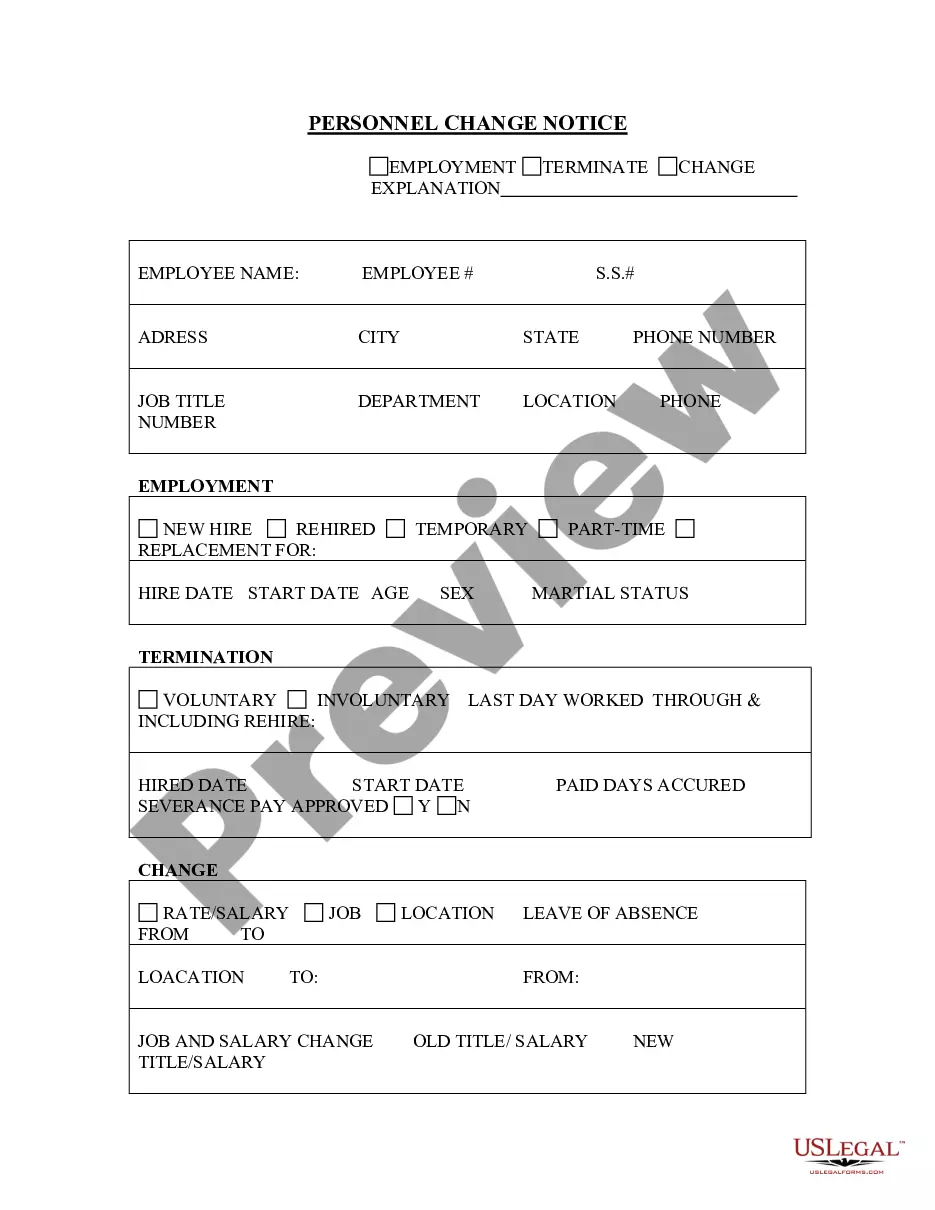
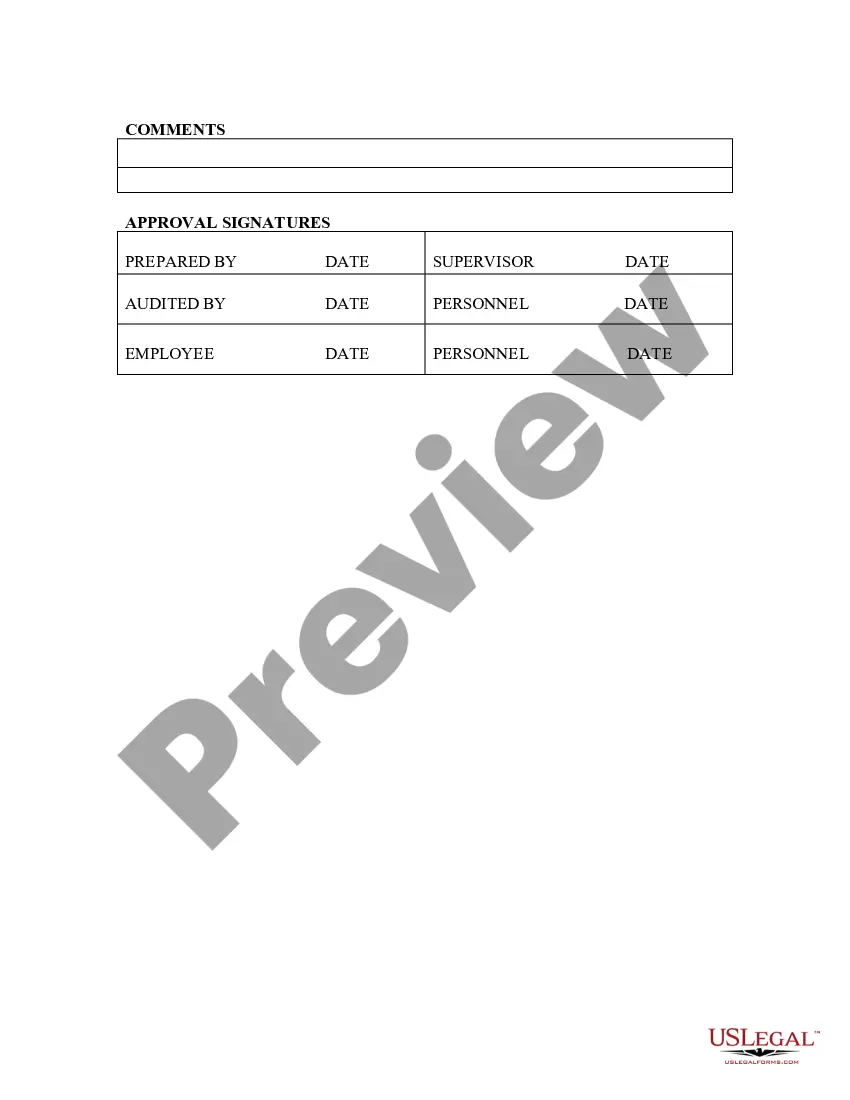
Texas Personnel Change Notice
Description
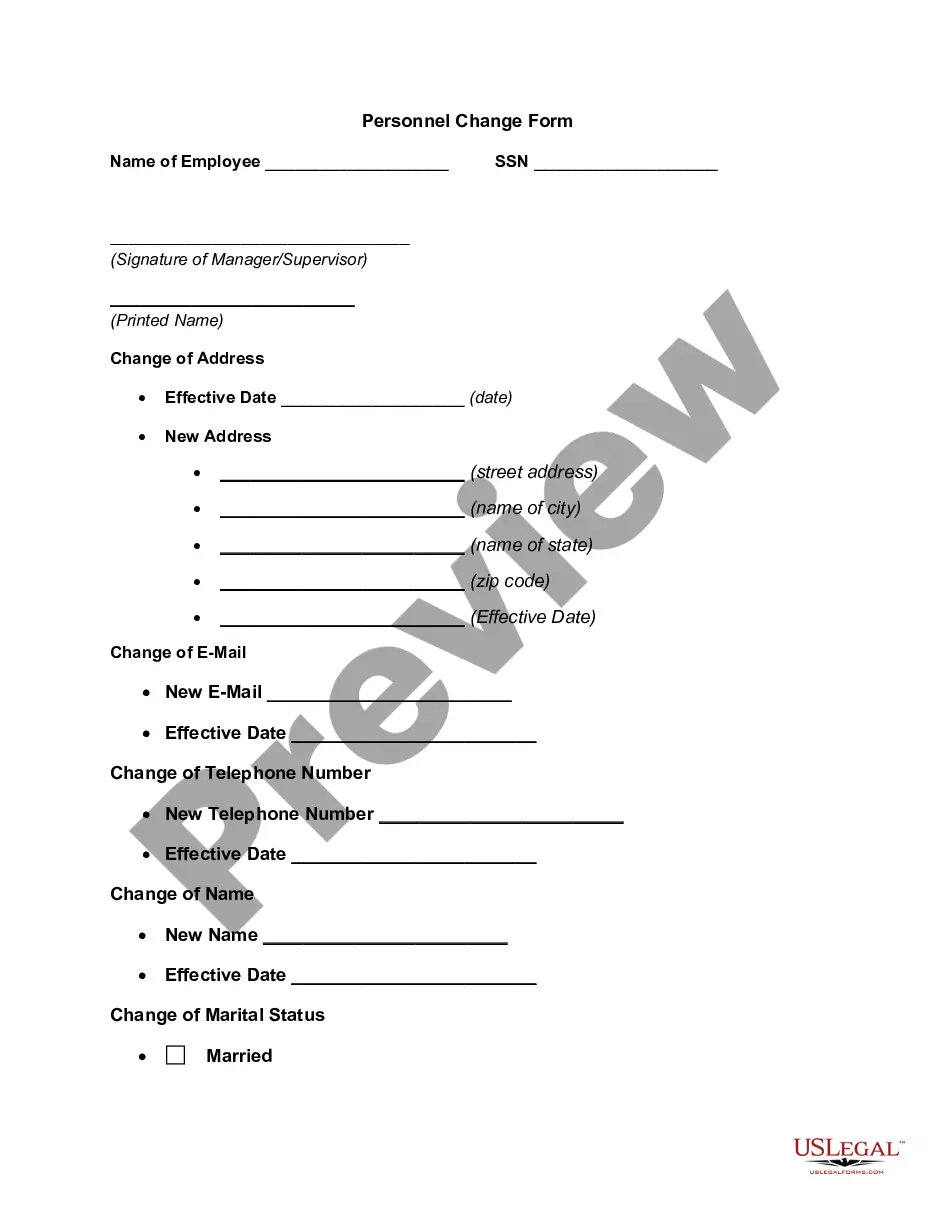
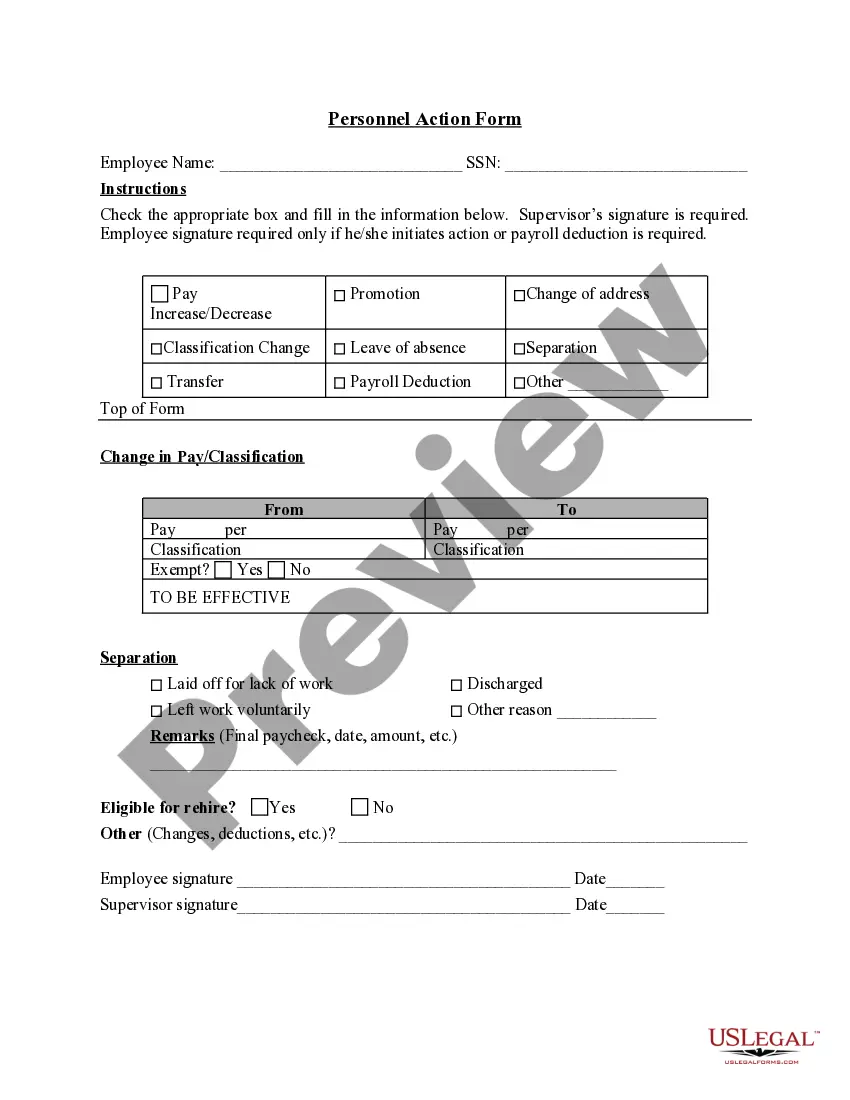
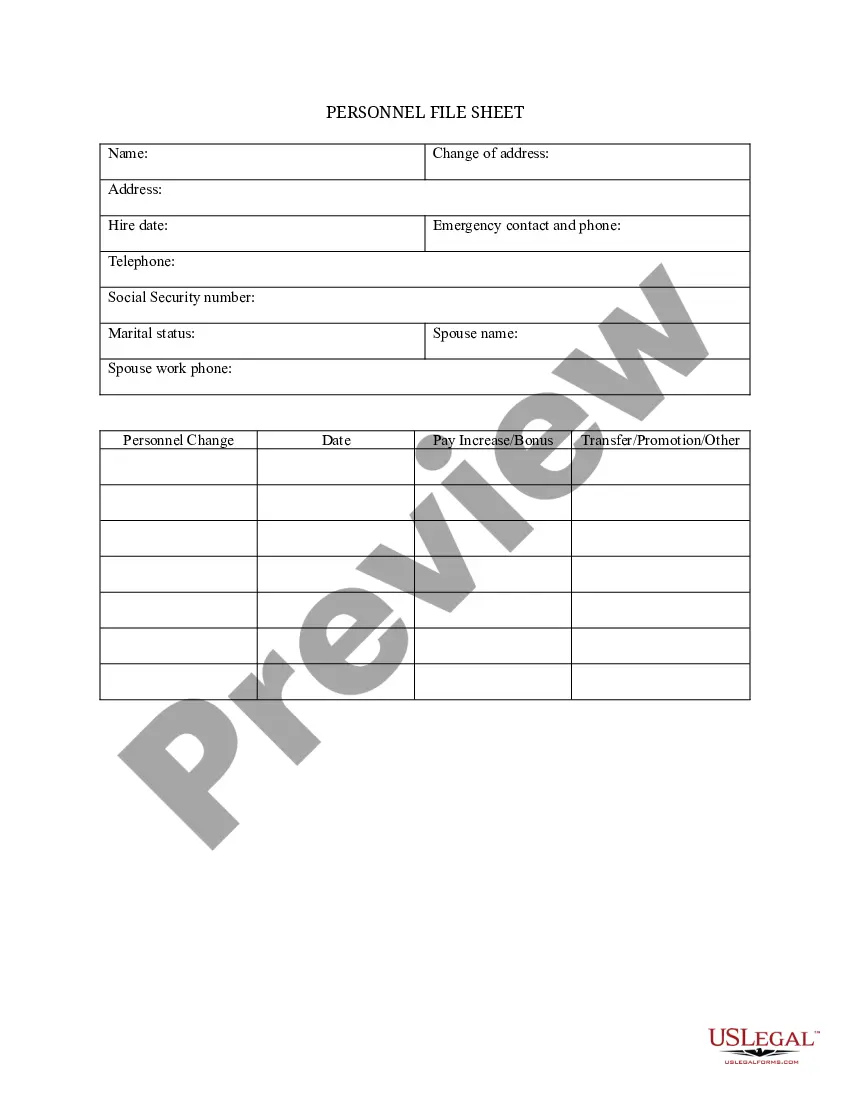
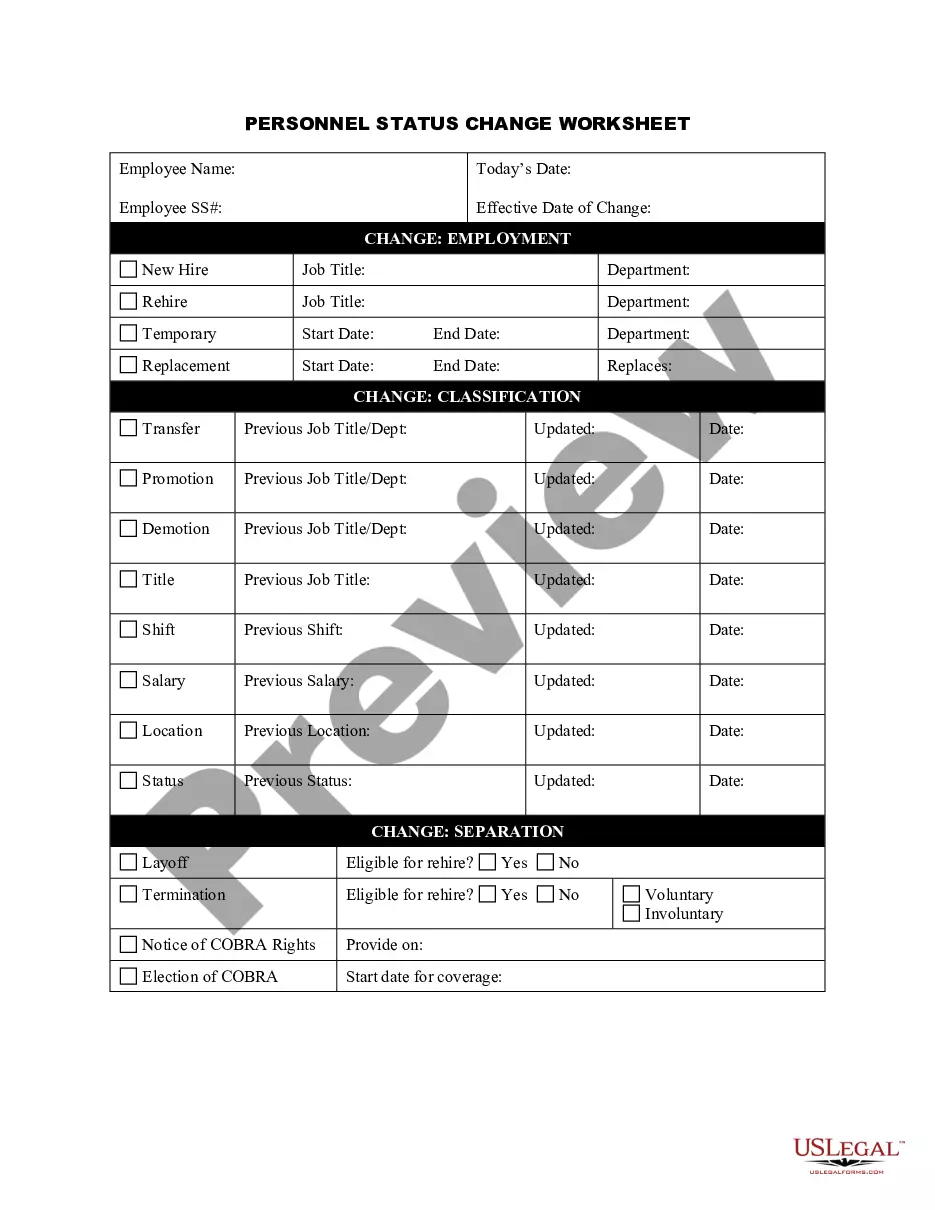
Get your form ready online
Our built-in tools help you complete, sign, share, and store your documents in one place.
Make edits, fill in missing information, and update formatting in US Legal Forms—just like you would in MS Word.
Download a copy, print it, send it by email, or mail it via USPS—whatever works best for your next step.
Sign and collect signatures with our SignNow integration. Send to multiple recipients, set reminders, and more. Go Premium to unlock E-Sign.
If this form requires notarization, complete it online through a secure video call—no need to meet a notary in person or wait for an appointment.
We protect your documents and personal data by following strict security and privacy standards.

Make edits, fill in missing information, and update formatting in US Legal Forms—just like you would in MS Word.

Download a copy, print it, send it by email, or mail it via USPS—whatever works best for your next step.

Sign and collect signatures with our SignNow integration. Send to multiple recipients, set reminders, and more. Go Premium to unlock E-Sign.

If this form requires notarization, complete it online through a secure video call—no need to meet a notary in person or wait for an appointment.

We protect your documents and personal data by following strict security and privacy standards.
Looking for another form?


How to fill out Personnel Change Notice?
If you aim to obtain, collect, or produce official document templates, utilize US Legal Forms, the most extensive assortment of official forms accessible online.
Take advantage of the website's straightforward and user-friendly search to locate the documents you require.
Various templates for commercial and individual needs are classified by categories and titles, or keywords.
Step 4. Once you have found the form you want, click the Purchase now button. Choose the pricing plan that suits you and enter your details to create an account.
Step 5. Complete the payment process. You may use your credit card or PayPal account for the transaction.
- Use US Legal Forms to find the Texas Personnel Change Notice with just a few clicks.
- If you are already a US Legal Forms user, Log Into your account and click the Download button to retrieve the Texas Personnel Change Notice.
- You can also access forms you previously saved from the My documents section of your account.
- If this is your first time using US Legal Forms, follow the steps below.
- Step 1. Ensure you have chosen the form for the correct state/country.
- Step 2. Use the Preview option to review the form's content. Don't forget to read the description.
- Step 3. If you are not satisfied with the type, use the Search field at the top of the screen to find other versions of the official form template.
Form popularity
FAQ
How to tell your boss you can't work a shiftConfirm your schedule.Ask to have a conversation.Give as much notice as possible.Acknowledge your obligation.Provide a reason.Plan ahead for your workload.Offer to make up the time.Understand the consequences.More items...?
Rule #2: Prior Notice of Schedules Some laws require 14 days before the first shift starts and others 21 days. Employers who need to make changes may have to pay the employee extra if they don't give them enough notice. Employers who follow this one rule will prevent a host of problems.
Under the employment at will doctrine, an employer can change an employee's hours with or without notice. However, excessive application of flexible / just-in-time scheduling can lead to turnover see below.
The notice period for the change to working hours must also be agreed with the employee in advance of any change being imposed. The general rule here is that you must provide a minimum of one week's notice for each completed year of service and at least the same amount of notice if you were dismissing the employee.
Can My Employer Change My Schedule Without Notice in California? In most places in California, employers can change an employee's work schedule without notice. That doesn't make it right, but there isn't a law in place that requires employers to make scheduling changes within a certain period of time.
While Texas law does not require employers to provide written notice of termination or layoff, a simple notice in writing can be helpful to serve as evidence of the separation date.
The notice period for the change to working hours must also be agreed with the employee in advance of any change being imposed. The general rule here is that you must provide a minimum of one week's notice for each completed year of service and at least the same amount of notice if you were dismissing the employee.
In most cases, yes. Federal employment lawsmost notably the Fair Labor Standards Act (FLSA)allow for a number of employer changes, including changing the employee's schedule.
Can My Employer Change My Schedule Without Notice in California? In most places in California, employers can change an employee's work schedule without notice. That doesn't make it right, but there isn't a law in place that requires employers to make scheduling changes within a certain period of time.
The rule followed by the Commission recognizes that two weeks' notice is standard in most industries. If the employee gives notice of intent to resign by a definite date two weeks or less in the future and you accept the notice early at your convenience, it will be regarded as a resignation, not a discharge.