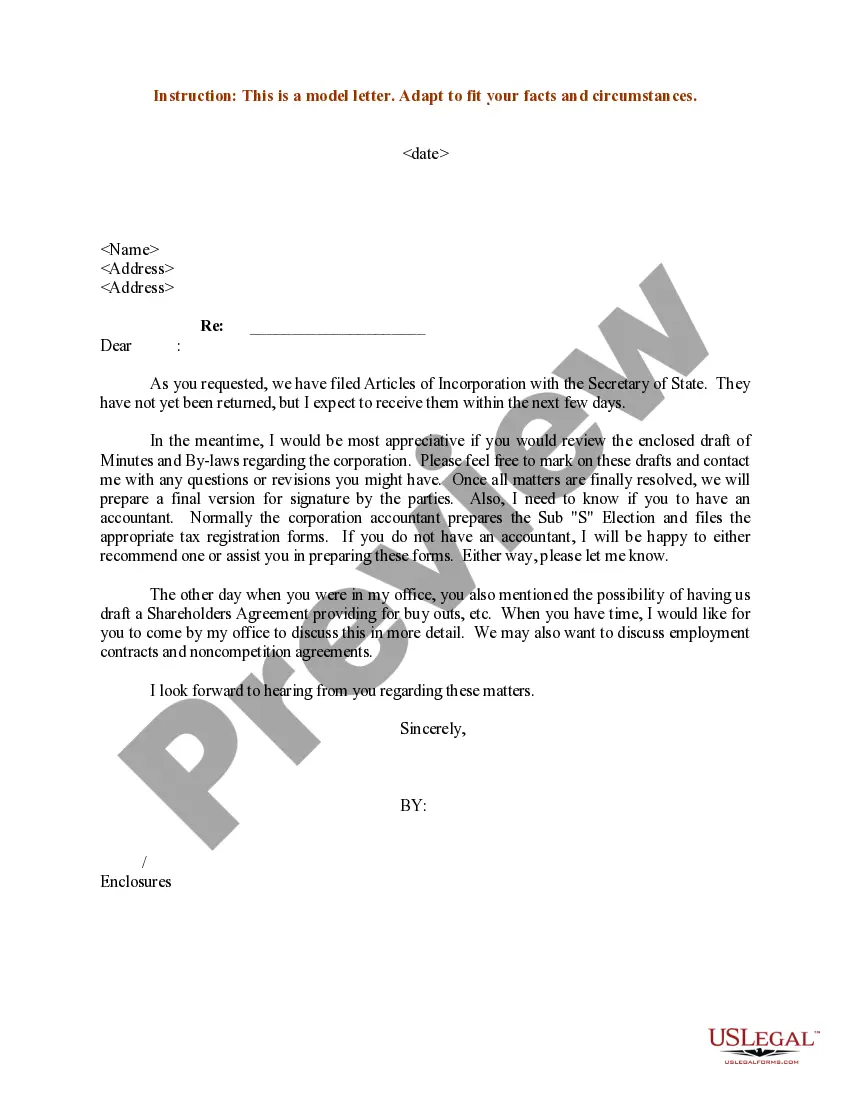
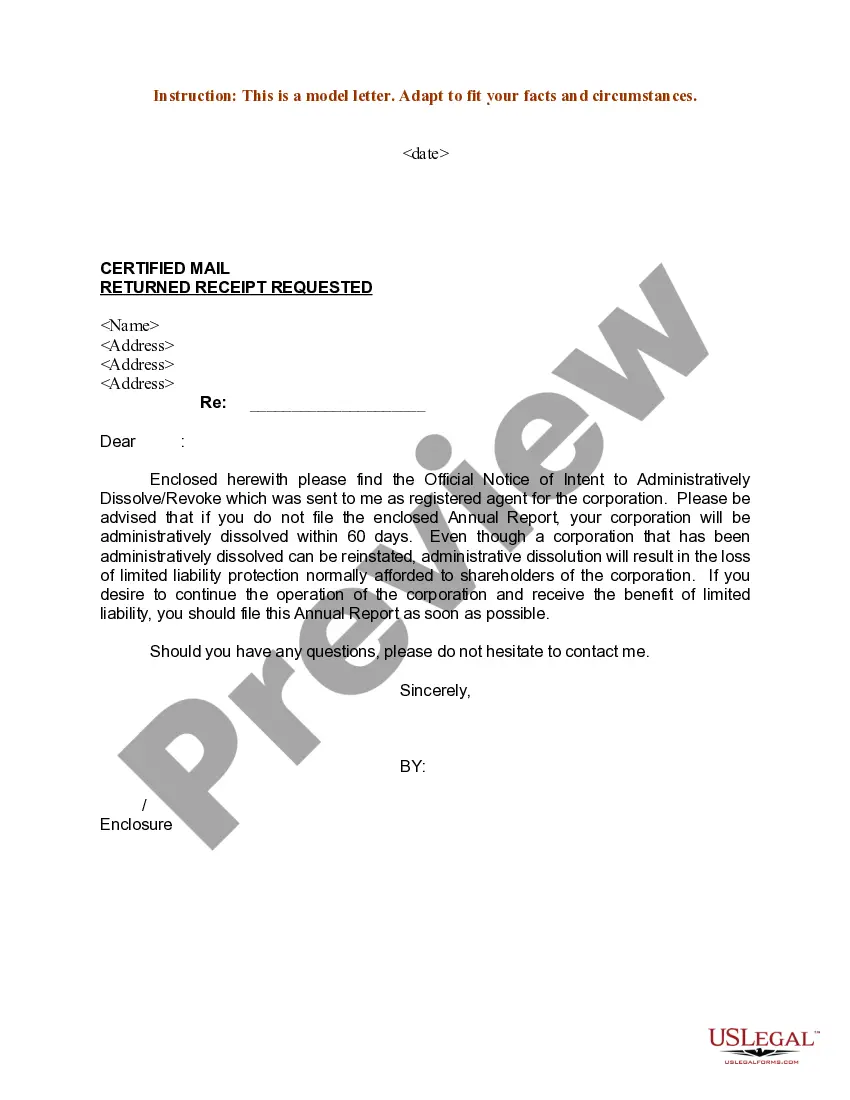
Texas Sample Letter Notifying Client of Incorporation Status
Description
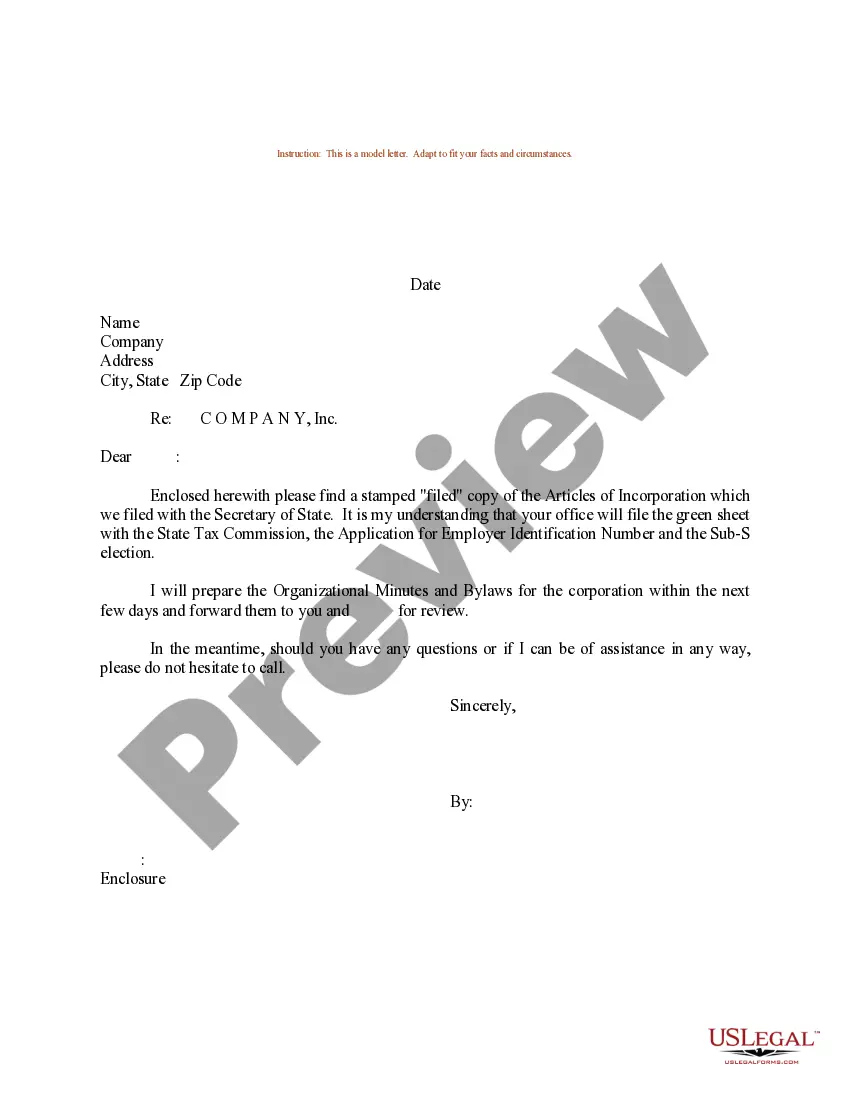
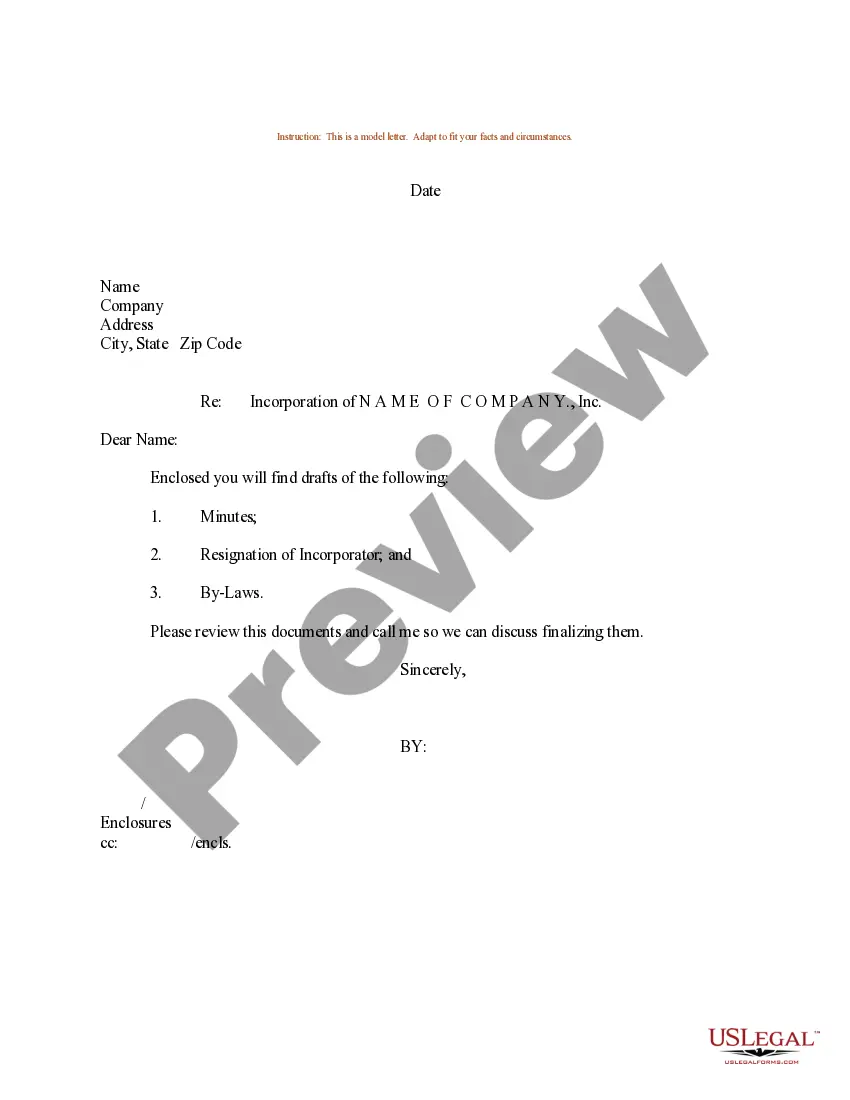
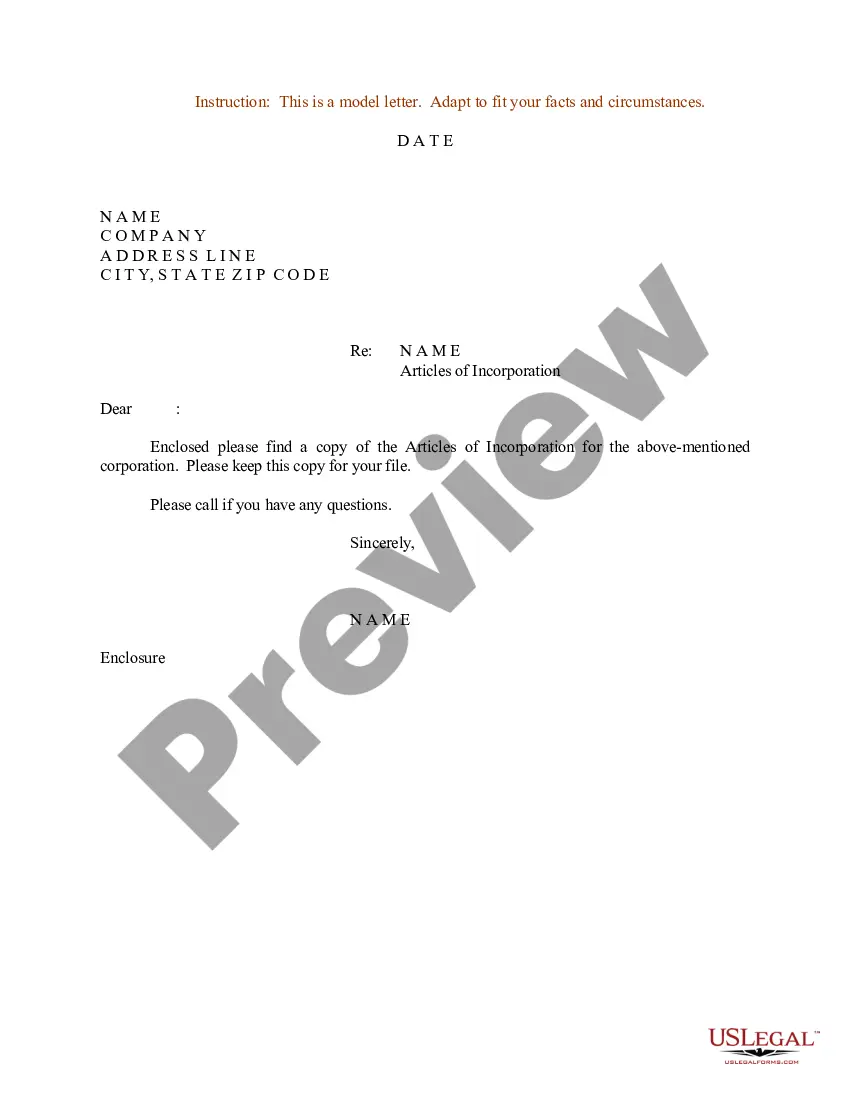
How to fill out Sample Letter Notifying Client Of Incorporation Status?
If you wish to total, obtain, or print authentic document templates, utilize US Legal Forms, the top selection of official forms, available online.
Employ the site's straightforward and user-friendly search to find the documents you need.
Various templates for business and personal purposes are categorized by types and jurisdictions, or keywords. Use US Legal Forms to find the Texas Sample Letter Notifying Client of Incorporation Status in just a few clicks.
Step 5. Complete the transaction. You can use your Visa or MasterCard or PayPal account to finalize the purchase.
Step 6. Choose the format of the official form and download it to your device. Step 7. Complete, modify, and print or sign the Texas Sample Letter Notifying Client of Incorporation Status. Every official document template you purchase is yours forever. You have access to every template you downloaded within your account. Click on the My documents section and select a template to print or download again. Be proactive and obtain, and print the Texas Sample Letter Notifying Client of Incorporation Status with US Legal Forms. There are numerous professional and state-specific forms available for your business or personal needs.
- When you are already a US Legal Forms user, Log In to your account and click on the Acquire button to obtain the Texas Sample Letter Notifying Client of Incorporation Status.
- You may also access forms you previously downloaded in the My documents section of your account.
- If you are using US Legal Forms for the first time, follow the instructions below.
- Step 1. Ensure you have chosen the form for the correct city/state.
- Step 2. Use the Review option to examine the form's content. Don't forget to read the description.
- Step 3. If you are dissatisfied with the form, utilize the Search field at the top of the screen to find other versions of the official form template.
- Step 4. Once you have located the form you need, click the Acquire now button. Select the pricing plan you prefer and enter your details to register for an account.