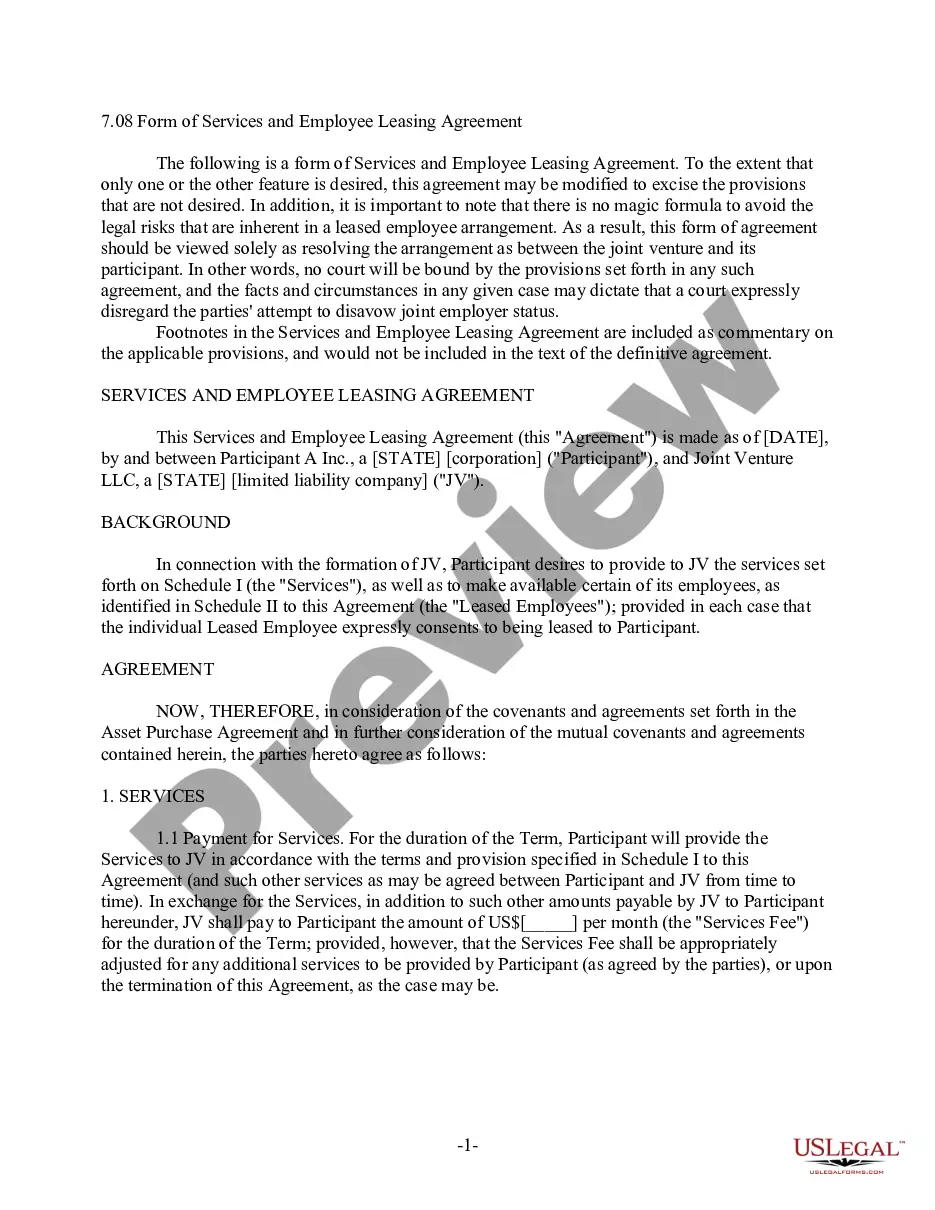
An employee lease agreement is an agreement between a company and another party whereby the company agrees to contract out the services of some or all of its employees to the other party on specific terms and conditions.
The employees are actually employed by a third-party leasing company, but do their work for the company that contracts with the leasing company. In addition to relieving companies of the administrative responsibilities of managing a workforce, leasing employees can also save a company money by reducing the cost of benefits and insurance, to name just two areas.
This form is a generic example that may be referred to when preparing such a form for your particular state. It is for illustrative purposes only. Local laws should be consulted to determine any specific requirements for such a form in a particular jurisdiction.