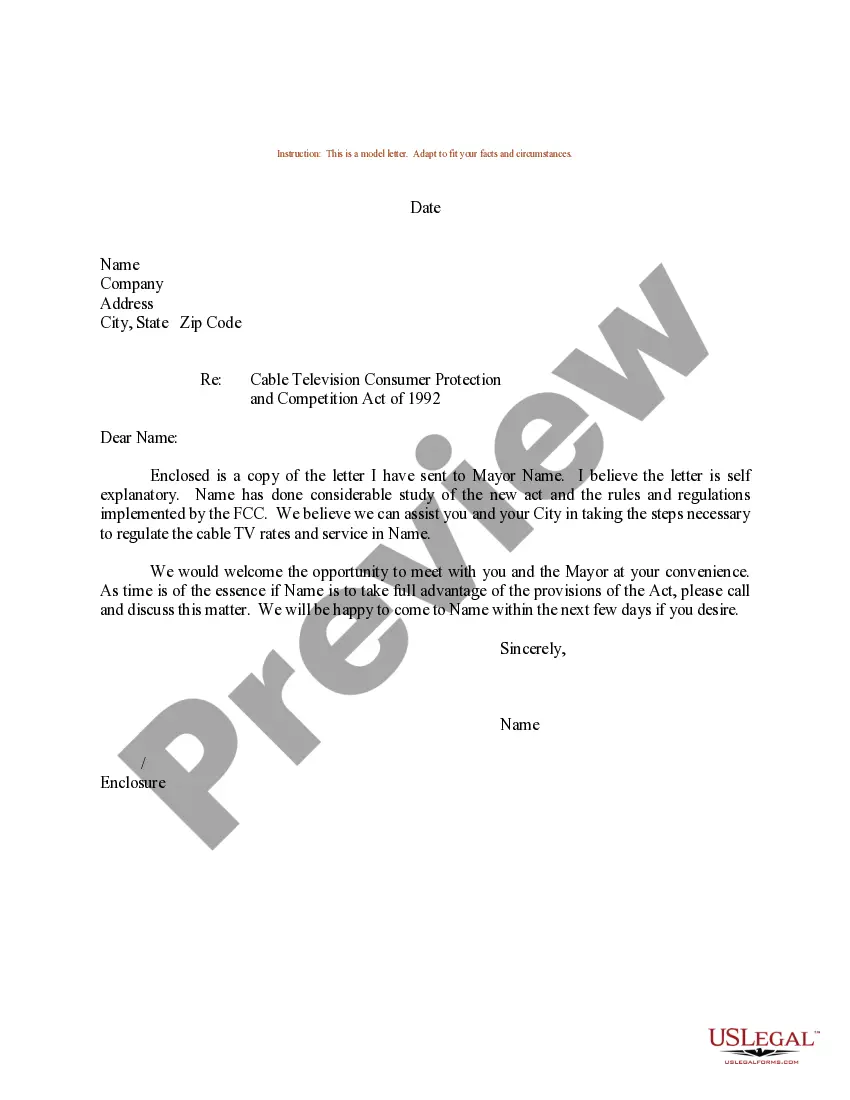
Texas Plaintiff's Ex Parte Motion to Appear by Conference Call
Description
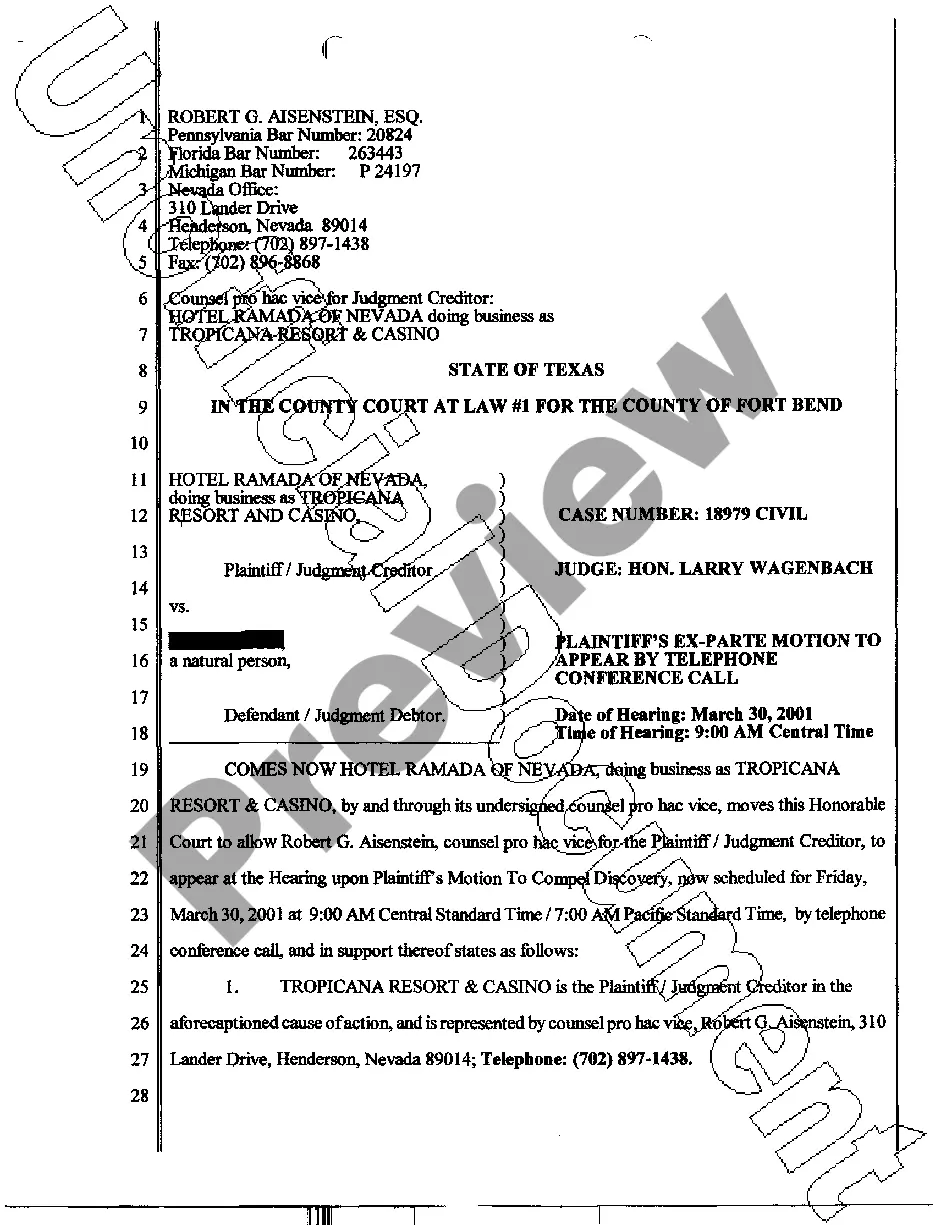
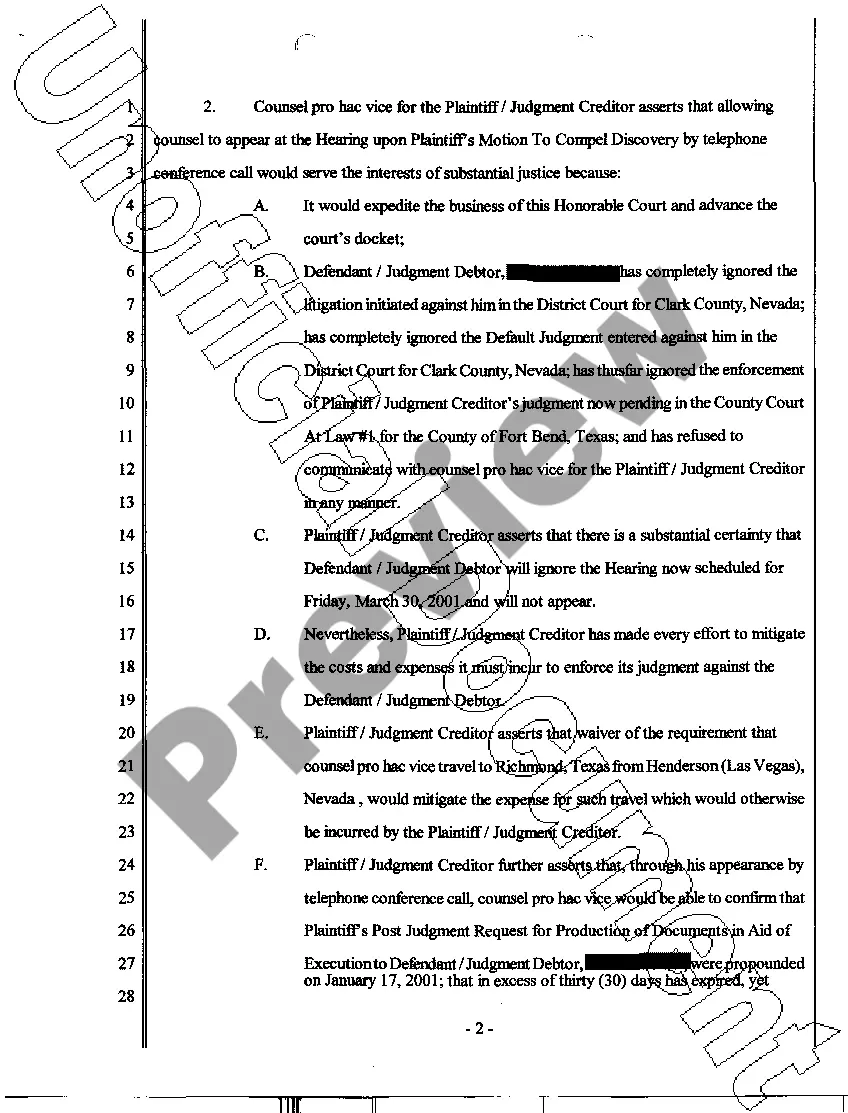
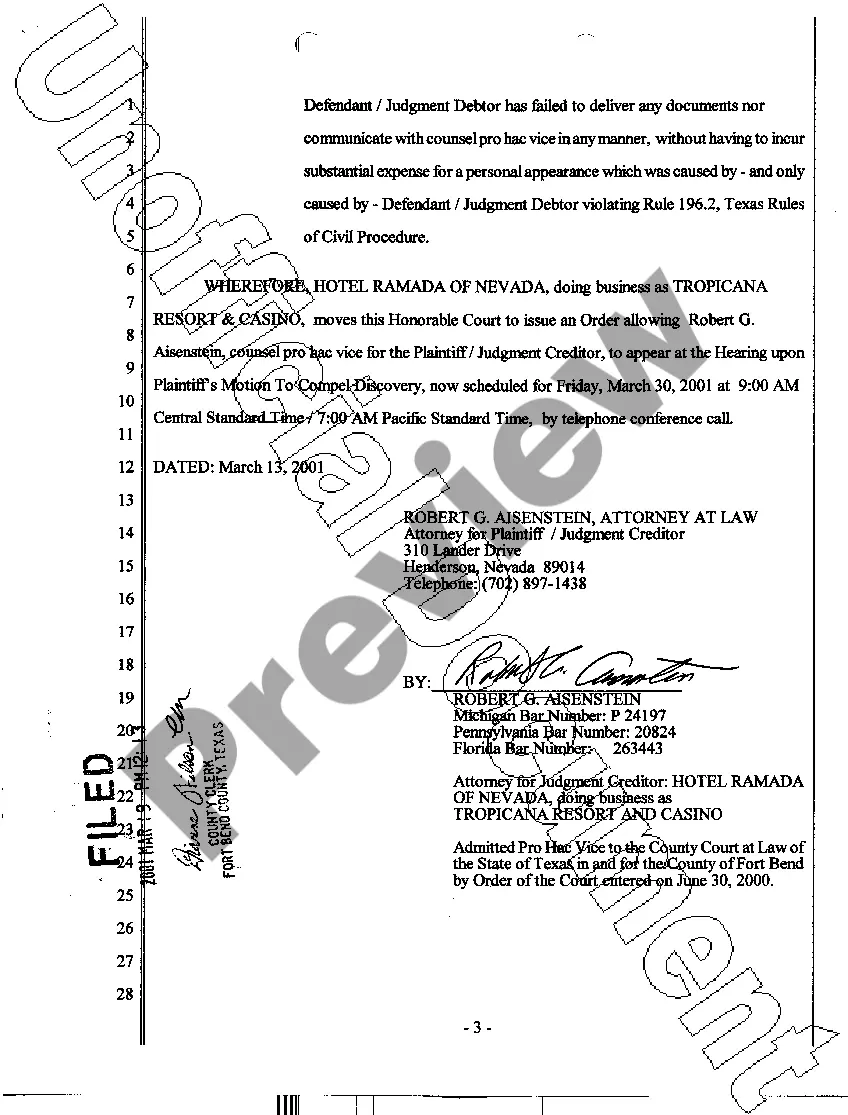
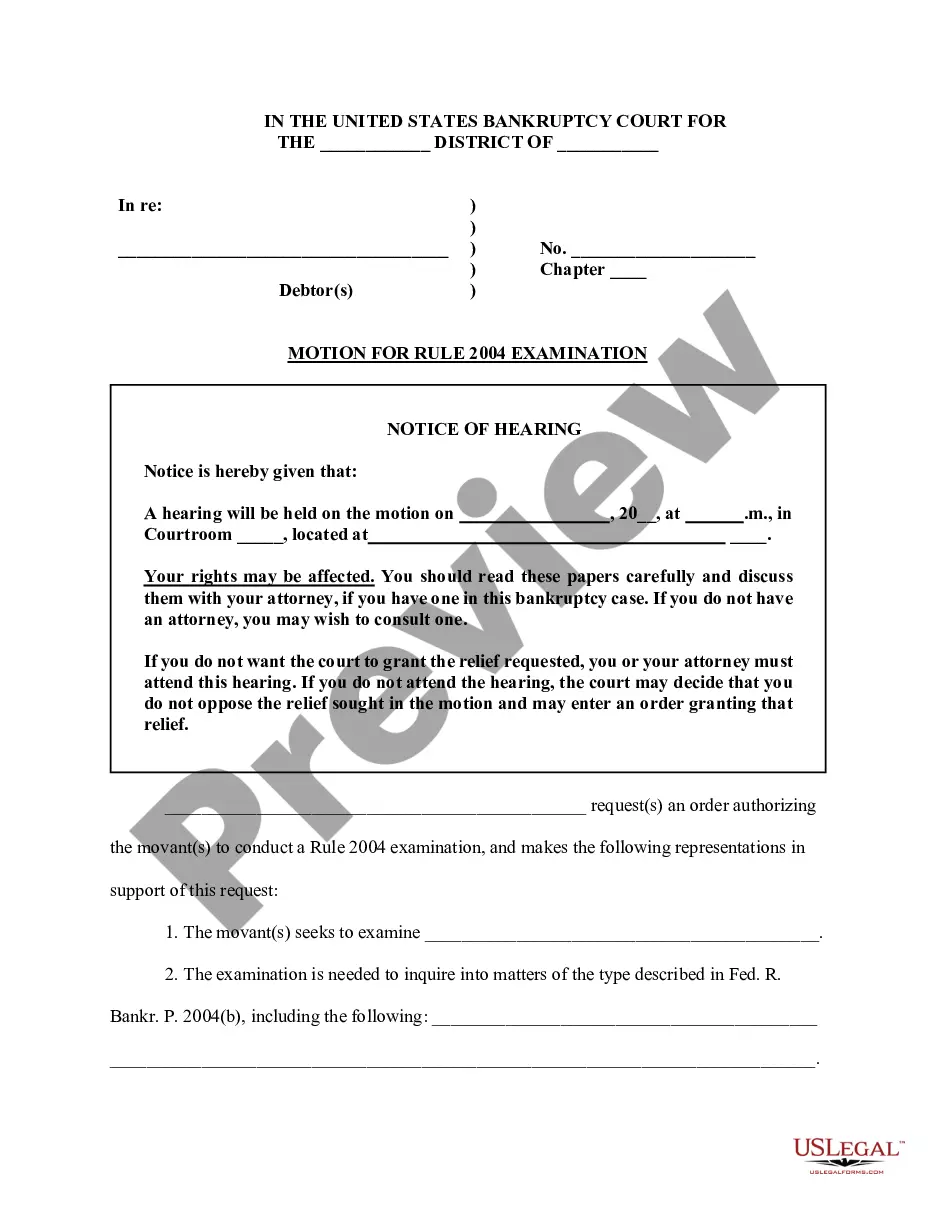
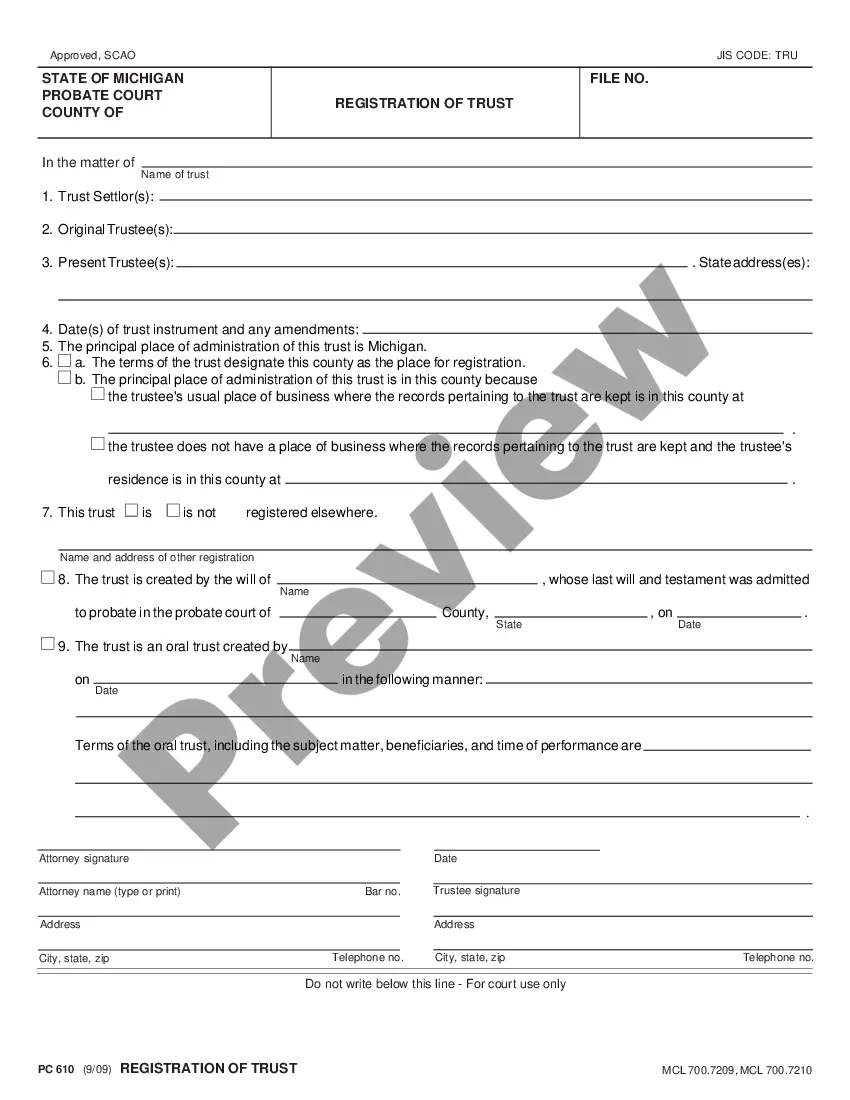
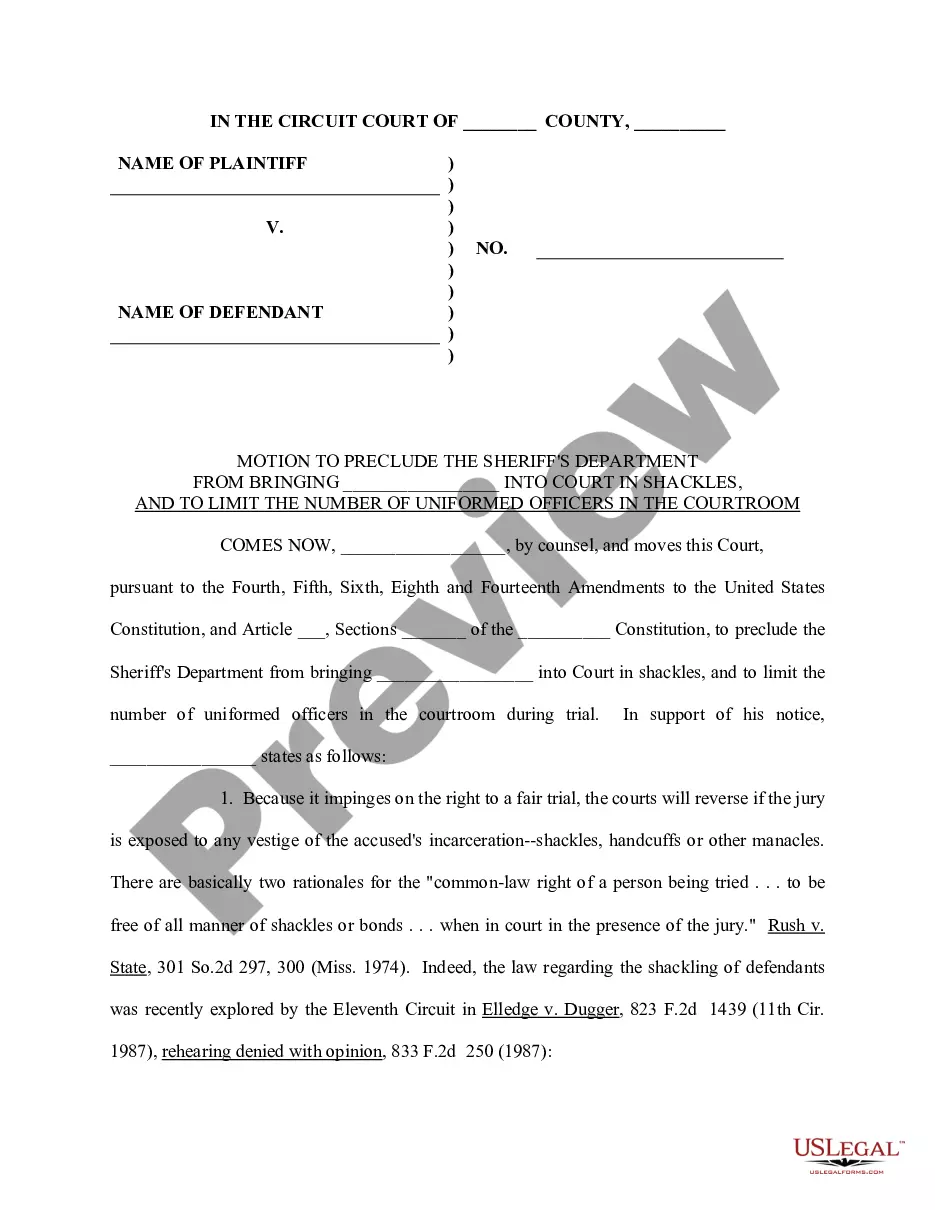
How to fill out Texas Plaintiff's Ex Parte Motion To Appear By Conference Call?
Access to high quality Texas Plaintiff's Ex Parte Motion to Appear by Conference Call templates online with US Legal Forms. Avoid hours of wasted time seeking the internet and dropped money on forms that aren’t updated. US Legal Forms provides you with a solution to just that. Find more than 85,000 state-specific authorized and tax forms you can save and fill out in clicks in the Forms library.
To get the sample, log in to your account and click on Download button. The document will be saved in two places: on the device and in the My Forms folder.
For people who don’t have a subscription yet, have a look at our how-guide below to make getting started easier:
- Verify that the Texas Plaintiff's Ex Parte Motion to Appear by Conference Call you’re considering is appropriate for your state.
- Look at the sample making use of the Preview option and browse its description.
- Visit the subscription page by simply clicking Buy Now.
- Select the subscription plan to go on to register.
- Pay out by card or PayPal to finish creating an account.
- Choose a preferred format to save the file (.pdf or .docx).
You can now open up the Texas Plaintiff's Ex Parte Motion to Appear by Conference Call sample and fill it out online or print it out and get it done by hand. Think about sending the file to your legal counsel to ensure all things are filled in correctly. If you make a mistake, print and fill sample once again (once you’ve made an account every document you download is reusable). Create your US Legal Forms account now and access far more samples.
Form popularity
FAQ
Create a conference call account if you don't have one. Select appropriate dial-in numbers for your callers. Pick a date and time for your conference. Send a conference call invite. Dial into your conference at the appointed time. Start your conference!
Visit www.startmeeting.com and select Get Desktop App at the bottom of the page. This will download and install StartMeeting Desktop Application, and configure your computer to allow participation in a StartMeeting event.
Zoom. Google Hangouts. ReadyTalk. Yugma. WebEx. GoToMeeting. Join.me. Meetin.gs.
In the beginning, our name represented what our product did.Simply share a link and you can appear in your room together. As the years have progressed, you've shown us how work can be multifaceted and the unique challenges video meetings can help overcome.
Once you have access to your dashboard, click on the screen sharing button and select what you'd like to share; you can choose to share your entire screen, specific documents or open apps displayed on your screen.
Phone the first person. After the call connects and you complete a few pleasantries, touch the Add Call icon. The Add Call icon is shown. Dial the second person. Touch the Merge or Merge Calls icon. Touch the End Call icon to end the conference call.
Prepare ahead of time. Announce yourself. Take notes. Use mute. Do check-ups. Keep the meeting on track. Summarize the meeting.
Get a Free AccountCreate a FreeConferenceCall.com account with an email and password. The account will be activated within seconds. Then, invite participants to a conference call by providing the dial-in number and access code, along with the date and time.
Light the way. Lights and angles are just as important for video calls as they are for professional photo shoots. Choose a neutral background. Dress your best. Eliminate distractions. Keep your notes nearby. Maintain good eye contact. Get the best audio visual.