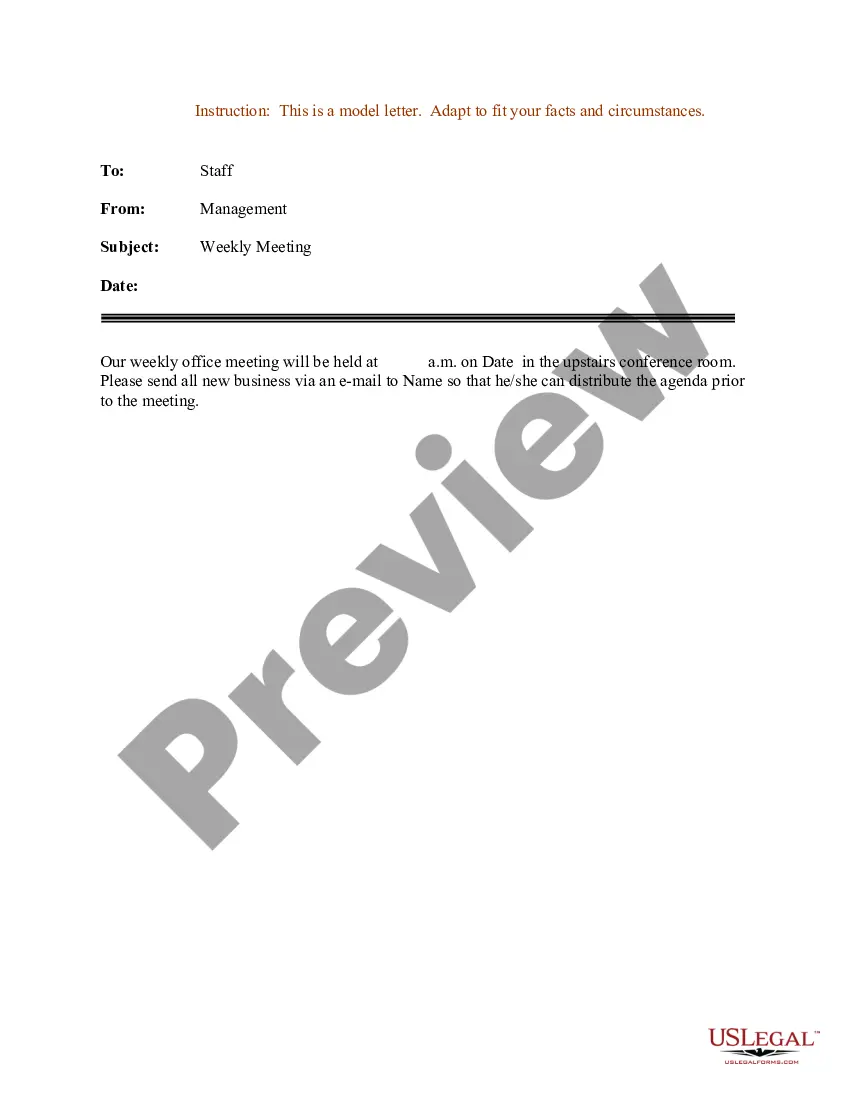
Sample Letter for Weekly Office Meeting
What is this form?
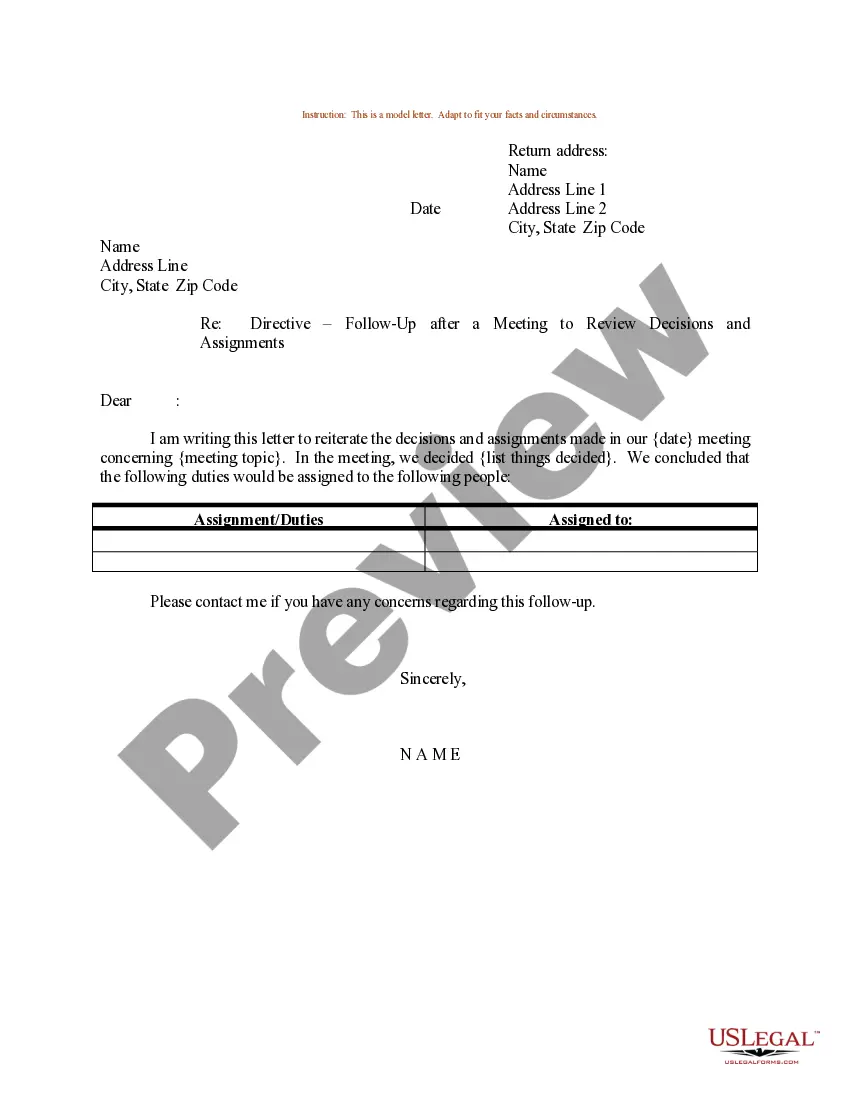
The Sample Letter for Weekly Office Meeting is a template designed to facilitate communication among team members regarding regular office meetings. This form outlines the agenda, participants, and any necessary preparations, distinguishing it from other forms of meeting notices or agendas through its focus on weekly recurrence and formality in communication.
Key components of this form
- Salutation: A formal greeting to the recipients.
- Purpose statement: A clear explanation of the intent behind the meeting.
- Agenda items: A list of topics to be discussed during the meeting.
- Time and location: Specific details regarding when and where the meeting will take place.
- Preparation reminder: Instructions for any necessary preparations required from attendees.
Common use cases
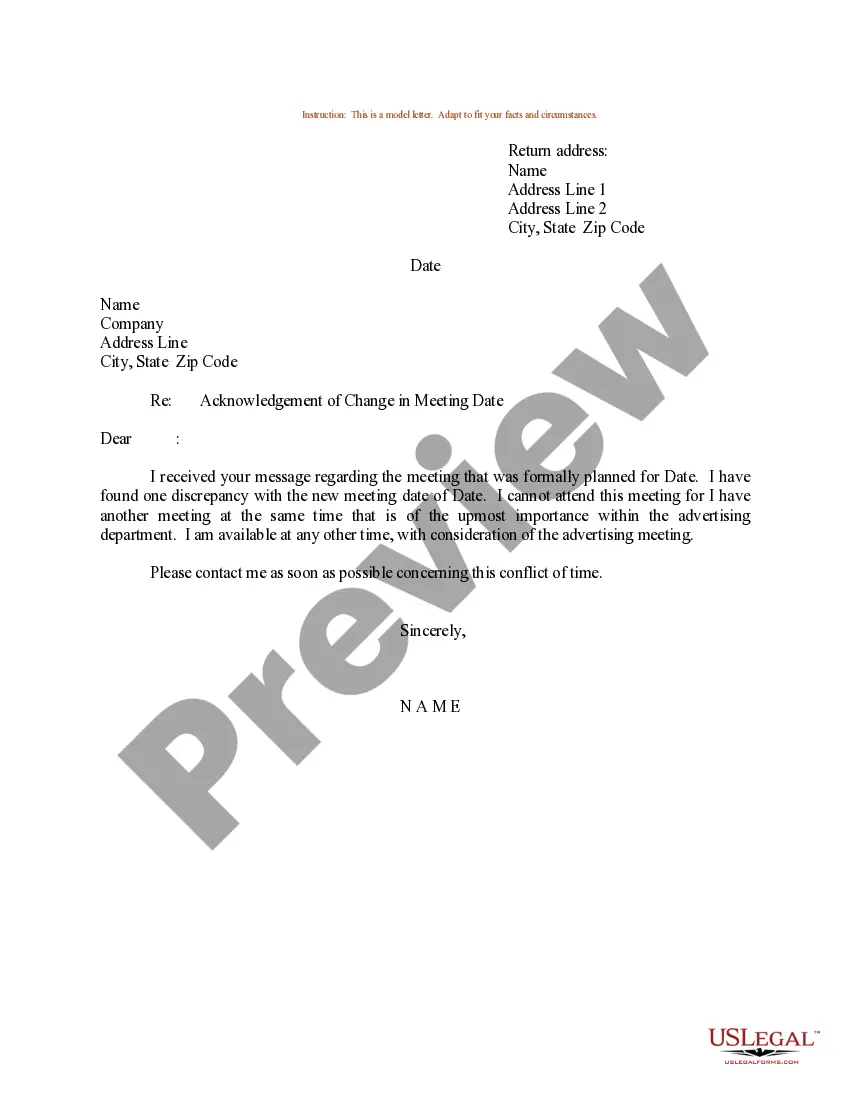
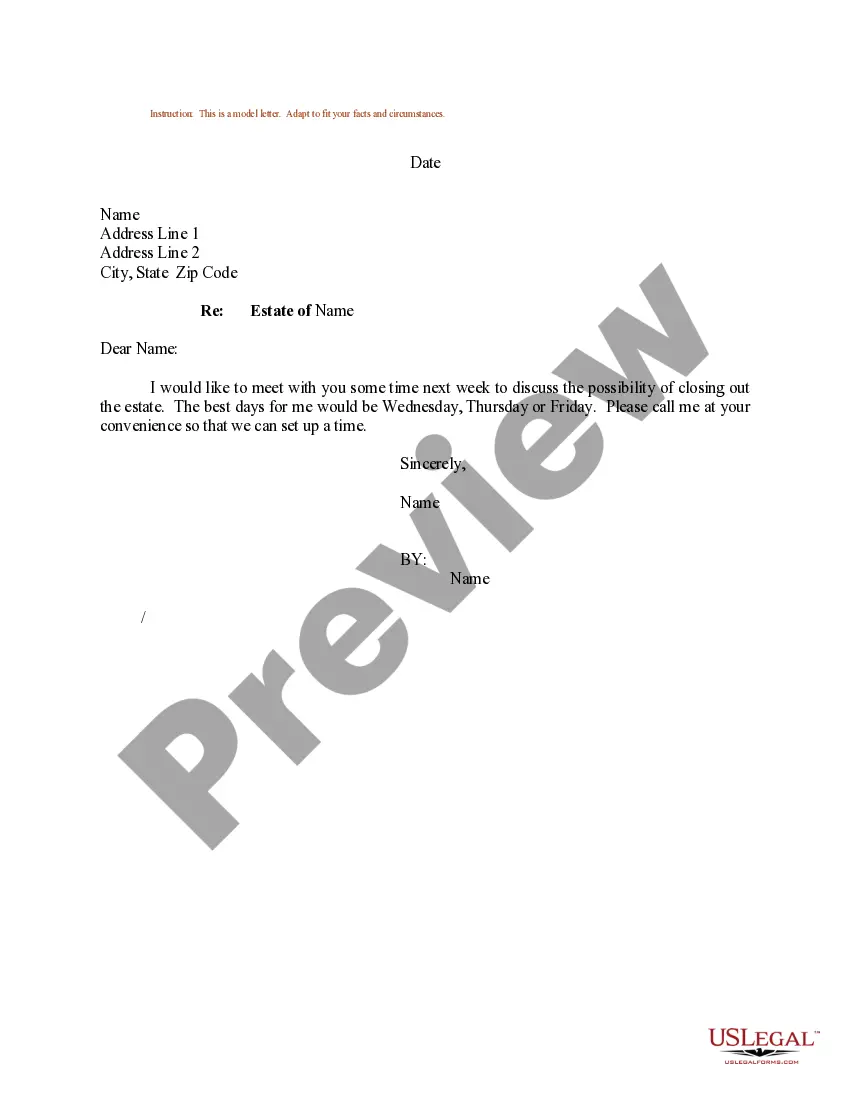
This form is useful when scheduling recurring weekly meetings in a professional setting. It can be used by managers or team leads to ensure all participants are aware of upcoming discussions and have the necessary information to prepare adequately.
Who can use this document
- Managers looking to organize regular meetings with their team.
- Team members responsible for coordinating and communicating details of meetings.
- Administrative staff supporting management in scheduling and organizing meetings.
Steps to complete this form
- Identify the recipients of the letter and address them accordingly.
- State the purpose of the meeting clearly in the body of the letter.
- Outline the agenda items to be discussed.
- Specify the date, time, and location of the meeting.
- Include a reminder for any preparations attendees need to make.
Notarization requirements for this form
In most cases, this form does not require notarization. However, some jurisdictions or signing circumstances might. US Legal Forms offers online notarization powered by Notarize, accessible 24/7 for a quick, remote process.
Get your form ready online
Our built-in tools help you complete, sign, share, and store your documents in one place.
Make edits, fill in missing information, and update formatting in US Legal Forms—just like you would in MS Word.
Download a copy, print it, send it by email, or mail it via USPS—whatever works best for your next step.
Sign and collect signatures with our SignNow integration. Send to multiple recipients, set reminders, and more. Go Premium to unlock E-Sign.
If this form requires notarization, complete it online through a secure video call—no need to meet a notary in person or wait for an appointment.
We protect your documents and personal data by following strict security and privacy standards.

Make edits, fill in missing information, and update formatting in US Legal Forms—just like you would in MS Word.

Download a copy, print it, send it by email, or mail it via USPS—whatever works best for your next step.

Sign and collect signatures with our SignNow integration. Send to multiple recipients, set reminders, and more. Go Premium to unlock E-Sign.

If this form requires notarization, complete it online through a secure video call—no need to meet a notary in person or wait for an appointment.

We protect your documents and personal data by following strict security and privacy standards.
Mistakes to watch out for
- Forgetting to include the meeting location details.
- Not providing adequate time for attendees to prepare for the agenda items.
- Using informal language which may undermine the professionalism of the meeting notice.
Why complete this form online
- Convenient access and download options for immediate use.
- Editability allows for customization to fit specific meeting requirements.
- Reliability of a professionally drafted template designed by licensed attorneys.
Legal use & context
- This form serves as a professional document and can enhance communication within an organization.
- It may not hold legal enforceability but provides a recognized structure for internal communication.
Main things to remember
- The Sample Letter for Weekly Office Meeting is essential for formal communication regarding regular meetings.
- Key components include a clear agenda, location information, and preparation details.
- This template aids in ensuring all attendees are well-informed and prepared for discussions.
Looking for another form?



Form popularity
FAQ
In Calendar, create an event. Click Add guests and enter the names or email of the people you want to invite. Click Save. Click Send to notify guests.
A good subject line. This is a very important factor to consider when writing an invitation letter for a business meeting. Opening. Reason for your business meeting. Specify the time, date, location, and duration. Request an RSVP. Closing. Make it personal. Keep it short.
Write a clear subject line. Use a salutation. Introduce yourself (if necessary) Explain why you want to meet. Be flexible about time and place. Request a reply or confirmation. Send a reminder.
Dear (insert boss name here), I am writing to request a meeting appointment with you at your earliest convenience. I would like to discuss (insert issues here). I know you are very busy, but I would very much appreciate you taking the time to meet with me.
Sign in to the Zoom mobile app. Tap Schedule. Select the meeting options. Some of these options might not be available if they were disabled and locked to the off position at the account or group level. Topic: Enter a topic or name for your meeting. Tap Save to finish scheduling.
Sign in to the Zoom web portal. Click Meetings, and click Schedule a Meeting. Select the meeting options. Note that some of these options might not be available if they were disabled and locked to the off position at the account or group level. Topic: Enter a topic or name for your meeting. Click Save to finish.
You should make an appointment by calling or by email. Do not try to make appointments by text, unless you are simply asking a good friend if they would like to have lunch. When making an appointment you should give the person your name and the reason for wanting an appointment.
Write a clear subject line. Use a salutation. Introduce yourself (if necessary) Explain why you want to meet. Be flexible about time and place. Request a reply or confirmation. Send a reminder.
Only Invite Those Who Really Need to Be There. Send Out Meeting Reminders. Be Clear About Expectations. Start on Time. Keep It Short and Simple. Stay on Topic. Take Smaller Meetings Outside the Conference Room. Don't Be Afraid to Take a Different Approach.