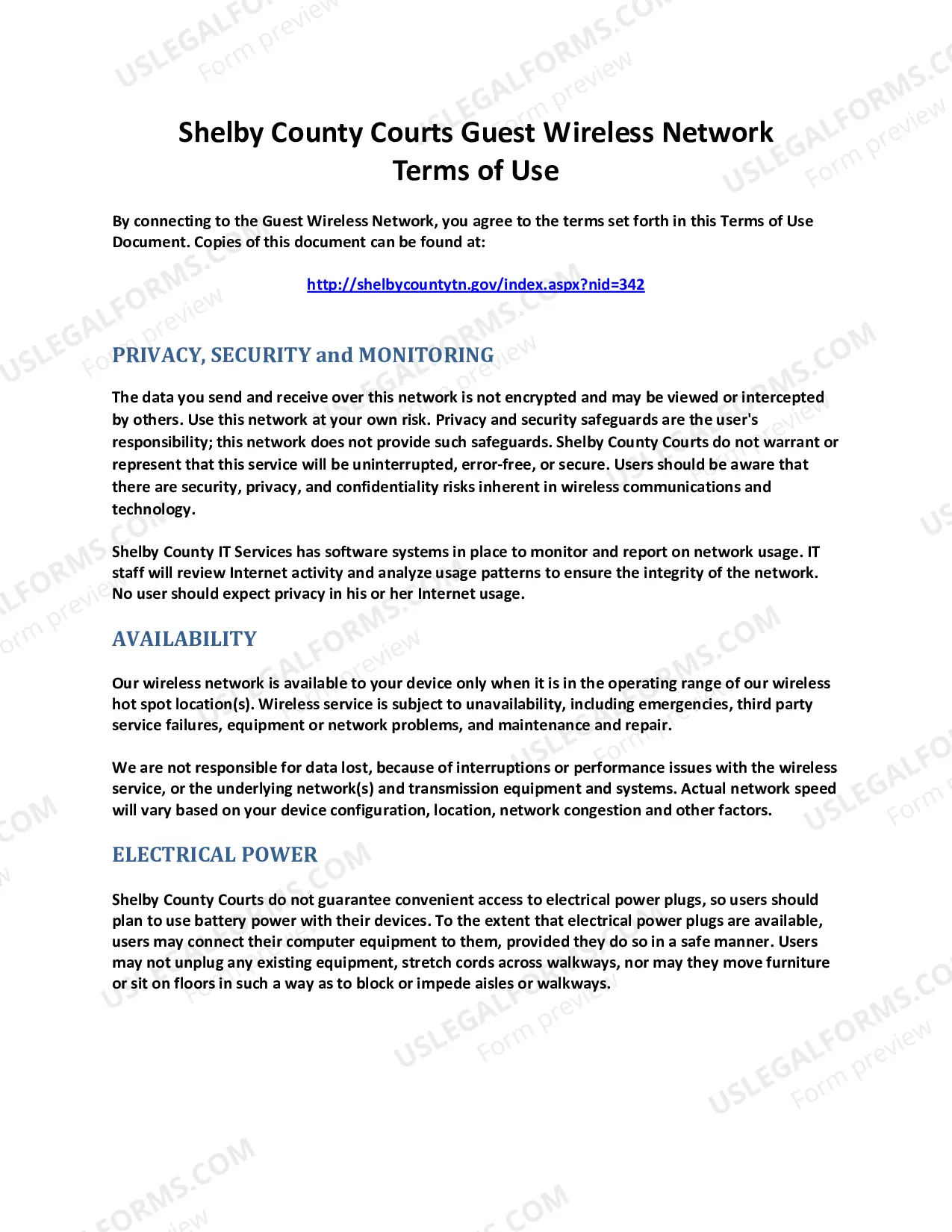
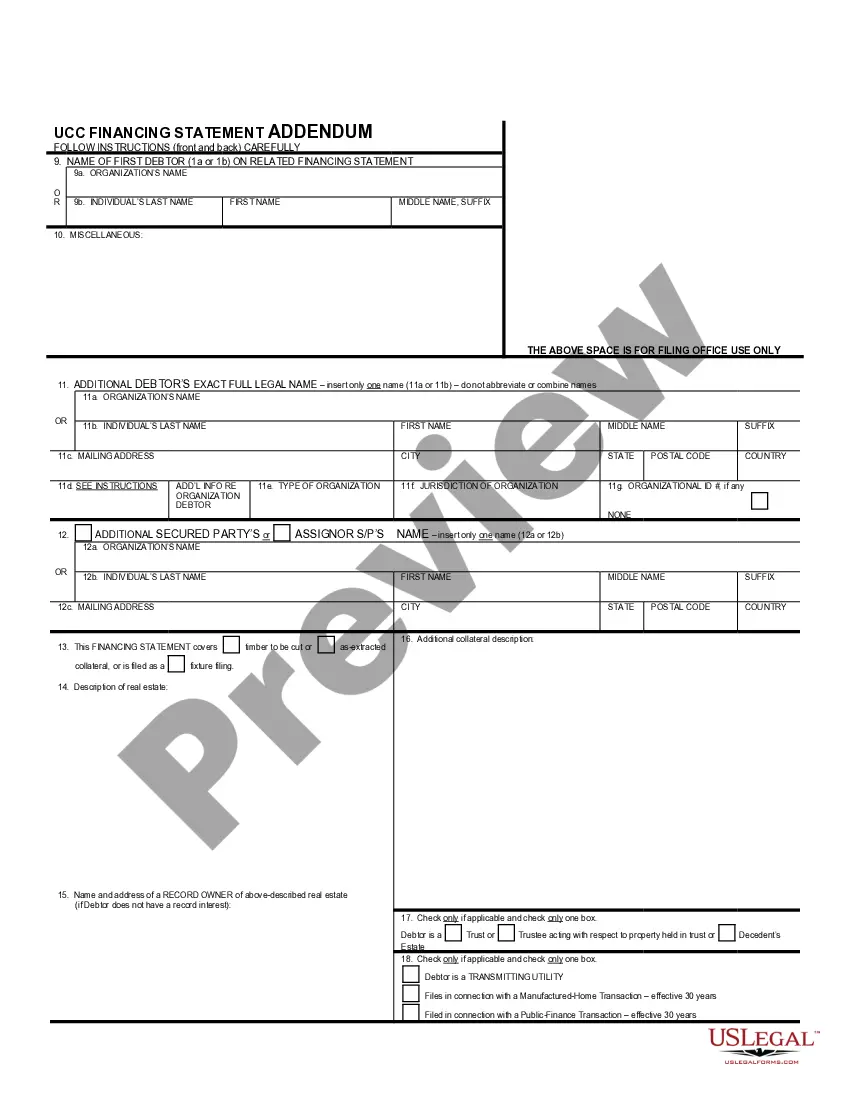
Tennessee UCC3 Financing Statement Amendment Addendum
Description
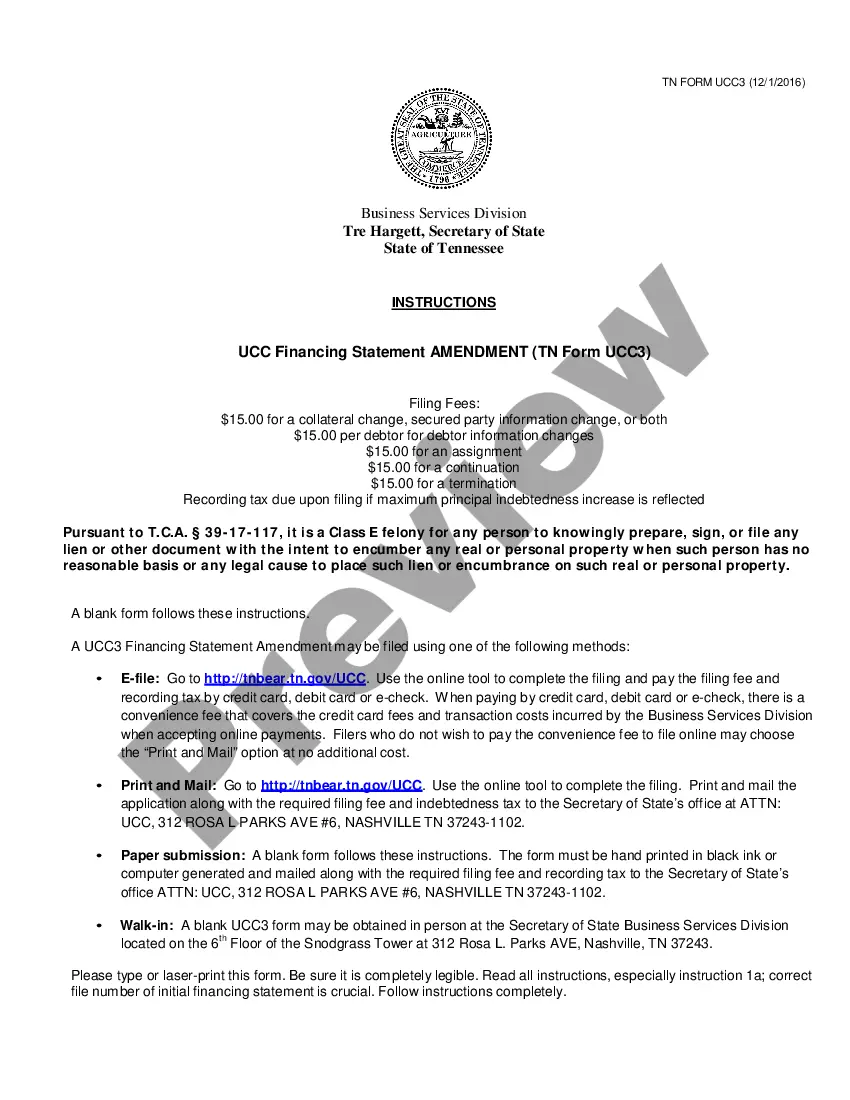
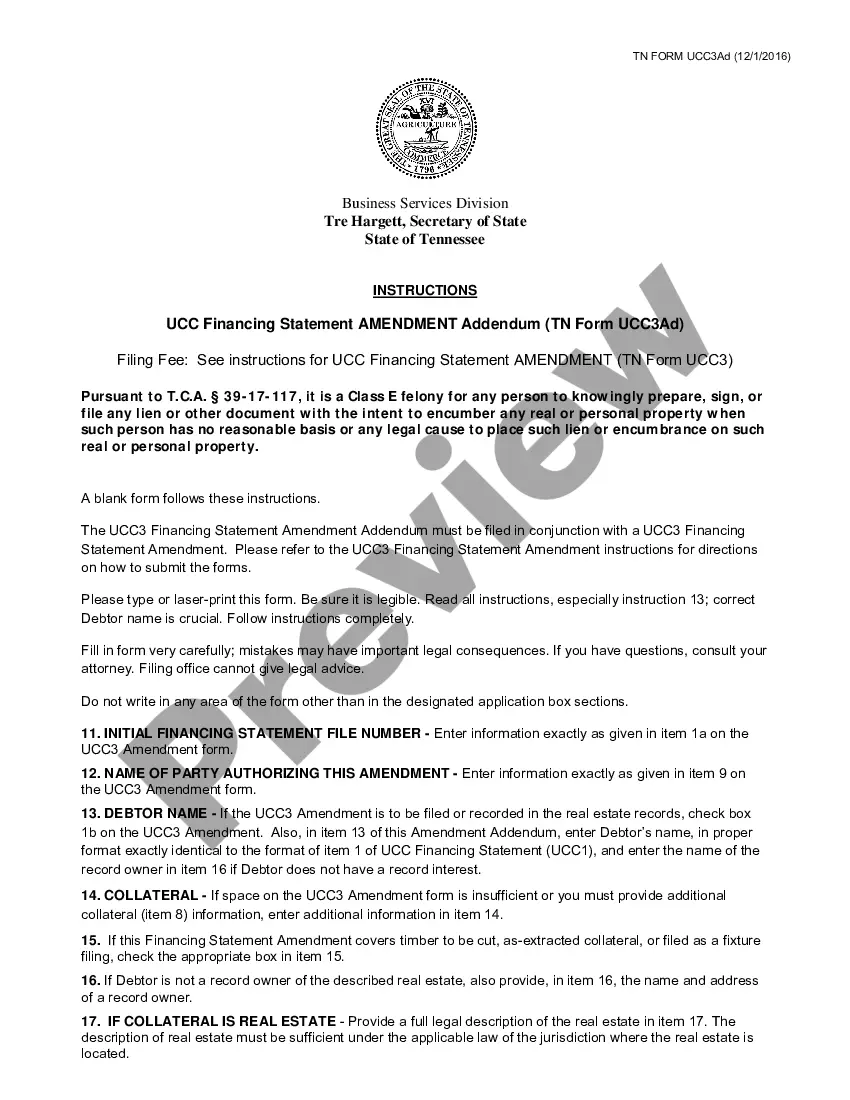

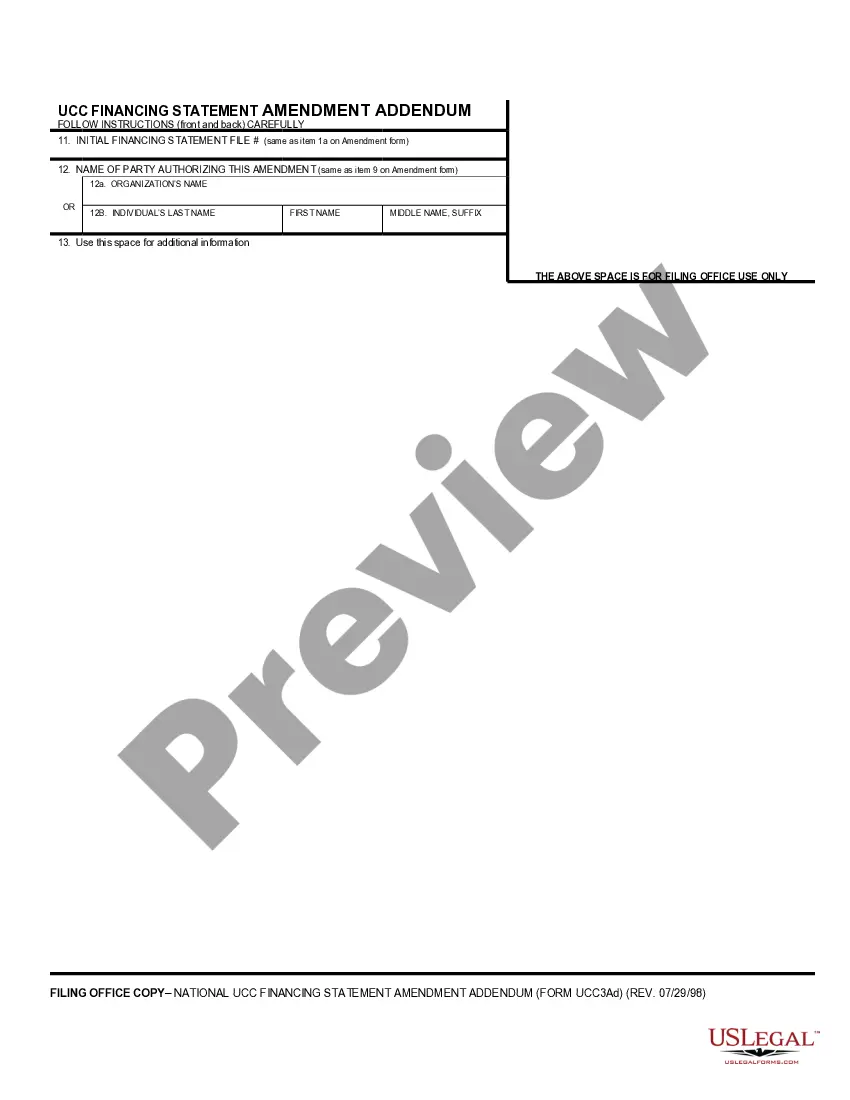
Get your form ready online
Our built-in tools help you complete, sign, share, and store your documents in one place.
Make edits, fill in missing information, and update formatting in US Legal Forms—just like you would in MS Word.
Download a copy, print it, send it by email, or mail it via USPS—whatever works best for your next step.
Sign and collect signatures with our SignNow integration. Send to multiple recipients, set reminders, and more. Go Premium to unlock E-Sign.
If this form requires notarization, complete it online through a secure video call—no need to meet a notary in person or wait for an appointment.
We protect your documents and personal data by following strict security and privacy standards.

Make edits, fill in missing information, and update formatting in US Legal Forms—just like you would in MS Word.

Download a copy, print it, send it by email, or mail it via USPS—whatever works best for your next step.

Sign and collect signatures with our SignNow integration. Send to multiple recipients, set reminders, and more. Go Premium to unlock E-Sign.

If this form requires notarization, complete it online through a secure video call—no need to meet a notary in person or wait for an appointment.

We protect your documents and personal data by following strict security and privacy standards.
Looking for another form?

How to fill out Tennessee UCC3 Financing Statement Amendment Addendum?
Access to quality Tennessee UCC3 Financing Statement Amendment Addendum forms online with US Legal Forms. Avoid hours of wasted time looking the internet and dropped money on files that aren’t updated. US Legal Forms provides you with a solution to just that. Get over 85,000 state-specific legal and tax samples that you can save and complete in clicks within the Forms library.
To find the sample, log in to your account and then click Download. The file is going to be saved in two places: on your device and in the My Forms folder.
For those who don’t have a subscription yet, check out our how-guide below to make getting started simpler:
- Find out if the Tennessee UCC3 Financing Statement Amendment Addendum you’re looking at is suitable for your state.
- See the sample making use of the Preview option and read its description.
- Visit the subscription page by simply clicking Buy Now.
- Select the subscription plan to continue on to register.
- Pay out by card or PayPal to complete creating an account.
- Choose a preferred file format to download the file (.pdf or .docx).
Now you can open the Tennessee UCC3 Financing Statement Amendment Addendum sample and fill it out online or print it and do it yourself. Think about sending the papers to your legal counsel to be certain all things are completed properly. If you make a error, print and complete sample once again (once you’ve made an account all documents you save is reusable). Make your US Legal Forms account now and get access to more forms.
Form popularity
FAQ
When the debtor has satisfied all amounts owed to the lender, a UCC-3 termination statement (now called a UCC termination statement) is routinely filed to terminate the security interest perfected by the UCC-1 financing statement.
To assign (1) some or all of Assignor's right to amend the identified financing statement, or (2) the Assignor's right to amend the identified financing statement with respect to some (but not all) of the collateral covered by the identified financing statement: Check box in item 3 and enter name of Assignee in item 7a
Why file a UCC-3 form? The UCC-3 is the Swiss-Army-Knife of forms. Unlike a UCC 1, a UCC 3 can be used for multiple purposes. The actions one can take are Amendment, Assignment, Continuation, and Termination.
Also known as a UCC-3, and, depending on the context, a UCC-3 financing statement amendment, a UCC-3 termination statement, and a UCC-3 continuation statement. Under the Uniform Commercial Code, a UCC-3 is used to continue, assign, terminate, or amend an existing UCC-1 financing statement (UCC-1).
Rules vary by State around releasing a UCC lien after a borrower satisfied the debt. Primarily there are two main ways to remove them. One way is by having the lender file a UCC-3 Financing Statement Amendment. Another way to remove a UCC filing is by swearing an oath of full payment at the secretary of state office.