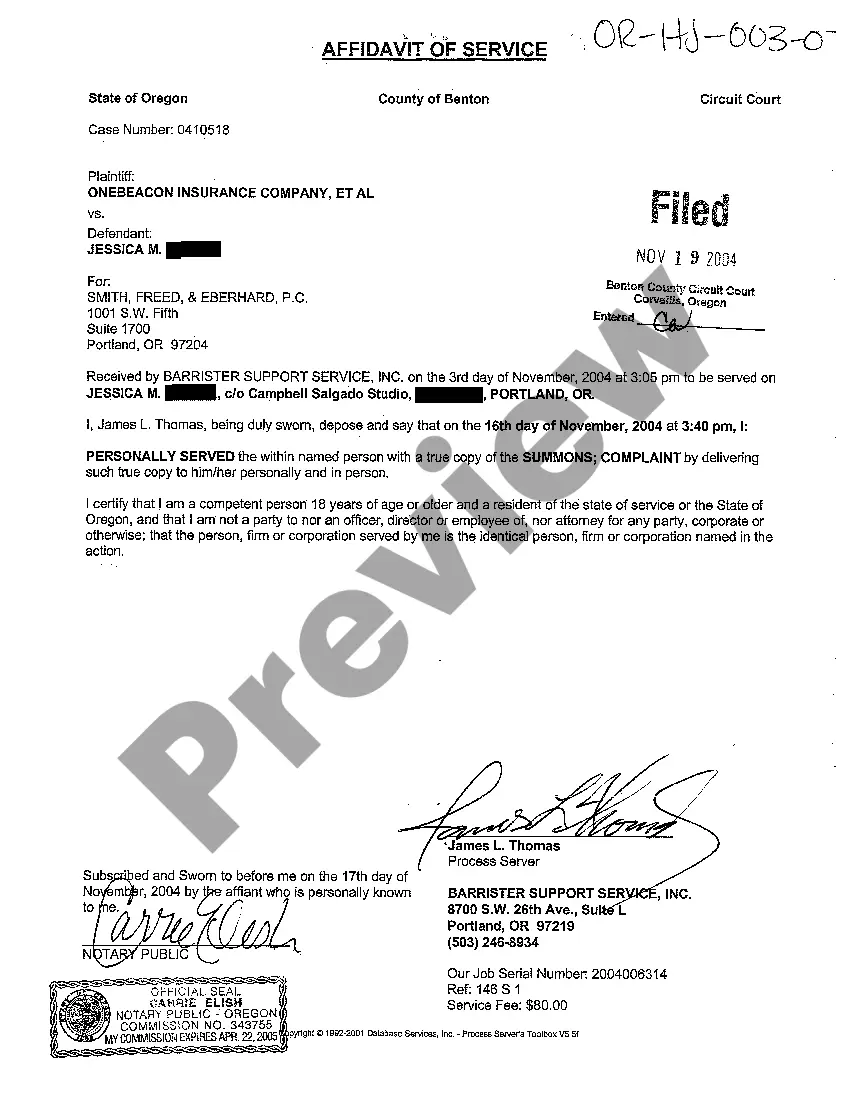
Tennessee Reformation Amendment of Note And Security Instrument
Description
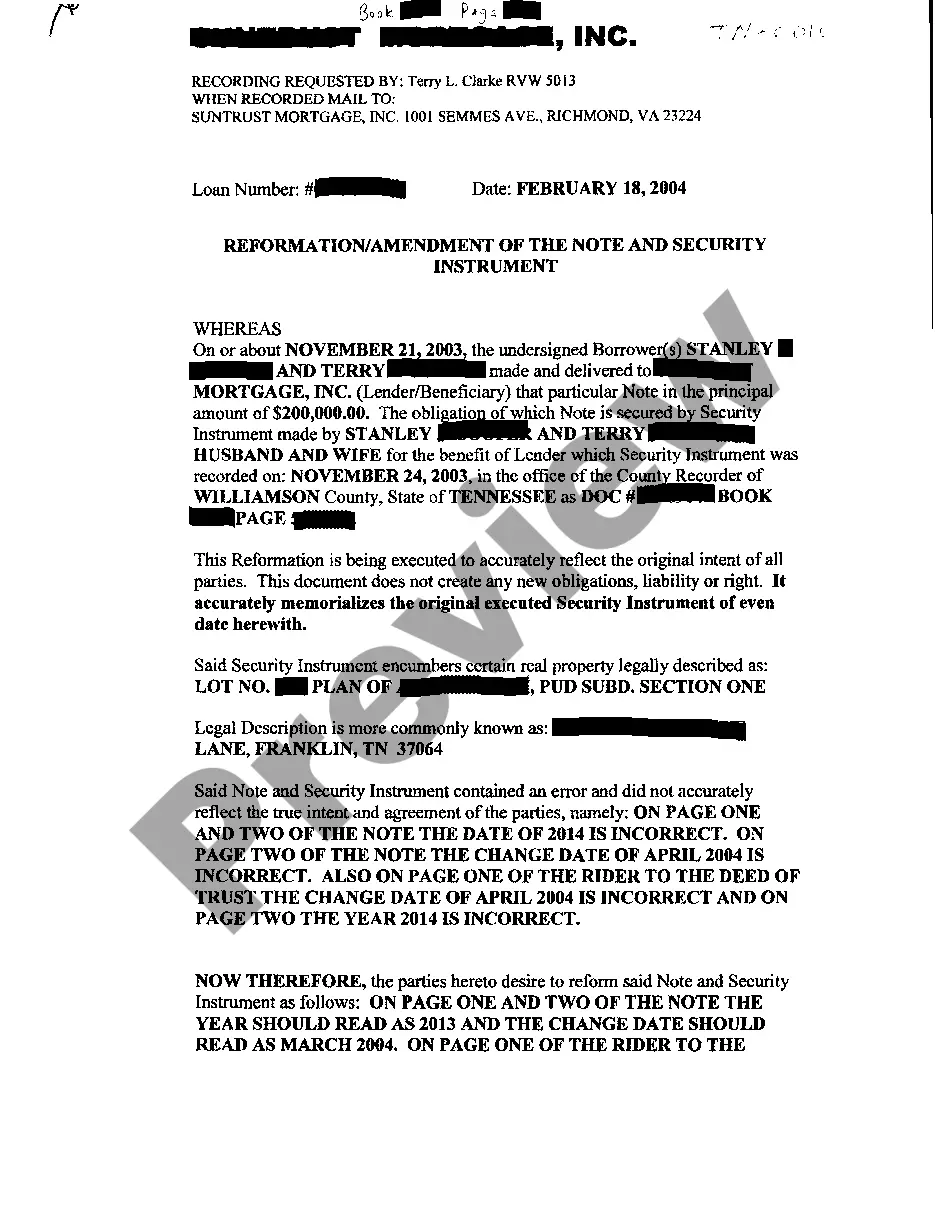
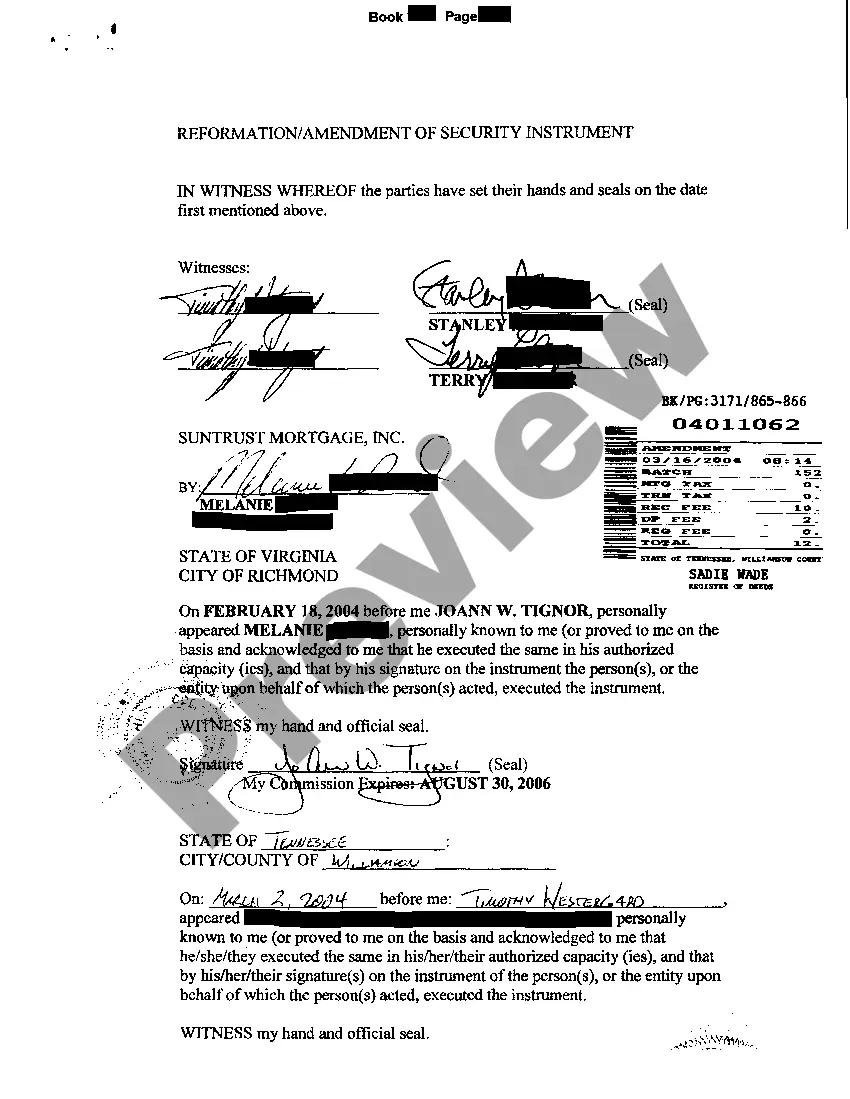
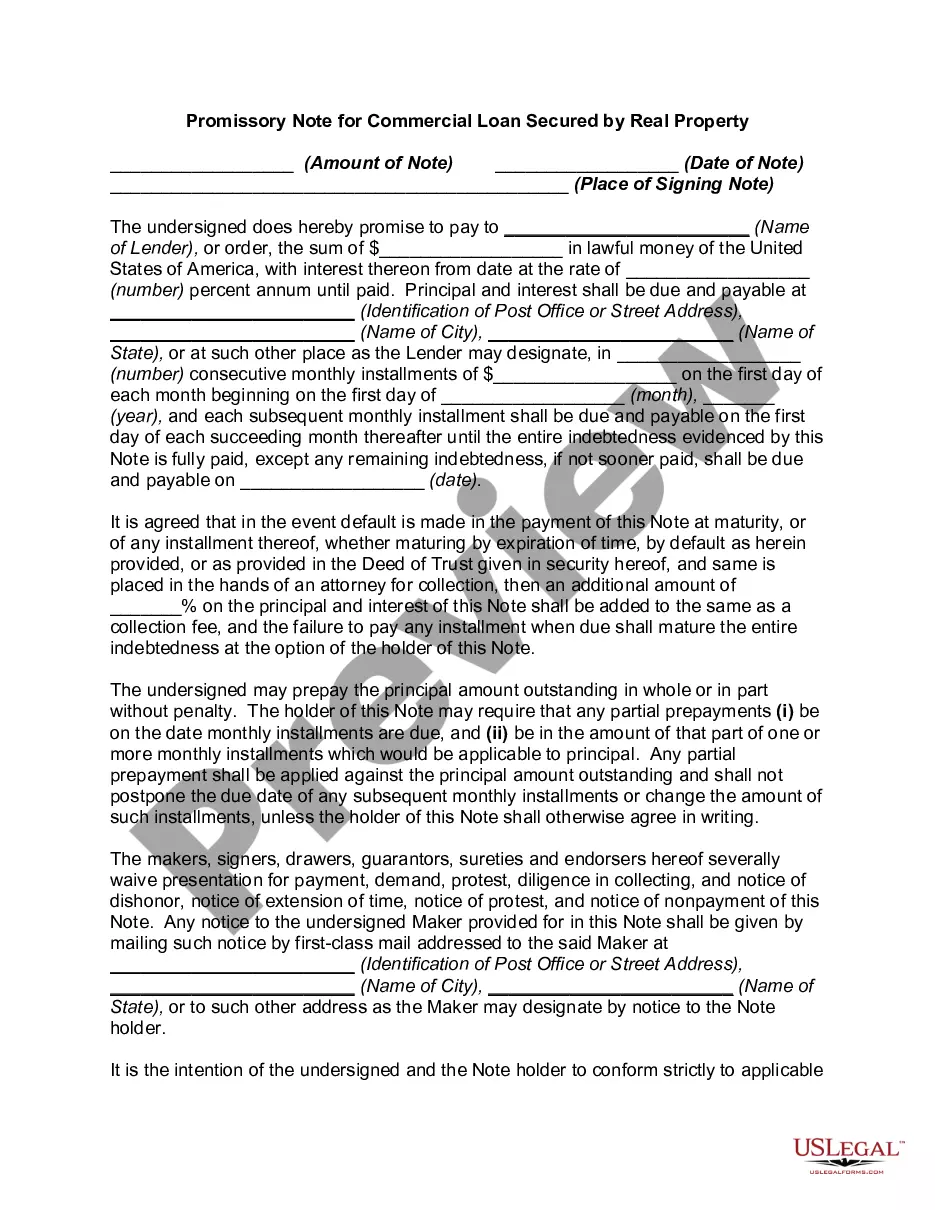
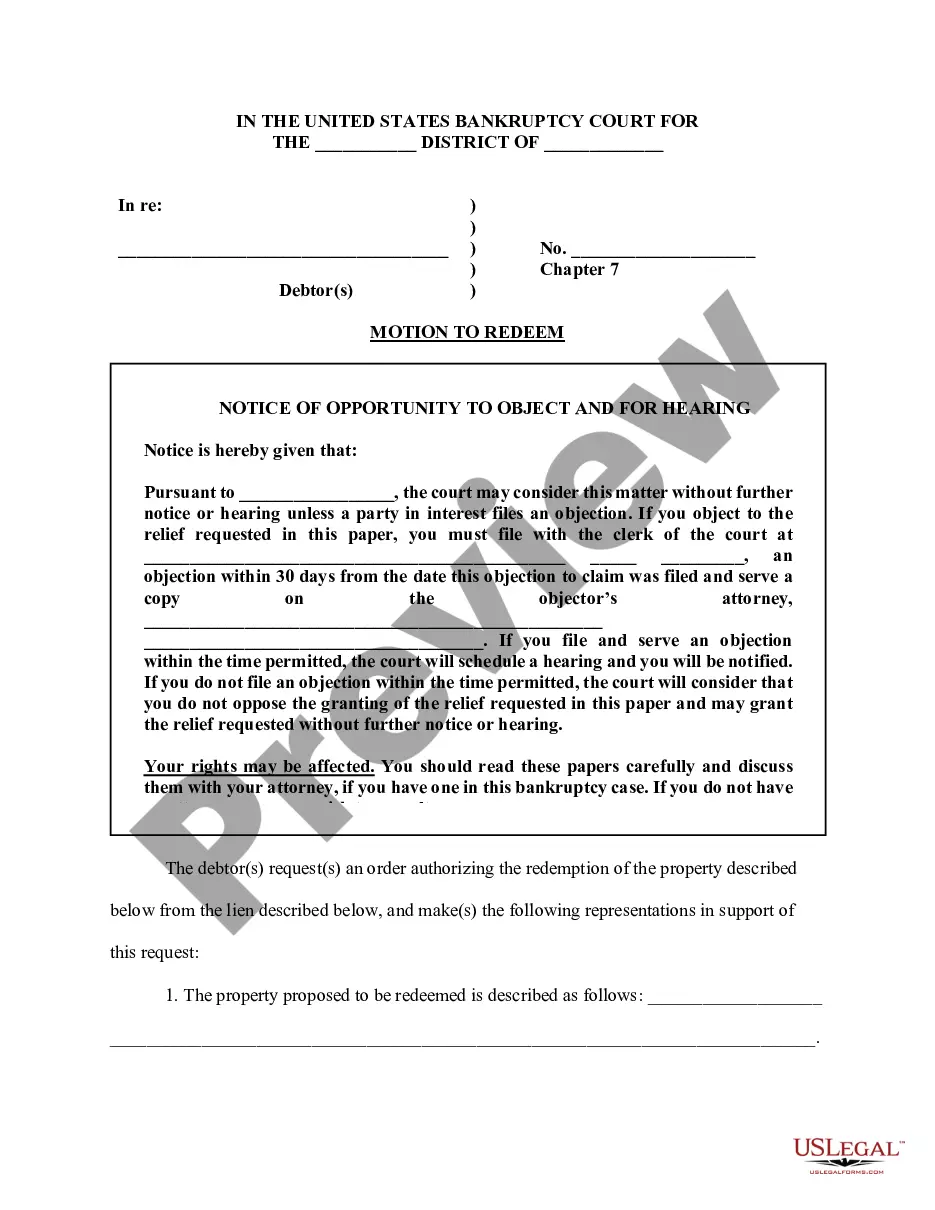
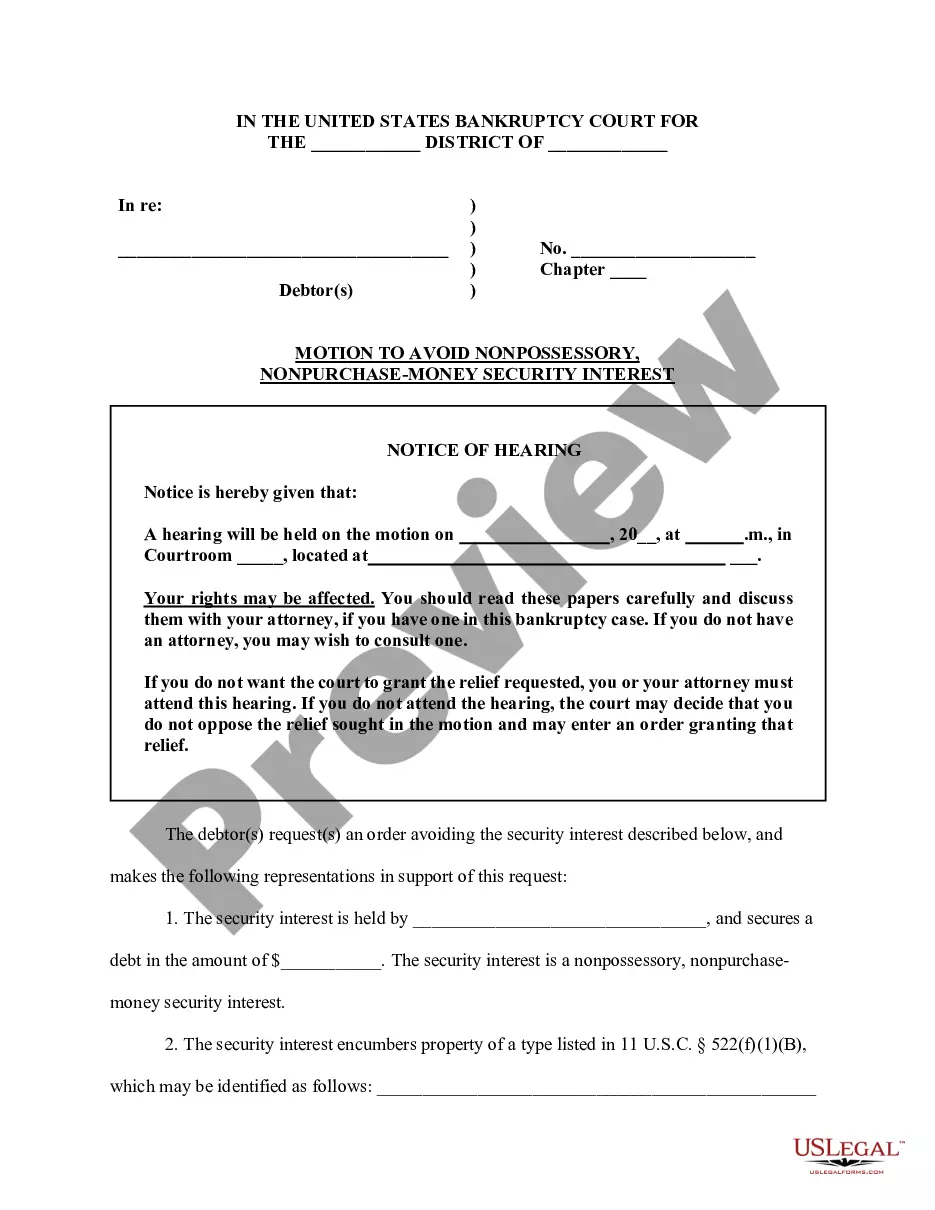



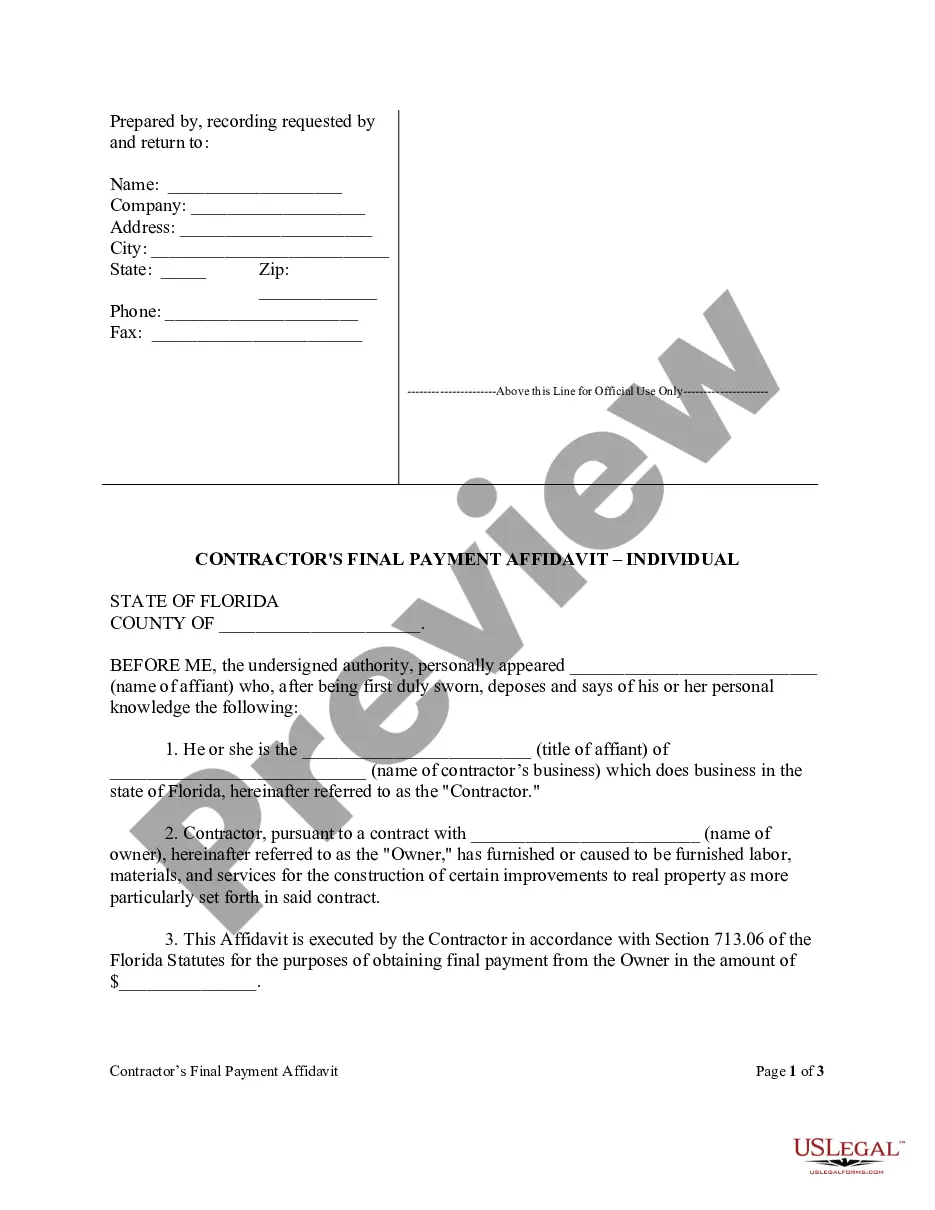
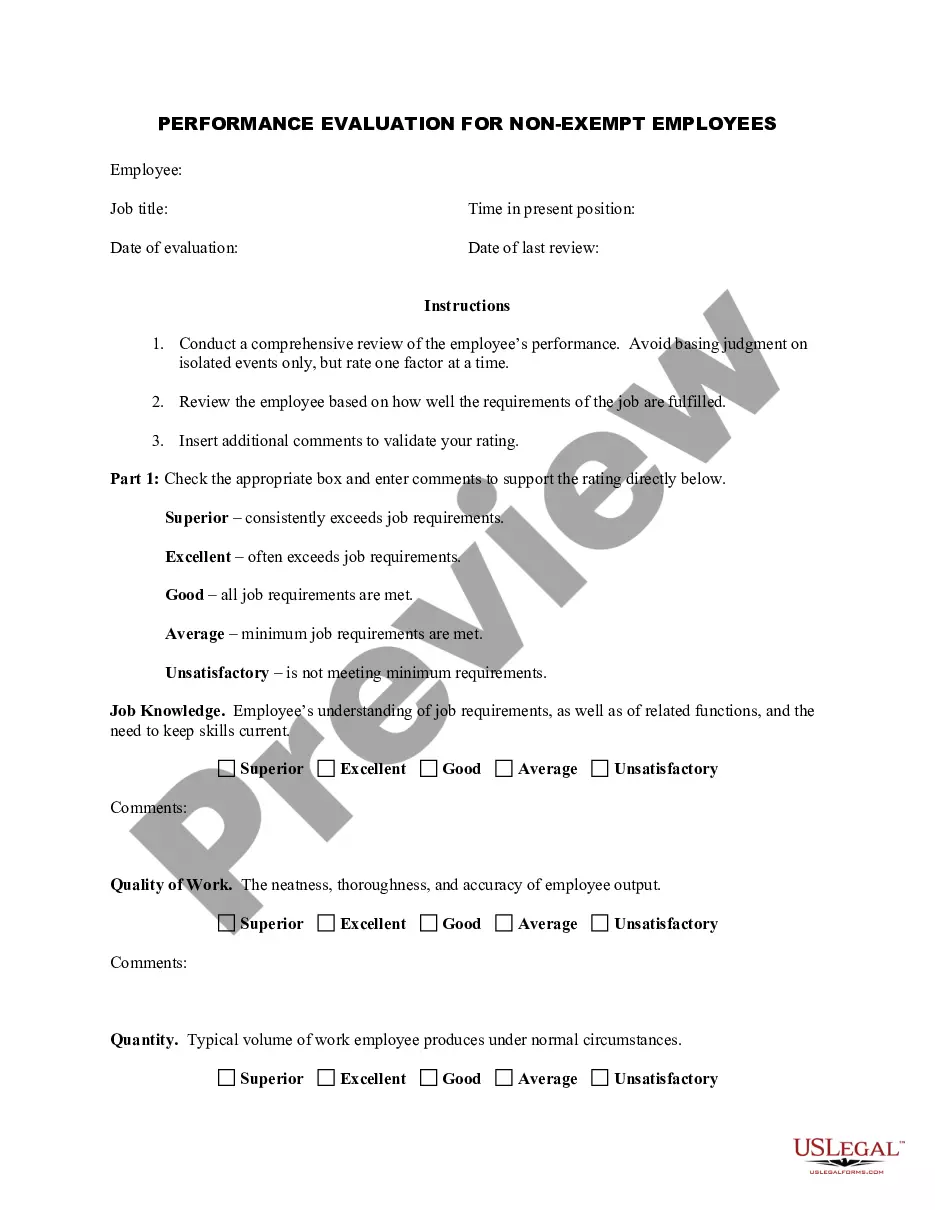

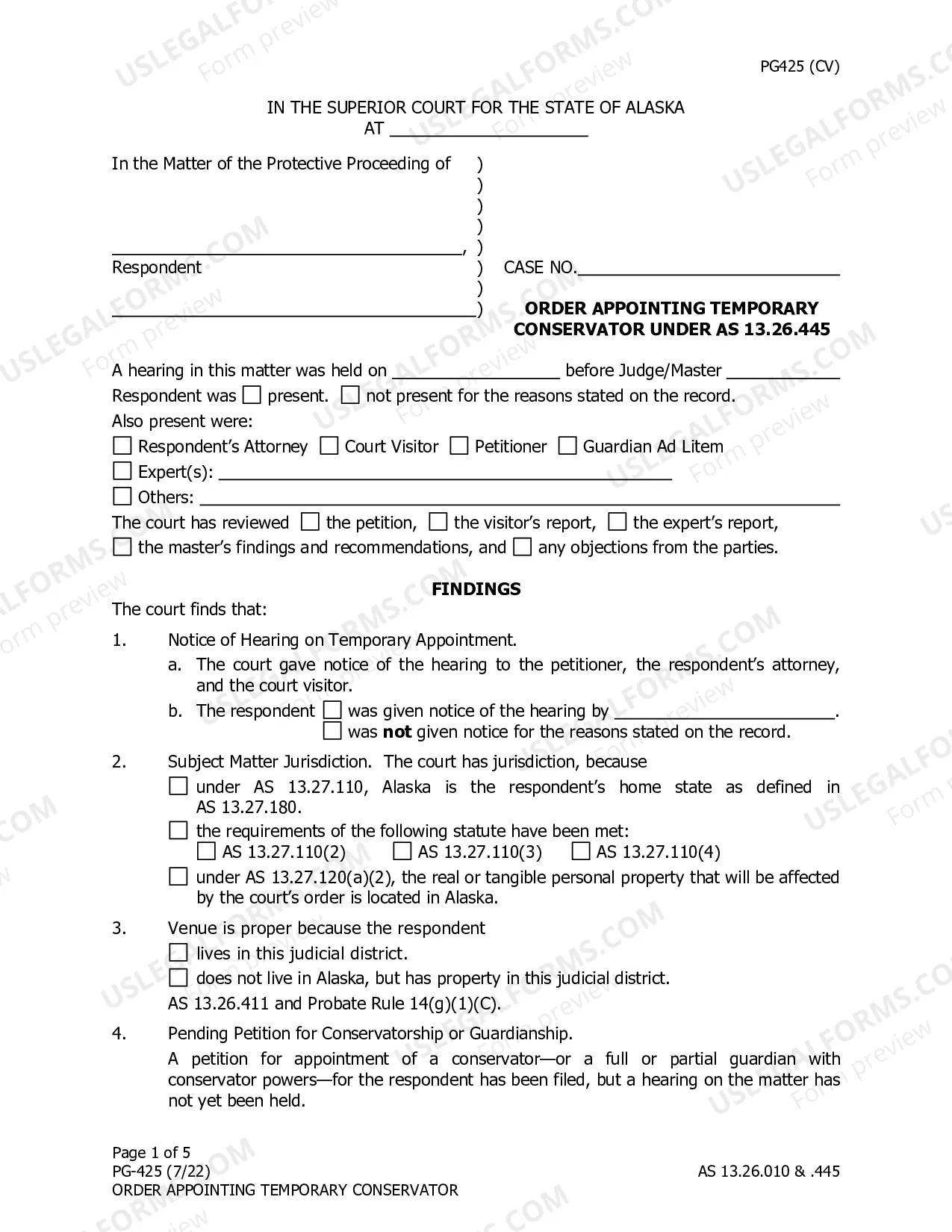
How to fill out Tennessee Reformation Amendment Of Note And Security Instrument?
Access to quality Tennessee Reformation Amendment of Note And Security Instrument templates online with US Legal Forms. Avoid hours of lost time searching the internet and lost money on documents that aren’t updated. US Legal Forms gives you a solution to exactly that. Find above 85,000 state-specific authorized and tax forms you can save and fill out in clicks in the Forms library.
To find the sample, log in to your account and click Download. The document is going to be saved in two places: on the device and in the My Forms folder.
For those who don’t have a subscription yet, look at our how-guide listed below to make getting started easier:
- See if the Tennessee Reformation Amendment of Note And Security Instrument you’re considering is appropriate for your state.
- Look at the form making use of the Preview function and read its description.
- Visit the subscription page by clicking Buy Now.
- Select the subscription plan to go on to register.
- Pay out by card or PayPal to finish creating an account.
- Pick a favored file format to download the file (.pdf or .docx).
You can now open the Tennessee Reformation Amendment of Note And Security Instrument sample and fill it out online or print it and get it done yourself. Take into account mailing the document to your legal counsel to make certain all things are completed appropriately. If you make a error, print and complete sample again (once you’ve registered an account all documents you save is reusable). Make your US Legal Forms account now and access more samples.
Form popularity
FAQ
You can change your name on title deeds by completing form AP1 and providing the relevant documentation, such as a marriage certificate, deed poll certificate or a sworn declaration. You can also change your gender on title deeds using form CNG and providing appropriate proof of the change.
If a deed is to have any validity, it must be made voluntarily.If FRAUD is committed by either the grantor or grantee, a deed can be declared invalid. For example, a deed that is a forgery is completely ineffective. The exercise of UNDUE INFLUENCE also ordinarily serves to invalidate a deed.
Once a deed has been recorded, it is part of the public record and cannot be changed. It is possible, however, to amend that record by adding a newly executed deed, usually called correction or corrective deed, deed of correction or, in some states, deed of confirmation.
Retrieve your original deed. Get the appropriate deed form. Draft the deed. Sign the deed before a notary. Record the deed with the county recorder. Obtain the new original deed.
It usually takes four to six weeks to complete the legal processes involved in the transfer of title.
Although it's possible to change the names on title deeds yourself, we recommend that you seek professional help from a solicitor. The value of property is sufficiently high to make it worthwhile getting the transfer right.
Determine if the error is harmless or fatal to the transfer of title. Decide what instrument is best suited to the error. Draft a corrective deed, affidavit, or new deed. Obtain the original signature(s) of the Grantor(s). Re-execute the deed with proper notarization and witnessing.