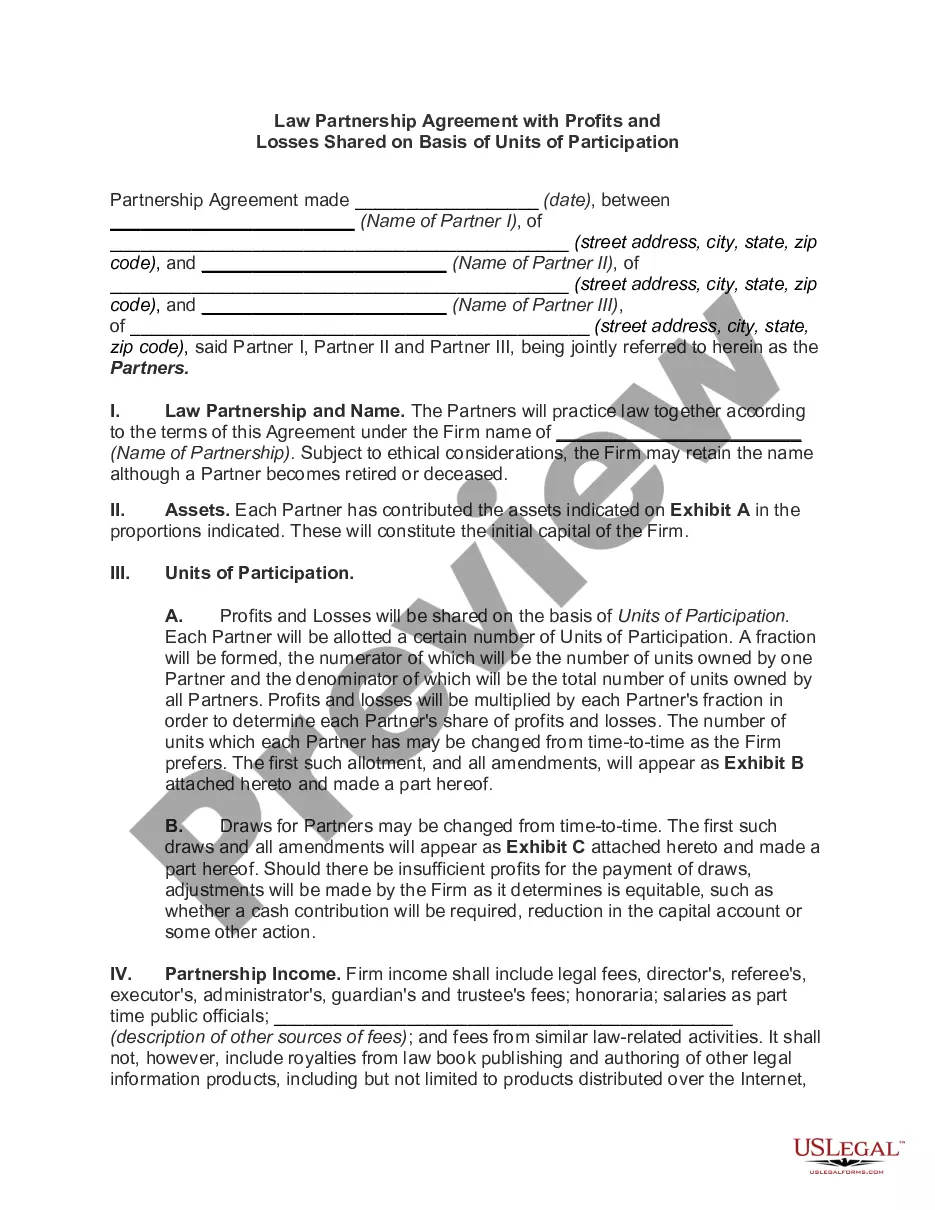
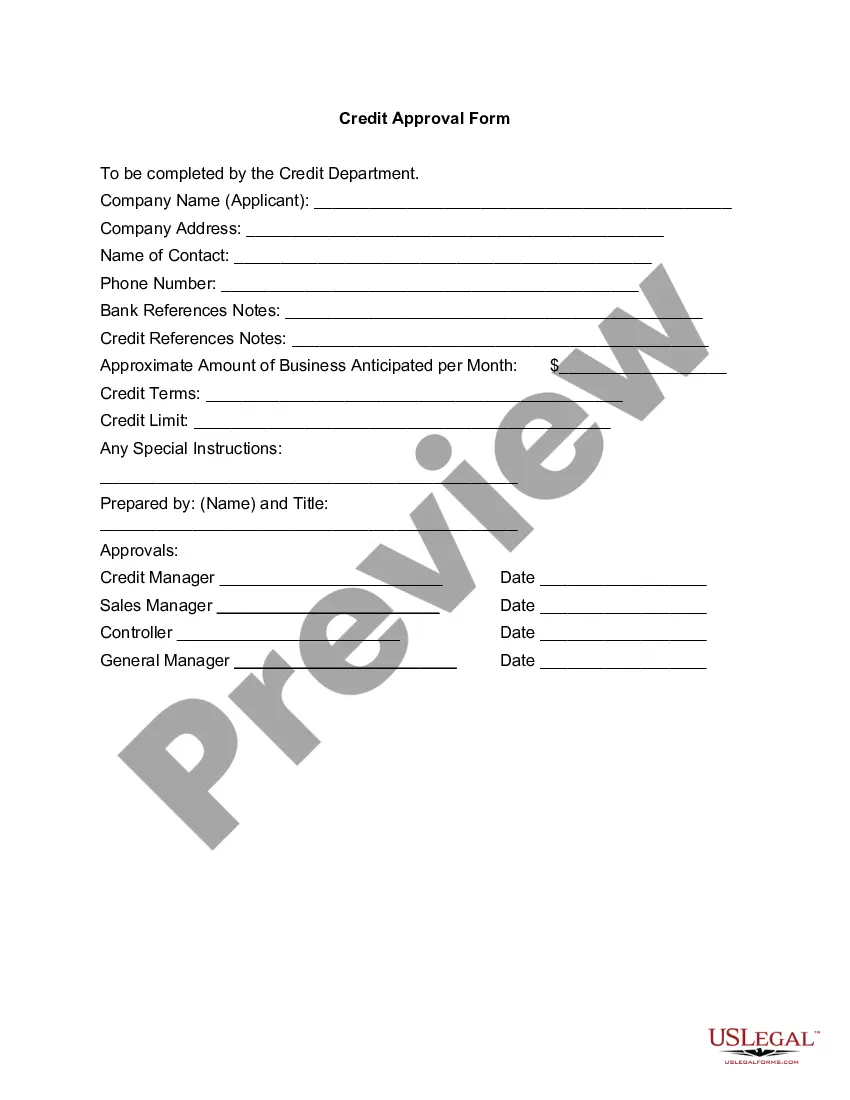
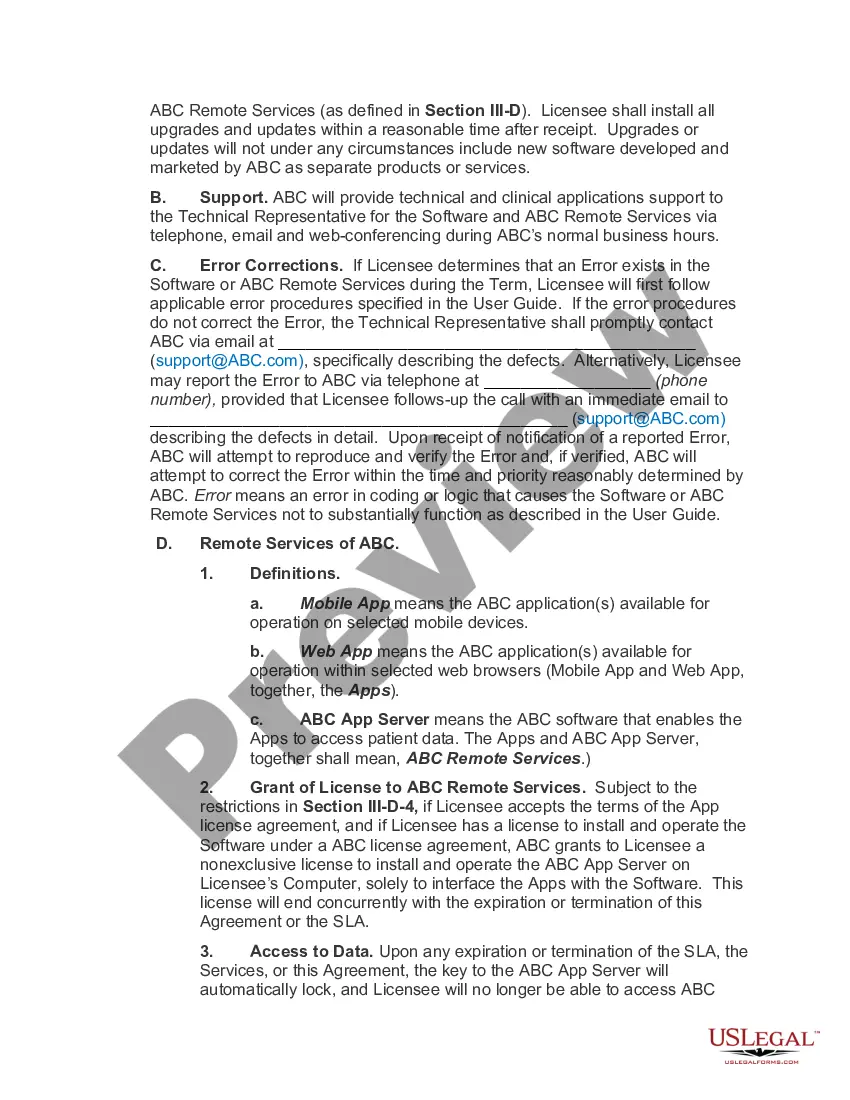
South Dakota Software Assurance Agreement
Description
Get your form ready online
Our built-in tools help you complete, sign, share, and store your documents in one place.
Make edits, fill in missing information, and update formatting in US Legal Forms—just like you would in MS Word.
Download a copy, print it, send it by email, or mail it via USPS—whatever works best for your next step.
Sign and collect signatures with our SignNow integration. Send to multiple recipients, set reminders, and more. Go Premium to unlock E-Sign.
If this form requires notarization, complete it online through a secure video call—no need to meet a notary in person or wait for an appointment.
We protect your documents and personal data by following strict security and privacy standards.

Make edits, fill in missing information, and update formatting in US Legal Forms—just like you would in MS Word.

Download a copy, print it, send it by email, or mail it via USPS—whatever works best for your next step.

Sign and collect signatures with our SignNow integration. Send to multiple recipients, set reminders, and more. Go Premium to unlock E-Sign.

If this form requires notarization, complete it online through a secure video call—no need to meet a notary in person or wait for an appointment.

We protect your documents and personal data by following strict security and privacy standards.
Looking for another form?



How to fill out Software Assurance Agreement?
You have the ability to dedicate time online searching for the legal document template that meets the federal and state requirements you need.
US Legal Forms offers a wide array of legal documents that have been evaluated by experts.
You can easily download or generate the South Dakota Software Assurance Agreement from the service.
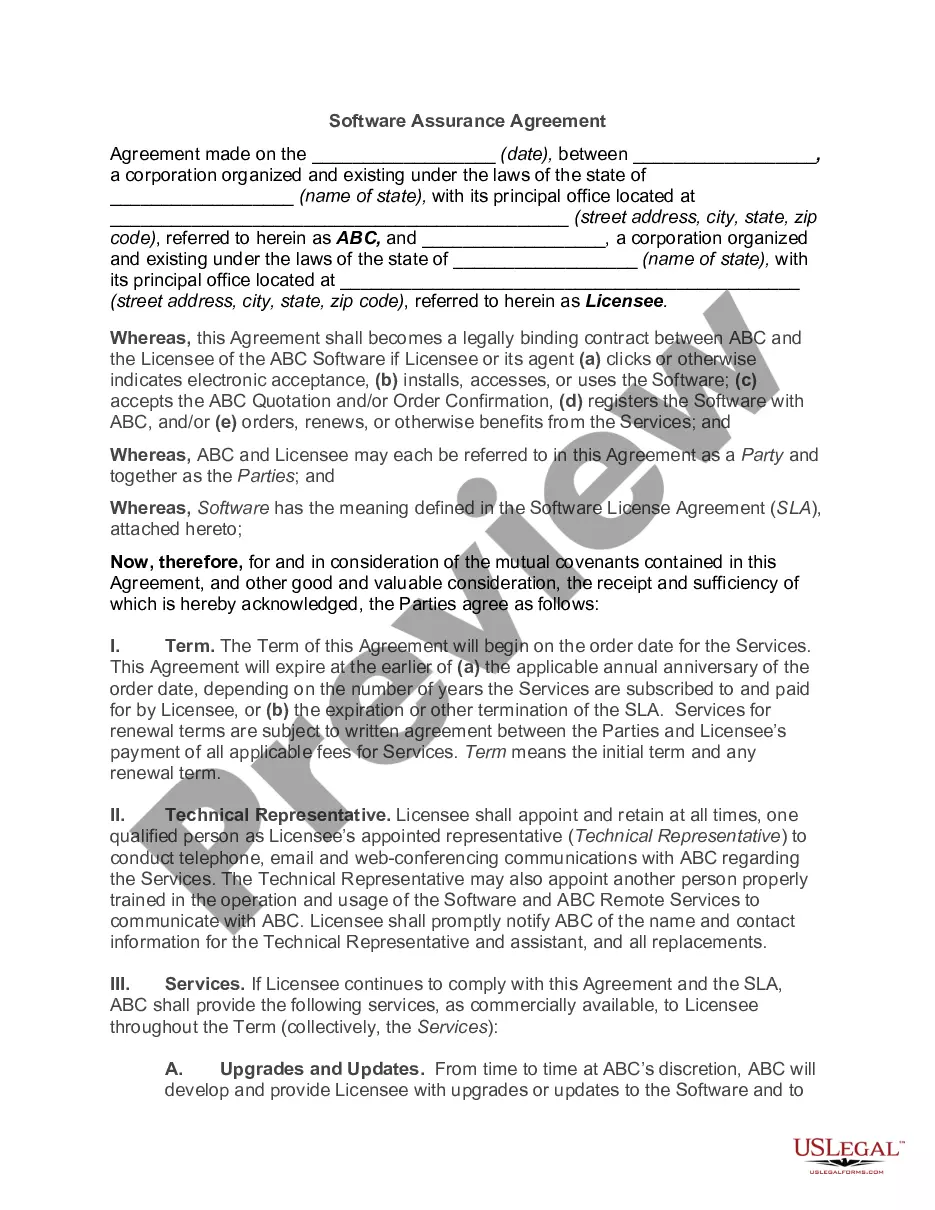
If available, take advantage of the Preview option to view the document template as well.
- If you possess a US Legal Forms account, you may Log In and then select the Acquire option.
- After that, you can fill out, modify, generate, or sign the South Dakota Software Assurance Agreement.
- Each legal document template you purchase is yours forever.
- To obtain an additional copy of the acquired document, go to the My documents tab and click on the relevant option.
- If you are utilizing the US Legal Forms site for the first time, follow the simple instructions below.
- Initially, ensure that you have chosen the correct document template for the state/region of your choice.
- Review the document description to confirm you have selected the appropriate form.
Form popularity
FAQ
Sign into the Volume Licensing Service Centre. Choose Software or click View Software Assurance Benefits in the Entitlements section of the VLSC home page to display the Software Assurance Summary page. This page displays links for the Software Assurance benefits available for all your licensing IDs.
When the truth is that you only require software assurance on these products if you wish to make use of Roaming Use Rights. This would allow access by the primary user of a licensed device from a third-party device. If you only provide access to desktop applications to users from work devices, SA is not required.
Can I add Software Assurance to an OEM/Retail product license? Yes, you can attach standalone Software Assurance coverage to an OEM/Retail product license, but you must do so within 90 days of purchasing the OEM/Retail (full packaged product) product license.
Software Assurance can be purchased at the time of the license purchase, but the benefits terminate with the expiration of agreement Authorization Number.
An EA provides price protection, discounts, and true-up and true-down rights. The MPSA has more flexible terms, with the ability for organizations to buy what they need. However, neither the EA nor the current MPSA presently lets organizations aggregate their licensing enrollments to get lower pricing.
Can I add Software Assurance to an OEM/Retail product license? Yes, you can attach standalone Software Assurance coverage to an OEM/Retail product license, but you must do so within 90 days of purchasing the OEM/Retail (full packaged product) product license.
Activate through the VLSC Before you can activate your Software Assurance benefits in the VLSC, your organization needs to provide you with Software Assurance Manager permissions. After you are signed in, you'll find a complete list of your available Software Assurance benefits.
Software Assurance can also be purchased on OEM licensed software within 90 days after purchase. For example, your organization purchases new computers with Office already installed (an Office OEM license. You have 90 days from the date of purchase of the computer to purchase Software Assurance.
A comprehensive program that includes a unique set of technologies, services, and rights for using Microsoft products efficiently, Software Assurance helps keep your business up to date and ready to respond quickly to change and opportunity.
1) Go to Microsoft Software Assurance Support page and click on Submit Request 2) Select the product and problem for which you need support. 3) On the Create an incident - select a payment option page, select Use my Software Assurance Agreement.