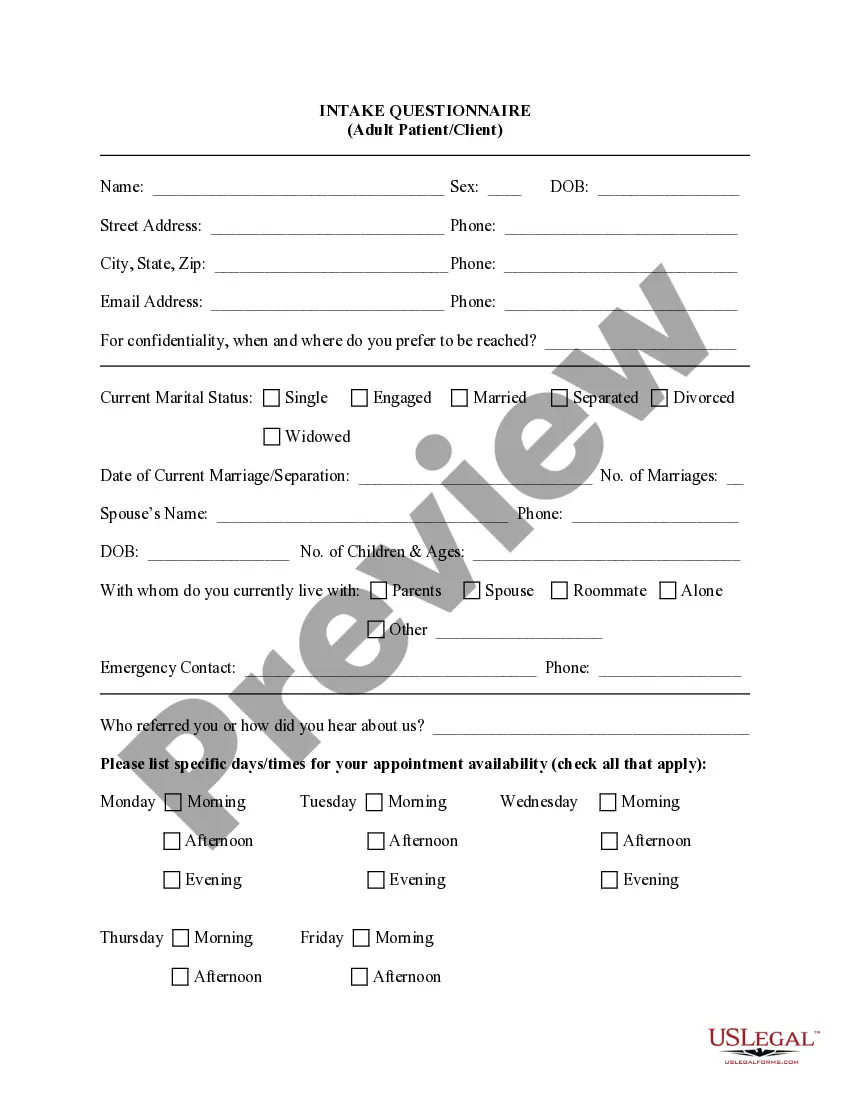
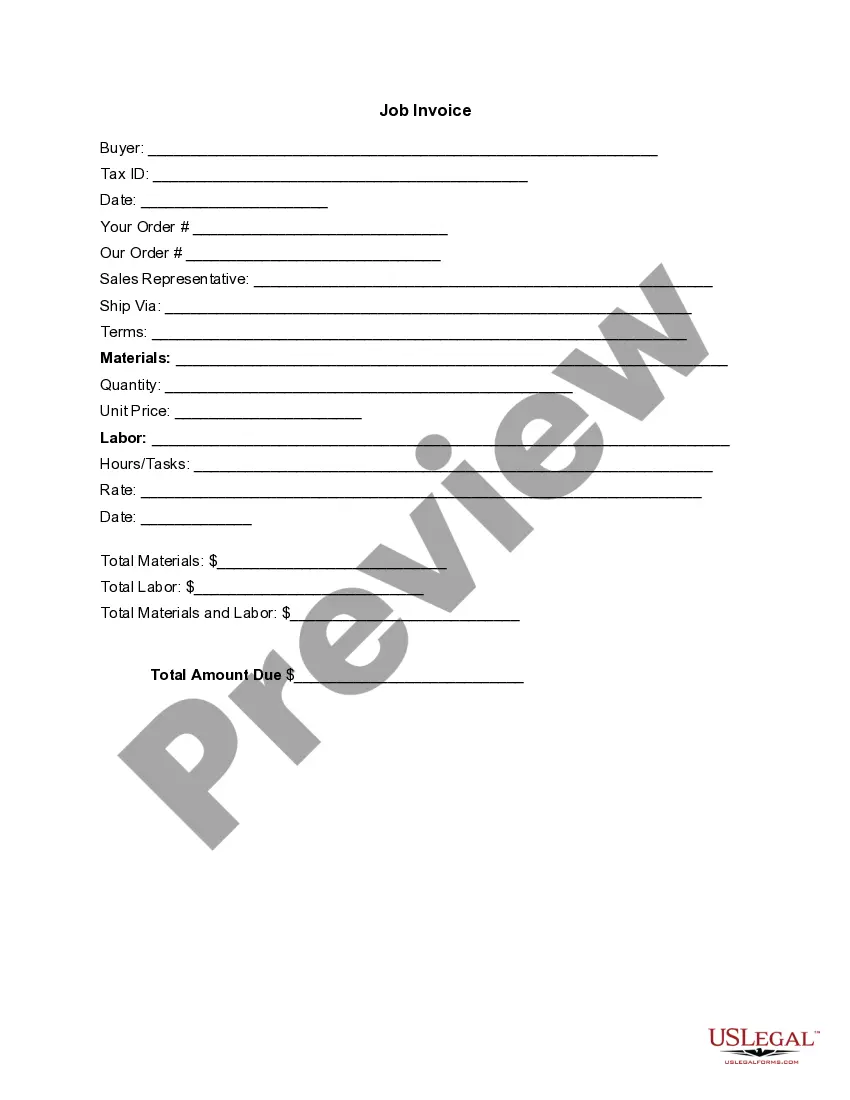
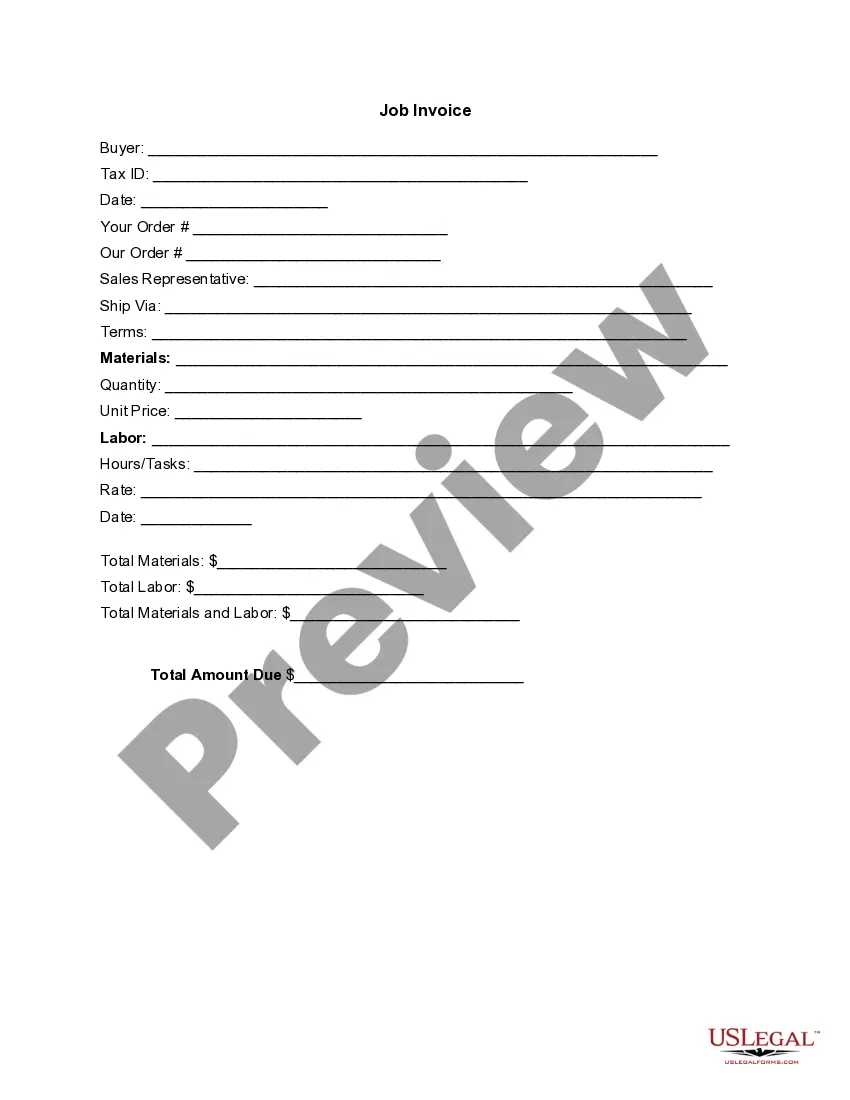
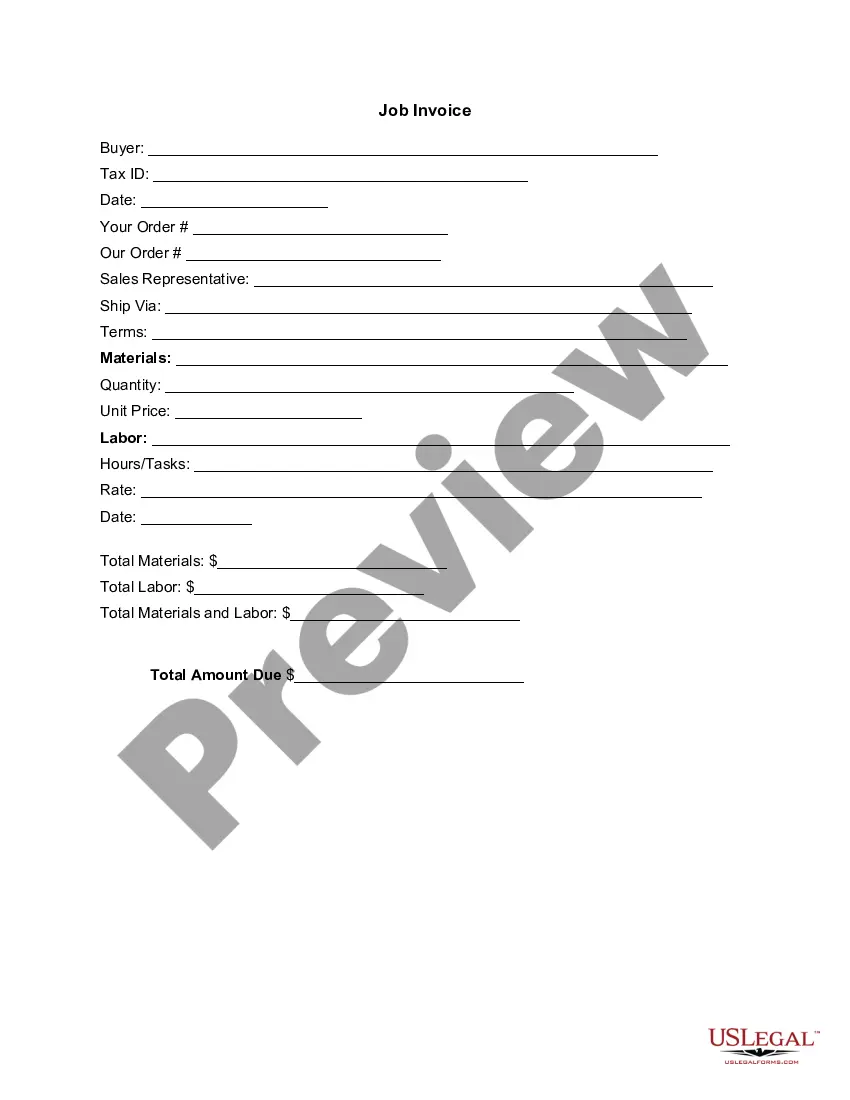
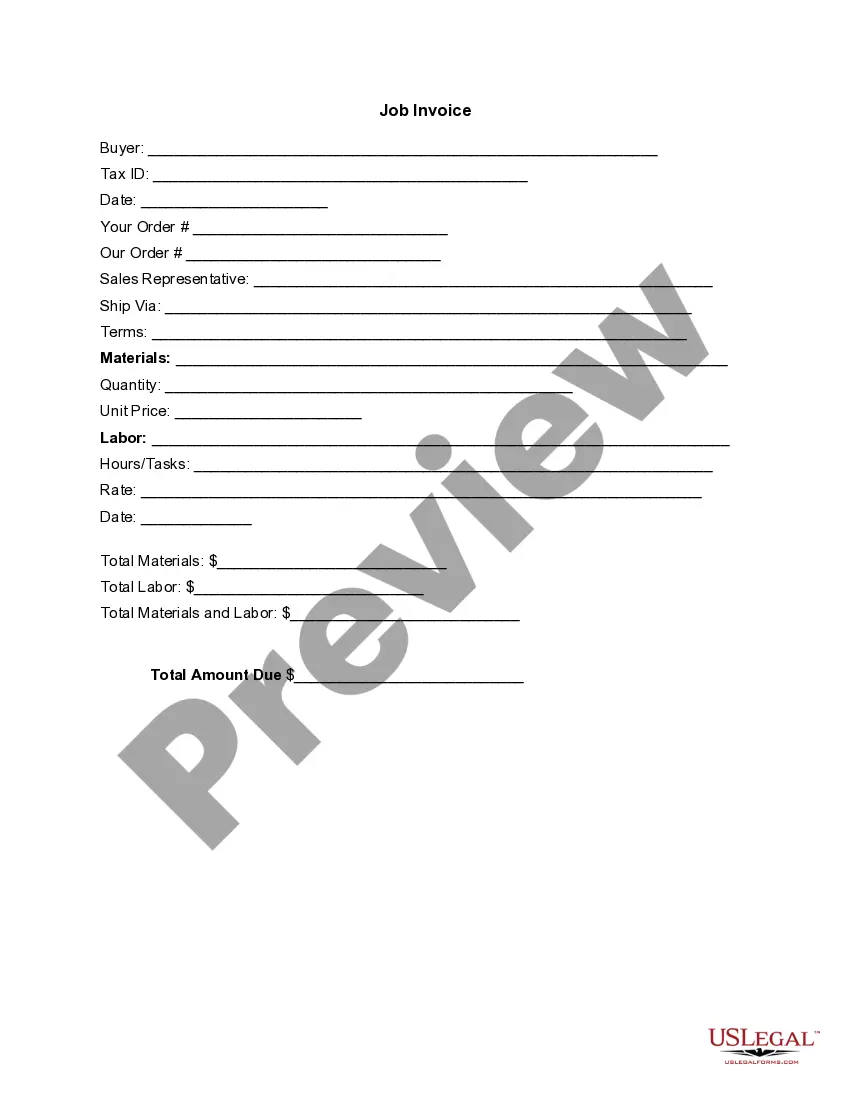
South Dakota Invoice Template for Branch Manager
Description
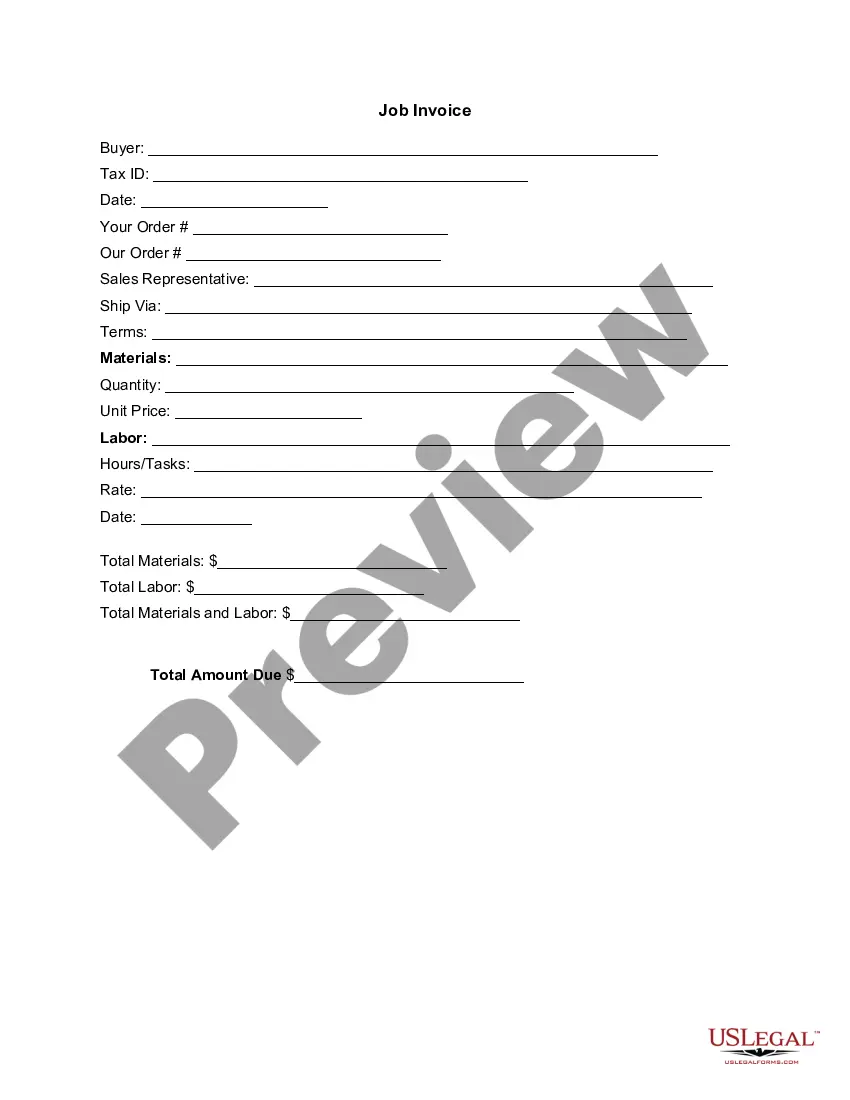

Get your form ready online
Our built-in tools help you complete, sign, share, and store your documents in one place.
Make edits, fill in missing information, and update formatting in US Legal Forms—just like you would in MS Word.
Download a copy, print it, send it by email, or mail it via USPS—whatever works best for your next step.
Sign and collect signatures with our SignNow integration. Send to multiple recipients, set reminders, and more. Go Premium to unlock E-Sign.
If this form requires notarization, complete it online through a secure video call—no need to meet a notary in person or wait for an appointment.
We protect your documents and personal data by following strict security and privacy standards.

Make edits, fill in missing information, and update formatting in US Legal Forms—just like you would in MS Word.

Download a copy, print it, send it by email, or mail it via USPS—whatever works best for your next step.

Sign and collect signatures with our SignNow integration. Send to multiple recipients, set reminders, and more. Go Premium to unlock E-Sign.

If this form requires notarization, complete it online through a secure video call—no need to meet a notary in person or wait for an appointment.

We protect your documents and personal data by following strict security and privacy standards.
Looking for another form?



How to fill out Invoice Template For Branch Manager?
Selecting the optimal legal document template can be a challenge. Clearly, there are many designs available online, but how can you find the legal form you require? Utilize the US Legal Forms website.
The service offers a multitude of templates, including the South Dakota Invoice Template for Branch Manager, which can be utilized for both business and personal purposes. All of the forms are reviewed by experts and comply with federal and state regulations.
If you are already registered, Log In to your account and then click the Download button to obtain the South Dakota Invoice Template for Branch Manager. Use your account to browse the legal forms you have purchased previously. Navigate to the My documents tab in your account and retrieve another copy of the document you need.
Select the file format and download the legal document template to your device. Complete, modify, and print and sign the received South Dakota Invoice Template for Branch Manager. US Legal Forms is the premier repository of legal forms where you can discover various document templates. Take advantage of the service to download professionally designed papers that meet state regulations.
- First, ensure you have selected the correct form for your city/state.
- You can review the form using the Review button and examine the form details to confirm it is suitable for you.
- If the form does not fulfill your requirements, utilize the Search area to find the correct form.
- Once you are confident that the form is appropriate, click the Acquire now button to obtain the form.
- Choose the pricing plan you prefer and enter the necessary details.
- Create your account and pay for the order using your PayPal account or credit card.
Form popularity
FAQ
Yes, Microsoft Office offers various invoice templates, which can be beneficial for many users. However, for specific needs, such as a South Dakota Invoice Template for Branch Manager, you may find that using dedicated platforms like US Legal Forms provides more tailored options. These templates can help you maintain compliance with local regulations and present a more professional image to your clients.
Creating your own invoice is an easy task once you have the right tools. Consider downloading a South Dakota Invoice Template for Branch Manager to streamline this process. Customize the template with your details, including services rendered and payment conditions. This method allows you to produce a clear and effective invoice that meets your business needs.
To create an invoice for a side job, follow a simple process. Use a South Dakota Invoice Template for Branch Manager to ensure all necessary information is included, such as the job description, payment amount, and your contact details. This approach not only organizes your billing but also gives a professional appearance to your clients. It helps establish trust and ensures timely payment.
Yes, you can generate your own invoice without any hassle. By utilizing a South Dakota Invoice Template for Branch Manager, you can easily personalize the invoice with your business information. Having a self-generated invoice ensures that you maintain control over your billing process and reflect your branding to your clients. This flexibility is particularly useful for freelancers and small business owners.
Creating an invoice for your freelance work can be straightforward. Start by using a South Dakota Invoice Template for Branch Manager, which helps you structure your bill properly. Include essential details like your name, contact information, the service provided, and payment terms. This will ensure your client understands the charges and can process your payment without confusion.
As mentioned before, while a bill of sale is not legally required in South Dakota for all transactions, it is advisable for certain transactions. This document acts as a receipt that confirms the exchange of ownership, making it critical for both sellers and buyers, especially when dealing with large purchases. Utilize the South Dakota Invoice Template for Branch Manager to enhance your transaction documentation.
To print a seller's permit in South Dakota, log in to your online account with the South Dakota Department of Revenue. Navigate to your seller's permit details, where you should find the option to print. Keeping a printed copy helps you stay organized and ensures you have it readily available for business transactions.
To apply for a South Dakota sales tax license, visit the South Dakota Department of Revenue's website. You will need to complete an application and provide details about your business, including its structure and activities. Obtaining this license ensures compliance with state tax laws and allows you to issue invoices and collect sales tax on your sales.
To obtain a seller's permit in South Dakota, you need to apply through the South Dakota Department of Revenue's online portal. Fill out the required forms and provide pertinent information about your business. Securing this permit allows you to collect state sales tax on purchases, which is essential for lawful business operations.
Yes, South Dakota is an electronic title state. This means that it allows for the electronic transfer of vehicle titles, making the process faster and more efficient. The use of digital titles simplifies record-keeping and decreases the risk of lost or damaged paper titles, which is beneficial for business operations.