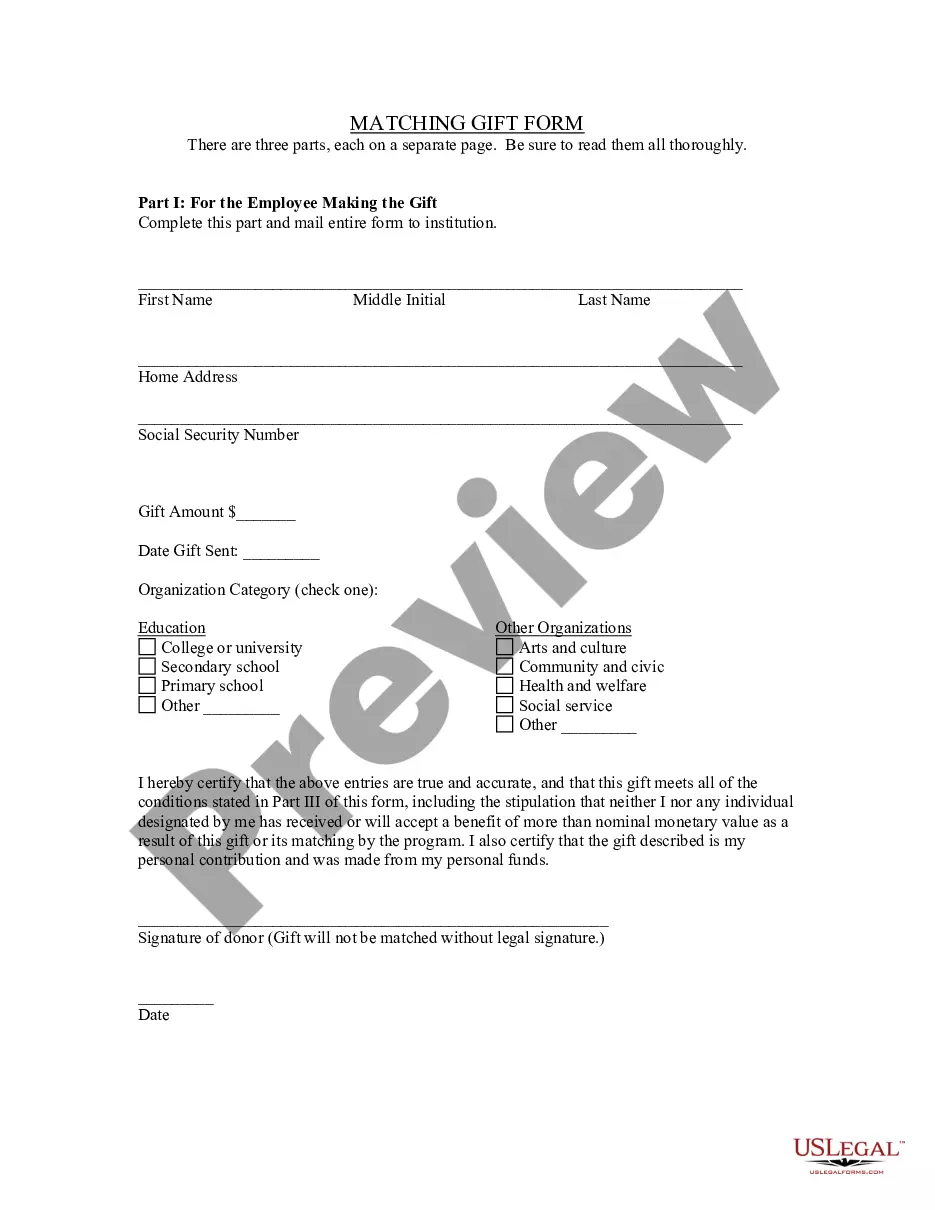
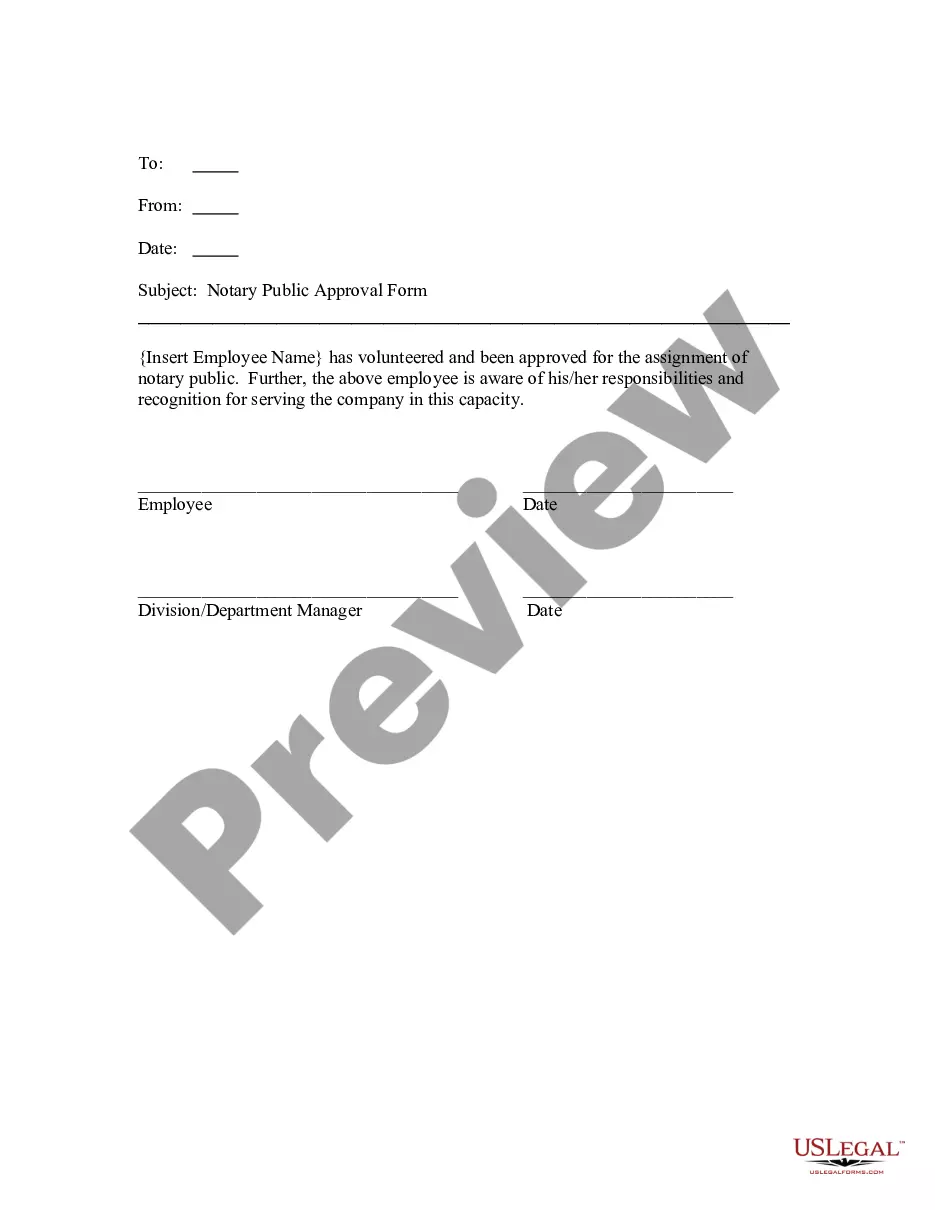
South Carolina Notary Public Approval Form
Description
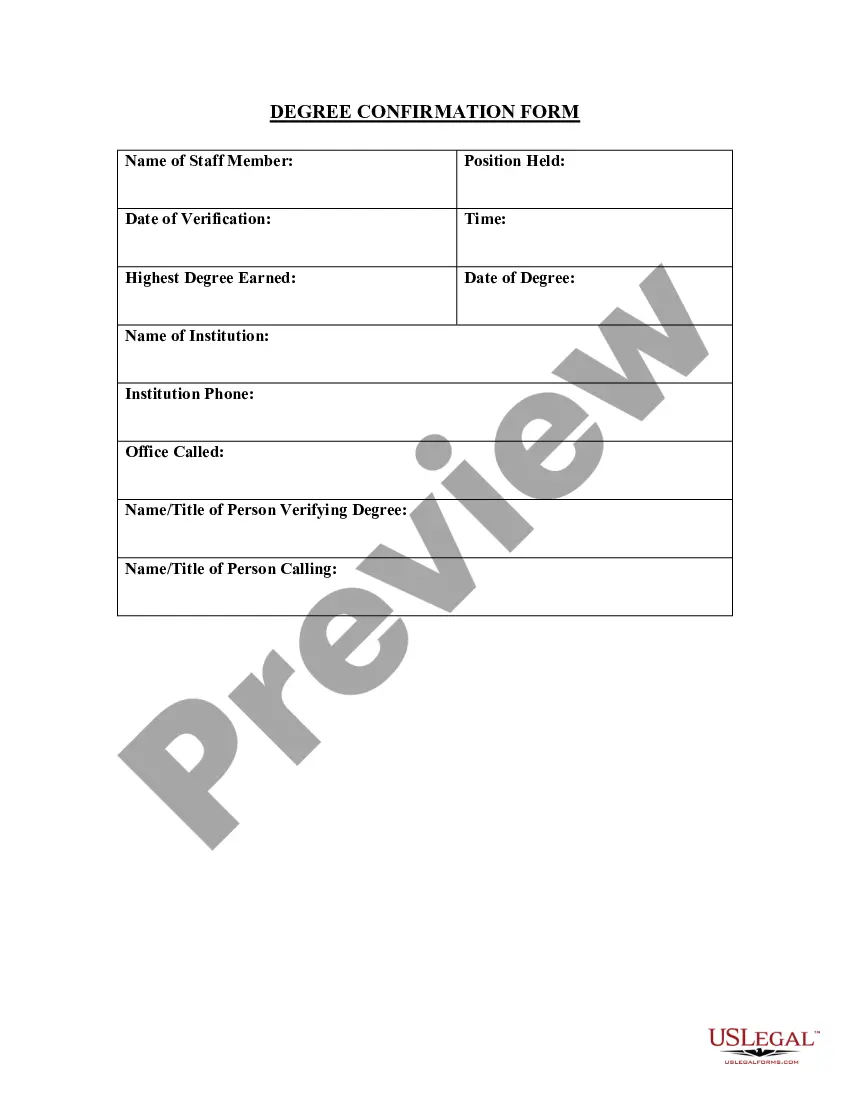

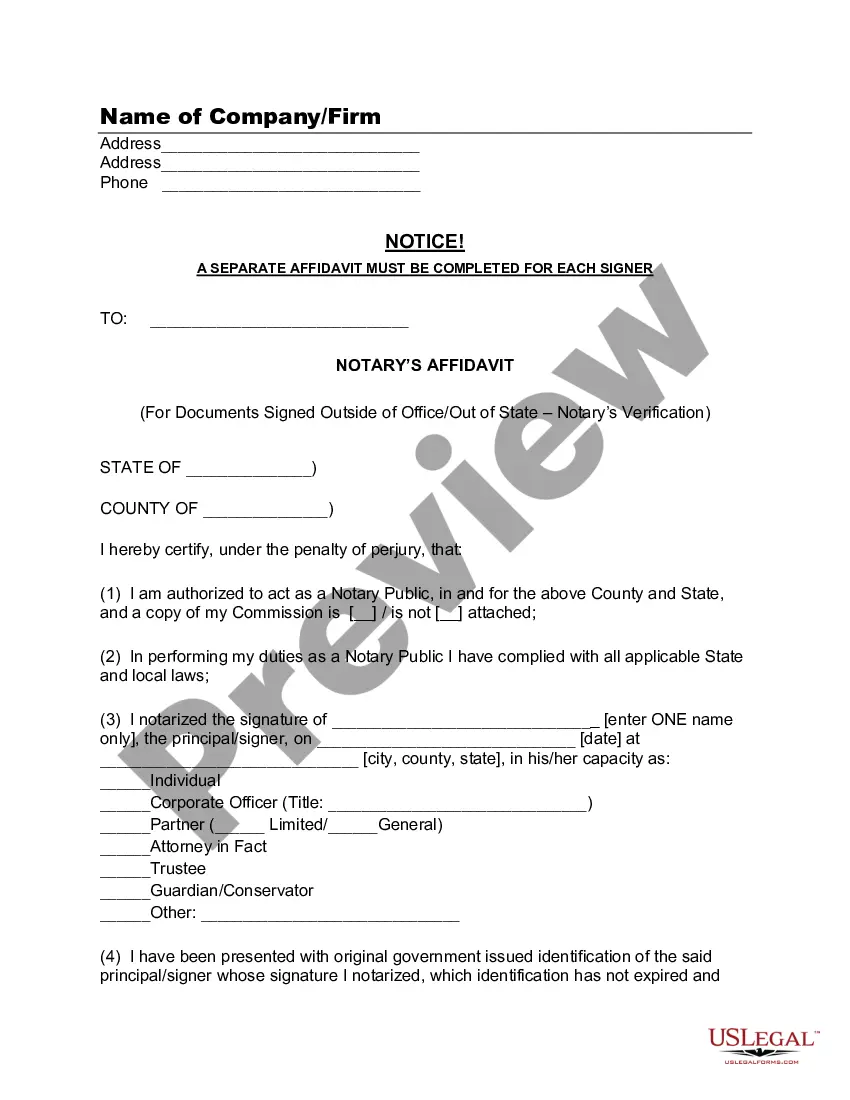





How to fill out Notary Public Approval Form?
Locating the appropriate legal document format can be a challenge.
Of course, there are numerous templates available on the web, but how can you discover the legal form you require.
Utilize the US Legal Forms website. The service offers thousands of templates, including the South Carolina Notary Public Approval Form, which can be used for both commercial and personal purposes.
First, ensure you have selected the correct form for your locality/region. You can review the form using the Preview button and examine the form outline to confirm it is suitable for your needs.
- All of the forms are verified by experts and comply with federal and state regulations.
- If you are already registered, sign in to your account and click on the Download button to access the South Carolina Notary Public Approval Form.
- Leverage your account to search through the legal forms you have previously purchased.
- Visit the My documents section of your account to retrieve another copy of the form you need.
- If you are a first-time user of US Legal Forms, here are straightforward instructions you should follow.
Form popularity
FAQ
Supplies for South Carolina NotariesSouth Carolina laws mandate that all notaries have an official notary seal that must be used on all notarial documents. You have the option applying a seal with an embosser, pre-inked or self-inking stamp.
The application must be signed with pen and ink and the signature of the applicant must be acknowledged by a person authorized to administer oaths (§26-1-40). The date of your signature and the date of the notarization must match. You cannot notarize your own signature on the application or at any other time.
Notaries cannot notarize any documents in which they are a party to or stand to benefit from. The law does not automatically restrict performing services for family members but notaries should exercise caution.
The Location of the Marriage Ceremony Is Important Notary publics can provide services in the state that they are licensed in. They can complete your wedding documentation, and if they are licensed, they can also officiate your wedding. However, a licensed notary cannot marry couples who are from another state.
185, Section 1, made nonsubstantive changes. SECTION 26-1-60. Seal of office; notary shall indicate date of expiration of commission. A notary public shall have a seal of office, which must be affixed to his notarial acts.
2) Notarisation is done by a notary public appointed by the state or central government. He is also authorised to administer oath and take an affidavit from any person. 3) A notarised document is complete once the notary signs it and stamps it with a notary seal, his registration number and date.
Notaries cannot notarize any documents in which they are a party to or stand to benefit from. The law does not automatically restrict performing services for family members but notaries should exercise caution.
South Carolina Governor Henry McMaster recently signed Senate Bill 631 which provides for the electronic notarization of documents. The law went into effect .
South Carolina Governor Henry McMaster recently signed Senate Bill 631 which provides for the electronic notarization of documents. The law went into effect .
To become an eNotary in South Carolina, you must hold an active Notary Public commission. Then, you must take a course and pass the exam. Complete the registration form and submit payment for the $50 registration fee along with proof of course completion.