Request for Attendance at Meeting
What this document covers
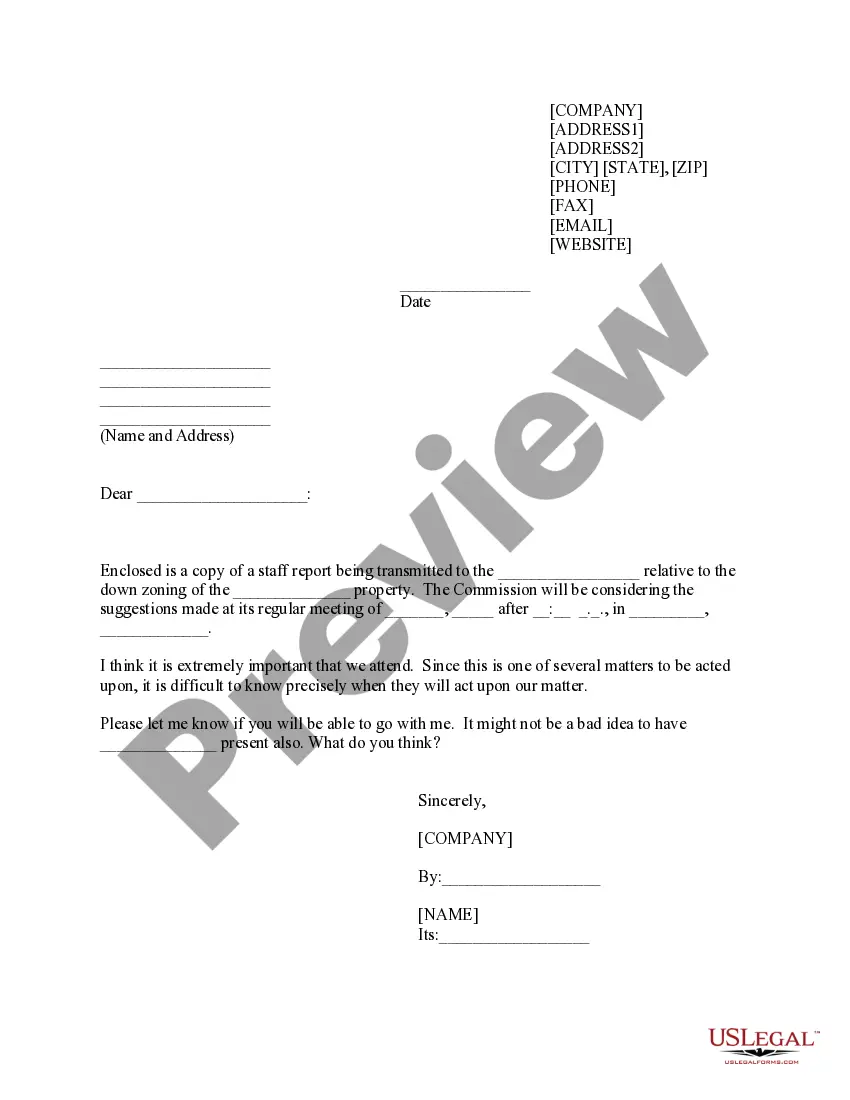
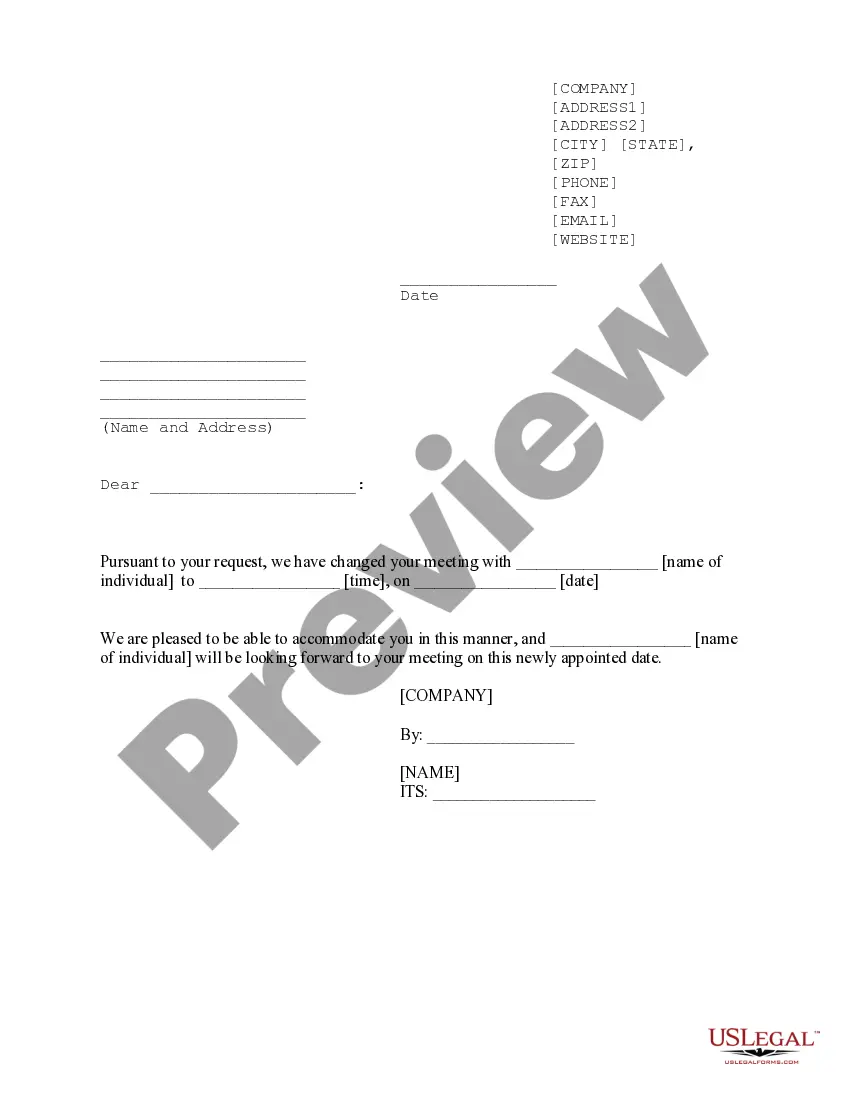
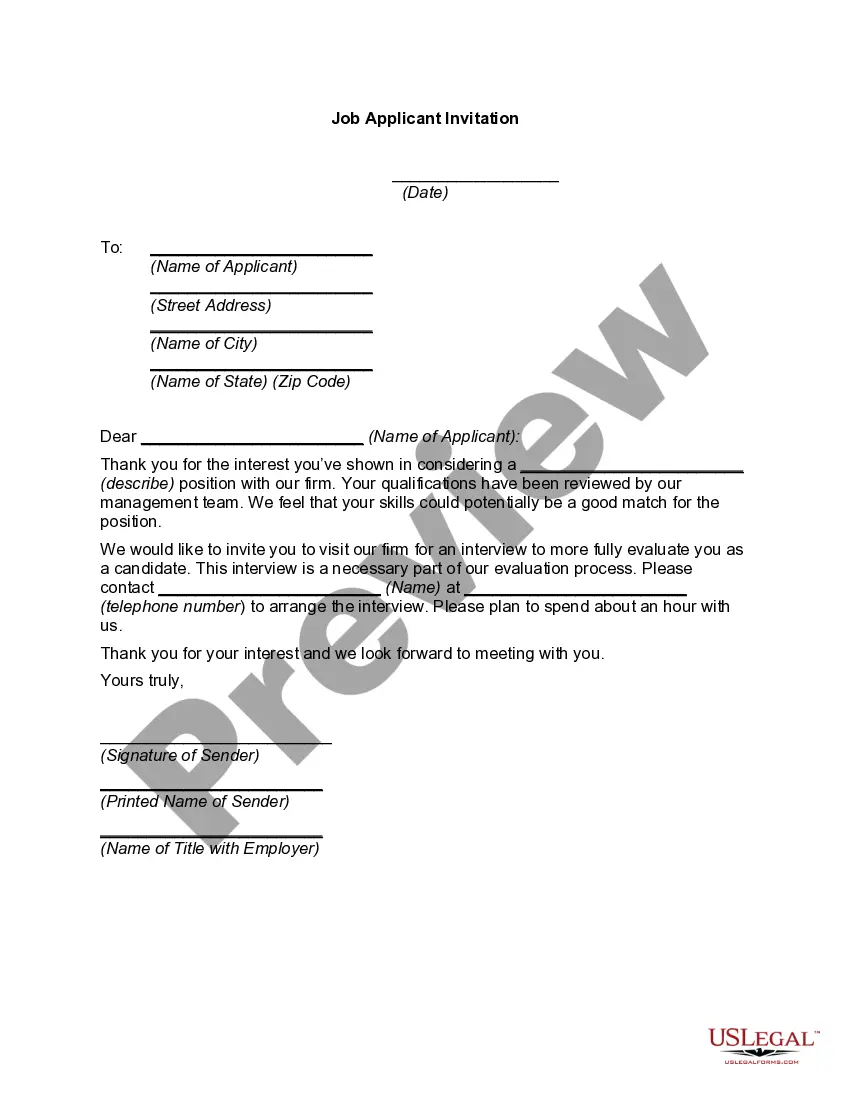
The Request for Attendance at Meeting form is a legal document used to formally request the presence of specific individuals at a meeting related to a zoning matter or similar issue. This form is essential for ensuring that key stakeholders are informed and involved in the decision-making process. Unlike other forms that may focus solely on notifications or agendas, this document emphasizes the importance of participation by specific parties in the meeting discussions.
Key components of this form
- Contact information: Includes fields for the sender's address, phone number, fax, email, and website.
- Date: A space for the date on which the request is being made.
- Recipient details: Name and address of the individual or organization being addressed.
- Meeting details: Information regarding the meeting date, time, and location for context.
- Statement of importance: A section expressing the significance of attending the meeting.
- Signature block: Area for the sender's signature, accompanied by their name and title.
Common use cases
This form should be used when an individual or organization wants to ensure key stakeholders attend a meeting, particularly in matters such as zoning changes, regulatory reviews, or other important discussions that require input from affected parties. It is especially relevant when the timing of the meeting is uncertain, necessitating confirmation of attendance from invited participants.
Who this form is for
- Property owners concerned about zoning changes.
- Local government officials or representatives overseeing meetings.
- Stakeholders or community members interested in particular development projects.
- Individuals or organizations involved in regulatory compliance presentations.
Completing this form step by step
- Enter your contact information at the top of the form.
- Fill in the date of the request.
- Input the recipient's name and address clearly.
- Detail the meeting information, including the date, time, and location.
- Express the importance of attendance and any additional participants you would like to invite.
- Sign the form and provide your printed name and title in the signature block.
Does this document require notarization?
Notarization is generally not required for this form. However, certain states or situations might demand it. You can complete notarization online through US Legal Forms, powered by Notarize, using a verified video call available anytime.
Get your form ready online
Our built-in tools help you complete, sign, share, and store your documents in one place.
Make edits, fill in missing information, and update formatting in US Legal Forms—just like you would in MS Word.
Download a copy, print it, send it by email, or mail it via USPS—whatever works best for your next step.
Sign and collect signatures with our SignNow integration. Send to multiple recipients, set reminders, and more. Go Premium to unlock E-Sign.
If this form requires notarization, complete it online through a secure video call—no need to meet a notary in person or wait for an appointment.
We protect your documents and personal data by following strict security and privacy standards.

Make edits, fill in missing information, and update formatting in US Legal Forms—just like you would in MS Word.

Download a copy, print it, send it by email, or mail it via USPS—whatever works best for your next step.

Sign and collect signatures with our SignNow integration. Send to multiple recipients, set reminders, and more. Go Premium to unlock E-Sign.

If this form requires notarization, complete it online through a secure video call—no need to meet a notary in person or wait for an appointment.

We protect your documents and personal data by following strict security and privacy standards.
Avoid these common issues
- Failing to include complete contact information.
- Not specifying the meeting date and time clearly.
- Leaving out the recipient's name or address.
- Not signing the form or providing the correct title.
Benefits of completing this form online
- Easy access: Download the form from any location at your convenience.
- Customizable: Edit the form to suit your specific needs before printing or sending.
- Trustworthy: Designed by licensed attorneys to ensure legal compliance.
Looking for another form?
Form popularity
FAQ
My total leave in the last two months were 4 days, and total 56 days of attendance. But, however the status of attendance and leave is not showing updated. It is still pending. This is my kind request to check and accept my updated status of attendance and leave by your side of HR department.
Official Letter Writing, Dear Recipient Name, Hope you are doing well! This is to inform you that I have updated my attendance and leaves request for the last month yesterday, but the attendance status still showing pending or not approved at your end in the HR portal.
My name is (your name), and I would like to attend (class, meeting name, event) at (date/time). Can you confirm that you've received this email and that my attendance has been confirmed? Please send me details of anything I may need to bring with me (or have to read, prepare etc.)
Here are the steps to write up an employee for attendance: Gather data. Your write up should include the employee's attendance record.Discuss previous measures taken.Explain the effects.Outline next steps.Ask for feedback.Deliver the write up.File the write up.
How to schedule a meeting via email Write a clear and concise subject line.Use a salutation.Introduce yourself to colleagues you haven't met.Explain the purpose of the meeting.Offer multiple times and dates for the meeting.Request a reply or confirmation.Send a reminder.
This is to inform you that I have updated my attendance and leaves request for the last month yesterday, but the attendance status still showing pending or not approved at your end in the HR portal. Please check and approve the attendance status as it is the last day for attendance submission.