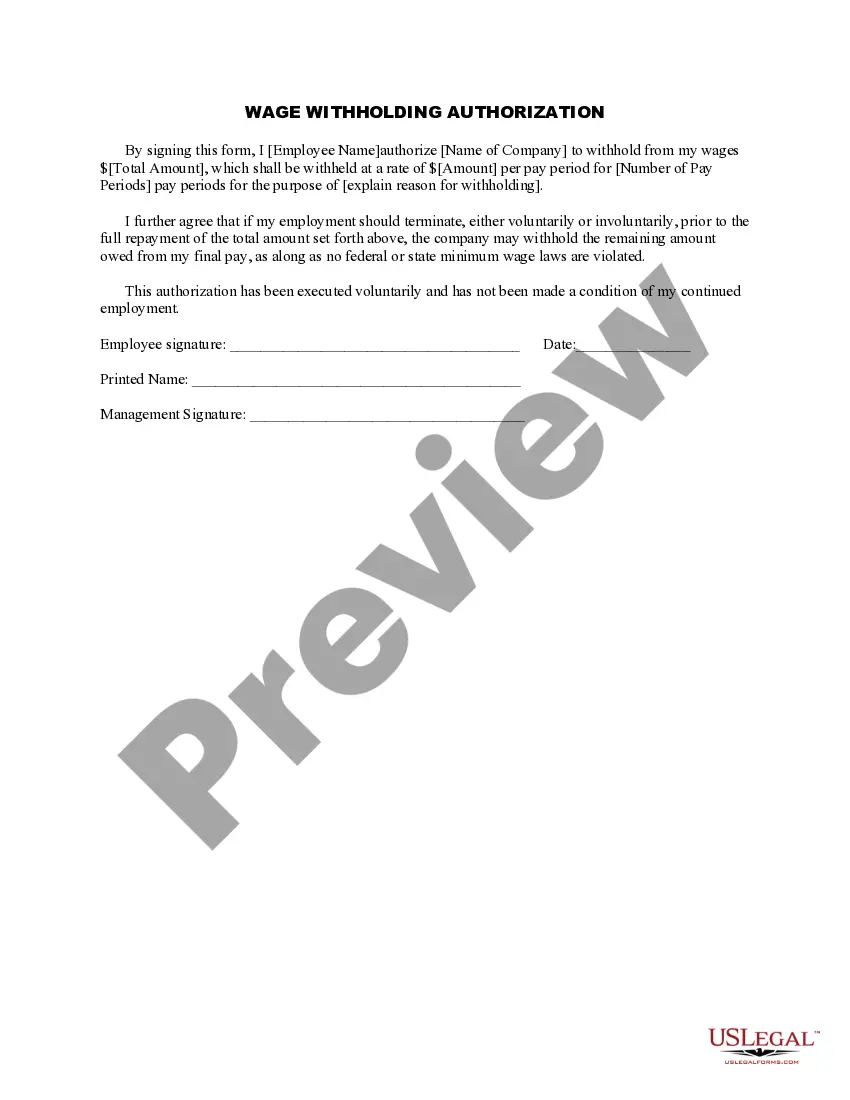
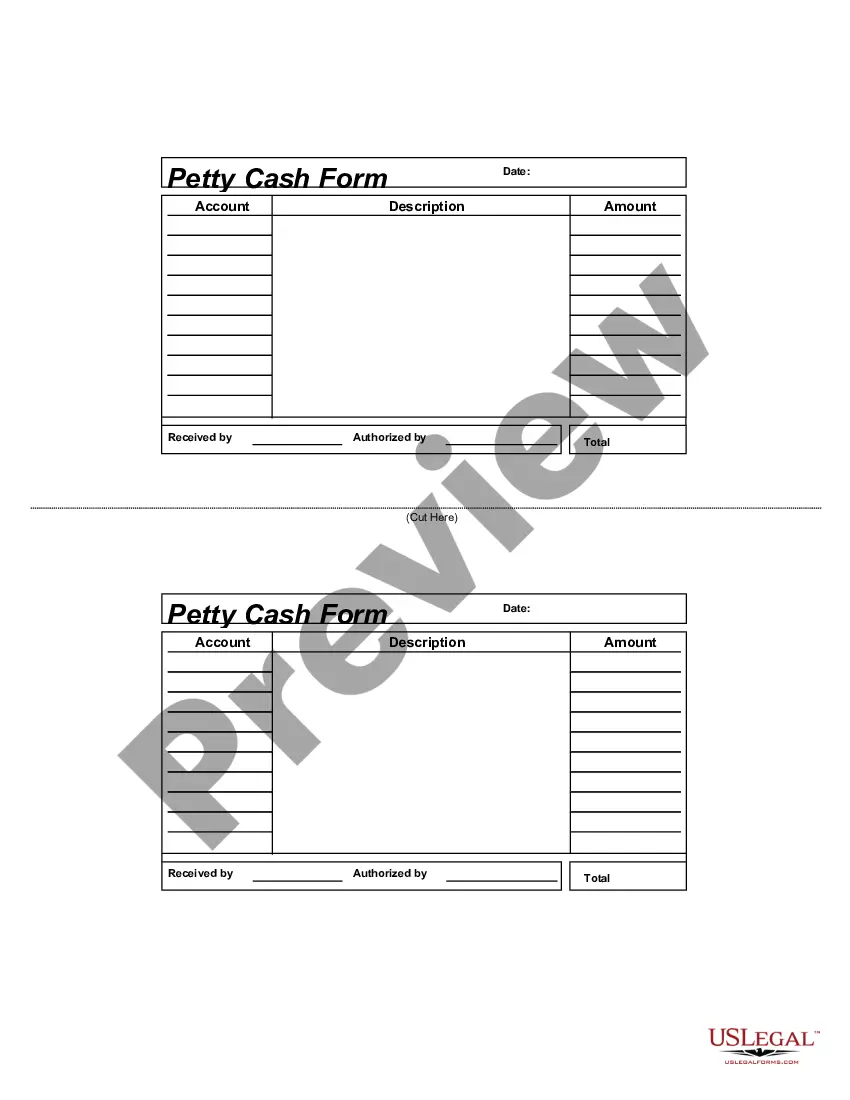
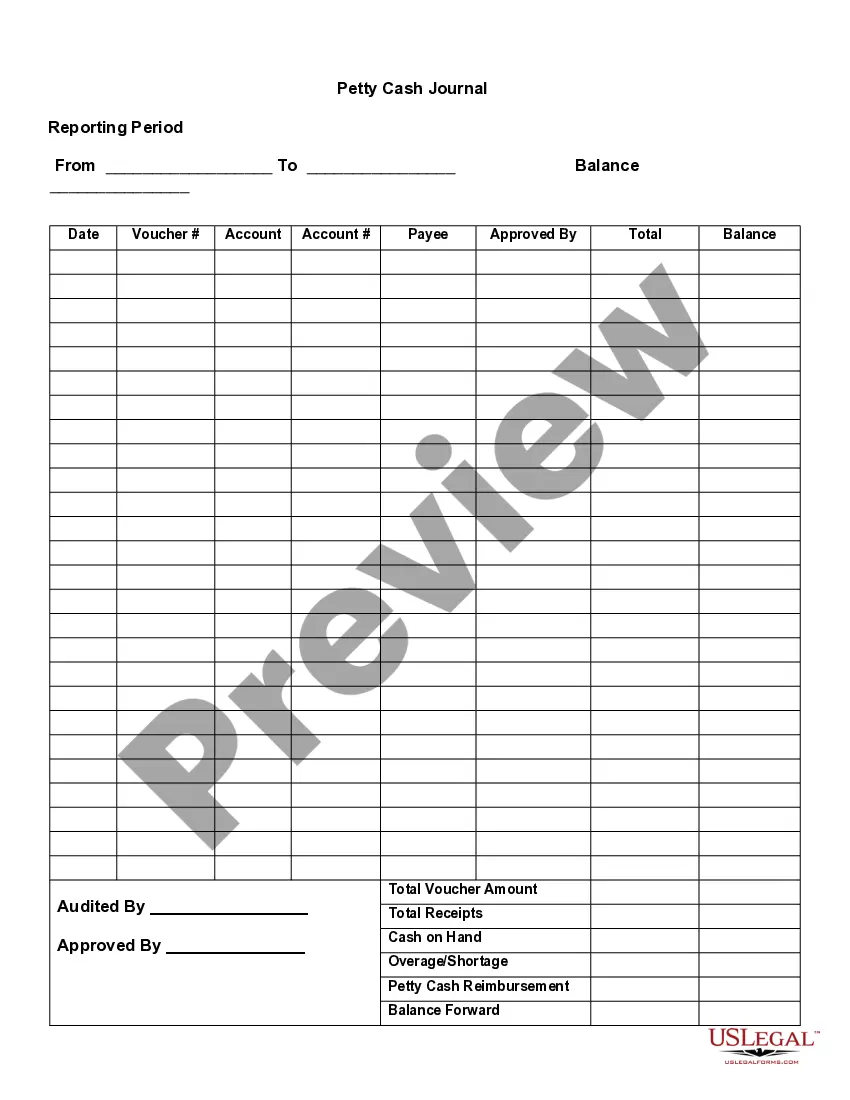
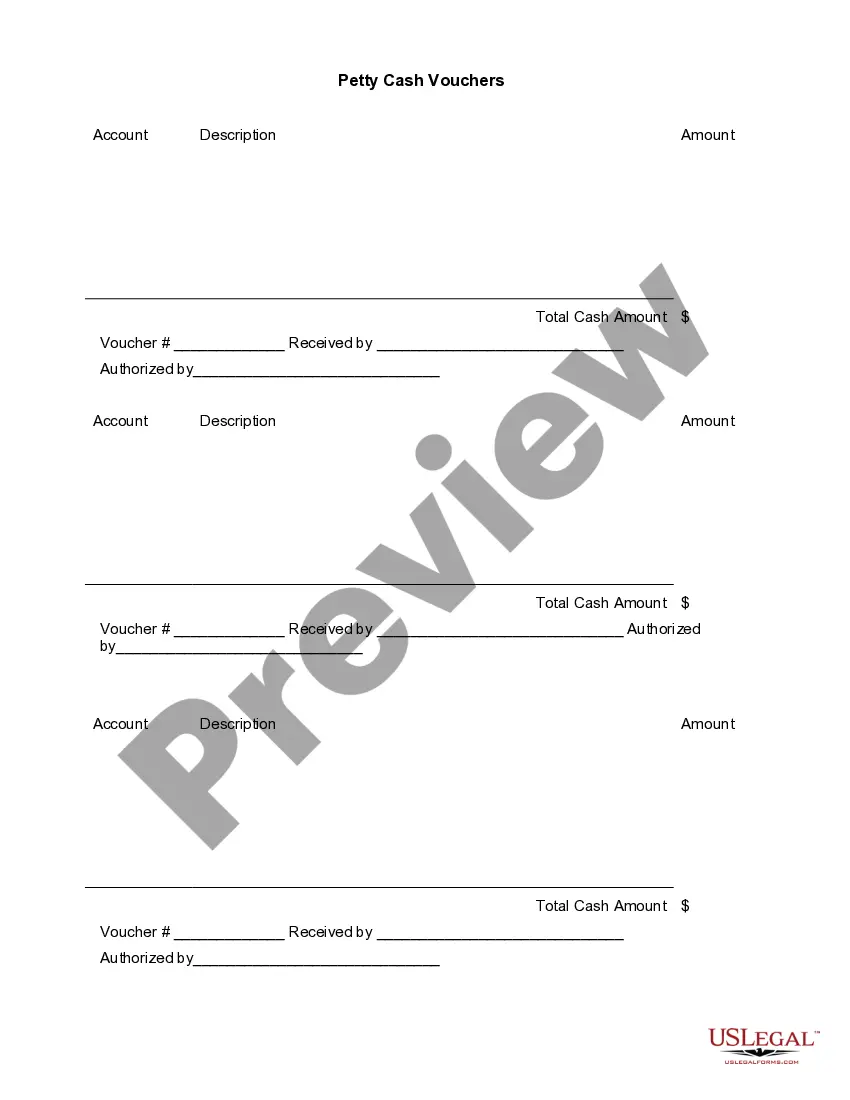
This form is a business type form that is formatted to allow you to complete the form using Adobe Acrobat or Word. The word files have been formatted to allow completion by entry into fields. Some of the forms under this category are rather simple while others are more complex. The formatting is worth the small cost.
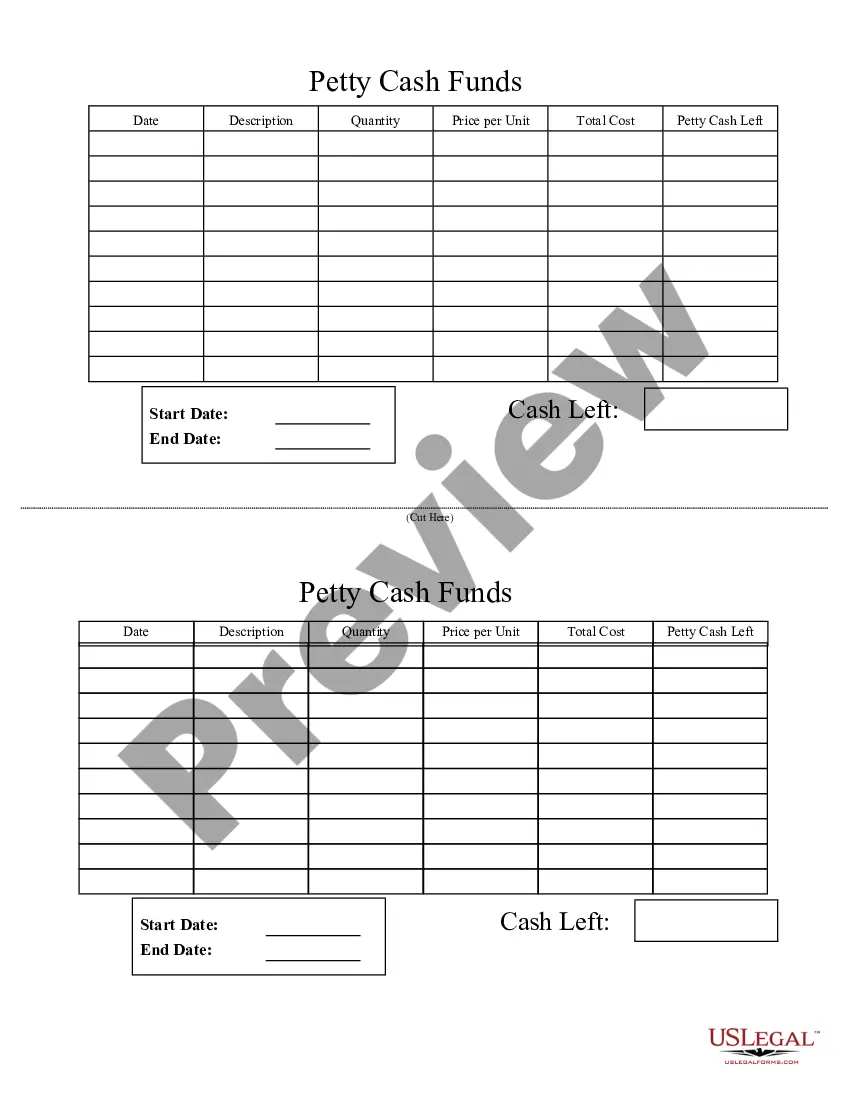
South Carolina Petty Cash Form
Category:
State:
Multi-State
Control #:
US-177-AZ
Format:
Word;
PDF;
Rich Text
Instant download
Description
Get your form ready online
Our built-in tools help you complete, sign, share, and store your documents in one place.
Built-in online Word editor
Make edits, fill in missing information, and update formatting in US Legal Forms—just like you would in MS Word.
Export easily
Download a copy, print it, send it by email, or mail it via USPS—whatever works best for your next step.
E-sign your document
Sign and collect signatures with our SignNow integration. Send to multiple recipients, set reminders, and more. Go Premium to unlock E-Sign.
Notarize online 24/7
If this form requires notarization, complete it online through a secure video call—no need to meet a notary in person or wait for an appointment.
Store your document securely
We protect your documents and personal data by following strict security and privacy standards.

Make edits, fill in missing information, and update formatting in US Legal Forms—just like you would in MS Word.

Download a copy, print it, send it by email, or mail it via USPS—whatever works best for your next step.

Sign and collect signatures with our SignNow integration. Send to multiple recipients, set reminders, and more. Go Premium to unlock E-Sign.

If this form requires notarization, complete it online through a secure video call—no need to meet a notary in person or wait for an appointment.

We protect your documents and personal data by following strict security and privacy standards.
Looking for another form?


How to fill out Petty Cash Form?
If you need to extensive, download, or create legal document templates, utilize US Legal Forms, the largest repository of legal forms available online.
Employ the site’s simple and efficient search to acquire the documents you require. Many templates for business and personal purposes are categorized by types and regions, or keywords.
Use US Legal Forms to obtain the South Carolina Petty Cash Form in just a few clicks.
Every legal document template you obtain is yours indefinitely. You will have access to every form you purchased in your account. Click on the My documents section and select a form to print or download again.
Be proactive and download, and print the South Carolina Petty Cash Form with US Legal Forms. There are numerous professional and state-specific forms you can utilize for your business or personal needs.
- If you are already a US Legal Forms user, sign in to your account and click the Download button to find the South Carolina Petty Cash Form.
- You can also access forms you previously purchased in the My documents section of your account.
- If you are using US Legal Forms for the first time, follow the instructions below.
- Step 1. Ensure you have selected the form for the correct city/region.
- Step 2. Use the Review option to check the form’s content. Don’t forget to read through the description.
- Step 3. If you are not satisfied with the form, use the Search area at the top of the screen to find other versions of the legal form template.
- Step 4. Once you have found the form you need, click the Get now button. Choose the pricing plan you prefer and enter your details to register for an account.
- Step 5. Complete the transaction. You may use your credit card or PayPal account to finalize the purchase.
- Step 6. Select the format of the legal form and download it to your device.
- Step 7. Complete, edit, and print or sign the South Carolina Petty Cash Form.
Form popularity
FAQ
To fill a petty cash form effectively, start by indicating the current date and ensuring all required fields are completed. Use the South Carolina Petty Cash Form to document the amount taken from the fund and describe the purpose for which it was used. Ensure to have supporting documents, like receipts, attached to facilitate easy tracking and future reconciliation. By using this structured approach, you can maintain clarity and accuracy in your financial records.
Filling out a petty cash form is a straightforward process. Begin by entering the date of the transaction at the top of the South Carolina Petty Cash Form. Then, specify the amount withdrawn, the purpose of the expense, and include your name for reference. Lastly, sign the form to validate the transaction and ensure accurate bookkeeping.
To prepare a petty cash report, start by gathering all receipts and documentation related to the expenses made using the petty cash fund. Ensure each transaction aligns with the records you maintain for your South Carolina Petty Cash Form. Next, calculate the total amount spent and reconcile it with the remaining cash balance. Finally, summarize the expenses in a clear format and submit the report for review.
Establishing a petty cash account involves several steps. Start by calculating an appropriate cash amount for minor, day-to-day transactions. Then, complete a South Carolina Petty Cash Form to formally request and approve the funds. After receiving authorization, set up a tracking system to ensure that petty cash is managed responsibly, recording each expenditure and keeping receipts.
To set up a petty cash account, begin by determining the amount of cash you need for small expenses. Next, fill out a South Carolina Petty Cash Form to document this request. Make sure to have the form signed by the appropriate authority within your organization. Once the funds are approved, distribute cash based on your established guidelines for petty cash management.
To properly record petty cash, start by creating a South Carolina Petty Cash Form that details the amount and purpose of each disbursement. Maintain a record of all receipts related to petty cash transactions to ensure accuracy and transparency. Periodically reconcile the petty cash fund by comparing the cash on hand with the recorded transactions. Using the South Carolina Petty Cash Form simplifies documentation and helps you manage your finances effectively.
Petty Cash Reimbursement Form means the official document by which expenditures are authorized. Petty cash reimbursement forms must be signed by employee's manager, and must be attached with original receipt, prior to submitting for reimbursement.
A credit card receipt can be used as evidence for a disbursement of funds from petty cash.
Petty cash funds should be properly secured at all times. Access to the funds should be restricted to one person (e.g., the petty cash custodian or a specified cashier). Cash on hand and receipts for disbursements made should always equal the assigned amount of the petty cash fund.
An expense reimbursement form is submitted by employees whenever they need to be reimbursed for expenses that they paid for themselves on the company's behalf. Expenses noted on the form may include office supplies, travel, accommodations, etc.