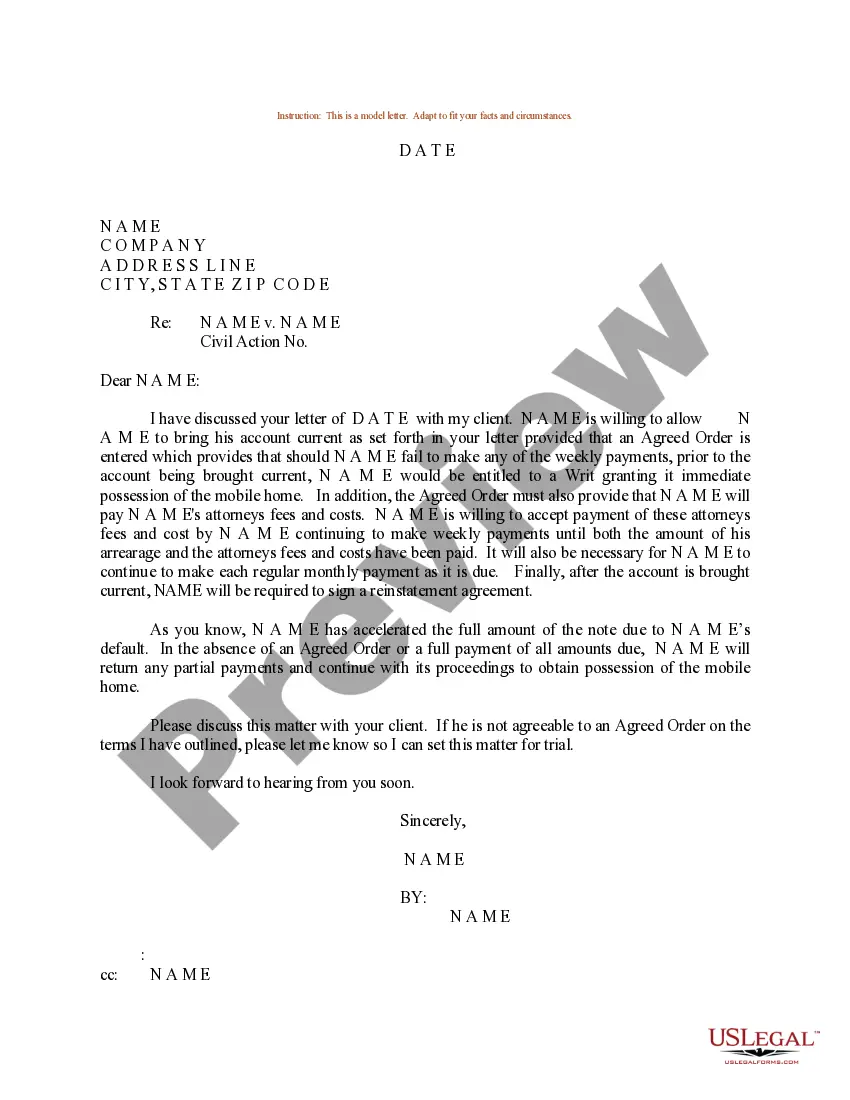
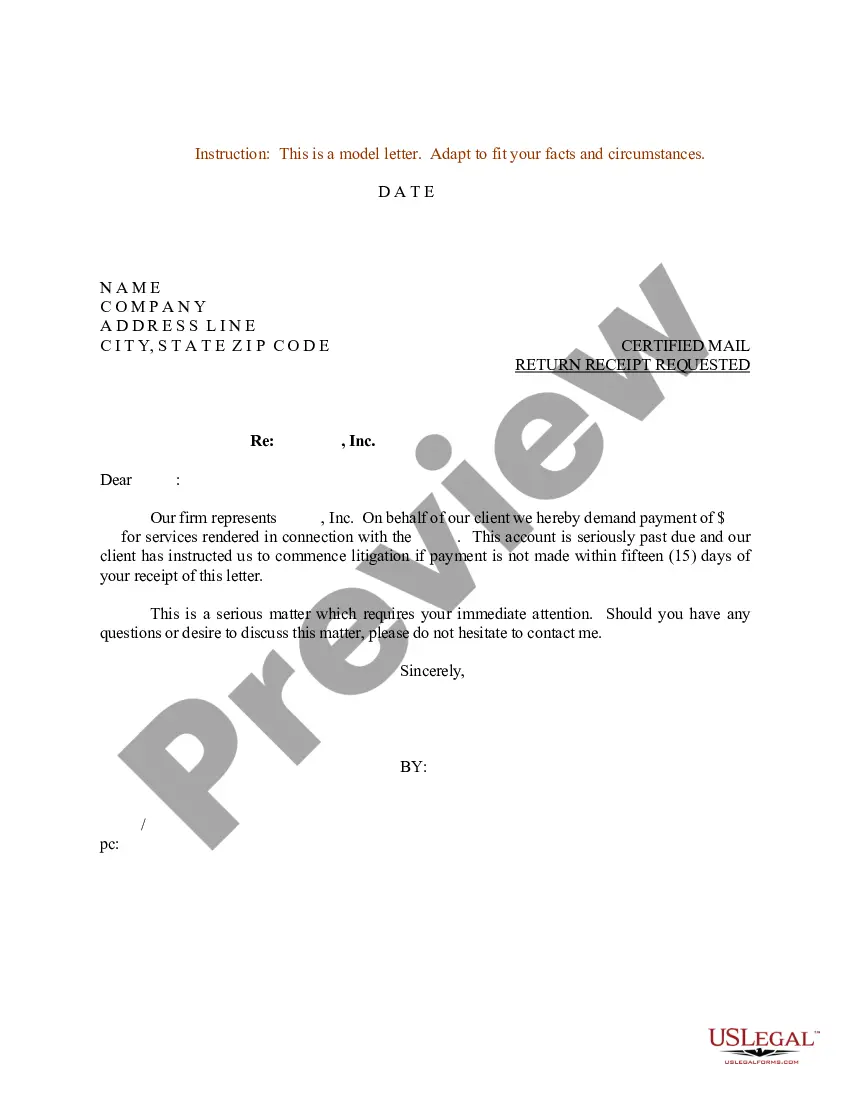
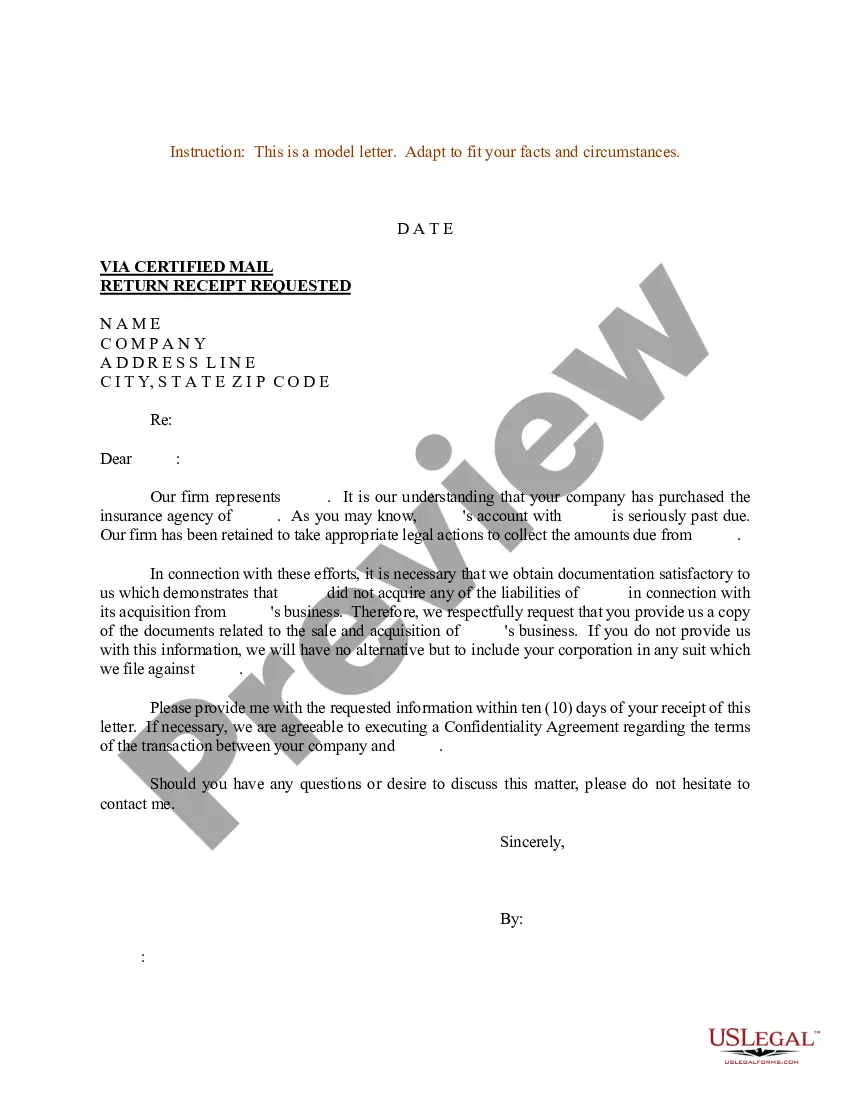
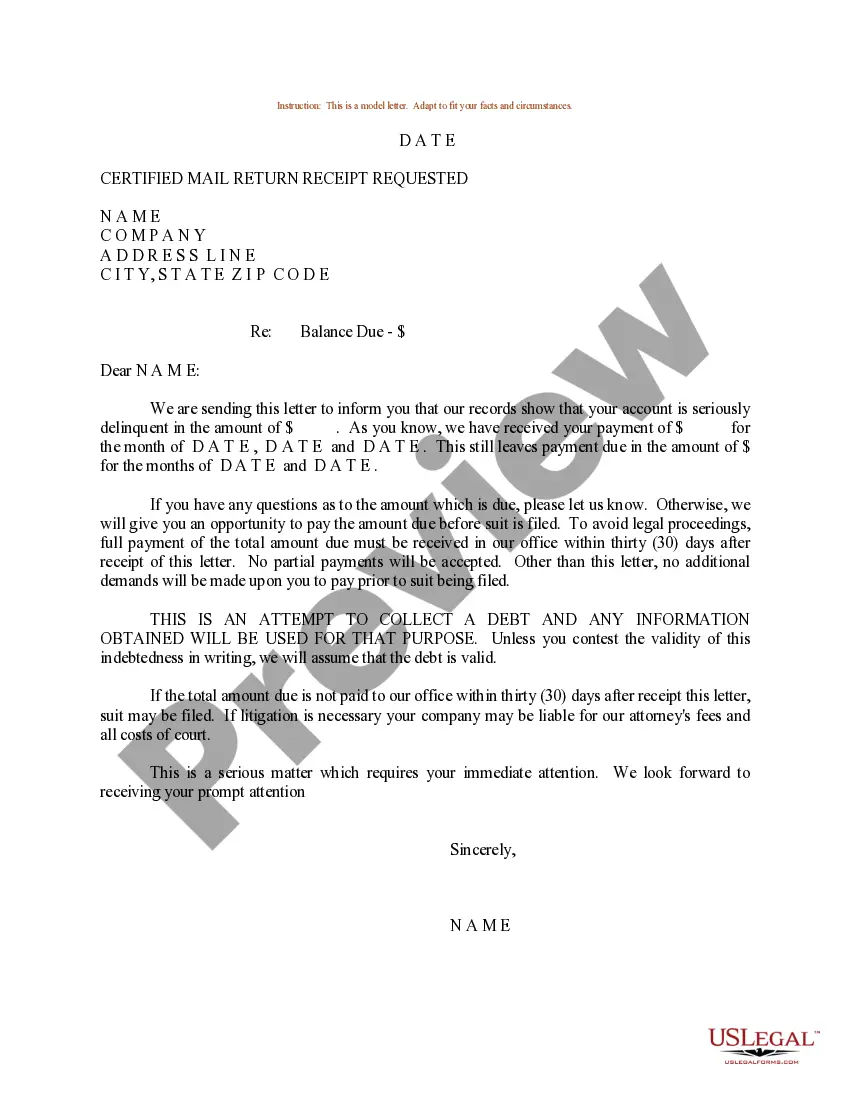
South Carolina Sample Letter for Bringing Account Current
Description
Get your form ready online
Our built-in tools help you complete, sign, share, and store your documents in one place.
Make edits, fill in missing information, and update formatting in US Legal Forms—just like you would in MS Word.
Download a copy, print it, send it by email, or mail it via USPS—whatever works best for your next step.
Sign and collect signatures with our SignNow integration. Send to multiple recipients, set reminders, and more. Go Premium to unlock E-Sign.
If this form requires notarization, complete it online through a secure video call—no need to meet a notary in person or wait for an appointment.
We protect your documents and personal data by following strict security and privacy standards.

Make edits, fill in missing information, and update formatting in US Legal Forms—just like you would in MS Word.

Download a copy, print it, send it by email, or mail it via USPS—whatever works best for your next step.

Sign and collect signatures with our SignNow integration. Send to multiple recipients, set reminders, and more. Go Premium to unlock E-Sign.

If this form requires notarization, complete it online through a secure video call—no need to meet a notary in person or wait for an appointment.

We protect your documents and personal data by following strict security and privacy standards.
Looking for another form?

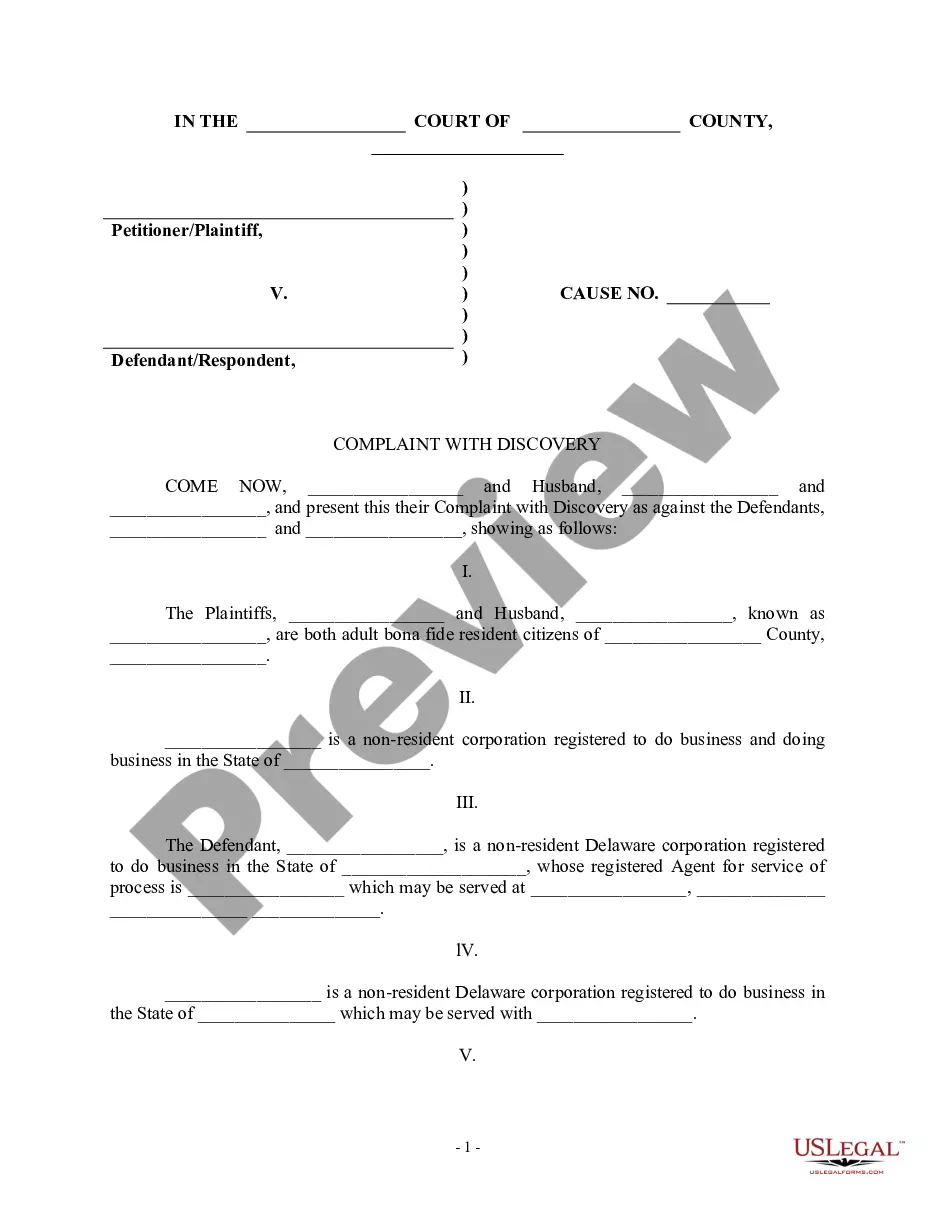


How to fill out Sample Letter For Bringing Account Current?
Finding the right lawful record design might be a have difficulties. Naturally, there are a variety of layouts available on the net, but how would you get the lawful type you want? Utilize the US Legal Forms internet site. The assistance offers 1000s of layouts, including the South Carolina Sample Letter for Bringing Account Current, that can be used for organization and private demands. All of the forms are inspected by specialists and meet up with federal and state needs.
When you are already authorized, log in to your accounts and click the Download key to find the South Carolina Sample Letter for Bringing Account Current. Use your accounts to look from the lawful forms you possess ordered earlier. Proceed to the My Forms tab of your own accounts and have an additional backup from the record you want.
When you are a new customer of US Legal Forms, listed here are straightforward instructions that you should stick to:
- Initial, make sure you have chosen the proper type to your metropolis/region. You may check out the shape using the Preview key and study the shape description to make sure this is the best for you.
- When the type fails to meet up with your preferences, utilize the Seach industry to get the correct type.
- When you are positive that the shape would work, select the Acquire now key to find the type.
- Pick the rates strategy you want and enter in the necessary information and facts. Create your accounts and pay money for the order making use of your PayPal accounts or bank card.
- Opt for the data file file format and obtain the lawful record design to your product.
- Full, modify and print out and indication the received South Carolina Sample Letter for Bringing Account Current.
US Legal Forms is definitely the most significant library of lawful forms for which you will find different record layouts. Utilize the company to obtain expertly-manufactured files that stick to status needs.
Form popularity
FAQ
Here is how to write a request letter in 7 steps: Collect information relating to your request. ... Create an outline. ... Introduce yourself. 4. Make your request. ... Explain the reason for the request. ... Offer to provide additional information. ... Show your gratitude and conclude the letter. ... Use a professional format.
What to include in your document request email or letter Introduce yourself. State who you are using full name, position and company name. ... Purpose for written request. Then, explain why you are writing. ... Call to action. ... Benefit to the client. ... Closing. ... Contact Information.
Follow these steps to ensure you craft a professional request for approval letter. Choose your contact method. ... Address the recipient professionally. ... Start with what you need. ... Explain why you need it. ... Tell them why they should care. ... Show your enthusiasm for their response. ... Conclude your message.
Dear [Recipient's Name], I hope this letter finds you well. I am writing to kindly request [state your request] and seek your assistance in this matter. [Provide a brief introduction explaining your background and the purpose of your request.]
Here is how to write a request letter in 7 steps: Collect information relating to your request. ... Create an outline. ... Introduce yourself. 4. Make your request. ... Explain the reason for the request. ... Offer to provide additional information. ... Show your gratitude and conclude the letter. ... Use a professional format.