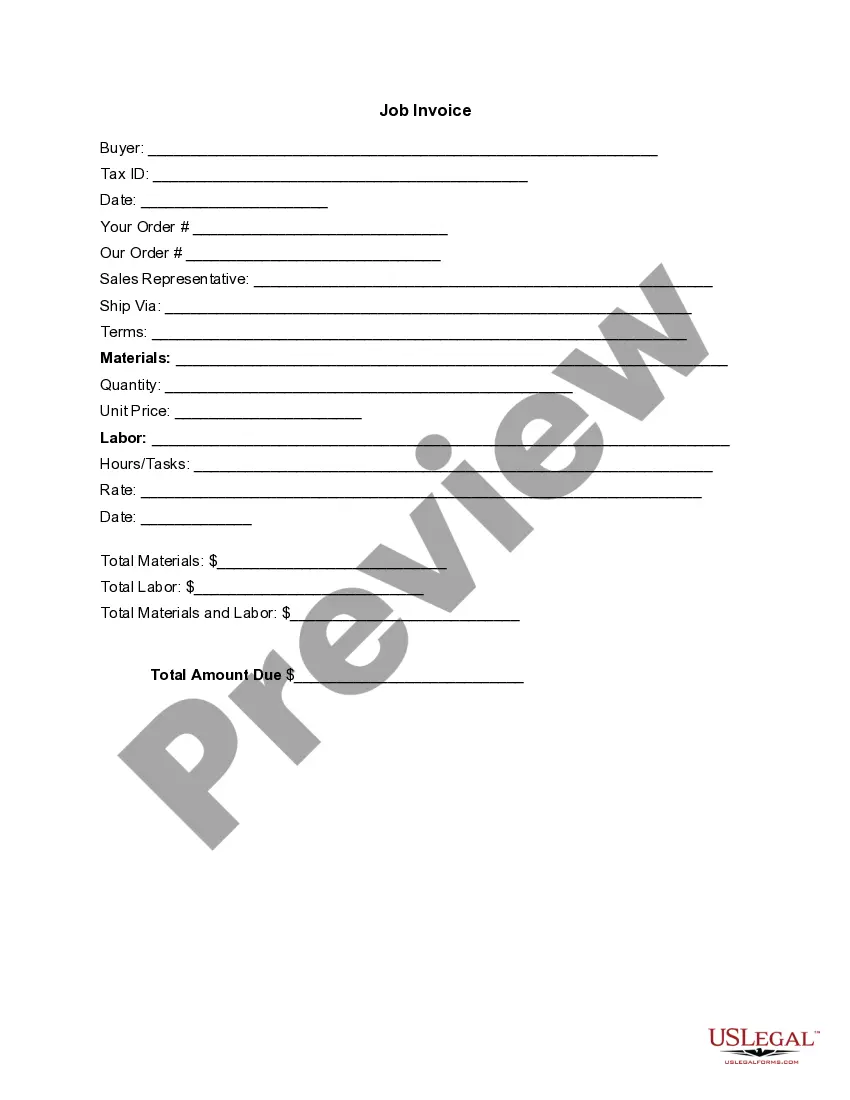
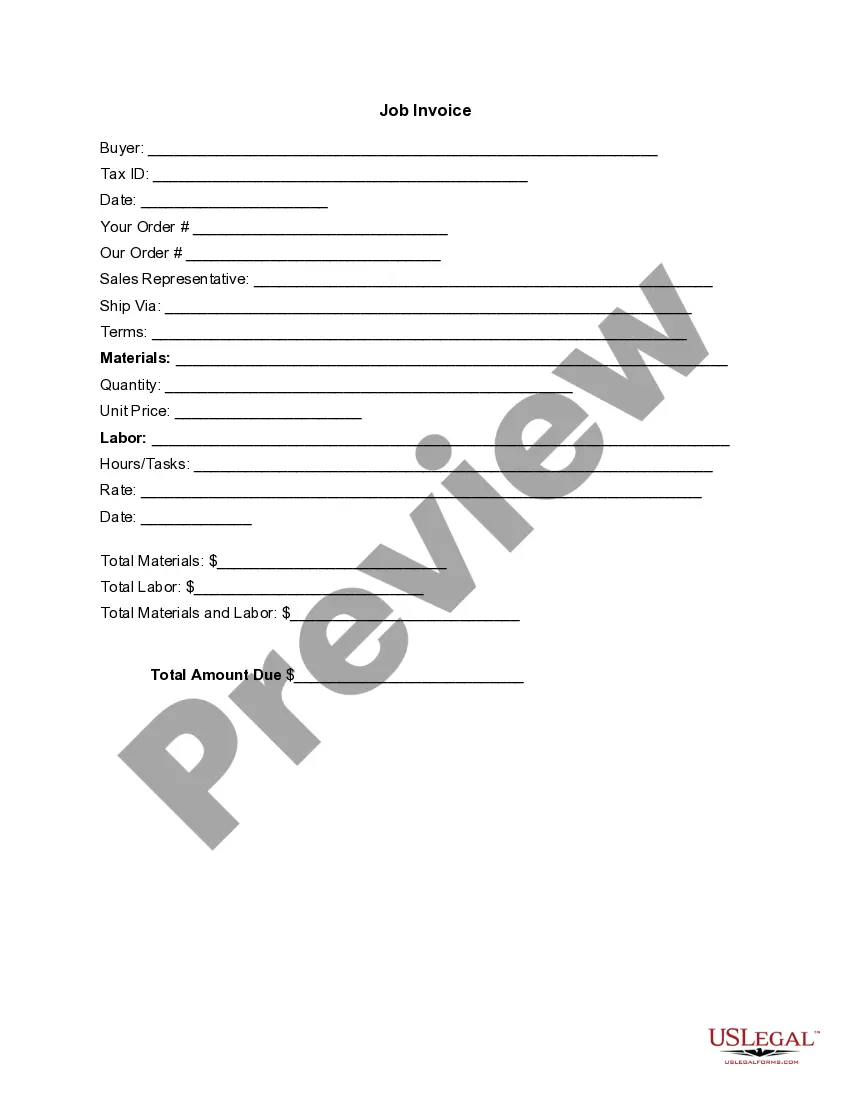
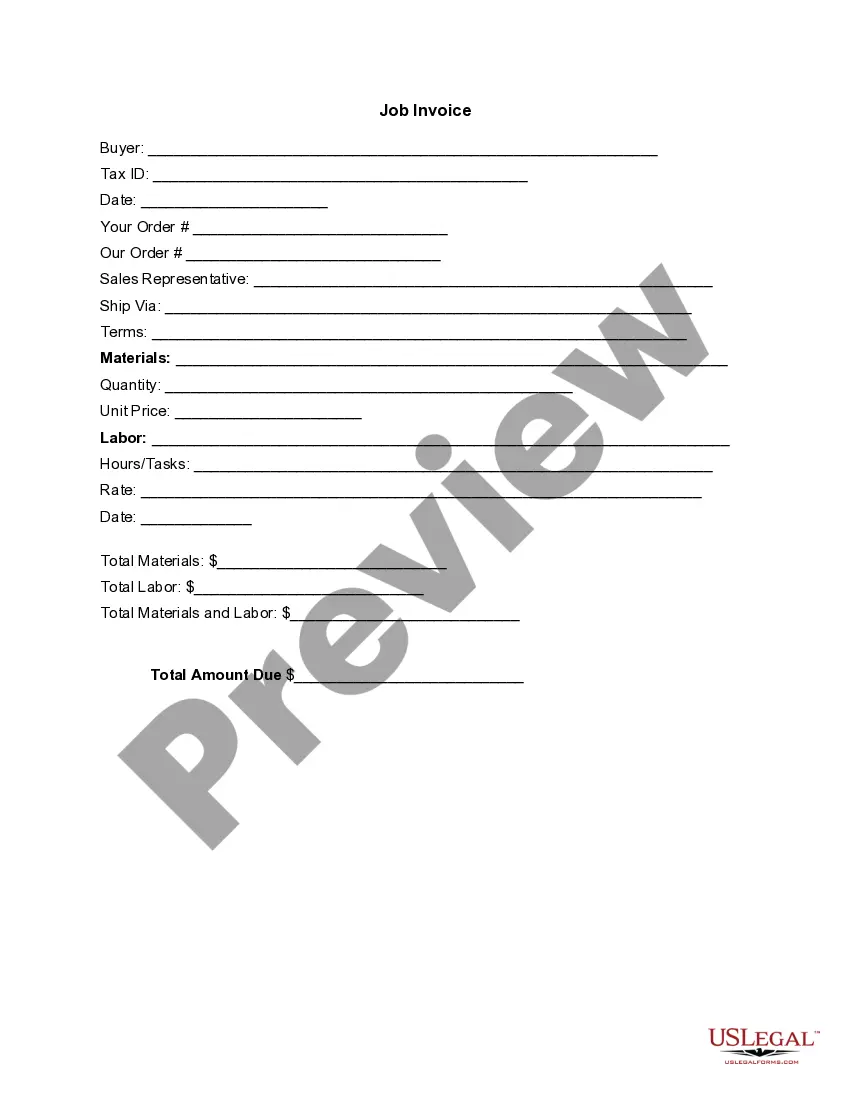
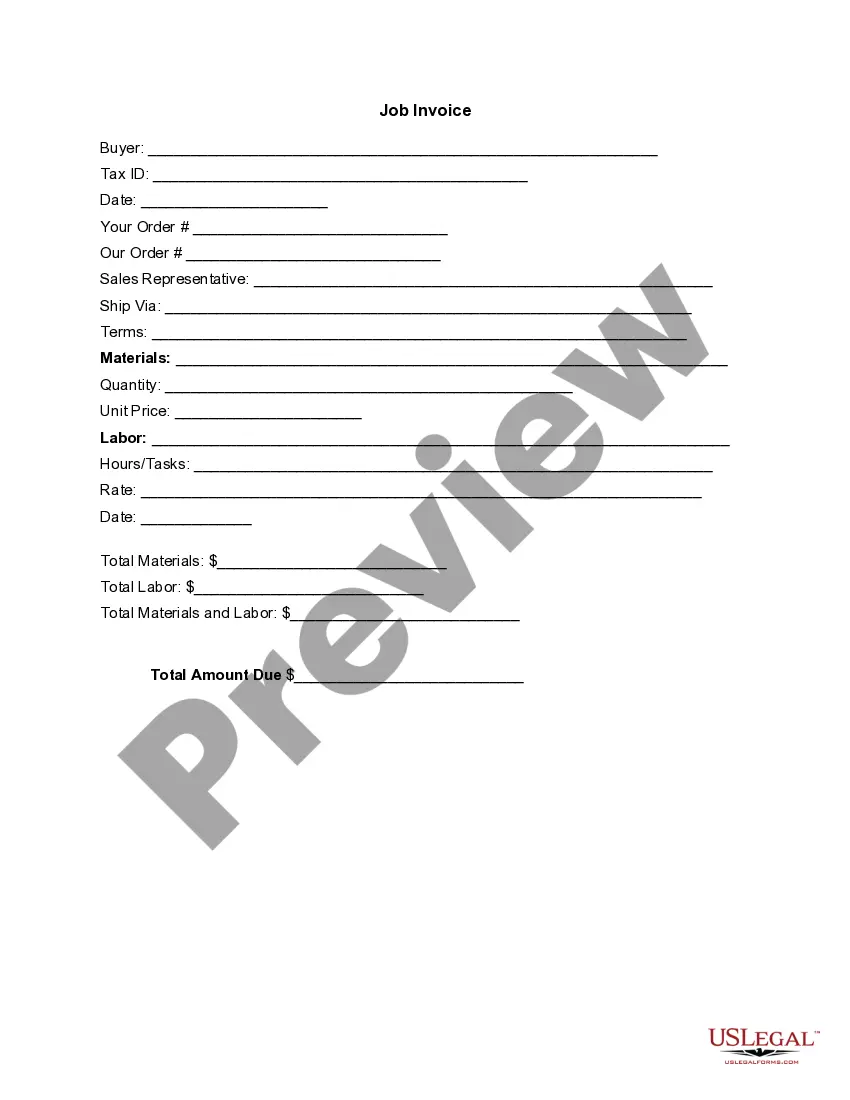
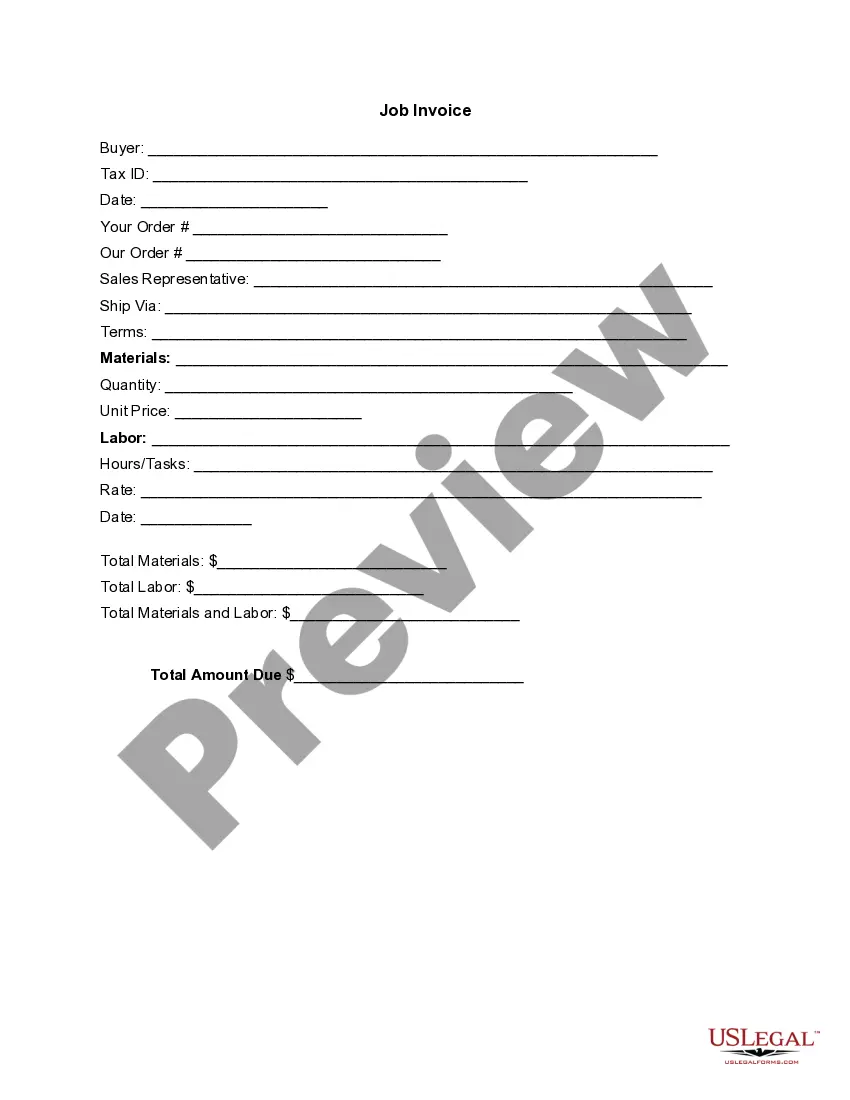
South Carolina Invoice Template for Pilot
Description

Get your form ready online
Our built-in tools help you complete, sign, share, and store your documents in one place.
Make edits, fill in missing information, and update formatting in US Legal Forms—just like you would in MS Word.
Download a copy, print it, send it by email, or mail it via USPS—whatever works best for your next step.
Sign and collect signatures with our SignNow integration. Send to multiple recipients, set reminders, and more. Go Premium to unlock E-Sign.
If this form requires notarization, complete it online through a secure video call—no need to meet a notary in person or wait for an appointment.
We protect your documents and personal data by following strict security and privacy standards.

Make edits, fill in missing information, and update formatting in US Legal Forms—just like you would in MS Word.

Download a copy, print it, send it by email, or mail it via USPS—whatever works best for your next step.

Sign and collect signatures with our SignNow integration. Send to multiple recipients, set reminders, and more. Go Premium to unlock E-Sign.

If this form requires notarization, complete it online through a secure video call—no need to meet a notary in person or wait for an appointment.

We protect your documents and personal data by following strict security and privacy standards.
Looking for another form?


How to fill out Invoice Template For Pilot?
You might invest time online attempting to locate the valid document format that fulfills the state and federal standards you need.
US Legal Forms provides thousands of valid templates that are evaluated by experts.
You can download or print the South Carolina Invoice Template for Pilot from their service.
If available, use the Review button to examine the document format as well.
- If you already have a US Legal Forms account, you can Log In and then click the Download button.
- Next, you can complete, modify, print, or sign the South Carolina Invoice Template for Pilot.
- Every valid document template you obtain is yours indefinitely.
- To obtain another copy of any purchased form, visit the My documents section and click the appropriate button.
- If you are using the US Legal Forms website for the first time, follow the simple instructions below.
- First, ensure you have selected the correct document format for the county/area that you choose.
- Check the form description to confirm you have selected the right document.
Form popularity
FAQ
To create a PDF invoice template, start with a design of your invoice in a word processor or design software, then save or export it as a PDF. Utilizing a South Carolina Invoice Template for Pilot can streamline this process, as it often allows for easy exporting to PDF. Make sure to keep the layout professional and easy to read.
Filling out an invoice template starts with entering your information, followed by the client's details, the invoice number, and the date. Use a South Carolina Invoice Template for Pilot to ensure you don’t miss any vital sections. Carefully input the services provided, ensuring clarity in descriptions and calculations for accurate billing.
To create a commercial invoice template, include details like your business name, client's contact information, item descriptions, quantities, and prices. A South Carolina Invoice Template for Pilot can facilitate this process by offering a clean layout tailored for commercial transactions. Always check the required information for customs if shipping internationally.
The correct format for an invoice includes a header with your business information, followed by the recipient's details, an invoice number, date, and itemized list of services with prices. Using a South Carolina Invoice Template for Pilot ensures that vital elements are consistently presented. Always include clear payment instructions to avoid confusion.
Writing a simple invoice template involves outlining key sections like your business name, contact information, invoice number, date, and a table for service details. The South Carolina Invoice Template for Pilot helps by providing these sections in a user-friendly design. This organization ensures easy comprehension for your clients.
For beginners, invoicing begins with understanding the basic components, such as your business information, client details, itemized services, and payment instructions. A South Carolina Invoice Template for Pilot simplifies this process by providing a structure to follow. Make sure to keep it professional and clear to build trust with your clients.
To create a freight invoice, start by gathering essential shipment details, including the sender, recipient, and service date. Use a South Carolina Invoice Template for Pilot to organize this information clearly. Don't forget to include details like item descriptions, quantities, rates, and total charges for transparency.
A freight bill is a document that details the transportation charges for goods, while an invoice is a request for payment for a specific service or product. While both documents include key details about the shipment, only the invoice serves as a formal request for payment. Using a South Carolina Invoice Template for Pilot can help clarify these distinctions and ensure that both documents are accurately prepared and presented.
Creating an invoice in logistics involves detailing the services provided, including shipment information, delivery dates, and rates. Make sure to include both your and your client's information at the top of the invoice. A South Carolina Invoice Template for Pilot can greatly facilitate this process, providing a reliable format that captures all logistics details you need.
To create your own invoice, begin with clear information about your business, such as your name, address, and contact information. Include key elements like item descriptions, quantities, prices, and payment terms. Using a South Carolina Invoice Template for Pilot can enhance your invoices, ensuring they meet all necessary standards while being easy to customize to fit your services.