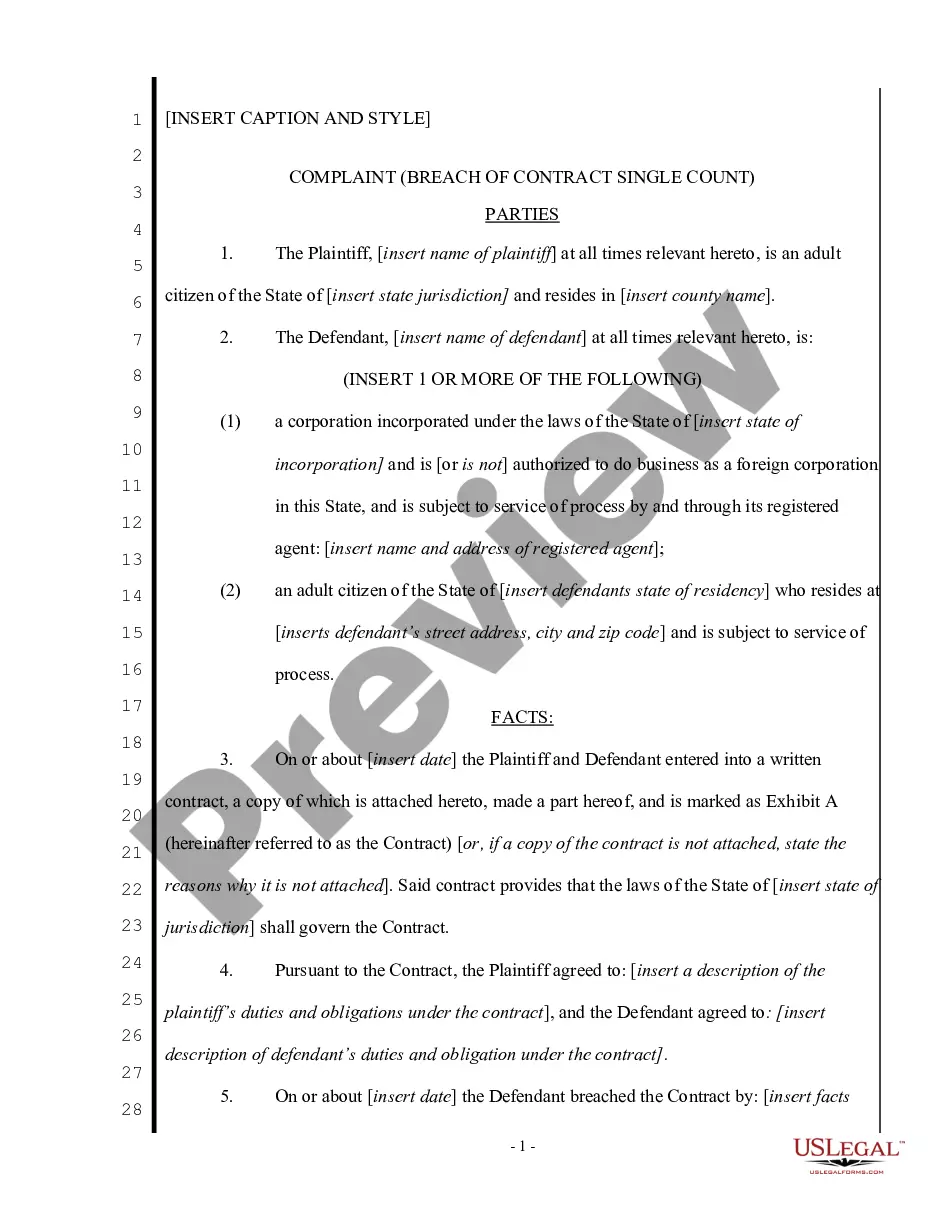
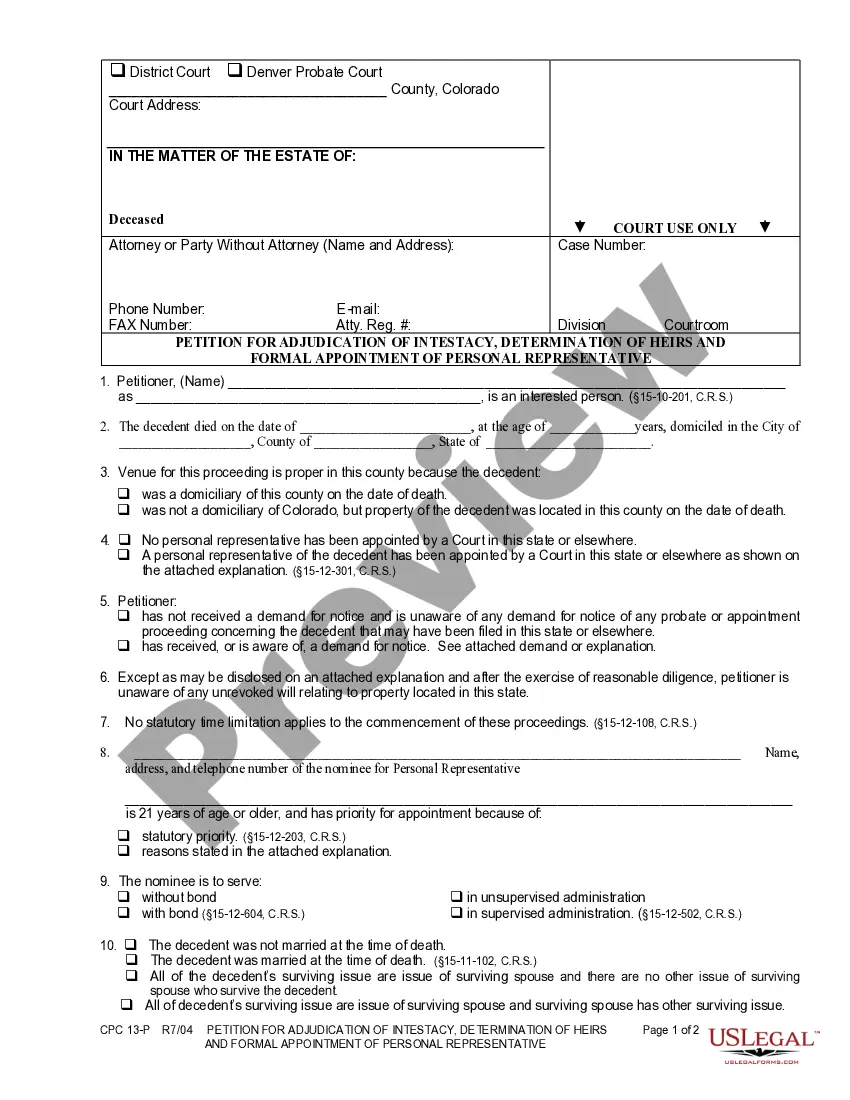
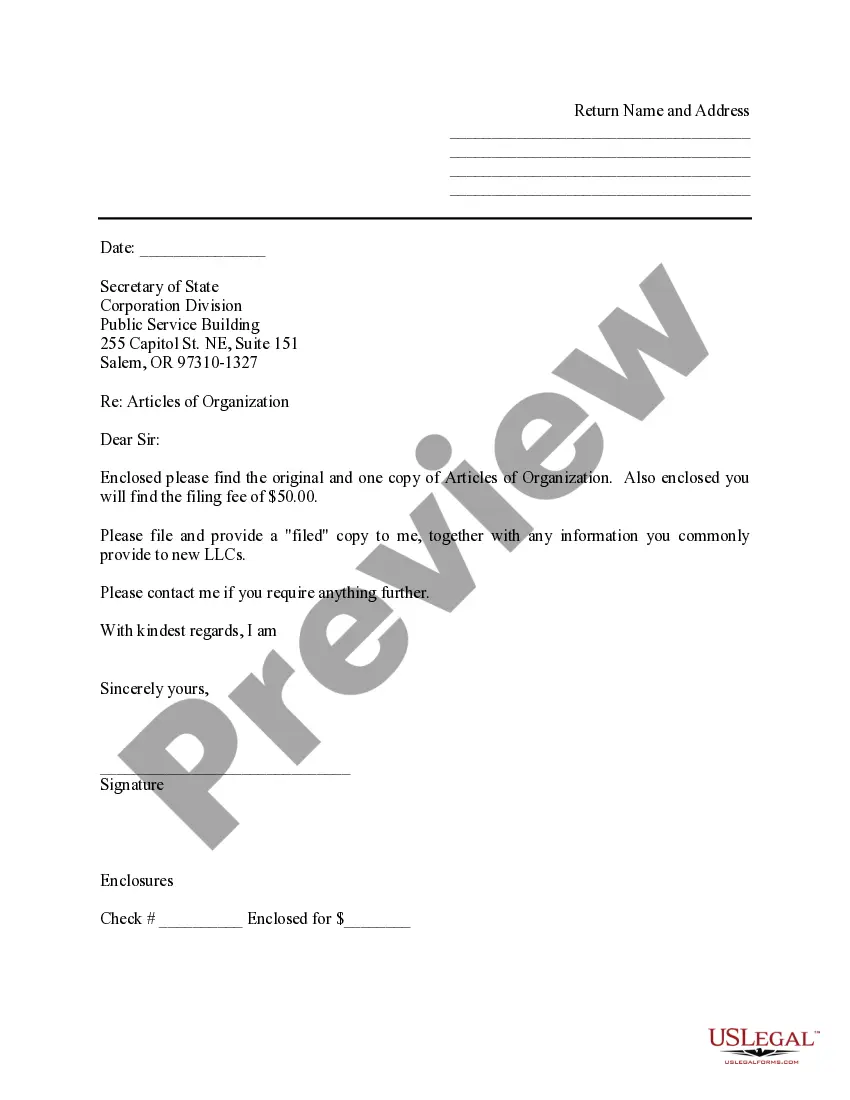
US Legal Forms - one of the largest collections of legal documents in the United States - provides an extensive selection of legal document templates that you can download or print.
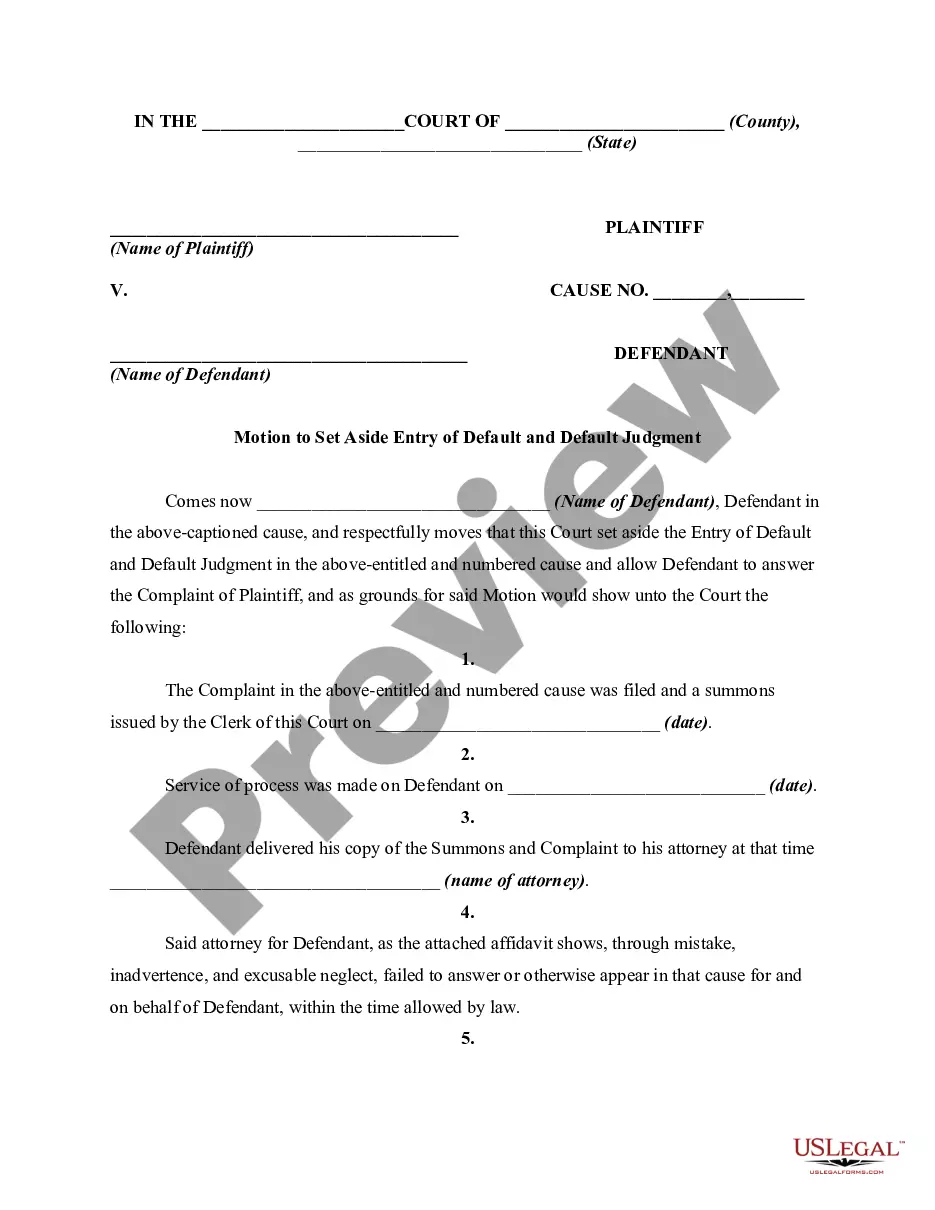
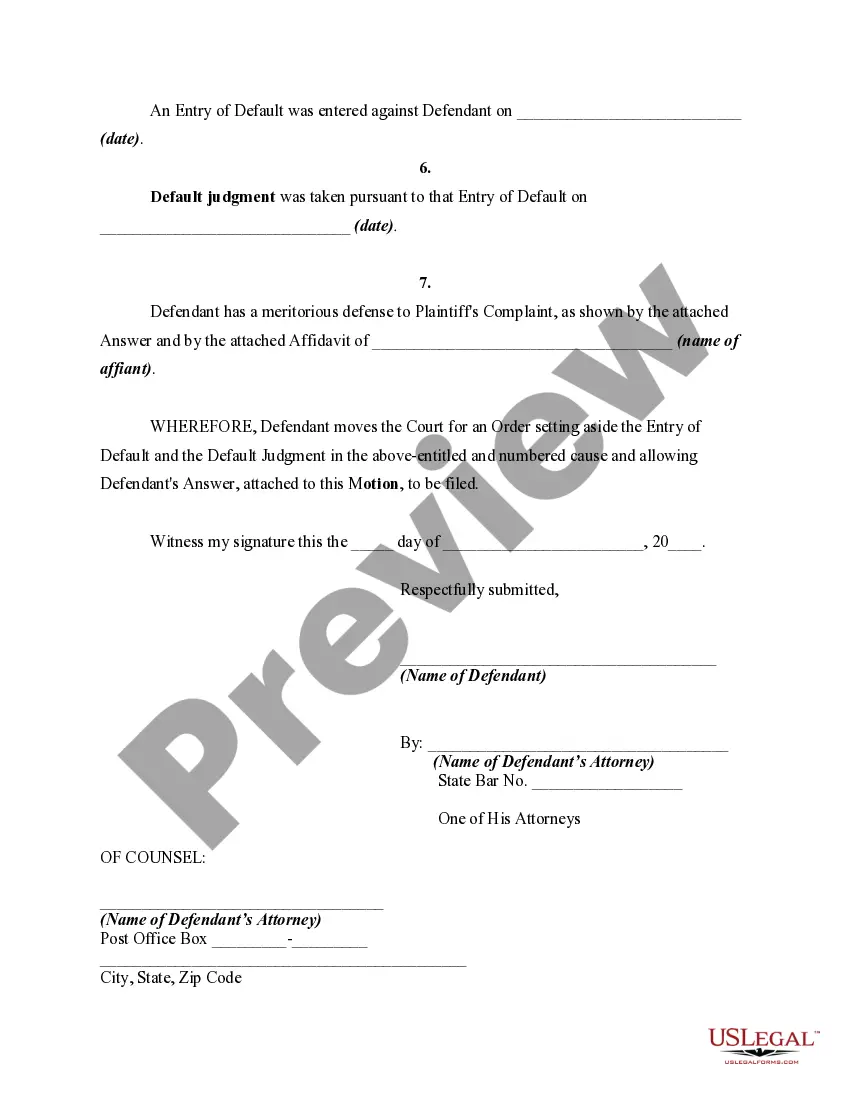
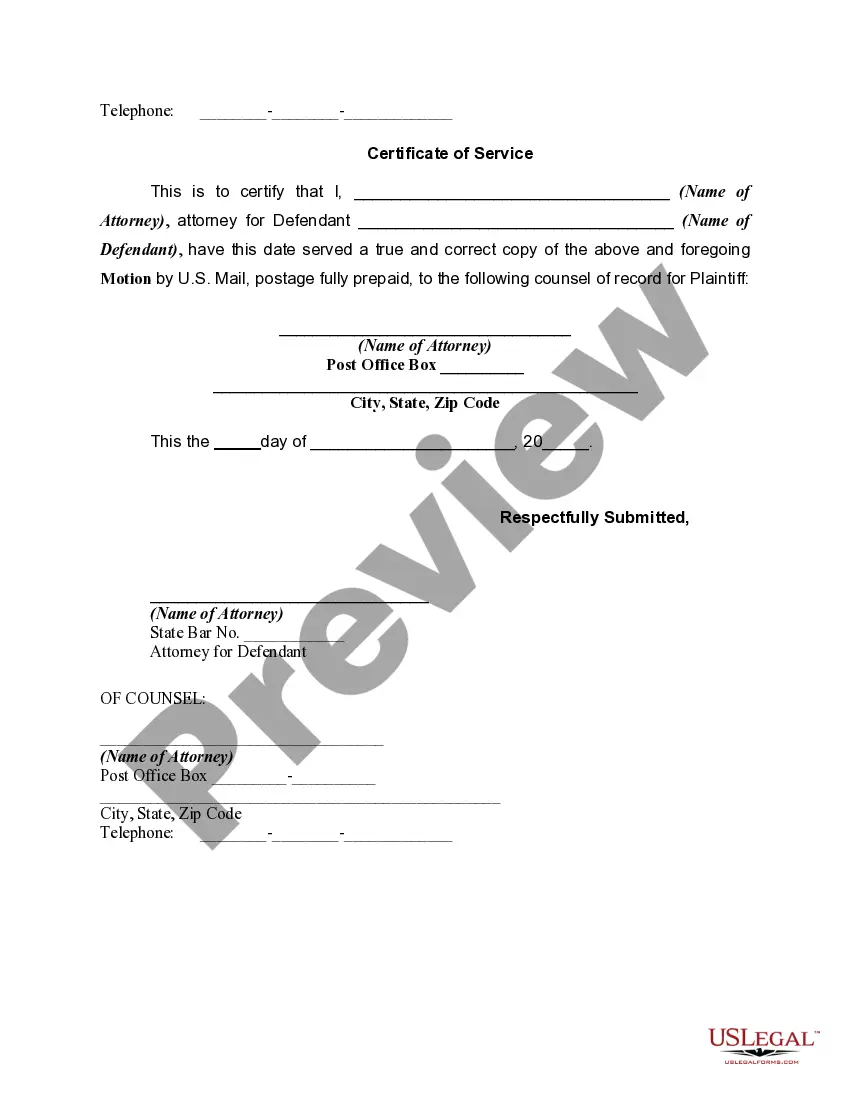
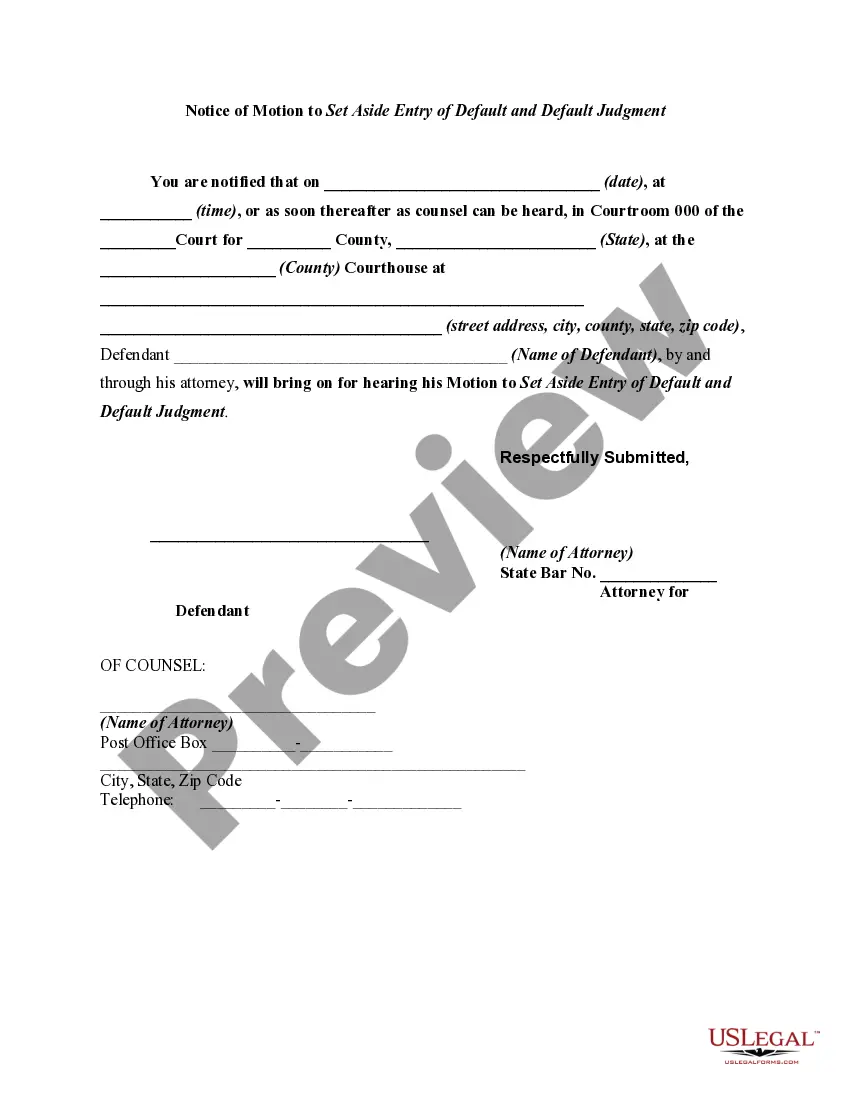
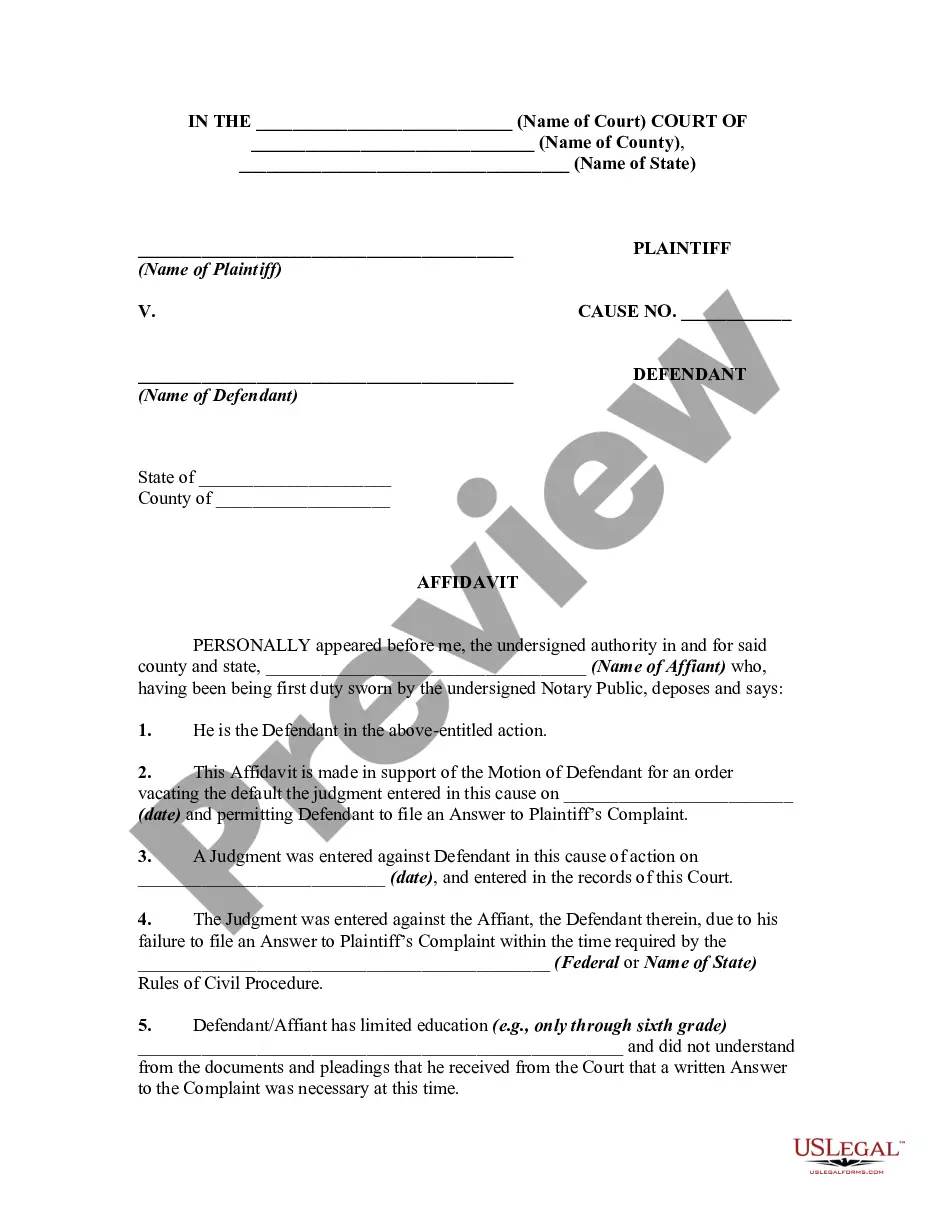
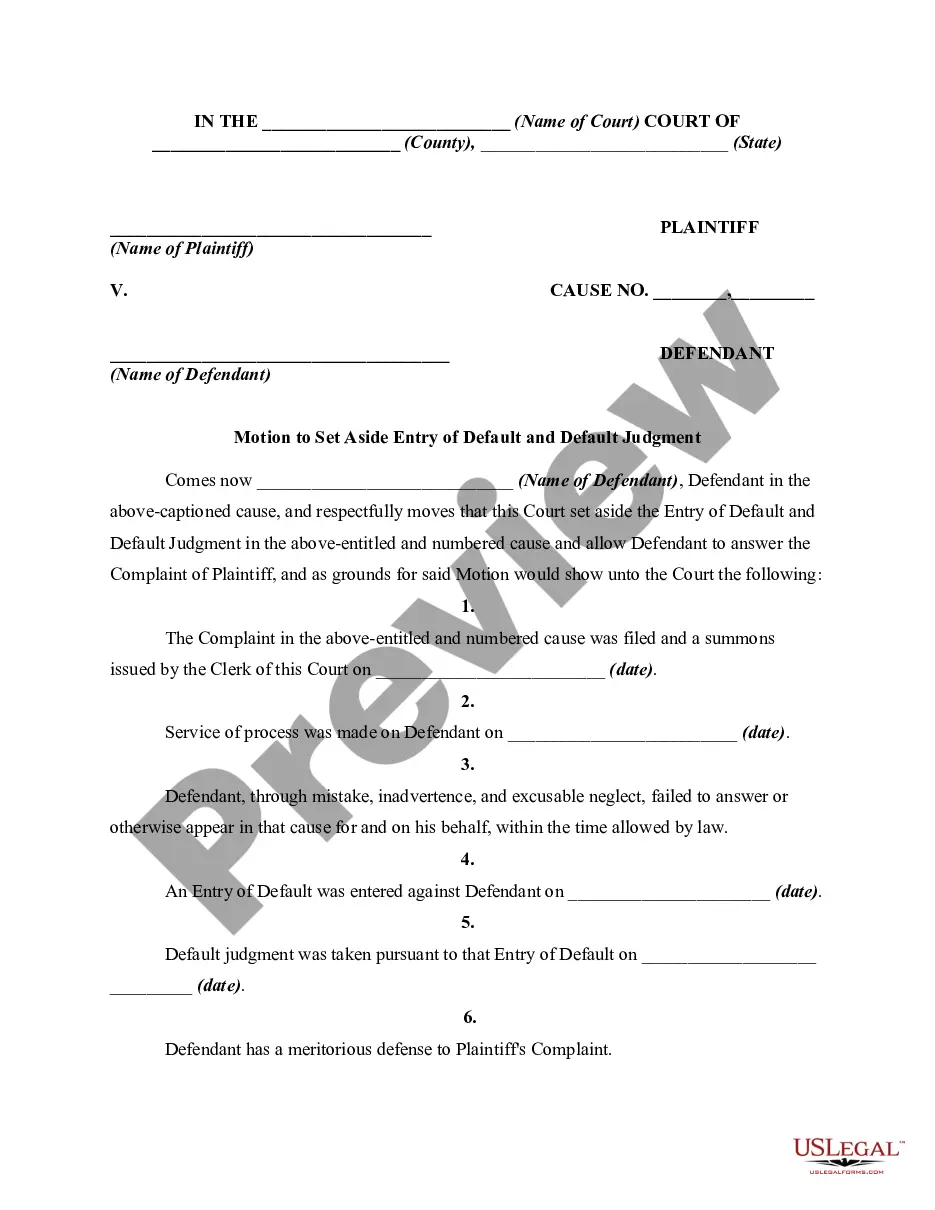
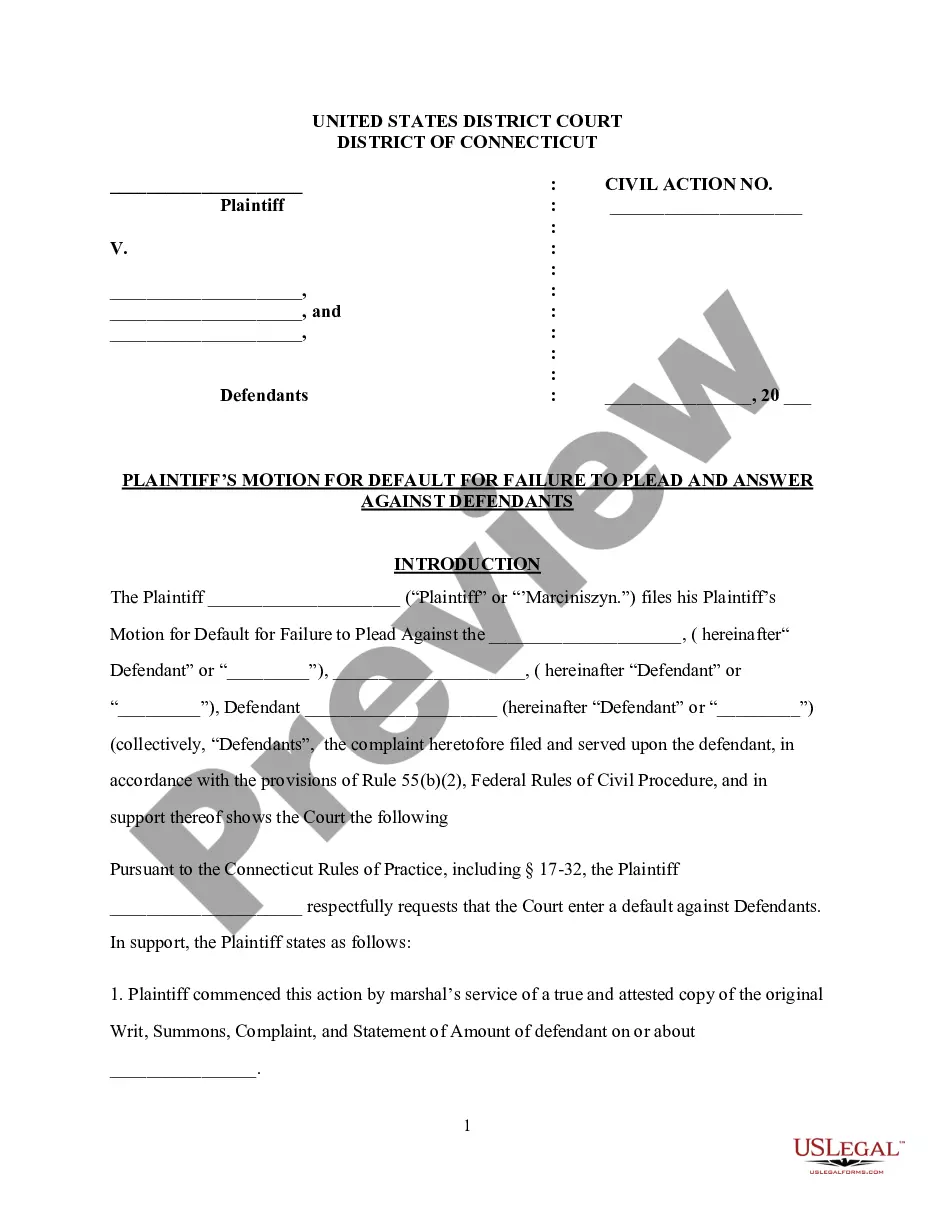
By utilizing the website, you can access thousands of documents for both business and personal use, categorized by type, state, or keywords. You can find the most current forms such as the South Carolina Motion to Vacate or Set Aside Entry of Default and Default Judgment Due to Mistake, Inadvertence, Surprise, or Excusable Neglect in just minutes.
If you already have a monthly subscription, Log In and download the South Carolina Motion to Vacate or Set Aside Entry of Default and Default Judgment Due to Mistake, Inadvertence, Surprise, or Excusable Neglect from the US Legal Forms library. The Obtain button will appear on every document you view. You can access all previously downloaded forms within the My documents section of your account.
Select the format and download the form to your device.
Make modifications. Fill out, edit, print, and sign the downloaded South Carolina Motion to Vacate or Set Aside Entry of Default and Default Judgment Due to Mistake, Inadvertence, Surprise, or Excusable Neglect. Each template you add to your account does not expire and belongs to you permanently. Therefore, if you wish to download or print another copy, simply go to the My documents section and click on the form you desire. Access the South Carolina Motion to Vacate or Set Aside Entry of Default and Default Judgment Due to Mistake, Inadvertence, Surprise, or Excusable Neglect with US Legal Forms, the most extensive library of legal document templates. Utilize a wealth of professional and state-specific templates that meet your business or personal needs and specifications.
- If you are using US Legal Forms for the first time, here are simple steps to get started.
- Ensure you have selected the appropriate form for your city/county. Click the Review button to evaluate the form's content.
- Check the form details to confirm that you have chosen the correct document.
- If the form does not meet your needs, use the Search field at the top of the screen to find one that does.
- Once you are satisfied with the form, confirm your choice by clicking the Get now button. Then, choose the pricing plan you prefer and provide your information to register for an account.
- Process the payment. Use your credit card or PayPal account to complete the transaction.