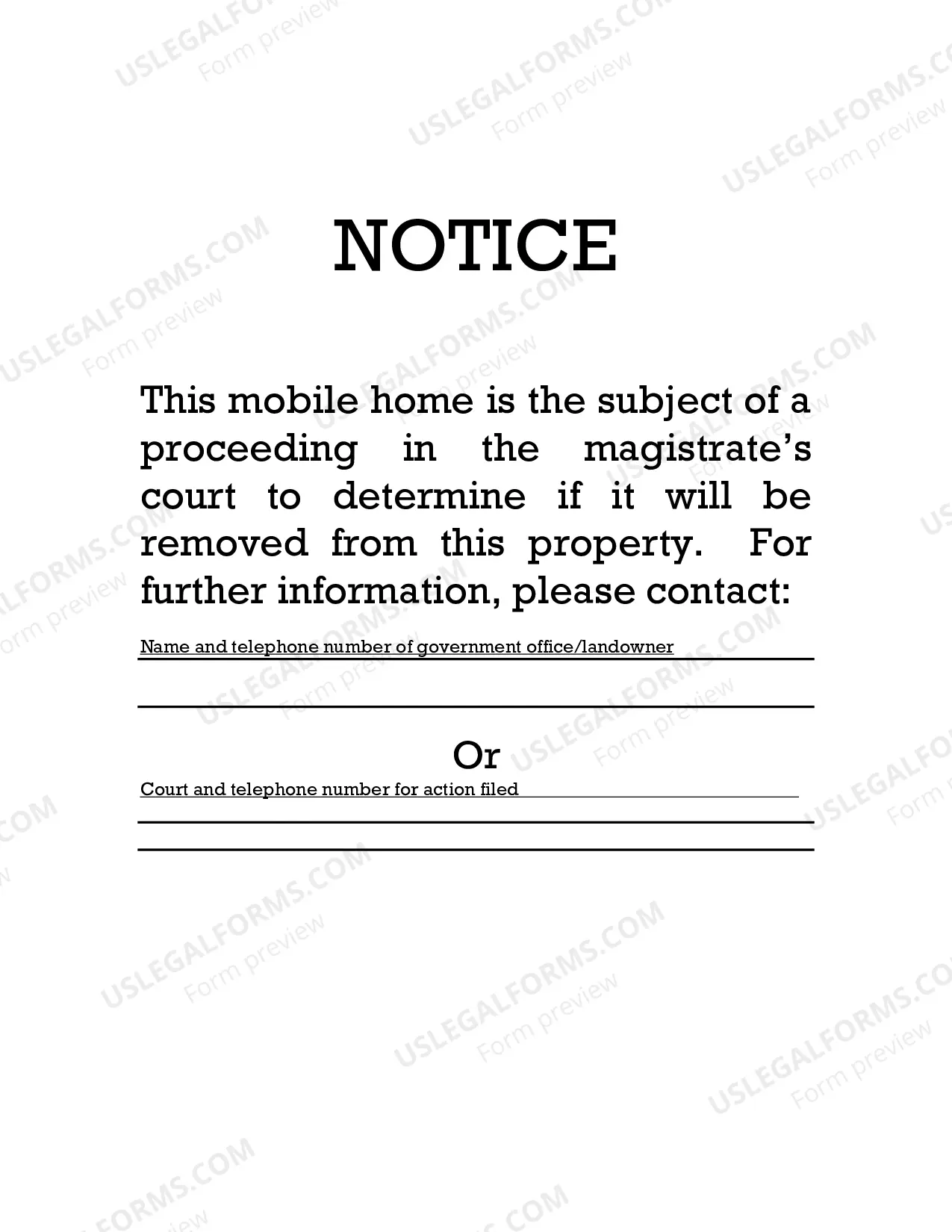
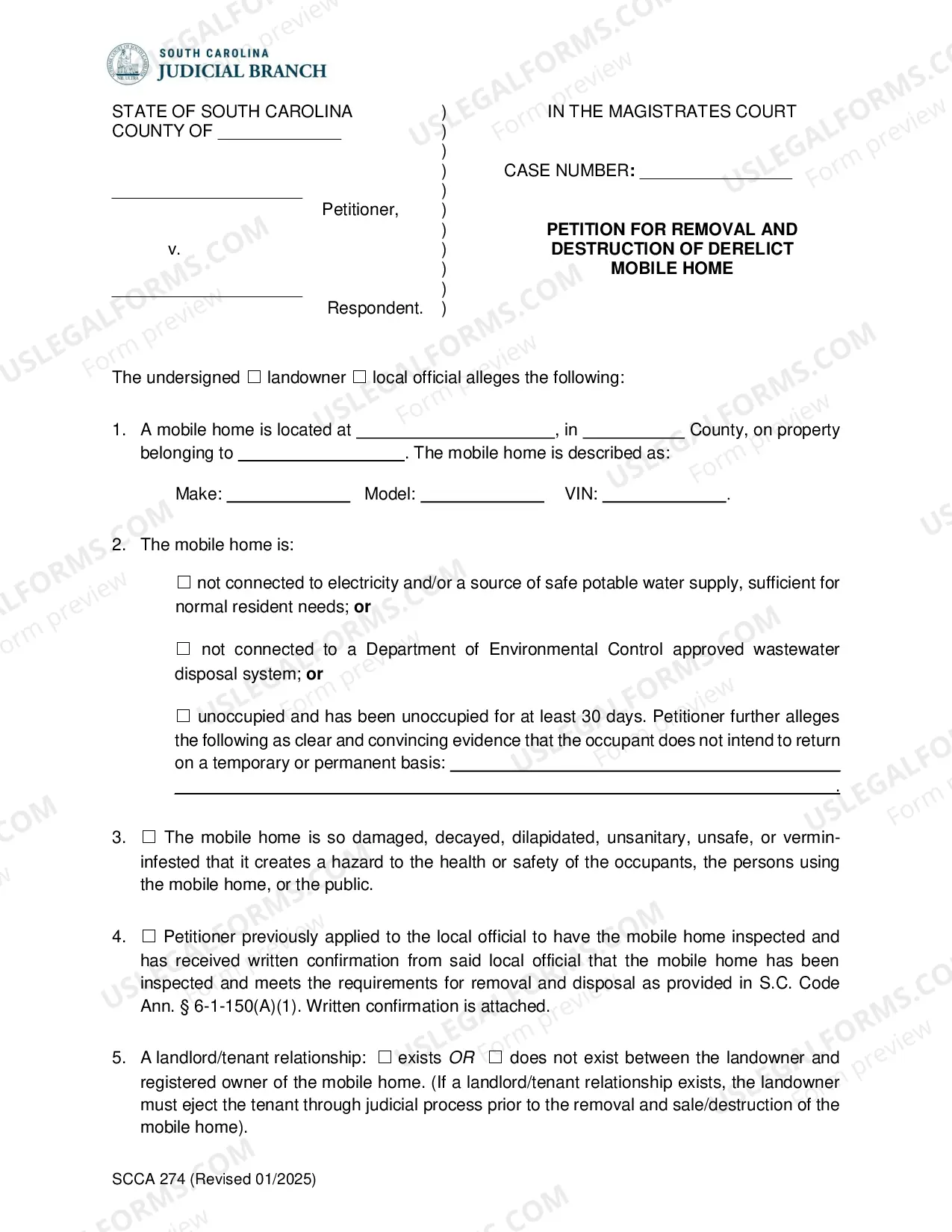
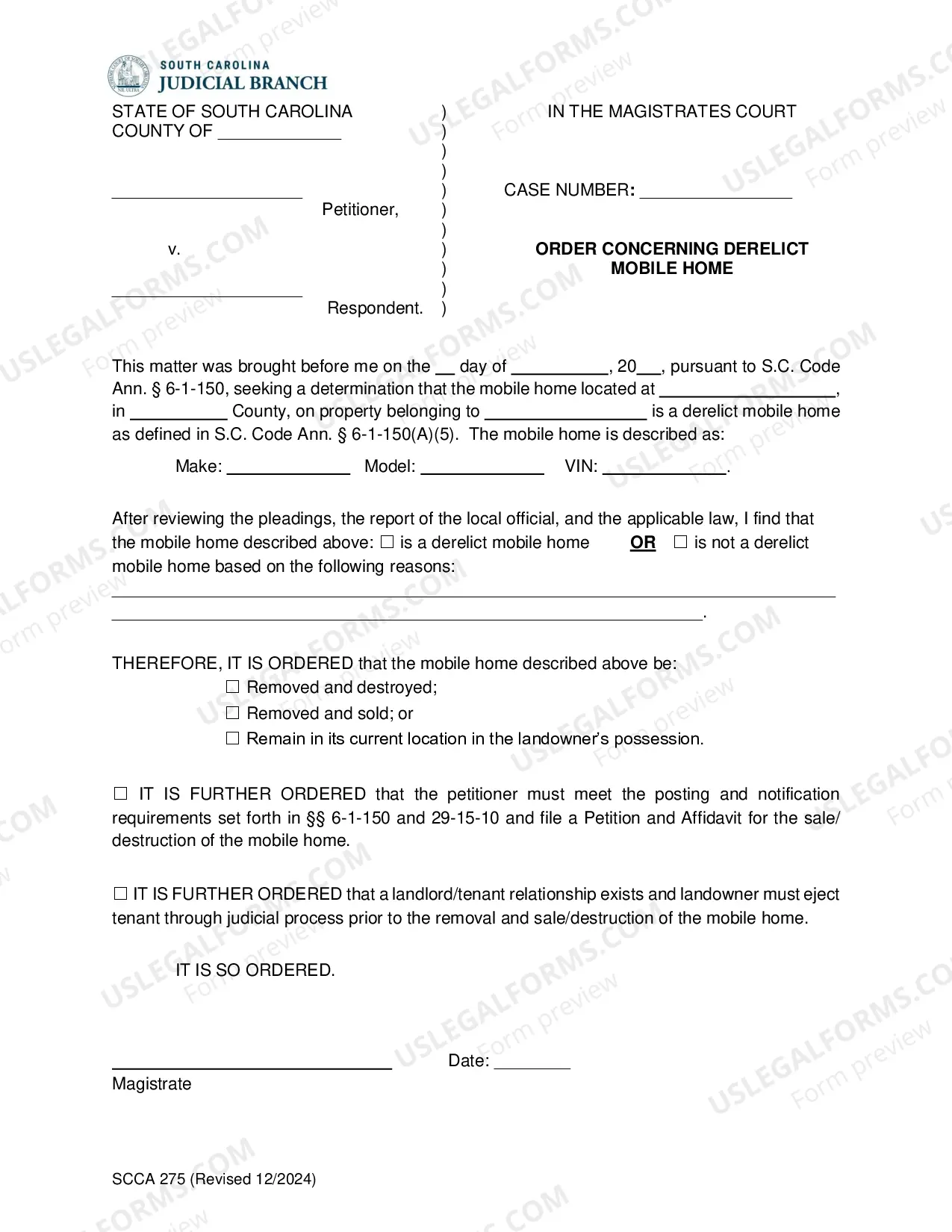
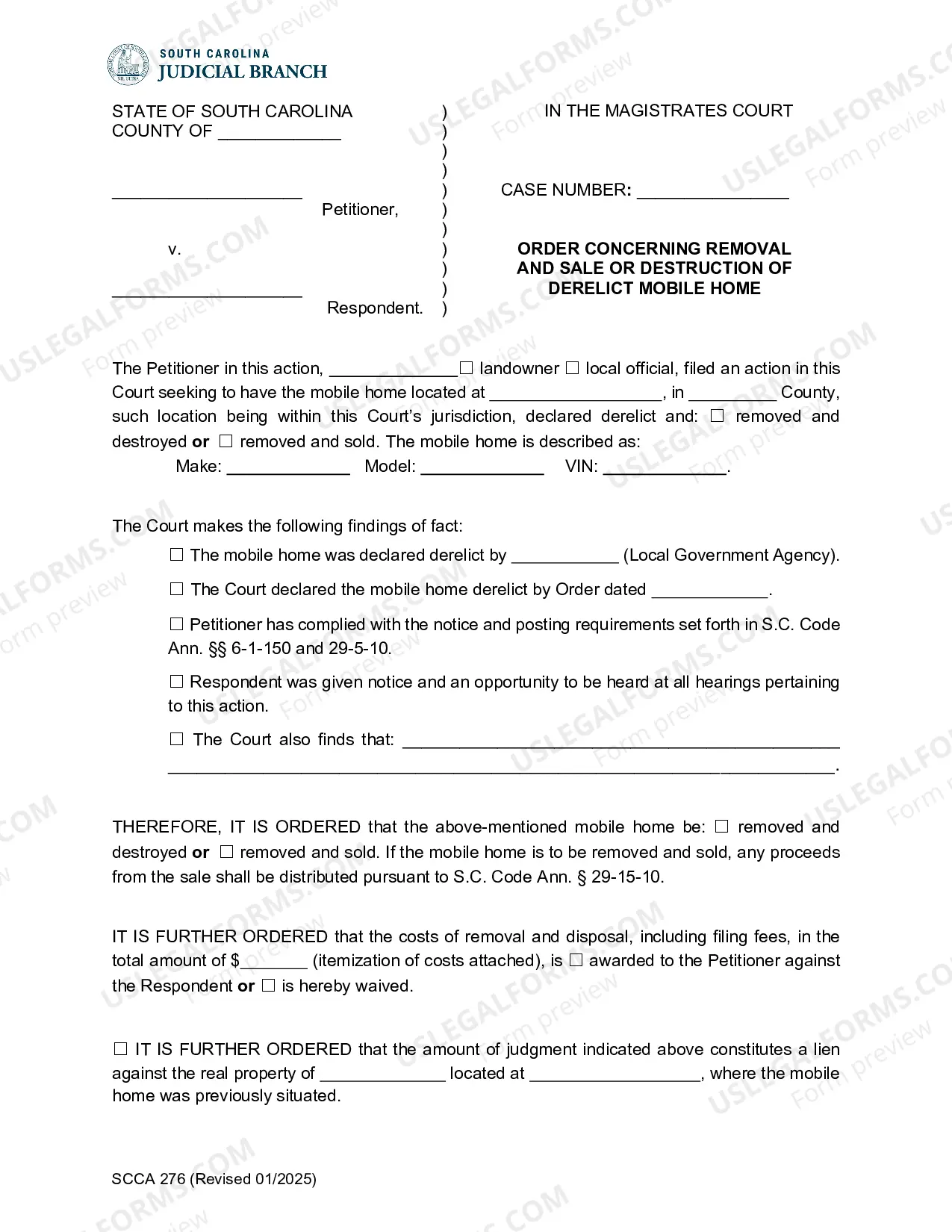
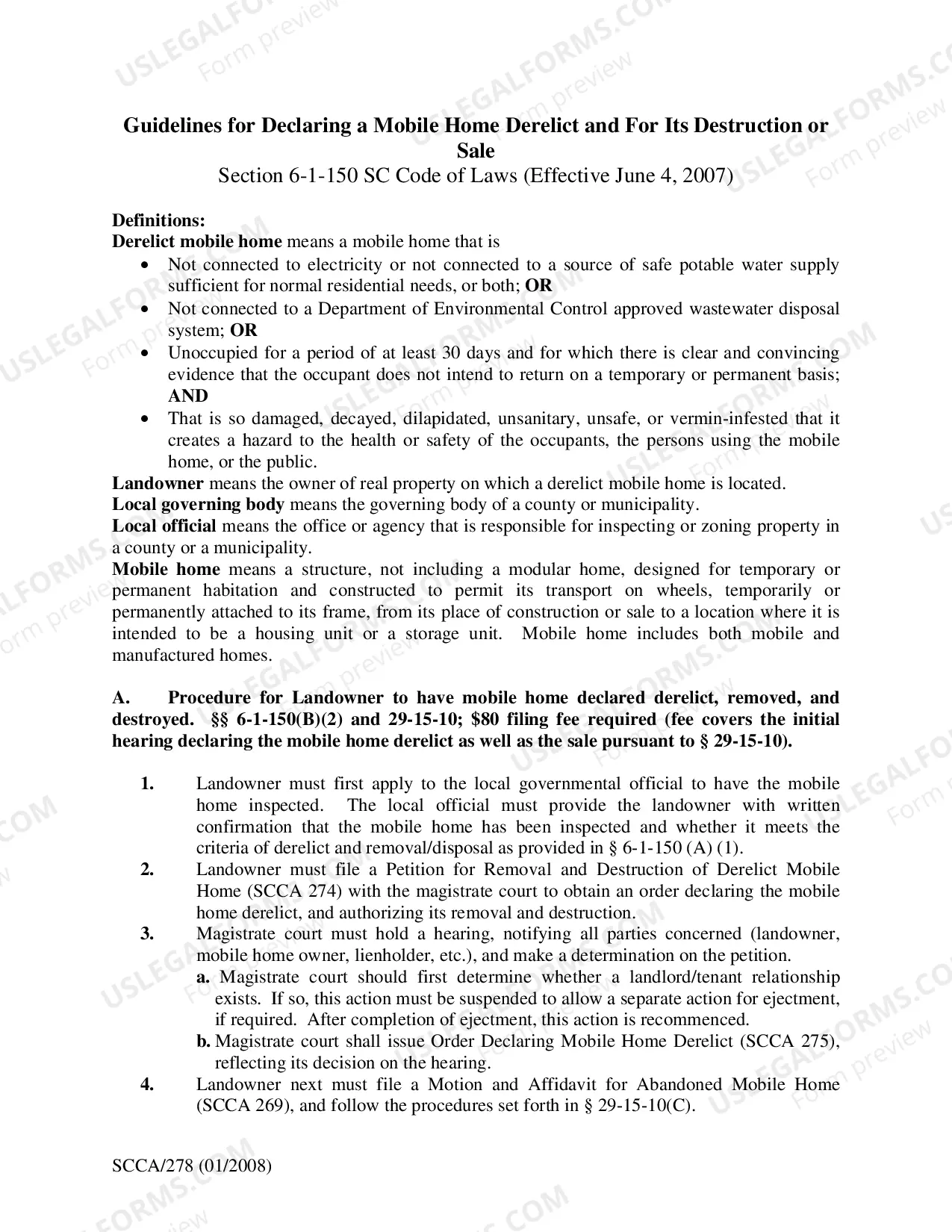
South Carolina Derelict Mobile Home
Description
Get your form ready online
Our built-in tools help you complete, sign, share, and store your documents in one place.
Make edits, fill in missing information, and update formatting in US Legal Forms—just like you would in MS Word.
Download a copy, print it, send it by email, or mail it via USPS—whatever works best for your next step.
Sign and collect signatures with our SignNow integration. Send to multiple recipients, set reminders, and more. Go Premium to unlock E-Sign.
If this form requires notarization, complete it online through a secure video call—no need to meet a notary in person or wait for an appointment.
We protect your documents and personal data by following strict security and privacy standards.

Make edits, fill in missing information, and update formatting in US Legal Forms—just like you would in MS Word.

Download a copy, print it, send it by email, or mail it via USPS—whatever works best for your next step.

Sign and collect signatures with our SignNow integration. Send to multiple recipients, set reminders, and more. Go Premium to unlock E-Sign.

If this form requires notarization, complete it online through a secure video call—no need to meet a notary in person or wait for an appointment.

We protect your documents and personal data by following strict security and privacy standards.
Looking for another form?


How to fill out South Carolina Derelict Mobile Home?
US Legal Forms is the most straightforward and affordable way to locate appropriate formal templates. It’s the most extensive online library of business and personal legal paperwork drafted and checked by lawyers. Here, you can find printable and fillable blanks that comply with national and local regulations - just like your South Carolina Derelict Mobile Home.
Getting your template takes only a few simple steps. Users that already have an account with a valid subscription only need to log in to the web service and download the document on their device. Afterwards, they can find it in their profile in the My Forms tab.
And here’s how you can obtain a properly drafted South Carolina Derelict Mobile Home if you are using US Legal Forms for the first time:
- Look at the form description or preview the document to make certain you’ve found the one meeting your needs, or find another one utilizing the search tab above.
- Click Buy now when you’re sure of its compatibility with all the requirements, and select the subscription plan you prefer most.
- Create an account with our service, sign in, and pay for your subscription using PayPal or you credit card.
- Choose the preferred file format for your South Carolina Derelict Mobile Home and save it on your device with the appropriate button.
Once you save a template, you can reaccess it at any time - simply find it in your profile, re-download it for printing and manual fill-out or upload it to an online editor to fill it out and sign more proficiently.
Take advantage of US Legal Forms, your reputable assistant in obtaining the required formal paperwork. Try it out!
Form popularity
FAQ
You must have the title. If the title does not have a Bill of Sale on the back, you must bring the Bill of Sale.
Mobile Home Manufacturer's Certificate of Origin (MCO) or previous title (if used)Identification proving you are who you say you are. Completed Application for Title/Registration of Mobile Home (SCDMV Form 400) Lien information (if applicable) Casual Sales/Use Tax. $15 titling fee.
When applying, please have a copy of the Manufactured Home title certificate and a copy of the most recent real property tax receipt for the manufactured home. The fee for the detitle permit is $53. The home must also be affixed to the property.
Mobile home, if owned and occupied as a legal residence, will be taxed at 4% for the entire tax year. If the property loses its eligibility during the tax year for the 4% assessment ratio, it is taxed at 6% for the entire tax year. See Atkinson Dredging Company v. Thomas, 266 S.C.
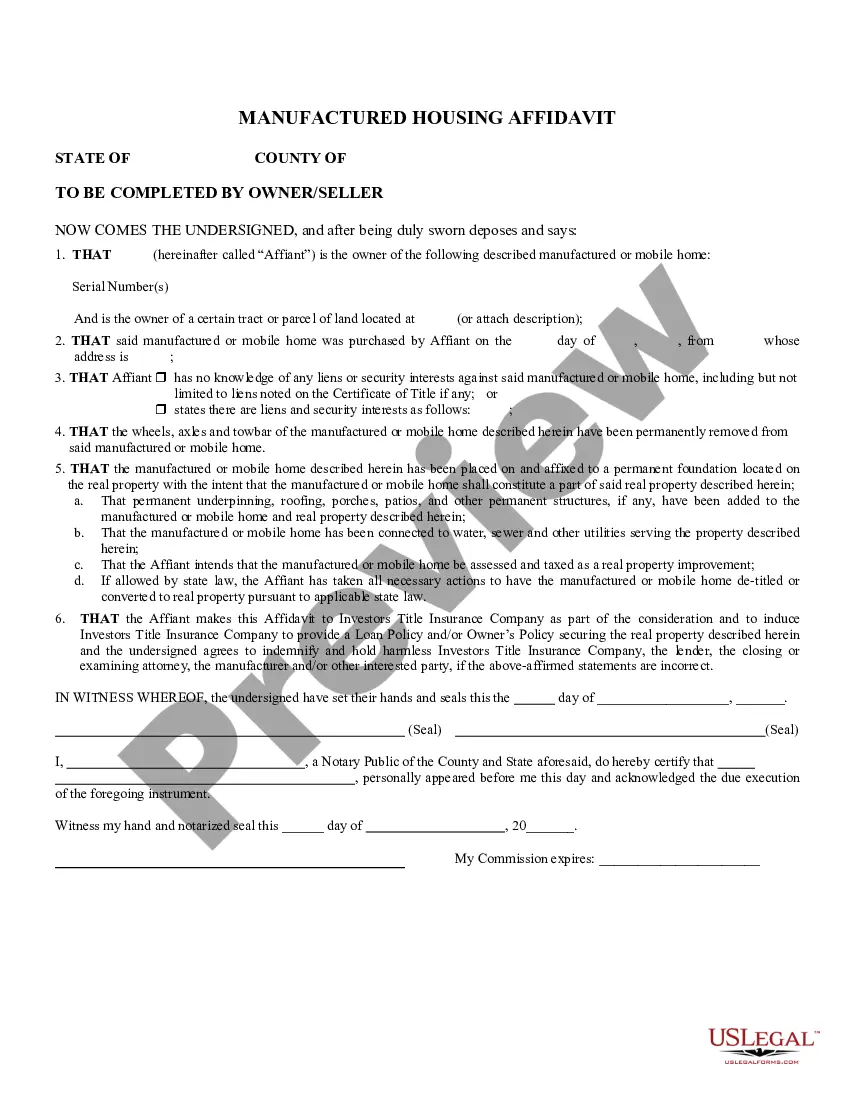
Detitling is a process to combine a manufactured home with land into one assessment, resulting in one tax bill. This should be done through the local County and SCDMV offices. One benefit to the homeowner is increased financing options on a detitled home that would not be available otherwise.
What is the oldest manufactured home you can move? ing to the HUD regulations, if your home was built before 1976 it doesn't meet the current safety standards and shouldn't be moved even a short distance.