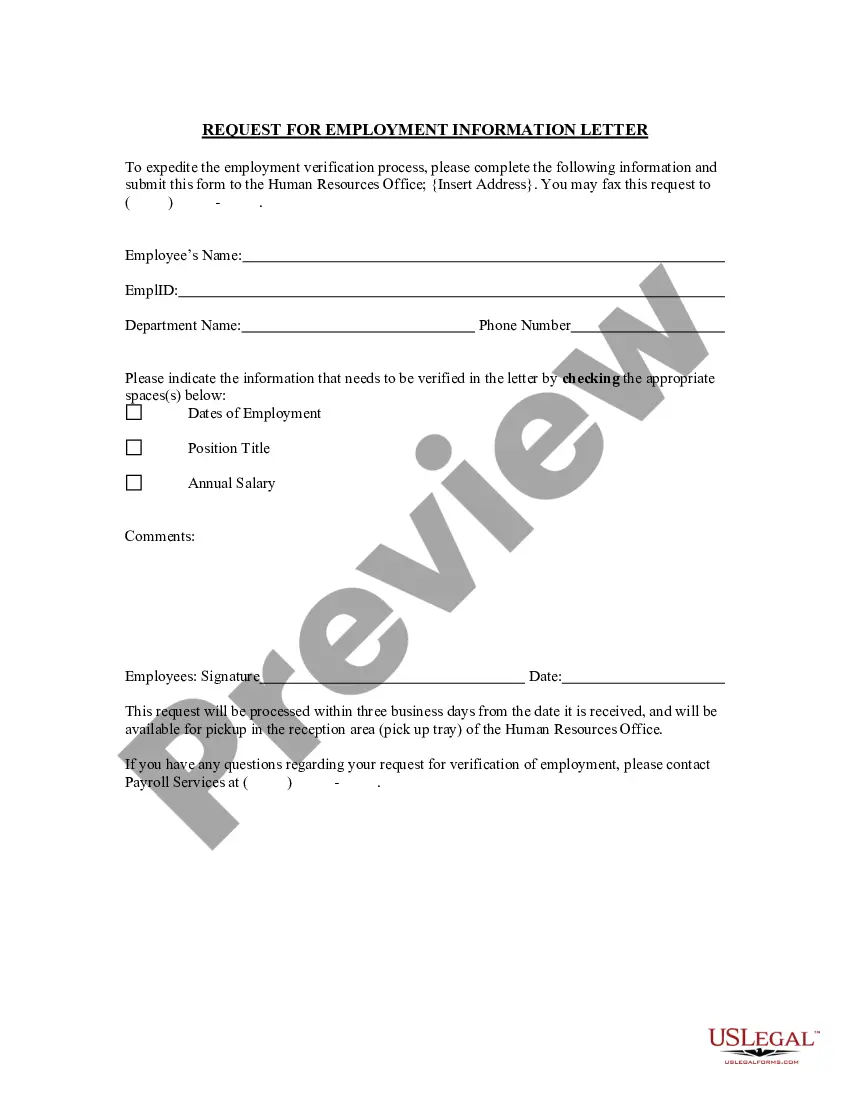
Rhode Island Request for Employment Information Letter
Description
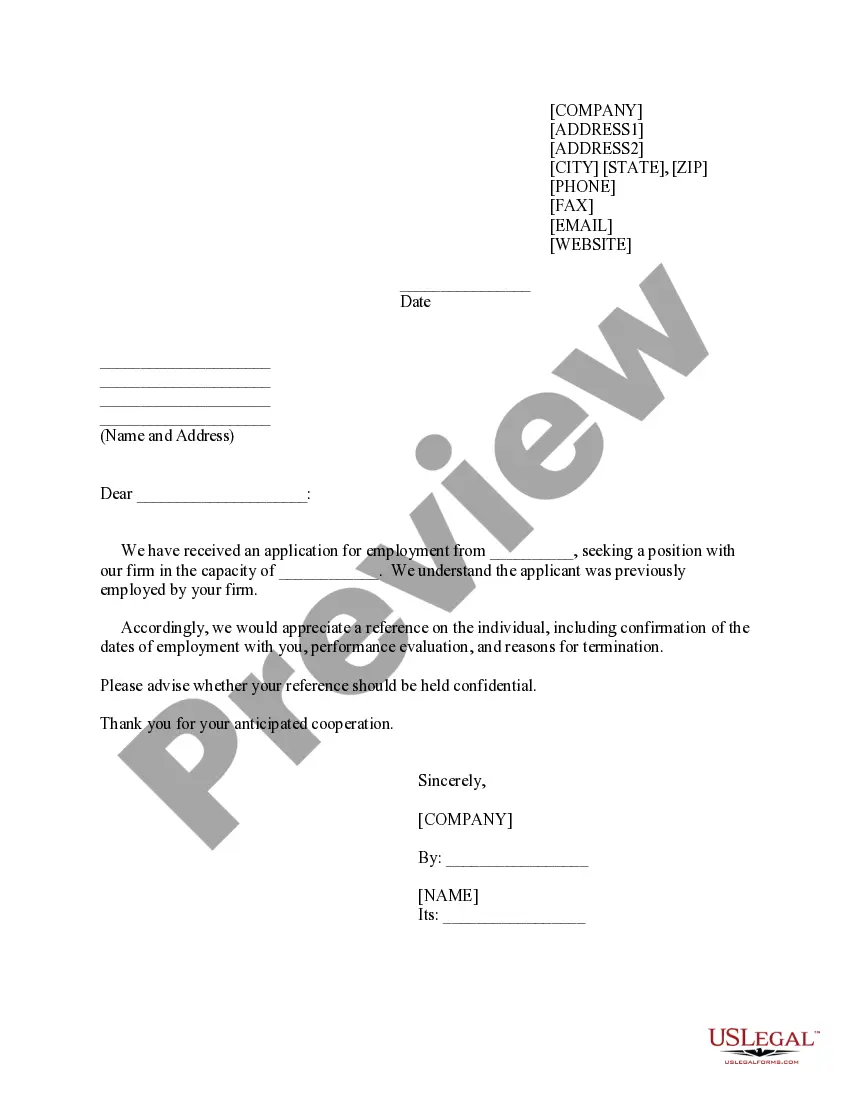
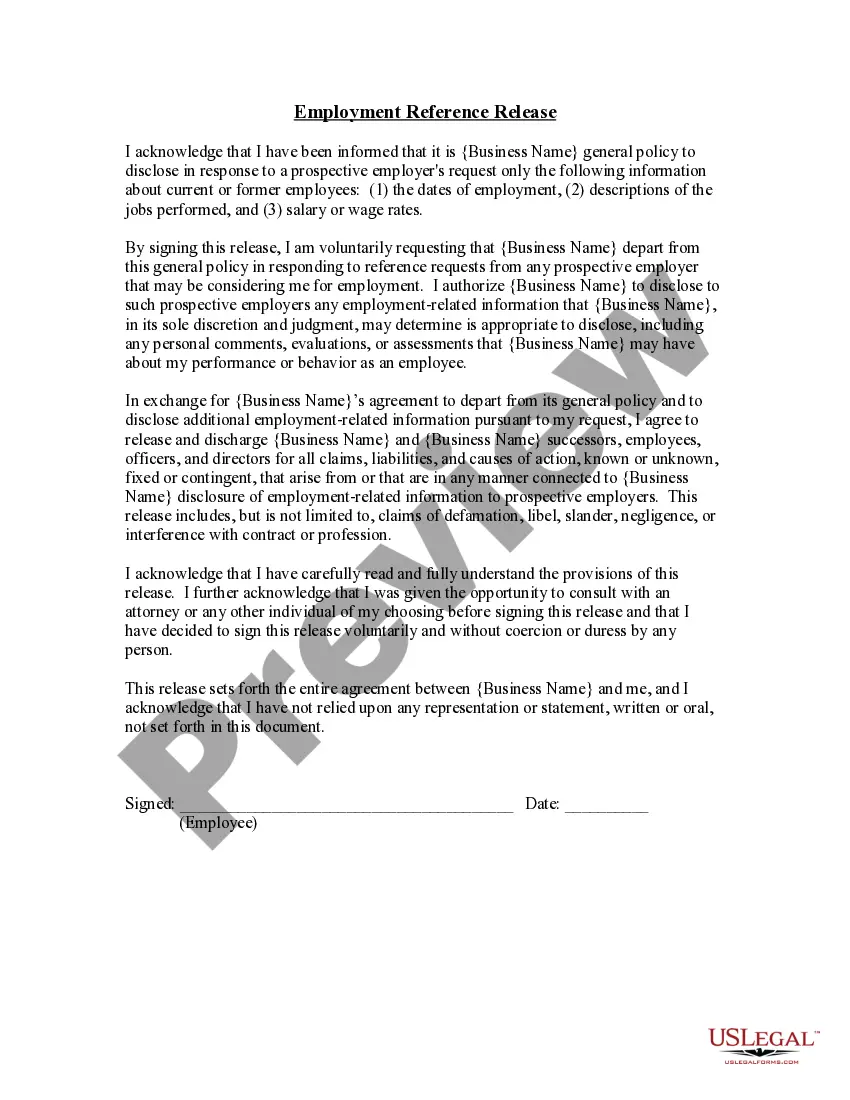
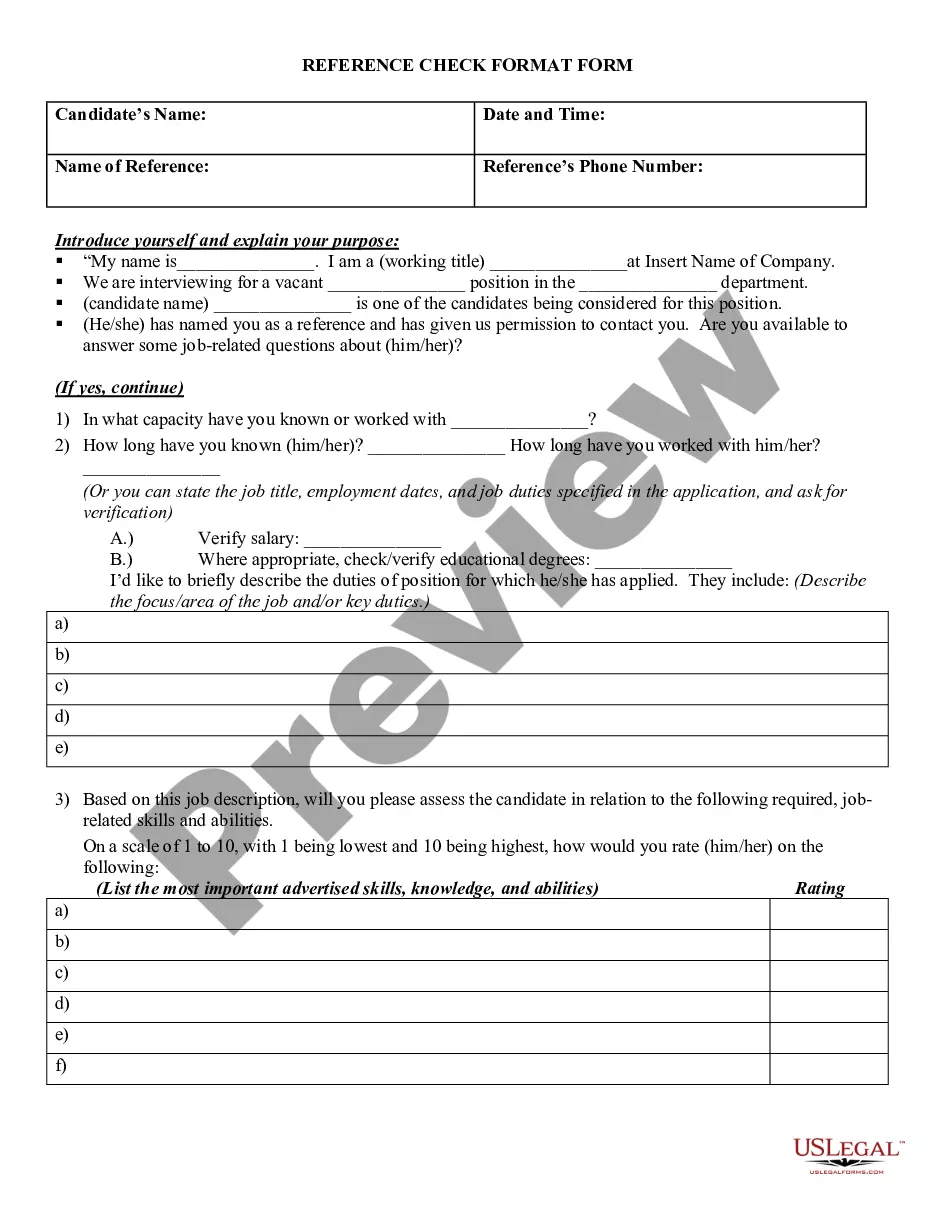
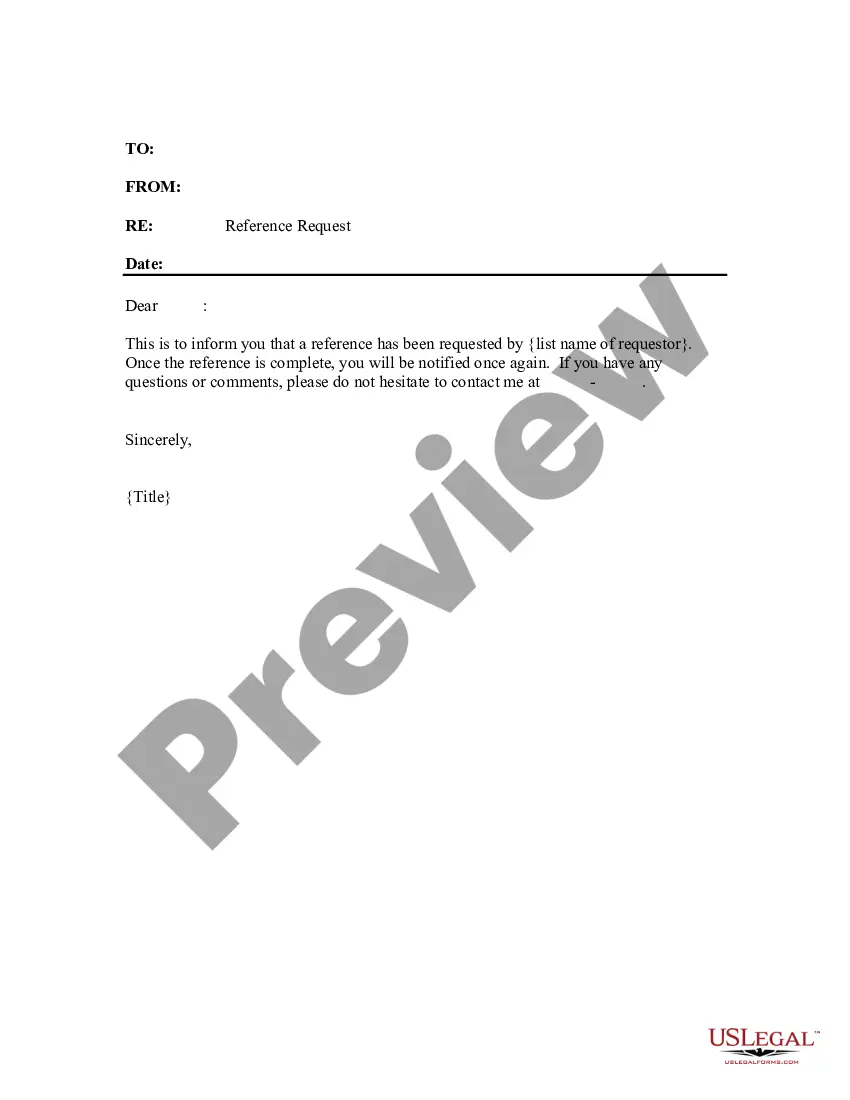
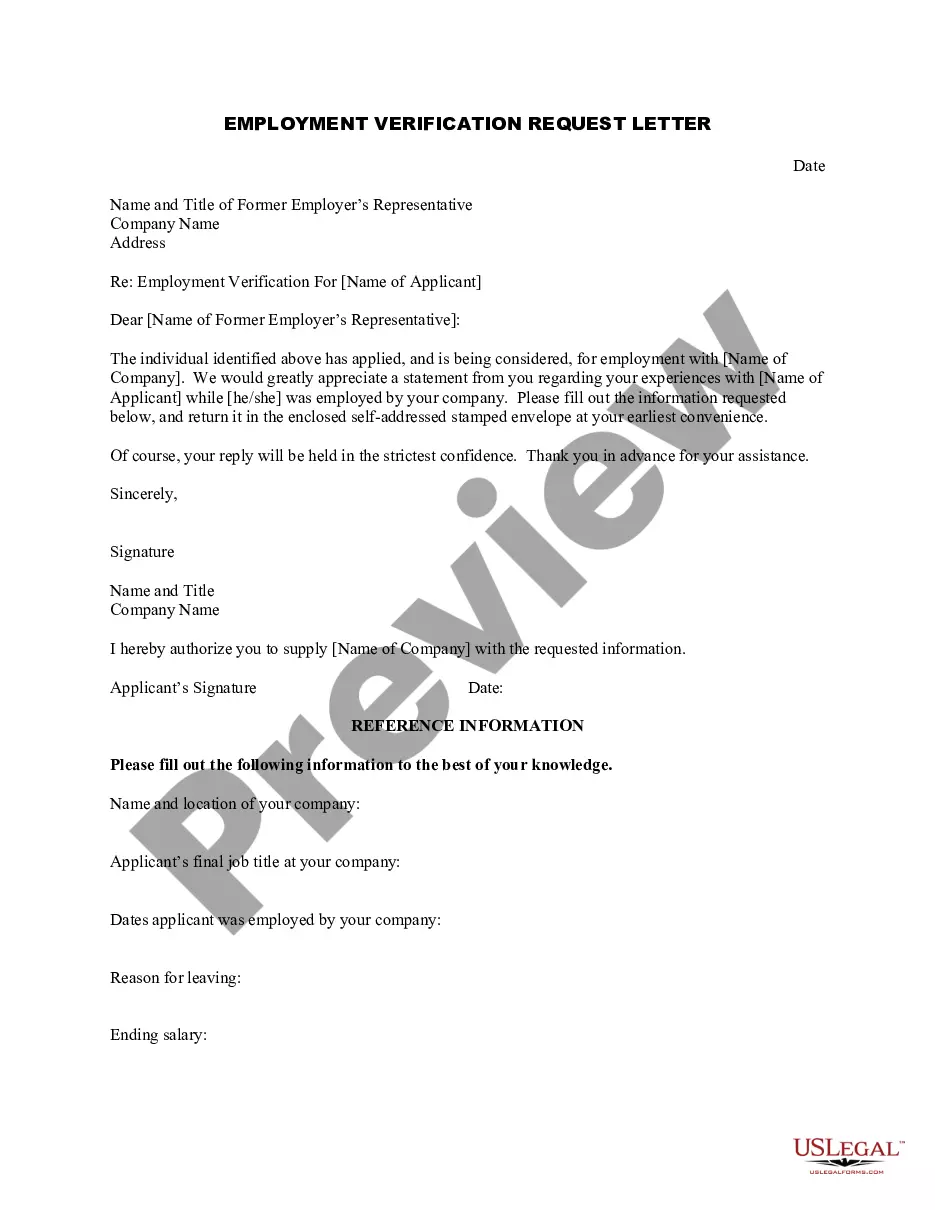
Get your form ready online
Our built-in tools help you complete, sign, share, and store your documents in one place.
Make edits, fill in missing information, and update formatting in US Legal Forms—just like you would in MS Word.
Download a copy, print it, send it by email, or mail it via USPS—whatever works best for your next step.
Sign and collect signatures with our SignNow integration. Send to multiple recipients, set reminders, and more. Go Premium to unlock E-Sign.
If this form requires notarization, complete it online through a secure video call—no need to meet a notary in person or wait for an appointment.
We protect your documents and personal data by following strict security and privacy standards.

Make edits, fill in missing information, and update formatting in US Legal Forms—just like you would in MS Word.

Download a copy, print it, send it by email, or mail it via USPS—whatever works best for your next step.

Sign and collect signatures with our SignNow integration. Send to multiple recipients, set reminders, and more. Go Premium to unlock E-Sign.

If this form requires notarization, complete it online through a secure video call—no need to meet a notary in person or wait for an appointment.

We protect your documents and personal data by following strict security and privacy standards.
Looking for another form?
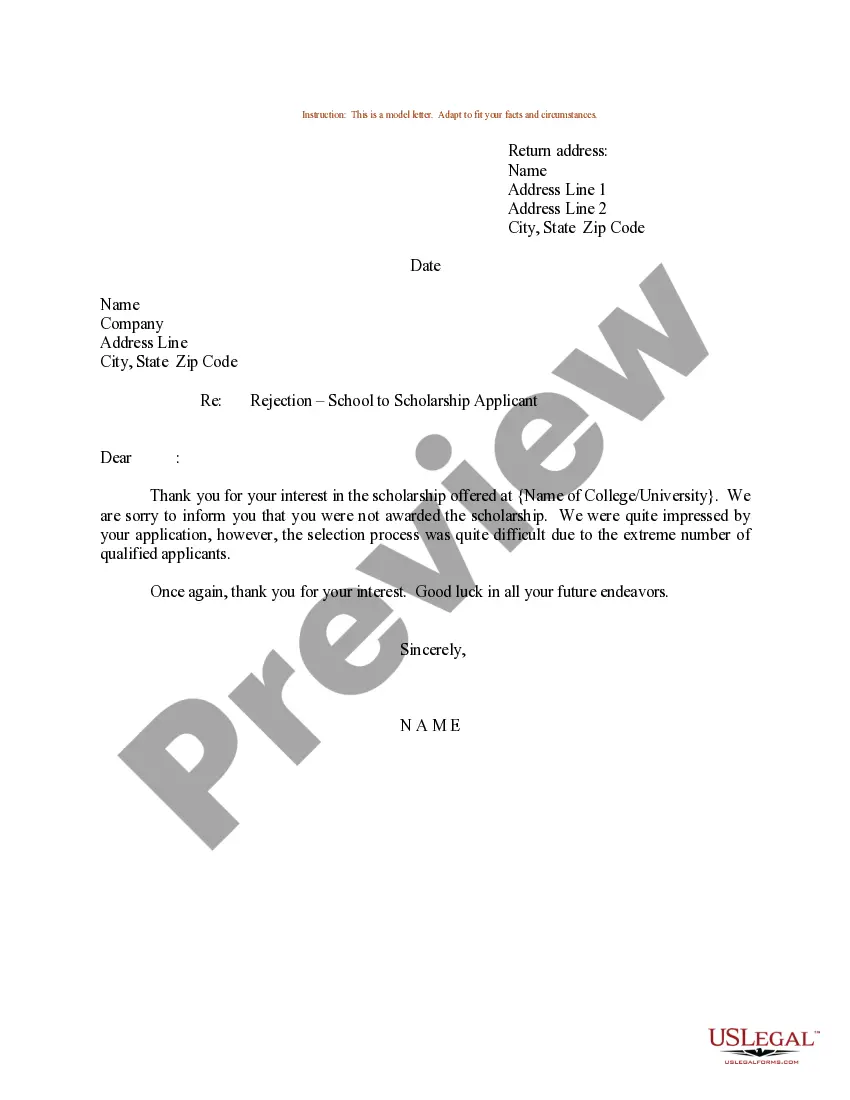
How to fill out Request For Employment Information Letter?
US Legal Forms - one of the largest collections of legal documents in the US - provides a vast selection of legal templates that you can download or print. By utilizing the website, you can access numerous forms for business and personal use, categorized by type, state, or keywords.
You can find the latest versions of documents such as the Rhode Island Request for Employment Information Letter in just minutes. If you possess a subscription, Log In and retrieve the Rhode Island Request for Employment Information Letter from your US Legal Forms library. The Download button will appear on each form you view. You can access all previously downloaded documents in the My documents section of your account.
To use US Legal Forms for the first time, here are some basic recommendations to get you started: Ensure you have selected the correct form for your city/state. Click the Preview button to review the content of the form. Check the form description to confirm that you have the right document.
Every template you save to your account has no expiration date and is yours to keep permanently. Therefore, if you wish to download or print another copy, just go to the My documents section and click on the form you need.
Access the Rhode Island Request for Employment Information Letter through US Legal Forms, the most extensive library of legal document templates. Utilize thousands of professional and state-specific templates that meet your business or personal requirements.
- If the form does not meet your needs, use the Search field at the top of the page to find the one that fits.
- If you are satisfied with the document, confirm your selection by clicking the Purchase now button.
- Then, choose the payment plan you would like and provide your credentials to register for an account.
- Process the payment. Use your credit card or PayPal account to complete the transaction.
- Select the format and download the document to your device.
- Make edits. Fill out, modify, print, and sign the downloaded Rhode Island Request for Employment Information Letter.
Form popularity
FAQ
Certify Weekly You must certify for payments by logging in to UI Online once every week to collect benefits. You can also certify by phone at (401) 415-6772.
Did you or your employer receive an email or letter regarding unemployment benefits that you never applied for? This may mean that you're a victim of UI imposter fraud. Imposter fraud is when someone illegally applies for unemployment benefits using stolen personal information.
What you have to do: Complete an Intent to Employ Minor form that may be obtained from the School Department where you live, or online from the Labor Standards web site. Take a copy of your birth or baptismal certificate, or passport to the School Department or person authorized to issue a Special Limited Permit.
Certify Weekly You must certify for payments by logging in to UI Online once every week to collect benefits. You can also certify by phone at (401) 415-6772.
In Rhode Island, Minors 14 to 15 years of age are required by law to obtain "Working Papers" for employment. Most employers also require Working Papers for minors age 16 to 17.
Pandemic Emergency Unemployment Compensation (PEUC): an extension program for those who exhaust their 26 weeks of regular UI benefits. If you have been receiving regular unemployment benefits for more than 26 weeks, you are on PEUC.
You must have Special Limited Permit to Work form to be employed if you're 14 or 15. You may need a Certificate of Age form to be employed if you're 16 or 17. To get working papers, visit your local school department with proof of your age (Birth or Baptismal Certificate, Driver's License, Passport, School Records).
Please contact the UI Call Center at 401-415-6772.
You may conduct balance inquiries easily and free of charge online at OR You may call KeyBank Customer Service at 1-866-295-2955 OR You may check your account balance at Allpoint, BankRI and KeyBank ATMs for no fee.