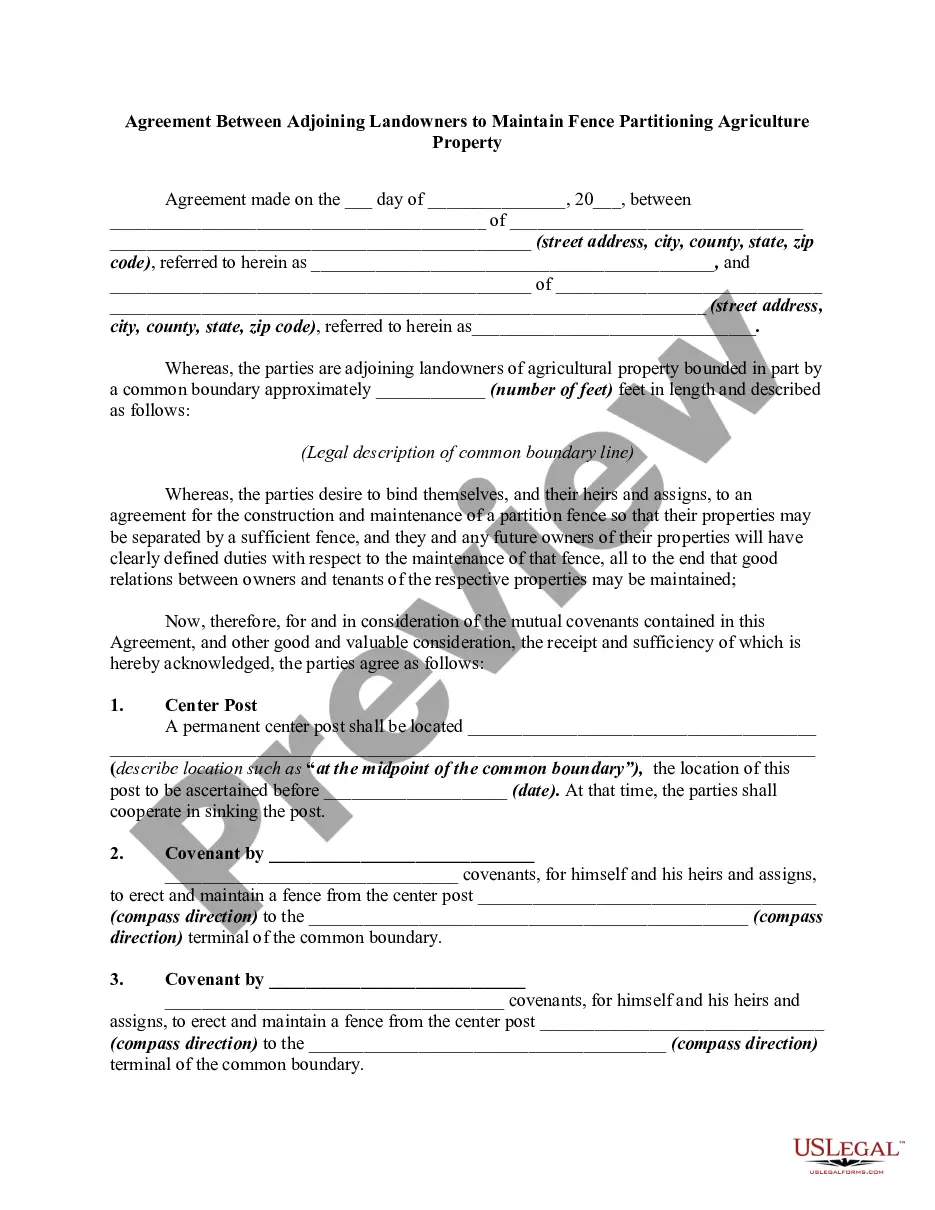
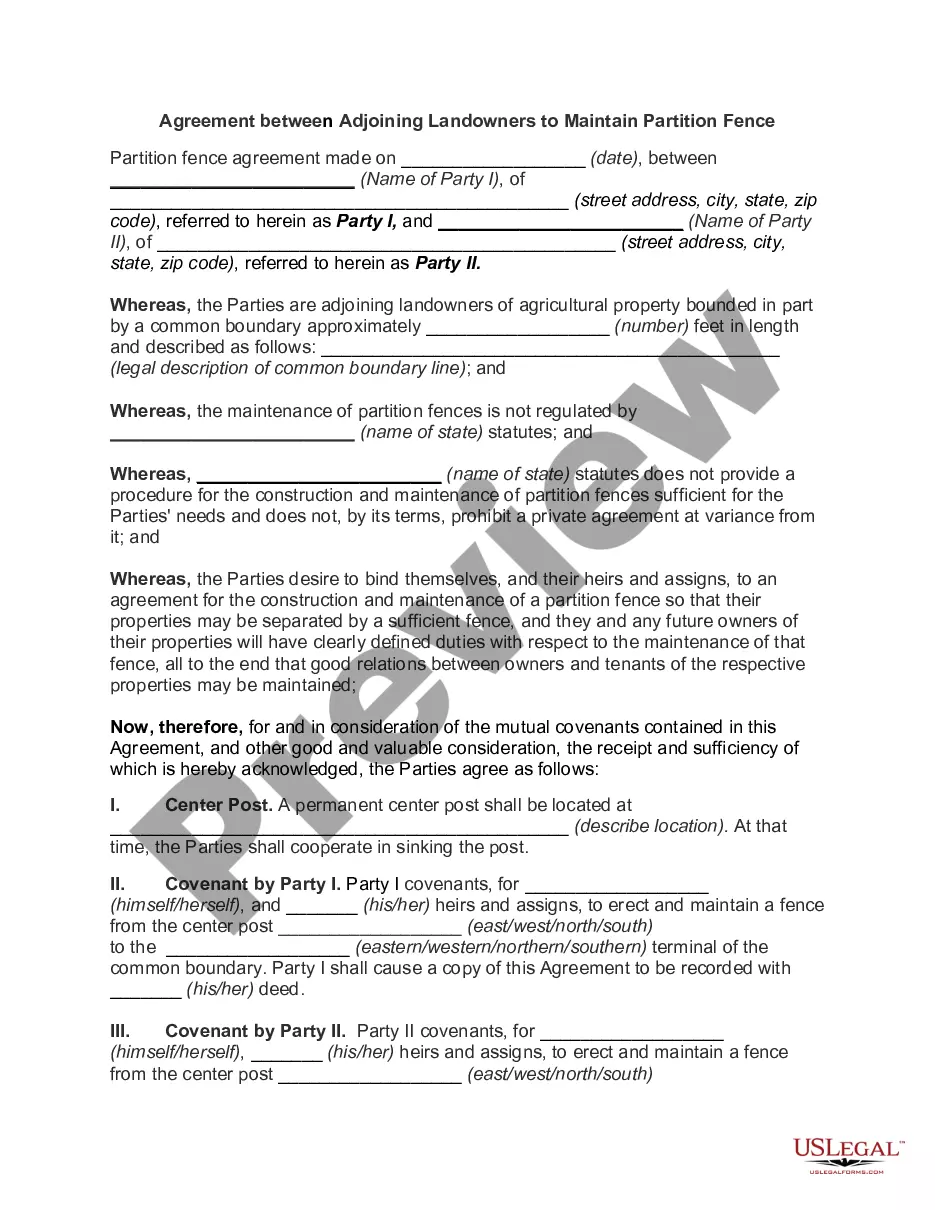
Statutory regulation of partition fences exists in many states. Such statutes may require a particular kind of fence and prohibit other kinds of fences, and may establish certain requirements of cooperation between adjoining landowners as to partition fences. Even where statutory regulation exists, adjoining landowners are usually free to execute agreements with respect to fences that are at variance from the requirements of the statutes. If there is no applicable statute, control over the construction and maintenance of fences is usually regulated by agreement between the adjoining landowners.
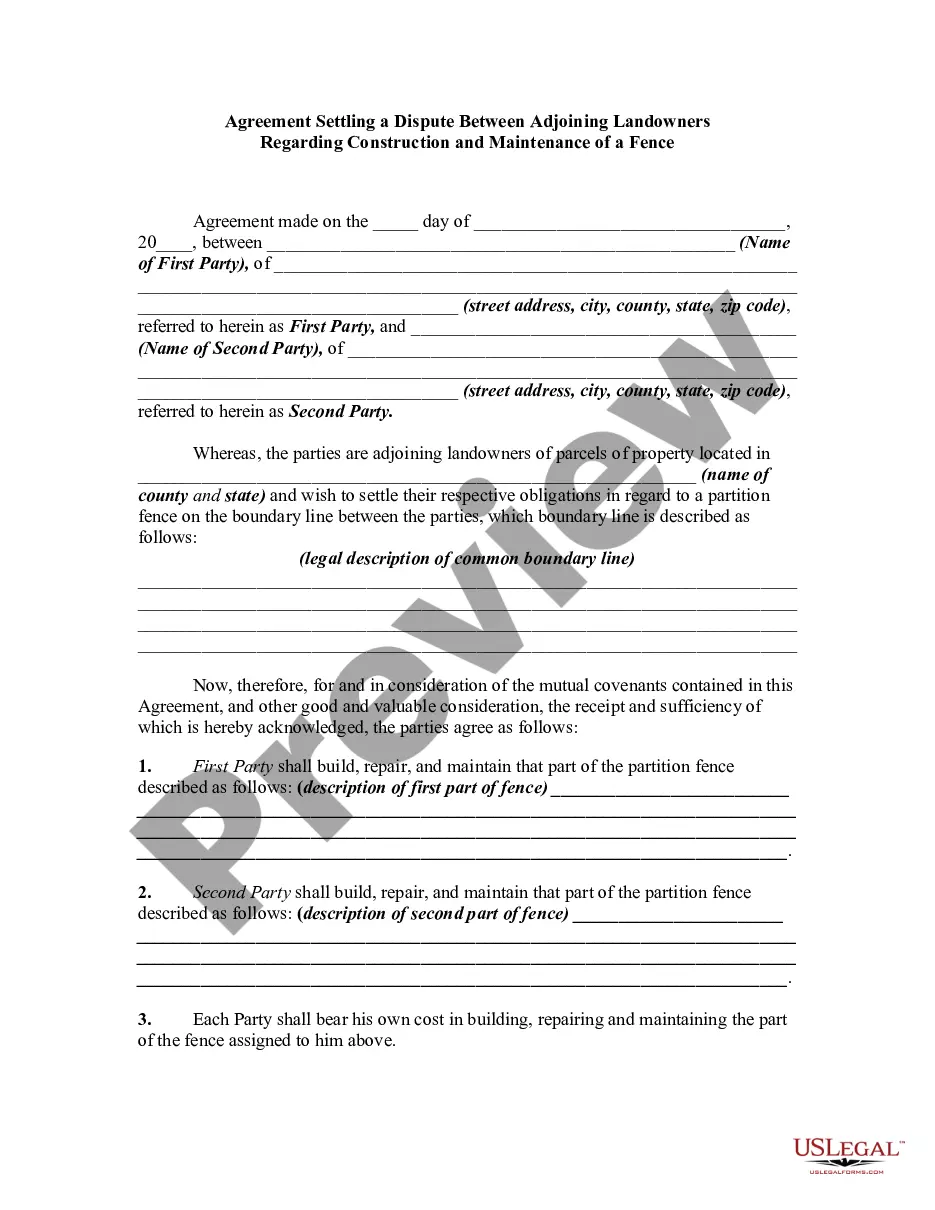
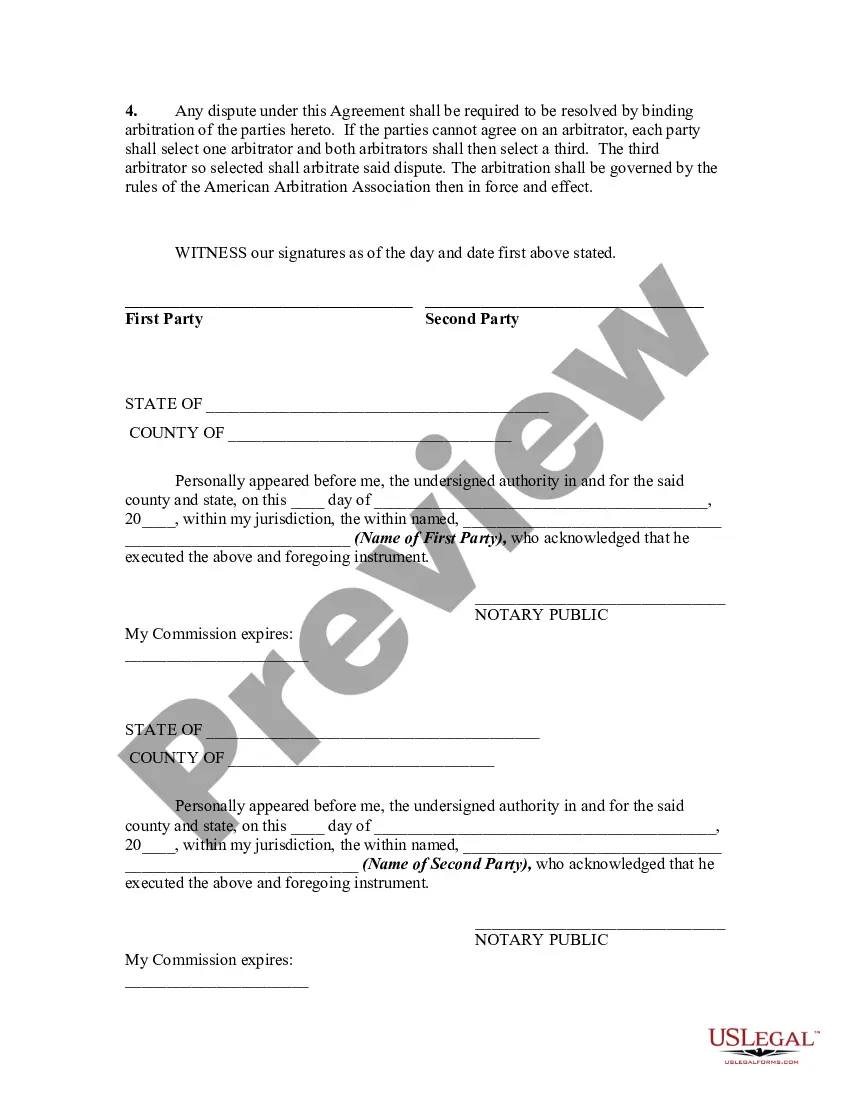
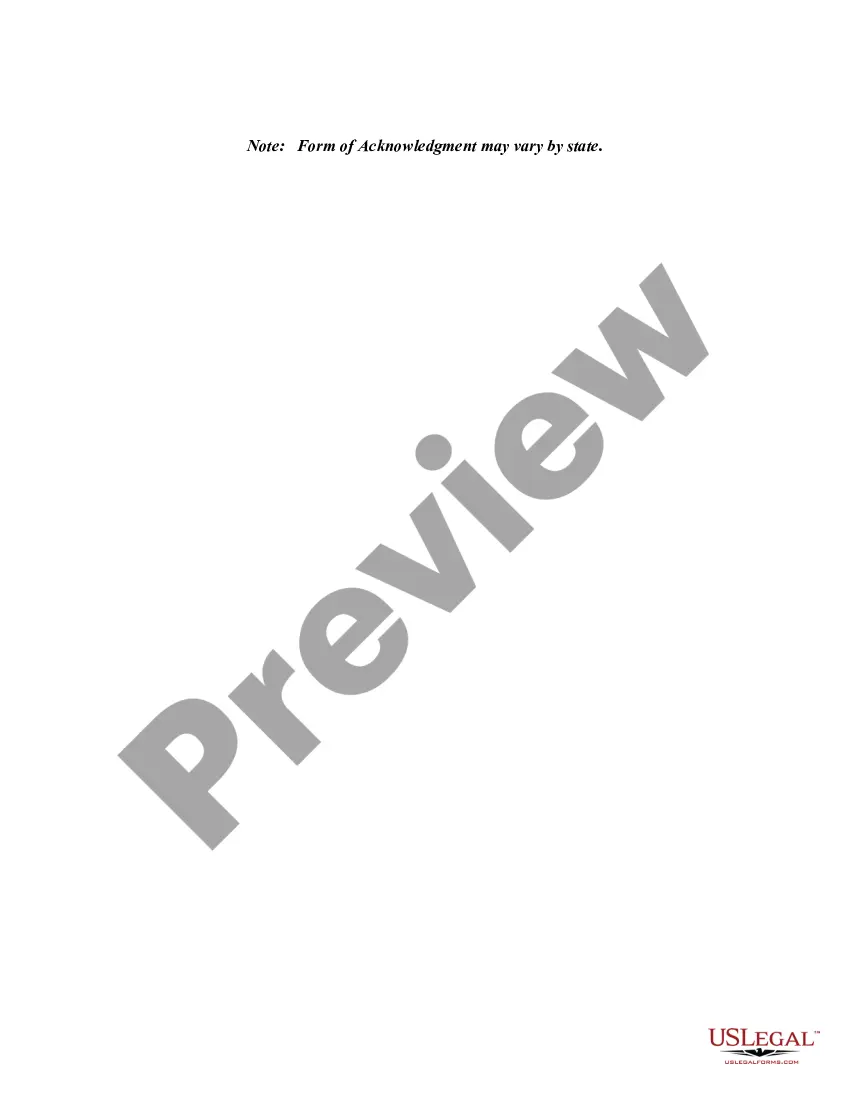
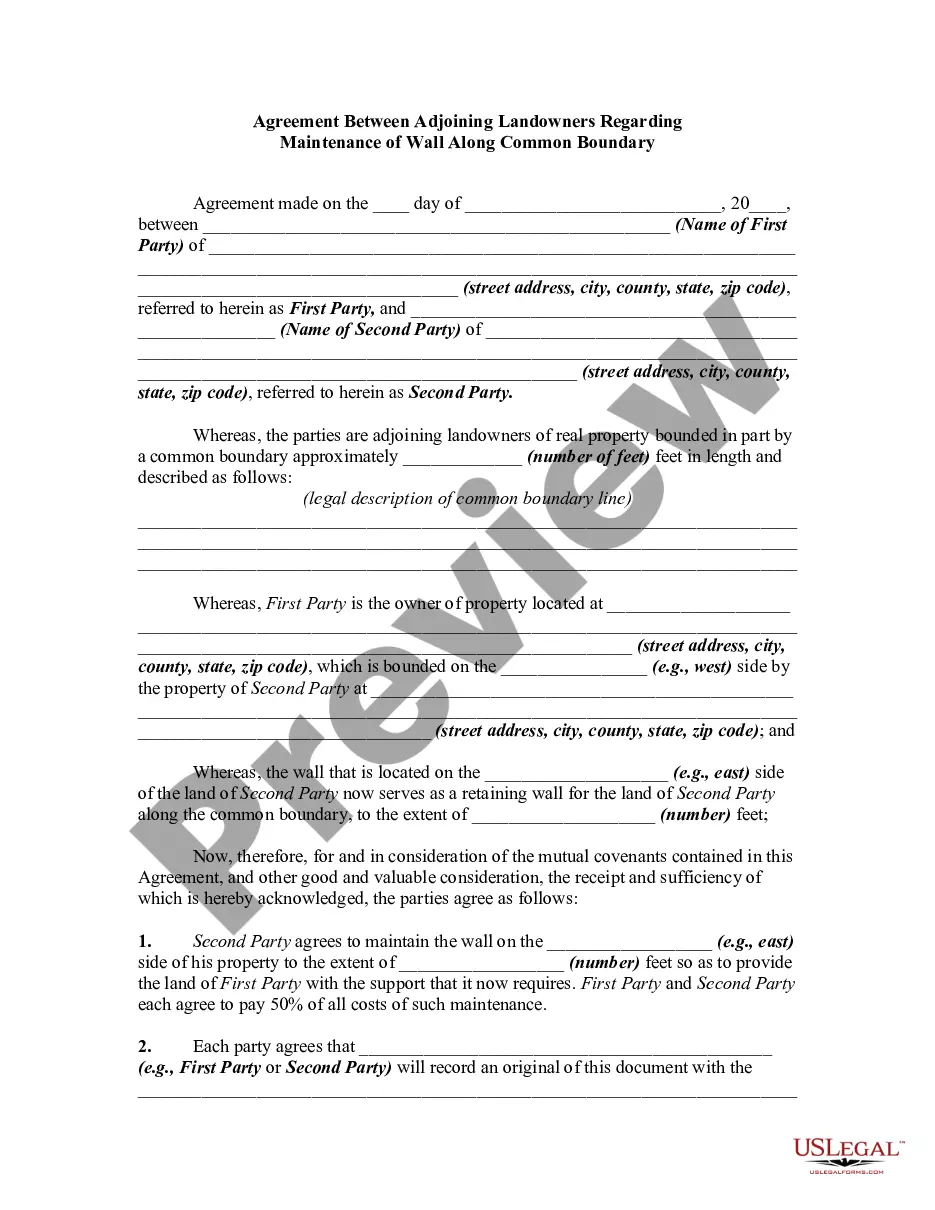
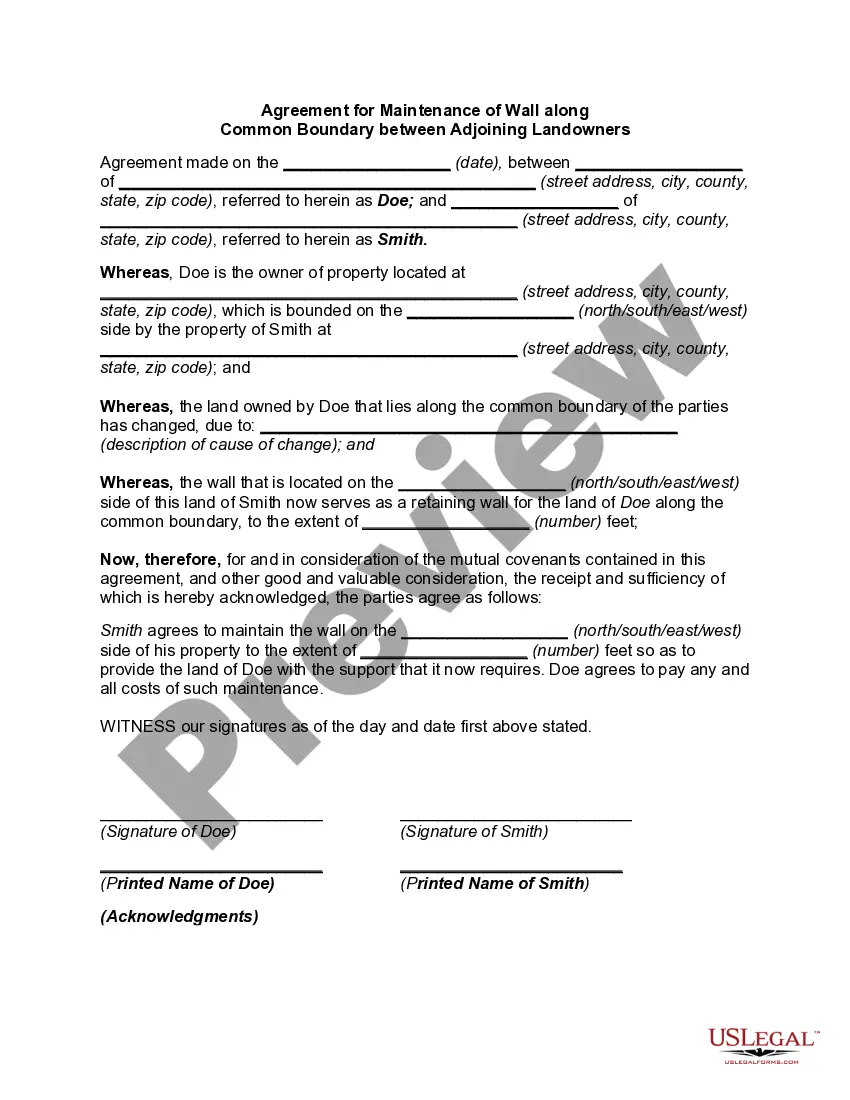
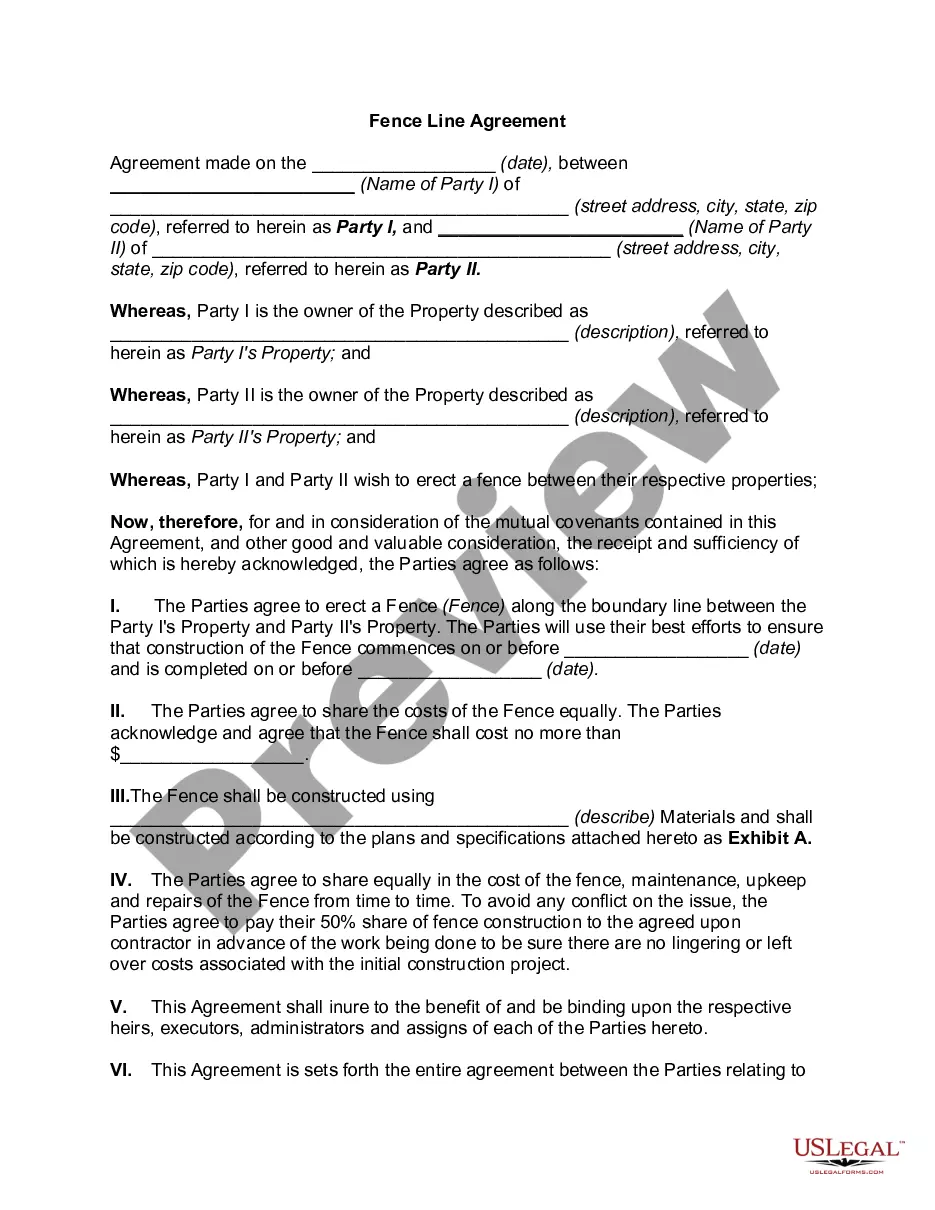
Pennsylvania Agreement Settling a Dispute Between Adjoining Landowner Regarding Construction and Maintenance of a Fence
Category:
State:
Multi-State
Control #:
US-01177BG
Format:
Word;
Rich Text
Instant download
Description
Free preview
Get your form ready online
Our built-in tools help you complete, sign, share, and store your documents in one place.
Built-in online Word editor
Make edits, fill in missing information, and update formatting in US Legal Forms—just like you would in MS Word.
Export easily
Download a copy, print it, send it by email, or mail it via USPS—whatever works best for your next step.
E-sign your document
Sign and collect signatures with our SignNow integration. Send to multiple recipients, set reminders, and more. Go Premium to unlock E-Sign.
Notarize online 24/7
If this form requires notarization, complete it online through a secure video call—no need to meet a notary in person or wait for an appointment.
Store your document securely
We protect your documents and personal data by following strict security and privacy standards.

Make edits, fill in missing information, and update formatting in US Legal Forms—just like you would in MS Word.

Download a copy, print it, send it by email, or mail it via USPS—whatever works best for your next step.

Sign and collect signatures with our SignNow integration. Send to multiple recipients, set reminders, and more. Go Premium to unlock E-Sign.

If this form requires notarization, complete it online through a secure video call—no need to meet a notary in person or wait for an appointment.

We protect your documents and personal data by following strict security and privacy standards.
Looking for another form?


How to fill out Agreement Settling A Dispute Between Adjoining Landowner Regarding Construction And Maintenance Of A Fence?
US Legal Forms - one of the largest collections of legal documents in the country - provides a range of legal form templates that you can download or print. By using the site, you can find thousands of forms for business and personal purposes, categorized by types, states, or keywords.
You can discover the latest versions of forms such as the Pennsylvania Agreement for Resolving a Dispute Between Neighboring Landowners Concerning the Construction and Maintenance of a Fence in just a few minutes.
If you have an existing account, Log In and download the Pennsylvania Agreement for Resolving a Dispute Between Neighboring Landowners Concerning the Construction and Maintenance of a Fence from the US Legal Forms library. The Download button will appear on every form you view. You can access all previously obtained forms in the My documents section of your profile.
Select the file format and download the form to your device.
Make adjustments. Fill out, modify, print, and sign the acquired Pennsylvania Agreement for Resolving a Dispute Between Neighboring Landowners Concerning the Construction and Maintenance of a Fence.
- If you wish to use US Legal Forms for the first time, here are some simple instructions to help you get started.
- Ensure you have selected the correct form for your city/state. Click the Review button to inspect the details of the form.
- Examine the form summary to confirm you have chosen the appropriate form.
- If the form does not fulfill your requirements, utilize the Search field at the top of the screen to find the one that does.
- Once you are satisfied with the form, affirm your choice by clicking on the Acquire now button. After that, select the pricing plan you prefer and provide your details to register for an account.
- Complete the payment. Use your credit card or PayPal account to finalize the payment.
Form popularity
FAQ
Yes, you can sue your neighbor if they build a fence on your property without permission. However, suing your neighbor should be considered a last resort, as it can create lasting conflicts. Instead, a Pennsylvania Agreement Settling a Dispute Between Adjoining Landowner Regarding Construction and Maintenance of a Fence can provide a more amicable solution.
Encroachment refers to the unlawful extension of one property onto another’s land. This problem can create tension and legal disputes between neighbors. Addressing encroachment through a Pennsylvania Agreement Settling a Dispute Between Adjoining Landowner Regarding Construction and Maintenance of a Fence can help clarify boundaries and reduce conflicts.
This situation is often referred to as encroachment, where a structure or object, typically a fence, extends beyond its owner's property line. Encroachments can lead to disputes between neighbors regarding property rights. Utilizing a Pennsylvania Agreement Settling a Dispute Between Adjoining Landowner Regarding Construction and Maintenance of a Fence can help resolve these conflicts efficiently.
No, simply mowing your land does not grant your neighbor any legal claim to it in Pennsylvania. However, continuous usage might lead to other legal implications. A Pennsylvania Agreement Settling a Dispute Between Adjoining Landowner Regarding Construction and Maintenance of a Fence can address usage and rights more clearly.
Property line law in Pennsylvania requires landowners to respect established boundaries based on surveys. Accurate surveys help prevent disputes over property rights. To ensure clarity and prevent future issues, consider a Pennsylvania Agreement Settling a Dispute Between Adjoining Landowner Regarding Construction and Maintenance of a Fence.
In Pennsylvania, the saying 'possession is nine-tenths of the law' implies that the person who possesses a property may have stronger claims to it in some disputes. However, legal ownership typically depends on proper documentation and surveying. To avoid confusion, a Pennsylvania Agreement Settling a Dispute Between Adjoining Landowner Regarding Construction and Maintenance of a Fence can help clarify rights and responsibilities.
Resolving boundary disputes often starts with open communication between neighbors. You can gather survey records to clarify property lines. If direct talks do not yield a resolution, a Pennsylvania Agreement Settling a Dispute Between Adjoining Landowner Regarding Construction and Maintenance of a Fence can provide a formal solution and clarify responsibilities.
Responsibility for the other side of the fence usually hinges on property line agreements established between neighboring owners. If there is a lack of communication or formal agreement, disputes can arise. A Pennsylvania Agreement Settling a Dispute Between Adjoining Landowner Regarding Construction and Maintenance of a Fence can help define these responsibilities and reduce tension between neighbors.
Responsibility for a fence typically depends on the location of the property lines and any prior agreements made between neighbors. A Pennsylvania Agreement Settling a Dispute Between Adjoining Landowner Regarding Construction and Maintenance of a Fence can specify who is responsible for maintaining and repairing which sections of the fence. This agreement promotes clarity and helps prevent future disputes.
The most effective way to resolve a boundary dispute is through open communication with your neighbor. Consider negotiating a Pennsylvania Agreement Settling a Dispute Between Adjoining Landowner Regarding Construction and Maintenance of a Fence, as this formalizes the agreement and provides a clear framework for both parties. Mediation can also be a useful tool if direct negotiations do not yield results.