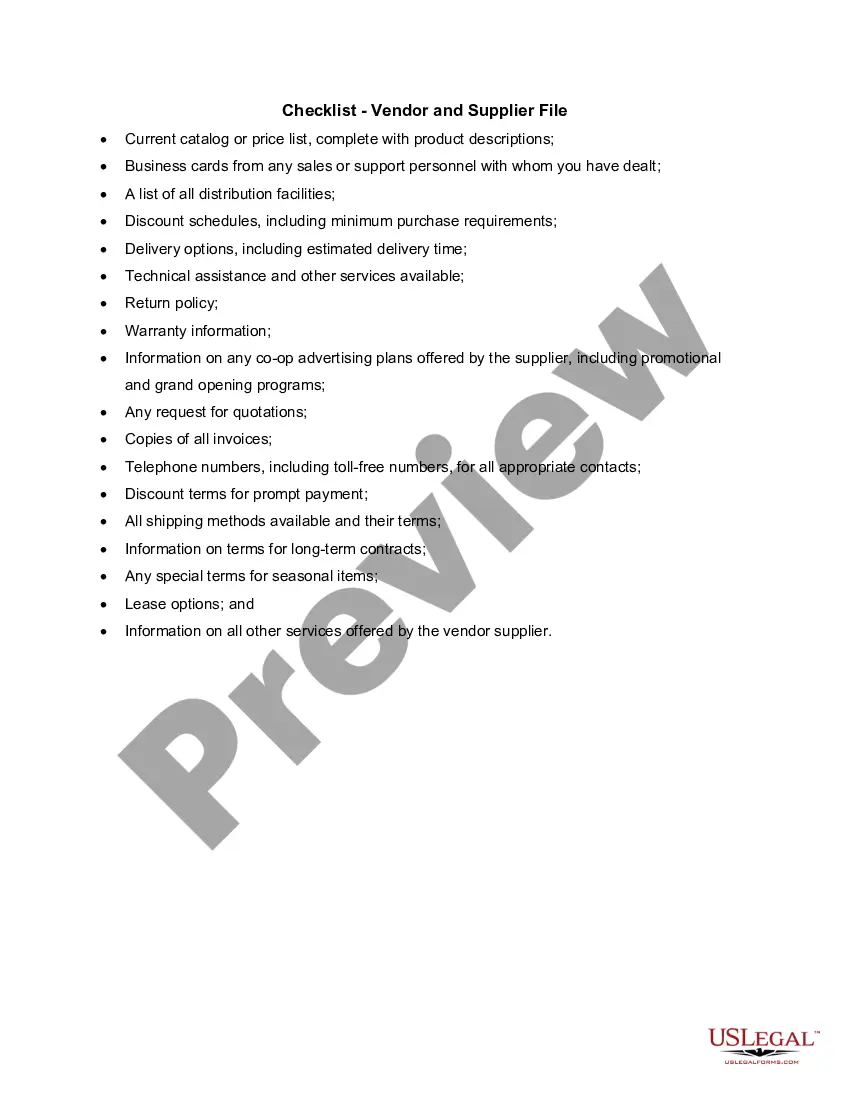
Oregon Checklist - Vendor and Supplier File
Description
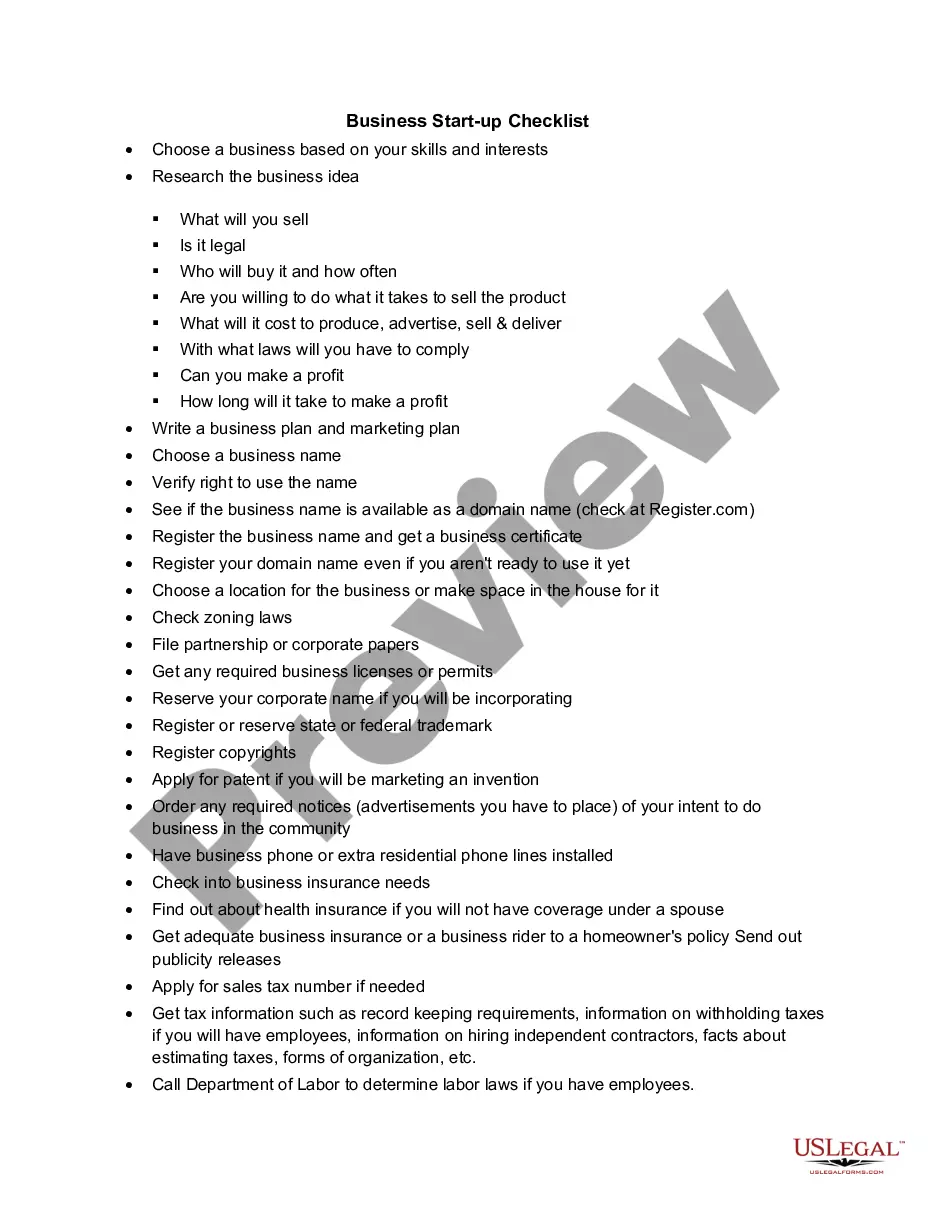
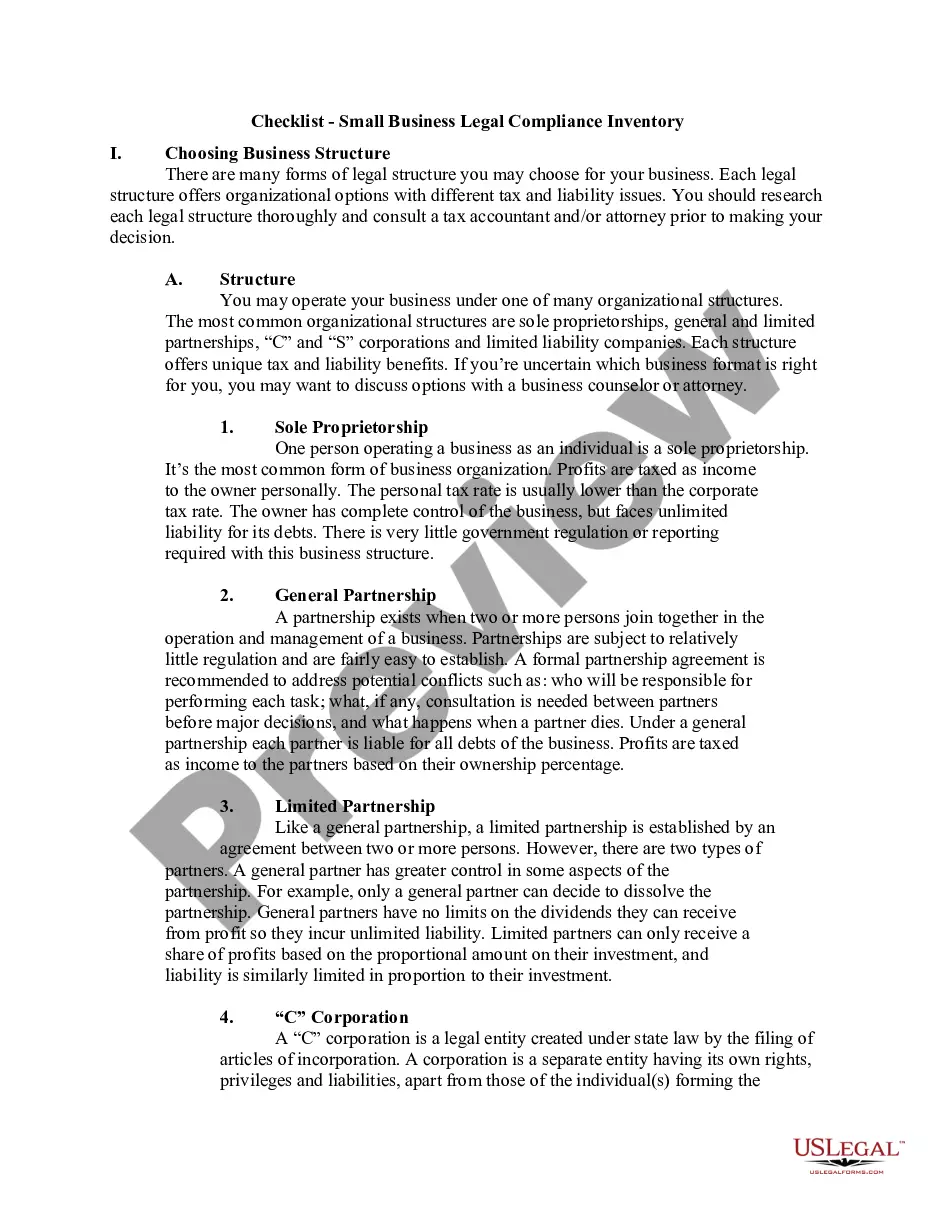
Get your form ready online
Our built-in tools help you complete, sign, share, and store your documents in one place.
Make edits, fill in missing information, and update formatting in US Legal Forms—just like you would in MS Word.
Download a copy, print it, send it by email, or mail it via USPS—whatever works best for your next step.
Sign and collect signatures with our SignNow integration. Send to multiple recipients, set reminders, and more. Go Premium to unlock E-Sign.
If this form requires notarization, complete it online through a secure video call—no need to meet a notary in person or wait for an appointment.
We protect your documents and personal data by following strict security and privacy standards.

Make edits, fill in missing information, and update formatting in US Legal Forms—just like you would in MS Word.

Download a copy, print it, send it by email, or mail it via USPS—whatever works best for your next step.

Sign and collect signatures with our SignNow integration. Send to multiple recipients, set reminders, and more. Go Premium to unlock E-Sign.

If this form requires notarization, complete it online through a secure video call—no need to meet a notary in person or wait for an appointment.

We protect your documents and personal data by following strict security and privacy standards.
Looking for another form?




How to fill out Checklist - Vendor And Supplier File?
Are you currently in a situation where you require documentation for either business or personal reasons on a daily basis.
There are many legal document templates accessible online, but finding ones you can trust can be challenging.
US Legal Forms offers thousands of form templates, including the Oregon Checklist - Vendor and Supplier File, which are designed to comply with state and federal regulations.
Once you find the right form, click Purchase now.
Select the payment plan you want, fill out the required information to create your account, and complete the purchase using either PayPal or your credit card.
- If you are already familiar with the US Legal Forms website and have an account, simply Log In.
- Then, you can download the Oregon Checklist - Vendor and Supplier File template.
- If you do not possess an account and want to start using US Legal Forms, follow these steps.
- Select the form you need and ensure it pertains to the correct city/state.
- Use the Review button to examine the form.
- Check the details to confirm that you've selected the correct form.
- If the form isn’t what you’re looking for, use the Lookup section to find a form that fits your requirements.
Form popularity
FAQ
The vendor request form is designed to allow business owners or their employees to request for vendors. With this form, requestors can collect relevant information about a new or existing vendor, vendor type, contact details, tax id, and so on.
How to have good relationships with your suppliersChoose suppliers that align with your values.Understand your suppliers' needs.Be a great customer.Maintain regular communication.Give timely feedback.Reward good service with loyalty.
8 Tips for Vendor Management SuccessShare Information and Priorities.Balance Commitment and Competition.Allow Key Vendors to Help You Strategize.Build Partnerships for the Long Term.Seek to Understand Your Vendor's Business Too.Negotiate to a Win-Win Agreement.Come Together on Value.
How to Become a Retail Vendor: a Simple Guide FundThroughWhat is a Retail Vendor?The Most Important Skills Of A Vendor.Familiarize Yourself With The Industry.Determine Your Business Goals.Make you sure You're Ready to Become a Retail Vendor.Connect with Purchasing Managers.Learn to use the Vendor Portal.More items...
In general, though, a street vendor needs to obtain:A sales tax permit from the revenue agency of your state.A tax certificate.A business license from the county clerk's office.A vendor or peddler's license.
How to create a VendorStep 1) Enter Transaction code FK01 in SAP Command Field.Step 2) In the Initial Screen, Enter.Step 3) In the next screen, In Address Tab Enter the Following.Step 4) Next in the Account Control section page Enter the Corporate Group if the Vendor belongs to a corporate group enter the group key.More items...?
The required forms are: 1. A properly completed vendor form (business name, address, phone number, tax id etc.), and 2. A properly completed tax form based on the vendors type of entity: o W-9: For individuals or companies in the United States, o W8-BEN: For foreign individuals, or o W8-BEN-E: For foreign companies.
Building Strong Vendor RelationshipsCommunicate. The first step to nurturing an effective business relationship is by establishing and maintaining a connection.Pay Promptly.Provide Lead Time.Refer Your Vendor to Colleagues.Always Under Promise and Over Deliver.Understand the Power of No.Ask for Referrals.
This form is used to add a new vendor to the vendor database, or to change information to an existing vendor. Purchase orders and payments can only be issued for vendors that are in the database.
The term vendor management is used when describing the activities included in researching and sourcing vendors, obtaining quotes with pricing, capabilities, turnaround times, and quality of work, negotiating contracts, managing relationships, assigning jobs, evaluating performance, and ensuring payments are made.