Oregon Release and Authorization
What is this form?
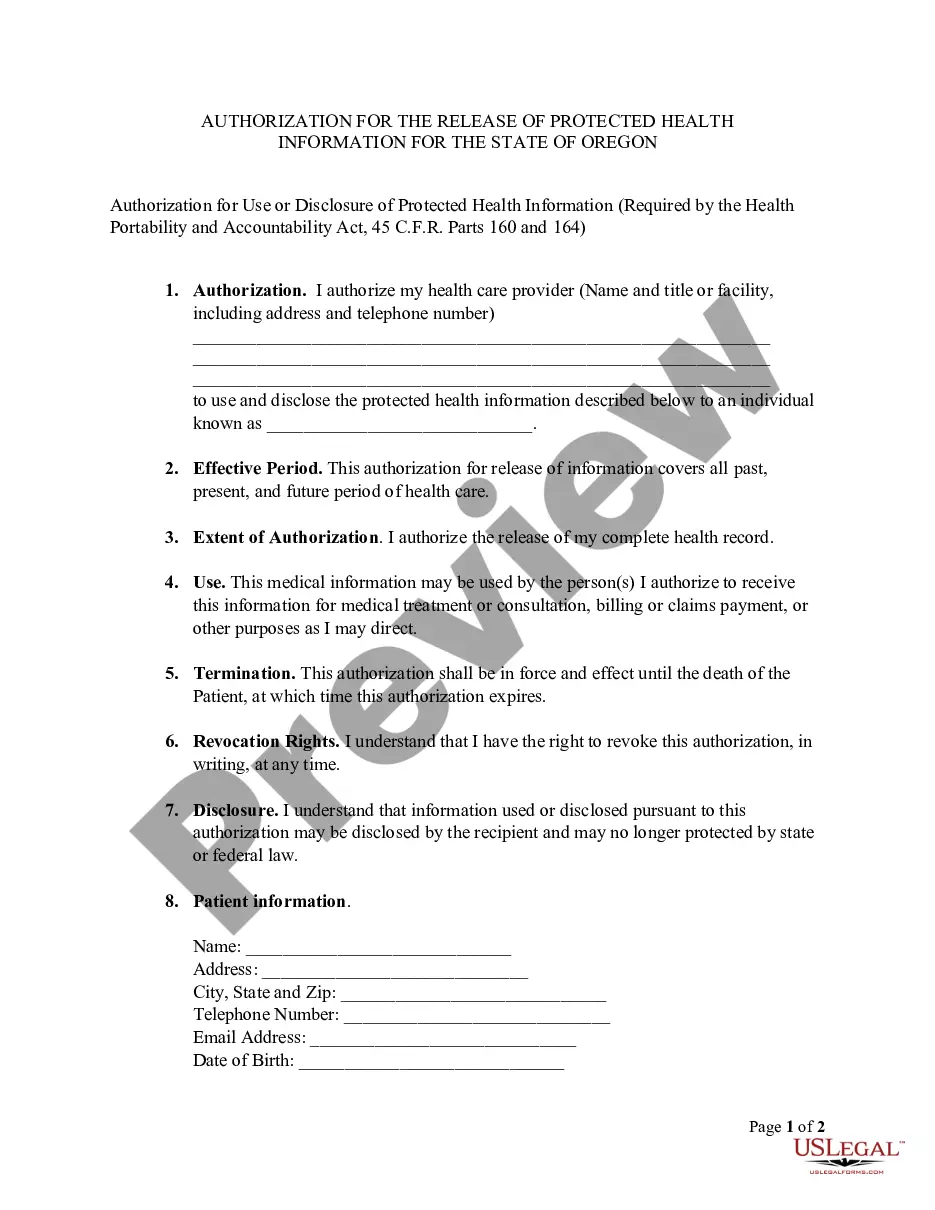
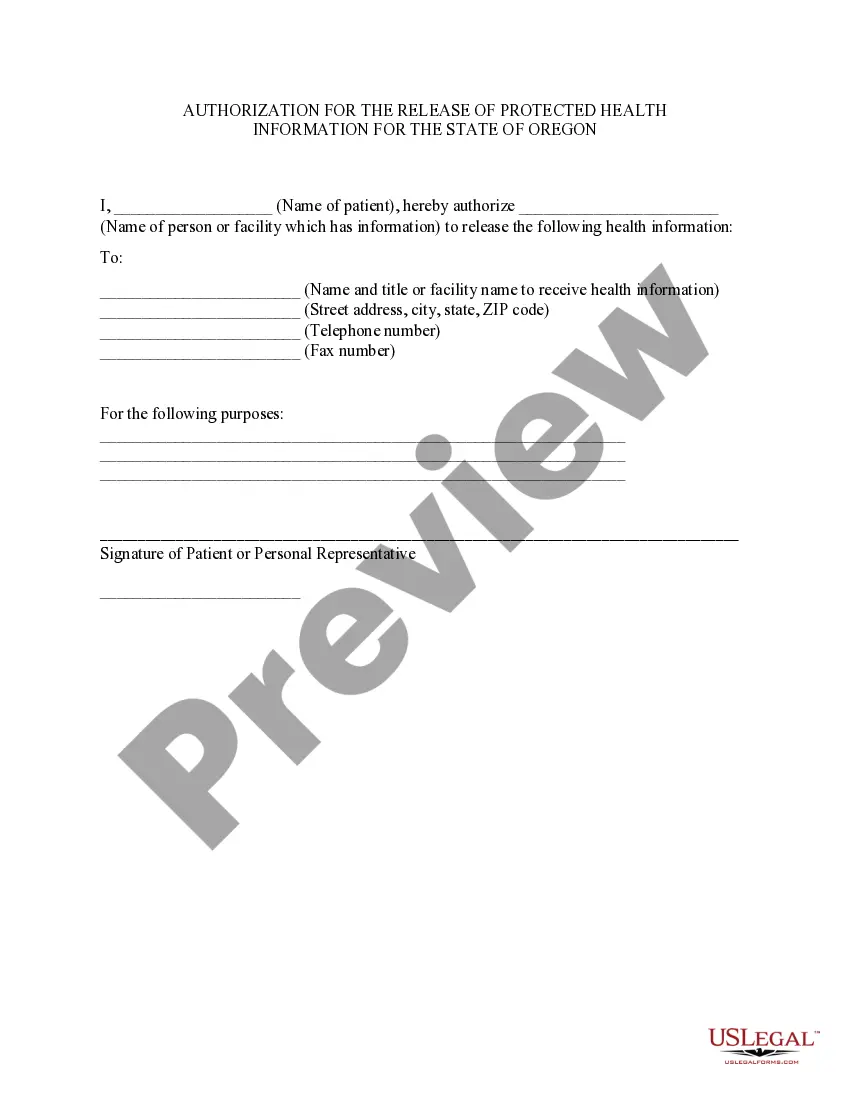
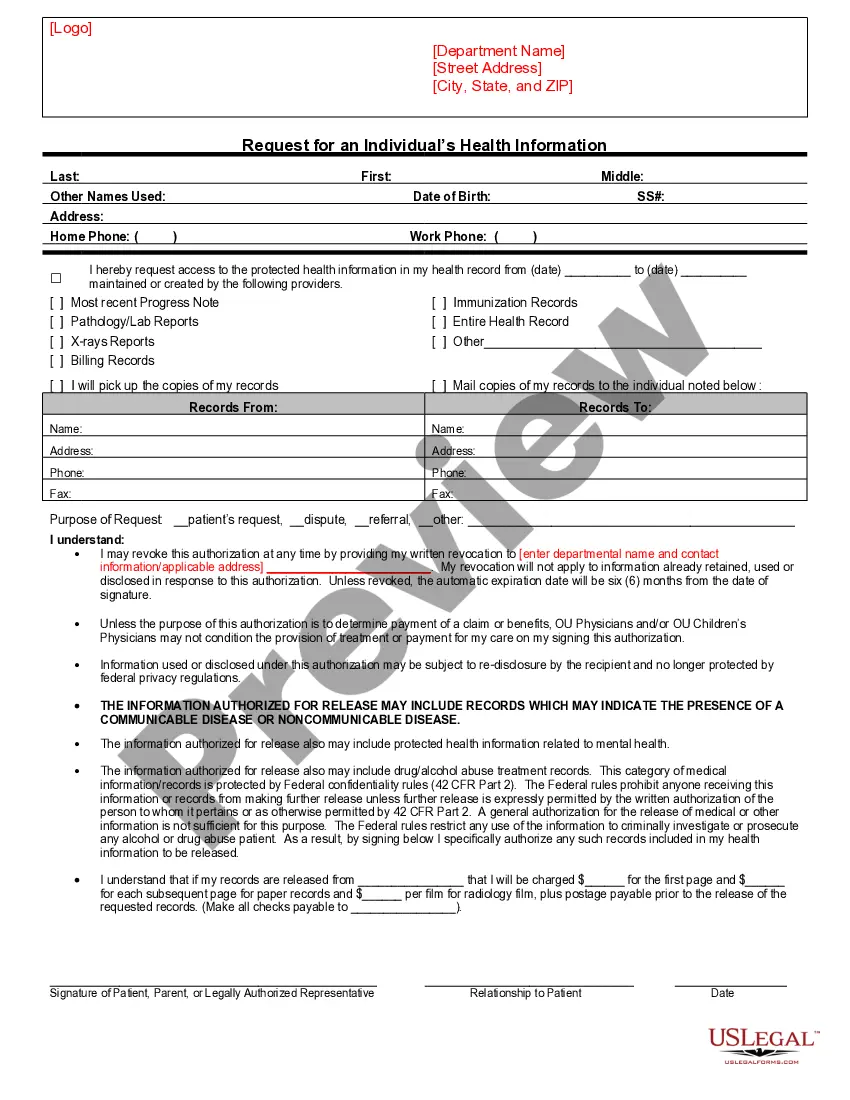
The Oregon Release and Authorization form is a HIPAA authorization specifically designed for individuals in Oregon. This form allows a patient to authorize their healthcare provider to disclose their protected health information to a designated person or entity. Unlike general medical release forms, this form adheres to the specific legal requirements set forth by Oregon state law and HIPAA regulations, ensuring that personal health information is shared legally and properly.
Key components of this form
- Patient identification section, including name, address, and date of birth.
- Authorization statement granting permission to healthcare providers to release health information.
- Designation of individuals authorized to receive the protected health information.
- Effective period indicating that the authorization covers all past, present, and future health care.
- Revocation rights allowing the patient to revoke the authorization in writing at any time.
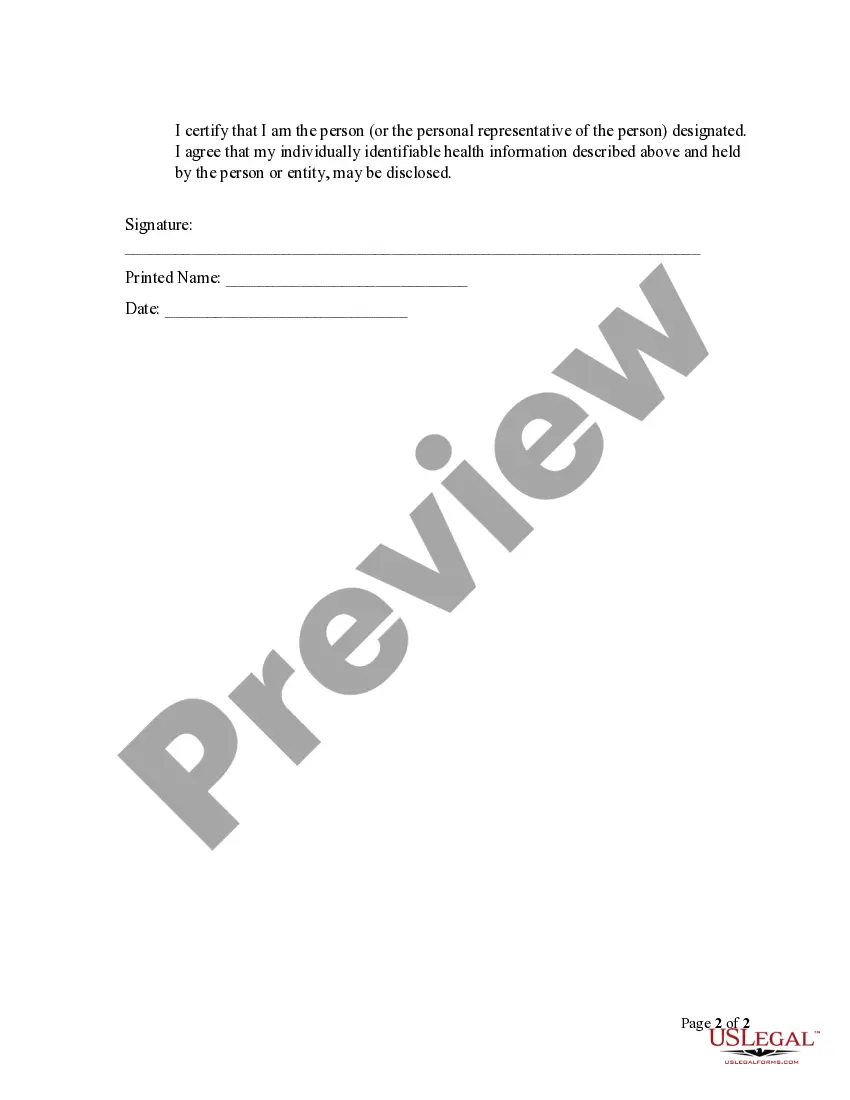
- Signature section for the patient or their representative to confirm authorization.
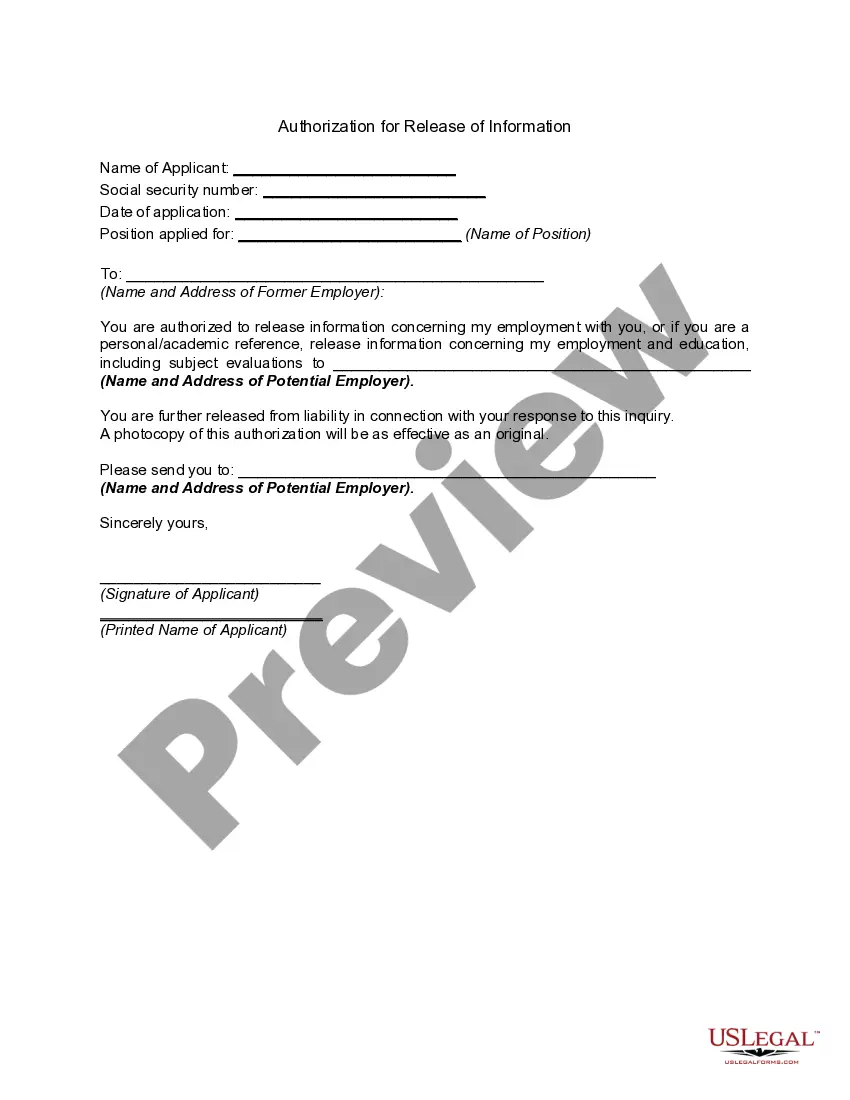
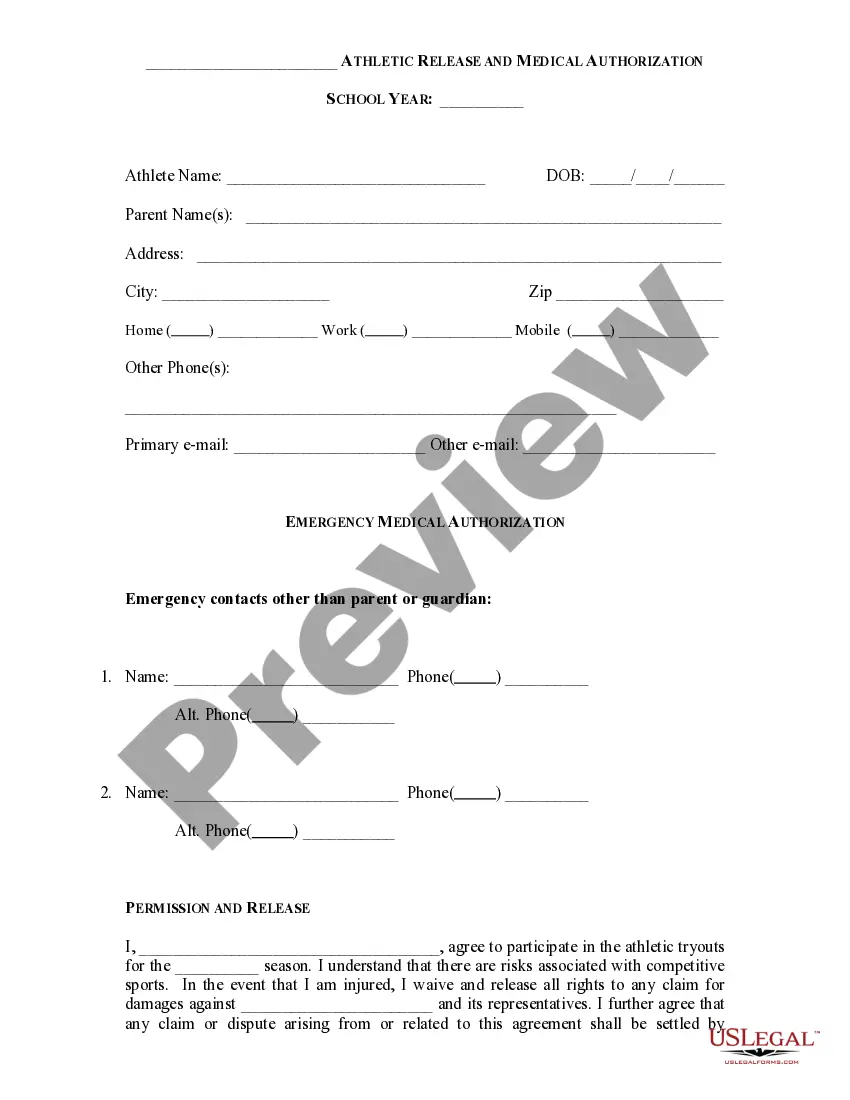
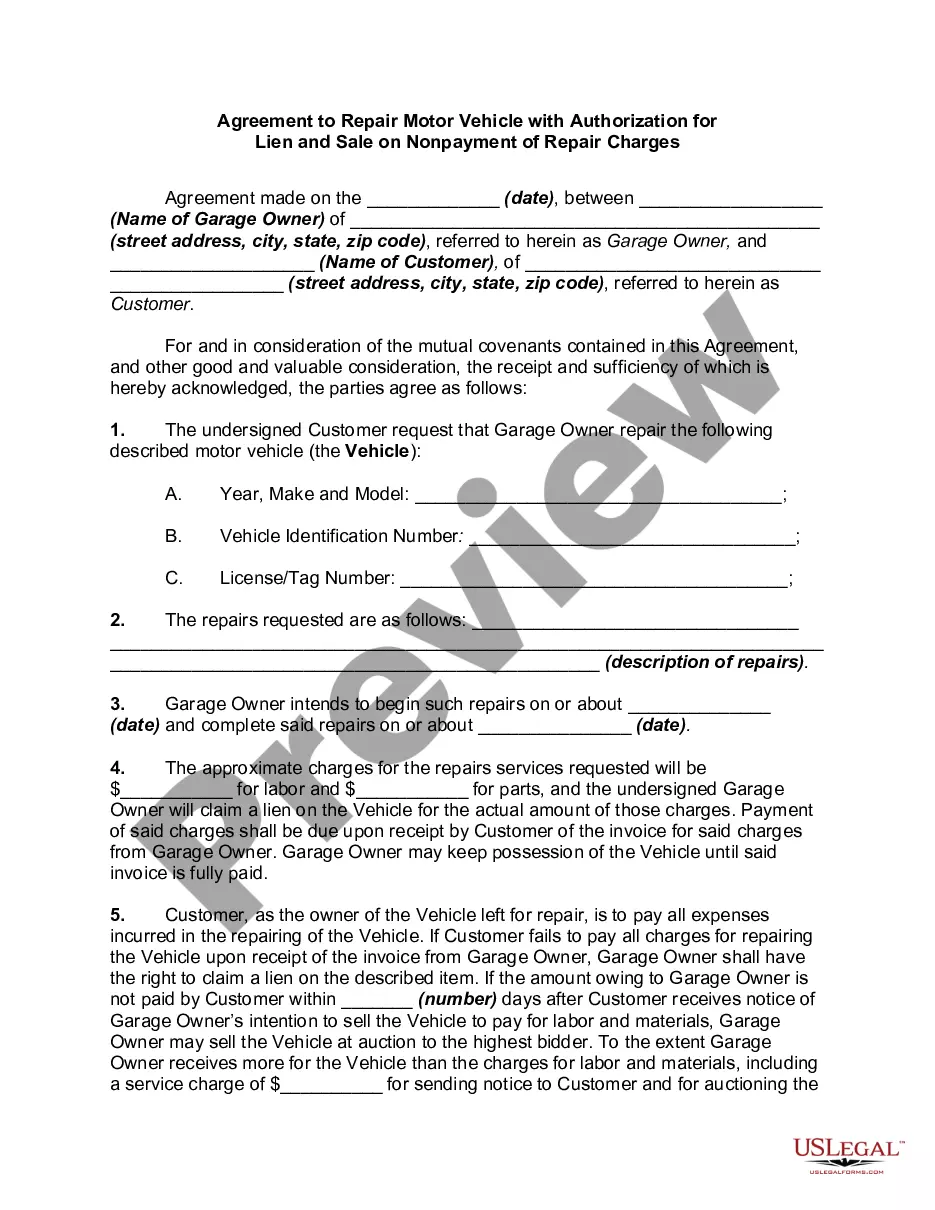
Situations where this form applies
This form is necessary when a patient wants to share their medical records or health information with another individual or organization. Common scenarios include when changing doctors, seeking a second opinion, or when required for insurance claims processing. It provides a legal means for healthcare providers to disclose sensitive information while ensuring compliance with privacy regulations.
Who needs this form
- Patients in Oregon seeking to authorize the release of their health information.
- Individuals who need to share medical information for treatment, billing, or consultation purposes.
- Parents or legal guardians acting on behalf of minor children or incapacitated individuals.
- Personal representatives of patients who are authorized to handle health-related matters.
How to prepare this document
- Fill in your personal information, including your name, address, and date of birth.
- Specify the healthcare provider's name and contact information to whom the authorization applies.
- Identify the individual(s) or entities authorized to receive your health information.
- Sign and date the form to confirm your authorization.
- Keep a copy of the completed form for your records.
Is notarization required?
This form does not typically require notarization unless specified by local law. It is important to check any additional local requirements that may apply.
Get your form ready online
Our built-in tools help you complete, sign, share, and store your documents in one place.
Make edits, fill in missing information, and update formatting in US Legal Forms—just like you would in MS Word.
Download a copy, print it, send it by email, or mail it via USPS—whatever works best for your next step.
Sign and collect signatures with our SignNow integration. Send to multiple recipients, set reminders, and more. Go Premium to unlock E-Sign.
If this form requires notarization, complete it online through a secure video call—no need to meet a notary in person or wait for an appointment.
We protect your documents and personal data by following strict security and privacy standards.

Make edits, fill in missing information, and update formatting in US Legal Forms—just like you would in MS Word.

Download a copy, print it, send it by email, or mail it via USPS—whatever works best for your next step.

Sign and collect signatures with our SignNow integration. Send to multiple recipients, set reminders, and more. Go Premium to unlock E-Sign.

If this form requires notarization, complete it online through a secure video call—no need to meet a notary in person or wait for an appointment.

We protect your documents and personal data by following strict security and privacy standards.
Avoid these common issues
- Failing to specify the names of authorized individuals, leading to confusion.
- Not signing and dating the form, which invalidates the authorization.
- Leaving out important patient information, which may delay processing.
- Assuming the form is valid without understanding the revocation process.
Benefits of completing this form online
- Convenience of downloading and completing the form at your own pace.
- Editability allows for easy updates before finalizing the form.
- Reliability from using a template drafted by licensed attorneys, ensuring legal compliance.
Looking for another form?


Form popularity
FAQ
Description. The Third Party Authorization form authorizes a person other than the payor or recipient to act on the payor's or recipient's behalf. A Family Responsibility Office (FRO) support payor or support recipient may designate this person to request and receive information from the FRO regarding their case.
Under HIPAA, your site must retain the authorization for at least six years after the subject has signed it. Covered entities may use or disclose health information that is de-identified without restriction under the Privacy Rule.
A HIPAA authorization form, also known as a HIPAA release form, is a document that individual signs for their health provider before the entity may use or disclose their protected health information (PHI).
I understand that this information is protected by law and cannot be released/requested without my written consent unless otherwise provided by law. I further understand that this consent may be revoked by me, in writing at any time, except if the information has already been released or obtained.
The medical record information release (HIPAA) form allows a patient to give authorization to a 3rd party and access their health records.
By setting up a Release Authorization (ARI), you are giving customer service your permission to disclose information about your accounts to another person. Typically, this is used to give account access to a spouse or other family member.