Ohio Purchase Requisition
Description



Get your form ready online
Our built-in tools help you complete, sign, share, and store your documents in one place.
Make edits, fill in missing information, and update formatting in US Legal Forms—just like you would in MS Word.
Download a copy, print it, send it by email, or mail it via USPS—whatever works best for your next step.
Sign and collect signatures with our SignNow integration. Send to multiple recipients, set reminders, and more. Go Premium to unlock E-Sign.
If this form requires notarization, complete it online through a secure video call—no need to meet a notary in person or wait for an appointment.
We protect your documents and personal data by following strict security and privacy standards.

Make edits, fill in missing information, and update formatting in US Legal Forms—just like you would in MS Word.

Download a copy, print it, send it by email, or mail it via USPS—whatever works best for your next step.

Sign and collect signatures with our SignNow integration. Send to multiple recipients, set reminders, and more. Go Premium to unlock E-Sign.

If this form requires notarization, complete it online through a secure video call—no need to meet a notary in person or wait for an appointment.

We protect your documents and personal data by following strict security and privacy standards.
Looking for another form?


How to fill out Purchase Requisition?
Selecting the appropriate lawful document template can pose challenges.
Certainly, numerous templates are accessible online, but how can you acquire the correct document you require.
Utilize the US Legal Forms website. This platform offers a wide array of templates, including the Ohio Purchase Requisition, which can be utilized for both business and personal purposes.
You can examine the document using the Review button and read the document description to confirm it is the right one for you. If the document does not match your needs, use the Search area to find the appropriate form. Once you are confident the form is correct, click on the Purchase now button to acquire the document. Choose the payment plan you prefer and input the necessary details. Create your account and complete the transaction using your PayPal account or credit card. Select the file format and download the lawful document template to your device. Complete, amend, print, and sign the obtained Ohio Purchase Requisition. US Legal Forms boasts the largest collection of lawful documents from which you can find a variety of document templates. Leverage the service to obtain correctly-prepared papers that adhere to state regulations.
- All templates are verified by professionals and comply with federal and state regulations.
- If you are already registered, sign in to your account and click the Acquire button to locate the Ohio Purchase Requisition.
- Use your account to browse through the lawful documents you have previously obtained.
- Visit the My documents section of your account to retrieve another copy of the document you require.
- If you are a new user of US Legal Forms, here are some simple steps to follow.
- First, ensure you have selected the correct document for the region/area.
Form popularity
FAQ
The three types of requisitions typically include internal, purchase, and emergency requisitions. Internal requisitions occur within the same organization, whereas purchase requisitions are used to acquire external goods or services. Emergency requisitions address immediate needs, often bypassing standard approval processes to expedite procurement.
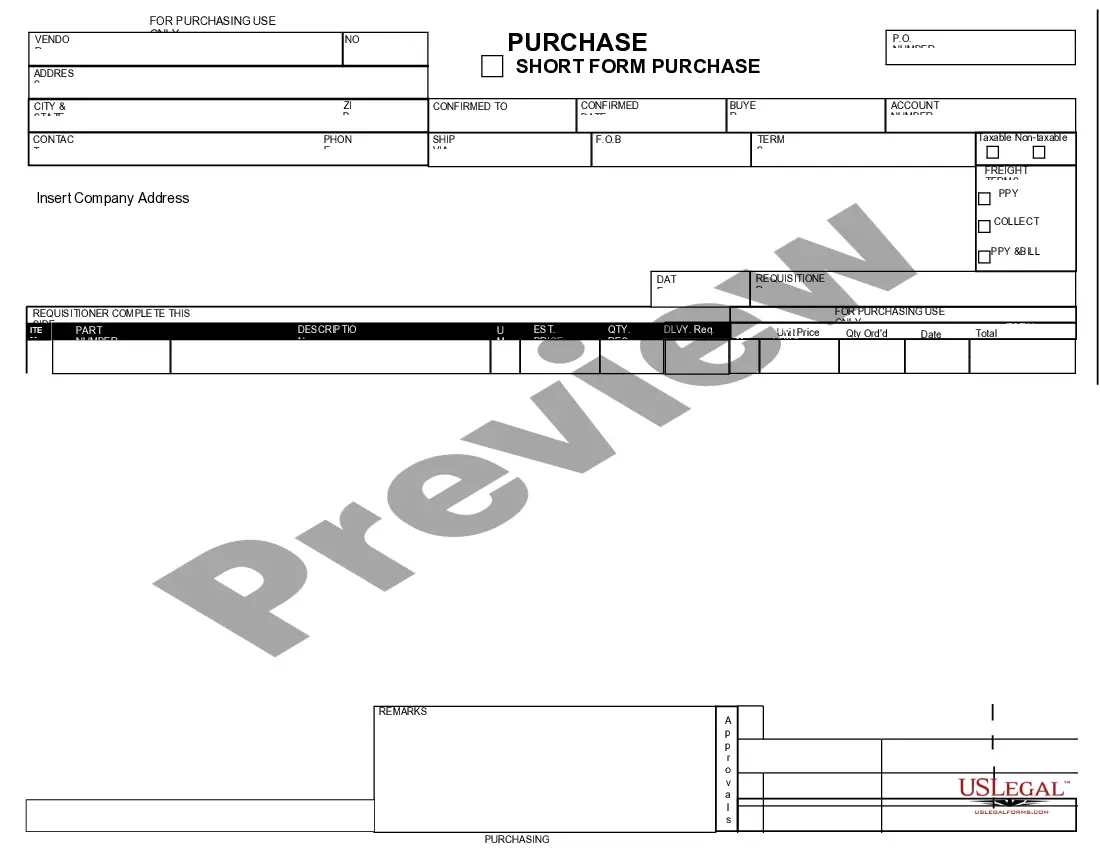
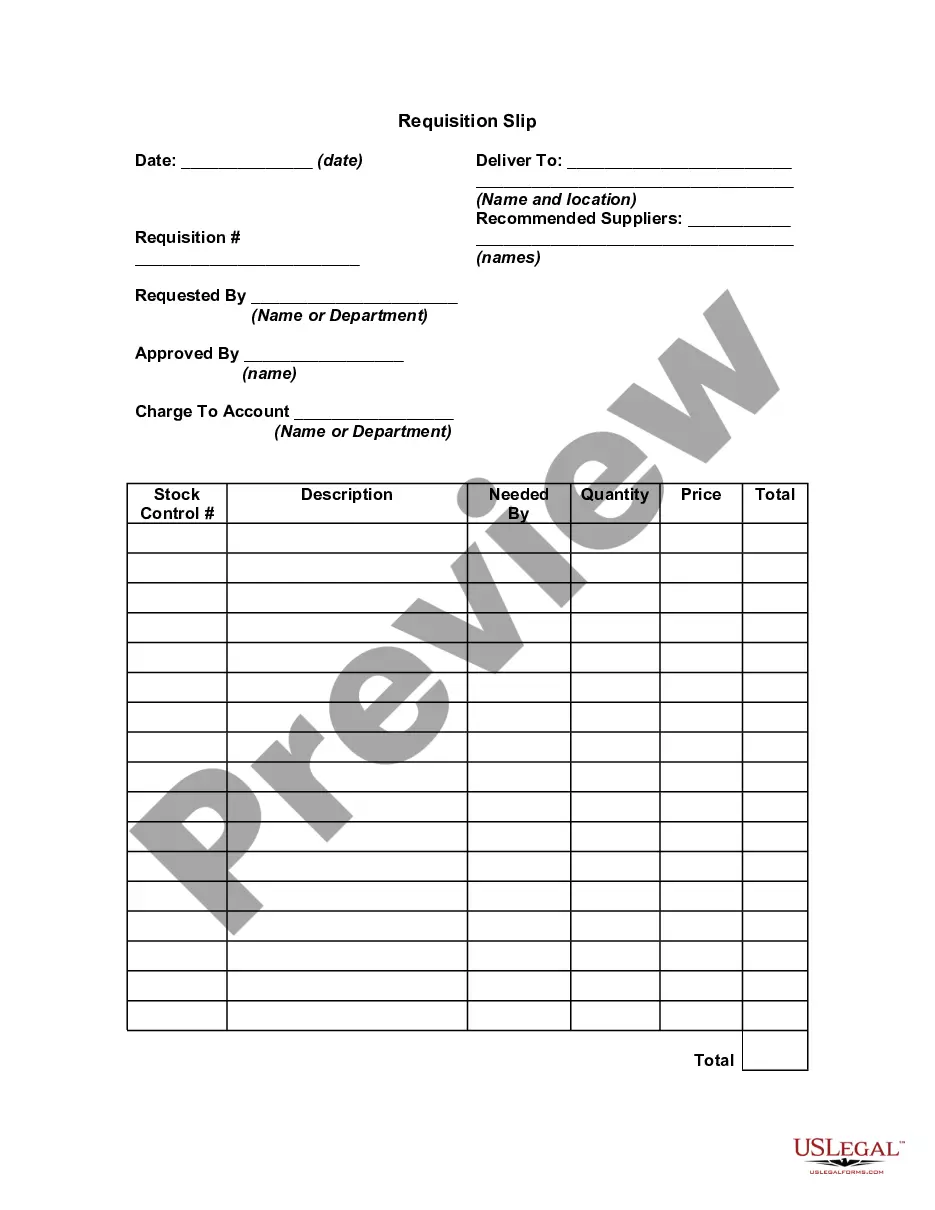
The purpose of an Ohio Purchase Requisition is to formalize a request for goods or services before making a purchase. This process allows organizations to maintain control over spending and prioritize needs effectively. It establishes clear communication among departments involved, ensuring that everyone is on the same page.
An order is a finalized request to buy goods or services, while an Ohio Purchase Requisition is an internal request that initiates the purchasing process. You can think of a requisition as a way to get approval before creating an order. Essentially, the requisition outlines what is needed and serves as documentation for tracking purposes.
The seven steps of an Ohio Purchase Requisition typically include identifying the need, specifying the item, completing the requisition, gathering necessary approvals, submitting the requisition, processing the order, and receiving the goods. Each step is crucial for maintaining accurate records and ensuring proper procurement. Following these steps can facilitate smooth operations and transparency in your purchasing process.
The seven steps of a requisition typically include identifying needs, creating a requisition, obtaining necessary approvals, converting the requisition to a Purchase Order, sending the PO to the vendor, receiving the goods or services, and finally, making payment. Each step ensures clarity and accountability throughout the purchasing process. By following these steps, organizations can effectively manage their Ohio Purchase Requisitions while reducing errors and increasing efficiency.
The requisition process involves several steps to secure goods or services. Initially, a department submits a requisition detailing their requirements, which then requires approval from designated authorities. After receiving approval, the requisition is used to create a Purchase Order, allowing for the fulfillment of the request. This organized process is crucial for managing Ohio Purchase Requisitions effectively and ensuring all necessary steps are completed.
The process flow of a Purchase Requisition (PR) to a Purchase Order (PO) begins when a department identifies the need for goods or services. Once the request is initiated, the PR undergoes an approval process, ensuring compliance with budget and policy. After approval, the PR is converted into a PO, which is then sent to the supplier. This streamlined system enhances efficiency and maintains accurate records, making it vital for managing Ohio Purchase Requisitions.
The transaction code for creating a Purchase Requisition in SAP is ME51N. This code takes you directly to the creation screen, where you can input all vital information. Knowing this T code helps you navigate the SAP interface quickly. Leveraging the Ohio Purchase Requisition capabilities facilitates a smoother procurement workflow, ensuring accuracy in your purchasing needs.
The transaction code ME54 in SAP is used for releasing Purchase Requisitions. This function is crucial in approving PRs and moving them further along the procurement process. By utilizing the Ohio Purchase Requisition feature, you can ensure that your requisitions meet company policies before proceeding. This step enhances control and efficiency in your purchasing operations.
To get a Purchase Requisition (PR) in SAP, navigate to the PR creation screen. You can do this by using the transaction code ME51N. Fill in the required details such as materials, quantities, and account assignments. Once you complete this information, save the PR, and it will be created efficiently. Utilizing the Ohio Purchase Requisition feature can streamline your procurement process, making it more effective.