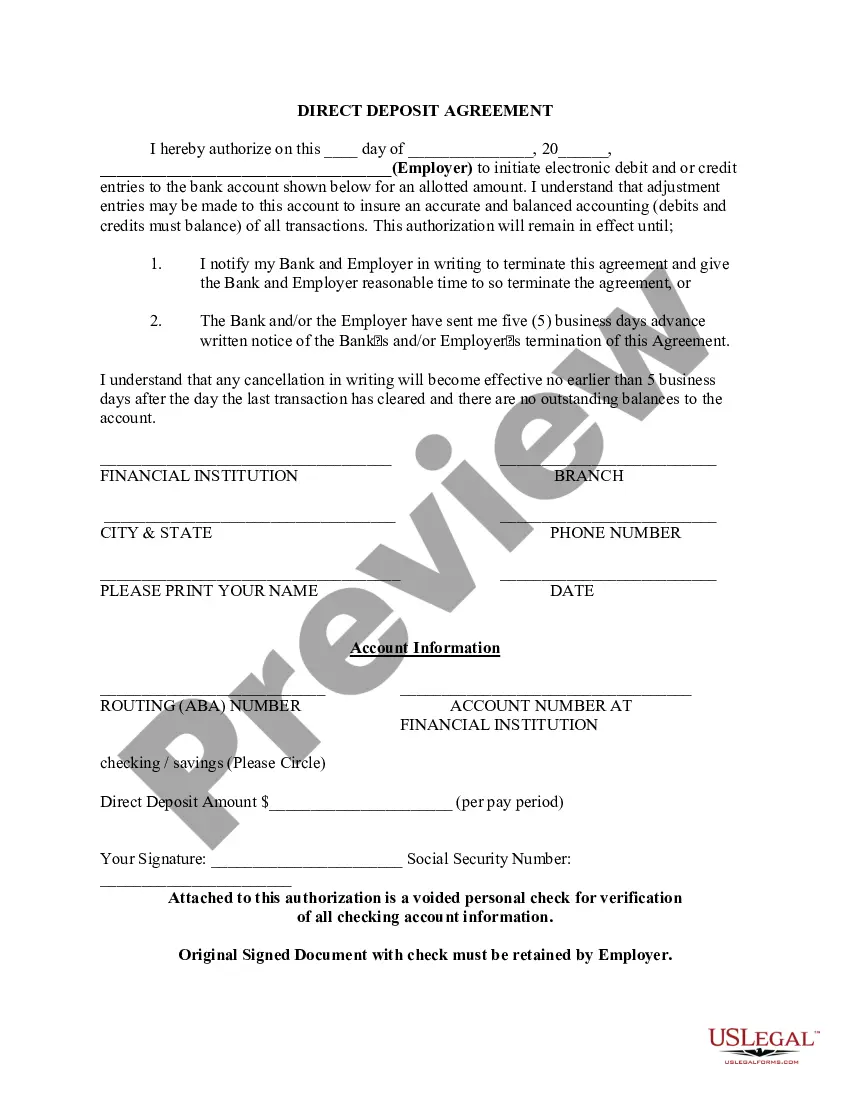
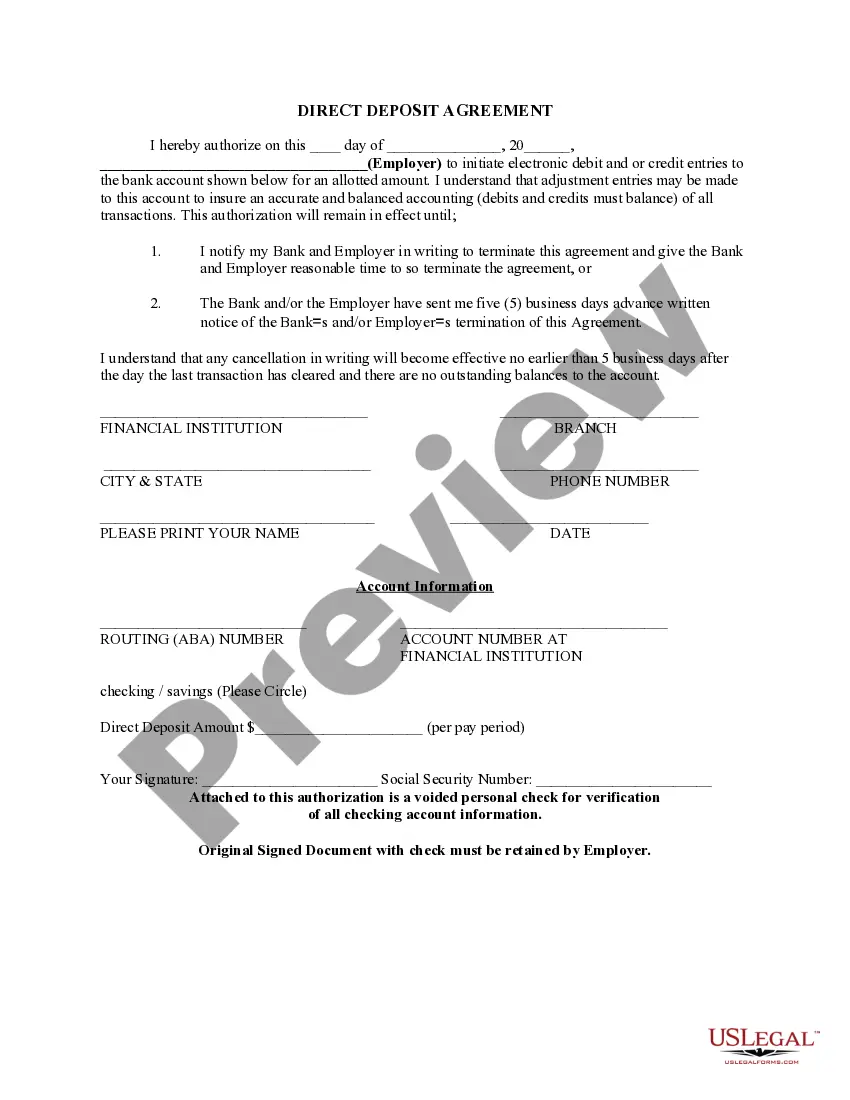
Ohio Direct Deposit Form for Social Security
Description
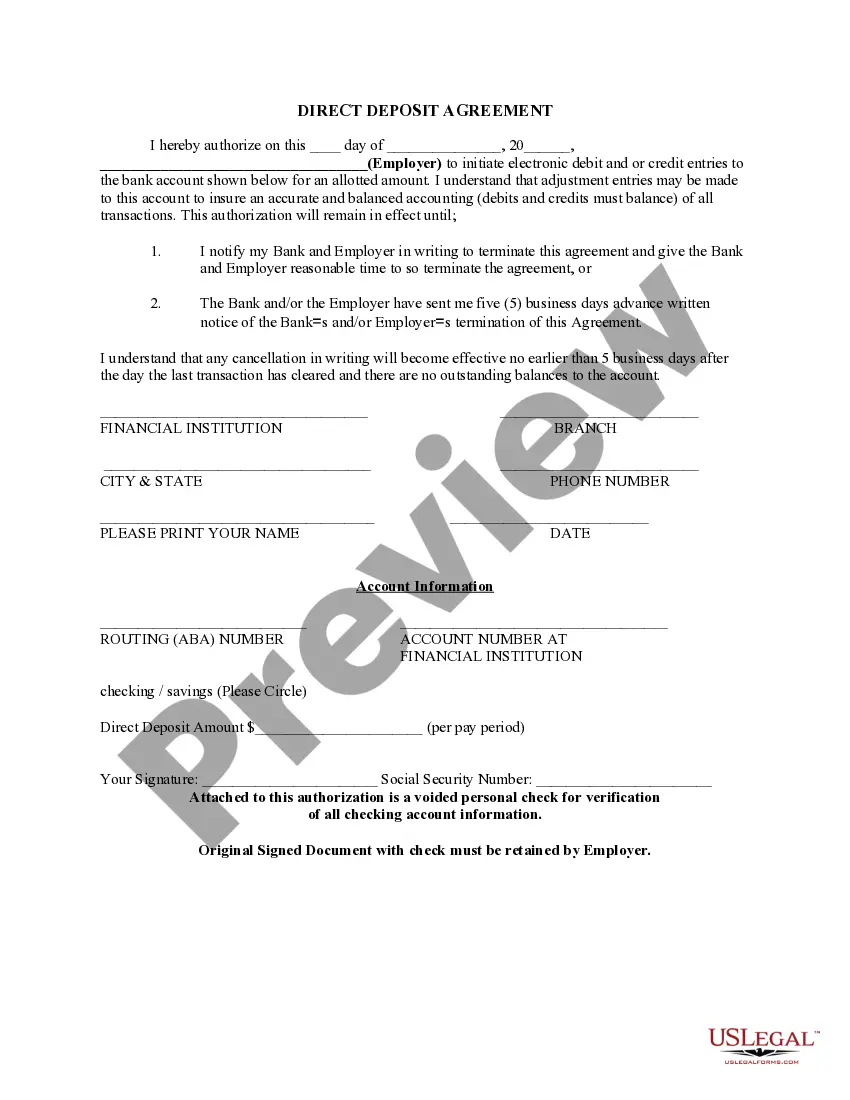
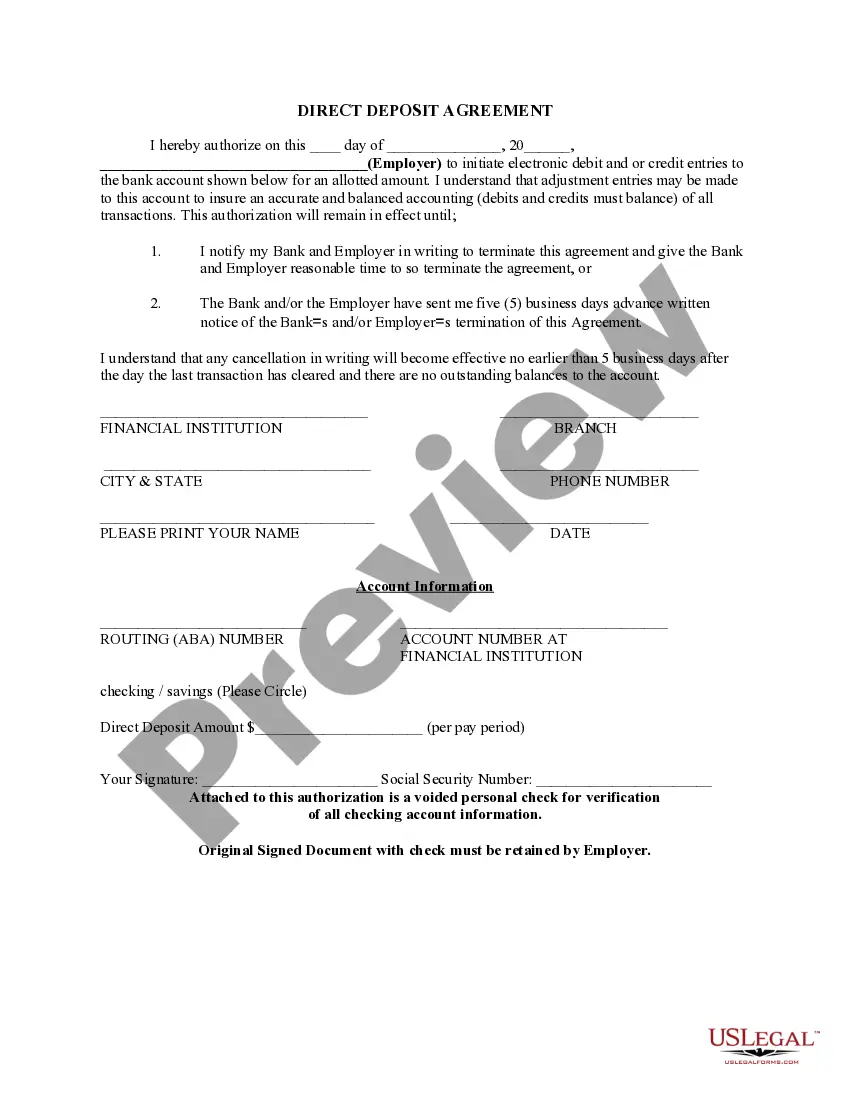

Get your form ready online
Our built-in tools help you complete, sign, share, and store your documents in one place.
Make edits, fill in missing information, and update formatting in US Legal Forms—just like you would in MS Word.
Download a copy, print it, send it by email, or mail it via USPS—whatever works best for your next step.
Sign and collect signatures with our SignNow integration. Send to multiple recipients, set reminders, and more. Go Premium to unlock E-Sign.
If this form requires notarization, complete it online through a secure video call—no need to meet a notary in person or wait for an appointment.
We protect your documents and personal data by following strict security and privacy standards.

Make edits, fill in missing information, and update formatting in US Legal Forms—just like you would in MS Word.

Download a copy, print it, send it by email, or mail it via USPS—whatever works best for your next step.

Sign and collect signatures with our SignNow integration. Send to multiple recipients, set reminders, and more. Go Premium to unlock E-Sign.

If this form requires notarization, complete it online through a secure video call—no need to meet a notary in person or wait for an appointment.

We protect your documents and personal data by following strict security and privacy standards.
Looking for another form?

How to fill out Direct Deposit Form For Social Security?
It is feasible to spend hours online attempting to locate the sanctioned document format that complies with the state and federal standards you will require.
US Legal Forms provides thousands of legitimate templates that can be reviewed by professionals.
You can conveniently download or print the Ohio Direct Deposit Form for Social Security from the service.
Once you have found the template you desire, click Get now to continue.
- If you already have a US Legal Forms account, you can sign in and click the Obtain button.
- Then, you can complete, modify, print, or sign the Ohio Direct Deposit Form for Social Security.
- Every legal document template you buy is yours permanently.
- To acquire an additional copy of any purchased form, visit the My documents section and click the appropriate button.
- If this is your first time using the US Legal Forms website, follow the simple instructions below.
- First, ensure that you have selected the correct template for the state/city of your choice.
- Check the form details to confirm that you have chosen the right template.
- If available, use the Review button to examine the template as well.
- If you want to find another version of the form, use the Search box to locate the template that fits your needs and specifications.
Form popularity
FAQ
You can change your Social Security direct deposit over the phone by calling the Social Security helpline at 1-800-772-1213. Representatives are available from 7 a.m. until 7 p.m. Monday through Friday. If you are deaf or hard of hearing, call the Social Security TTY number at 1-800-325-0778.
How can I change or sign up for direct deposit for my Social Security or Supplemental Security Income (SSI) payments?Contacting your bank, credit union, or savings and loan association.Calling us at 1-800-772-1213 (TTY 1-800-325-0778).
Definition: It's Quick... It's easy to receive your benefit by Direct Deposit. You can sign up at your bank, savings and loan or credit union, or you can call Social Security.
Log in to your account.Sign in and Select the blue Benefits & Payment Details link on the right side of the screen.Scroll down and select the Update Direct Deposit button, and choose if you are the owner or co-owner of the bank account.Enter your bank account information and select Next.More items...
Log in to your account.Sign in and Select the blue Benefits & Payment Details link on the right side of the screen.Scroll down and select the Update Direct Deposit button, and choose if you are the owner or co-owner of the bank account.Enter your bank account information and select Next.More items...
Log in to your account.Sign in and Select the blue Benefits & Payment Details link on the right side of the screen.Scroll down and select the Update Direct Deposit button, and choose if you are the owner or co-owner of the bank account.Enter your bank account information and select Next.More items...
How Long Does It Take to Change to Direct Deposit with Social Security? Once you sign up (regardless of the method), it takes 30 to 60 days for any direct deposit changes or new accounts to take effect. Make sure you don't close or switch your bank account before you see that first successful deposit.
Enroll in direct deposit of federal benefits in one of 3 ways:Online at the U.S. Treasury at 800.333. 1795. 1795.Schedule an appointment at your nearest financial center.
The most convenient way to change your direct deposit information with us is by creating a my Social Security account online at . Once you create your account, you can update your bank information from anywhere.