Ohio Acknowledgment by Public Officer
What this document covers
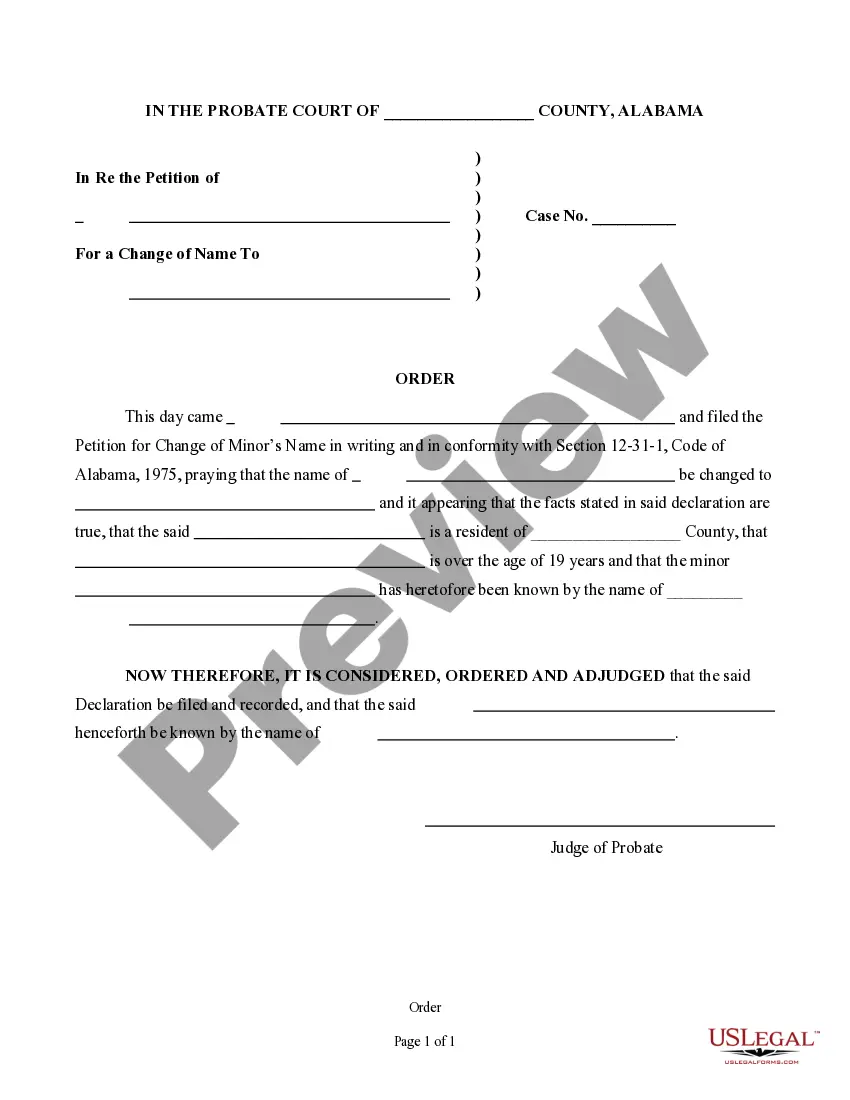
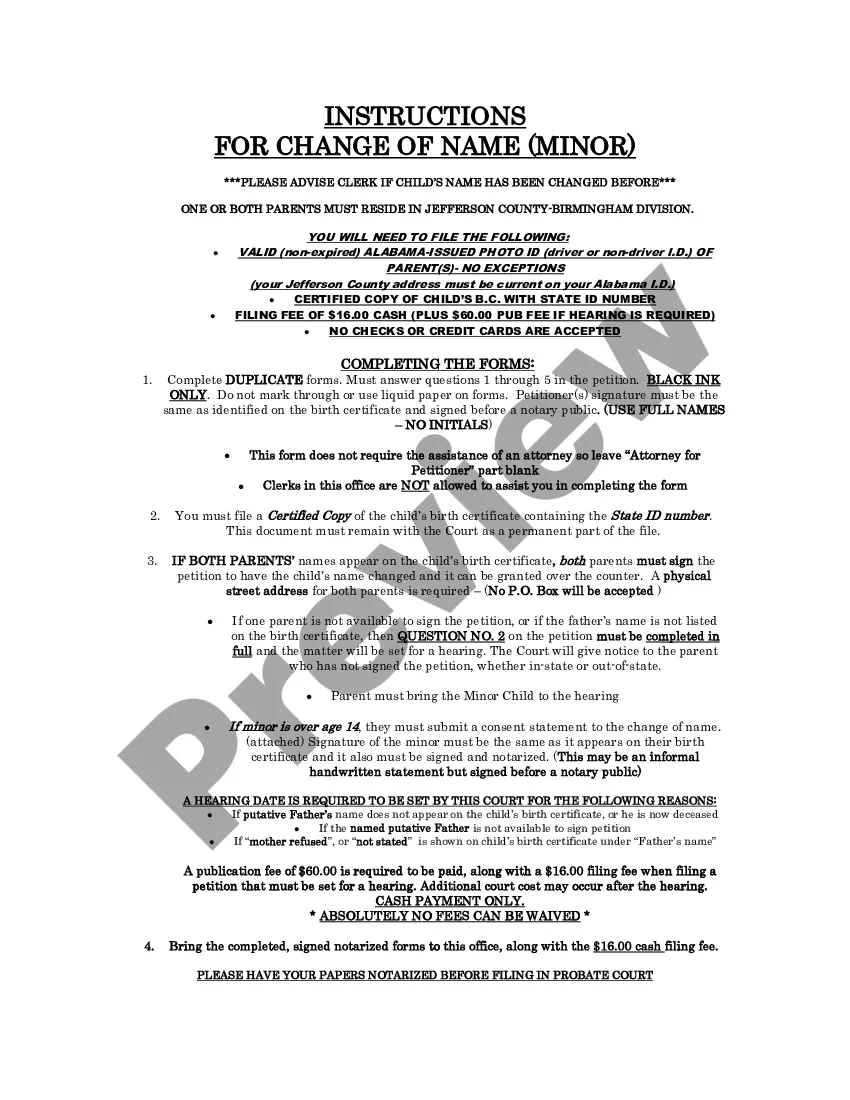
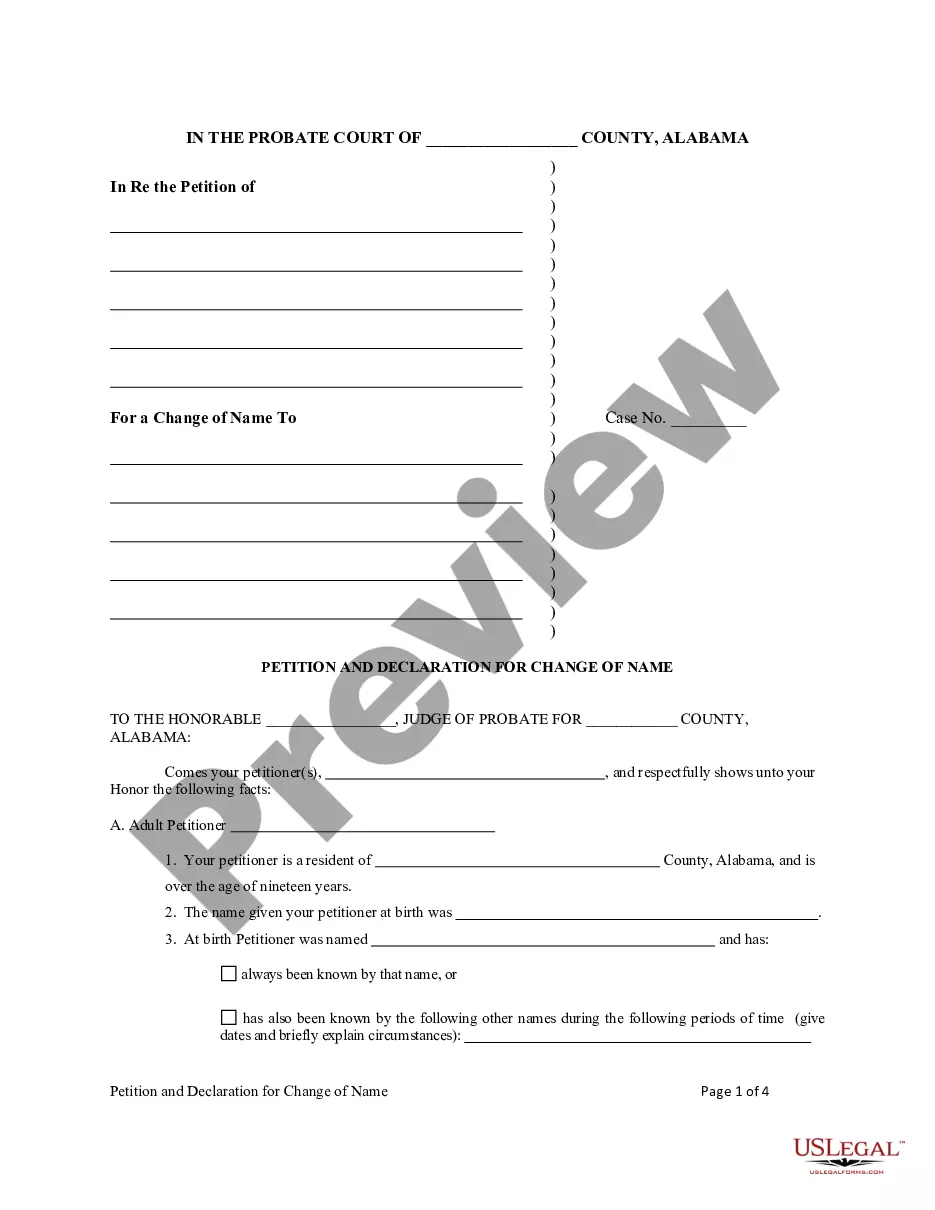
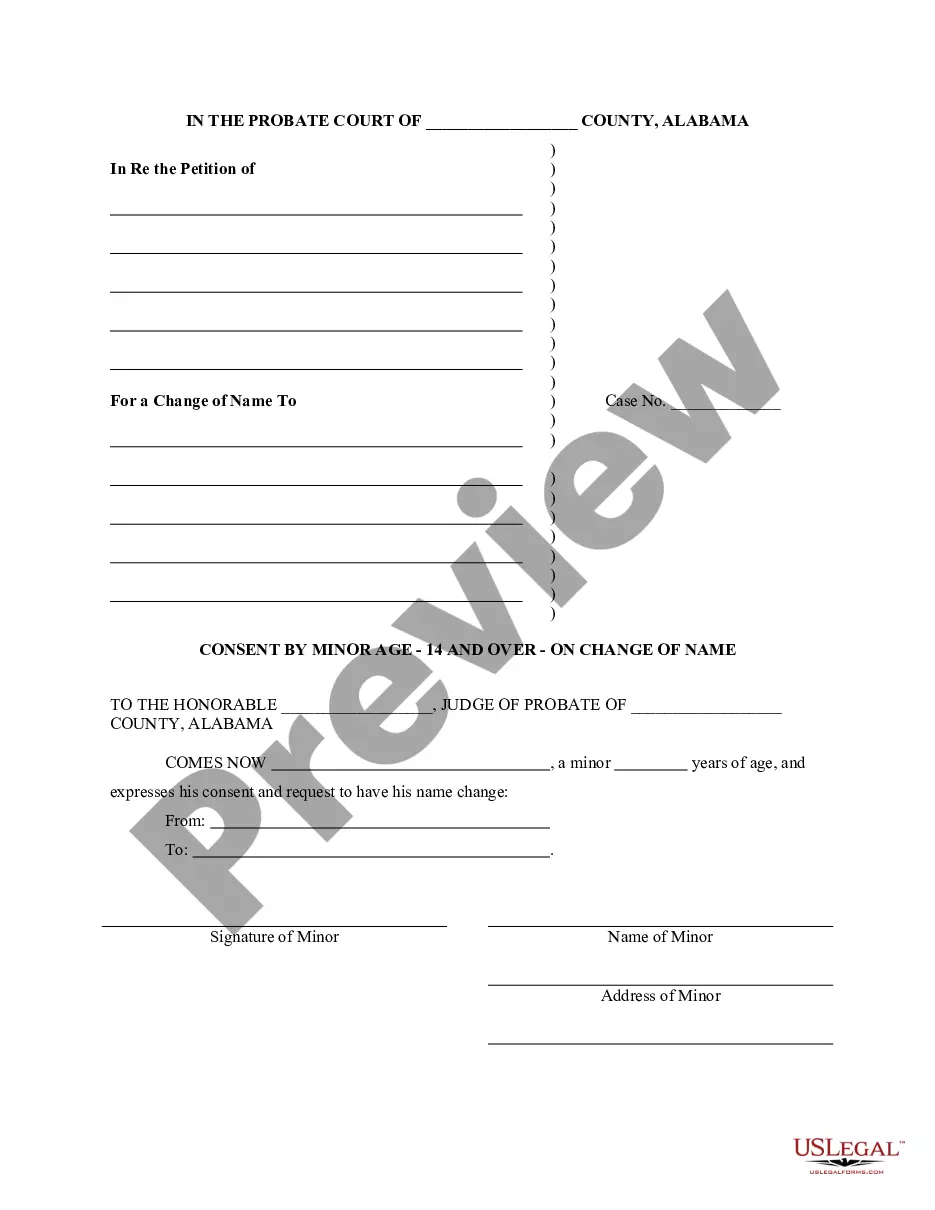
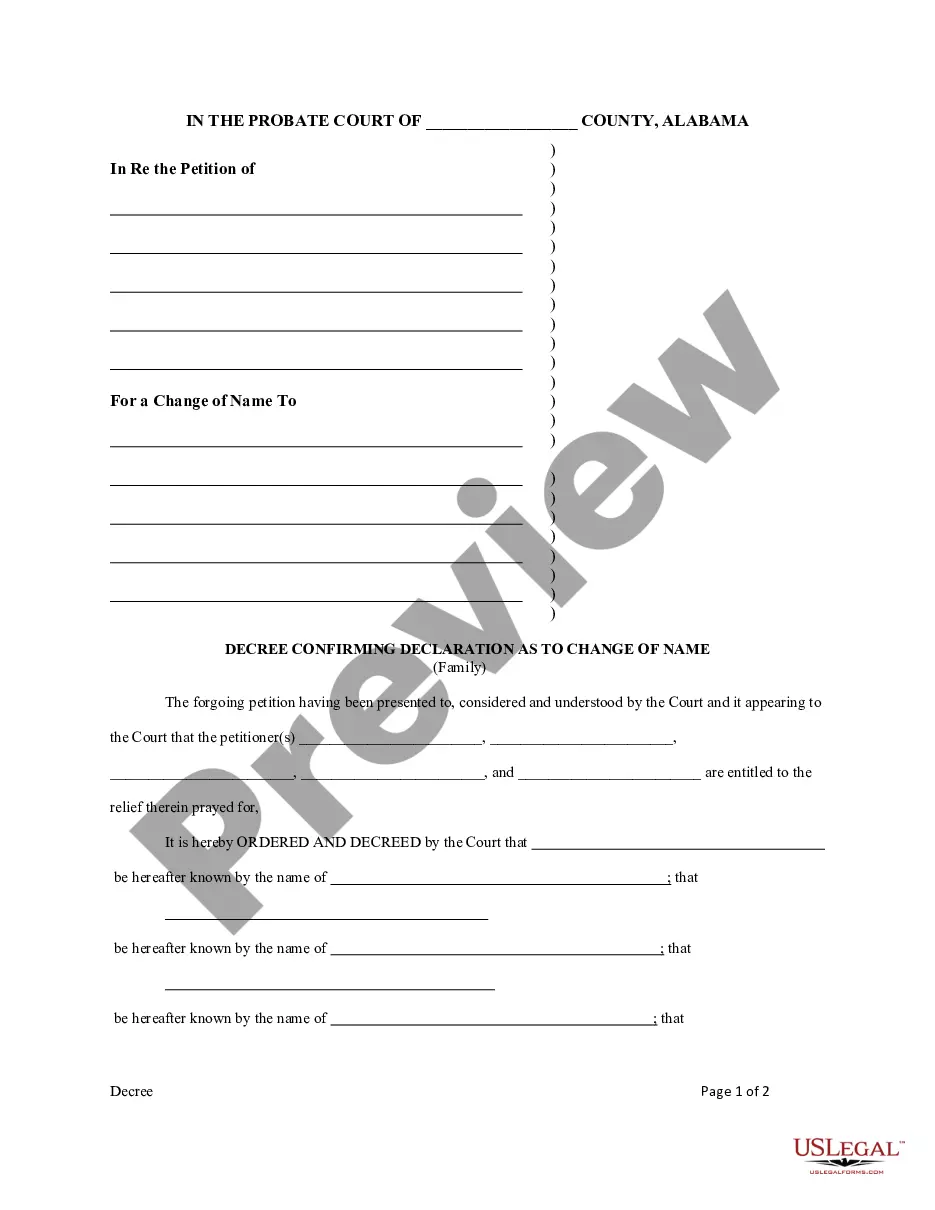
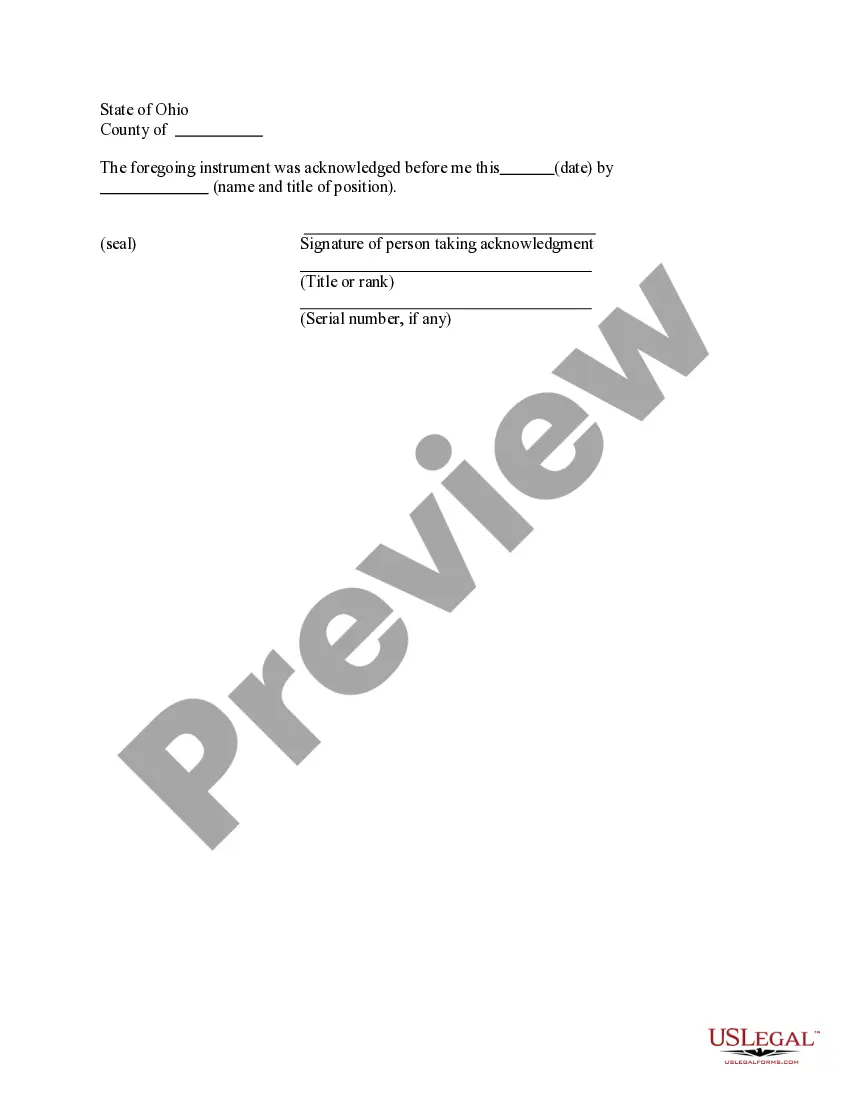
The Acknowledgment by Public Officer form is a legal document used to confirm the issuance of an acknowledgment by a public officer. This form serves as evidence that a specific act has taken place officially and is essential in various legal processes. Unlike other acknowledgment forms, this one is specifically tailored for use by public officers, emphasizing the official capacity in which they acknowledge signatures or documents.
Main sections of this form
- Date of acknowledgment.
- Name and title of the public officer.
- Signature of the person taking acknowledgment.
- Seal of the public officer.
- Serial number, if applicable.

When this form is needed
This form is typically used when an individual or entity requires a formal acknowledgment from a public officer, such as a notary public or government official. Common scenarios include notarizing documents related to property transactions, court filings, and other legal matters where a certified acknowledgment is necessary to validate the signatures involved.
Intended users of this form
The Acknowledgment by Public Officer form is intended for:
- Public officers who are tasked with providing official acknowledgments.
- Individuals or businesses needing an official acknowledgment for legal documents.
- Attorneys and legal professionals facilitating transactions requiring such acknowledgments.
How to complete this form
- Identify the date of acknowledgment and enter it in the designated field.
- Fill in the name and title of the public officer who is acknowledging the document.
- Ensure the person taking acknowledgment provides their signature.
- Include the official seal of the public officer in the appropriate area.
- If applicable, enter the serial number of the acknowledgment for tracking purposes.
Does this form need to be notarized?
This form must be notarized to be legally valid. Notarization confirms the identity of the signers and ensures that the acknowledgment is conducted in accordance with the law. With US Legal Forms, you also have the option for integrated online notarization, providing secure video calls with a notary, ensuring you can complete the process without needing to travel.
Get your form ready online
Our built-in tools help you complete, sign, share, and store your documents in one place.
Make edits, fill in missing information, and update formatting in US Legal Forms—just like you would in MS Word.
Download a copy, print it, send it by email, or mail it via USPS—whatever works best for your next step.
Sign and collect signatures with our SignNow integration. Send to multiple recipients, set reminders, and more. Go Premium to unlock E-Sign.
If this form requires notarization, complete it online through a secure video call—no need to meet a notary in person or wait for an appointment.
We protect your documents and personal data by following strict security and privacy standards.

Make edits, fill in missing information, and update formatting in US Legal Forms—just like you would in MS Word.

Download a copy, print it, send it by email, or mail it via USPS—whatever works best for your next step.

Sign and collect signatures with our SignNow integration. Send to multiple recipients, set reminders, and more. Go Premium to unlock E-Sign.

If this form requires notarization, complete it online through a secure video call—no need to meet a notary in person or wait for an appointment.

We protect your documents and personal data by following strict security and privacy standards.
Avoid these common issues
- Failing to include the date of acknowledgment.
- Omitting the name and title of the public officer.
- Not using an official seal when required.
- Forgetting to have the acknowledgment signed by the appropriate parties.
- Neglecting to check for specific jurisdictional requirements that may differ.
Advantages of online completion
- Convenience of immediate downloading and printing.
- Editability allows for customization specific to your situation.
- Reliable templates drafted by licensed attorneys ensure compliance with legal standards.
- Access to 24/7 support if questions arise.
Looking for another form?

Form popularity
FAQ
1Require Personal Appearance.2Review The Document.3Screen The Signer And Verify The Facts.4Record The Notarization.5Complete The Notarization.
Unlike jurats, an acknowledgment does not need to be signed in the presence of a notary. However, the affiant does need to swear or affirm that they signed under their own free will.
The Individual Acknowledgment certificate is used when an individual is signing and acknowledging on his or her own behalf.
Personal Appearance. The signer must appear before you during the notarial act. Verify the Document. Identify the Signer and the Signer's Willingness/Awareness to Sign. Complete the Notarial Act and Notarial Certificate. Fee. Assignment of Ownership. Application for Certificate of Title.
This is where an affidavit comes handy. It is a document that contains facts and information you believe to be true and becomes legal when you sign it in the presence of a legal authority known as a notary or an oaths commissioner.
For an acknowledgment, the signer must always: Be positively identified by the Notary. The Notary must always identify the signer for an acknowledgement; whether the signer personally knows the Notary, presents an ID document, or is identified by a credible witness depends on the circumstances.
As nouns the difference between affidavit and acknowledgment is that affidavit is affidavit while acknowledgment is the act of acknowledging; admission; avowal; owning; confession.
The authorised person will ask you to 'swear' or 'affirm' that the content of the affidavit is true. Swearing is known as swearing an oath.On the other hand, an affirmation has the same legal effect as an oath but does not refer to God. Any person may choose to take an affirmation instead of an oath.
Jurat is used for affidavits (such as affidavit of death) or to swear that certain facts are true. The signer needs to appear in front of the notary to take the oath.