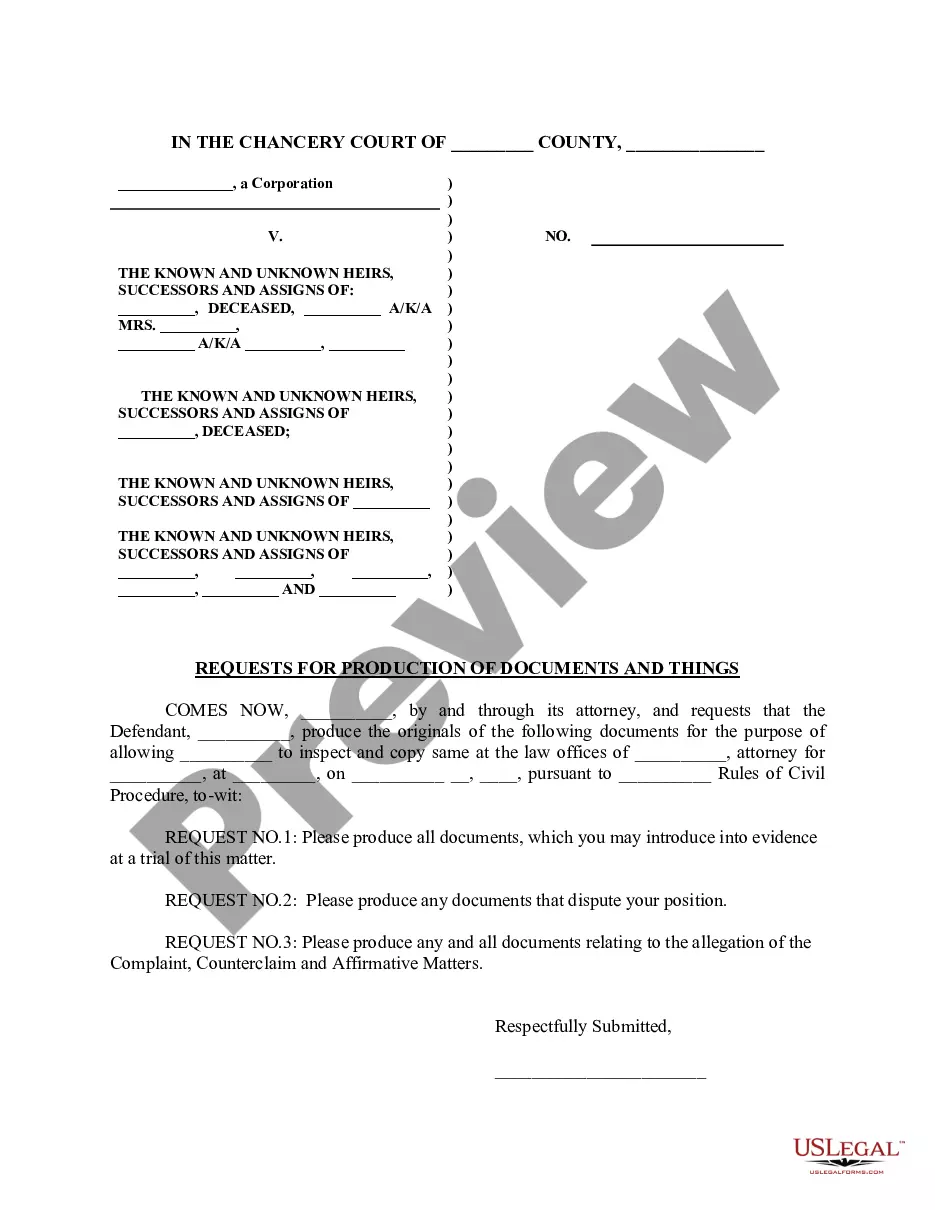
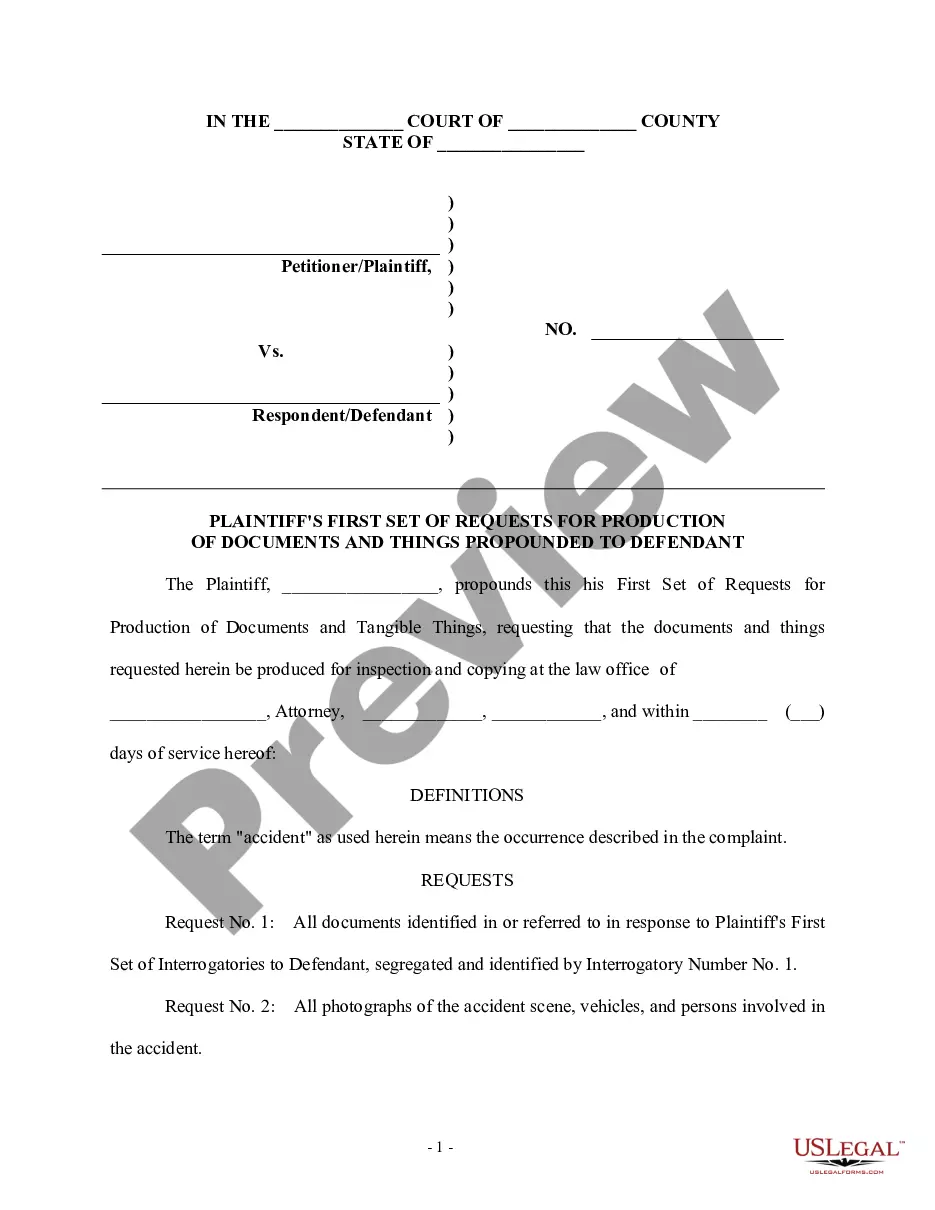
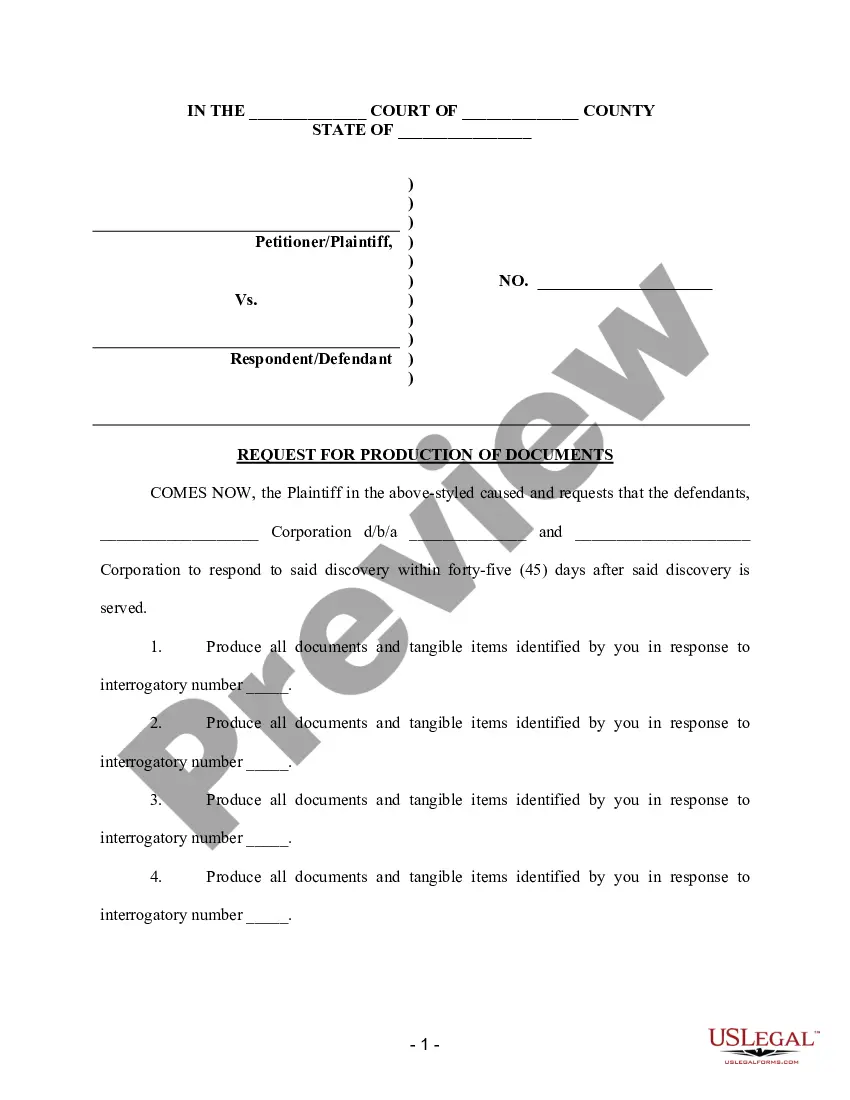
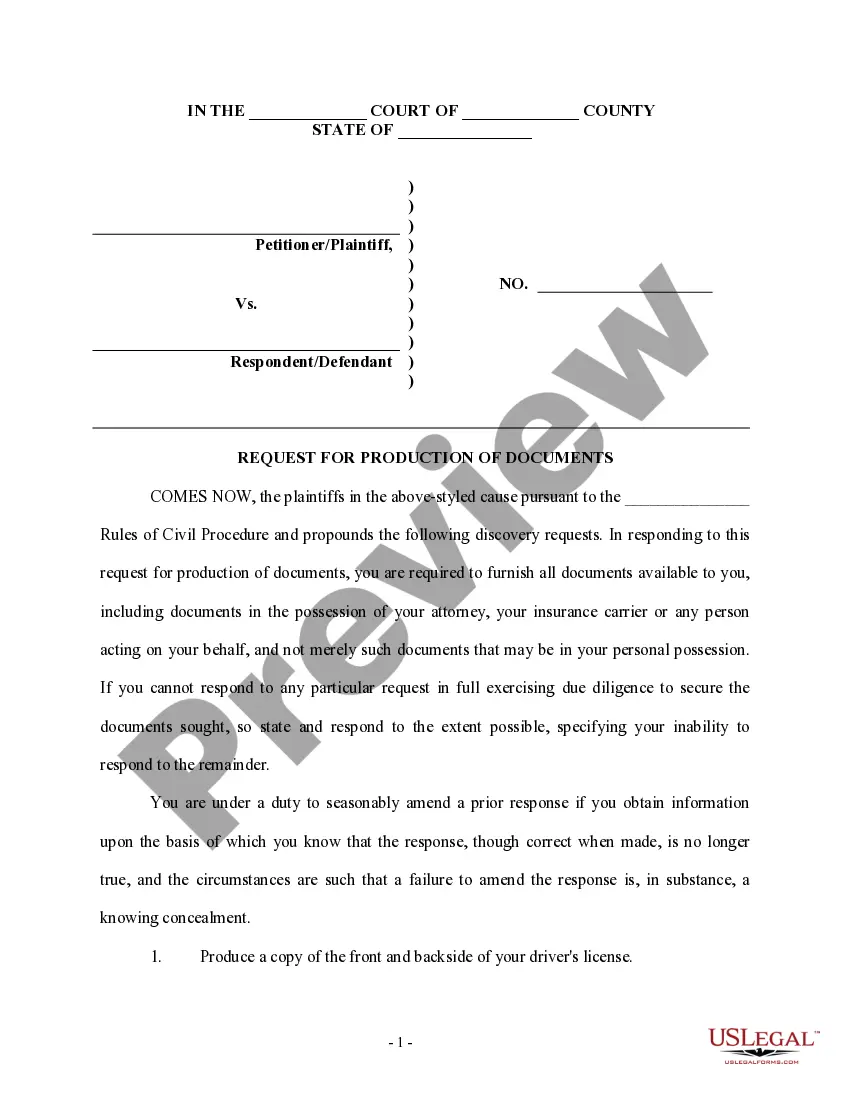
Nevada Requests for Production of Documents and Things
Description

Get your form ready online
Our built-in tools help you complete, sign, share, and store your documents in one place.
Make edits, fill in missing information, and update formatting in US Legal Forms—just like you would in MS Word.
Download a copy, print it, send it by email, or mail it via USPS—whatever works best for your next step.
Sign and collect signatures with our SignNow integration. Send to multiple recipients, set reminders, and more. Go Premium to unlock E-Sign.
If this form requires notarization, complete it online through a secure video call—no need to meet a notary in person or wait for an appointment.
We protect your documents and personal data by following strict security and privacy standards.

Make edits, fill in missing information, and update formatting in US Legal Forms—just like you would in MS Word.

Download a copy, print it, send it by email, or mail it via USPS—whatever works best for your next step.

Sign and collect signatures with our SignNow integration. Send to multiple recipients, set reminders, and more. Go Premium to unlock E-Sign.

If this form requires notarization, complete it online through a secure video call—no need to meet a notary in person or wait for an appointment.

We protect your documents and personal data by following strict security and privacy standards.
Looking for another form?



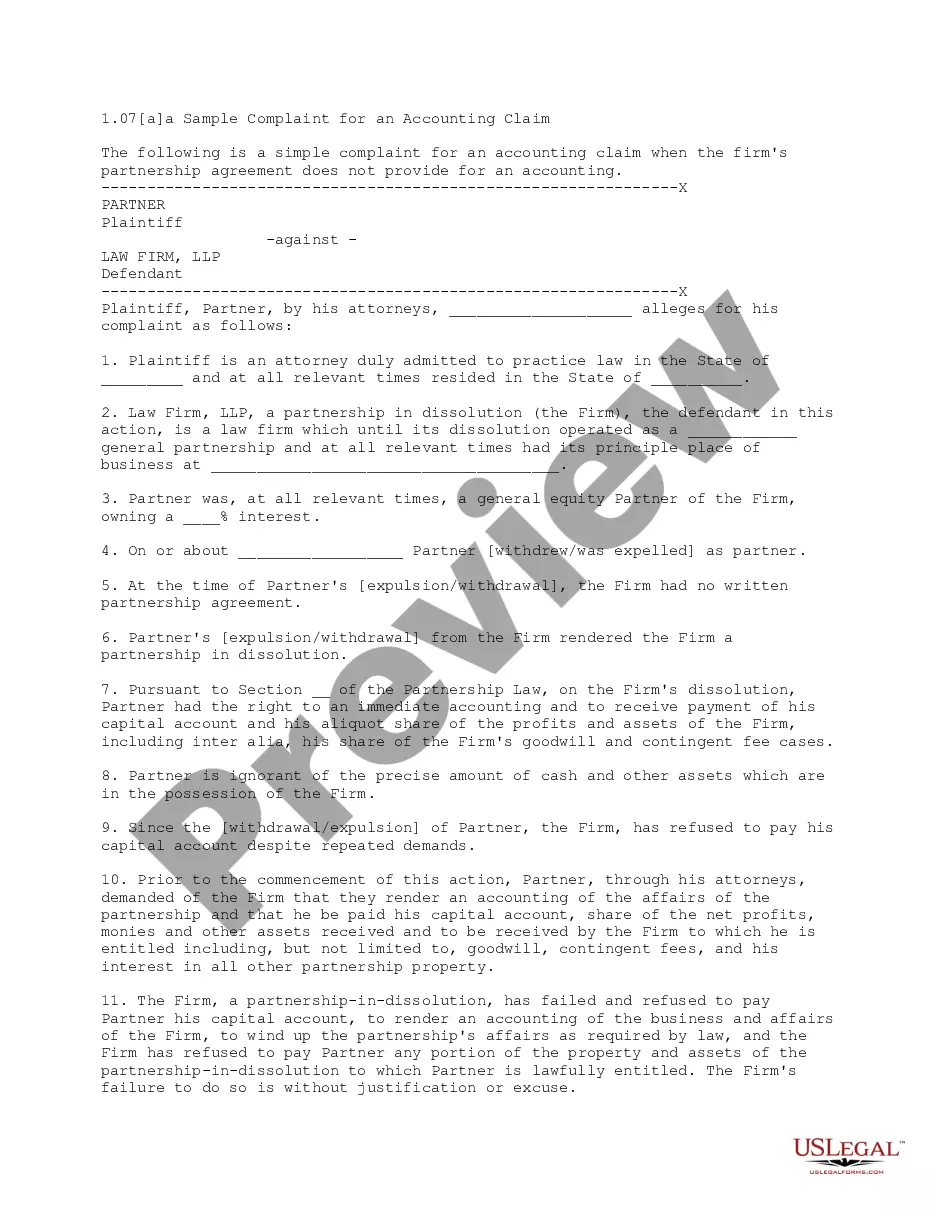
How to fill out Requests For Production Of Documents And Things?
Are you presently in a situation where you require documents for both business or personal purposes on a daily basis.
There are numerous legitimate document templates accessible online, but finding ones you can trust is not straightforward.
US Legal Forms offers a vast array of form templates, such as the Nevada Requests for Production of Documents and Things, which are designed to meet state and federal requirements.
Once you find the right form, simply click Buy now.
Choose the pricing plan you desire, complete the required information to create your account, and pay for your order using PayPal or a credit card.
- If you are already acquainted with the US Legal Forms website and possess an account, just Log In.
- After that, you can download the Nevada Requests for Production of Documents and Things template.
- If you do not have an account and wish to start using US Legal Forms, follow these steps.
- Find the form you need and ensure it is for the correct state/region.
- Use the Review button to examine the document.
- Check the description to confirm that you have selected the correct form.
- If the form is not what you are looking for, use the Lookup field to find the form that meets your requirements and needs.
Form popularity
FAQ
Write simple requests for categories of documents that are relevant to your case. There is not a specific limit on the number of requests, but the other party may object if responding would cause an unfair burden.
P. 34. Rule 34 - Producing Documents, Electronically Stored Information, and Tangible Things, or Entering Onto Land, for Inspection and Other Purposes (a) In General.
(A) No party may serve upon any other single party to an action more than 40 requests for admission under Rule 36(a)(1)(A) without obtaining: (i) a written stipulation under Rule 29 of the party to which the additional requests are directed; or (ii) upon a showing of good cause, a court order granting leave to serve a ...
Rule 26(b)(3) protects communications between the party's attorney and any witness required to provide a report under Rule 16.1(a), 16.2(d) or (e), or 16.205(d) or (e), regardless of the form of the communications, except to the extent that the communications: (i) relate to compensation for the expert's study or ...
Any party may serve on any other party a request (1) to produce and permit the party making the request, or someone acting on the requestor's behalf, to inspect and copy, any designated documents (including writings, drawings, graphs, charts, photographs, phonorecords, and other data compilations from which information ...
4) Although there are no limits on how many requests you can include in an RFA they must pertain to the claims or defenses in your lawsuit. Consider limiting the content of your RFAs to: ? Whether a fact is true or false. ? How a law or legal principle applies to the facts of your case.
A Request for Production (also known as a Demand for Inspection) asks the other side to produce and allow copying or inspection and measuring of a document or thing.