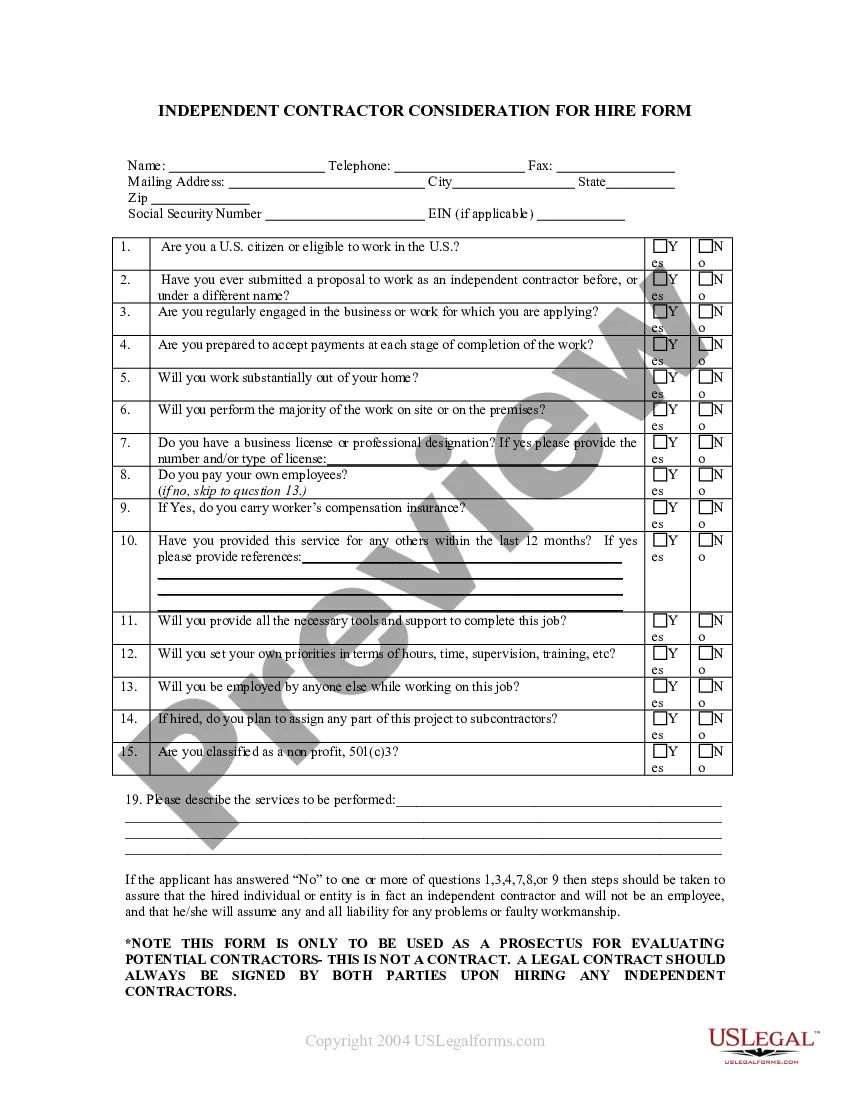
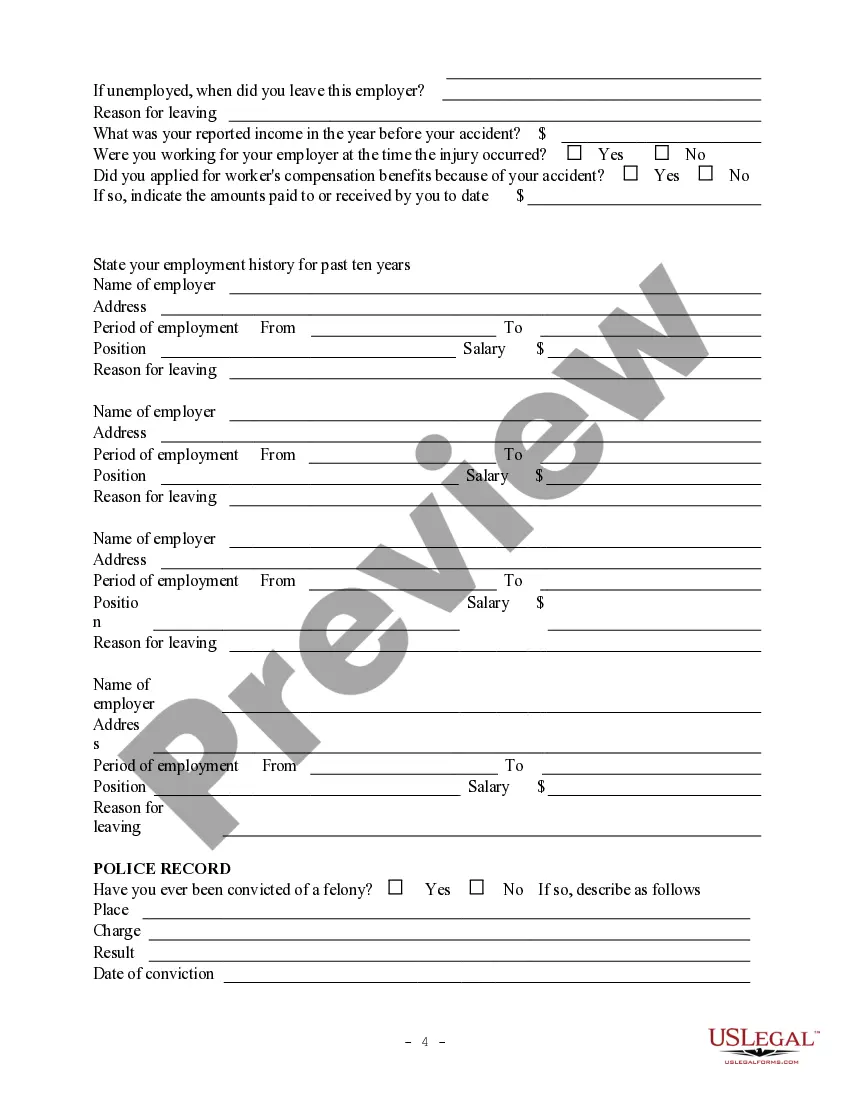
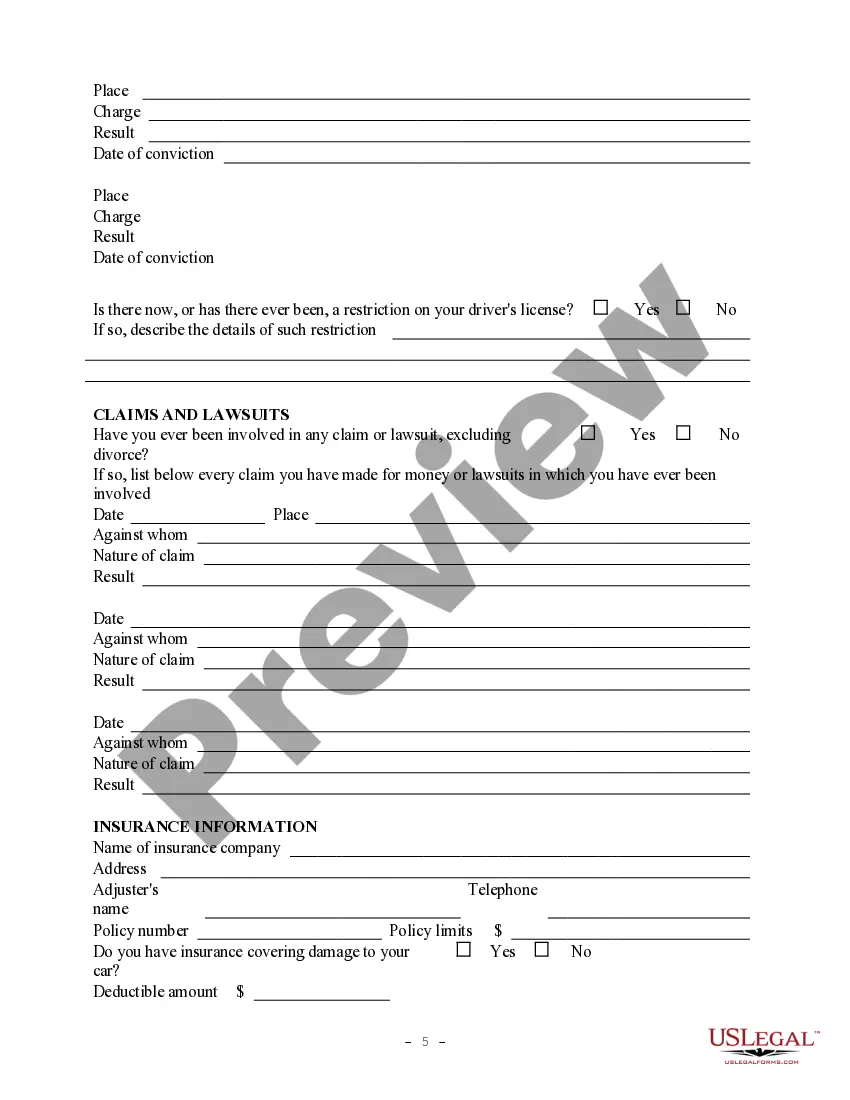
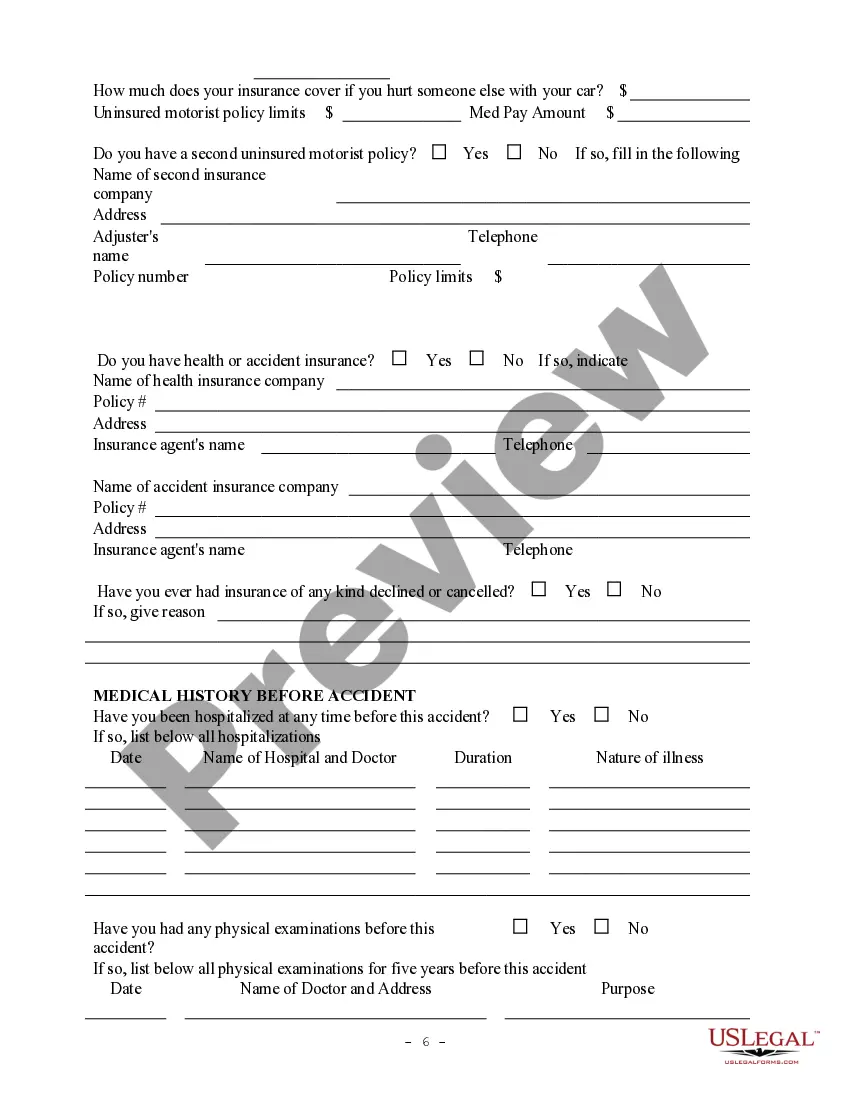
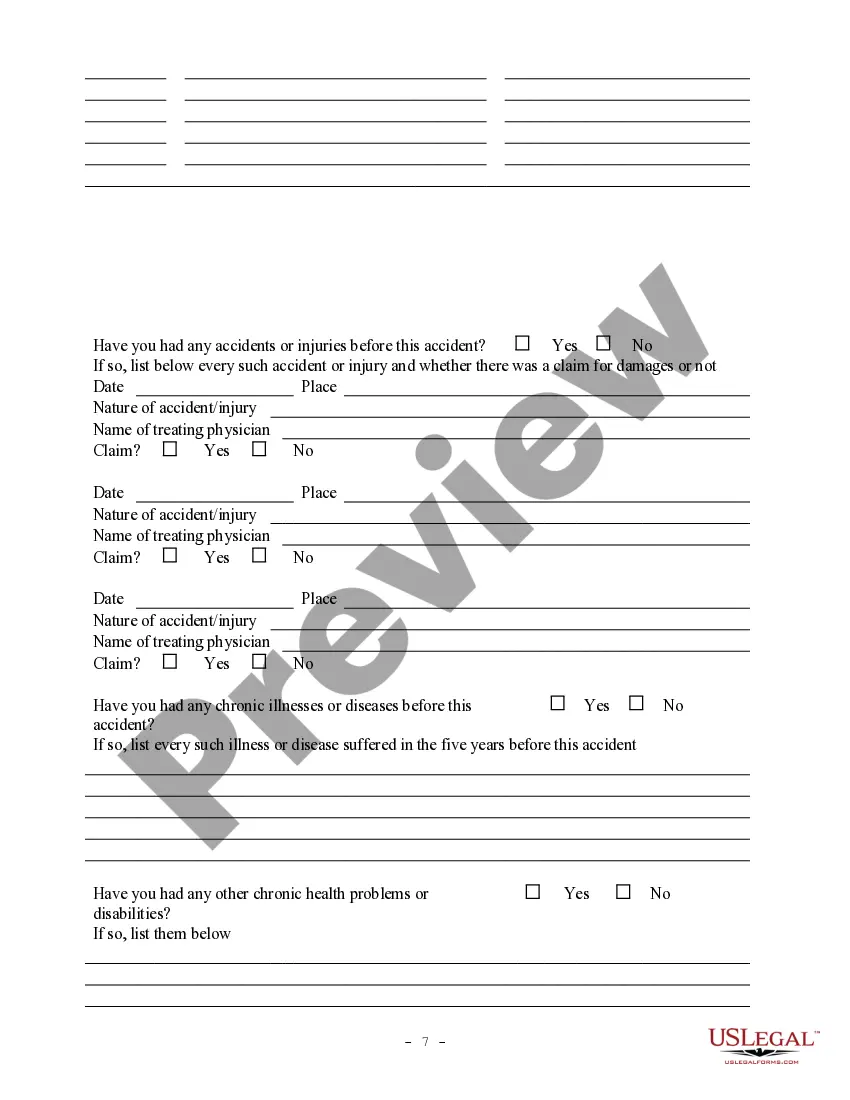
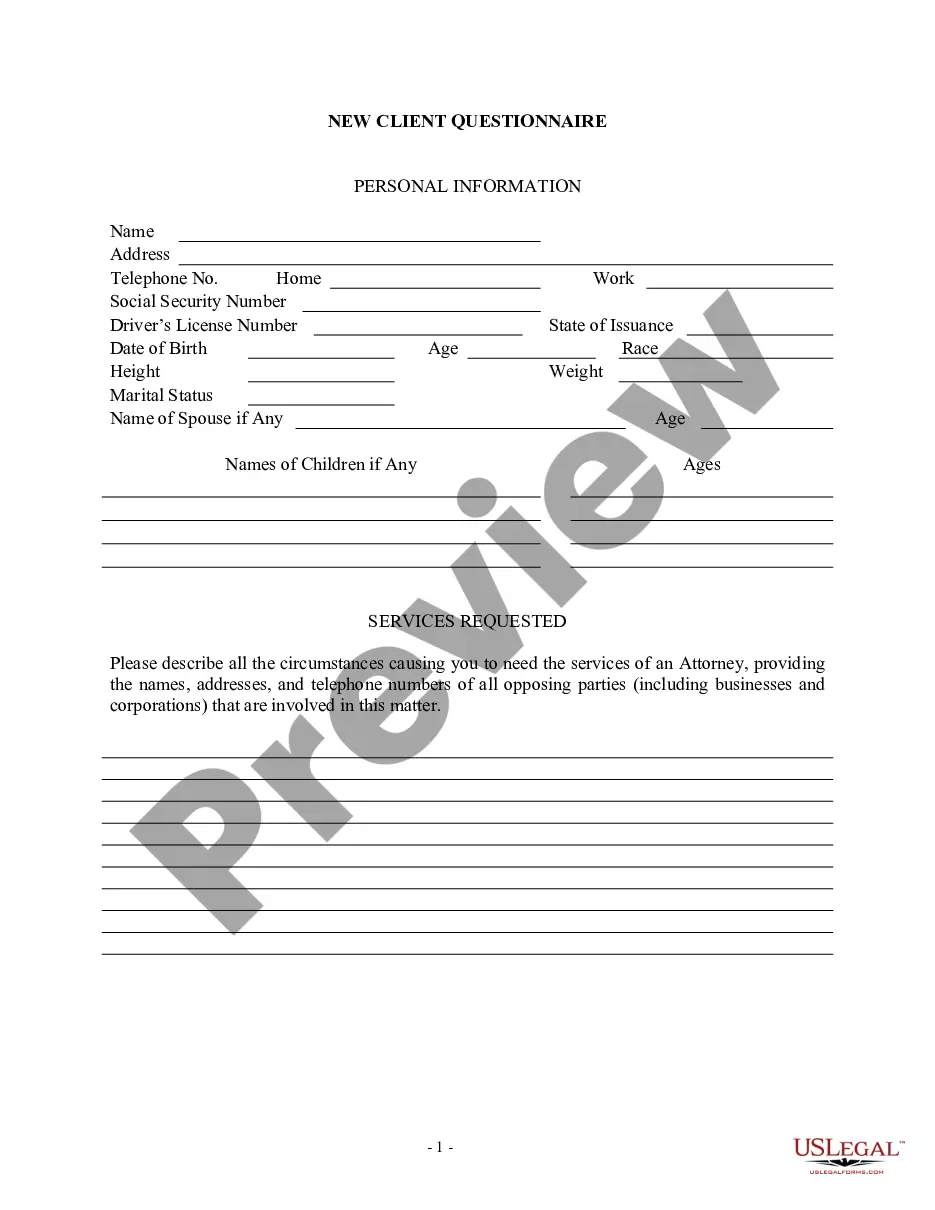
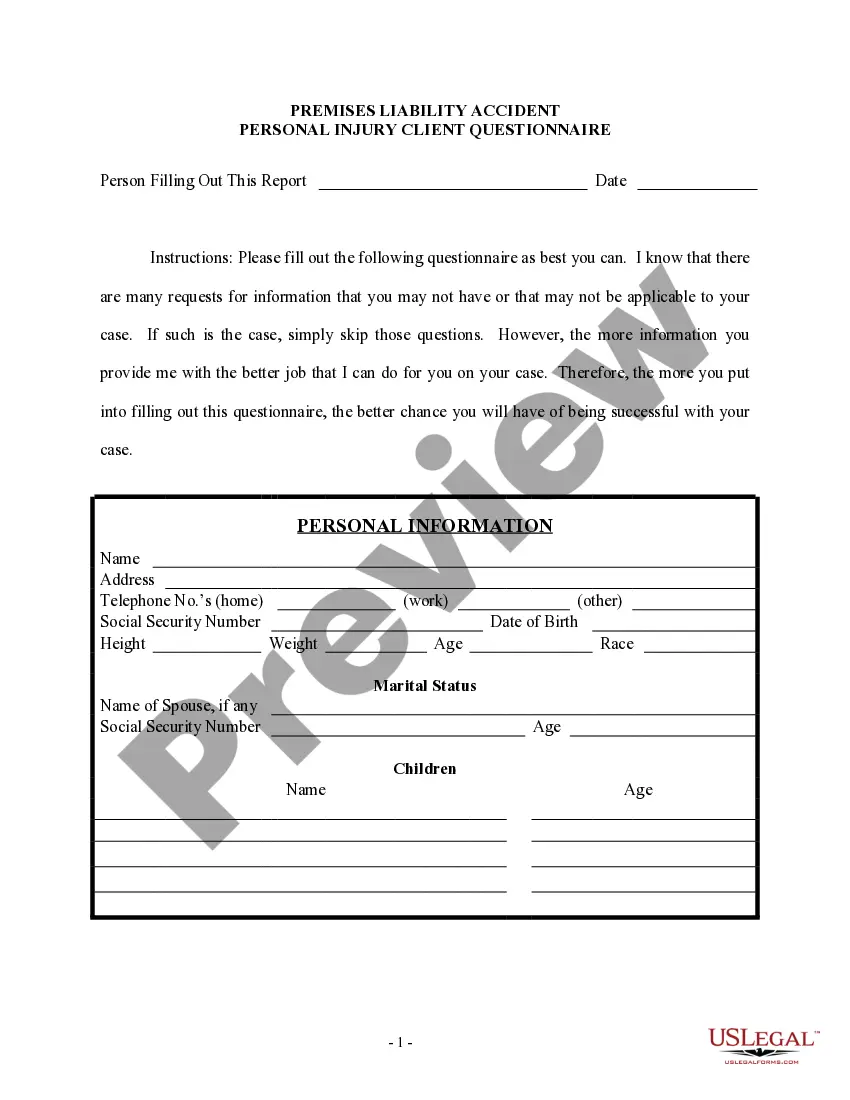
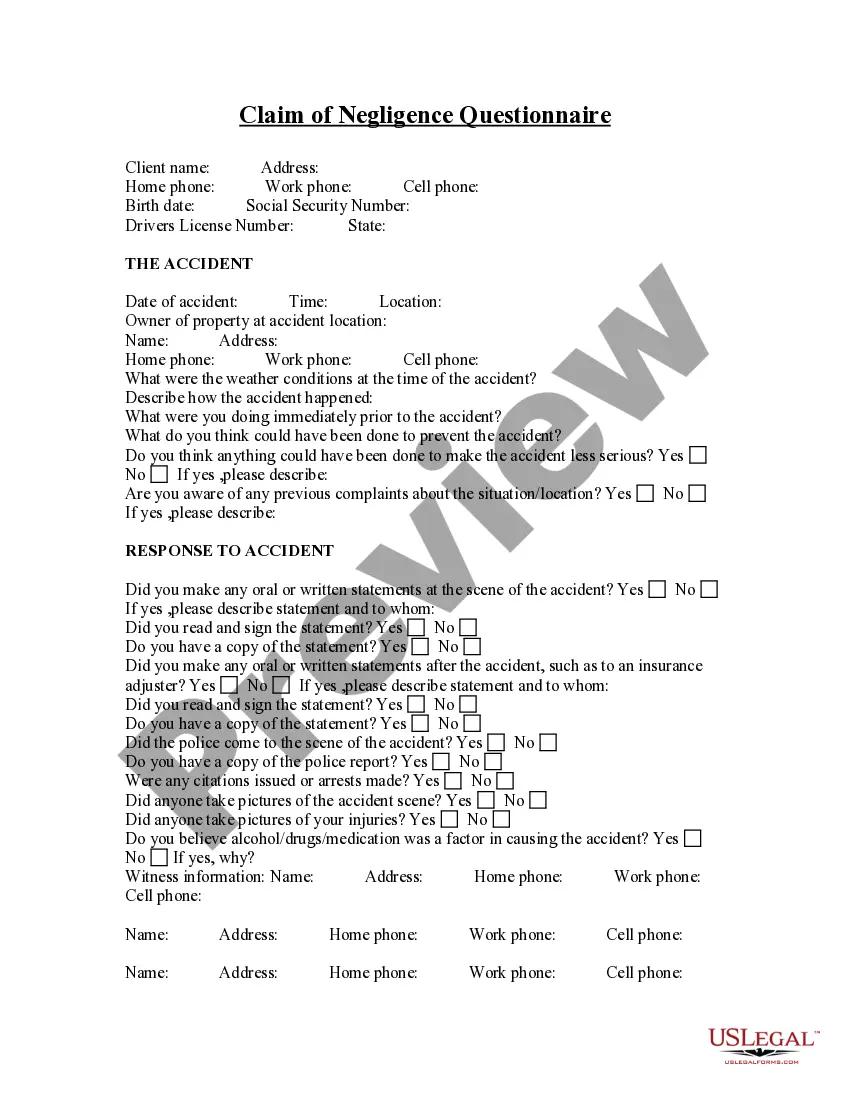
This assortment of forms are to be used by the attorney to assist in the collection of information regarding new clients. Among the forms included are interview forms, employment contract, various releases, and client instructions.
New Mexico Personal Injury Intake Sheet
State:
Multi-State
Control #:
US-PI-0003
Format:
Word;
Rich Text
Instant download
Description
Free preview
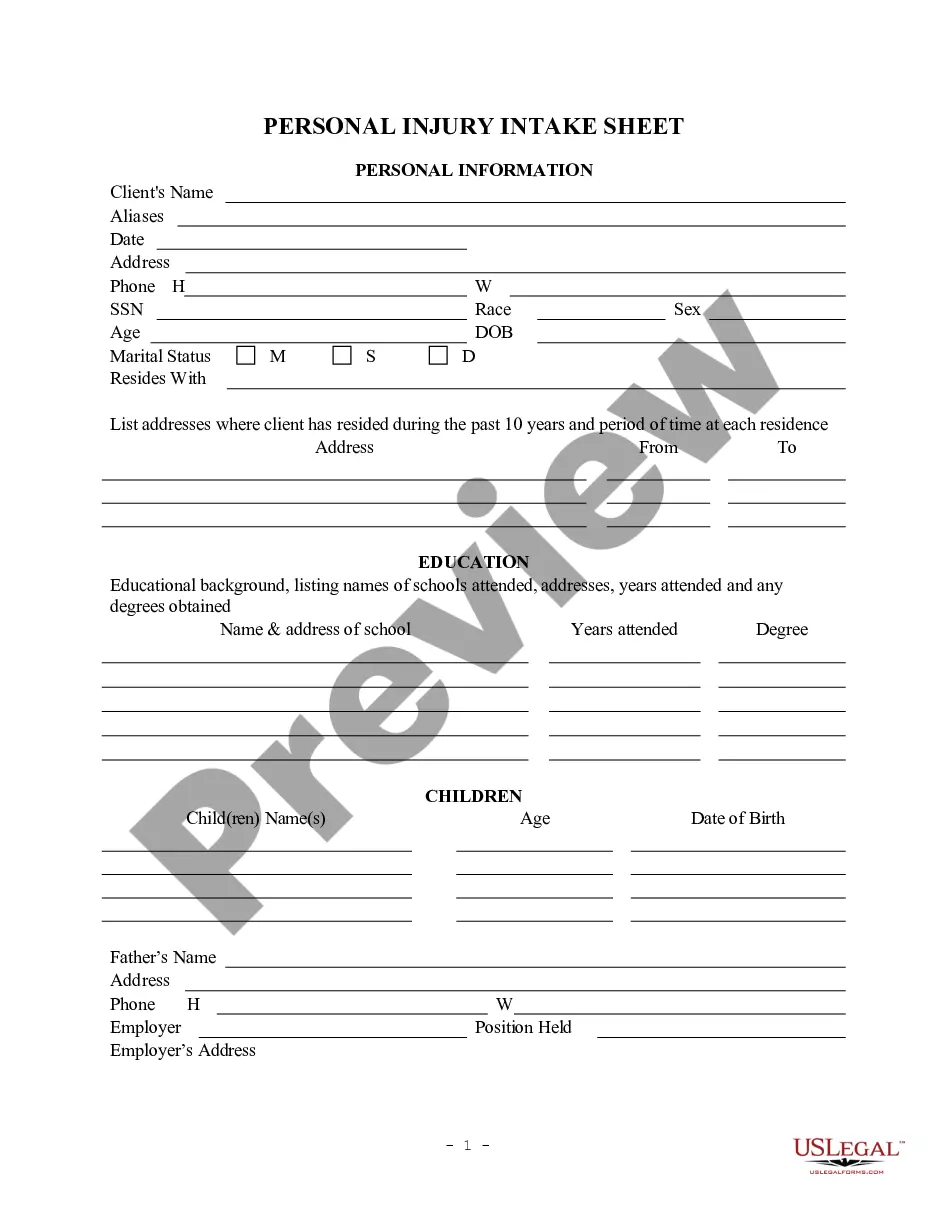
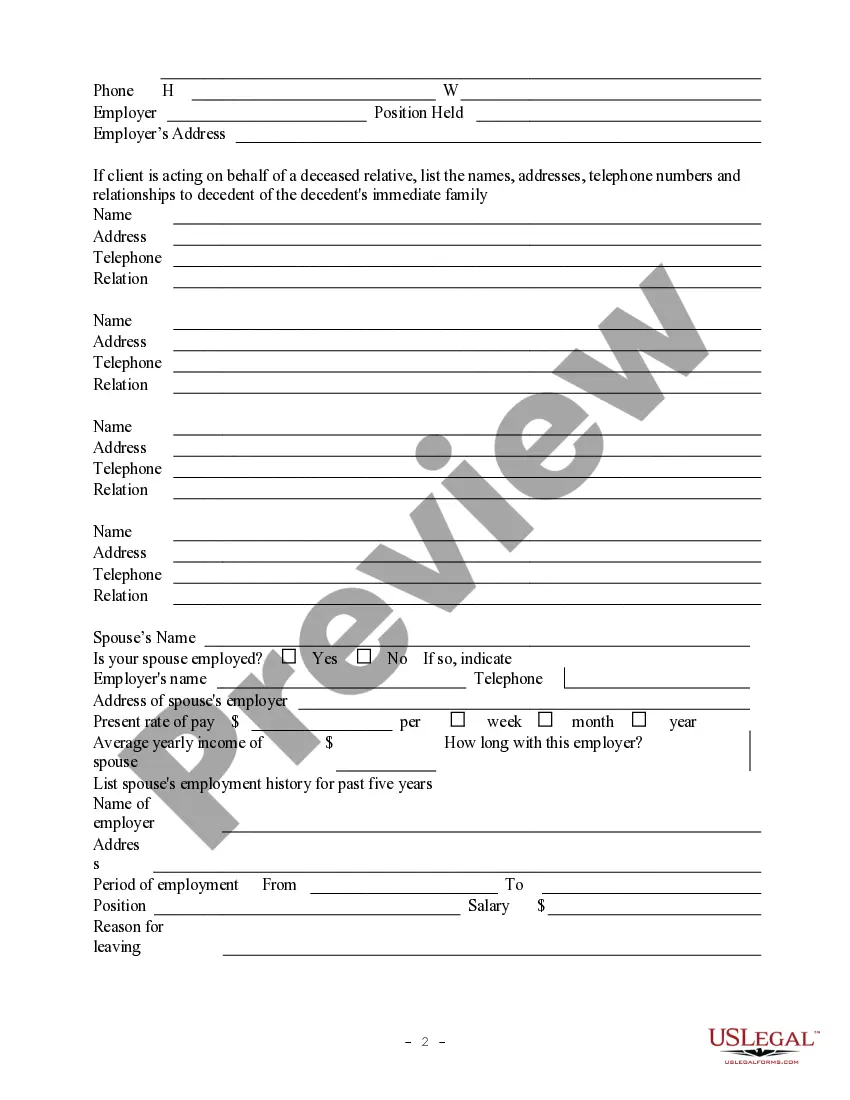
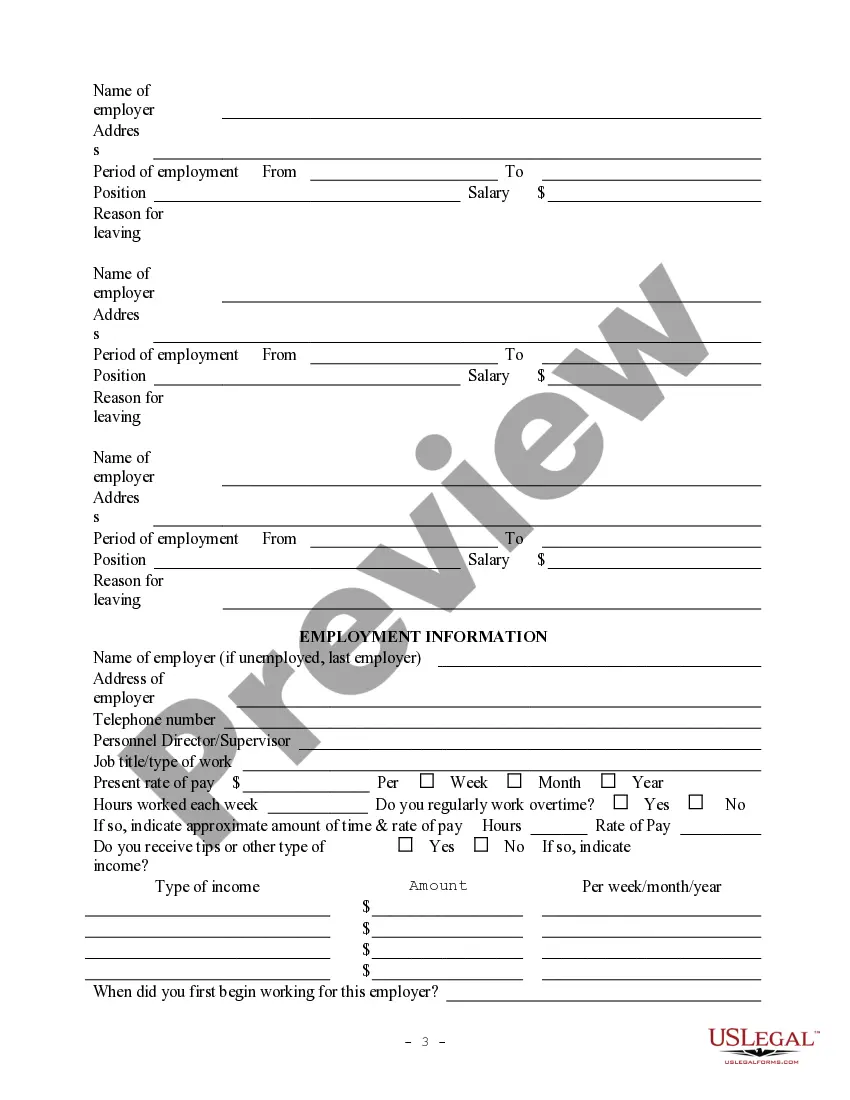
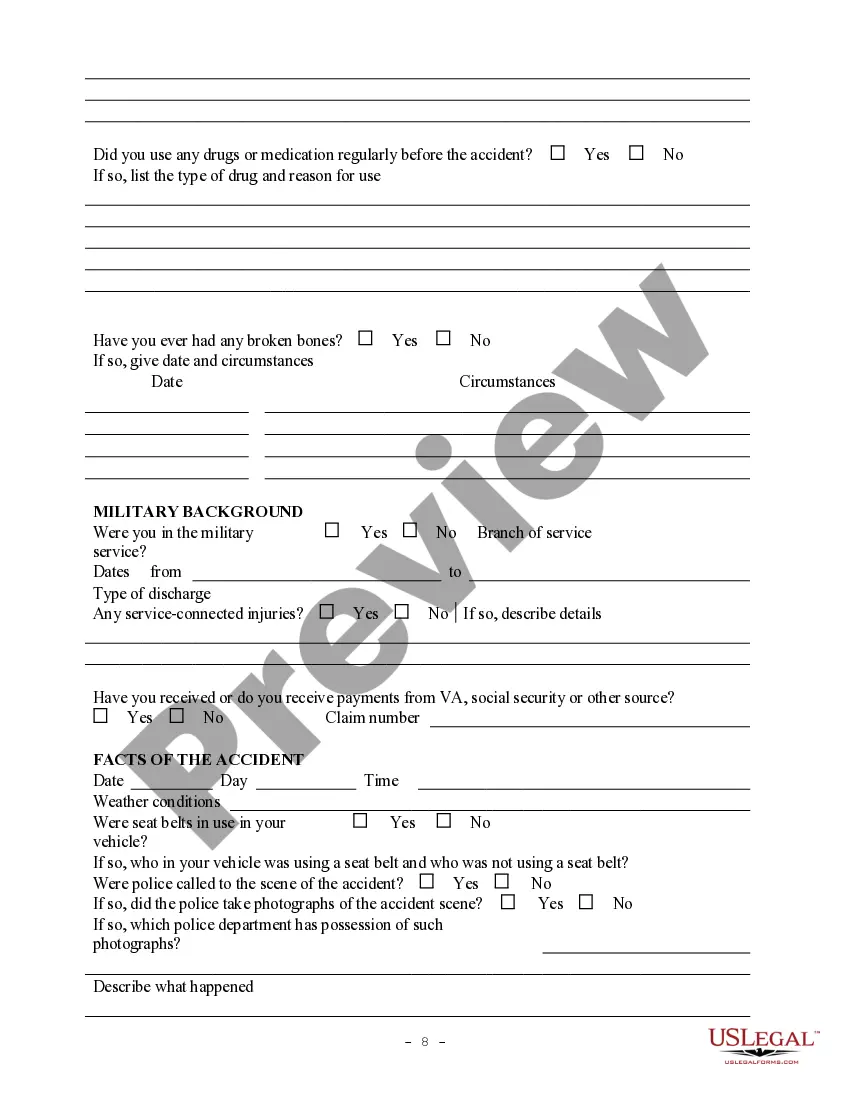
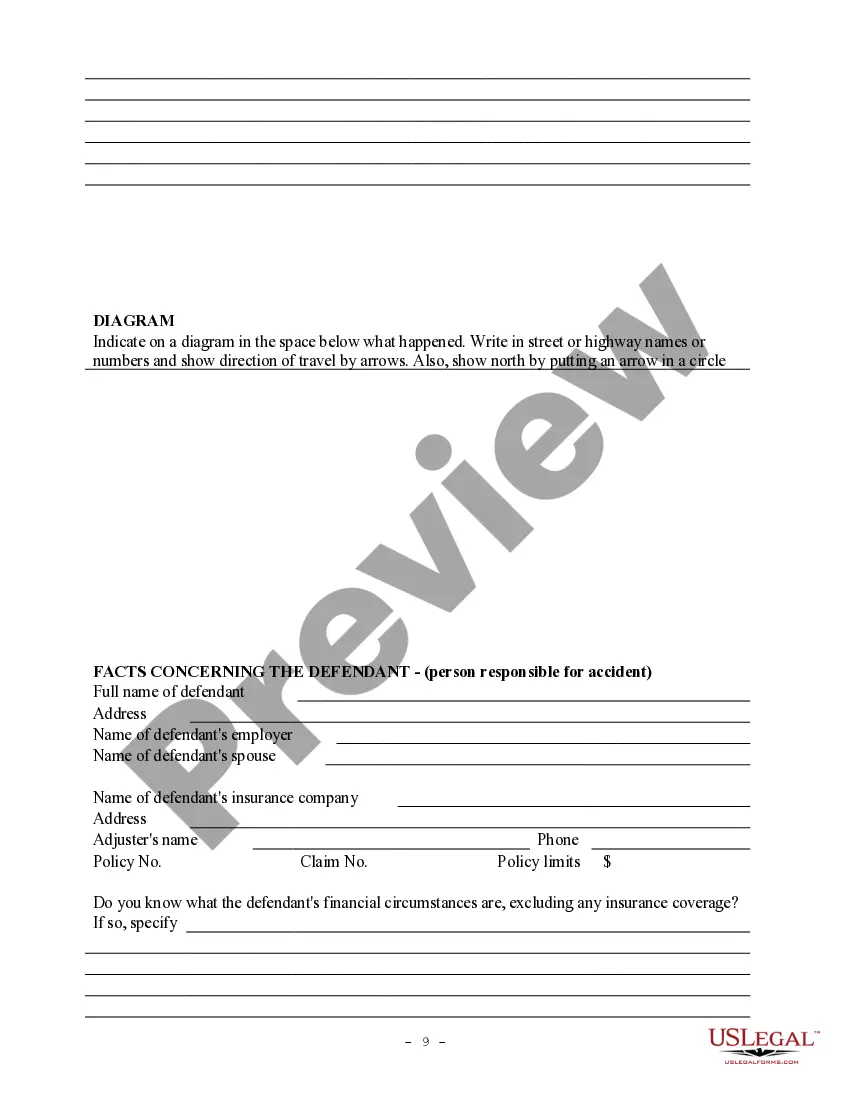
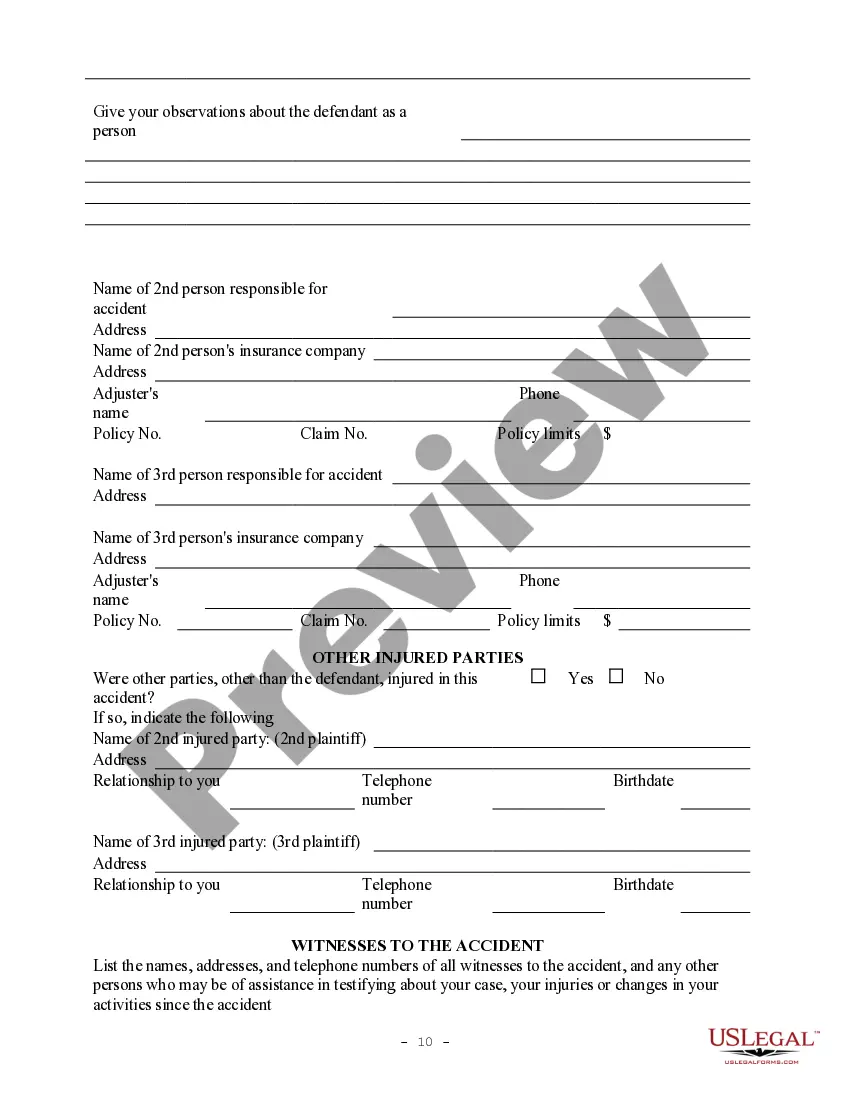


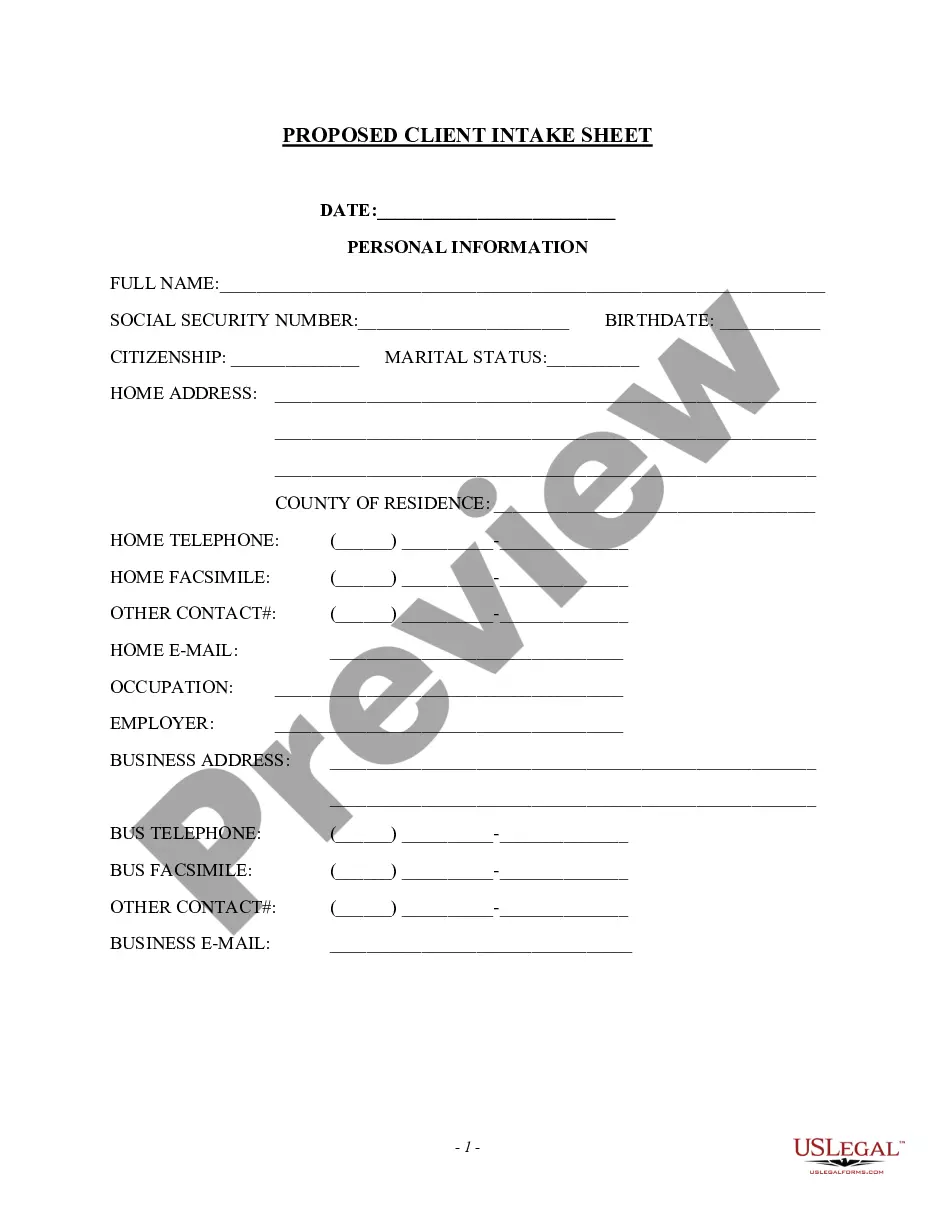
Get your form ready online
Our built-in tools help you complete, sign, share, and store your documents in one place.
Built-in online Word editor
Make edits, fill in missing information, and update formatting in US Legal Forms—just like you would in MS Word.
Export easily
Download a copy, print it, send it by email, or mail it via USPS—whatever works best for your next step.
E-sign your document
Sign and collect signatures with our SignNow integration. Send to multiple recipients, set reminders, and more. Go Premium to unlock E-Sign.
Notarize online 24/7
If this form requires notarization, complete it online through a secure video call—no need to meet a notary in person or wait for an appointment.
Store your document securely
We protect your documents and personal data by following strict security and privacy standards.

Make edits, fill in missing information, and update formatting in US Legal Forms—just like you would in MS Word.

Download a copy, print it, send it by email, or mail it via USPS—whatever works best for your next step.

Sign and collect signatures with our SignNow integration. Send to multiple recipients, set reminders, and more. Go Premium to unlock E-Sign.

If this form requires notarization, complete it online through a secure video call—no need to meet a notary in person or wait for an appointment.

We protect your documents and personal data by following strict security and privacy standards.
Looking for another form?



How to fill out Personal Injury Intake Sheet?
Discovering the right lawful file template could be a have a problem. Needless to say, there are plenty of templates available on the net, but how do you get the lawful form you require? Utilize the US Legal Forms internet site. The support offers a large number of templates, for example the New Mexico Personal Injury Intake Sheet, which you can use for business and private needs. Each of the kinds are inspected by pros and satisfy state and federal specifications.
If you are presently listed, log in to the profile and click on the Obtain button to get the New Mexico Personal Injury Intake Sheet. Utilize your profile to look throughout the lawful kinds you have bought in the past. Visit the My Forms tab of your respective profile and obtain another backup in the file you require.
If you are a fresh user of US Legal Forms, listed here are basic instructions so that you can follow:
- Initially, be sure you have selected the right form for your area/county. You can look over the form making use of the Preview button and browse the form explanation to guarantee this is basically the right one for you.
- In case the form is not going to satisfy your expectations, utilize the Seach discipline to obtain the correct form.
- Once you are positive that the form would work, click the Buy now button to get the form.
- Pick the prices program you desire and type in the necessary information. Design your profile and buy your order with your PayPal profile or credit card.
- Opt for the document structure and obtain the lawful file template to the product.
- Comprehensive, change and produce and signal the obtained New Mexico Personal Injury Intake Sheet.
US Legal Forms is the greatest catalogue of lawful kinds in which you can find a variety of file templates. Utilize the company to obtain appropriately-manufactured paperwork that follow status specifications.
Form popularity
FAQ
Create a client intake form using a fillable PDF. Launch Acrobat. Click Tools > Prepare Form. Select a file or scan a document. Add new form fields. These form fields can ask for a name, email, reason for requesting services, and more. Click Distribute to collect responses automatically.
What to include on your client intake form Include a welcome message. ... Asking for contact information is essential. ... Ask your client about their company background. ... What do they need from you and what services do they require? ... Ask them to fill in a checklist as they complete your intake form.
Questions to include in your new client intake form Your client's name, surname, and contact information (mobile number, email address, home address, website, etc) Information about your client's business and brand (if applicable) Your client's budget (if applicable)
Intake Form are made up of five parts: General, Appointment Type, Profile Fields, Questionnaires and Consents.
Here are some key elements you can include on your project intake form to ensure your team has all the information they need to be successful: Client contact information. ... Type of project. ... Objective. ... Target audience or end-user. ... Budget. ... Deadline. ... Determine the format. ... Make a list of important questions.