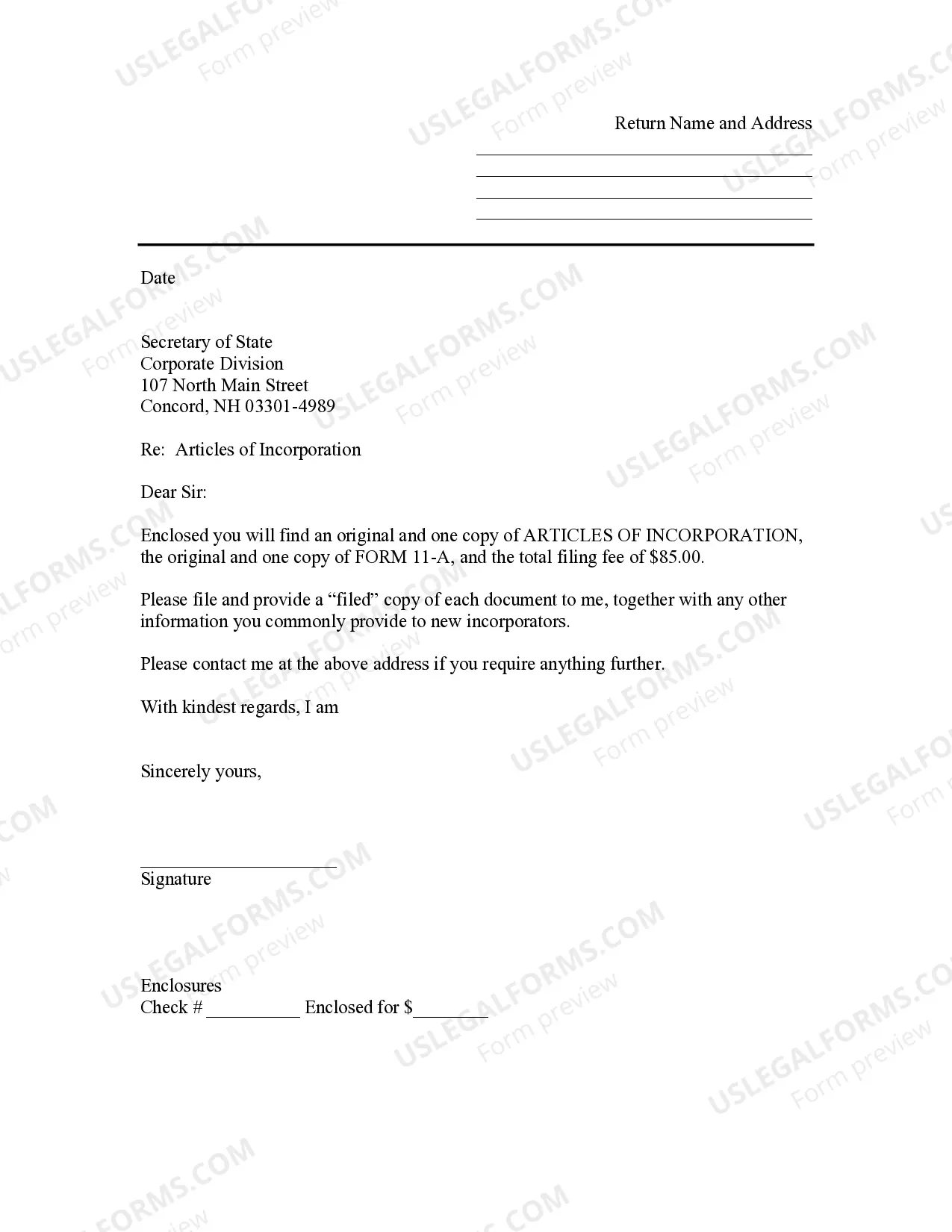
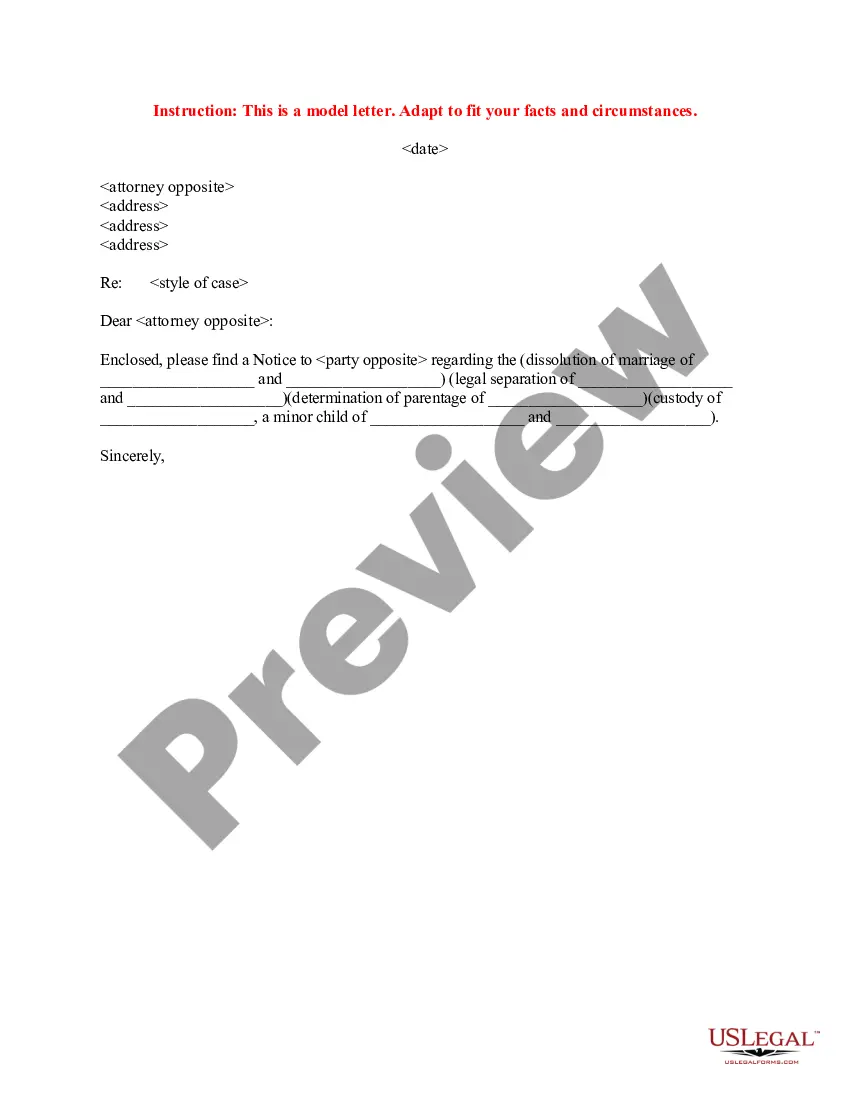
Use this sample letter as a cover sheet to accompany the Articles of Incorporation for filing with the Secretary of State's Office.
New Hampshire Sample Transmittal Letter to Secretary of State's Office to File Articles of Incorporation
Category:
State:
New Hampshire
Control #:
NH-INC-TL
Format:
Word;
Rich Text
Instant download
Description
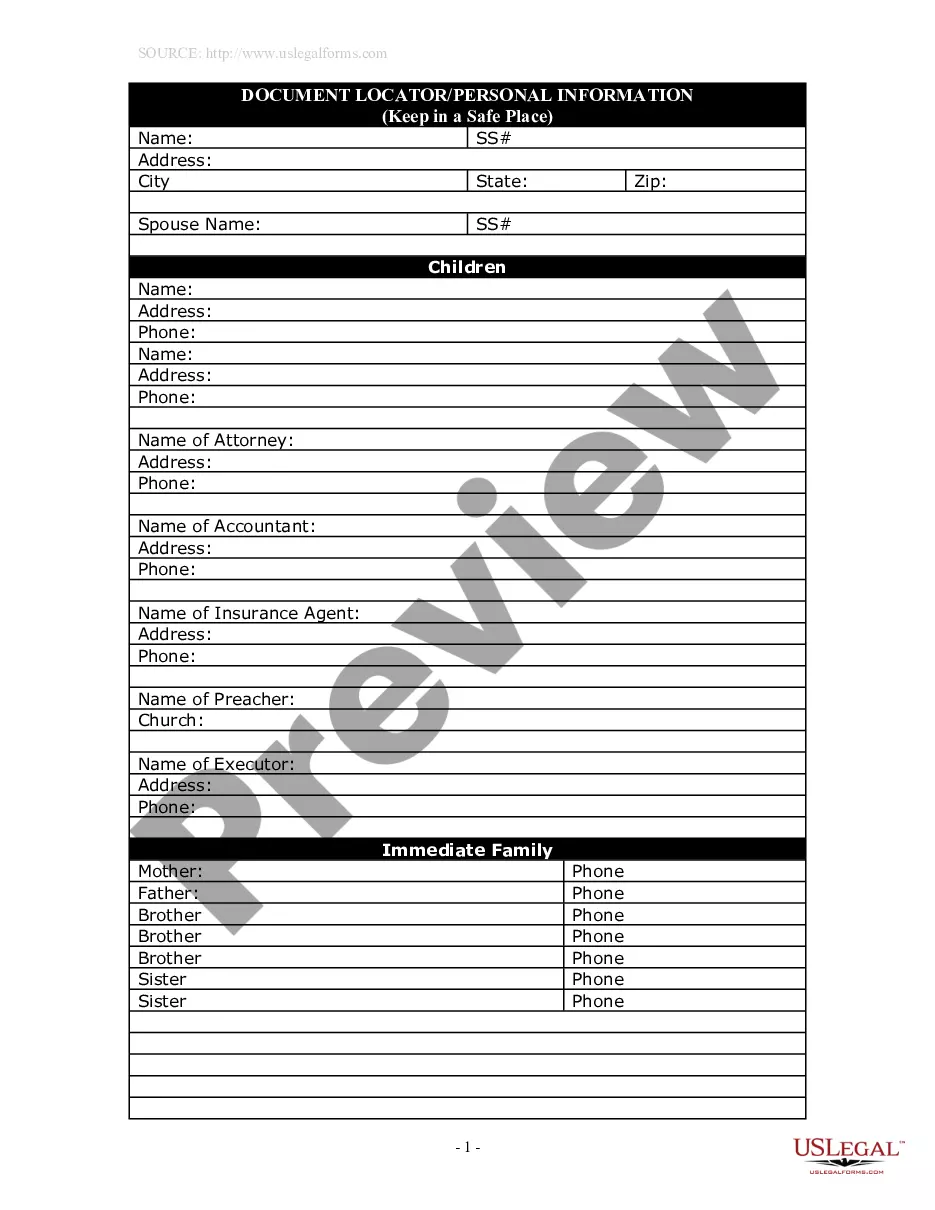



How to fill out New Hampshire Sample Transmittal Letter To Secretary Of State's Office To File Articles Of Incorporation?
US Legal Forms is actually a unique system to find any legal or tax document for submitting, including Sample Transmittal Letter to Secretary of State's Office to File Articles of Incorporation - New Hampshire. If you’re sick and tired of wasting time seeking ideal samples and spending money on papers preparation/legal professional charges, then US Legal Forms is precisely what you’re searching for.
To enjoy all the service’s benefits, you don't need to download any software but just choose a subscription plan and sign up your account. If you already have one, just log in and look for an appropriate template, save it, and fill it out. Saved files are all stored in the My Forms folder.
If you don't have a subscription but need Sample Transmittal Letter to Secretary of State's Office to File Articles of Incorporation - New Hampshire, have a look at the guidelines listed below:
- check out the form you’re taking a look at is valid in the state you want it in.
- Preview the form and read its description.
- Click on Buy Now button to get to the register webpage.
- Pick a pricing plan and continue registering by entering some info.
- Decide on a payment method to complete the sign up.
- Download the file by selecting the preferred format (.docx or .pdf)
Now, submit the file online or print out it. If you feel uncertain regarding your Sample Transmittal Letter to Secretary of State's Office to File Articles of Incorporation - New Hampshire sample, contact a legal professional to check it before you decide to send out or file it. Begin without hassles!
Form popularity
FAQ
How long will it take to get my first payment? Benefits are paid only to eligible claimants. Our goal is to pay eligible individuals benefits within 30 days.
The maximum weekly benefit amount is currently $427; the minimum amount is currently $32. You may receive benefits for a maximum of 26 weeks. (In times of very high unemployment, additional weeks of benefits may be available.)
You can check the status of your claim and review any notices or determinations issued to you by logging into your Workforce Connect account and clicking on the File for Benefits button to access your claim information.
Step 1: Log In. From this welcome screen, you will need to click on Login at the bottom of the page. Step 2: Select File for Benefits Link on the Dashboard. Step 3: Select Your Location. Step 4: Scroll Down to the Table.
This can be done online or by visiting the nearest NH Employment Security office to file your claim on a computer in one of our Resource Centers. You must open your claim during the week your hours are reduced or, if you became unemployed from full-time work on Thursday or Friday, open your claim on Sunday or Monday.
Depending on the number of questions about your claim, if any, you can expect to be contacted and/or receive a Determination of Eligibility within 30 days. If you are unemployed for any reason other than lack of work, more time may be needed to process your claim.
Weekly claims, also known as Continued Claims, filed on Saturday or Sunday are normally processed on Monday evening and eligible benefit payments and documents issued on Tuesday morning.
1. Go to NHES Homepage at www.nhes.nh.gov. Click the maroon File a Claim for Benefits button on the left side of the page.