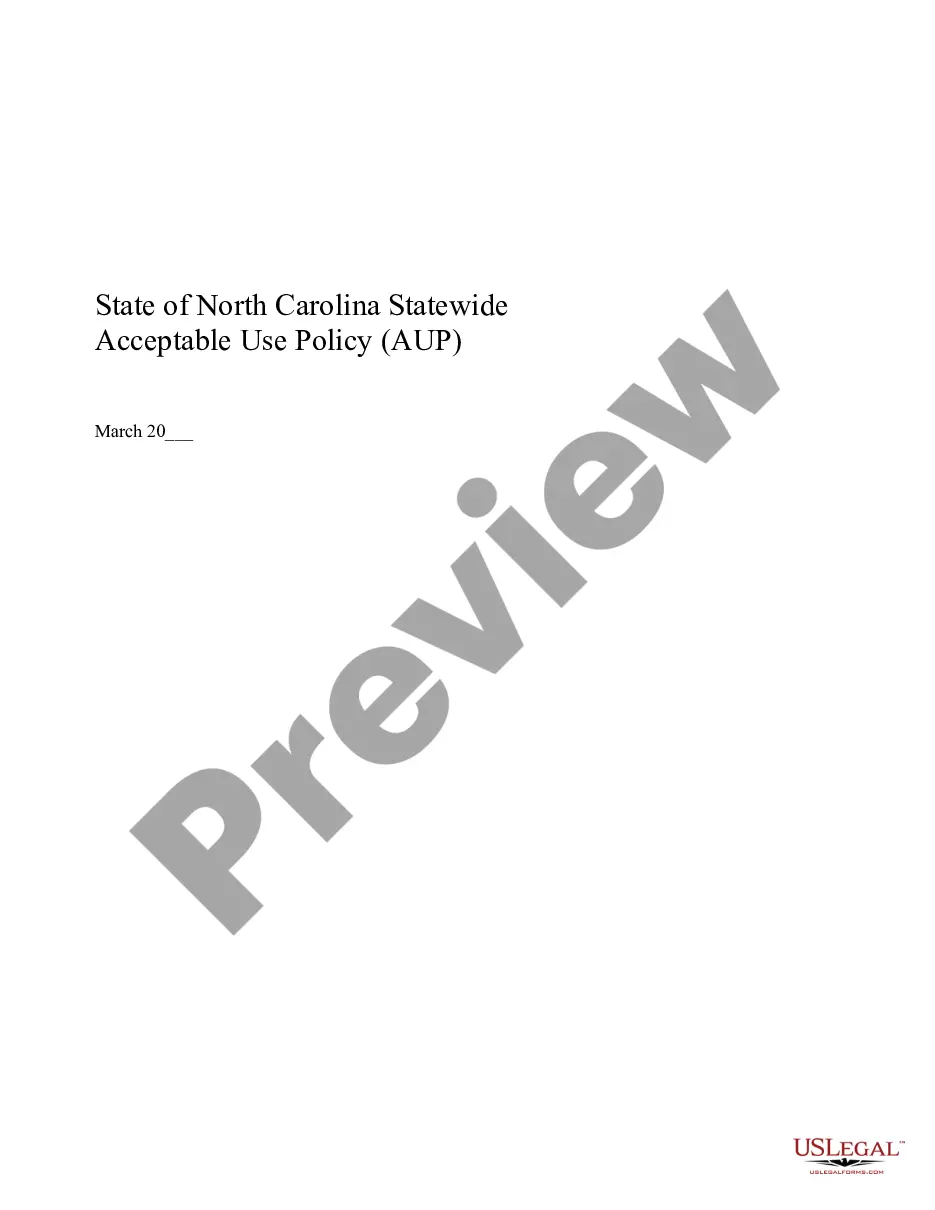
North Carolina Acceptable Use Policy - AUP
About this form
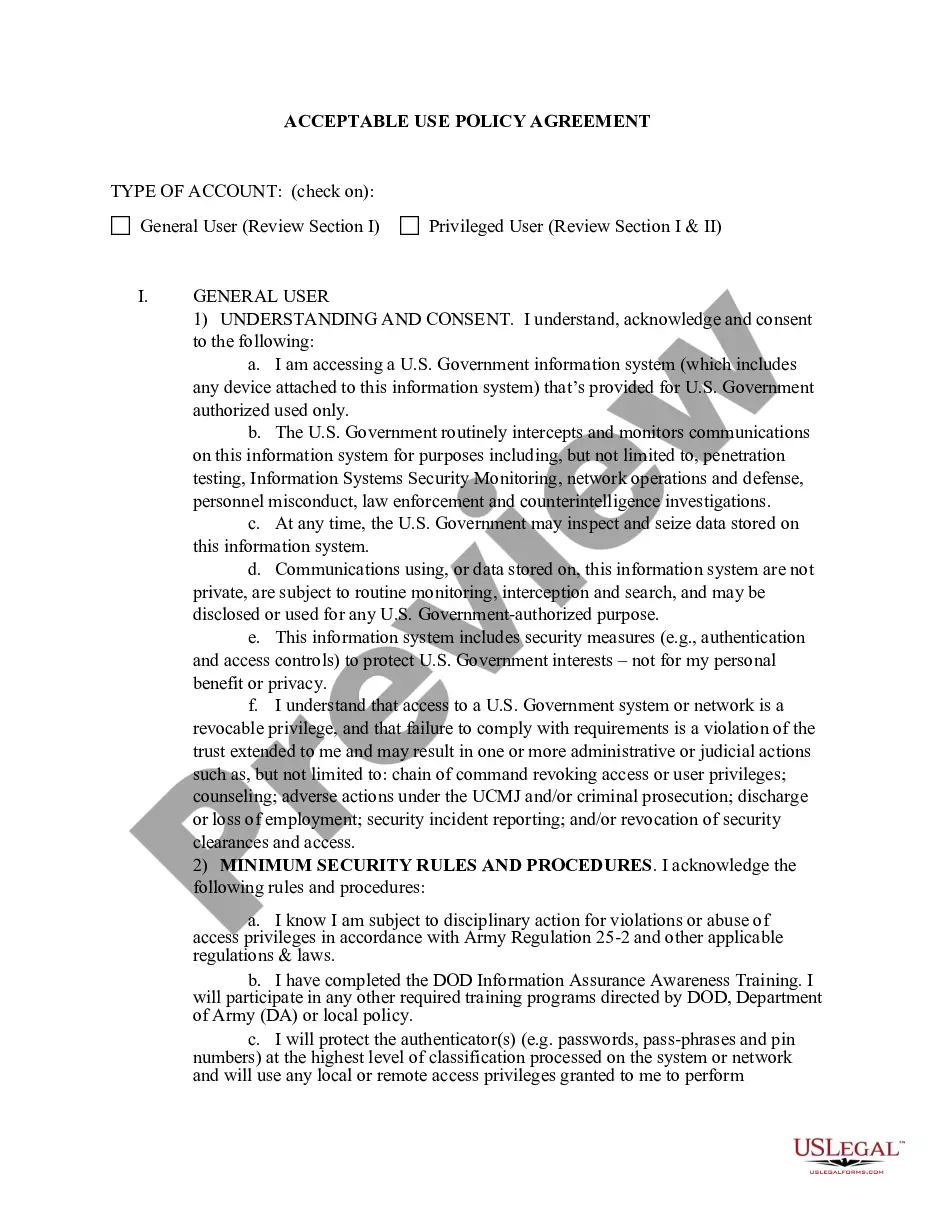
The Acceptable Use Policy (AUP) outlines the standards and responsibilities for users of the California University computer network resources. This policy ensures that all usersâincluding faculty, staff, students, contractors, and guestsâagree to adhere to specific rules while using state information technology resources. It sets forth the minimum acceptable guidelines tailored to protect the integrity of the network and its data while distinguishing itself from other policies by focusing specifically on acceptable behavior and actions regarding network usage.
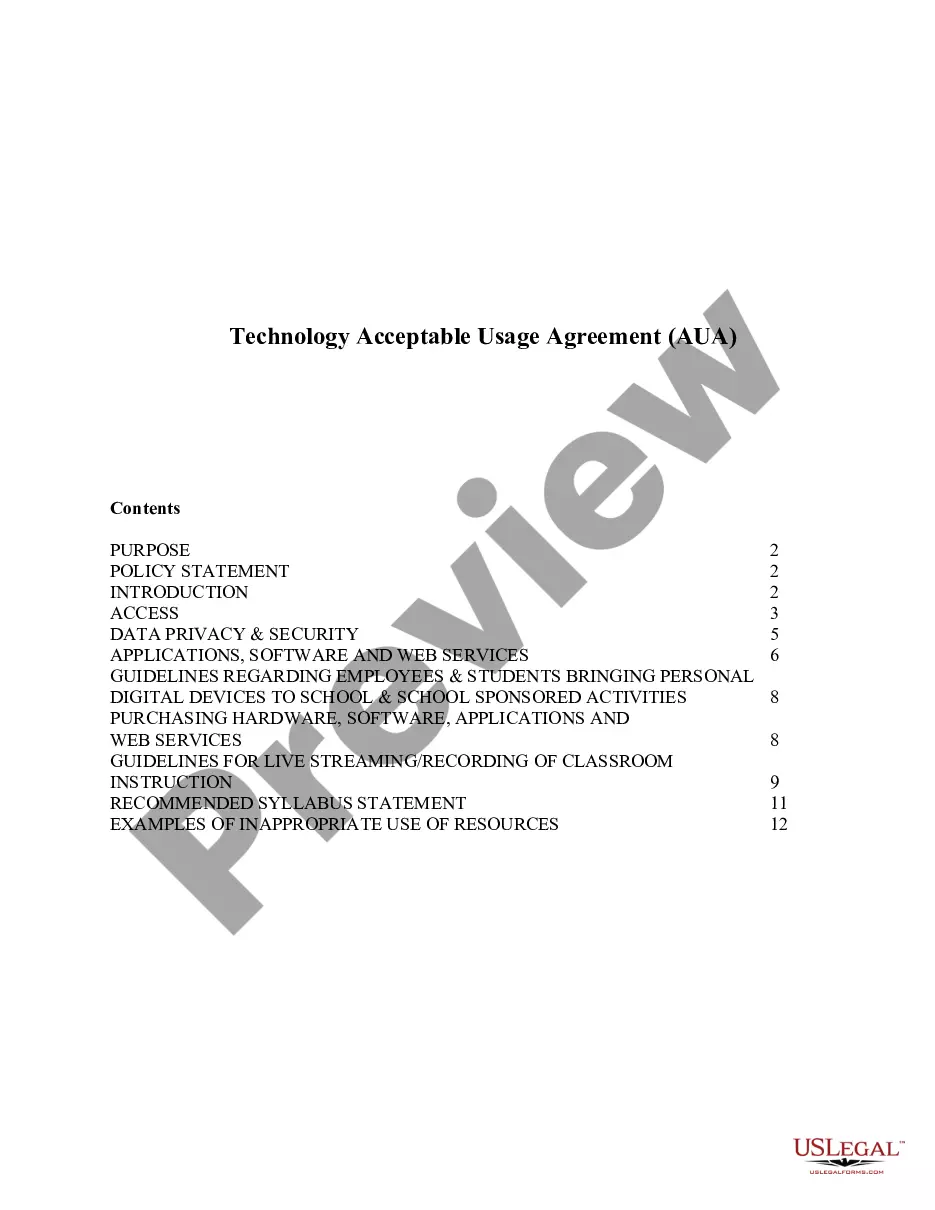
Main sections of this form
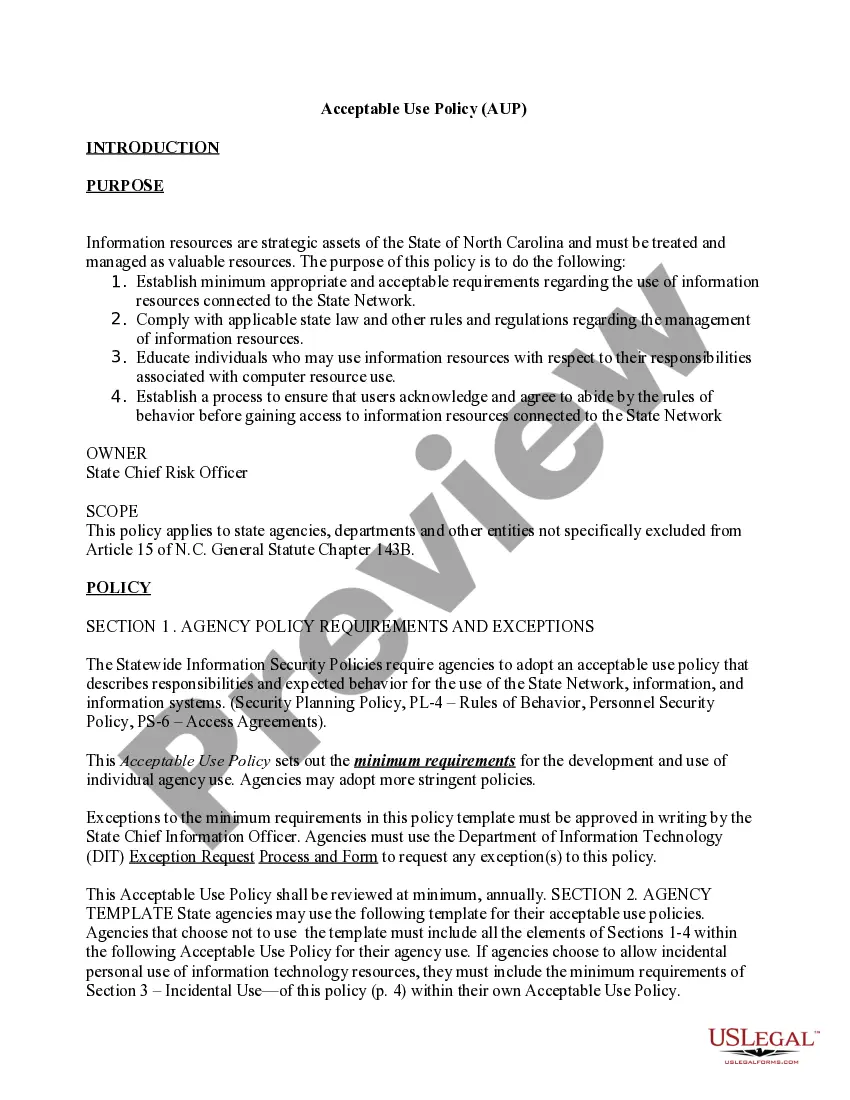
- Introduction: Clarifies the policy's purpose and importance of treating information resources as valuable assets.
- Scope: Defines the user base, including state agencies, employees, contractors, and third parties.
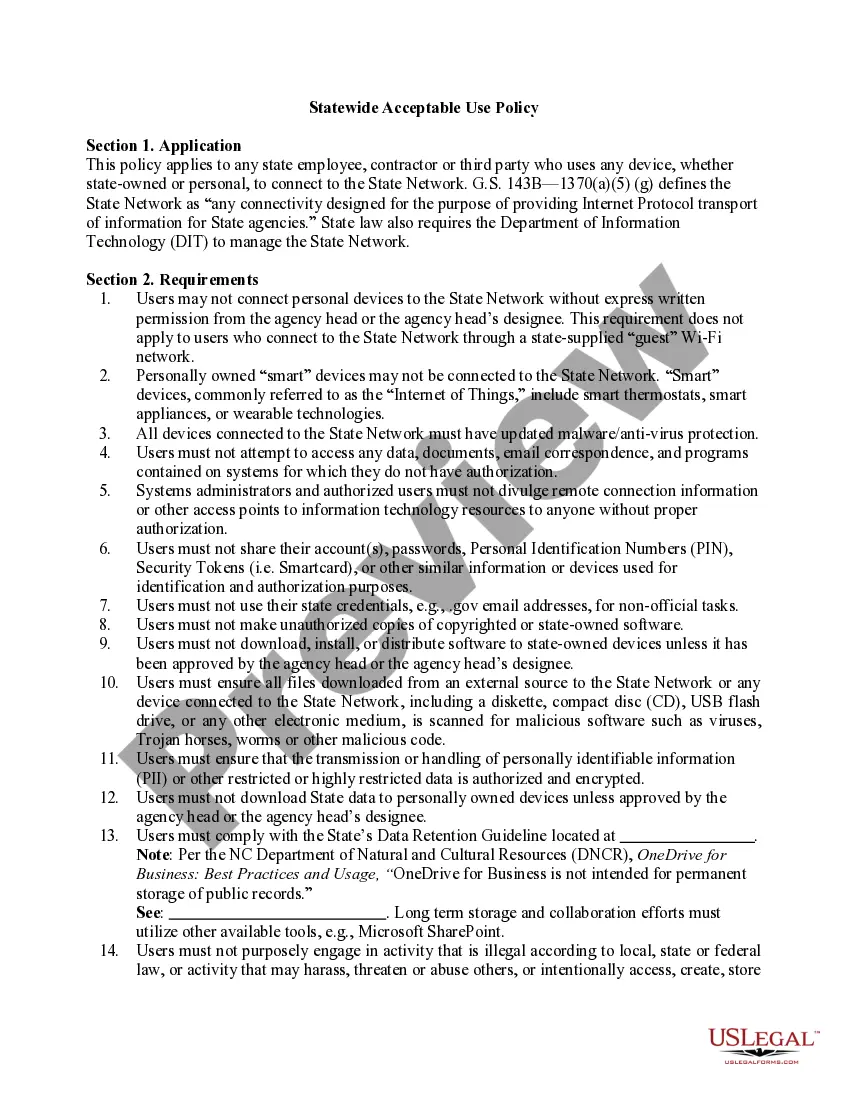
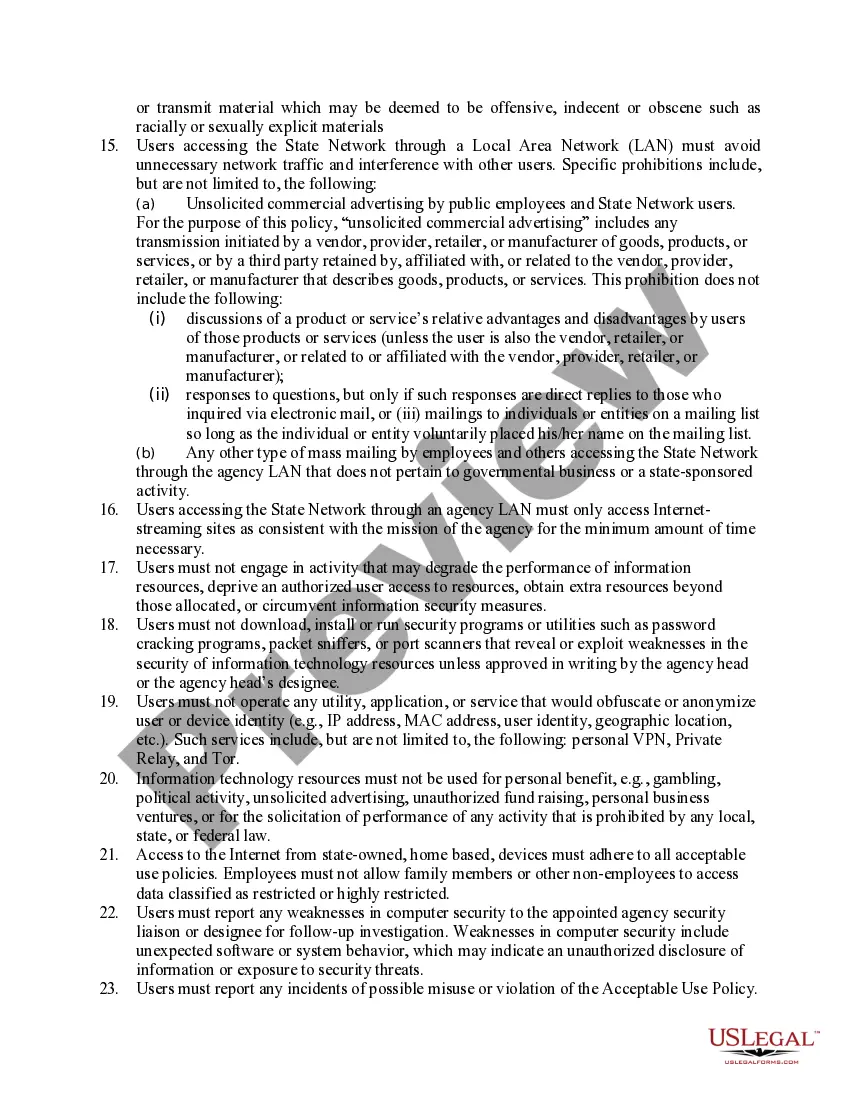
- Policy Requirements: States the specific behaviors and practices that are either required or prohibited when using state networks.
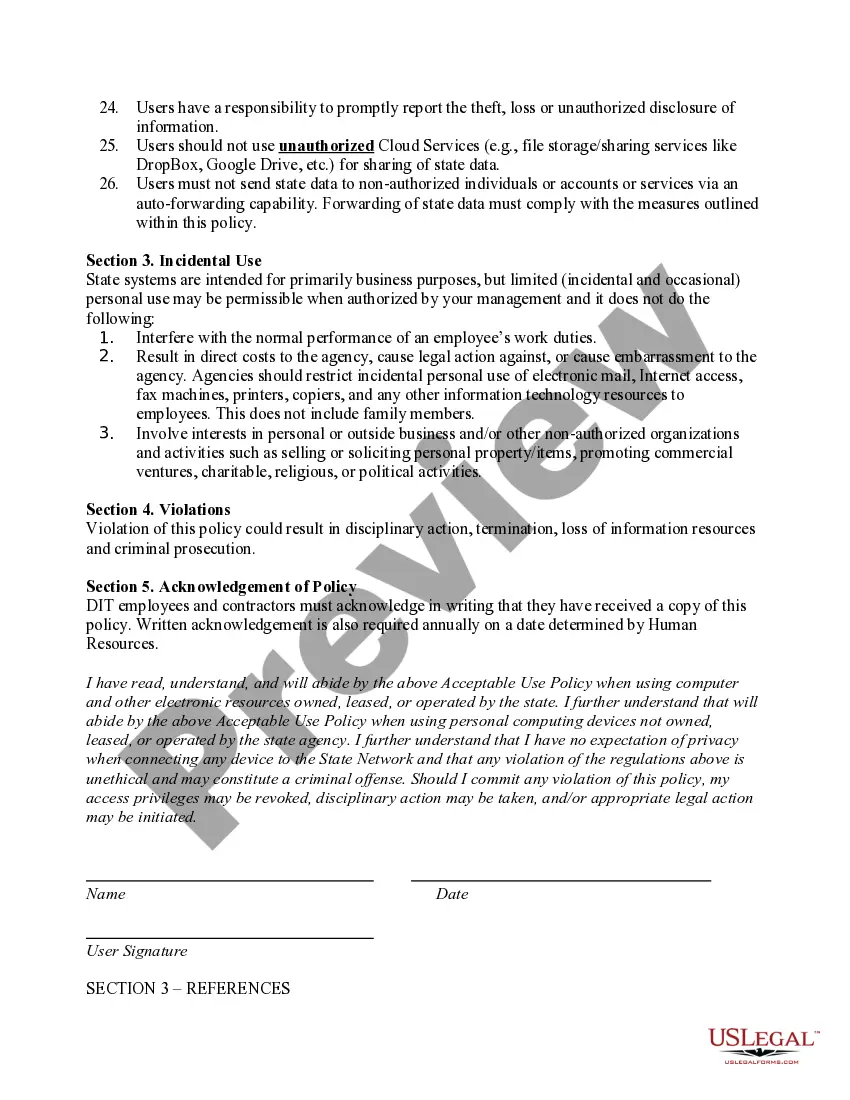
- Incidental Use: Outlines permissible personal use of state resources under specific conditions.
- Violations: Details the consequences of not adhering to the policy.
- Acknowledgment: Requires users to formally acknowledge their understanding of the policy.

When to use this form
This Acceptable Use Policy should be utilized when state agencies and organizations need to establish clear guidelines for users engaging with their computer network resources. This includes scenarios such as onboarding new employees, contractors, or third parties who will access state networks, thereby ensuring compliance with state regulations and promoting secure use of information technology resources.
Who should use this form
- State Agencies and Departments: Required to implement a uniform policy for network use.
- Employees: Must adhere to the policy while accessing state information technology resources.
- Contractors and Third Parties: Need to comply with this policy when connecting to the state network.
- IT Administrators: Responsible for enforcing the Acceptable Use Policy and ensuring user compliance.
How to prepare this document
- Identify User Information: Fill in the name and date at the beginning of the form.
- Acknowledge Understanding: Ensure the user reads through the policy carefully to understand obligations.
- Sign the Document: Users must provide a signature to confirm their agreement to the terms outlined in the policy.
- Distribute Copy: Keep a copy of the signed policy for both the user and the agency's records.
- Set Review Dates: Establish an annual review date for policy acknowledgment to ensure ongoing understanding and compliance.
Notarization guidance
This form usually doesn’t need to be notarized. However, local laws or specific transactions may require it. Our online notarization service, powered by Notarize, lets you complete it remotely through a secure video session, available 24/7.
Get your form ready online
Our built-in tools help you complete, sign, share, and store your documents in one place.
Make edits, fill in missing information, and update formatting in US Legal Forms—just like you would in MS Word.
Download a copy, print it, send it by email, or mail it via USPS—whatever works best for your next step.
Sign and collect signatures with our SignNow integration. Send to multiple recipients, set reminders, and more. Go Premium to unlock E-Sign.
If this form requires notarization, complete it online through a secure video call—no need to meet a notary in person or wait for an appointment.
We protect your documents and personal data by following strict security and privacy standards.

Make edits, fill in missing information, and update formatting in US Legal Forms—just like you would in MS Word.

Download a copy, print it, send it by email, or mail it via USPS—whatever works best for your next step.

Sign and collect signatures with our SignNow integration. Send to multiple recipients, set reminders, and more. Go Premium to unlock E-Sign.

If this form requires notarization, complete it online through a secure video call—no need to meet a notary in person or wait for an appointment.

We protect your documents and personal data by following strict security and privacy standards.
Avoid these common issues
- Failing to sign the acknowledgment section: Users must sign to confirm their understanding and agreement.
- Ignoring updates: Not reviewing the policy annually can result in unawareness of changes or new requirements.
- Assuming personal devices are always allowed: Users must seek explicit permission before connecting personal devices.
- Neglecting to report misuse: Users have a responsibility to report any policy violations or security weaknesses they observe.
Benefits of using this form online
- Accessibility: Users can access and complete the form from anywhere, ensuring convenience.
- Efficiency: Digital forms enable quicker completion and processing, facilitating prompt compliance.
- Easy updates: Agencies can quickly revise the form to reflect current laws and practices.
- Record keeping: Electronic submissions provide a clear trail for future reference and audits.
Legal use & context
- This policy serves as a legally binding document that outlines the acceptable behaviors when using state information technology resources.
- It is enforceable under North Carolina law, ensuring that all users are held to the standards established within.
- Non-compliance can lead to disciplinary action, including termination or legal consequences.