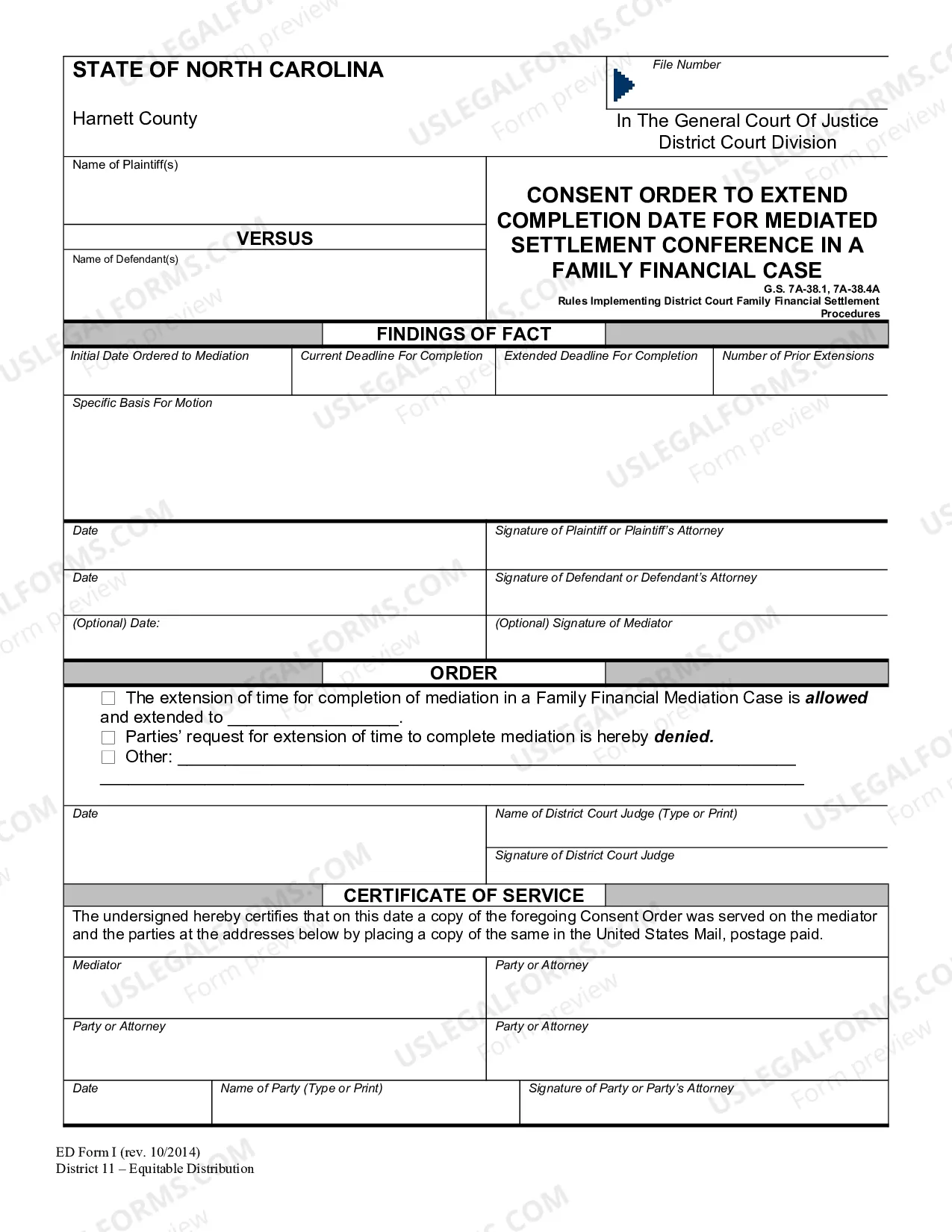
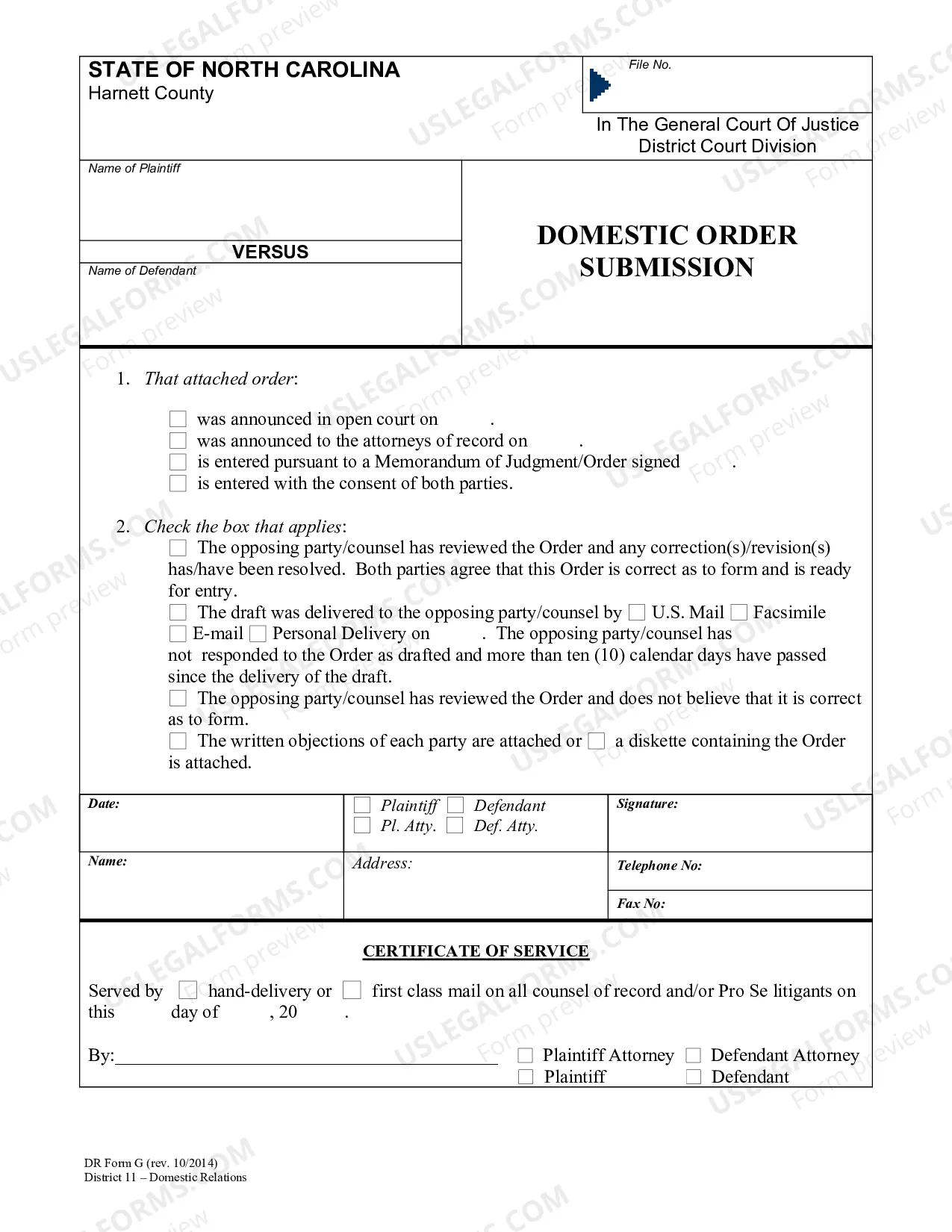
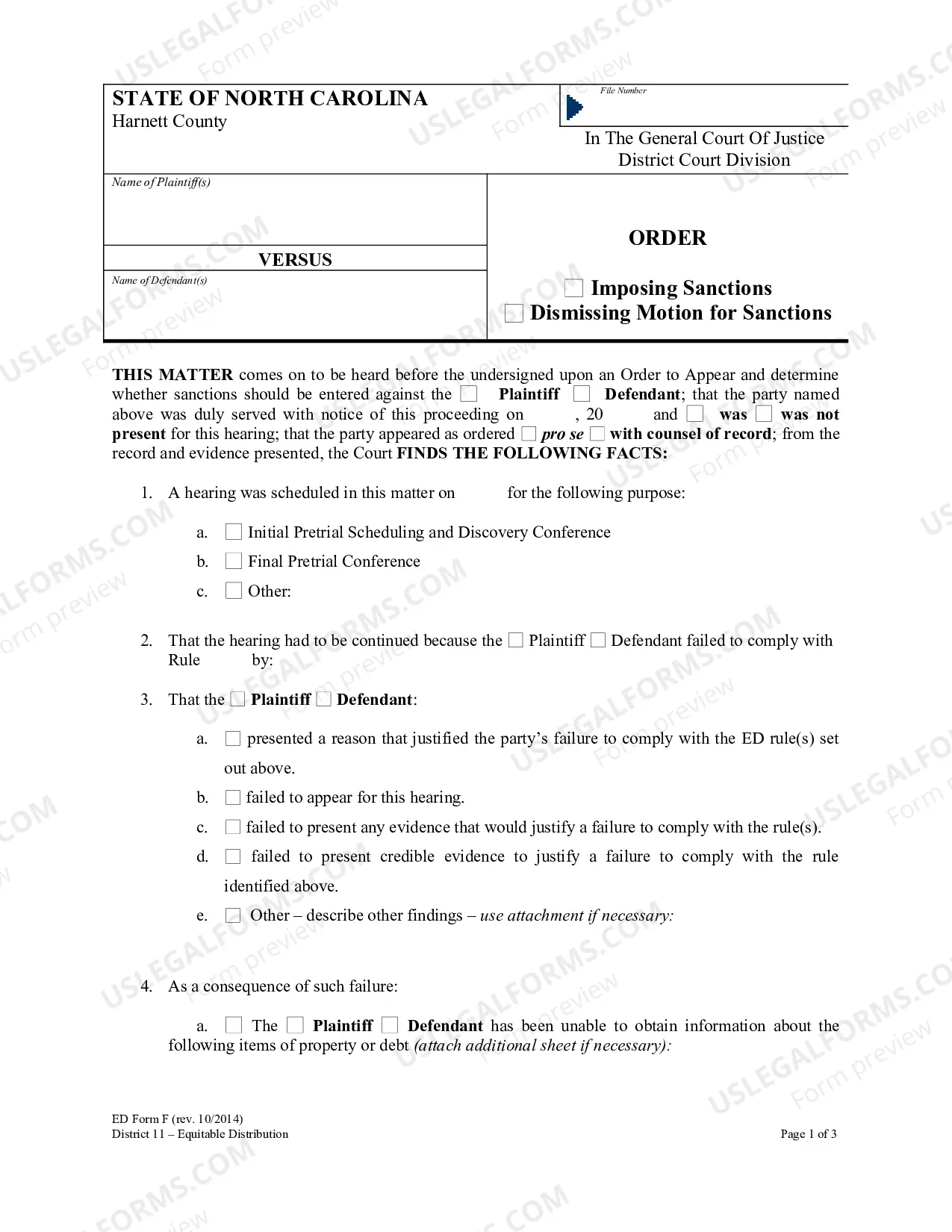
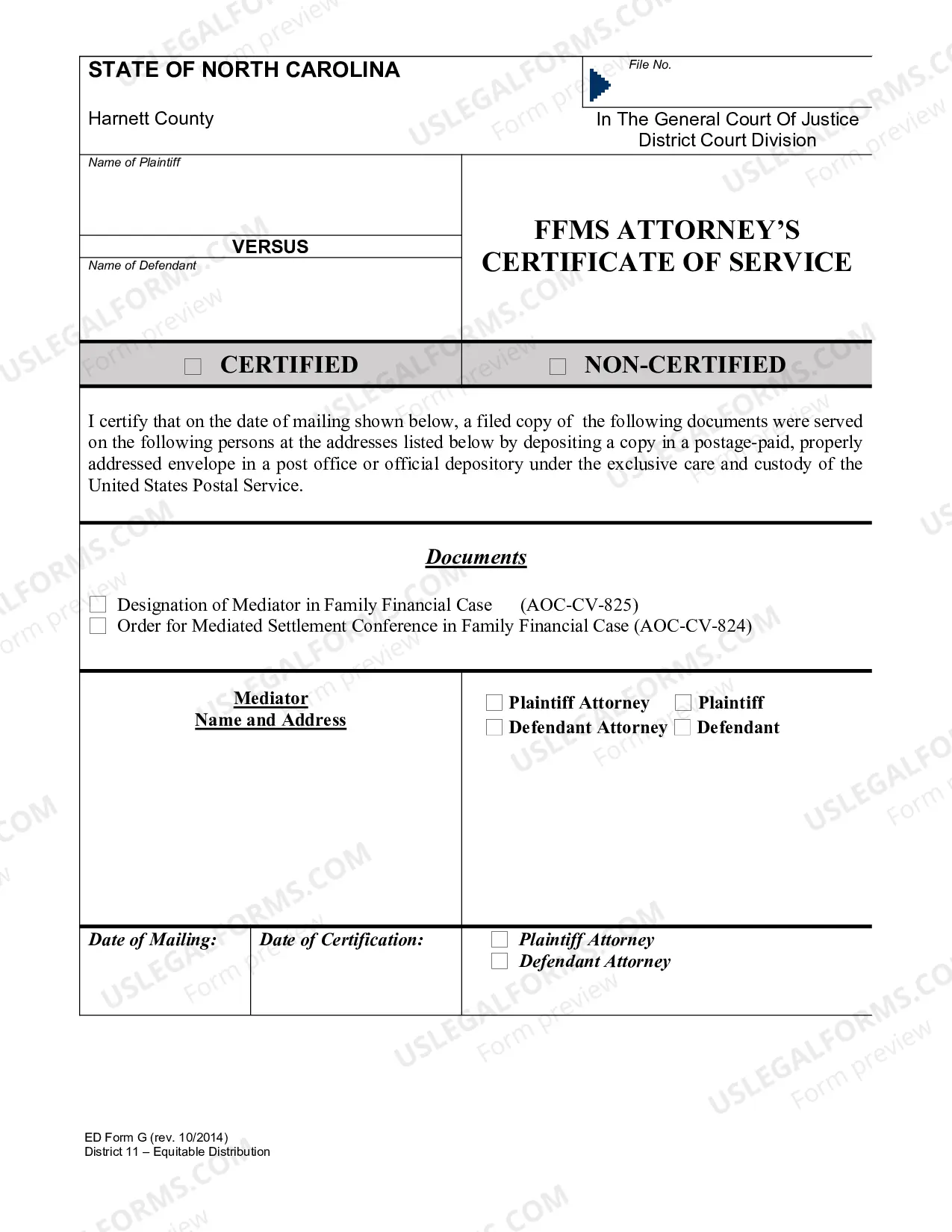
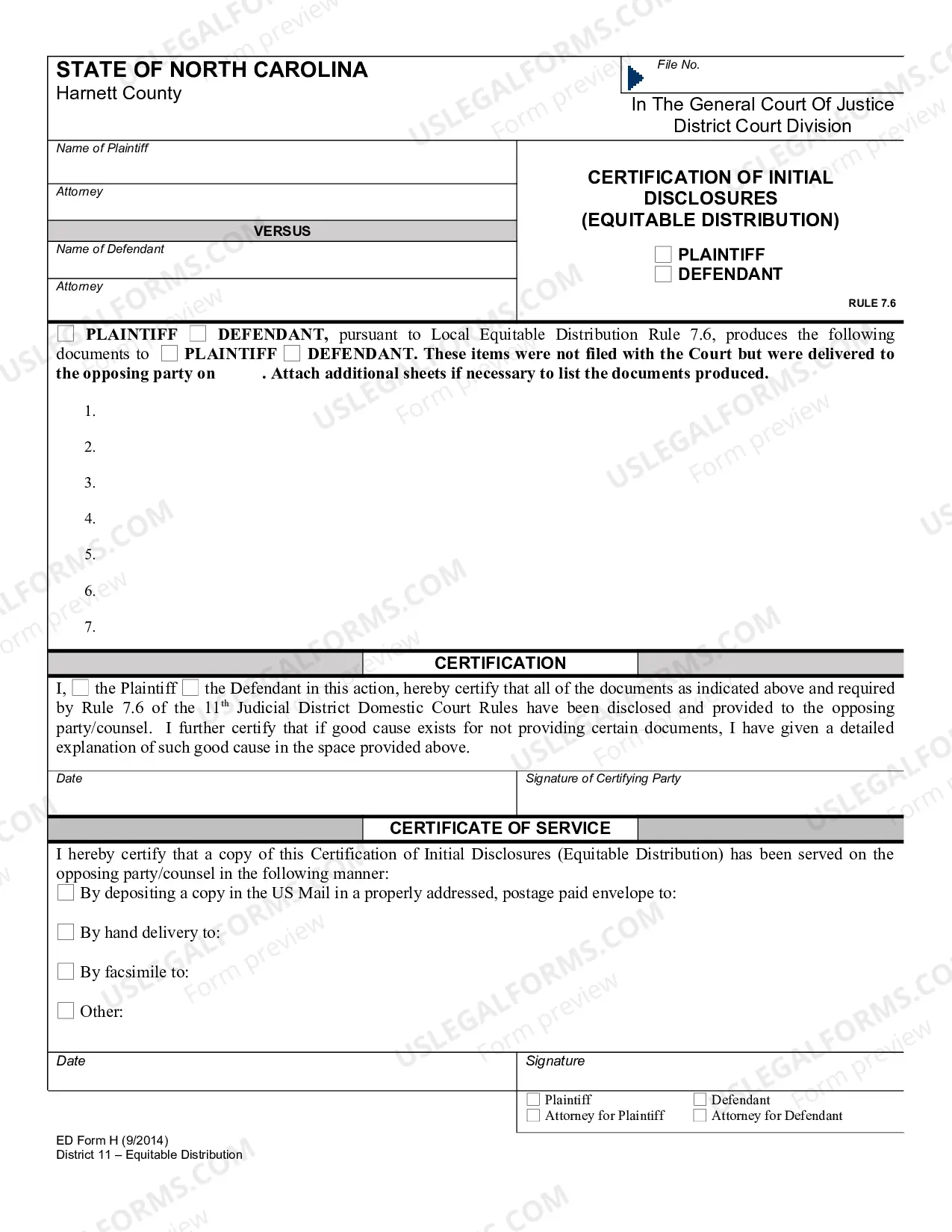
North Carolina ED Form I — Consent Order to Extend Completion Date for MSC in FFC-rev. Oct. 2014)-fillable) is a document used by a North Carolina court to extend the completion date of a case for a Minor Settlement Conference (MSC) in a Family Financial Case (AFC). This form provides a written agreement between the parties involved in the case, allowing them to extend the completion date of the MSC. There are three types of North Carolina ED Form I — Consent Order to Extend Completion Date for MSC in FFC-rev. Oct. 2014)-fillable): 1) Consent Order to Extend Completion Date for MSC in FFC-rev. Oct. 2014); 2) Consent Order to Extend Completion Date for MSC in FFC-rev. Oct. 2014-1; and 3) Consent Order to Extend Completion Date for MSC in FFC-rev. Oct. 2014-2. The form includes information such as the parties' names, the court's name, the date the form was completed, the date the MSC is scheduled, and any additional information or conditions related to the order. The parties must sign and date the form for it to be valid.
North Carolina ED Form I - Consent Order to Extend Completion Date for MSC in FFC-rev. Oct. 2014)-fillable)
Description

Get your form ready online
Our built-in tools help you complete, sign, share, and store your documents in one place.
Make edits, fill in missing information, and update formatting in US Legal Forms—just like you would in MS Word.
Download a copy, print it, send it by email, or mail it via USPS—whatever works best for your next step.
Sign and collect signatures with our SignNow integration. Send to multiple recipients, set reminders, and more. Go Premium to unlock E-Sign.
If this form requires notarization, complete it online through a secure video call—no need to meet a notary in person or wait for an appointment.
We protect your documents and personal data by following strict security and privacy standards.

Make edits, fill in missing information, and update formatting in US Legal Forms—just like you would in MS Word.

Download a copy, print it, send it by email, or mail it via USPS—whatever works best for your next step.

Sign and collect signatures with our SignNow integration. Send to multiple recipients, set reminders, and more. Go Premium to unlock E-Sign.

If this form requires notarization, complete it online through a secure video call—no need to meet a notary in person or wait for an appointment.

We protect your documents and personal data by following strict security and privacy standards.
Looking for another form?
How to fill out North Carolina ED Form I - Consent Order To Extend Completion Date For MSC In FFC-rev. Oct. 2014)-fillable)?
If you’re looking for a method to correctly finalize the North Carolina ED Form I - Consent Order to Extend Completion Date for MSC in FFC-rev. Oct. 2014)-fillable) without enlisting a lawyer, then you’ve arrived at the perfect place.
US Legal Forms has established itself as the most comprehensive and dependable repository of official templates for every personal and business circumstance. Each document you find on our online service is crafted in accordance with federal and state regulations, ensuring that your paperwork is organized.
Another great aspect of US Legal Forms is that you will never lose the documents you obtained - you can access any of your downloaded forms in the My documents section of your profile whenever necessary.
- Verify that the document you view on the page aligns with your legal situation and state regulations by reviewing its text description or browsing the Preview mode.
- Input the document title in the Search tab at the top of the page and select your state from the dropdown to find an alternative template if there are any discrepancies.
- Repeat the content verification and click Buy now when you are assured of the document's compliance with all requirements.
- Log in to your account and click Download. Sign up for the service and select a subscription plan if you do not have one yet.
- Utilize your credit card or the PayPal option to acquire your US Legal Forms subscription. The template will be ready for download immediately afterward.
- Choose the format you wish to save your North Carolina ED Form I - Consent Order to Extend Completion Date for MSC in FFC-rev. Oct. 2014)-fillable) in and download it by clicking the designated button.
- Upload your template to an online editor to finish and sign it quickly or print it out to prepare your physical copy manually.