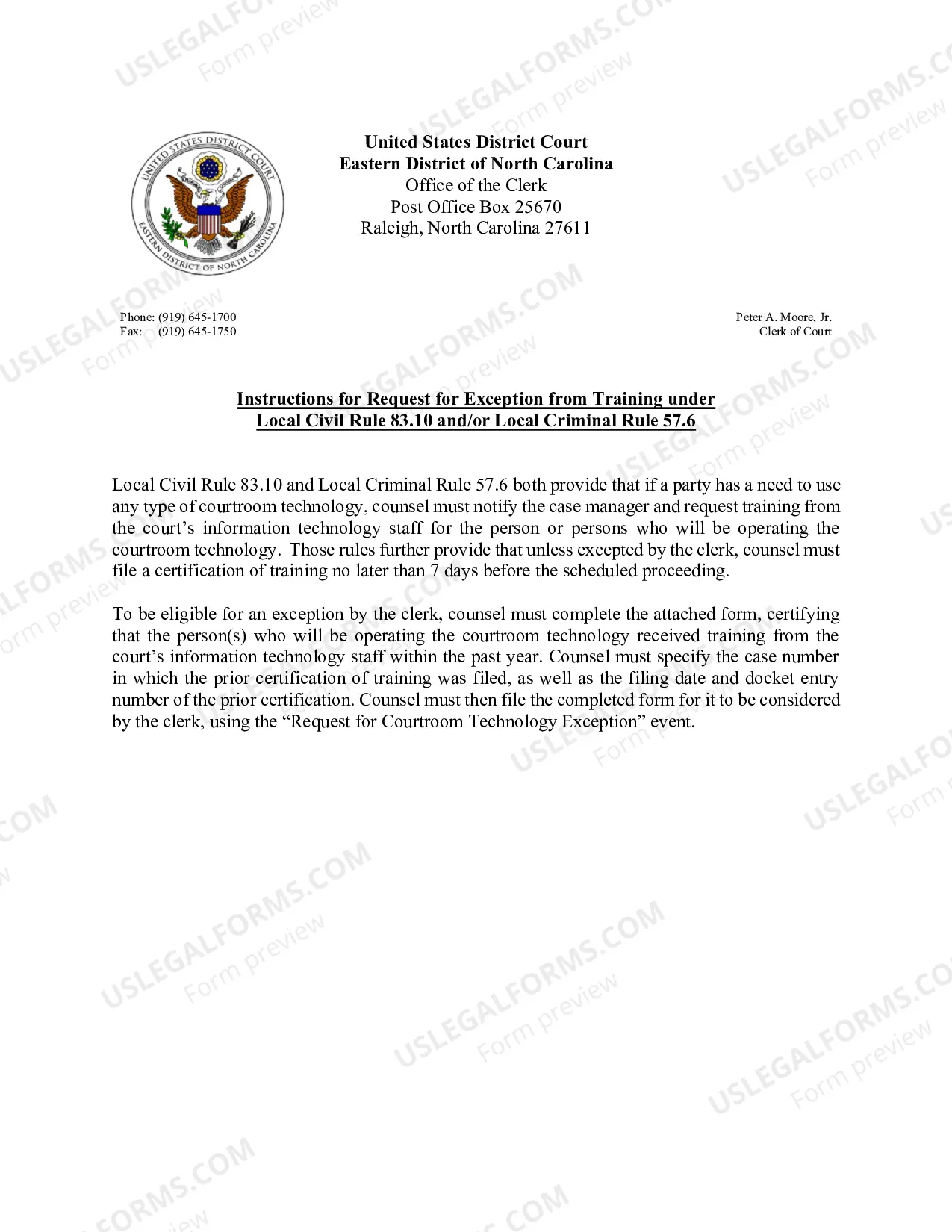
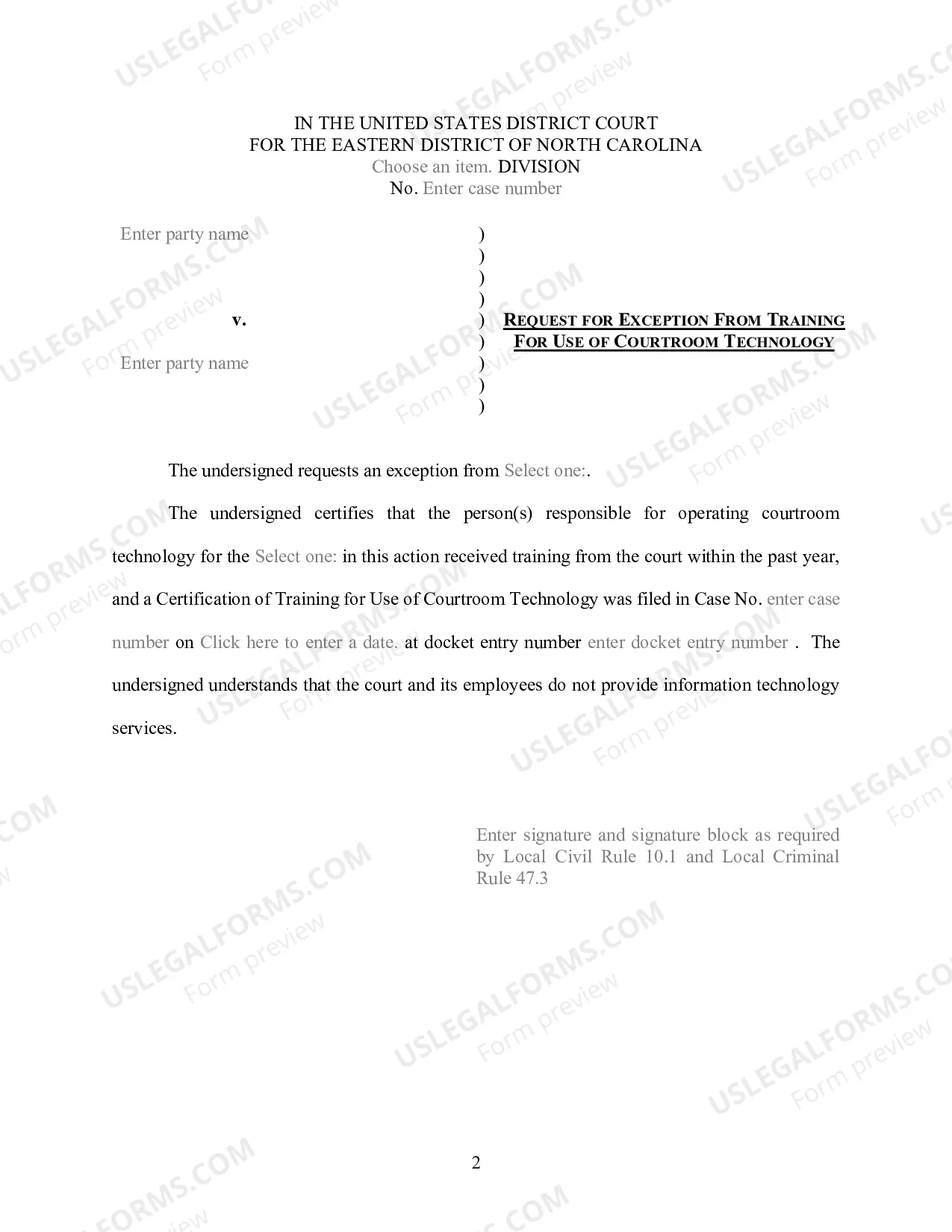
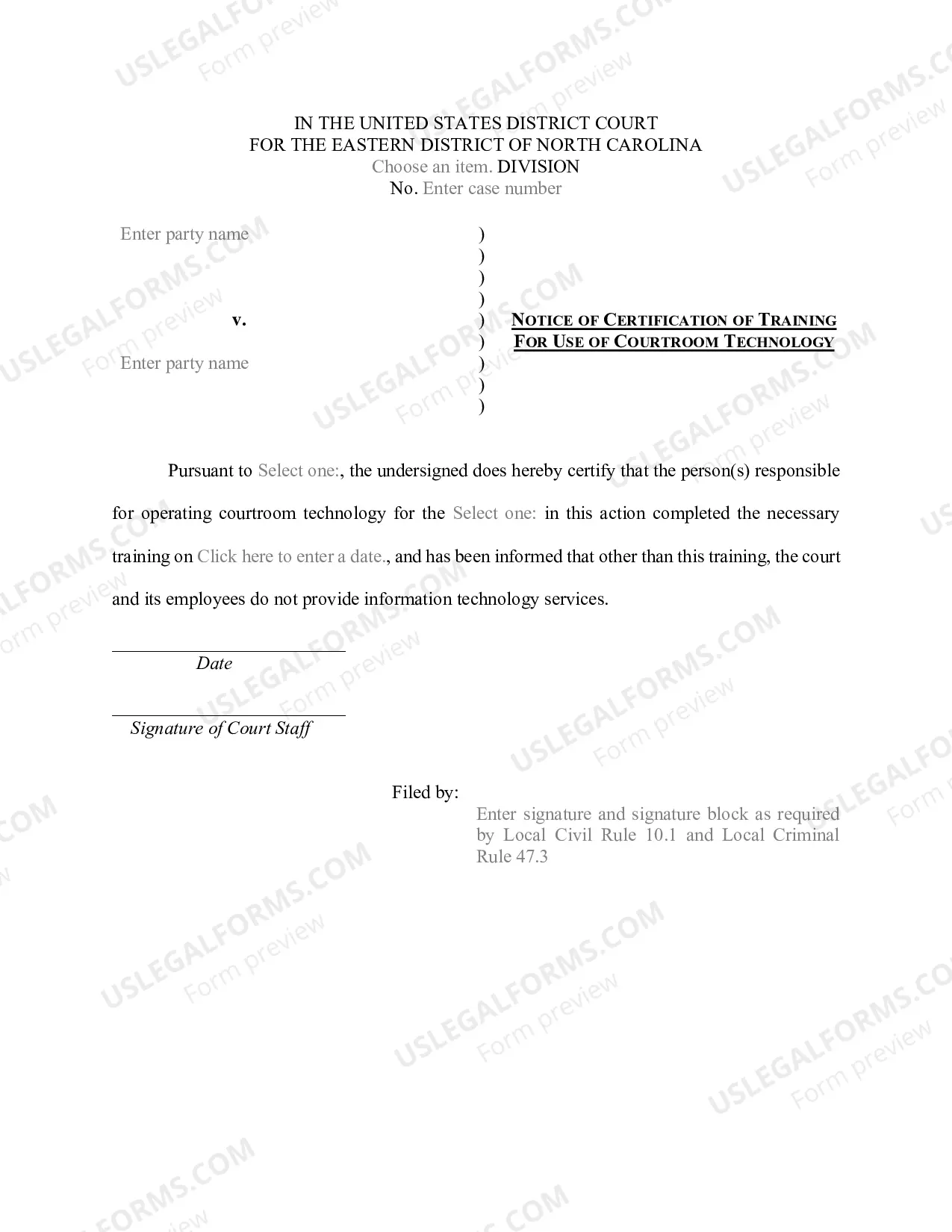
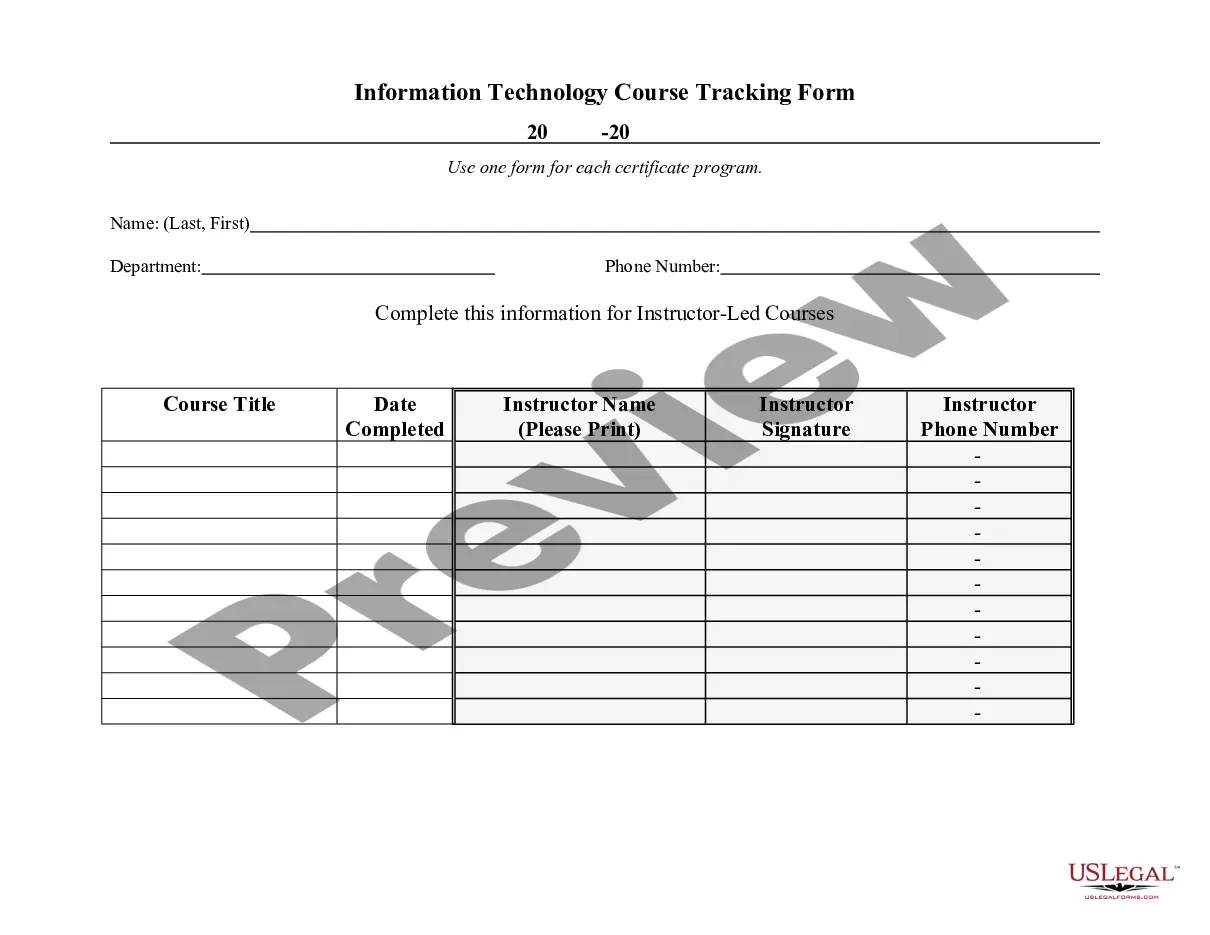
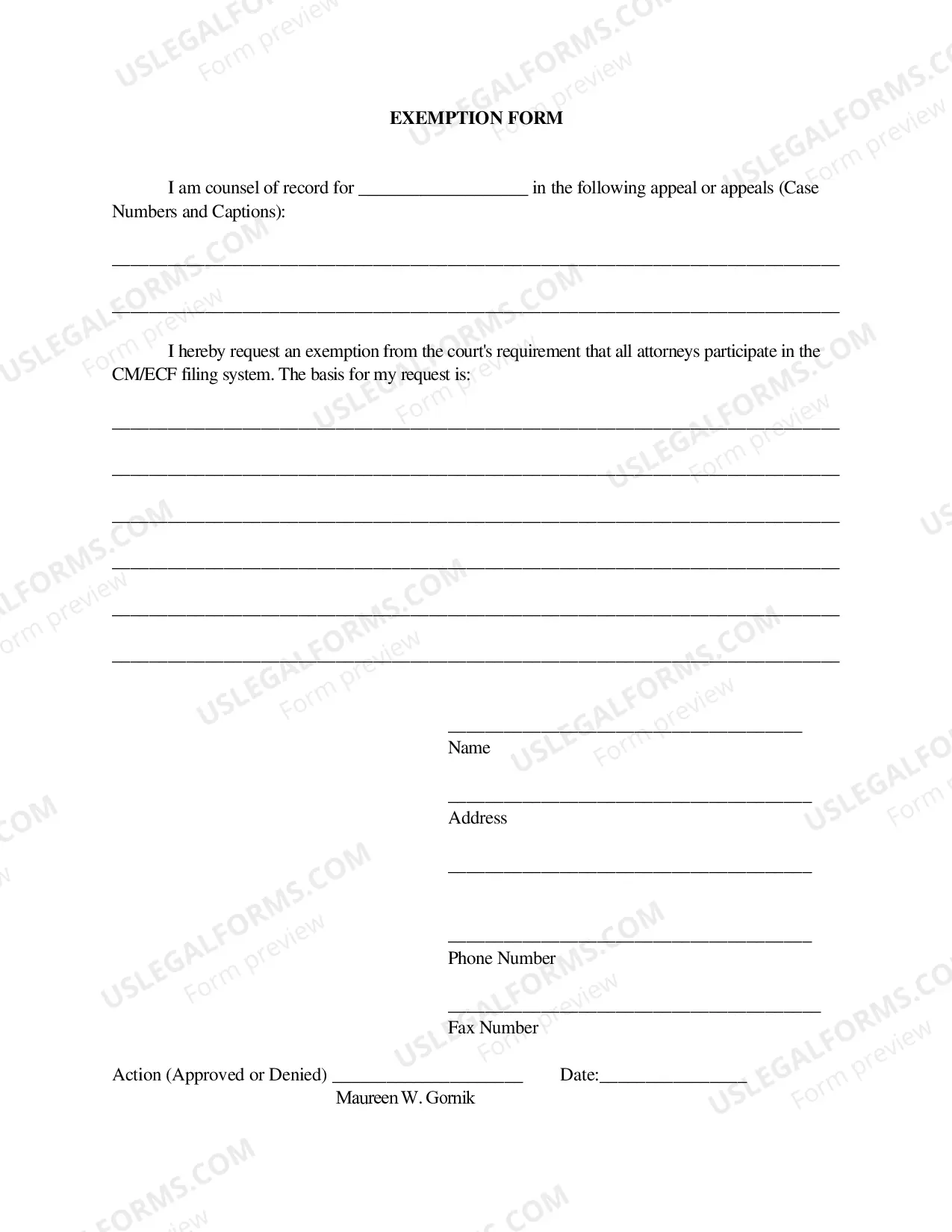
The North Carolina Request for Exception from Technology Training-Instructions and Form is a form used by North Carolina Department of Public Instruction (NCDP) staff and local education agencies (Leas) to request an exception from the NCDP Technology Training Standards for a specific school or LEA. This form can be used to request an exception to any of the four Technology Training Standards, which are: 1. Basic Computer Skills 2. Digital Citizenship 3. Technology Integration 4. Technology Resources The form allows the LEA to explain the circumstances and conditions that require an exception. It also requires the LEA to provide a detailed plan on how they will meet the technology training needs of their staff and students despite the exception. Once the form is submitted, the NCDP will review the request and make a decision on whether to grant the exception. If the exception is granted, the LEA must provide documentation of the implementation of their plan. The North Carolina Request for Exception from Technology Training-Instructions and Form is a necessary step for Leas to request an exception to the Technology Training Standards set by the NCDP.
North Carolina Request for Exception from Technology Training-instructions and form)
Description
Get your form ready online
Our built-in tools help you complete, sign, share, and store your documents in one place.
Make edits, fill in missing information, and update formatting in US Legal Forms—just like you would in MS Word.
Download a copy, print it, send it by email, or mail it via USPS—whatever works best for your next step.
Sign and collect signatures with our SignNow integration. Send to multiple recipients, set reminders, and more. Go Premium to unlock E-Sign.
If this form requires notarization, complete it online through a secure video call—no need to meet a notary in person or wait for an appointment.
We protect your documents and personal data by following strict security and privacy standards.

Make edits, fill in missing information, and update formatting in US Legal Forms—just like you would in MS Word.

Download a copy, print it, send it by email, or mail it via USPS—whatever works best for your next step.

Sign and collect signatures with our SignNow integration. Send to multiple recipients, set reminders, and more. Go Premium to unlock E-Sign.

If this form requires notarization, complete it online through a secure video call—no need to meet a notary in person or wait for an appointment.

We protect your documents and personal data by following strict security and privacy standards.
Looking for another form?



How to fill out North Carolina Request For Exception From Technology Training-instructions And Form)?
How much time and resources do you generally invest in creating official documentation? There’s a better alternative to obtaining such forms than employing legal professionals or spending hours searching online for an appropriate template. US Legal Forms is the leading online repository that provides expertly drafted and verified state-specific legal documents for any purpose, such as the North Carolina Request for Exception from Technology Training-instructions and form.
To acquire and prepare an appropriate North Carolina Request for Exception from Technology Training-instructions and form template, follow these simple steps.
Another advantage of our service is that you can access previously obtained documents that you securely store in your profile in the My documents tab. Retrieve them anytime and redo your paperwork as often as necessary.
Save time and effort preparing formal documents with US Legal Forms, one of the most reliable web services. Sign up for us now!
- Review the form content to ensure it complies with your state regulations. To do so, read the form description or utilize the Preview option.
- If your legal template doesn’t meet your requirements, look for another one using the search bar at the top of the page.
- If you are already registered with our service, Log In and download the North Carolina Request for Exception from Technology Training-instructions and form. If not, continue to the next steps.
- Click Buy now once you find the correct document. Choose the subscription plan that best fits your needs to access our library’s complete service.
- Create an account and pay for your subscription. You can complete the payment with your credit card or via PayPal - our service is completely trustworthy for that.
- Download your North Carolina Request for Exception from Technology Training-instructions and form onto your device and fill it out on a printed hard copy or electronically.