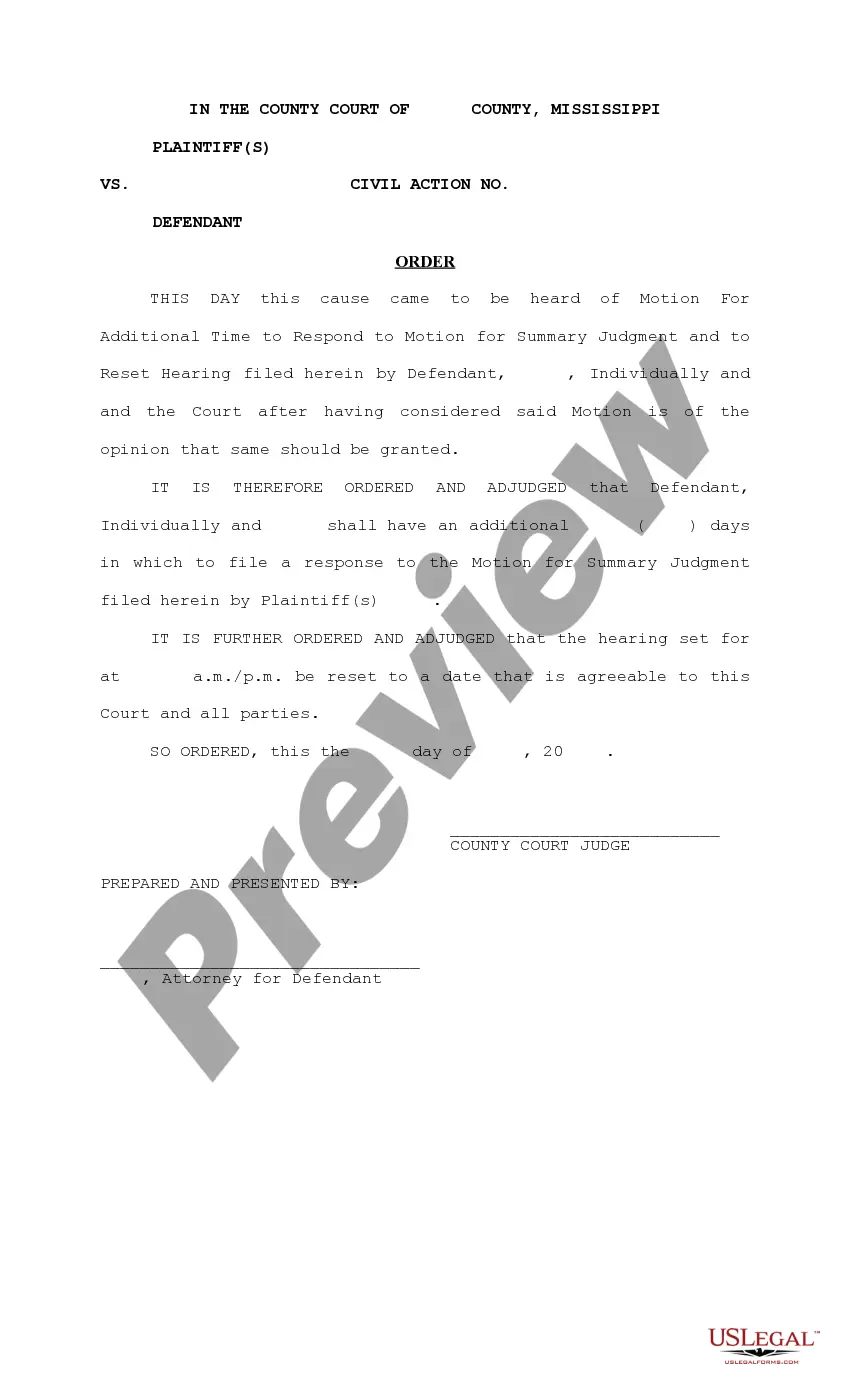
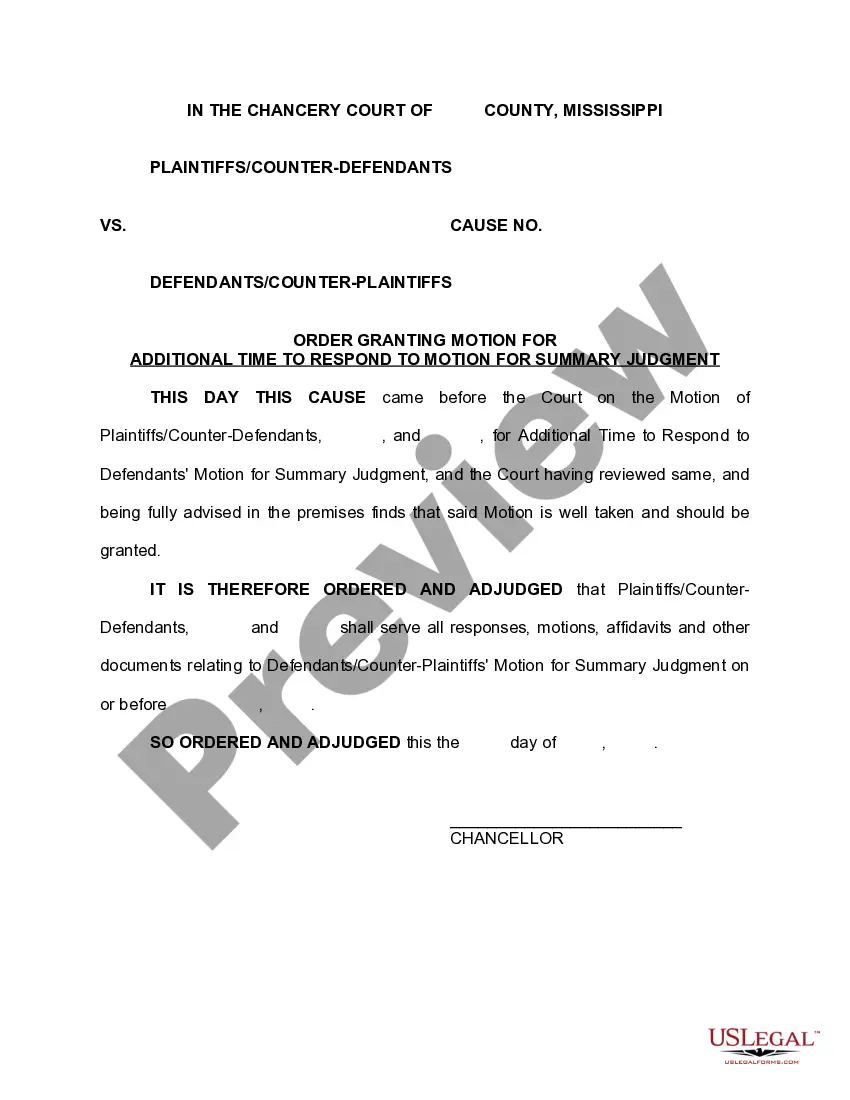
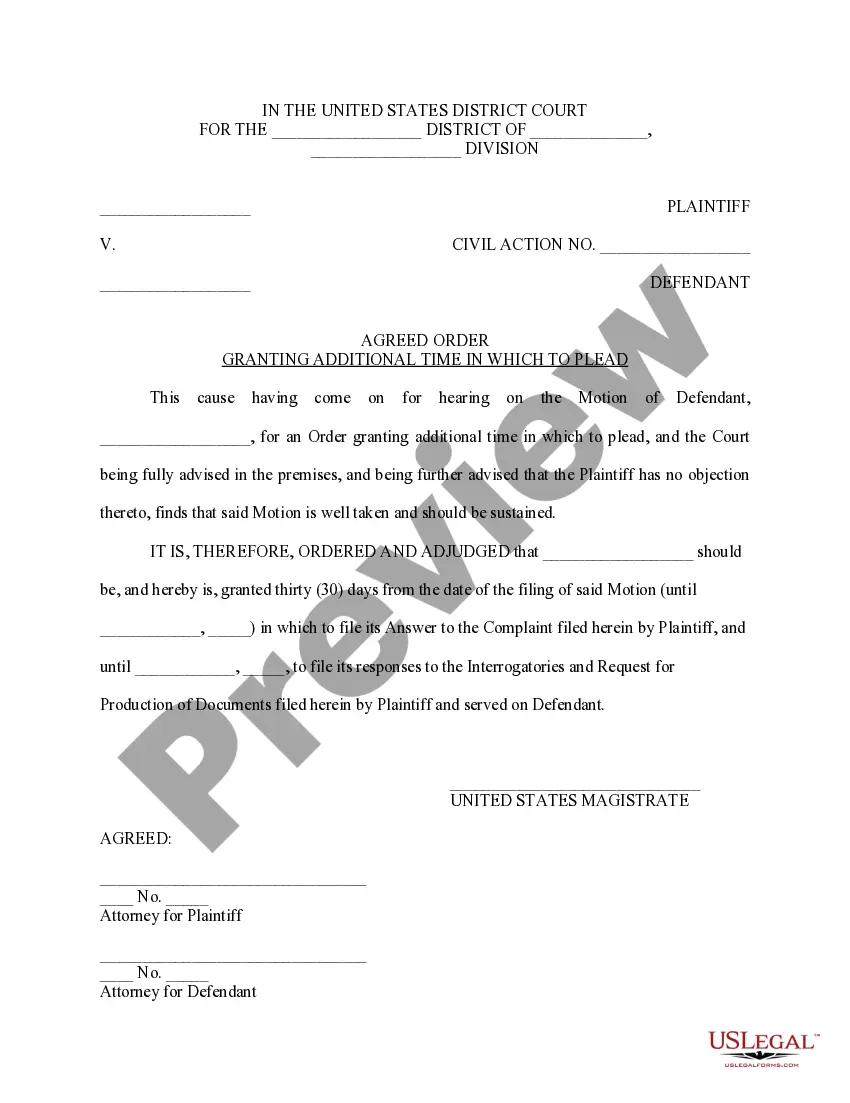
Mississippi Order Granting Motion for Additional Time
Understanding this form
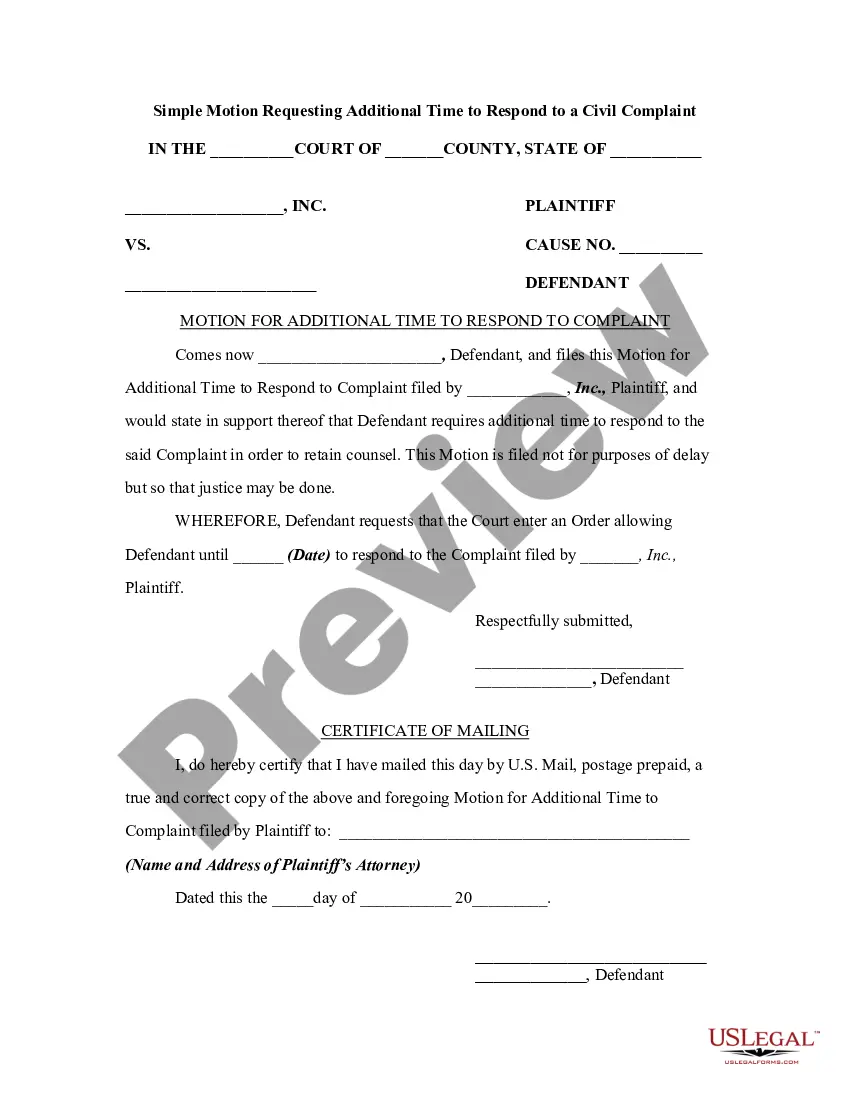
The Order Granting Motion for Additional Time is a legal document that requests the court to extend a deadline or provide extra time for a specific action. This form differs from other motions as it specifically focuses on obtaining more time, which can be crucial for meeting legal obligations or preparing a case. It is designed to be adaptable to your unique situation, allowing you to tailor the details as necessary.
What’s included in this form
- Title of the motion and the court in which it is filed
- Name of the parties involved in the case
- Specific reasons for requesting additional time
- Proposed new deadlines or timeframes
- Signature fields for the requesting party
- Space for the judge's order or ruling on the motion
When to use this form
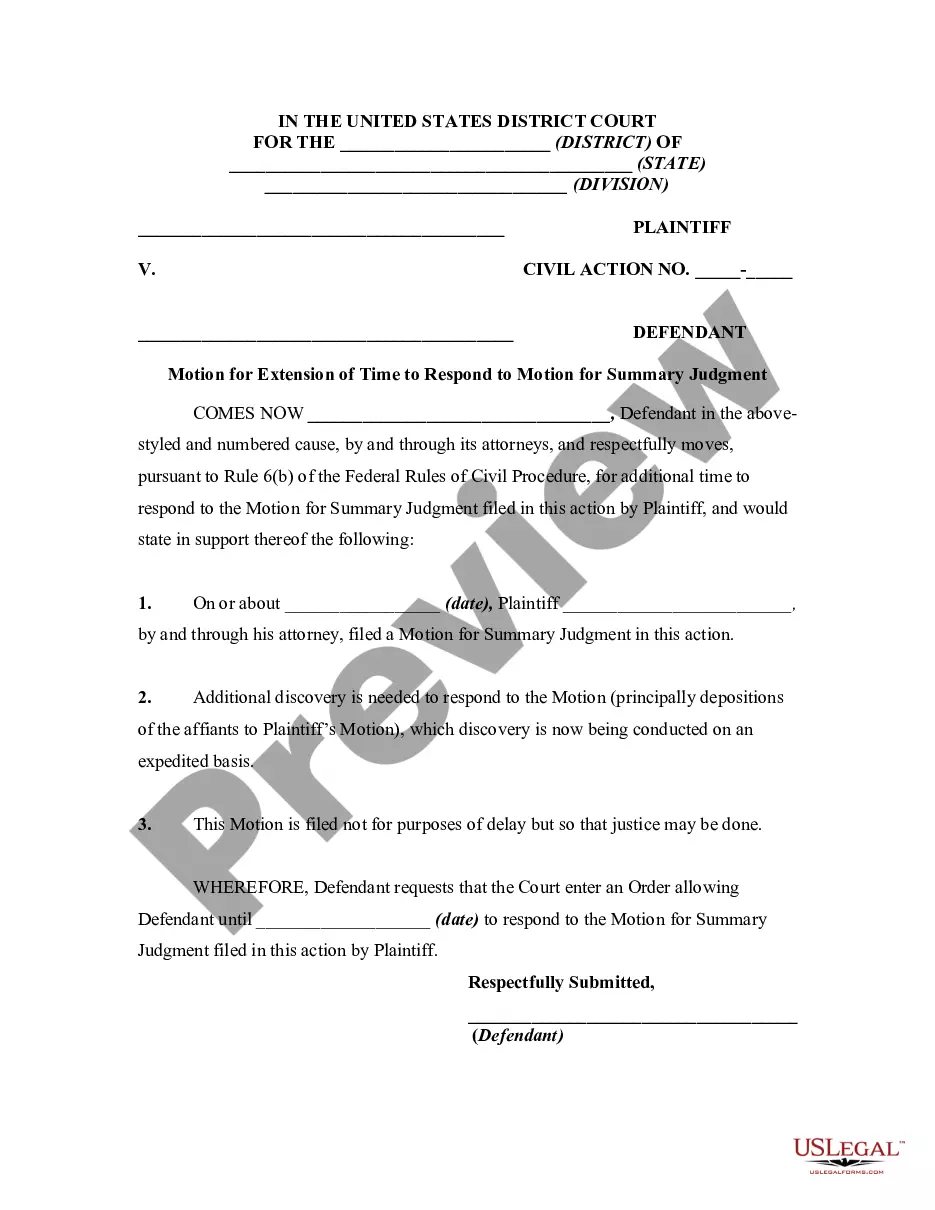
This form is typically used when a party in a legal case realizes that they will not be able to meet a court-imposed deadline. Situations may include needing more time to gather evidence, to prepare legal documents, or to respond to motions from the opposing party. It is essential in ensuring that parties do not miss crucial opportunities to present their cases in full.
Who should use this form
- Individuals involved in a legal dispute
- Attorneys representing clients in various legal matters
- Any party requiring an extension from the court to complete legal obligations
- Those unfamiliar with court procedures who need assistance in filing a motion
Instructions for completing this form
- Identify the relevant court and enter its title at the top of the form.
- Clearly state the names of all parties involved in your case.
- Provide a concise explanation of why additional time is needed.
- Specify the new deadlines you are proposing to the court.
- Sign the form in the designated area and ensure all parties receive copies.
Does this form need to be notarized?
This form does not typically require notarization unless specified by local law. You may confirm specific requirements according to your jurisdiction to ensure compliance.
Get your form ready online
Our built-in tools help you complete, sign, share, and store your documents in one place.
Make edits, fill in missing information, and update formatting in US Legal Forms—just like you would in MS Word.
Download a copy, print it, send it by email, or mail it via USPS—whatever works best for your next step.
Sign and collect signatures with our SignNow integration. Send to multiple recipients, set reminders, and more. Go Premium to unlock E-Sign.
If this form requires notarization, complete it online through a secure video call—no need to meet a notary in person or wait for an appointment.
We protect your documents and personal data by following strict security and privacy standards.

Make edits, fill in missing information, and update formatting in US Legal Forms—just like you would in MS Word.

Download a copy, print it, send it by email, or mail it via USPS—whatever works best for your next step.

Sign and collect signatures with our SignNow integration. Send to multiple recipients, set reminders, and more. Go Premium to unlock E-Sign.

If this form requires notarization, complete it online through a secure video call—no need to meet a notary in person or wait for an appointment.

We protect your documents and personal data by following strict security and privacy standards.
Common mistakes to avoid
- Failing to provide sufficient detail for the court to understand the need for additional time.
- Not including all relevant parties' names or case information.
- Missing deadlines for filing the motion.
- Forgetting to sign the form or provide necessary contact information.
Why complete this form online
- Convenient access to the form anytime, without the need for in-person visits.
- Editable templates that allow for quick customization to fit your situation.
- Access to forms prepared by licensed attorneys, ensuring compliance with legal standards.
- Immediate availability for download, reducing turnaround time compared to traditional methods.
Main things to remember
- The Order Granting Motion for Additional Time allows you to formally request extra time from the court.
- Clearly outline your reasons and proposed new deadlines to improve the chances of approval.
- Ensure that the form is completed accurately and submitted correctly to avoid common pitfalls.
Looking for another form?




Form popularity
FAQ
(A) Time to file. Any party may file a response to a motion; Rule 27(a)(2) governs its contents. The response must be filed within 10 days after service of the motion unless the court shortens or extends the time.
Motions are not pleadings but are requests for the judge to make a legal ruling. Some of the most common pre-trial motions include: Motion to Discover. A motion by which one party seeks to gain information from the adverse party.
Fill out the forms. You have to fill out at least 2 forms, maybe more, to file your opposition. File the forms. Turn in your completed forms by mail or efiling. Serve the other party. Get ready for the hearing. Prepare an order.
After you complete your motion, you must file it with the court.You must then serve (mail) a copy of your filed motion (including all exhibits and the date, time, and place of hearing) to all other parties in the case. If a party is represented by an attorney, mail the motion directly to the attorney's office.
In the Layers list in Motion, select the group to add a text layer to. In the canvas toolbar, click the Text tool (or press T). Click in the canvas. Optional: Choose font formatting options in the Format pane of the Text Inspector or in the HUD. Enter text. When you finish typing, do one of the following:
What it means to file a motion: A motion, in its simplest form is a list of requests that you are asking the Court grant on your behalf. You, or your attorney on your behalf, will file a Notice of Motion which includes a list of requests for the court to rule upon.
There's no exact time limit on how fast a judge must do his work. In the states and federal courts I am familiar with, the lawyer files a motion and sets it for hearing about six weeks later, more or less, depending on the court's docket.
In the Motion canvas toolbar, select the Text tool, then drag within the text in the canvas. In the canvas toolbar, select the Text tool, click between two text characters in the canvas, press and hold the Shift key, then press the Right Arrow key or the Left Arrow key to select characters.
What it means to file a motion: A motion, in its simplest form is a list of requests that you are asking the Court grant on your behalf. You, or your attorney on your behalf, will file a Notice of Motion which includes a list of requests for the court to rule upon.