Mississippi Order on Claim and Delivery
Understanding this form
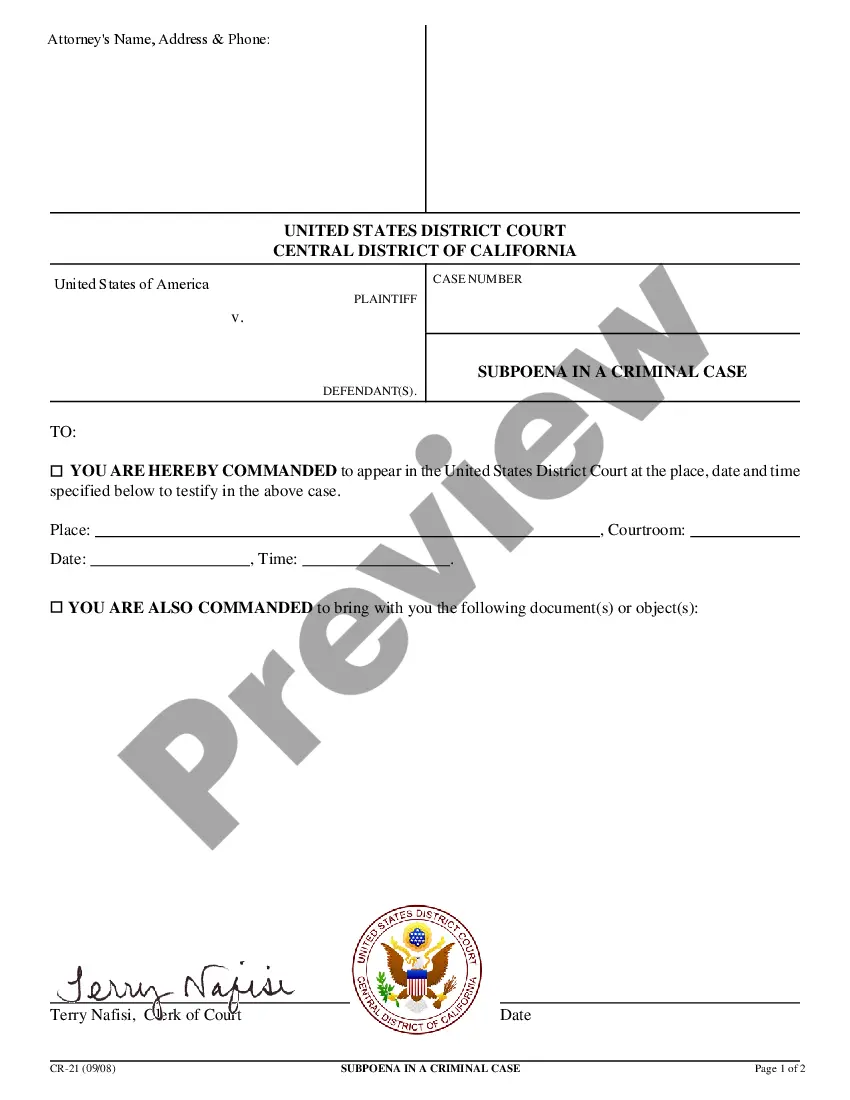
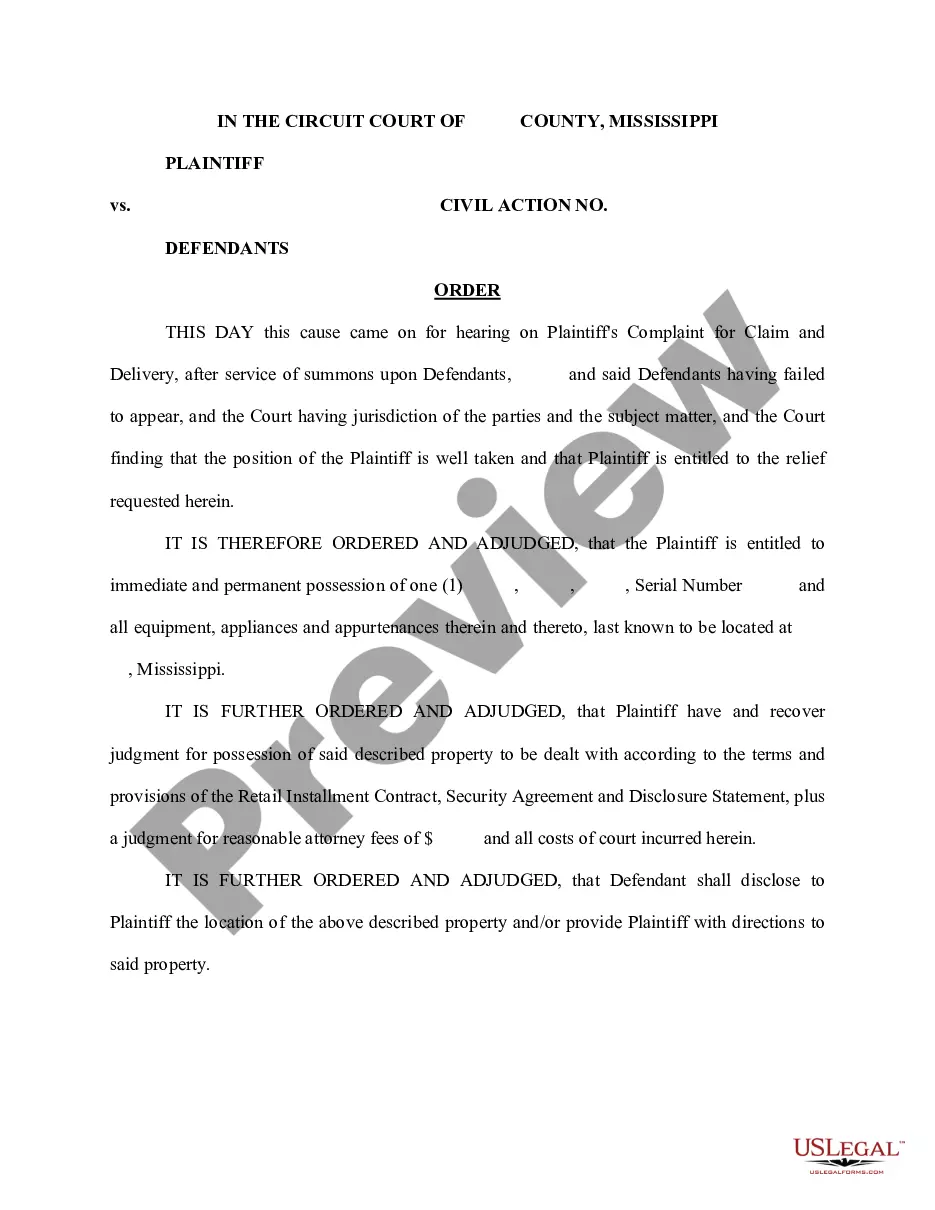
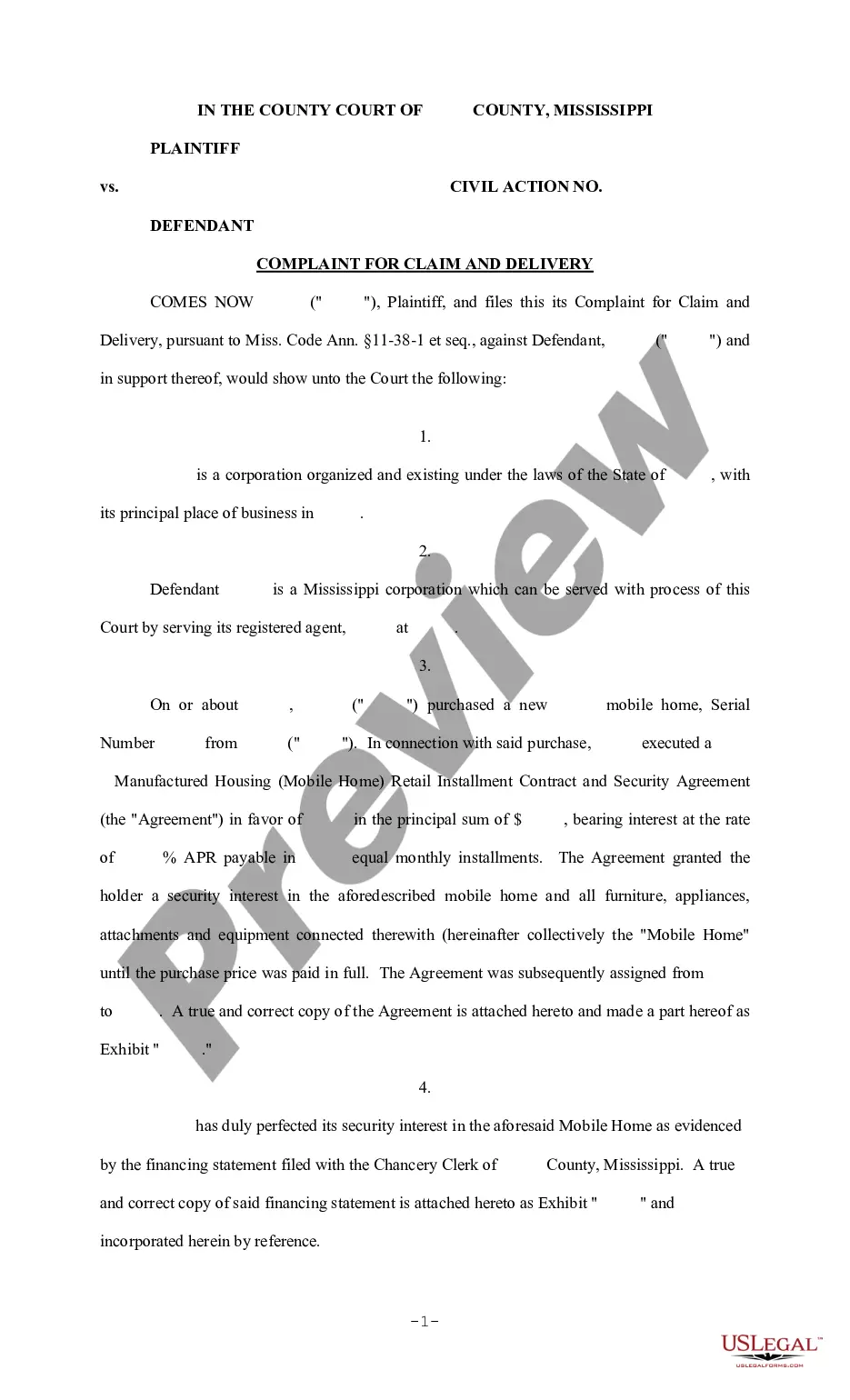
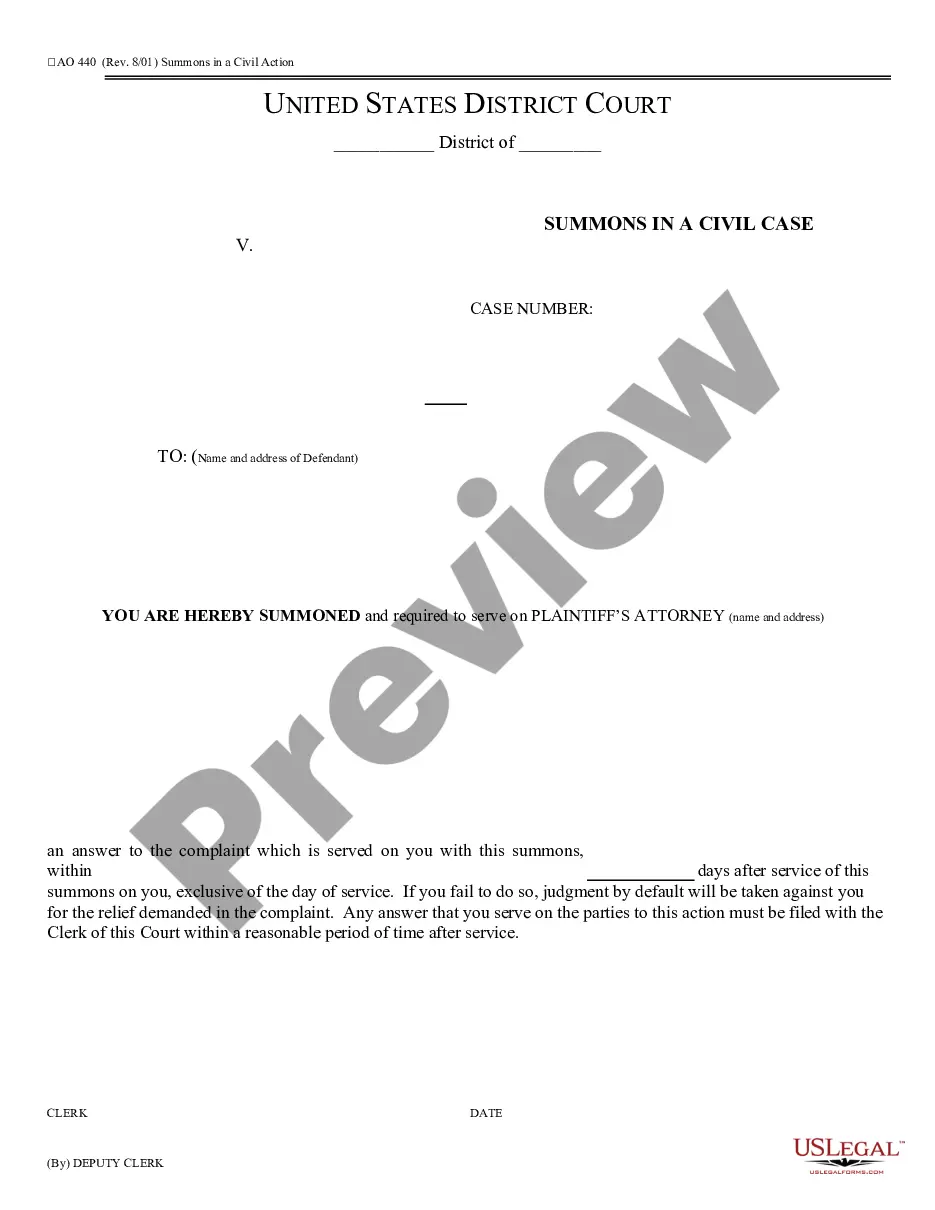
The Order on Claim and Delivery is a legal document issued by the court that directs a party to take specific action regarding personal property. This form serves as an official court order and is typically utilized when one party seeks the immediate possession of items in the possession of another. Unlike similar forms, this order specifically demands compliance by revealing the location of the property or providing access to it.
Main sections of this form
- Official heading indicating it is a court order.
- Instructions for the defendant to disclose or provide access to the specified property.
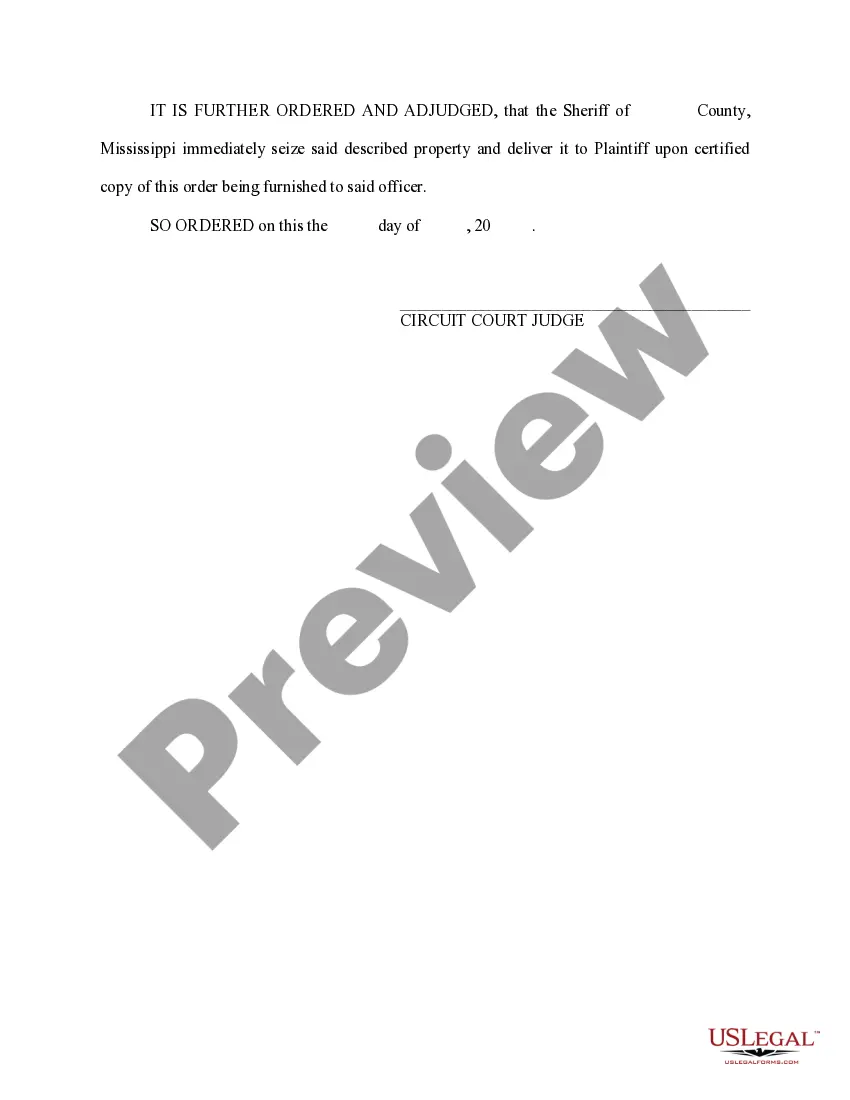
- Signature line for a Circuit Court Judge to validate the order.


When to use this document
This form should be used in situations where a party seeks to regain possession of personal property that may be wrongfully held by another party. It is commonly employed in disputes involving rental agreements, sales of goods, or when someone is unlawfully withholding property. You may need this order when previous attempts to recover the property have been unsuccessful.
Who can use this document
- Individuals or organizations seeking to reclaim property from another party.
- Legal representatives acting on behalf of a client involved in a property dispute.
- Parties who have been directed by the court to file this type of order.
Instructions for completing this form
- Identify the parties involved in the claim.
- Specify the property in question by providing a detailed description.
- Clearly articulate the action required of the defendant regarding the property.
- Enter the date and court information as required.
- Obtain the signature of the Circuit Court Judge to finalize the order.
Notarization requirements for this form
This form does not typically require notarization unless specified by local law. However, it's important to verify with your local court requirements for any additional steps that may be necessary for enforcement.
Get your form ready online
Our built-in tools help you complete, sign, share, and store your documents in one place.
Make edits, fill in missing information, and update formatting in US Legal Forms—just like you would in MS Word.
Download a copy, print it, send it by email, or mail it via USPS—whatever works best for your next step.
Sign and collect signatures with our SignNow integration. Send to multiple recipients, set reminders, and more. Go Premium to unlock E-Sign.
If this form requires notarization, complete it online through a secure video call—no need to meet a notary in person or wait for an appointment.
We protect your documents and personal data by following strict security and privacy standards.

Make edits, fill in missing information, and update formatting in US Legal Forms—just like you would in MS Word.

Download a copy, print it, send it by email, or mail it via USPS—whatever works best for your next step.

Sign and collect signatures with our SignNow integration. Send to multiple recipients, set reminders, and more. Go Premium to unlock E-Sign.

If this form requires notarization, complete it online through a secure video call—no need to meet a notary in person or wait for an appointment.

We protect your documents and personal data by following strict security and privacy standards.
Common mistakes
- Failing to provide a clear description of the property.
- Not including all relevant parties involved in the dispute.
- Overlooking the need for the judge's signature before executing the order.
Benefits of completing this form online
- Convenience of immediate download and accessibility from anywhere.
- Editability allows for customization to suit individual circumstances.
- Reliability, as forms are drafted by licensed attorneys.
Legal use & context
- This form is enforceable in civil court and is a crucial step in property recovery cases.
- It is important to understand that failure to comply with the courtâs order may result in contempt charges.
- Using this form correctly can expedite the return of property through legal channels.
Summary of main points
- The Order on Claim and Delivery mandates the return of property.
- Accurate completion is essential to avoid legal complications.
- Consult local laws for specific guidelines related to your jurisdiction.
Looking for another form?

Form popularity
FAQ
Weekly Claim Certification filing Online You may file your current weekly claim certification online through MDES' Online Unemployment Services. You must login with your user id and password or establish a new user id and password if you are not a current user. You may file online outside normal business hours.
As soon as you become unemployed, you may file a claim for unemployment insurance benefits online or by calling 601-493-9427.
Today, the Mississippi Department of Employment Security (MDES) announced that it began paying the FPUC $300 weekly supplemental benefit to qualified claimants for the week ending January 2, 2021.Will provide up to 11 weeks of an additional $300 weekly supplemental benefit to eligible claimants.
You may file your current weekly claim certification online through MDES' Online Unemployment Services. You must login with your user id and password or establish a new user id and password if you are not a current user. You may file online outside normal business hours.
If you meet all the eligibility requirements, then you can apply for unemployment insurance. To file by phone, call 601-855-3133 or 1-888-844-3577, Monday through Friday between 8 am and pm. To file online, you can do so anytime by setting up an account on the MDES online employment services website.
If you worked and earned wages in Mississippi, you may file a claim for unemployment insurance benefits online or by calling 601-493-9427. Your claim for benefits will be effective the Sunday of the week the claim is filed.
Normally, there is a one-week waiting period after you are deemed eligible for unemployment compensation (or benefits) before you can be paid benefits. This means that under normal circumstances, you would not receive benefits for the first week after you file your claim.
The first thing you have to do is register with MDES Online Services. Whether you want to file a claim to receive weekly unemployment benefits or to search for a new job, you must register first. That's how you get your personal User Name and PIN number to be able to use the online system whenever you need to.