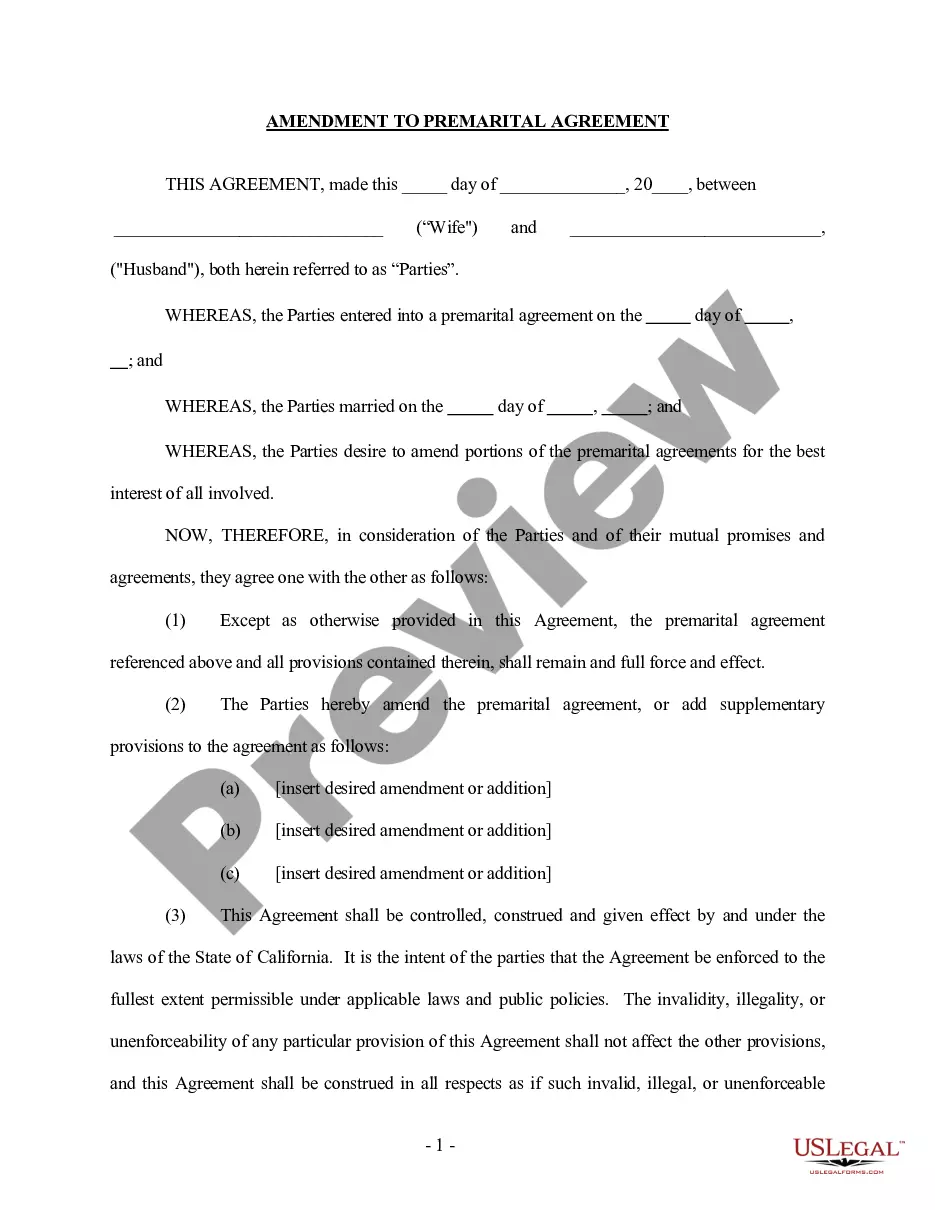
Mississippi Answer and Cross Claim
About this form
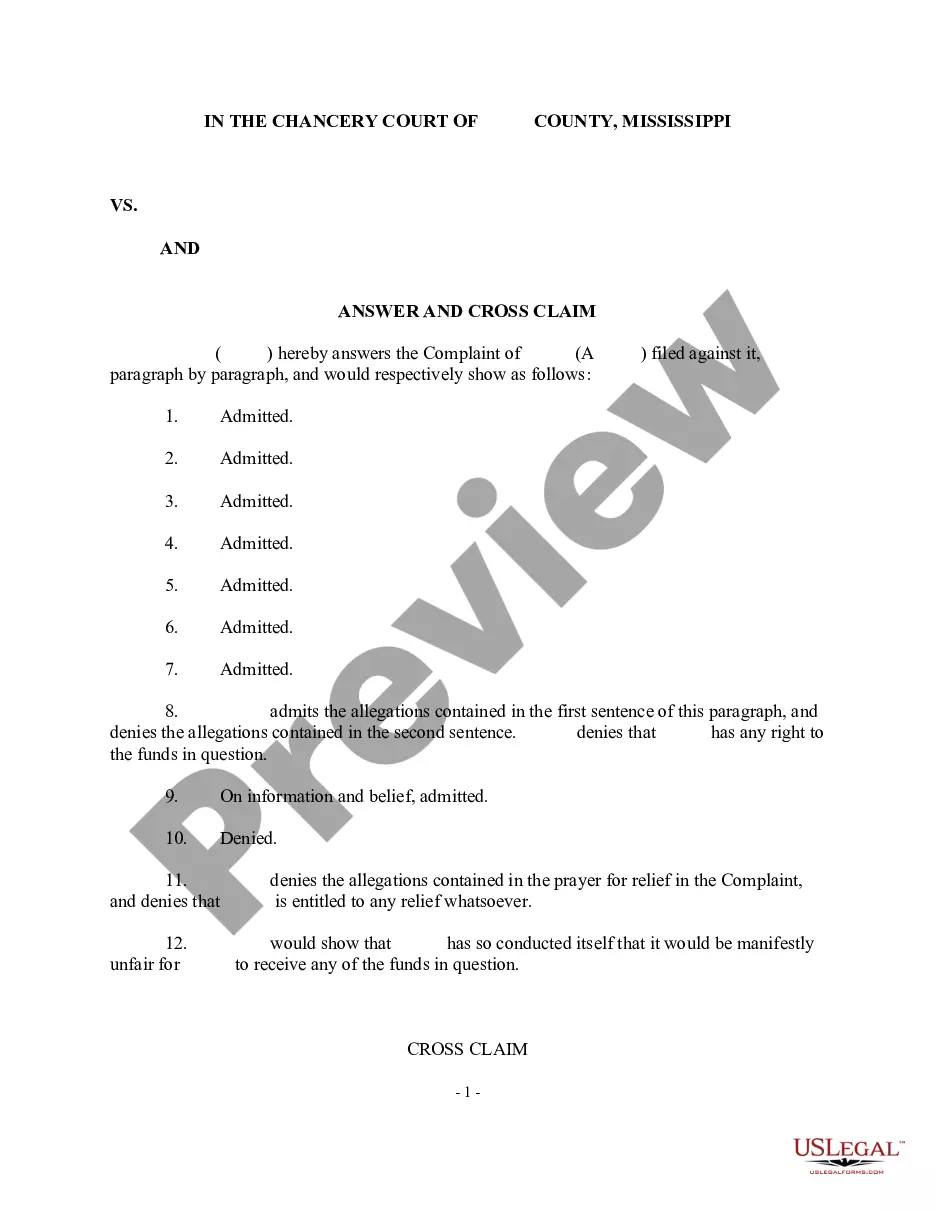
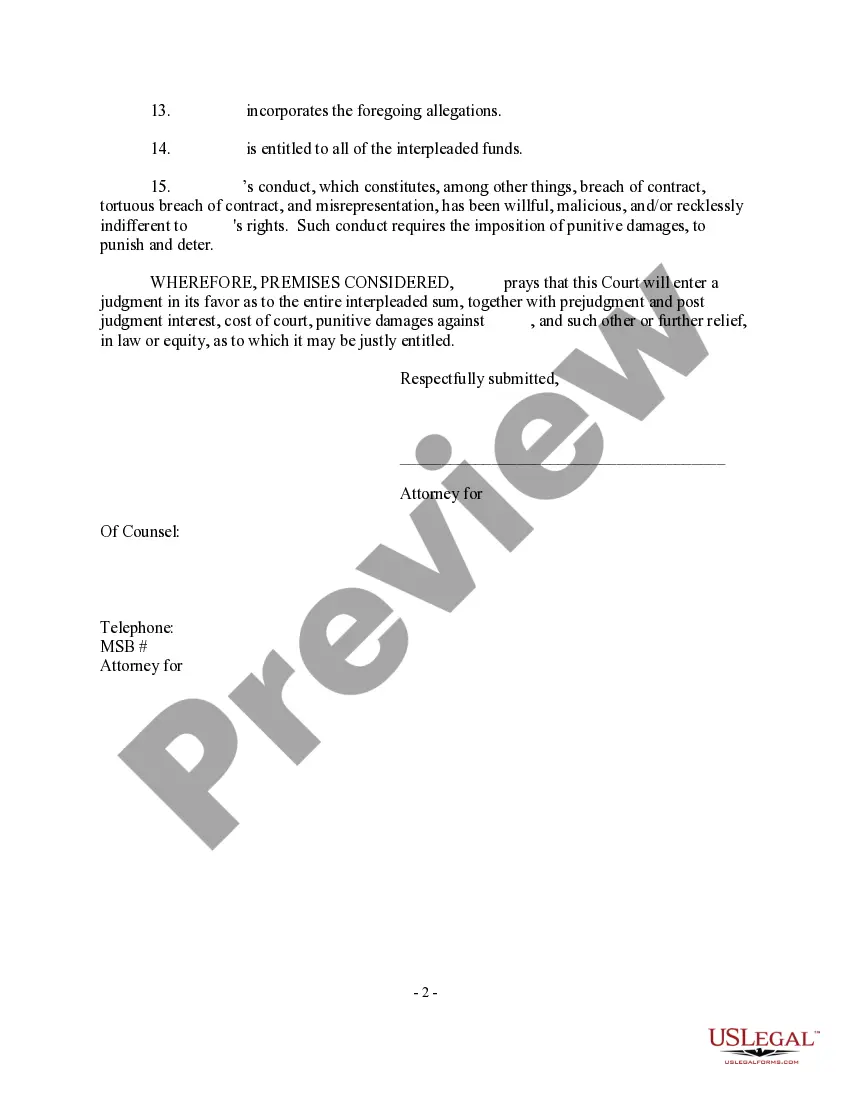
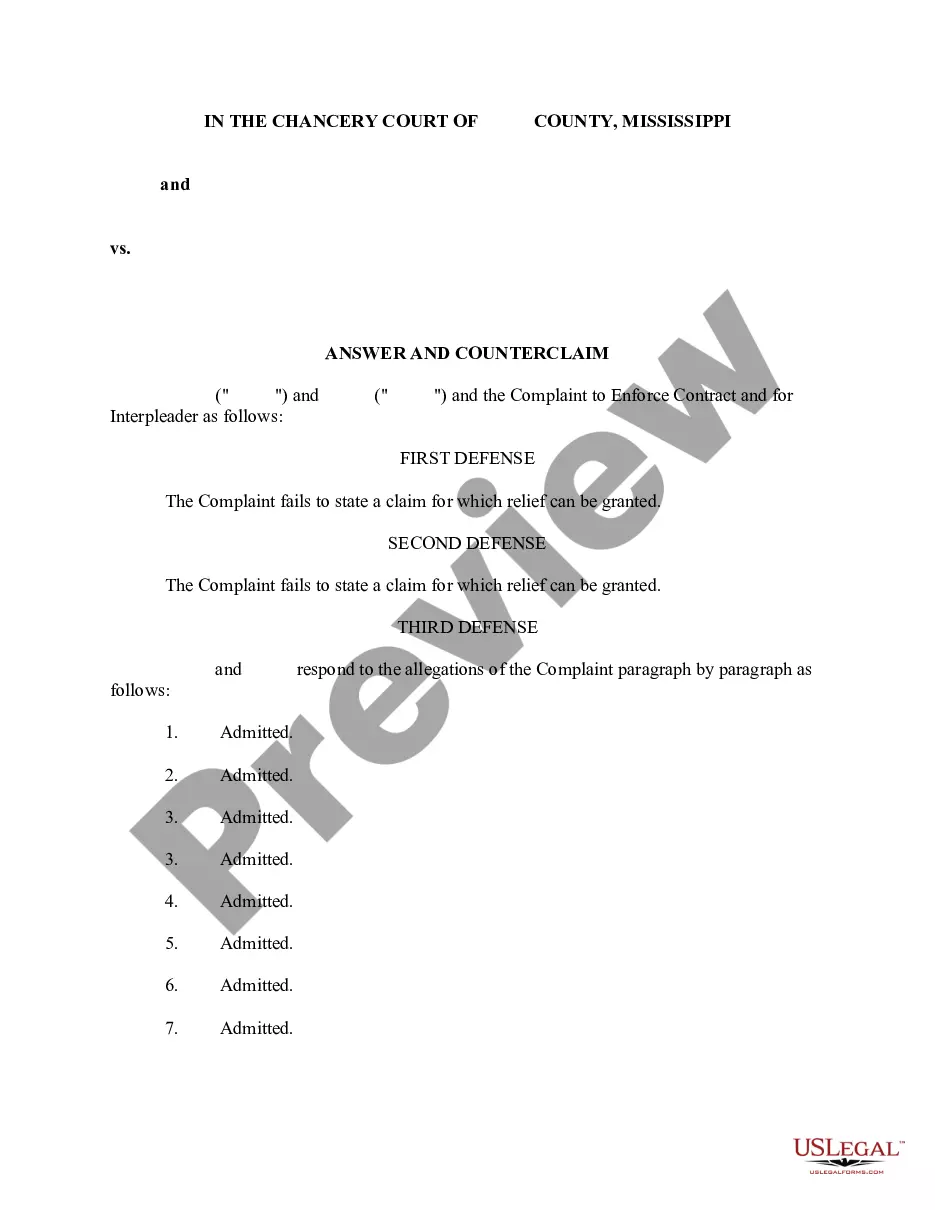
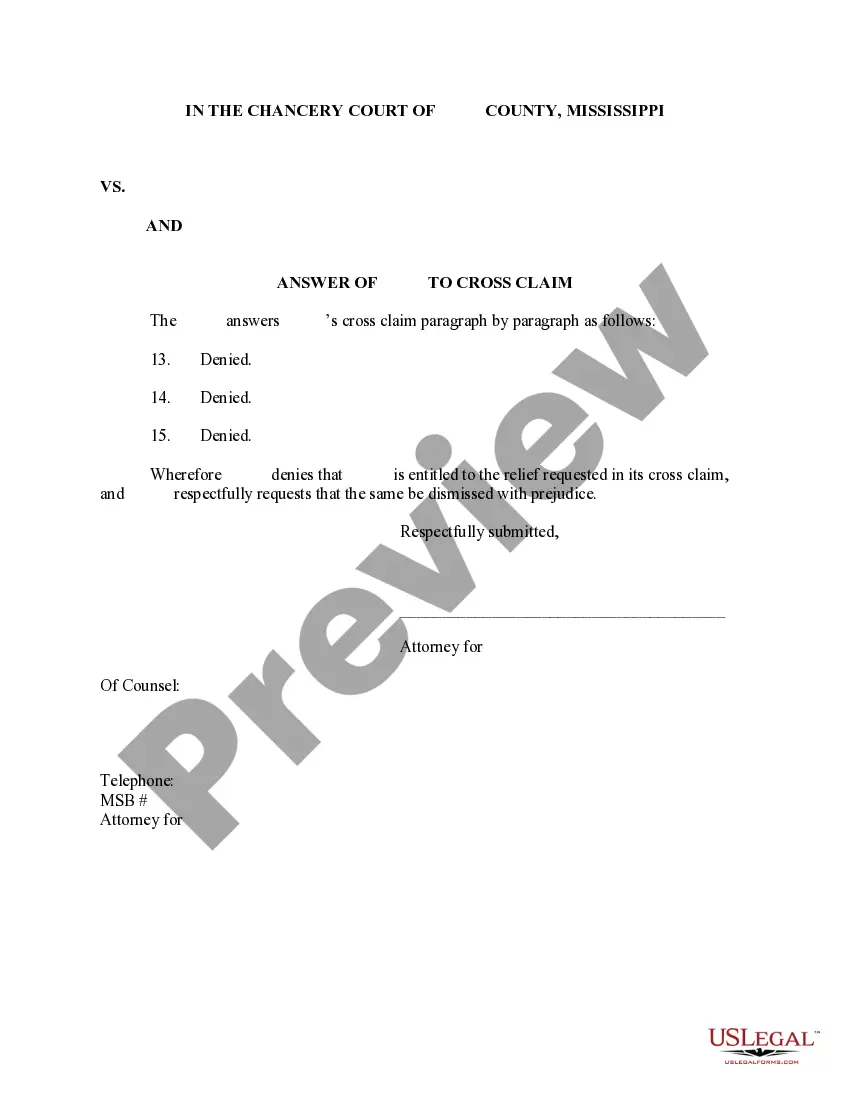
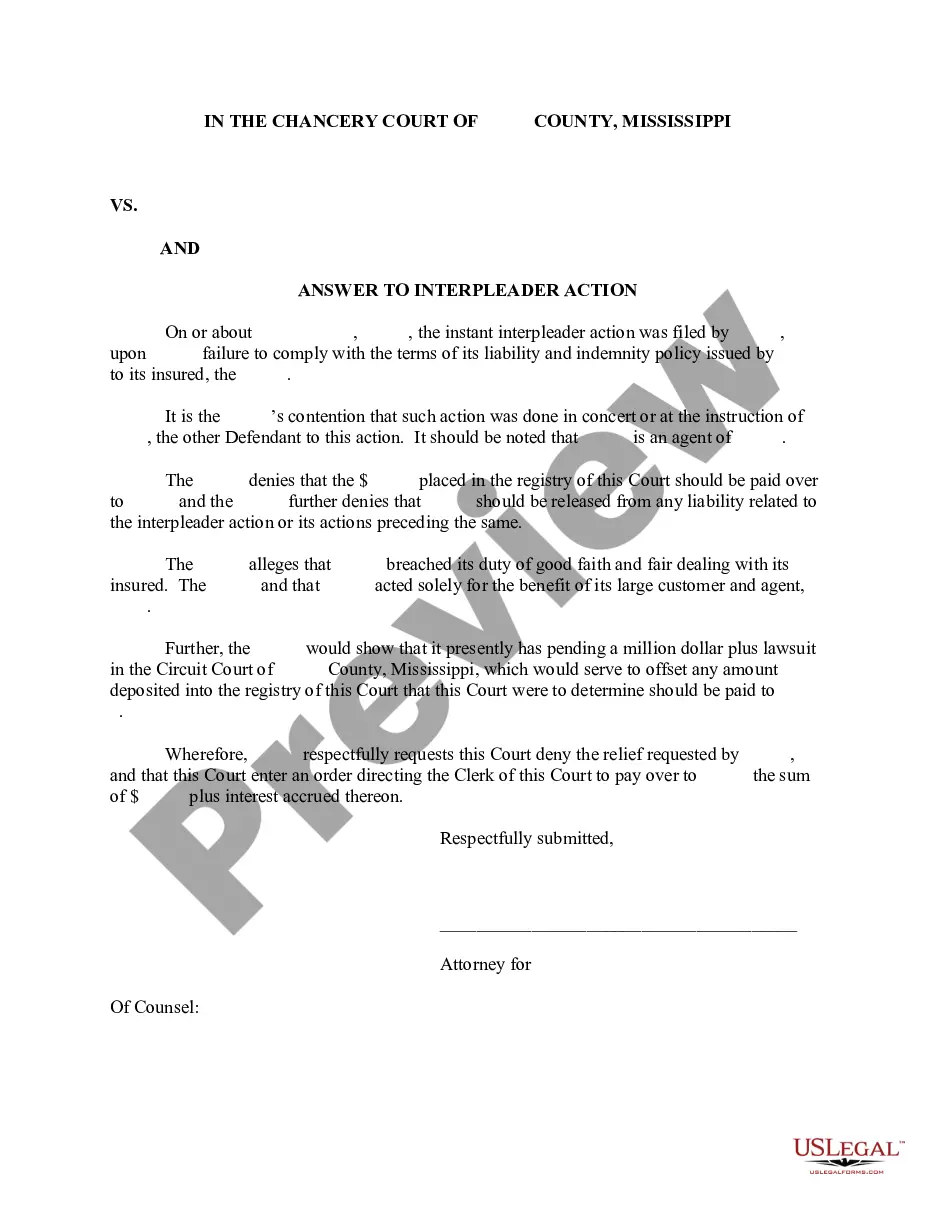
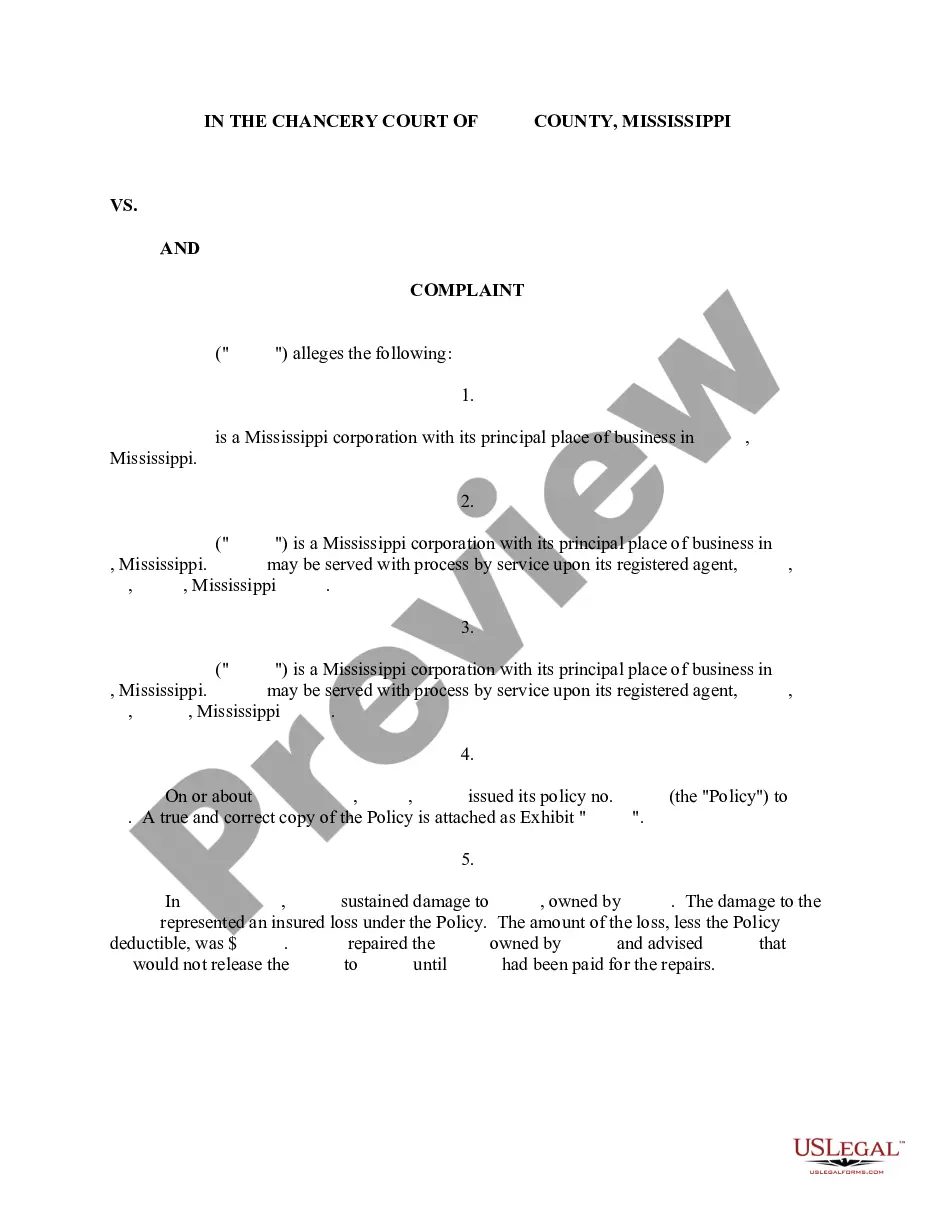
The Answer and Cross Claim is a legal document filed in response to a Complaint that involves a breach of contract. This form allows a defendant not only to respond to the original claim but also to assert their own claims against the plaintiff. It is essential for defendants who wish to challenge the claims made against them while pursuing their own legal rights within the same case.
What’s included in this form
- Parties involved: Names and contact information of the defendants and plaintiff.
- Response to the Complaint: Detailed answers to each allegation made in the Complaint.
- Cross Claim: Specific claims made against the original plaintiff based on the same set of facts.
- Signature block: Area for the defendants to sign, representing their agreement to the statements made.
Situations where this form applies
You should use the Answer and Cross Claim form when you are a defendant responding to a breach of contract complaint and wish to assert your own claims against the plaintiff. It is particularly important in situations where you believe the plaintiff is liable for the issues raised in your defense, enabling you to consolidate your claims in one legal proceeding.
Who needs this form
- Defendants in breach of contract cases who have received a Complaint.
- Individuals or businesses looking to assert their claims against the plaintiff while responding to legal allegations.
- Parties seeking to efficiently resolve all related issues in a single legal action.
Instructions for completing this form
- Identify the parties involved by entering their full names and addresses.
- Review the Complaint carefully and provide clear responses to each allegation.
- Draft your Cross Claim by detailing your own claims against the plaintiff.
- Sign and date the form in the designated signature area.
- File the completed form with the court and serve copies to all parties involved.
Does this document require notarization?
In most cases, this form does not require notarization. However, some jurisdictions or signing circumstances might. US Legal Forms offers online notarization powered by Notarize, accessible 24/7 for a quick, remote process.
Get your form ready online
Our built-in tools help you complete, sign, share, and store your documents in one place.
Make edits, fill in missing information, and update formatting in US Legal Forms—just like you would in MS Word.
Download a copy, print it, send it by email, or mail it via USPS—whatever works best for your next step.
Sign and collect signatures with our SignNow integration. Send to multiple recipients, set reminders, and more. Go Premium to unlock E-Sign.
If this form requires notarization, complete it online through a secure video call—no need to meet a notary in person or wait for an appointment.
We protect your documents and personal data by following strict security and privacy standards.

Make edits, fill in missing information, and update formatting in US Legal Forms—just like you would in MS Word.

Download a copy, print it, send it by email, or mail it via USPS—whatever works best for your next step.

Sign and collect signatures with our SignNow integration. Send to multiple recipients, set reminders, and more. Go Premium to unlock E-Sign.

If this form requires notarization, complete it online through a secure video call—no need to meet a notary in person or wait for an appointment.

We protect your documents and personal data by following strict security and privacy standards.
Mistakes to watch out for
- Failing to answer all allegations in the Complaint.
- Not including enough details in the Cross Claim.
- Missing signatures or dates on the form.
- Neglecting to file the form within the required time frame.
Why use this form online
- Convenient access to legal forms that can be downloaded instantly.
- Edit the form directly on your computer for a tailored response.
- Reliable templates drafted by licensed attorneys ensure legal compliance.
- 24/7 availability allows you to complete forms at your convenience.
Looking for another form?
Form popularity
FAQ
Weekly Claim Certification filing Online You may file your current weekly claim certification online through MDES' Online Unemployment Services. You must login with your user id and password or establish a new user id and password if you are not a current user. You may file online outside normal business hours.
Benefitpay@mdes.ms.gov. For questions regarding. Unemployment Tax: tax@mdes.ms.gov. For questions regarding. Unemployment Benefits Overpayments: bpc@mdes.ms.gov. For questions regarding. Appeals: appeals@mdes.ms.gov.
Many people with MS can claim Personal Independence Payment (PIP). PIP is a benefit that can help cover the extra costs you may face if you need help doing everyday tasks or find it difficult to get around outside your home.
The first thing you have to do is register with MDES Online Services. Whether you want to file a claim to receive weekly unemployment benefits or to search for a new job, you must register first. That's how you get your personal User Name and PIN number to be able to use the online system whenever you need to.