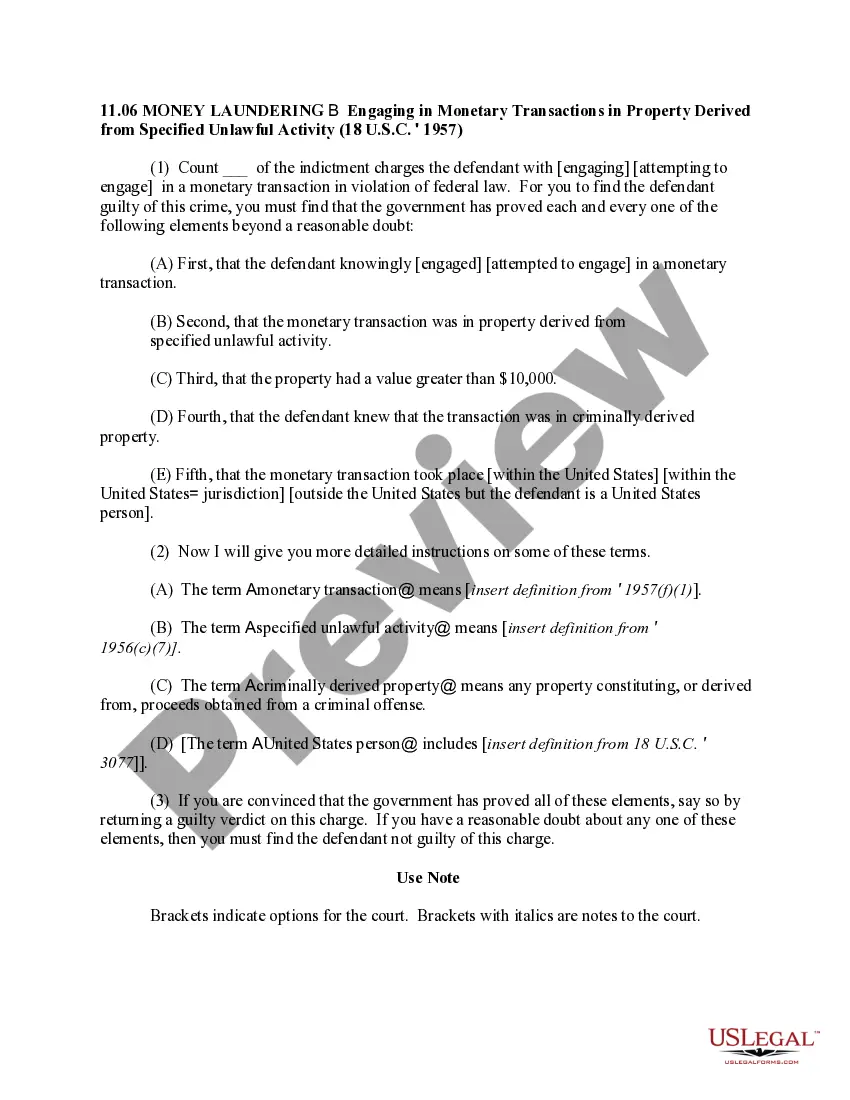
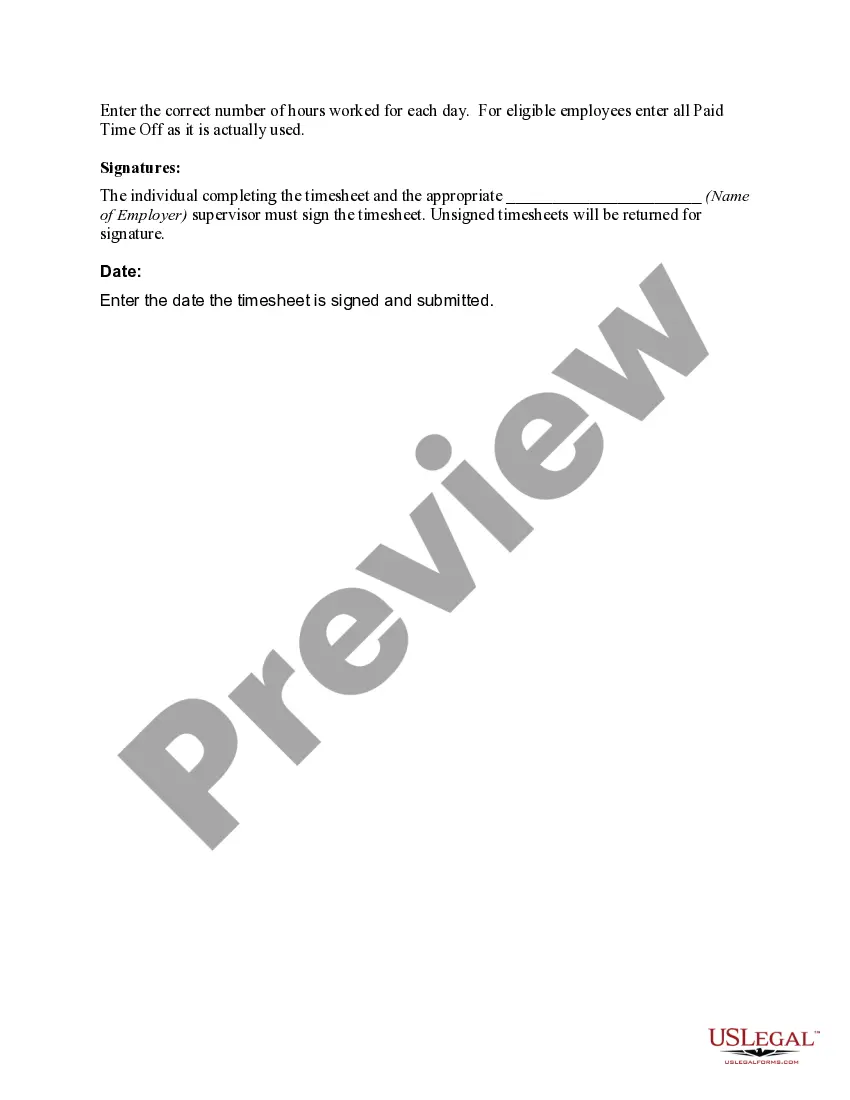
Missouri Time Sheet Instructions
Description
Get your form ready online
Our built-in tools help you complete, sign, share, and store your documents in one place.
Make edits, fill in missing information, and update formatting in US Legal Forms—just like you would in MS Word.
Download a copy, print it, send it by email, or mail it via USPS—whatever works best for your next step.
Sign and collect signatures with our SignNow integration. Send to multiple recipients, set reminders, and more. Go Premium to unlock E-Sign.
If this form requires notarization, complete it online through a secure video call—no need to meet a notary in person or wait for an appointment.
We protect your documents and personal data by following strict security and privacy standards.

Make edits, fill in missing information, and update formatting in US Legal Forms—just like you would in MS Word.

Download a copy, print it, send it by email, or mail it via USPS—whatever works best for your next step.

Sign and collect signatures with our SignNow integration. Send to multiple recipients, set reminders, and more. Go Premium to unlock E-Sign.

If this form requires notarization, complete it online through a secure video call—no need to meet a notary in person or wait for an appointment.

We protect your documents and personal data by following strict security and privacy standards.
Looking for another form?






How to fill out Time Sheet Instructions?
Are you currently in the location where you require documents for either business or personal purposes on a daily basis.
There are numerous legitimate document templates accessible online, but finding reliable ones isn't straightforward.
US Legal Forms provides thousands of form templates, such as the Missouri Time Sheet Instructions, designed to comply with both state and federal requirements.
Select the pricing plan you prefer, fill out the required information to create your account, and complete the purchase using PayPal or a credit card.
Choose a convenient file format and download your copy.
- If you are already familiar with the US Legal Forms website and possess an account, simply Log In.
- After logging in, you can download the Missouri Time Sheet Instructions template.
- If you do not have an account and wish to start using US Legal Forms, follow these steps.
- Locate the form you need and ensure it matches the correct city/state.
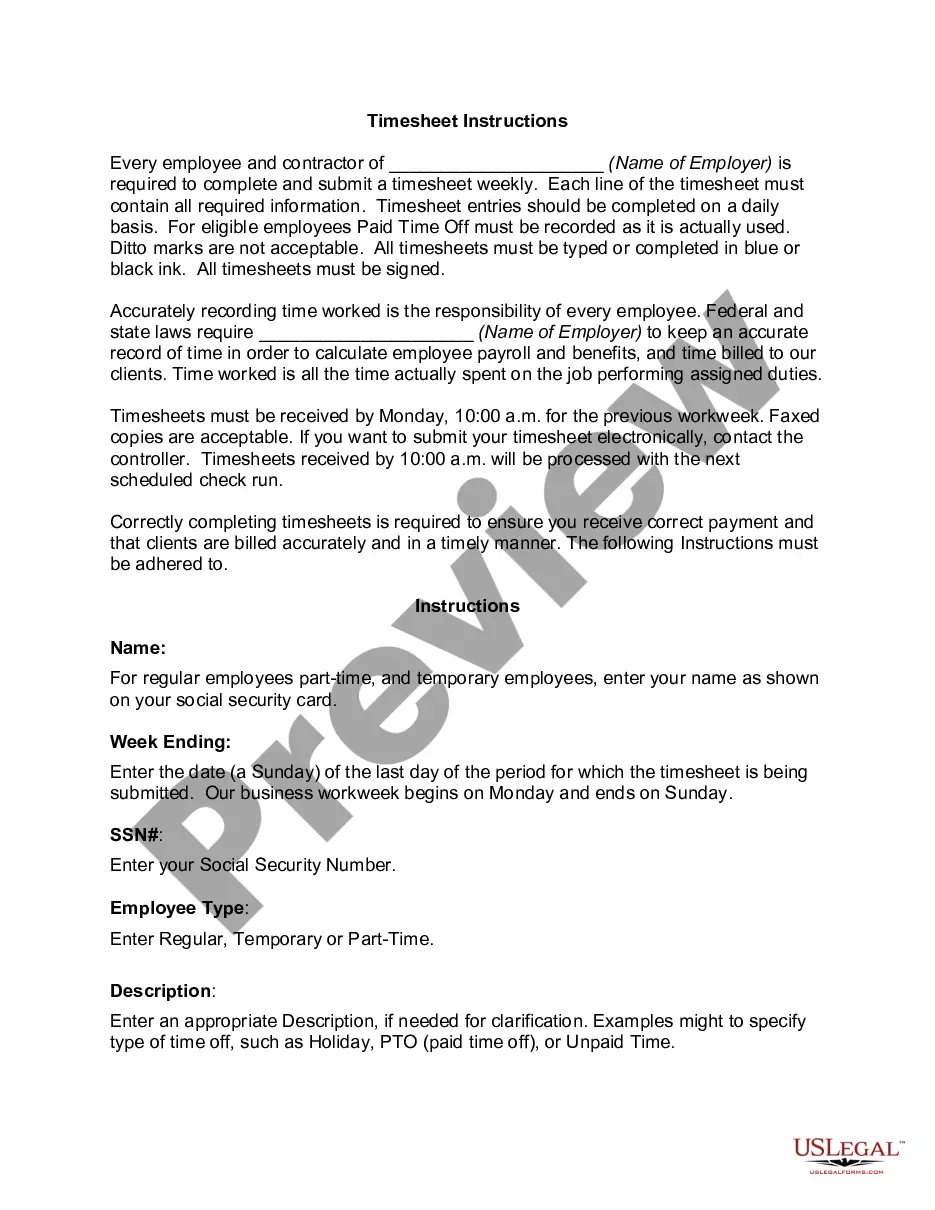
- Utilize the Preview button to examine the form.
- Read the information to confirm that you have selected the correct form.
- If the form isn't what you are looking for, use the Search section to find the form that fits your needs and criteria.
- Once you find the correct form, simply click Get now.
Form popularity
FAQ
There are 3 types of Team Timesheet views available to team admins:Team's Daily Timesheet.Team's Weekly Timesheet.Team's Monthly Timesheet.Personal Daily Timesheet.Personal Weekly Timesheet.Personal Monthly Timesheet.
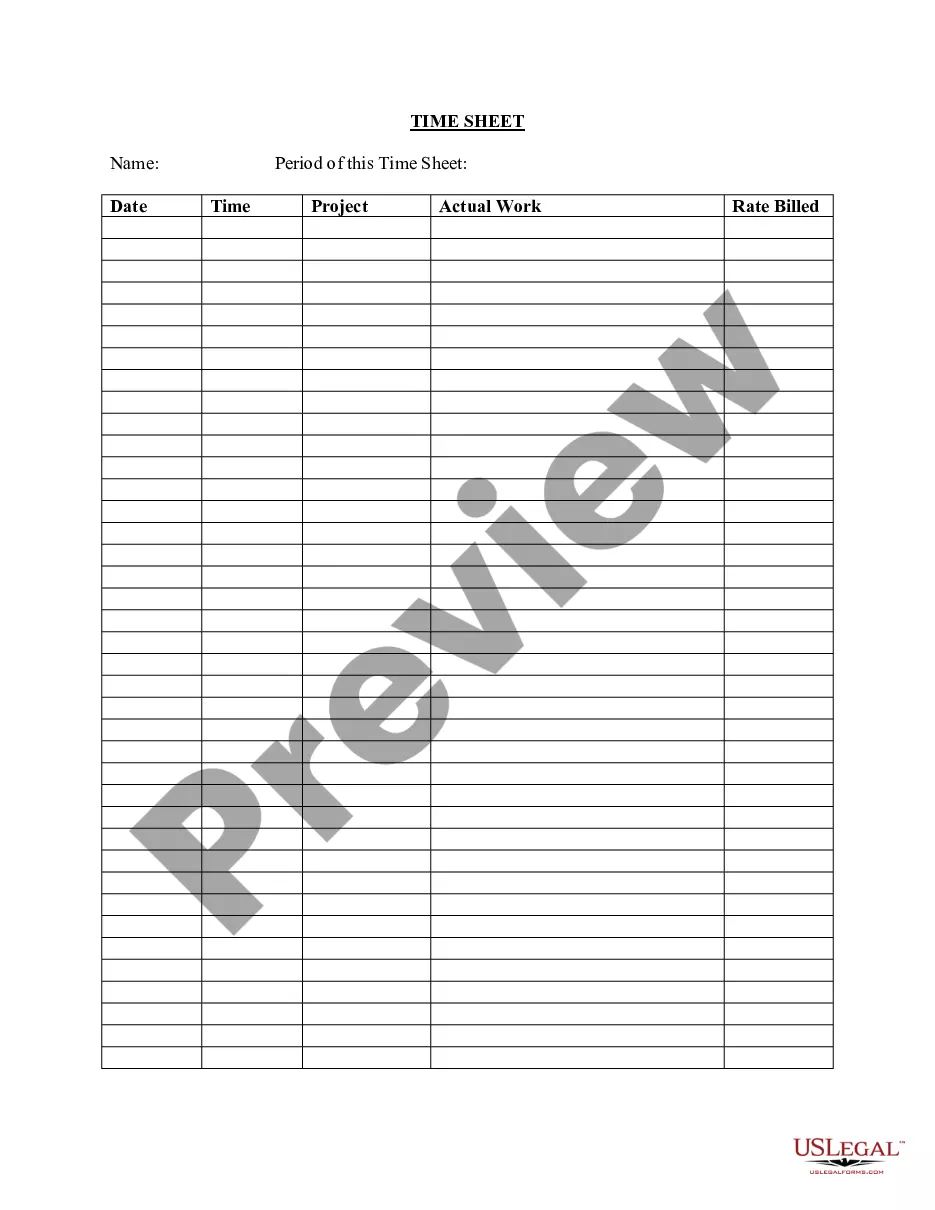
A time card, also called a timesheet, is a method for recording and tracking the amount of an employee's time spent on each job. A time card improves project execution, decision-making and compliance with labor and government regulations.
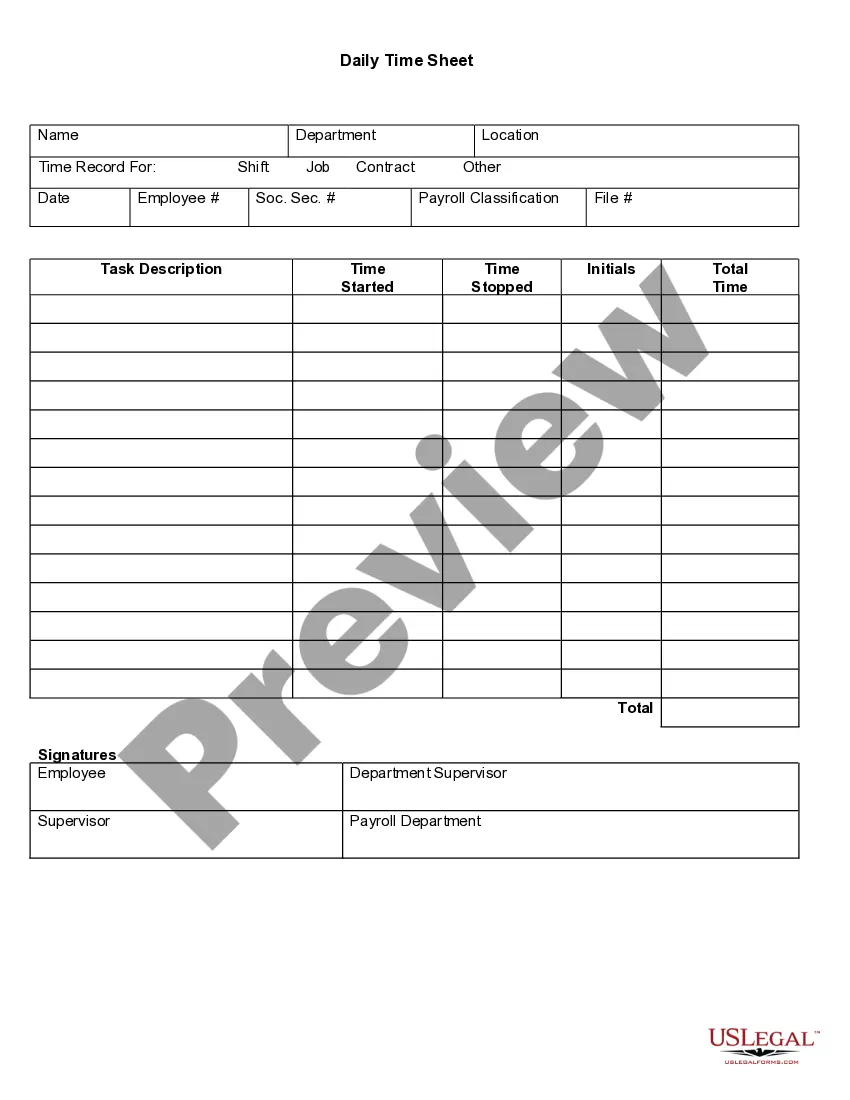
At their most basic, timesheets are pieces of paper (forms/templates) your employees use to track when they work. The simplest timesheets record the date and the time employees started and ended their workdays.
Each employee enters the hours they work in their timesheet, and then they submit it at the end of each timesheet period. They can enter time against available projects, tasks, or activities, and can record comments. In addition, they can complete custom fields and copy data from previous timesheets.
Technically, a timesheet is a piece of paper used to track the time each worker spends on a job. This traditional method now comes in digital formats. Employers use a timesheet to track hours worked, leave time, accruals and to make adjustments when processing payroll. Pay periods vary by employer.
A timesheet is a data table which an employer can use to track the time a particular employee has worked during a certain period. Businesses use timesheets to record time spent on tasks, projects, or clients.
It's not used to record the number of regular hours worked on a daily basis. However, for hourly employees, a timesheet is needed daily. A timesheet is essential to make sure that hourly employees are paid accurately for the time they work.
In any case, it's best that you complete your timesheets on a daily basis, while the exact tasks and projects you worked on and the time you spent on them are fresh in your mind. You'll then need to submit your completed timesheets for approval to your assigned timesheet approver, before the policy prescribed deadline.
A timesheet is a data table which an employer can use to track the time a particular employee has worked during a certain period. Businesses use timesheets to record time spent on tasks, projects, or clients.
Timesheets or electric time clock systems must include the employee's name, any company assigned employee ID code, hours worked each day with date and times worked and other company specific information necessary to process payroll according to the pay schedule.