Missouri Satisfaction, Release or Cancellation of Deed of Trust by Individual

What this document covers
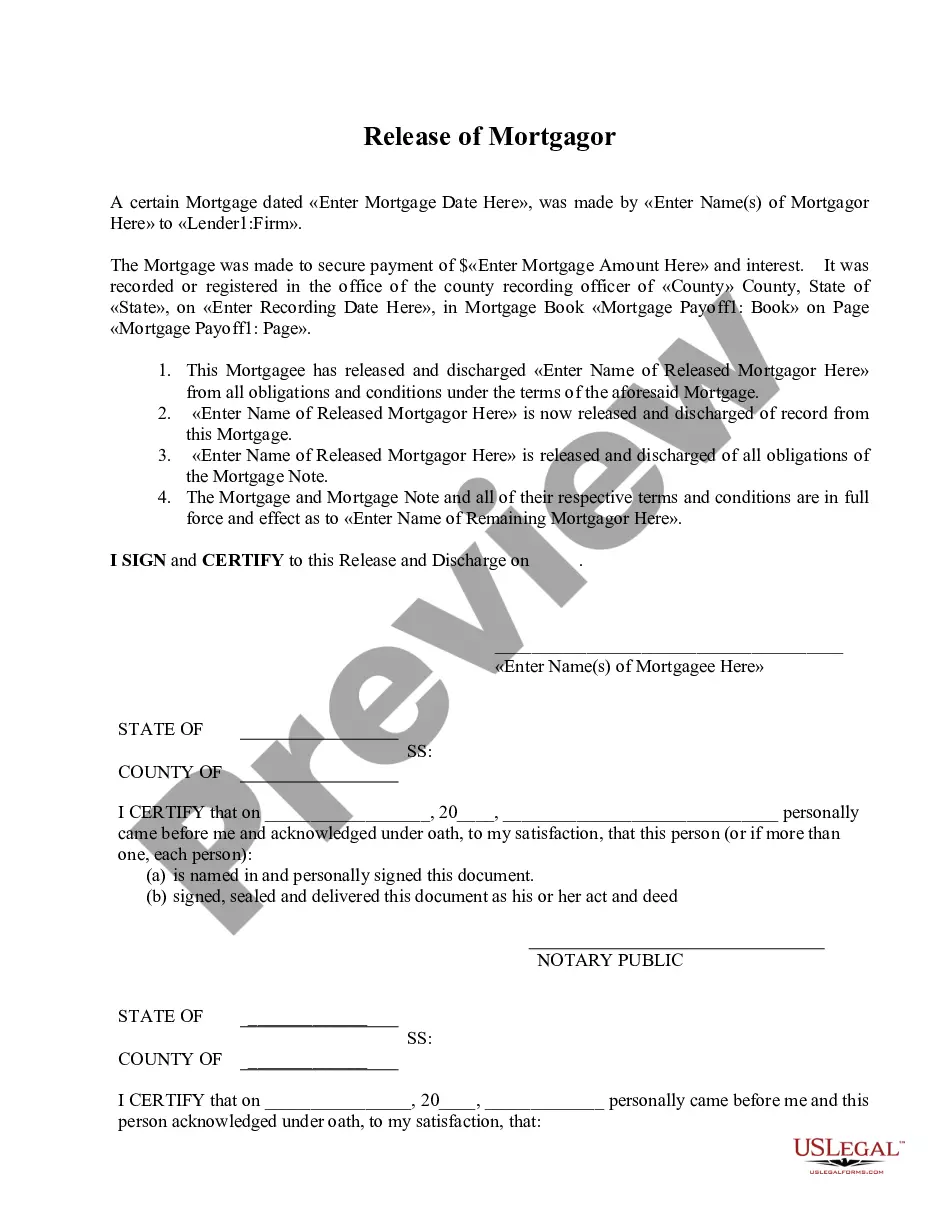
This form, Satisfaction, Release or Cancellation of Deed of Trust by Individual, is a legal document used to officially release a deed of trust in the state of Missouri. Its primary purpose is to confirm that the debt secured by the deed of trust has been satisfied, thereby releasing the associated real estate from the mortgage obligation. This form is specifically tailored for individual grantors and complies with Missouri's statutory laws, differentiating it from other forms that may be used for corporate entities or different jurisdictions.
Form components explained
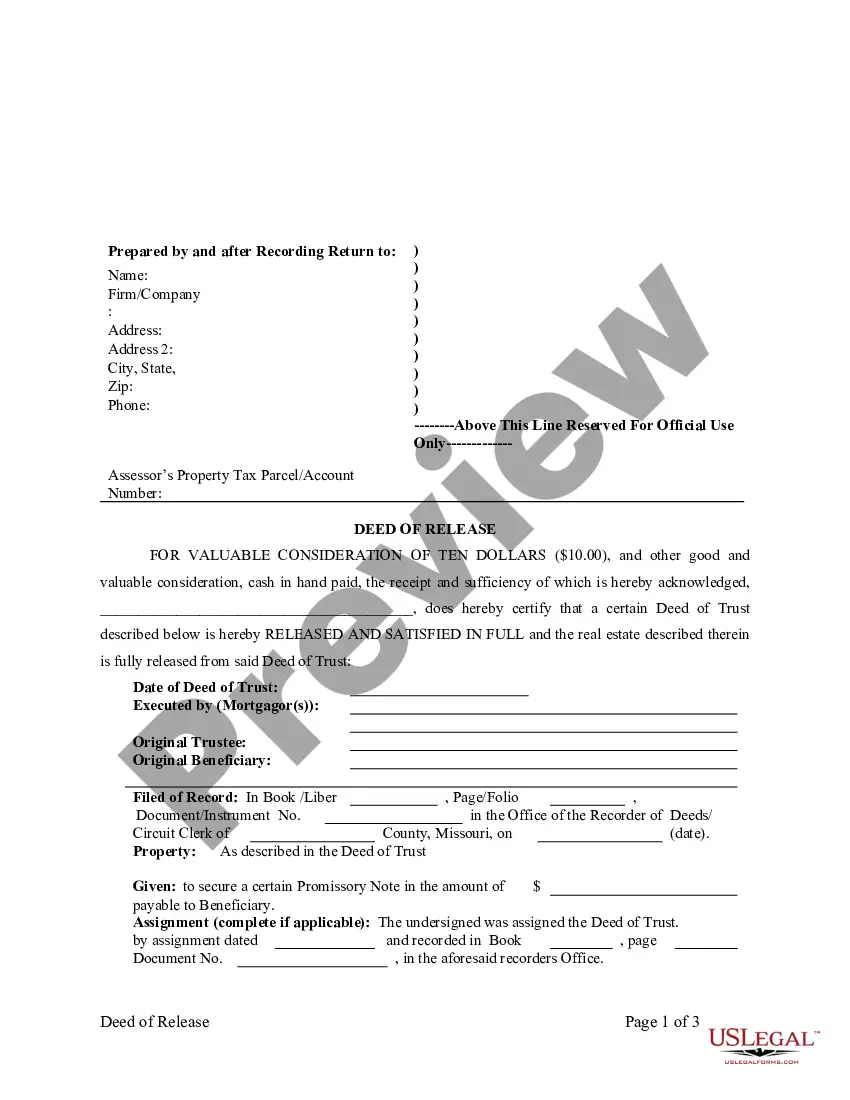
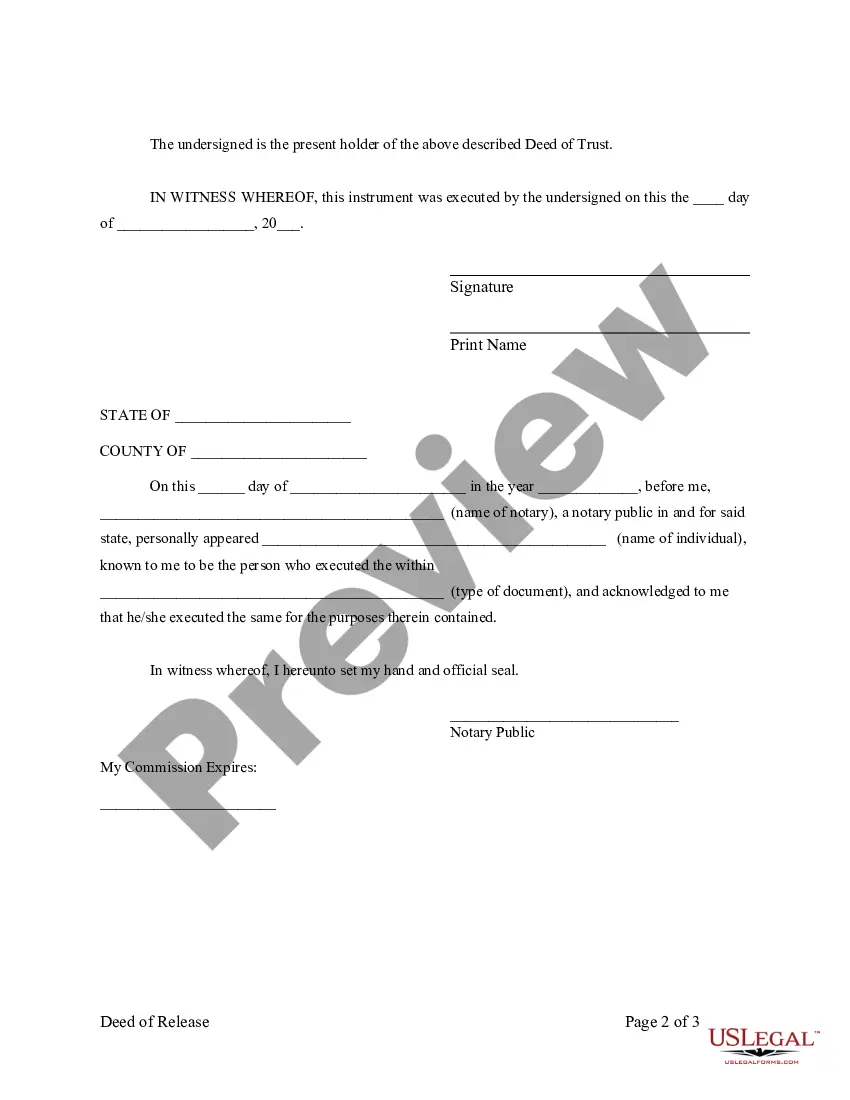
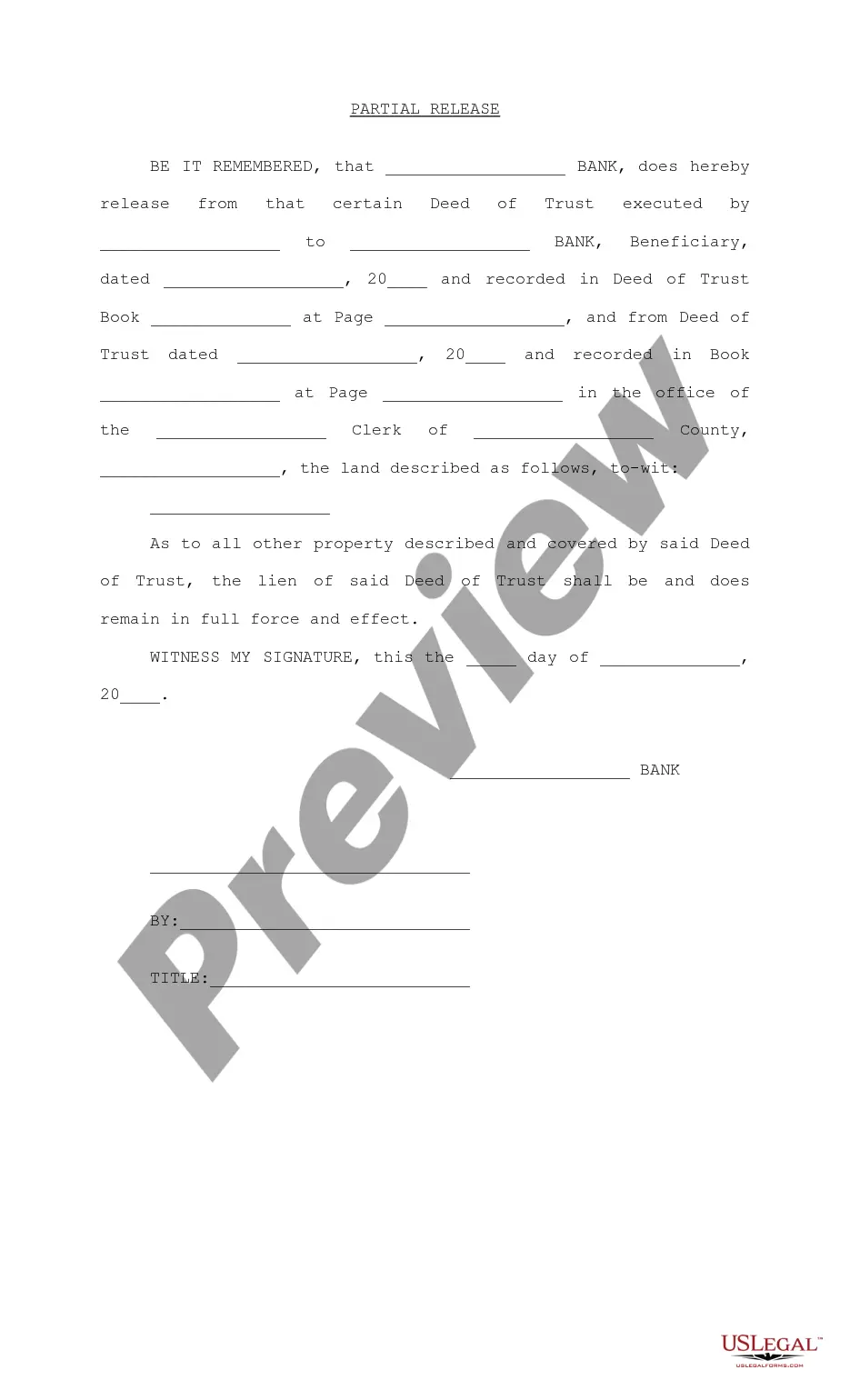
- Identification of the deed of trust being released.
- Details of the mortgagor, trustee, and beneficiary.
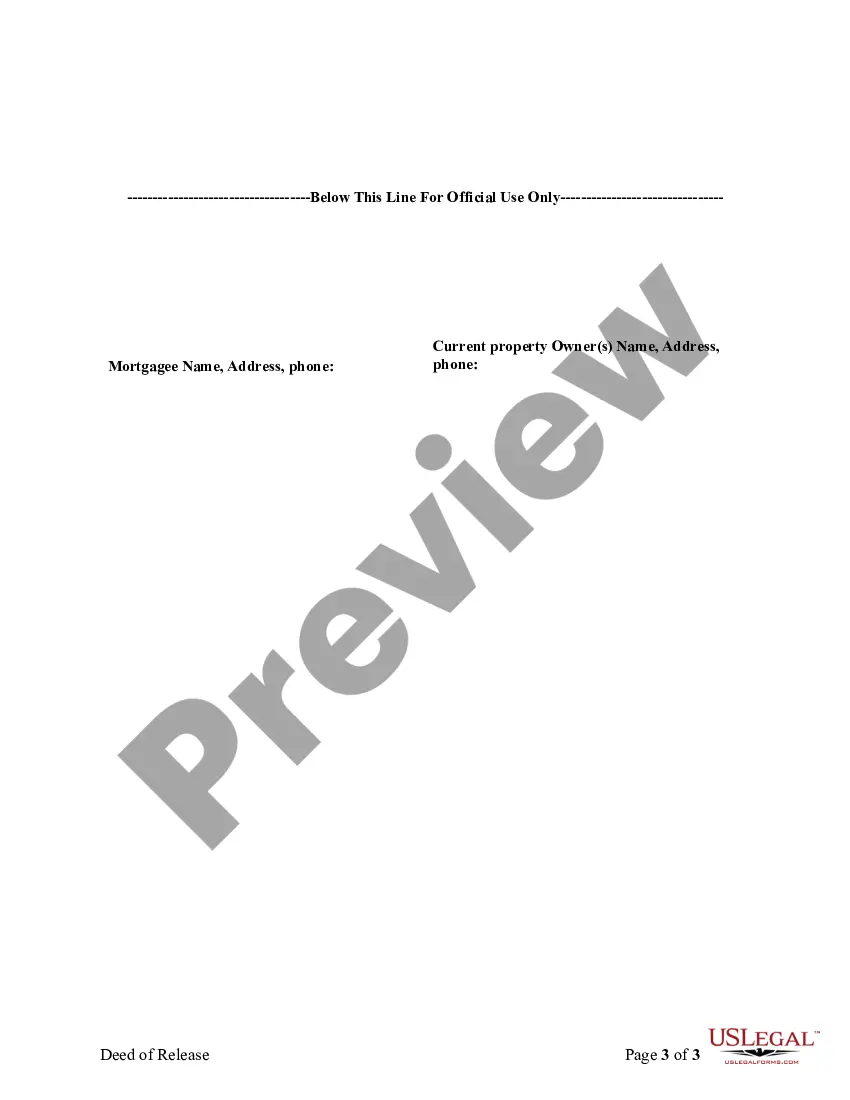
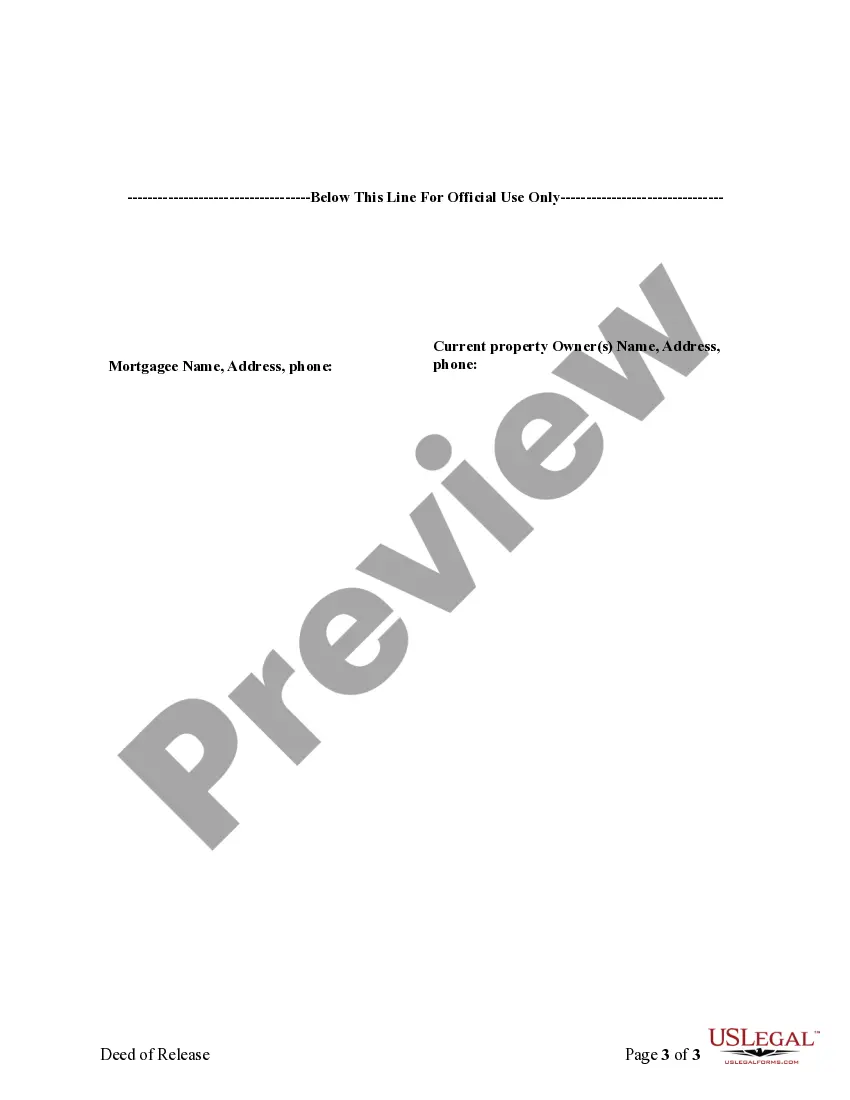
- Information on the recorded deed, including book, page, and document number.
- Signature line for the individual releasing the deed of trust.
- Notary acknowledgment section for validation.
When to use this document
This form is typically used when an individual has paid off a loan secured by a deed of trust and needs to formally acknowledge that the mortgage obligation has been satisfied. It is crucial to file this form to ensure that the property is officially released from the mortgage, preventing any future claims by the lender. Other scenarios include the settlement of the debt through other legal means or a transfer of property ownership without the continued encumbrance of a deed of trust.
Who this form is for
- Individuals who are the mortgagors (borrowers) listed on the deed of trust.
- Property owners who have paid off their mortgage and need to release the deed of trust.
- Individuals involved in real estate transactions where a deed of trust needs to be canceled or released.
How to prepare this document
- Identify the parties involved: the mortgagor, trustee, and beneficiary.
- Provide detailed information of the deed of trust being released, including original filing details.
- Fill in the date when the release is being executed.
- Sign the form in front of a notary public.
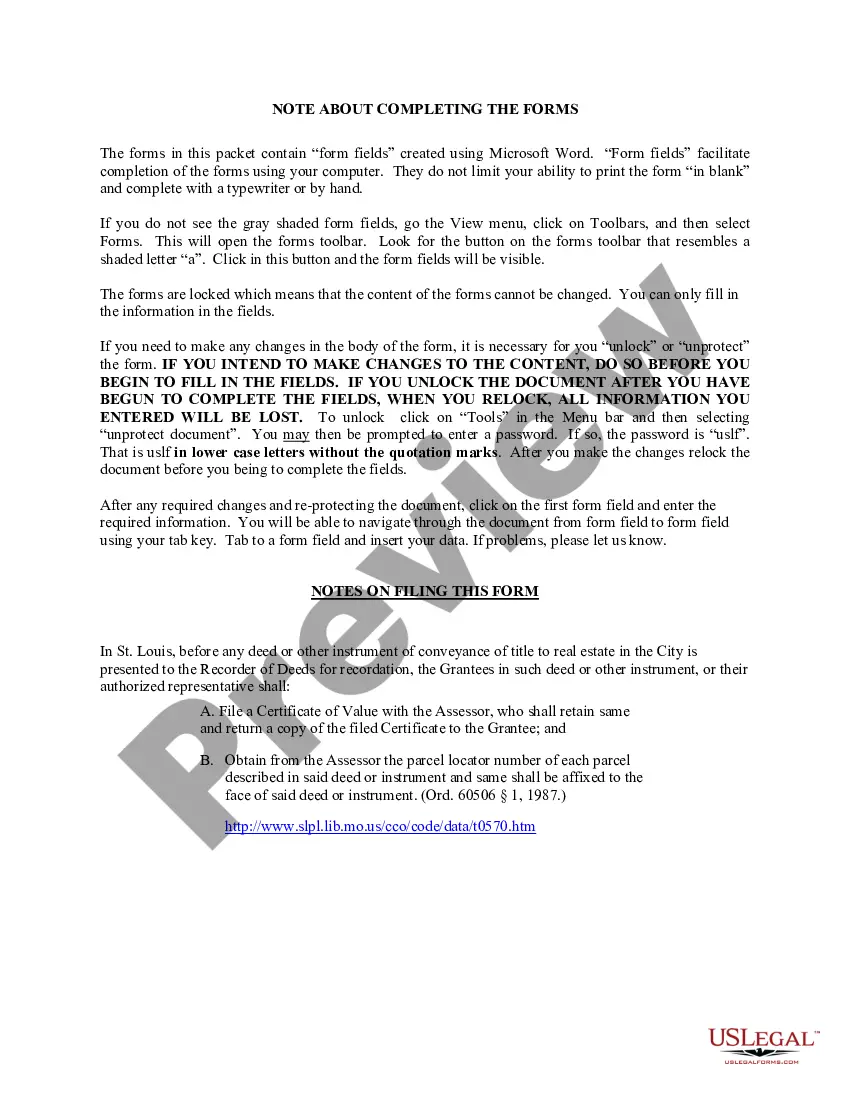
- Ensure that any local filing requirements, such as additional certificates, are fulfilled.
Does this form need to be notarized?
To make this form legally binding, it must be notarized. Our online notarization service, powered by Notarize, lets you verify and sign documents remotely through an encrypted video session.
Get your form ready online
Our built-in tools help you complete, sign, share, and store your documents in one place.
Make edits, fill in missing information, and update formatting in US Legal Forms—just like you would in MS Word.
Download a copy, print it, send it by email, or mail it via USPS—whatever works best for your next step.
Sign and collect signatures with our SignNow integration. Send to multiple recipients, set reminders, and more. Go Premium to unlock E-Sign.
If this form requires notarization, complete it online through a secure video call—no need to meet a notary in person or wait for an appointment.
We protect your documents and personal data by following strict security and privacy standards.

Make edits, fill in missing information, and update formatting in US Legal Forms—just like you would in MS Word.

Download a copy, print it, send it by email, or mail it via USPS—whatever works best for your next step.

Sign and collect signatures with our SignNow integration. Send to multiple recipients, set reminders, and more. Go Premium to unlock E-Sign.

If this form requires notarization, complete it online through a secure video call—no need to meet a notary in person or wait for an appointment.

We protect your documents and personal data by following strict security and privacy standards.
Mistakes to watch out for
- Failing to notarize the document, which is required for legal validity.
- Leaving out vital information about the deed of trust or property description.
- Not filing the form with the local recorder of deeds after completion.
Benefits of using this form online
- Convenient access to legal forms from anywhere, anytime.
- Editability allows for tailoring details specific to your situation.
- Reliable and compliant with the latest legal standards in Missouri.
Looking for another form?
Form popularity
FAQ
Canceling a deed of trust involves the lender formally acknowledging that the debt has been settled. This is typically done by filing a satisfaction of deed of trust with the local county recorder. It is crucial to ensure that this cancellation is properly documented to avoid any future complications regarding property ownership. Platforms like US Legal Forms provide resources to help you navigate this process, ensuring that you have all the necessary tools to cancel the deed of trust correctly.
To revoke a trust in Missouri, you need to follow the terms outlined in the trust document itself. Typically, this involves creating a revocation document that clearly states your intention to revoke the trust. After completing the revocation, it's important to inform all relevant parties, including beneficiaries and trustees. Utilizing services like US Legal Forms can simplify this process, providing you with the necessary templates and guidance for a smooth revocation.
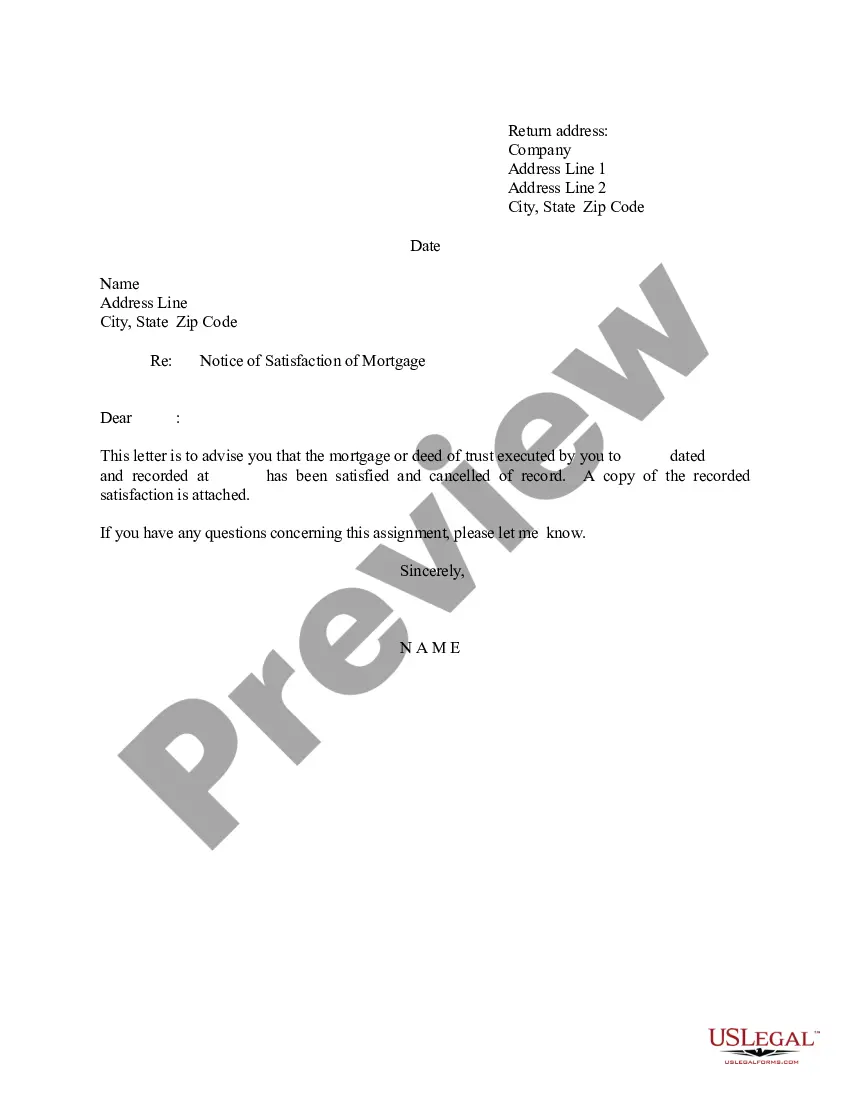
If you have cleared a debt, a mortgage satisfaction document will give you clear title to real property. In other words, mortgage satisfaction is a document that results in release or discharge of a mortgage lien, and indicates that a borrower has cleared his/her debt.
Step 1 Identify the parties. The appropriate parties should be documented on the Satisfaction of Mortgage. Step 2 Fill and Sign. The Satisfaction of Mortgage should be signed by the mortgagee, after it has been issued. Step 3 File and Record the Form.
A satisfaction of mortgage is a document that confirms a mortgage has been paid off and details the provisions for the transfer of collateral title rights.
If a lender takes longer than 90 days to record it, they can be charged up to $1,500 in penalties. So, in theory, a satisfaction should be recorded within 30-90 days of payoff regardless of what state you work in.
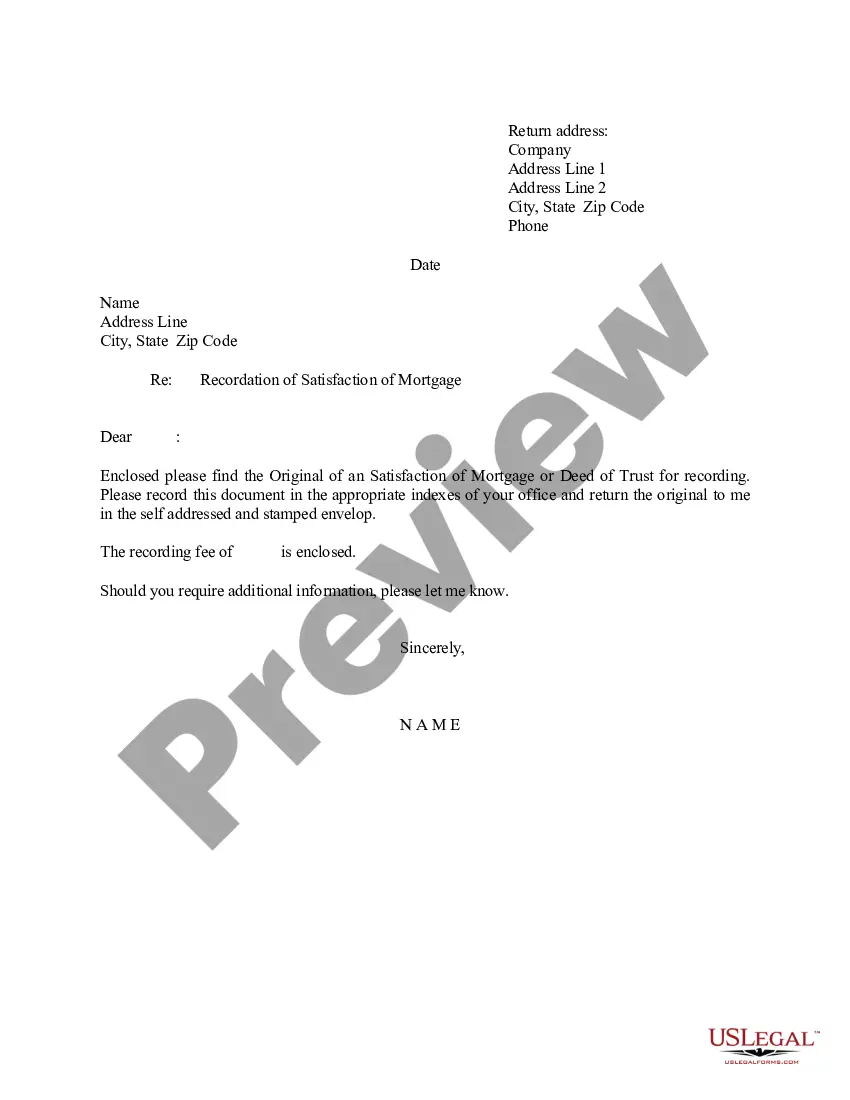
In order to clear the title to the real property owned by the mortgagor, the Satisfaction of Mortgage document must be recorded with the County Recorder or Recorder of Deeds. If the mortgagee fails to record a satisfaction within the set time limits, the mortgagee may be responsible for damages set out by statute.
You may contact us at (407) 836-5115 to request a search of your Satisfaction of Mortgage. You may also utilize our web site (www.occompt.com) to see if your Satisfaction has been recorded. Your Satisfaction is recorded under the names of the borrower/mortgagor on the original loan.
A satisfaction of mortgage is a signed document confirming that the borrower has paid off the mortgage in full and that the mortgage is no longer a lien on the property.