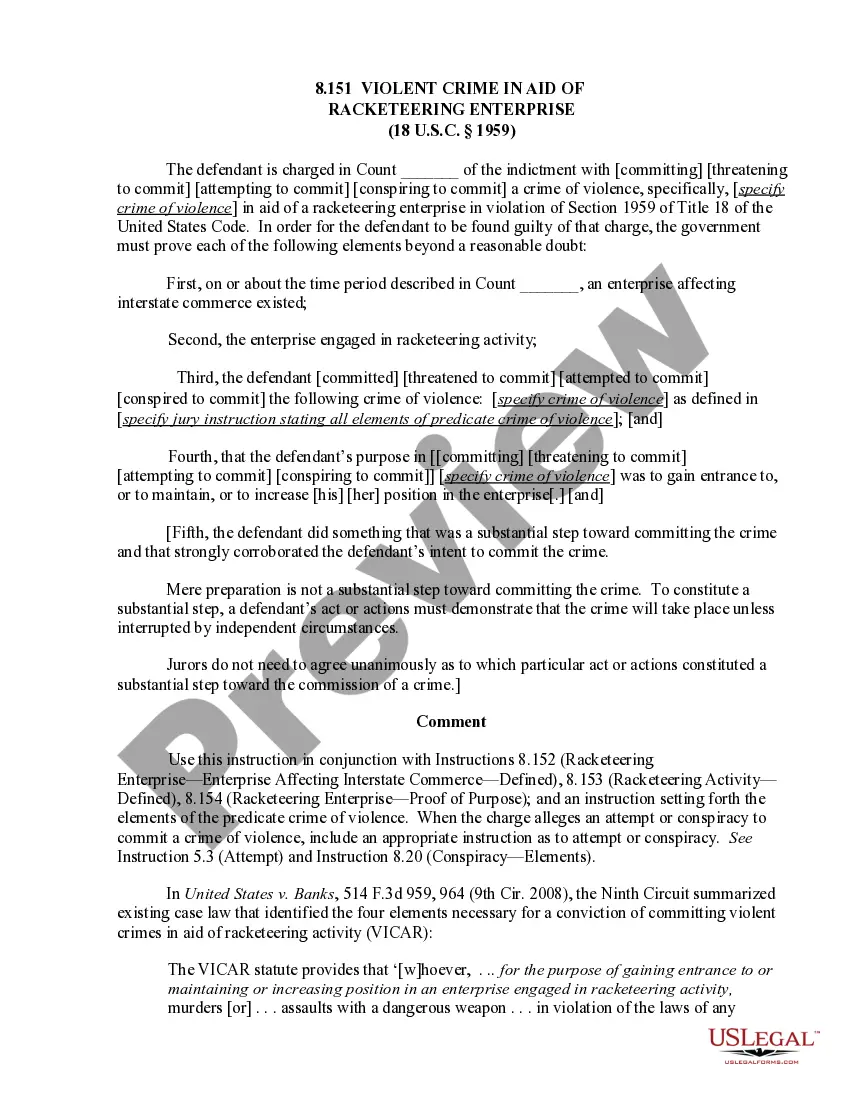
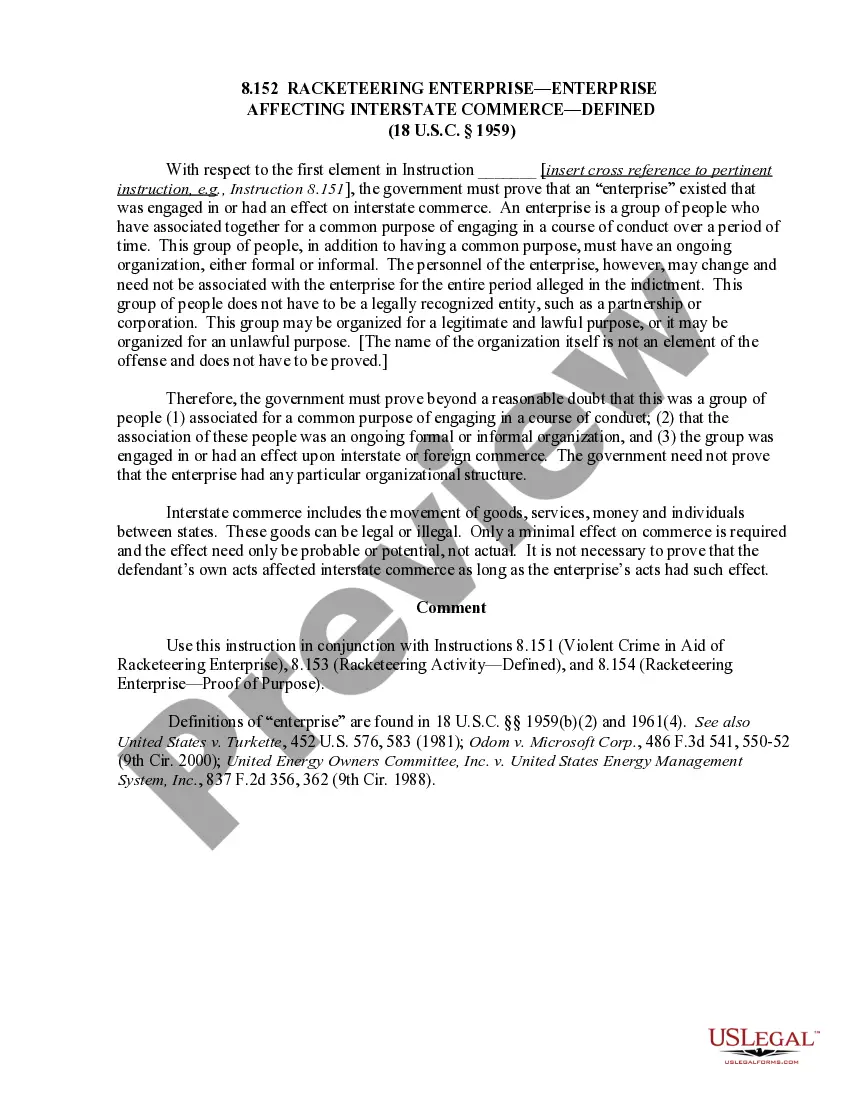
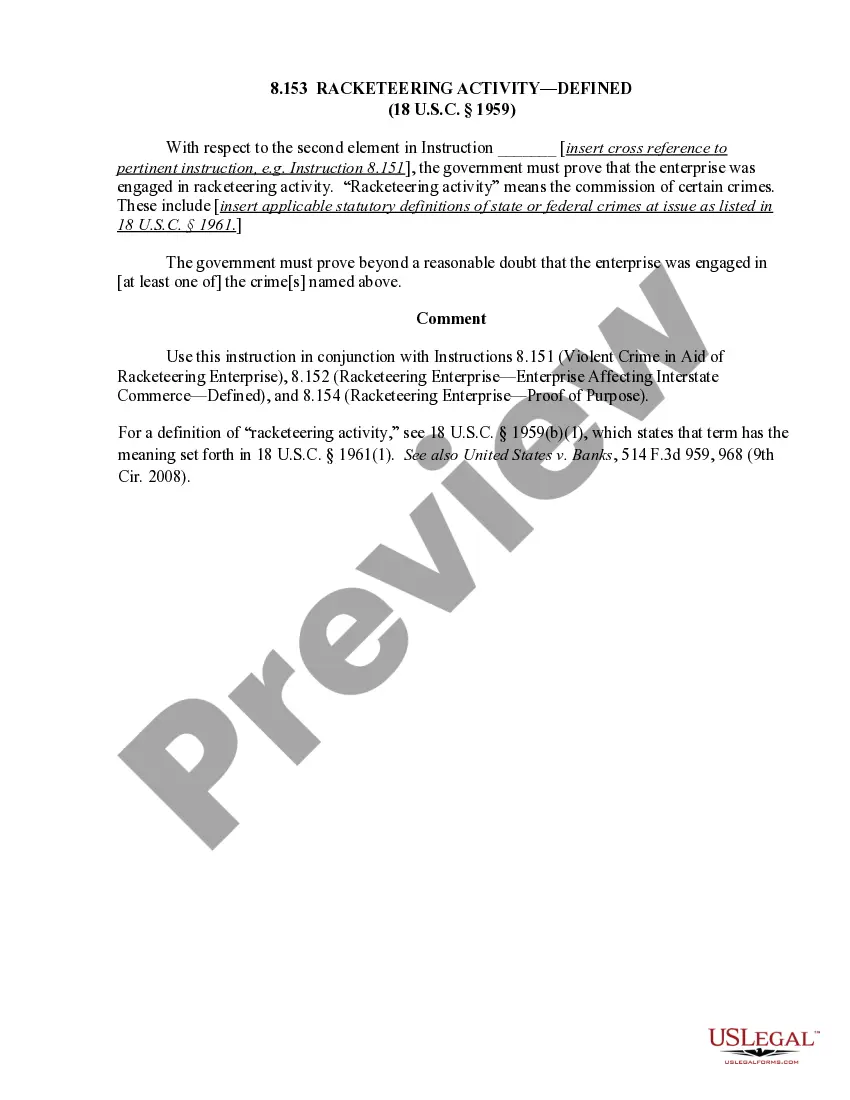
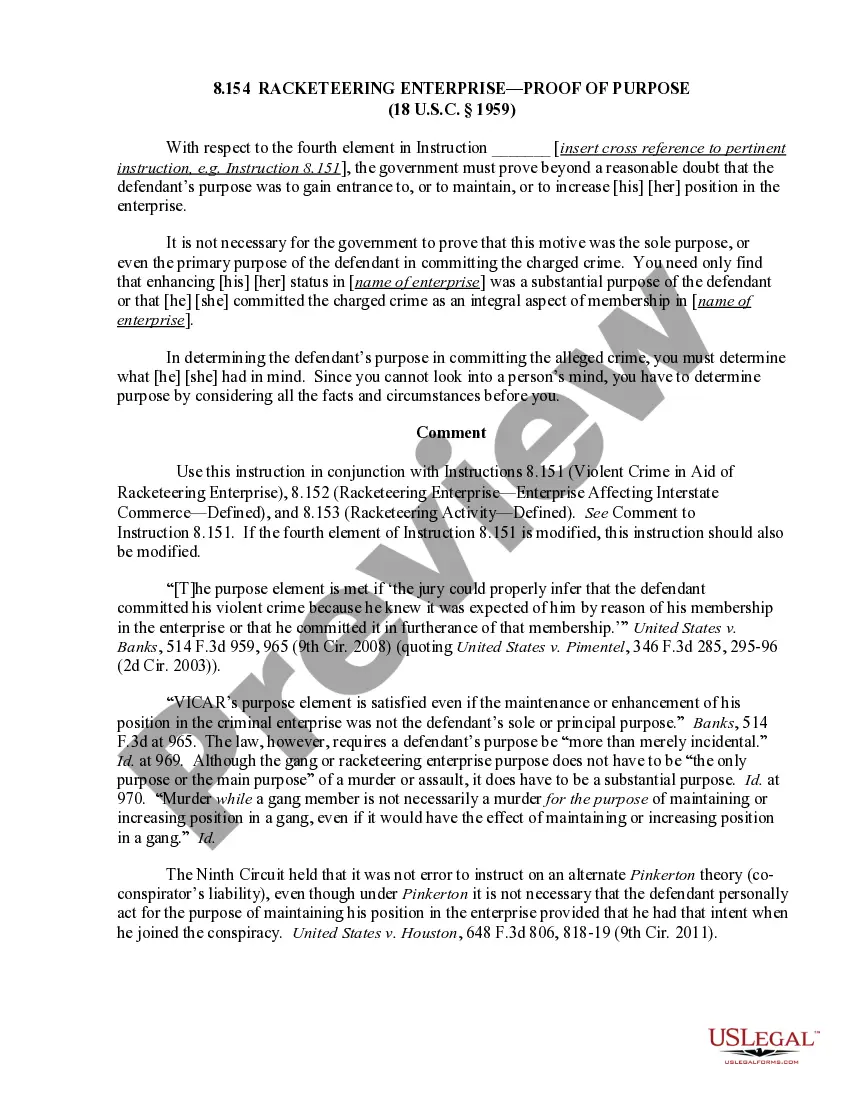
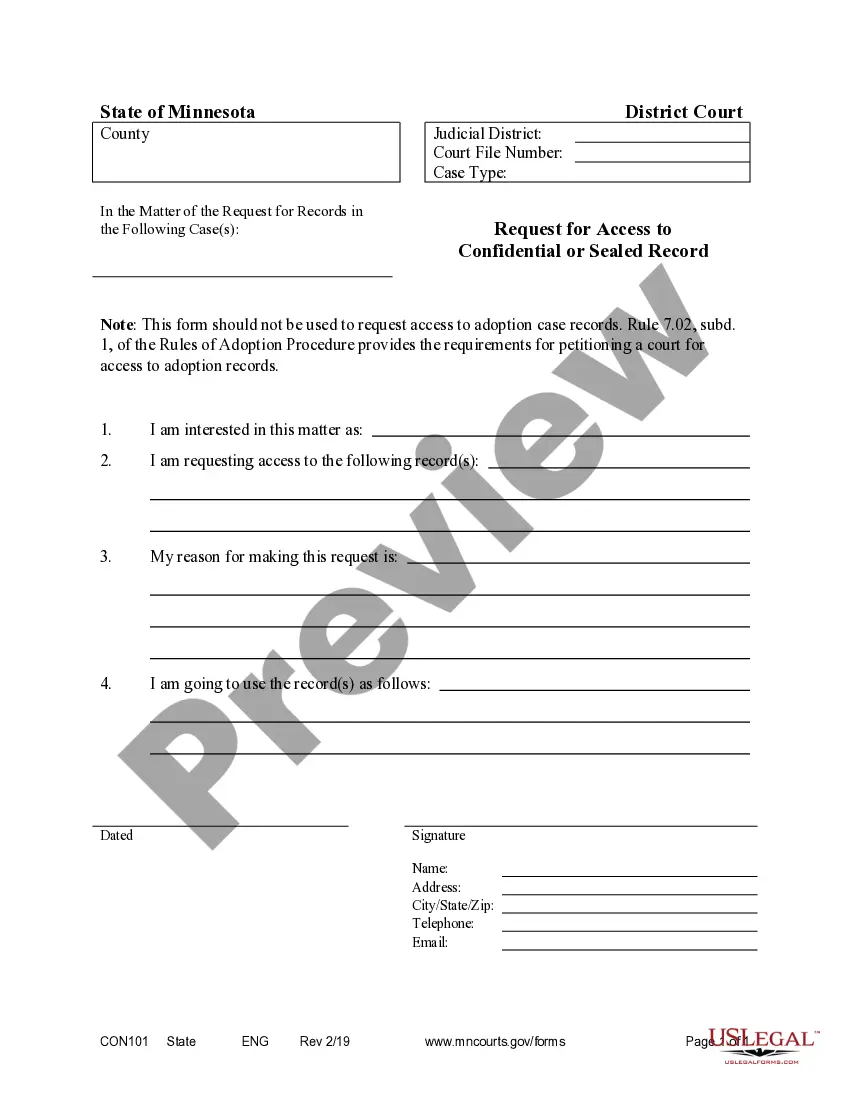
This is an official Minnesota court form for use in a civil case, a Petition for Access to Confidential or Sealed File and Order. USLF amends and updates these forms as is required by Minnesota Statutes and Law.
Minnesota Petition For Access To Confidential or Sealed File and Order
State:
Minnesota
Control #:
MN-CON101
Format:
Word;
PDF;
Rich Text
Instant download
This website is not affiliated with any governmental entity
Public form
Description
Get your form ready online
Our built-in tools help you complete, sign, share, and store your documents in one place.
Built-in online Word editor
Make edits, fill in missing information, and update formatting in US Legal Forms—just like you would in MS Word.
Export easily
Download a copy, print it, send it by email, or mail it via USPS—whatever works best for your next step.
E-sign your document
Sign and collect signatures with our SignNow integration. Send to multiple recipients, set reminders, and more. Go Premium to unlock E-Sign.
Notarize online 24/7
If this form requires notarization, complete it online through a secure video call—no need to meet a notary in person or wait for an appointment.
Store your document securely
We protect your documents and personal data by following strict security and privacy standards.

Make edits, fill in missing information, and update formatting in US Legal Forms—just like you would in MS Word.

Download a copy, print it, send it by email, or mail it via USPS—whatever works best for your next step.

Sign and collect signatures with our SignNow integration. Send to multiple recipients, set reminders, and more. Go Premium to unlock E-Sign.

If this form requires notarization, complete it online through a secure video call—no need to meet a notary in person or wait for an appointment.

We protect your documents and personal data by following strict security and privacy standards.
Looking for another form?

How to fill out Minnesota Petition For Access To Confidential Or Sealed File And Order?
Obtain any template from 85,000 legal documents, including the Minnesota Petition for Access to Confidential or Sealed File and Order, online through US Legal Forms. Each template is composed and revised by state-certified legal experts.
If you already possess a subscription, Log In. Once on the form’s page, hit the Download button and navigate to My documents to access it.
If you haven't subscribed yet, follow these steps: Check the state-specific criteria for the Minnesota Petition for Access to Confidential or Sealed File and Order you wish to utilize. Review the description and preview the example. Once you're confident the template meets your needs, click Buy Now. Choose a subscription plan that fits your budget. Set up a personal account. Make a payment using one of two convenient methods: credit card or PayPal. Select a format for downloading the file; two options are available (PDF or Word). Download the document to the My documents section. When your reusable template is prepared, print it out or save it to your device.
With US Legal Forms, you will always have immediate access to the appropriate downloadable sample. The service grants you access to forms and categorizes them to simplify your search. Use US Legal Forms to acquire your Minnesota Petition for Access to Confidential or Sealed File and Order swiftly and effortlessly.
- Obtain any template from 85,000 legal documents, including the Minnesota Petition for Access to Confidential or Sealed File and Order, online through US Legal Forms.
- Each template is composed and revised by state-certified legal experts.
- If you already possess a subscription, Log In.
- Once on the form’s page, hit the Download button and navigate to My documents to access it.
- If you haven't subscribed yet, follow these steps.
- Check the state-specific criteria for the Minnesota Petition for Access to Confidential or Sealed File and Order you wish to utilize.
- Review the description and preview the example.
- Once you're confident the template meets your needs, click Buy Now.
- Choose a subscription plan that fits your budget.
Form popularity
FAQ
The terms 'confidential' and 'sealed' refer to different levels of document protection in Minnesota. Confidential documents are not publicly available but may be accessed by certain parties under specific conditions. In contrast, sealed documents are completely restricted from public access, requiring a court order for anyone to view them. Understanding these distinctions is crucial, and a Minnesota Petition For Access To Confidential or Sealed File and Order can help clarify your rights regarding both types of documents.
Obtaining a sealed court order involves filing a Minnesota Petition For Access To Confidential or Sealed File and Order with the appropriate court. Your petition should clearly explain why you need the order and how it aligns with legal standards. After filing, the court will review your request and may schedule a hearing to evaluate your justification. You can simplify this process by utilizing the templates and guidance offered by uslegalforms.
To file under seal in Minnesota, you must submit a Minnesota Petition For Access To Confidential or Sealed File and Order to the court. This petition outlines your reasons for requesting access to the sealed documents. Remember to include any required supporting documents, such as affidavits or evidence that justifies your request. Using resources like uslegalforms can guide you through the filing process, ensuring that you meet all necessary legal requirements.
To file a document under seal, you must prepare a formal motion requesting the court's permission. This motion should detail the reasons for sealing the document, which often involves submitting a Minnesota Petition For Access To Confidential or Sealed File and Order. After preparing the motion, you file it with the court, and upon approval, the document remains confidential. Using platforms like uslegalforms can simplify this process and ensure your filing meets all necessary requirements.
When a document is filed under seal, it means that the document is not accessible to the public and is kept confidential. This process often applies to sensitive information, making a Minnesota Petition For Access To Confidential or Sealed File and Order essential for those seeking access. Filing under seal protects privacy and ensures that sensitive information does not become public knowledge. If you need to access such files, understanding this concept is crucial.
Rule 11.04 in Minnesota governs the requirements for signing court documents and filing motions. It emphasizes the necessity of ensuring that all filings, including a Minnesota Petition For Access To Confidential or Sealed File and Order, comply with legal standards. This rule helps maintain the integrity of court proceedings and ensures that all submissions are properly executed. Familiarizing yourself with this rule can streamline your petitions and filings.
Rule 77.04 in Minnesota outlines the procedures for filing confidential documents and accessing sealed files in the court system. This rule is particularly relevant when filing a Minnesota Petition For Access To Confidential or Sealed File and Order. It specifies how parties can request access to documents that are not available to the public. Understanding this rule helps individuals navigate the legal process effectively.