Maryland Release and Authorization
What is this form?
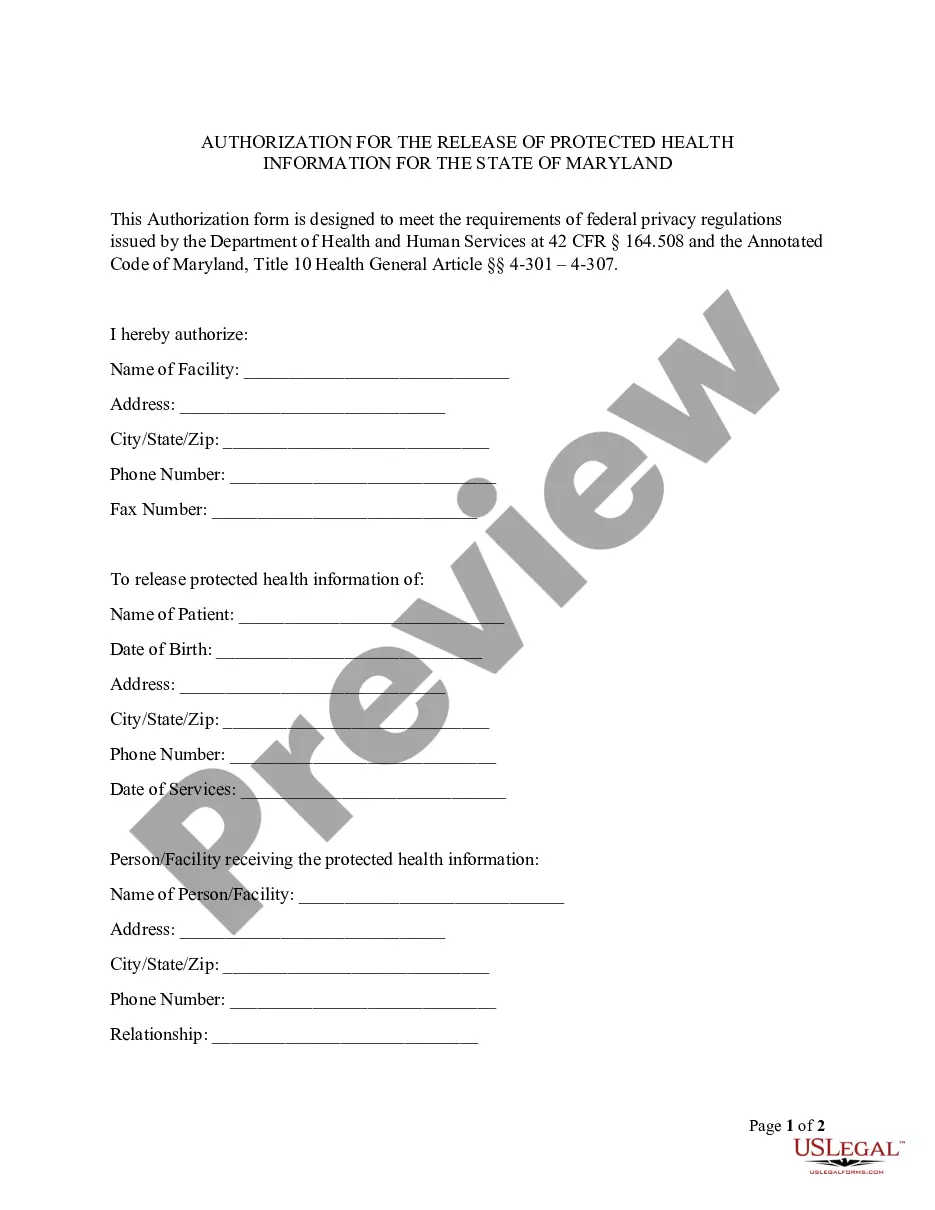
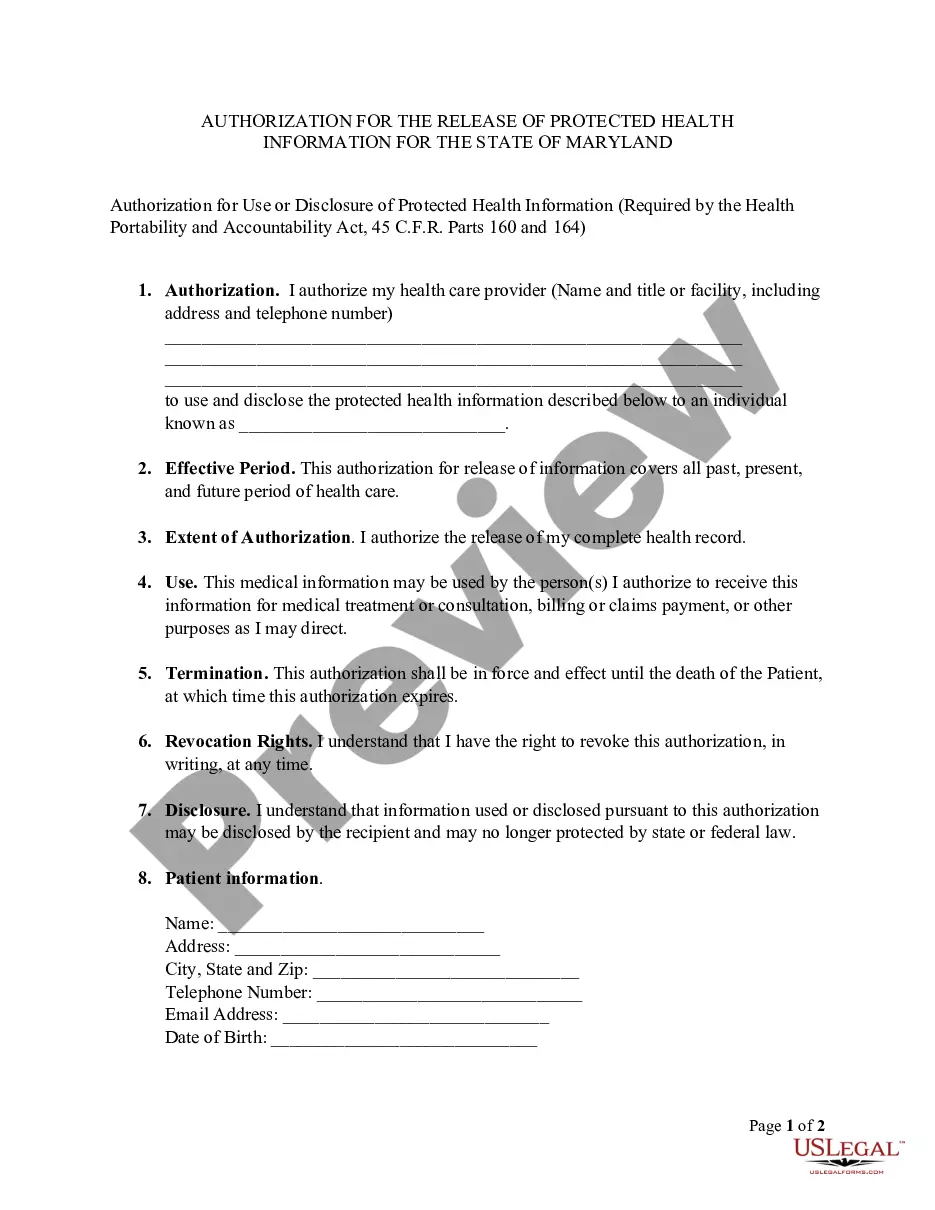
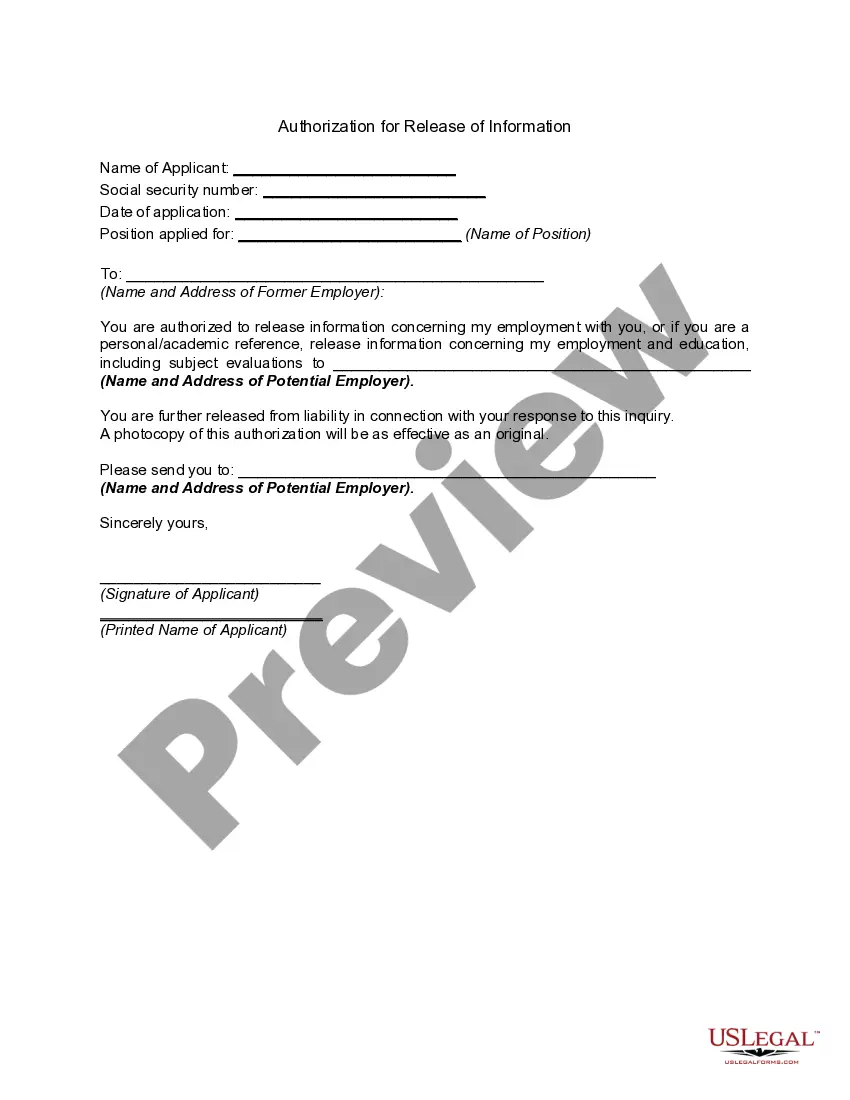
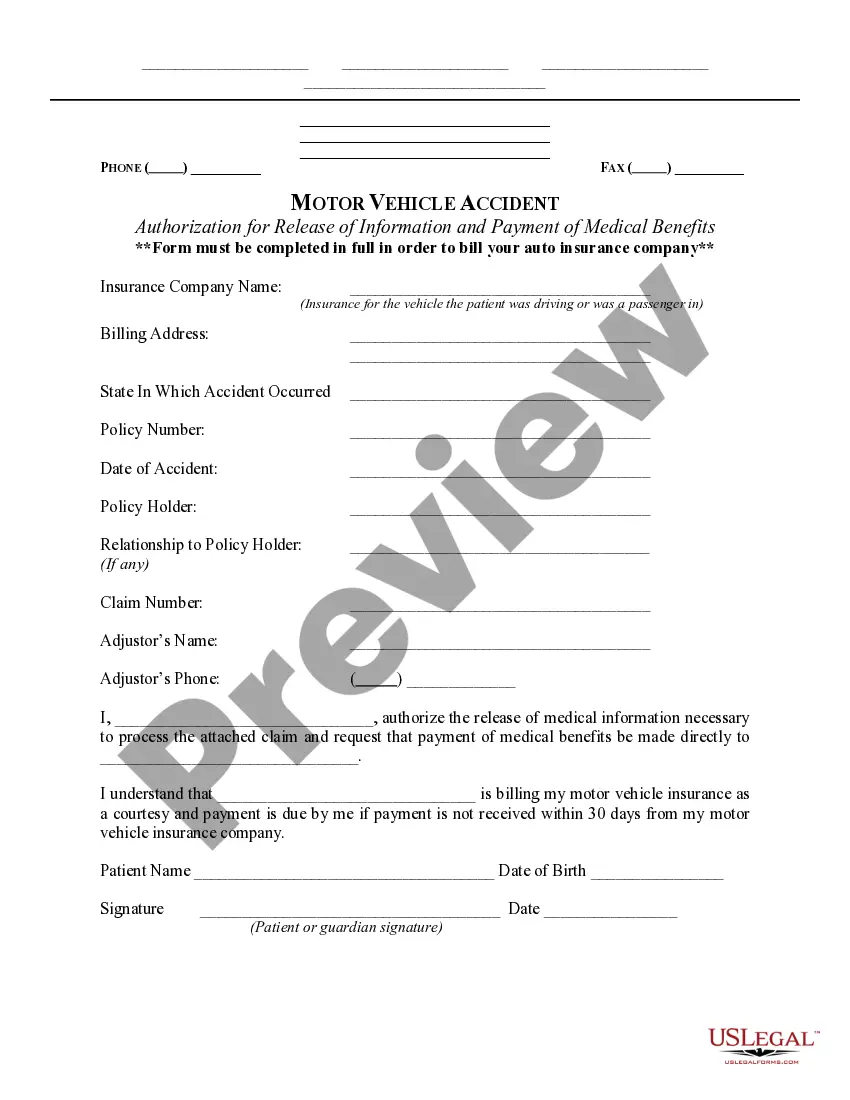
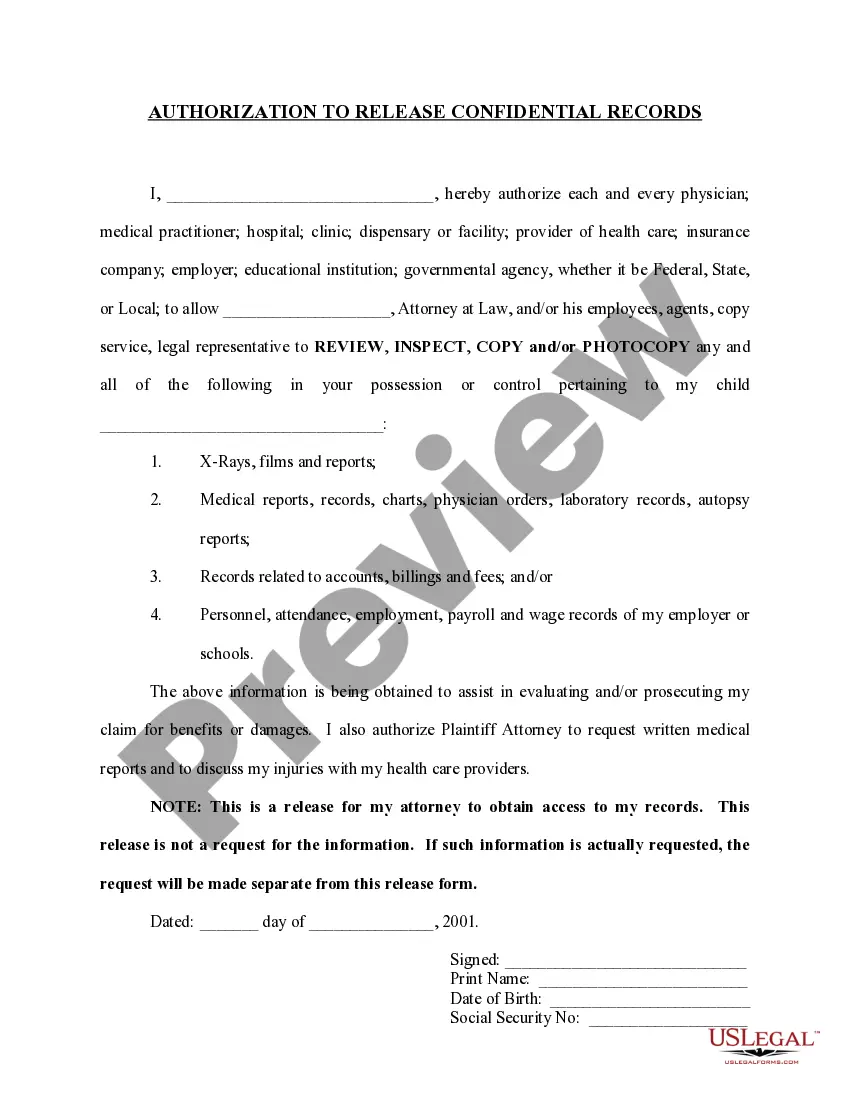
The Maryland Release and Authorization form is a HIPAA authorization document specific to the state of Maryland. It allows an individual (the patient) to authorize the release of their protected health information to designated parties. This form ensures compliance with federal and state privacy regulations, distinguishing it from general release forms by its adherence to Maryland's specific requirements and HIPAA guidelines.
Form components explained
- Patient information section, including name, address, and date of birth.
- Facility information that will release the health information.
- Details of the person or facility receiving the health information.
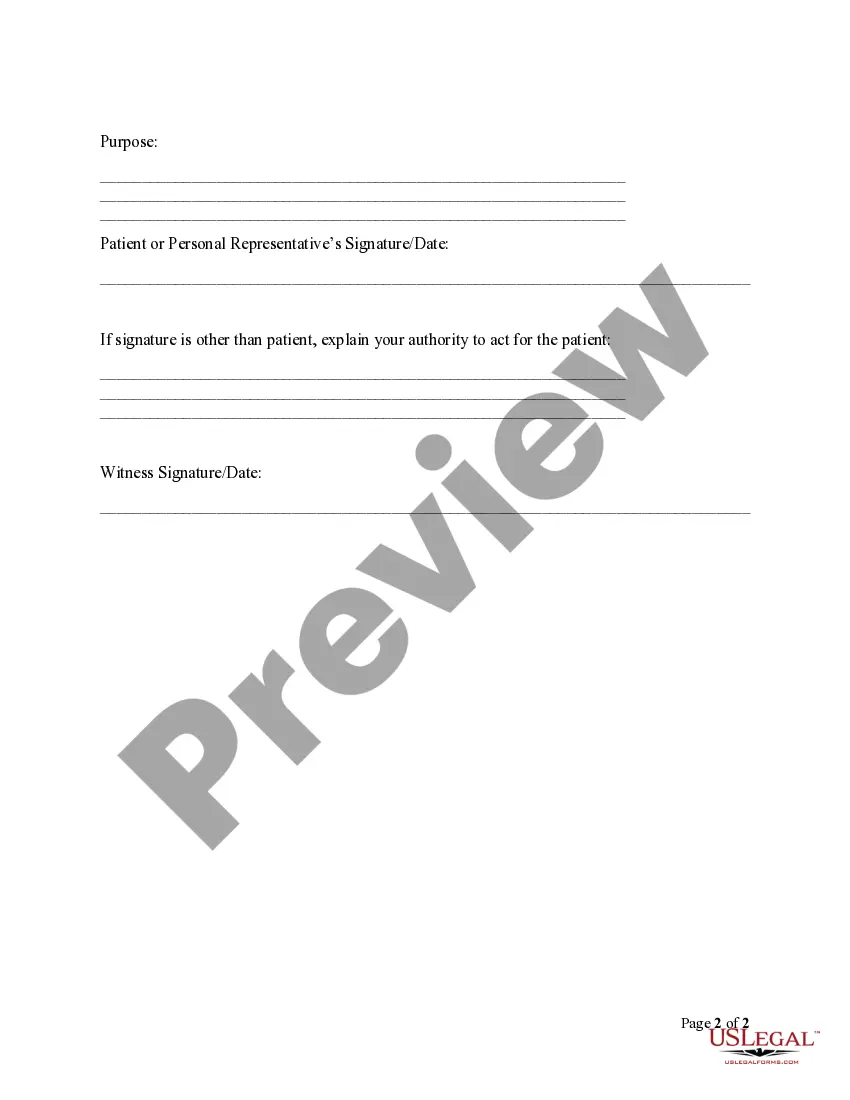
- Purpose for the release of the information.
- Signature of the patient or authorized representative, along with date.
Situations where this form applies
This form should be used when a patient in Maryland wishes to authorize a healthcare provider or facility to share their protected health information with another individual or organization. Typical scenarios include transferring medical records to a new healthcare provider, sharing information with family members for caregiving purposes, or fulfilling requests from legal representatives for health-related documents.
Who this form is for
- Patients seeking to share their health information with other parties.
- Legal representatives acting on behalf of a patient.
- Healthcare providers who need to obtain authorization before releasing information.
Instructions for completing this form
- Enter the name and address of the facility that will release the health information.
- Fill in the patient's identifying information, including name, date of birth, and contact details.
- Specify the name and address of the person or facility that will receive the information.
- Clearly state the purpose for which the information is being released.
- Ensure the form is signed and dated by the patient or their authorized representative, along with a witness signature if required.
Does this document require notarization?
This form does not typically require notarization unless specified by local law. However, it is recommended to check with your healthcare provider or legal representative to ensure compliance with any specific requirements.
Get your form ready online
Our built-in tools help you complete, sign, share, and store your documents in one place.
Make edits, fill in missing information, and update formatting in US Legal Forms—just like you would in MS Word.
Download a copy, print it, send it by email, or mail it via USPS—whatever works best for your next step.
Sign and collect signatures with our SignNow integration. Send to multiple recipients, set reminders, and more. Go Premium to unlock E-Sign.
If this form requires notarization, complete it online through a secure video call—no need to meet a notary in person or wait for an appointment.
We protect your documents and personal data by following strict security and privacy standards.

Make edits, fill in missing information, and update formatting in US Legal Forms—just like you would in MS Word.

Download a copy, print it, send it by email, or mail it via USPS—whatever works best for your next step.

Sign and collect signatures with our SignNow integration. Send to multiple recipients, set reminders, and more. Go Premium to unlock E-Sign.

If this form requires notarization, complete it online through a secure video call—no need to meet a notary in person or wait for an appointment.

We protect your documents and personal data by following strict security and privacy standards.
Typical mistakes to avoid
- Failing to specify the purpose of the information release.
- Inaccurate or incomplete patient or facility information.
- Not signing the form or omitting the date of signature.
- Using this form without confirming it meets local jurisdiction requirements.
Benefits of using this form online
- Immediate access to the form without the need for physical visits.
- Customizable fields for your specific situation, ensuring accuracy.
- Reliable templates drafted by licensed attorneys, reducing legal risks.
Legal use & context
- The form is legally valid in the state of Maryland when properly completed.
- Authorization must comply with HIPAA regulations for the release of medical records.
- This release protects the patient's privacy by detailing which information can be shared and with whom.
Summary of main points
- The Maryland Release and Authorization form is essential for sharing protected health information.
- Ensure all fields are filled out accurately to avoid delays.
- Always verify any legal requirements specific to your situation and locality.
Looking for another form?
Form popularity
FAQ
HIPAA Authorization is a document that authorizes the release of medical records which are protected under HIPAA. The authorization names designated representatives who may receive protected medical records, despite the privacy protections of HIPAA. HIPAA is an important piece of legislation.
Under the HIPAA Privacy Rule, healthcare providers, health plans, business associates, and others involved in administration of healthcare, may not share a patient's protected health information (PHI) without that patient's written authorization.
A HIPAA authorization form, also known as a HIPAA release form, is a document that individual signs for their health provider before the entity may use or disclose their protected health information (PHI).
Authorization for release of information means the form prescribed by the agency for the purpose of authorizing the release of a confidential record, signed and dated by the person empowered to release the information.
A: ?Consent? is a general term under the Privacy Rule, but ?authorization? has much more specific requirements. The Privacy Rule permits, but does not require, a CE to obtain patient ?consent? for uses and disclosures of PHI for treatment, payment, and healthcare operations.
By setting up a Release Authorization (ARI), you are giving customer service your permission to disclose information about your accounts to another person. Typically, this is used to give account access to a spouse or other family member.