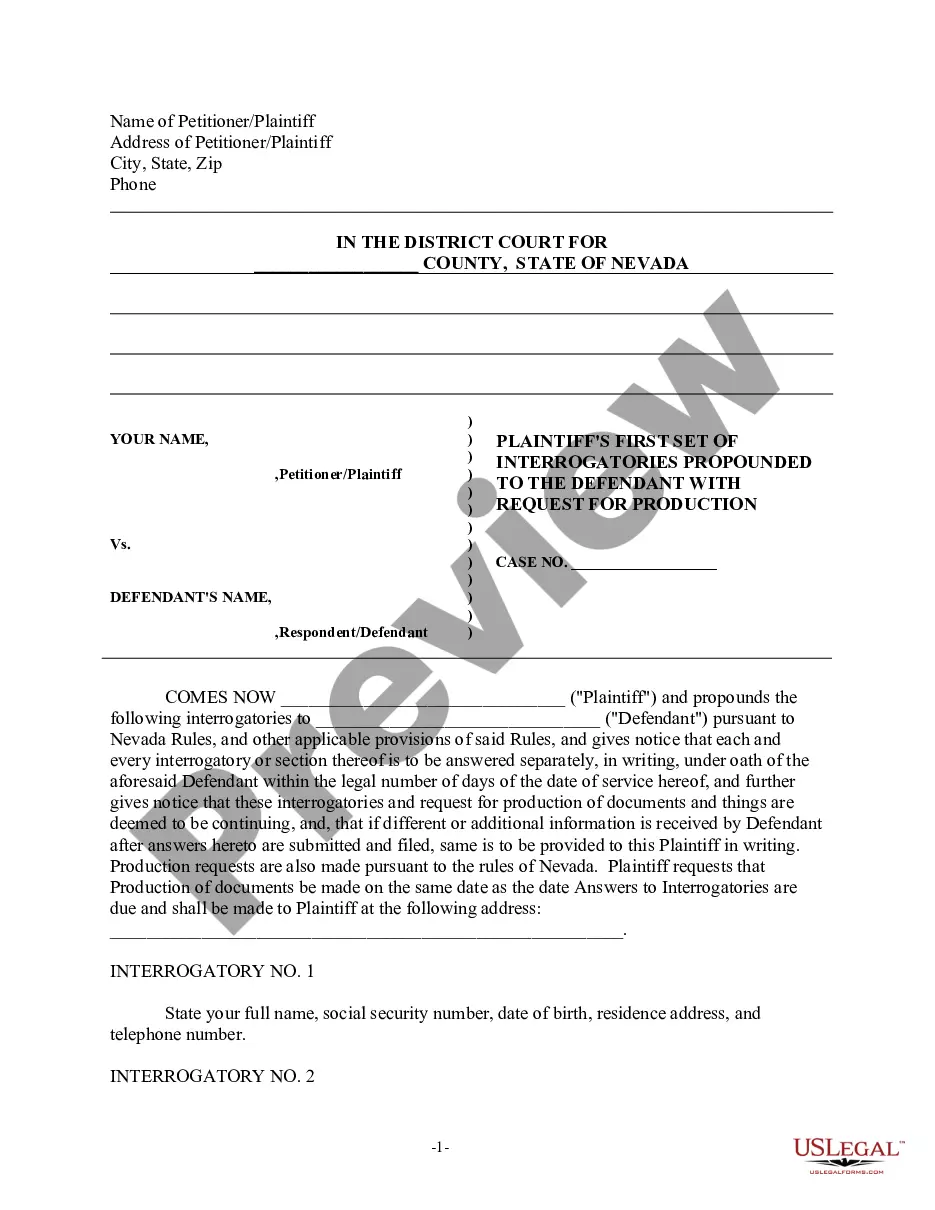
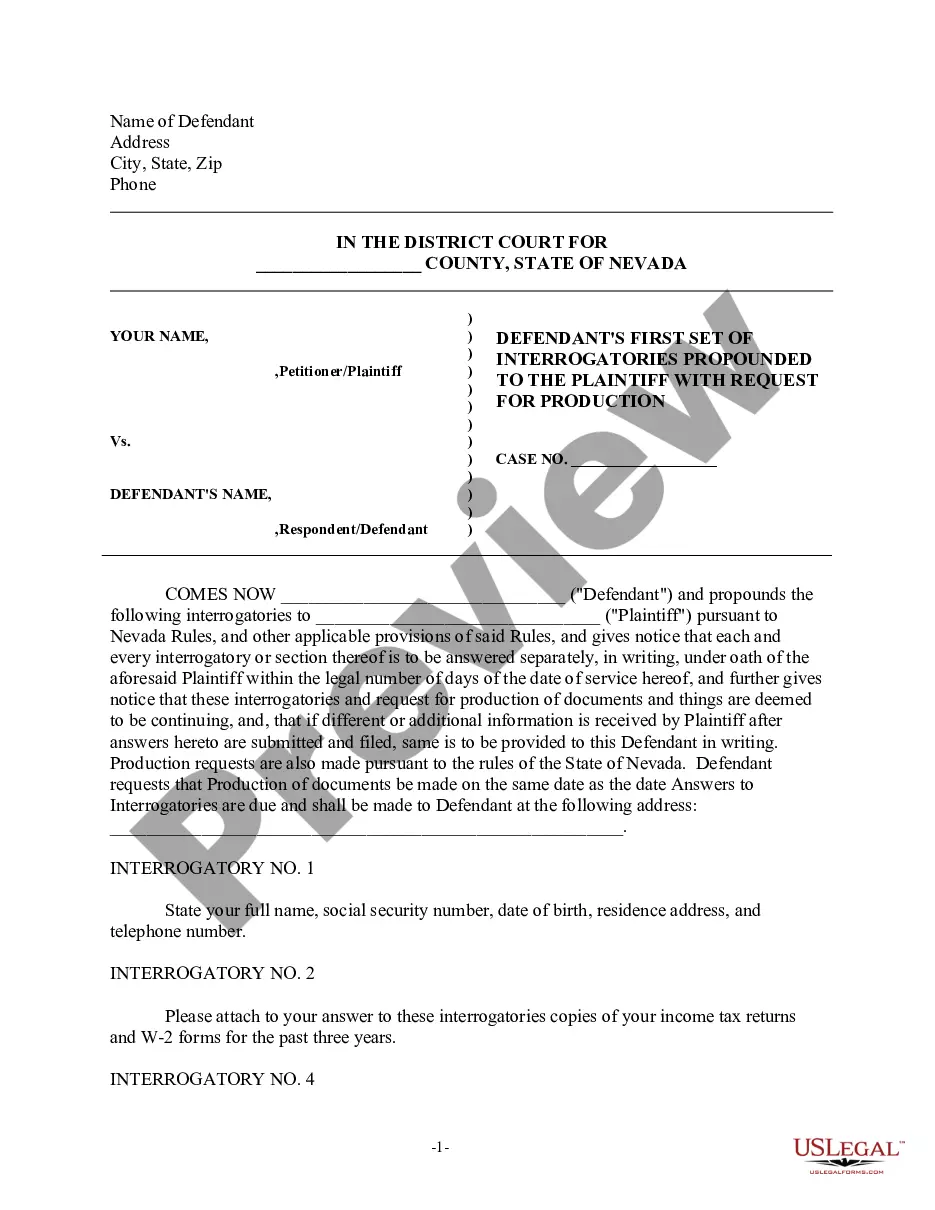
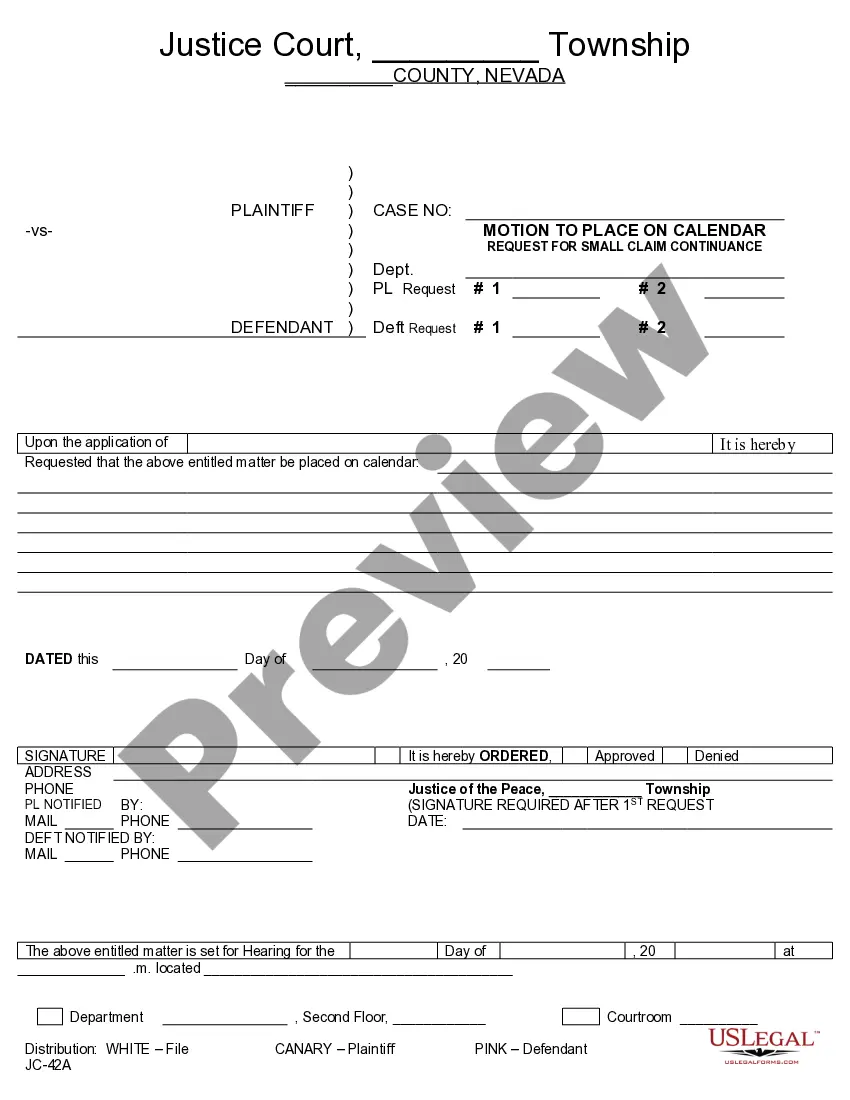
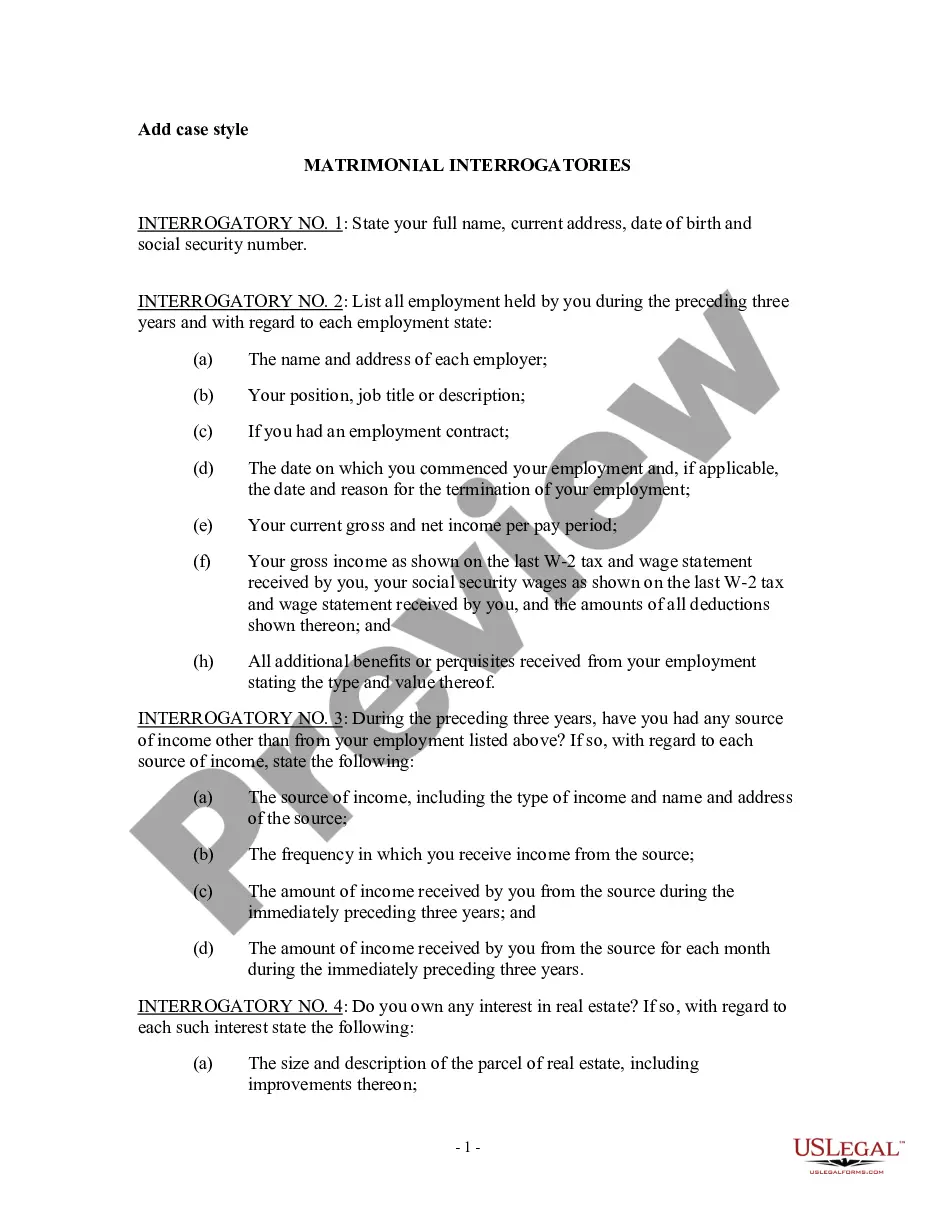
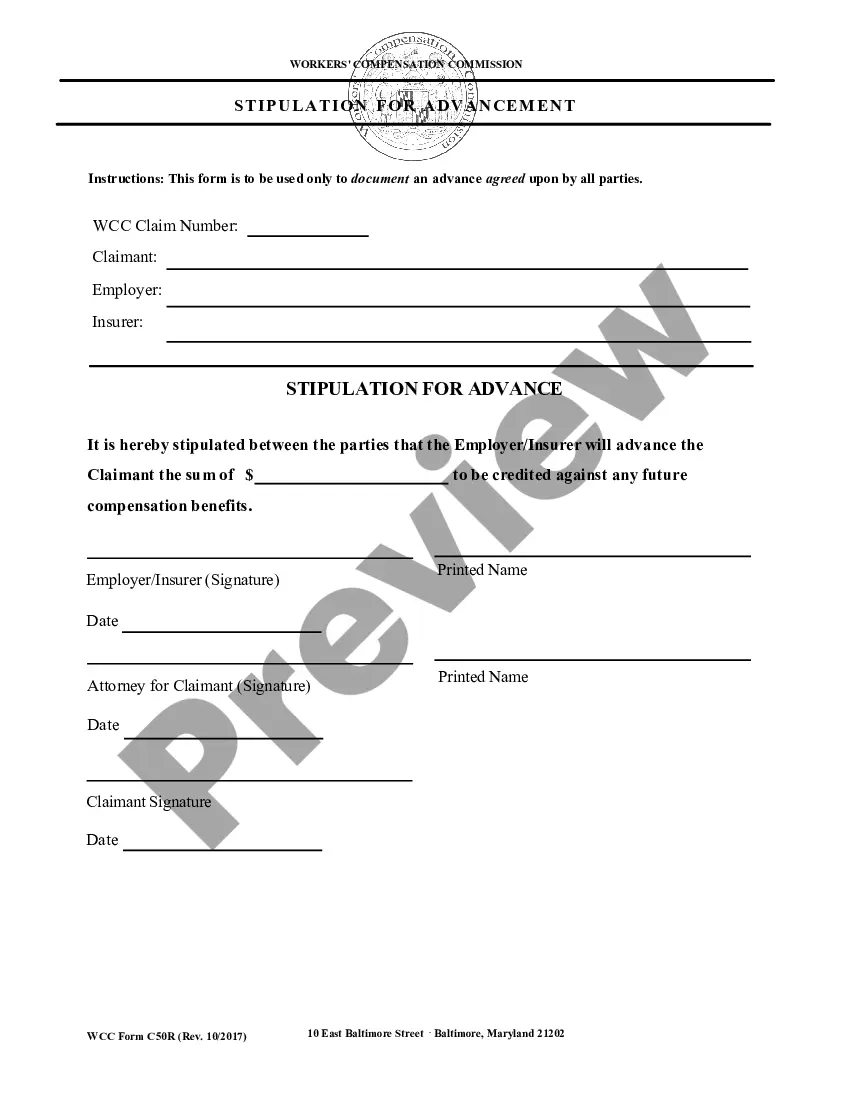
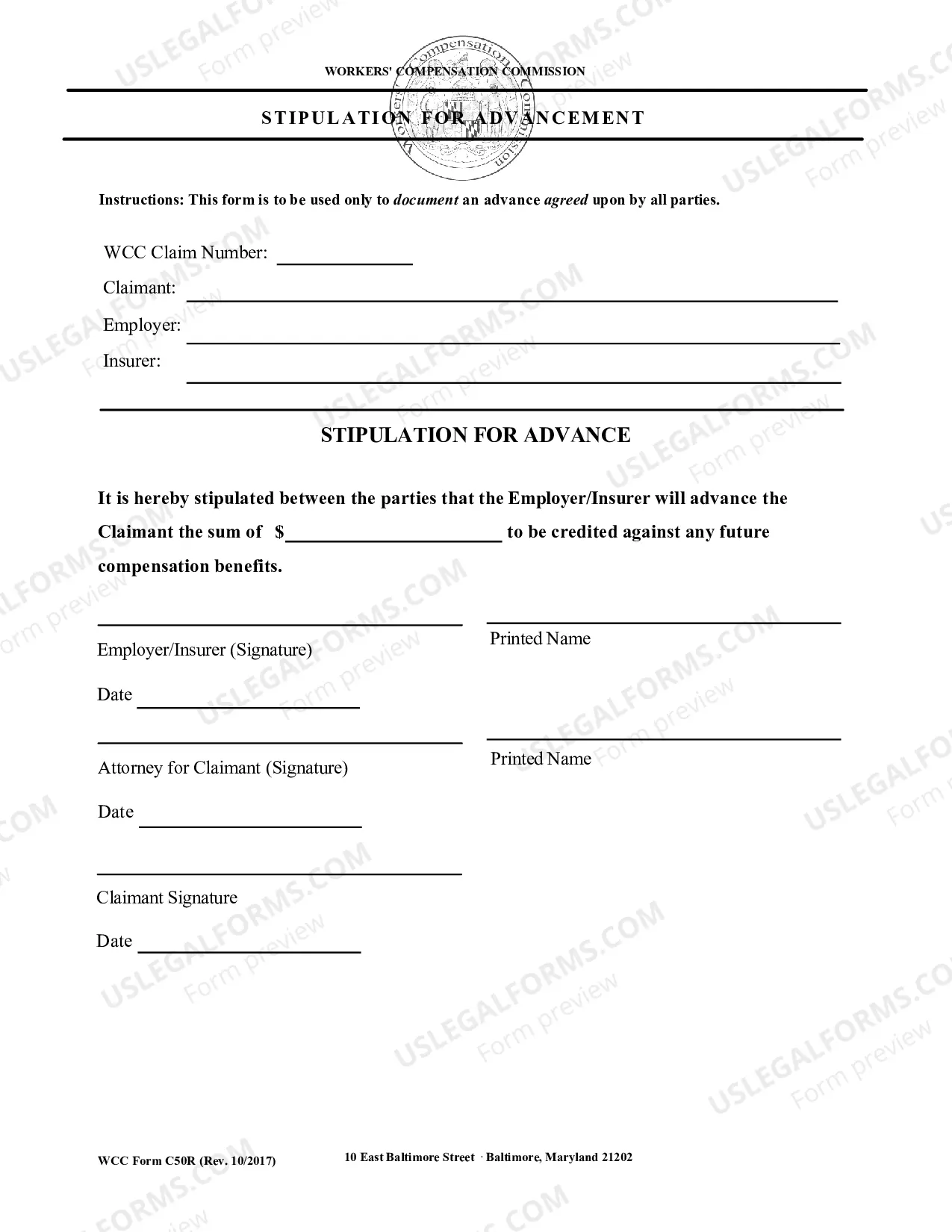
This is an official Workers' Compensation form for the state of Maryland.
Maryland Request for Advancement
Instant download
This website is not affiliated with any governmental entity
Public form
Description

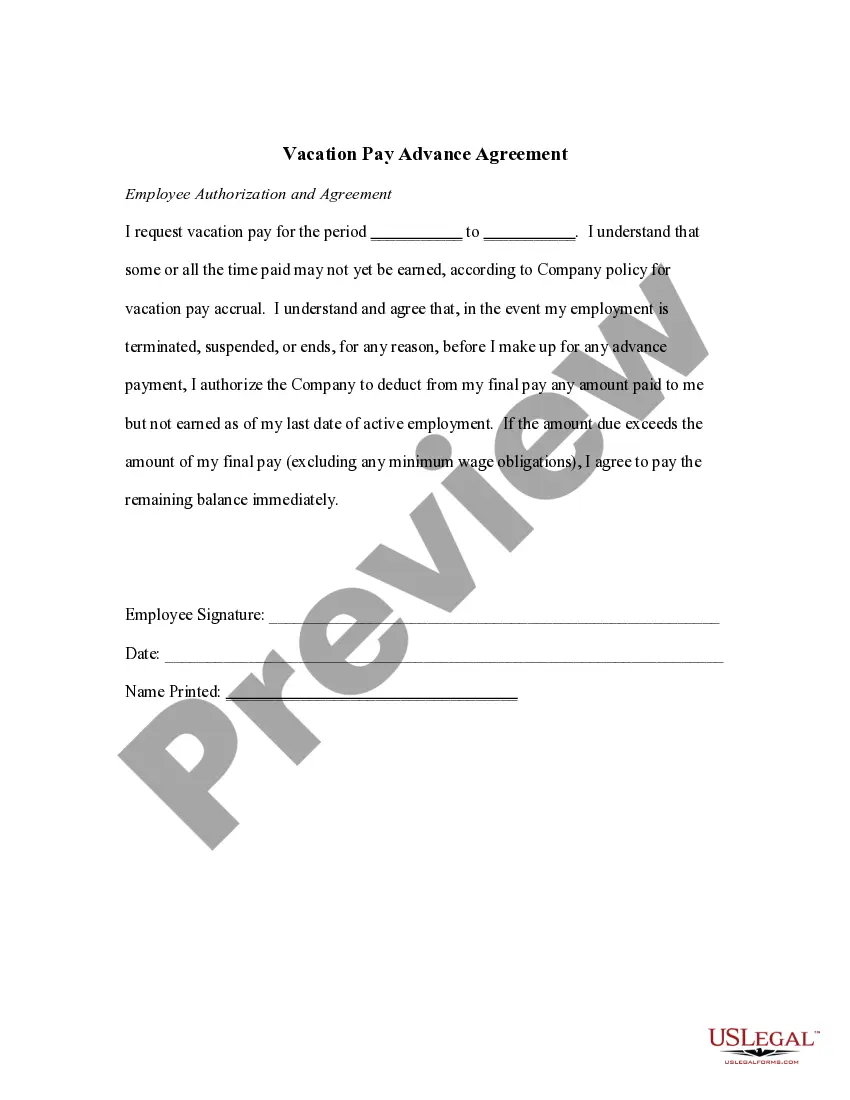
Get your form ready online
Our built-in tools help you complete, sign, share, and store your documents in one place.
Built-in online Word editor
Make edits, fill in missing information, and update formatting in US Legal Forms—just like you would in MS Word.
Export easily
Download a copy, print it, send it by email, or mail it via USPS—whatever works best for your next step.
E-sign your document
Sign and collect signatures with our SignNow integration. Send to multiple recipients, set reminders, and more. Go Premium to unlock E-Sign.
Notarize online 24/7
If this form requires notarization, complete it online through a secure video call—no need to meet a notary in person or wait for an appointment.
Store your document securely
We protect your documents and personal data by following strict security and privacy standards.

Make edits, fill in missing information, and update formatting in US Legal Forms—just like you would in MS Word.

Download a copy, print it, send it by email, or mail it via USPS—whatever works best for your next step.

Sign and collect signatures with our SignNow integration. Send to multiple recipients, set reminders, and more. Go Premium to unlock E-Sign.

If this form requires notarization, complete it online through a secure video call—no need to meet a notary in person or wait for an appointment.

We protect your documents and personal data by following strict security and privacy standards.
Looking for another form?

How to fill out Maryland Request For Advancement?
You are invited to the ultimate collection of legal documentation, US Legal Forms. Here you will locate any example including Maryland Stipulation for Advancement formats and save them (as many as you desire/require). Create official documents in a few hours, rather than days or weeks, without incurring significant expenses with a lawyer. Obtain your state-specific form in just a few clicks and feel assured knowing it was prepared by our licensed attorneys.
If you’re already a subscribed member, just Log In to your account and then click Download next to the Maryland Stipulation for Advancement you need. Since US Legal Forms is an online platform, you’ll consistently have access to your downloaded forms, regardless of the device you’re using. Locate them within the My documents section.
If you haven't created an account yet, what are you waiting for? Review our instructions below to get started: If this is a state-specific example, confirm its relevance in your state. View the description (if available) to determine if it’s the suitable template. Explore more detail with the Preview feature. If the example fulfills all your needs, click Buy Now. To establish your account, choose a pricing option. Use a credit card or PayPal account to enroll. Save the document in your preferred format (Word or PDF). Print the document and complete it with your/your business’s details. Once you’ve filled out the Maryland Stipulation for Advancement, send it to your attorney for validation. It’s an additional step but a crucial one for ensuring you’re fully protected. Join US Legal Forms today and gain access to a multitude of reusable examples.
Form popularity
FAQ
When filling out the Maryland W-4 form, begin by specifying your personal information and filing status at the top of the form. Next, determine the number of allowances you wish to claim, as this will impact your withholding amount. Utilize the Maryland Request for Advancement for helpful tips and to ensure that your form is completed accurately.
In Maryland, a motion to dismiss can be filed on several grounds, including lack of jurisdiction, failure to state a claim upon which relief can be granted, or expiration of the statute of limitations. Each of these grounds serves as a basis to challenge the legitimacy of the lawsuit. To ensure your motion is carefully crafted, consult the US Legal Forms platform for templates and expert advice.