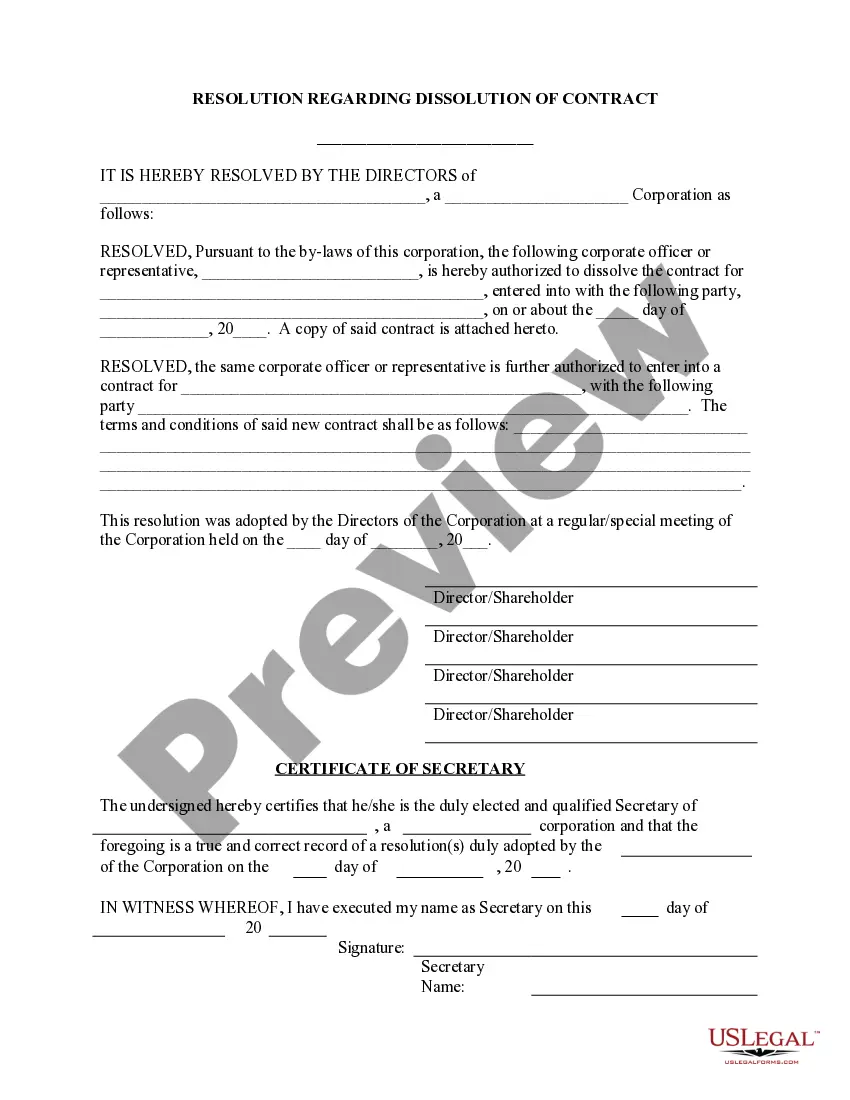
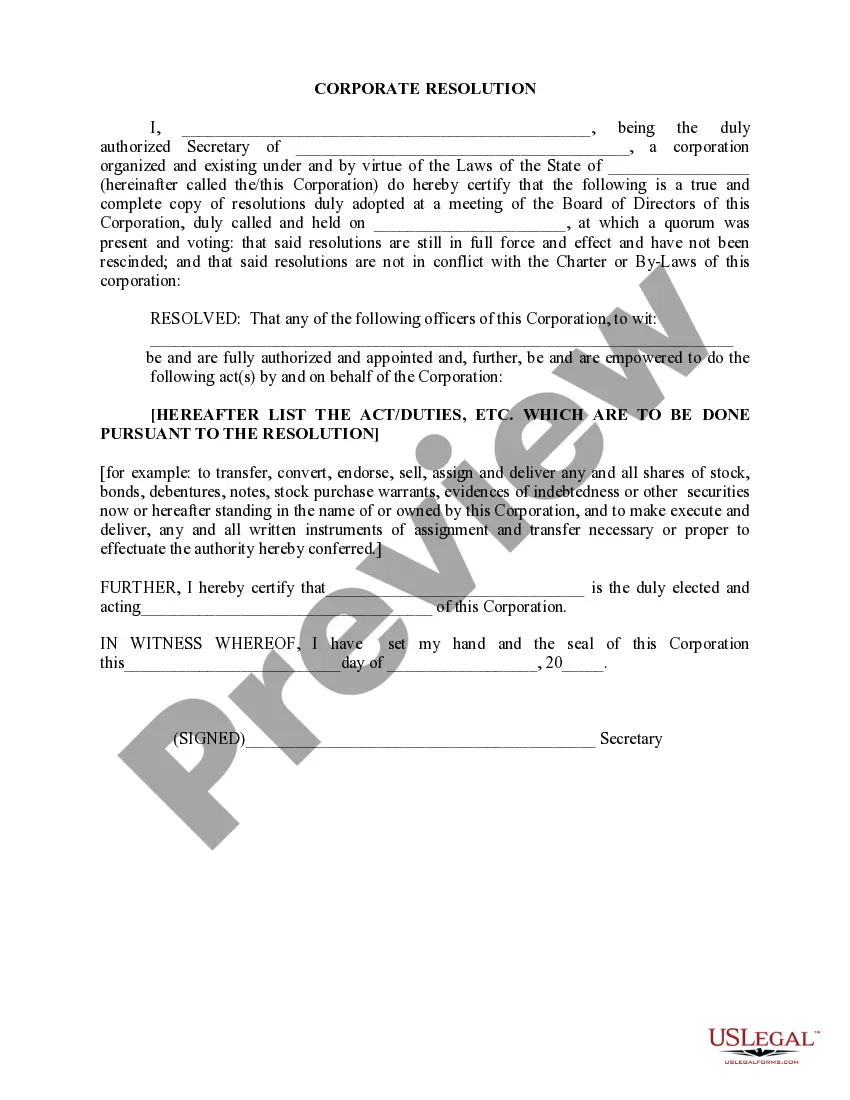
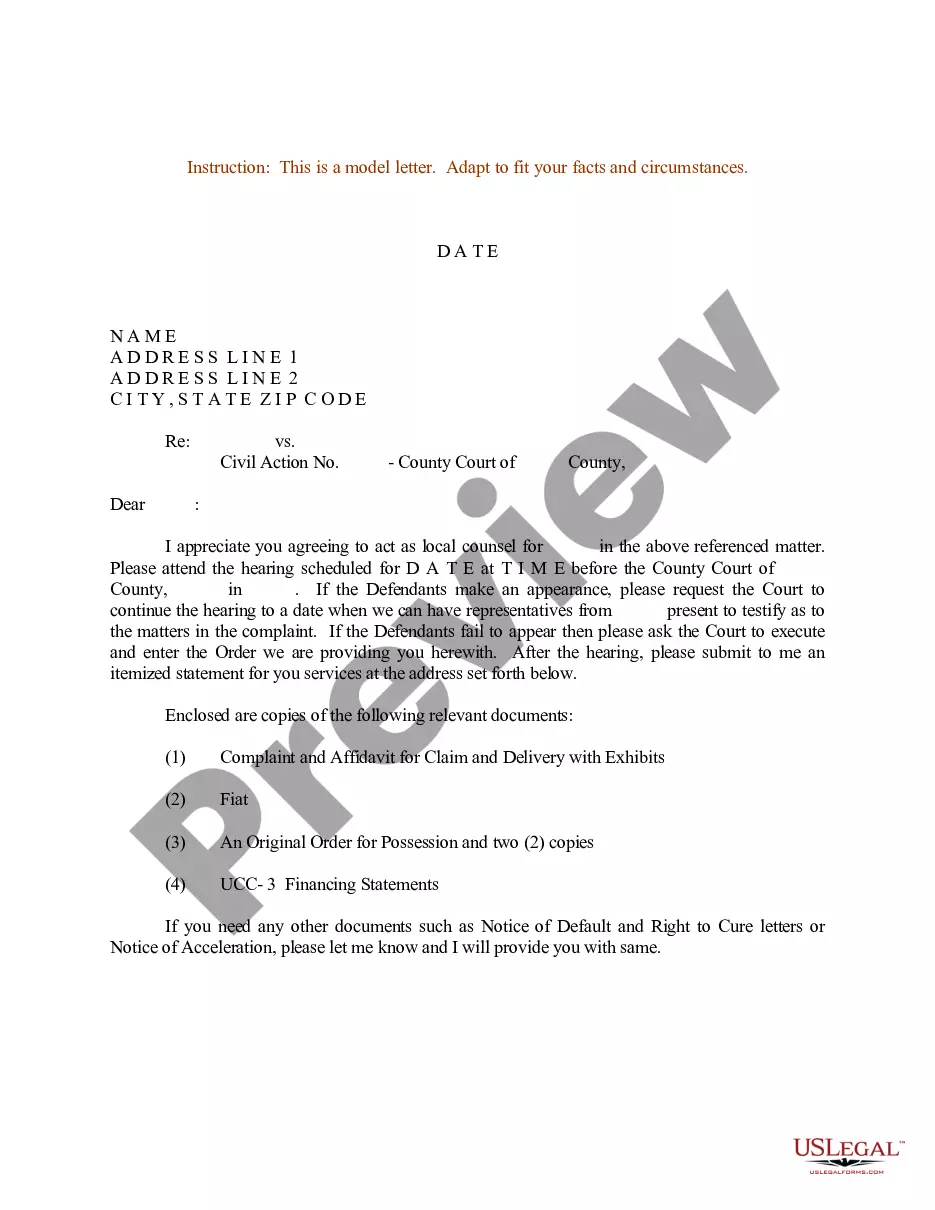
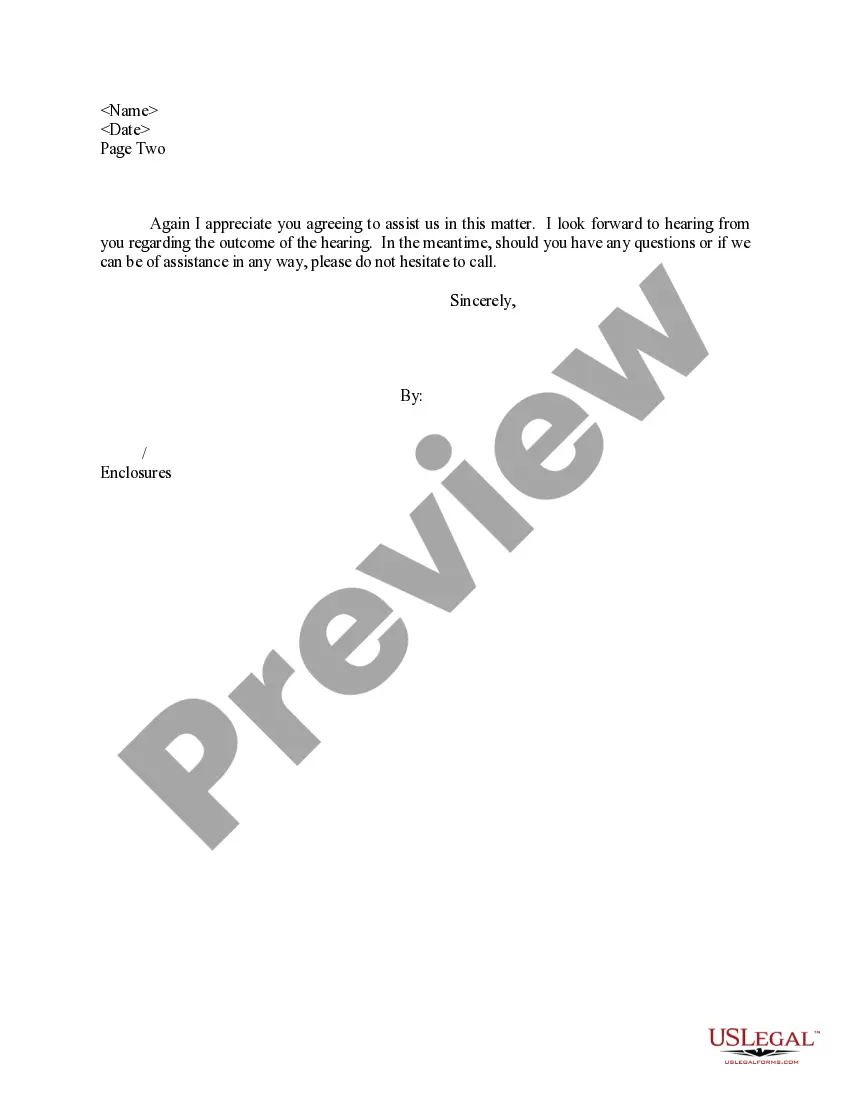
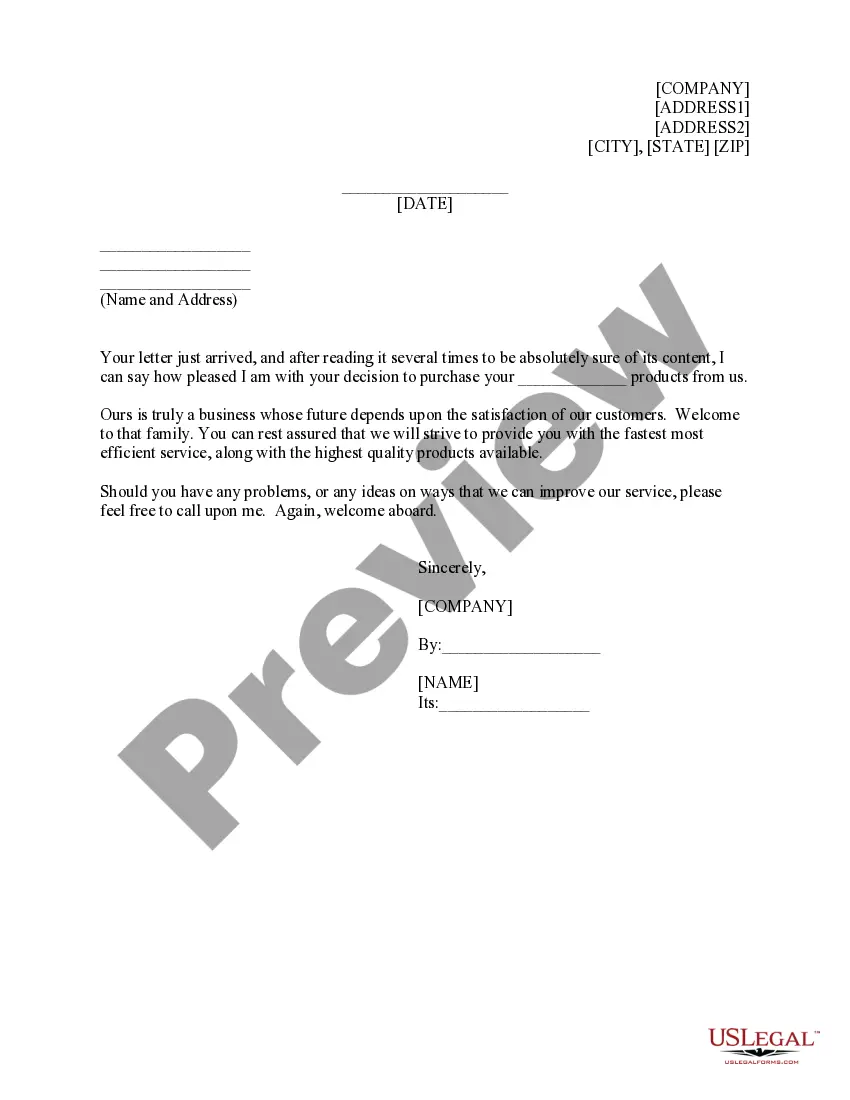
Massachusetts Sample Letter for Instructions to Appointed - Local Counsel - UCC-3
Description
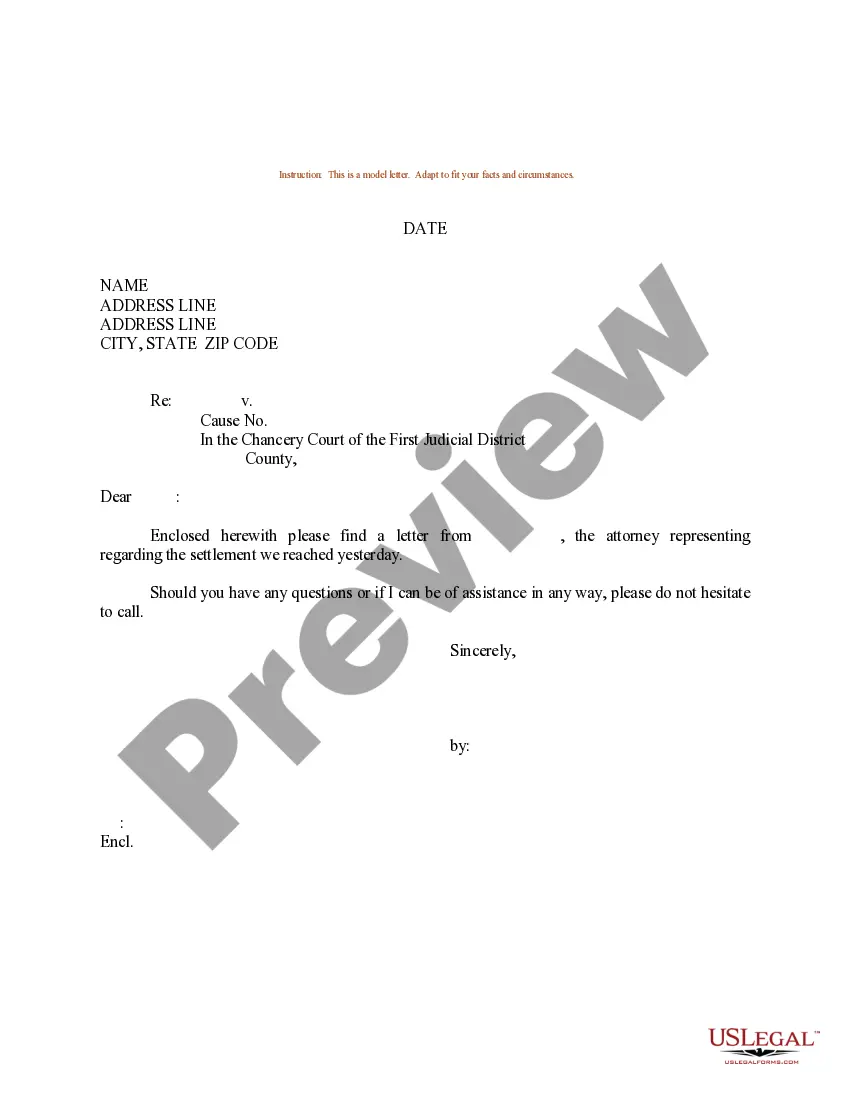
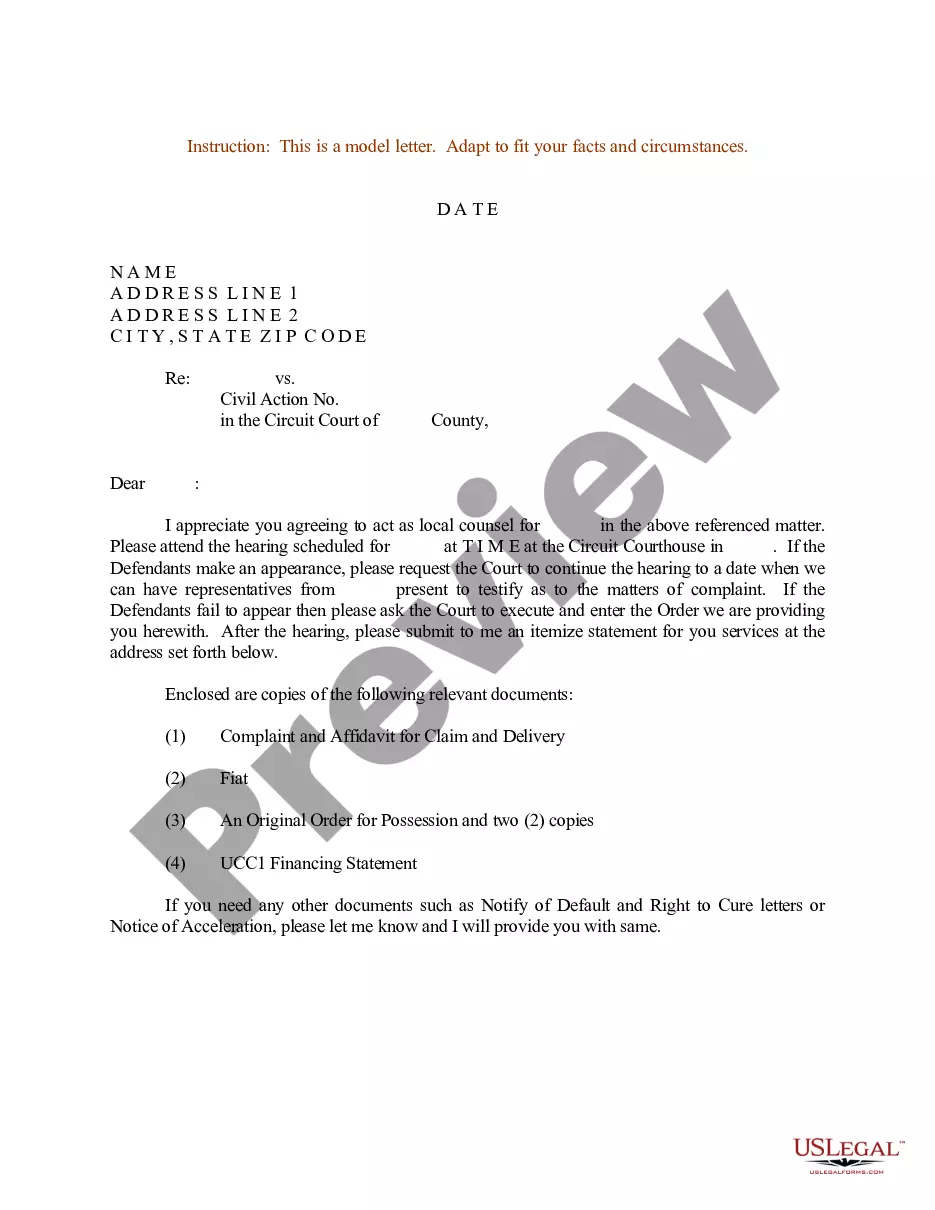
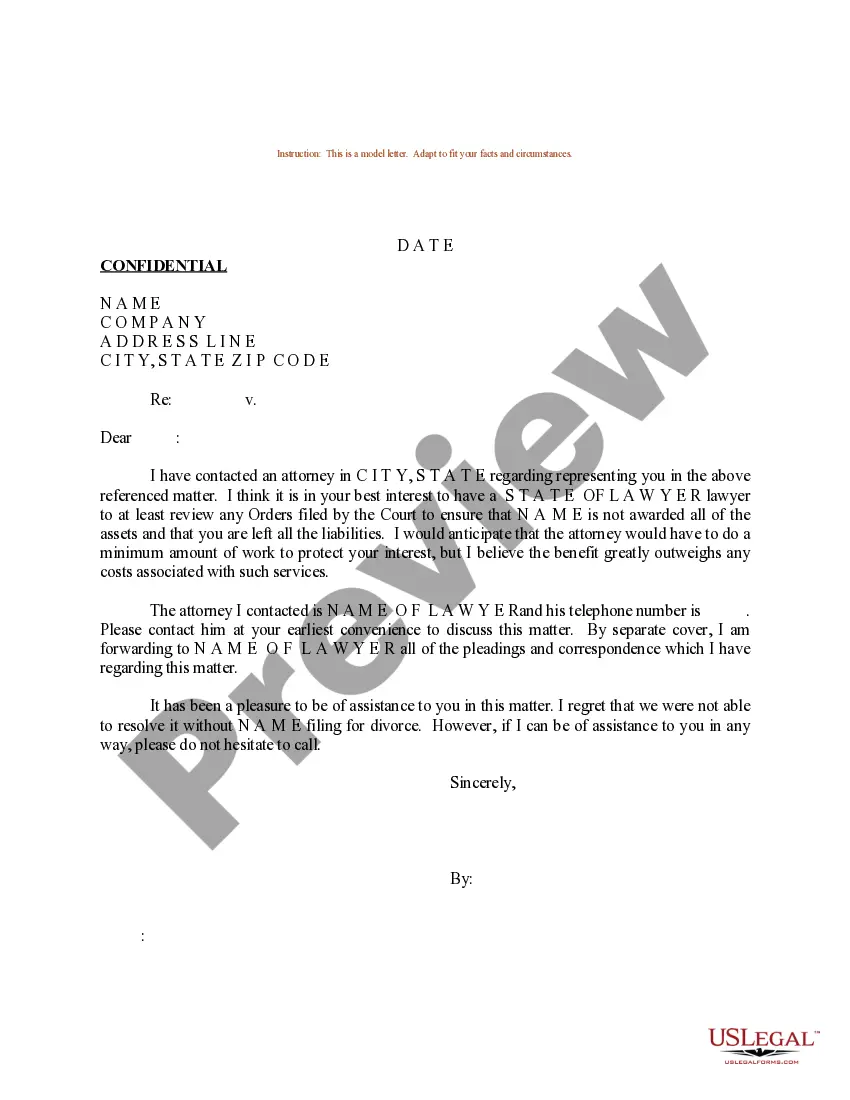
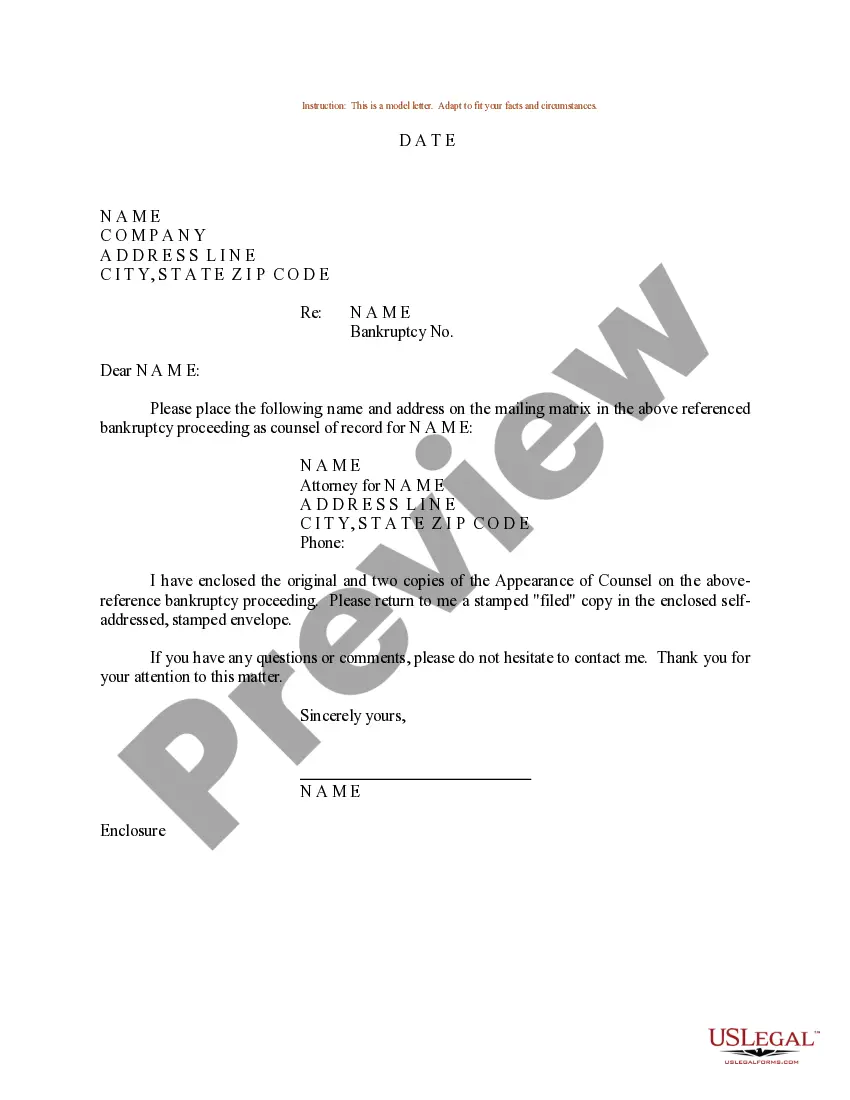
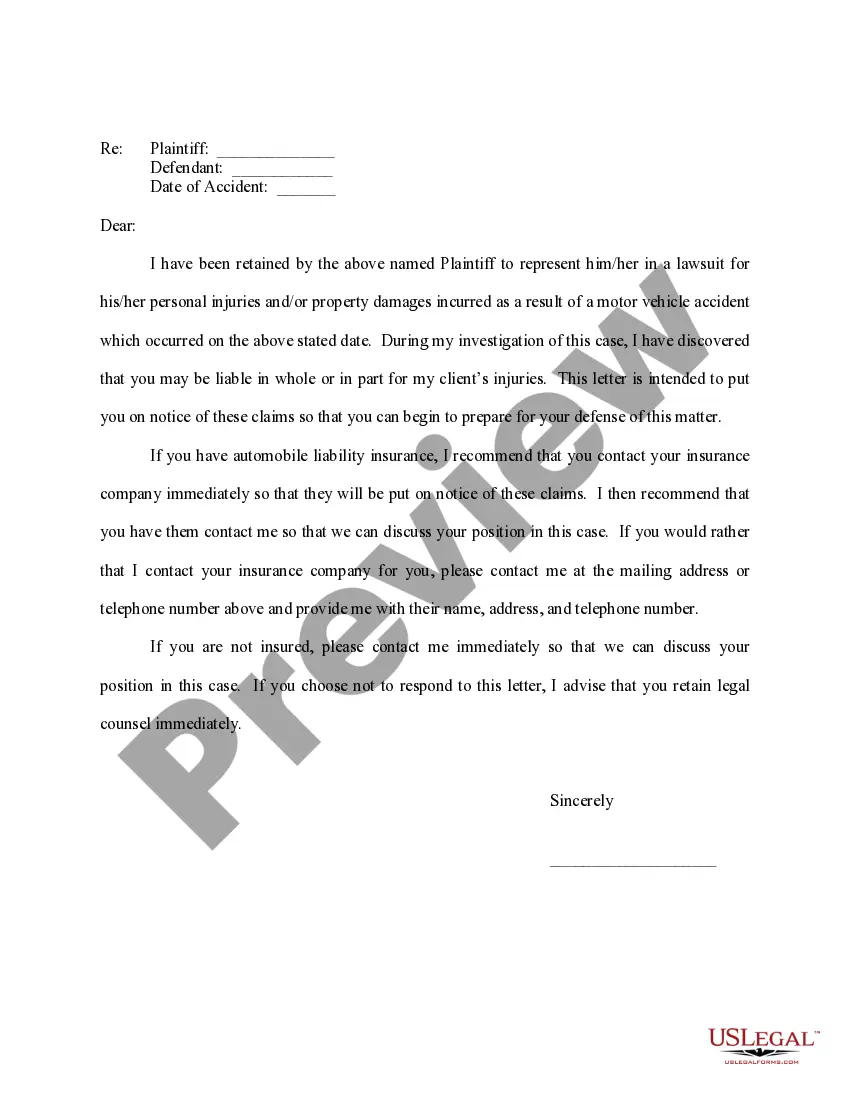
Get your form ready online
Our built-in tools help you complete, sign, share, and store your documents in one place.
Make edits, fill in missing information, and update formatting in US Legal Forms—just like you would in MS Word.
Download a copy, print it, send it by email, or mail it via USPS—whatever works best for your next step.
Sign and collect signatures with our SignNow integration. Send to multiple recipients, set reminders, and more. Go Premium to unlock E-Sign.
If this form requires notarization, complete it online through a secure video call—no need to meet a notary in person or wait for an appointment.
We protect your documents and personal data by following strict security and privacy standards.

Make edits, fill in missing information, and update formatting in US Legal Forms—just like you would in MS Word.

Download a copy, print it, send it by email, or mail it via USPS—whatever works best for your next step.

Sign and collect signatures with our SignNow integration. Send to multiple recipients, set reminders, and more. Go Premium to unlock E-Sign.

If this form requires notarization, complete it online through a secure video call—no need to meet a notary in person or wait for an appointment.

We protect your documents and personal data by following strict security and privacy standards.
Looking for another form?
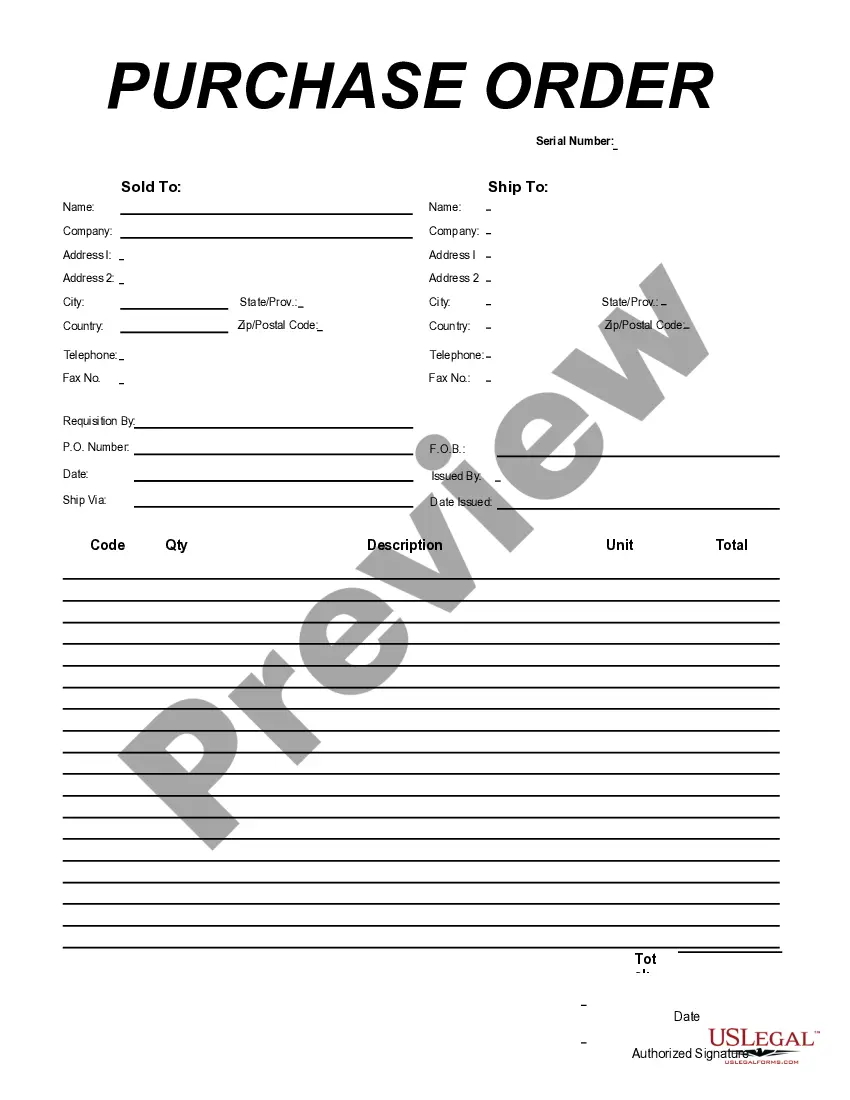


How to fill out Sample Letter For Instructions To Appointed - Local Counsel - UCC-3?
Are you presently inside a placement where you need files for either business or personal uses nearly every time? There are plenty of lawful papers themes available on the Internet, but getting ones you can depend on is not straightforward. US Legal Forms offers a huge number of type themes, just like the Massachusetts Sample Letter for Instructions to Appointed - Local Counsel - UCC-3, which can be created in order to meet federal and state demands.
Should you be currently acquainted with US Legal Forms website and possess a free account, merely log in. Next, it is possible to download the Massachusetts Sample Letter for Instructions to Appointed - Local Counsel - UCC-3 web template.
If you do not offer an account and want to start using US Legal Forms, abide by these steps:
- Find the type you want and make sure it is to the proper metropolis/state.
- Utilize the Preview button to check the shape.
- Browse the information to actually have selected the correct type.
- When the type is not what you`re looking for, use the Search industry to discover the type that suits you and demands.
- Whenever you discover the proper type, just click Get now.
- Select the costs prepare you desire, complete the necessary details to create your account, and pay money for an order using your PayPal or bank card.
- Decide on a handy data file formatting and download your copy.
Find all of the papers themes you possess purchased in the My Forms menu. You may get a additional copy of Massachusetts Sample Letter for Instructions to Appointed - Local Counsel - UCC-3 whenever, if needed. Just click on the necessary type to download or print out the papers web template.
Use US Legal Forms, one of the most considerable collection of lawful forms, to save lots of some time and avoid faults. The service offers skillfully created lawful papers themes that can be used for an array of uses. Create a free account on US Legal Forms and commence generating your way of life easier.
Form popularity
FAQ
A letter of instruction is a document that lists all relevant financial information that your family members or executor need if something happens to you. It also lists contact information for important people in your financial life.
How to write a letter of instruction Create a header. Before you write the content of the letter, create a header at the top left-hand corner of the document. ... Address the reader. ... Explain the project or task. ... List each step. ... Conclude your letter. ... Revise the document.
Here are six steps to write a letter of instruction: Create a header. Before you write the content of the letter, create a header at the top left-hand corner of the document. ... Address the reader. ... Explain the project or task. ... List each step. ... Conclude your letter. ... Revise the document.
A good letter of instruction should contain the following information: A complete list of all assets. The whereabouts of any tangible assets that are not readily accessible. Necessary information about all liquid assets, including bank, brokerage, retirement, and investment accounts.
How to write a good set of instructions Start all instruction writing pieces with a clear title and brief introduction. List the equipment/materials the reader will need underneath the title. Order each instruction, step by step, using numbers. Ensure that each step follows a logical sequence.